-
-

logo
-
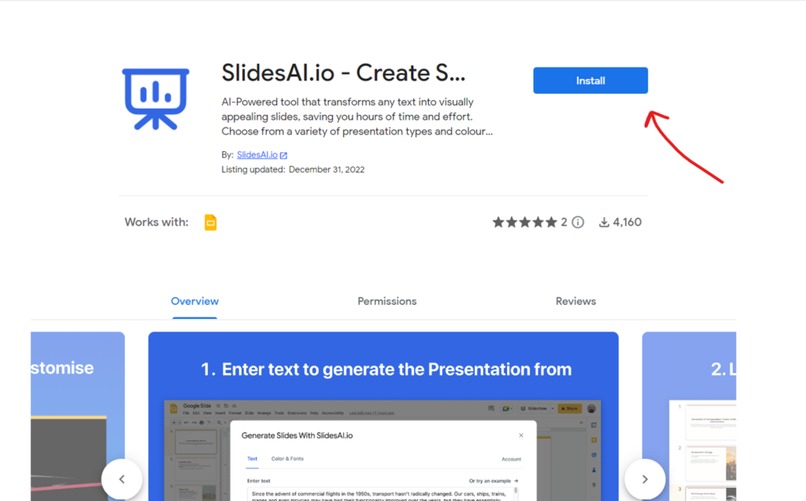
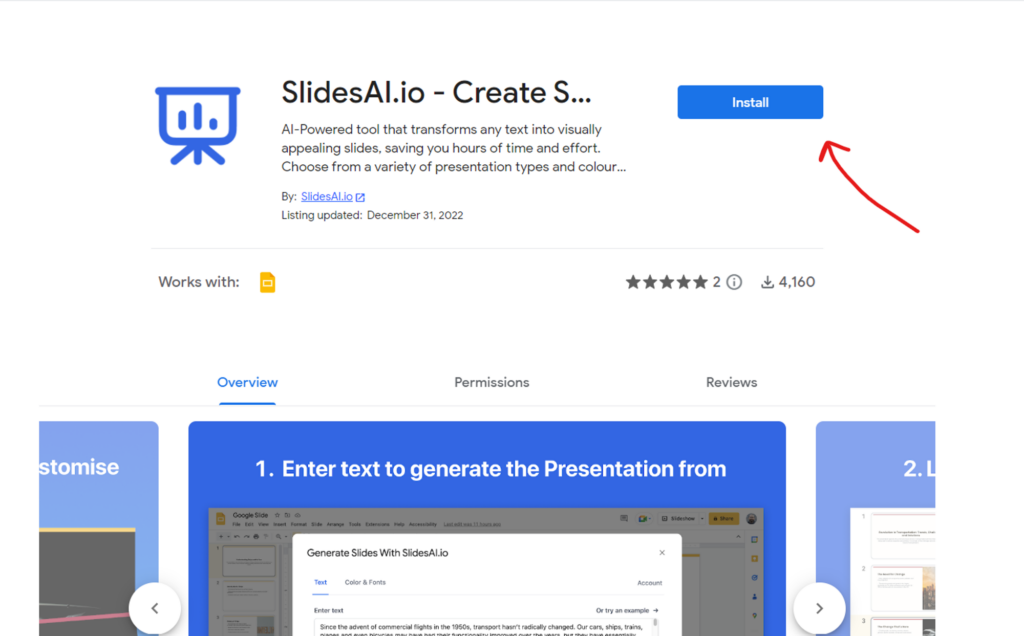
installation
Use Case Title: Efficient Presentation Creation with SlidesAI
Description :
Leverage SlidesAI to swiftly generate professional presentations. The AI creates engaging slides from your input text, eliminating manual creation. Customize designs, find icons, and use premium stock images to validate and refine your presentations effortlessly.
Tutorial for Use and Best Practices:
Generating Presentations with SlidesAI
Input your text to swiftly generate a polished presentation.
Begin With:
- Provide the text you want to convert into a presentation.
- Explore customization options for design and layout preferences.
Reviewing and Refining Presentations
Review the generated slides and refine as needed for perfection.
Design:
- Refine design elements or content if necessary.
- Utilize AI features for citations, icon search, and paraphrasing.
Enhancing Presentations with Examples
Include examples to strengthen and enrich your presentations.
Best Practices:
- Choose examples relevant to your presentation's subject matter.
- Ask for AI assistance in explaining the relevance and impact of included examples.
Impacts on Presentation Creation:
Positive Impacts:
Discuss how SlidesAI enhances presentation creation and the ease of crafting engaging slides.
Limitations:
Identify where the tool might have constraints and instances where manual creation might be more suitable.
Leveraging SlidesAI accelerates professional presentation creation without the need for design skills. The tool simplifies the process and facilitates the creation of engaging, professional slides.
Ethical Considerations:
SlidesAI streamlines presentation creation but might not encompass all design intricacies. It is a valuable tool; however, manual design expertise might be necessary for specific, highly customized presentations. Availability and internet access are prerequisites for utilizing the platform.
Link to an Example:
Youtube Video Link
Built With
- google-slides
- slides.ai


Log in or sign up for Devpost to join the conversation.