-
-
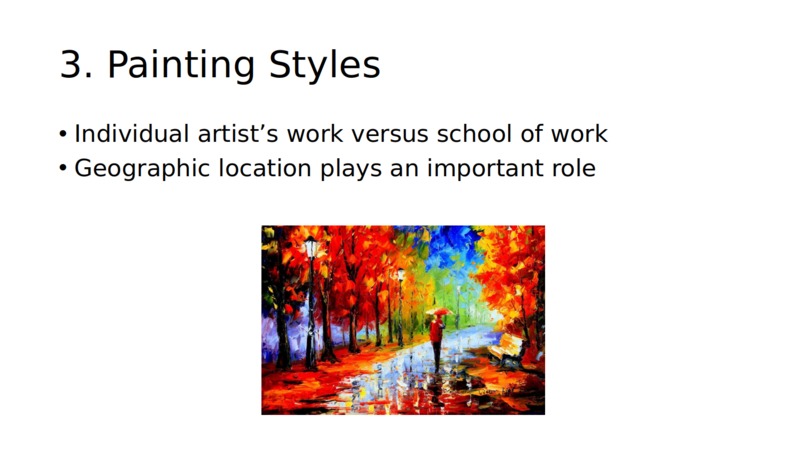
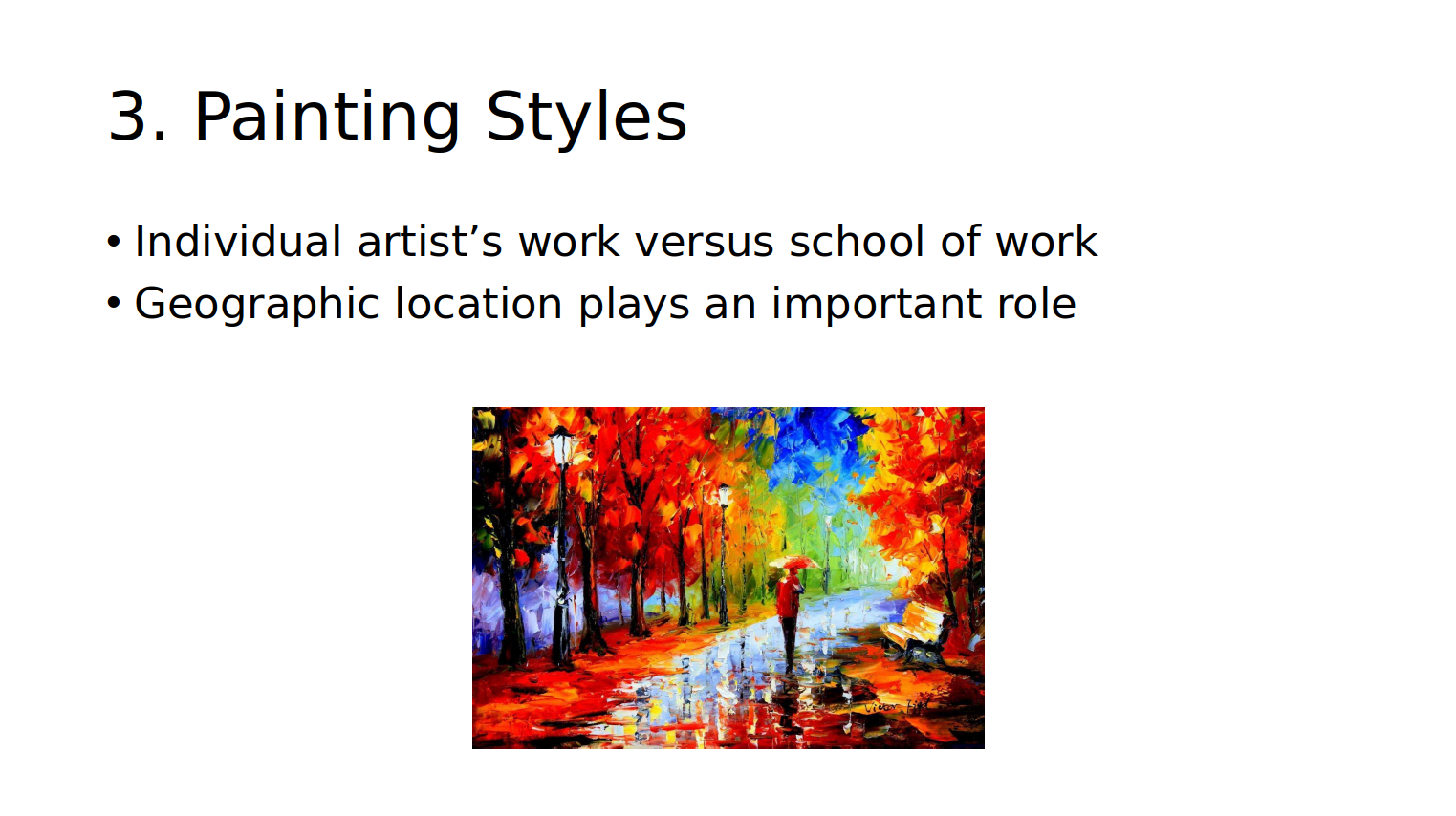
A reasonably well formatted slide output
-
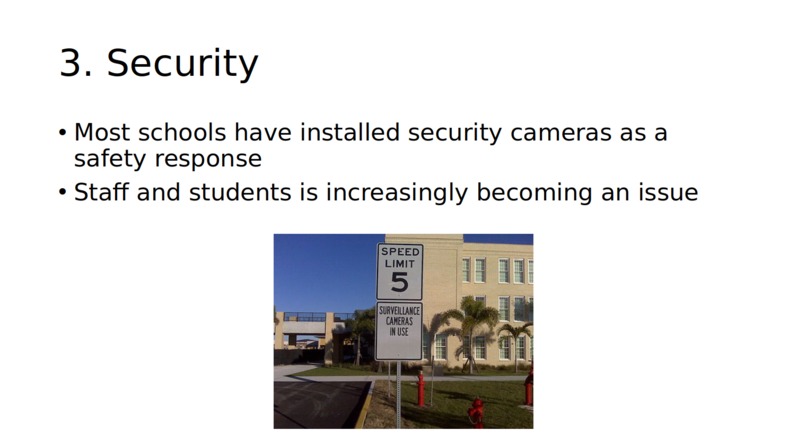
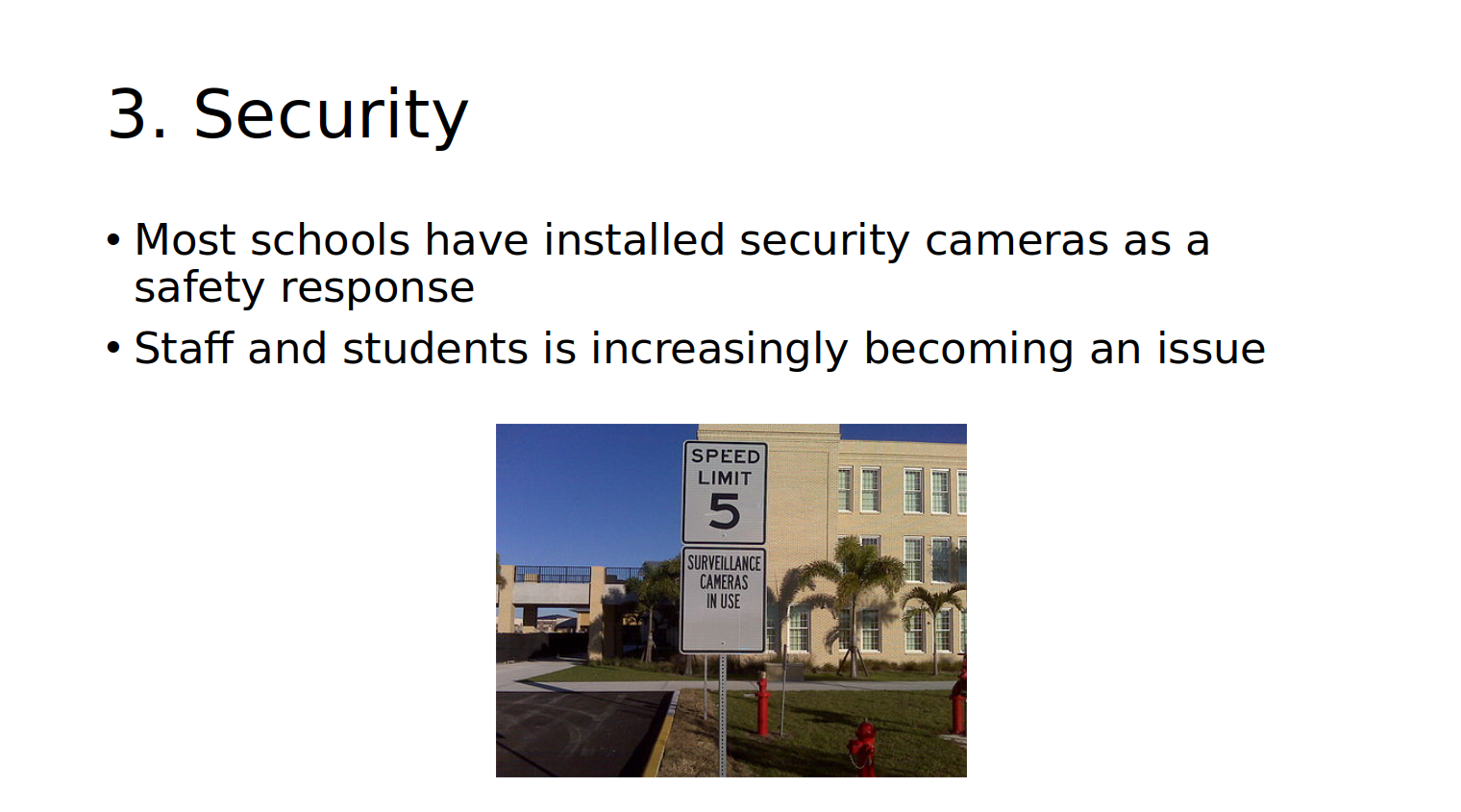
A poorly formatted slide output: note the semantic errors
Inspiration
We were inspired to create an app that would do our homework for us. What if you could just give a program a word, and have it spit out a powerpoint?
What it does
PresentRNet creates powerpoints given a single-word prompt.
How I built it
PresentRNet uses SerpAPI to scrape through Google results related to the search term, then techniques like RAKE (Rapid Automatic Keyword Extraction) and Term Frequency — Inverse Document Frequency (TF-IDF) to process out the most important text.
This important text is used to train an LSTM neural network to output a selection of quotes that may be pasted into a standardized powerpoint presentation format.
Powerpoint format is standardized, with an opening slide, a closing slide, and two content slides. The headers of the content slides are strictly dictated by header sections gathered from Wikipedia, and are run through the LSTM to generate the relevant quotes for each slide.
Pictures are scraped straight from Google.
Create PowerPoint:
    GET SerpAPI results + related queries
    GET SerpAPI results for related queries

    keywords = RAKE(results)
    keyphrases = TFIDF(results)

    TRAIN generic LSTM Model with new data + keyphrases/words
    GET selection of images from SerpAPI
    GET selection of Wikipedia headers with Wikipedia API
    GET selection of LSTM outputs using Wiki headers as input seed
    INSERT sentences into powerpoint document
Challenges I ran into
Phrasing and semantics are difficult to master for LSTM; often, unnatural sentences are observed, as seen below.
Accomplishments that I'm proud of
Creating a complex application with a good-looking web interface
What I learned
Sentences and speech are complicated!
What's next for PresentRNet
-Extensive training on the grammar and syntax of phrases -Longer slides with more points


Log in or sign up for Devpost to join the conversation.