-
-
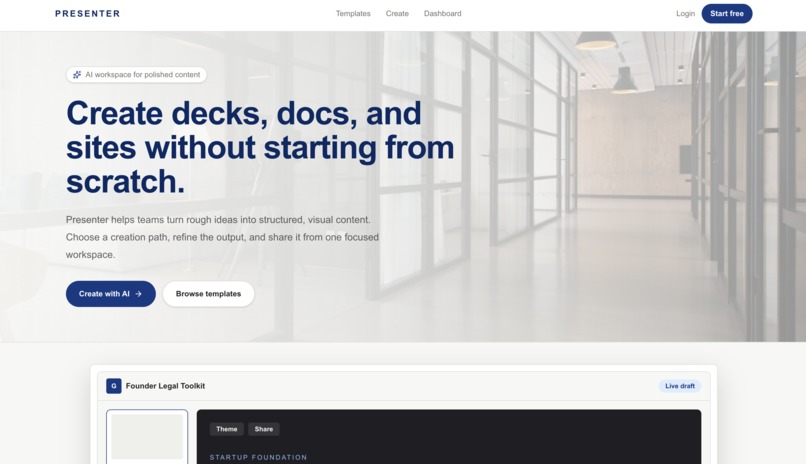
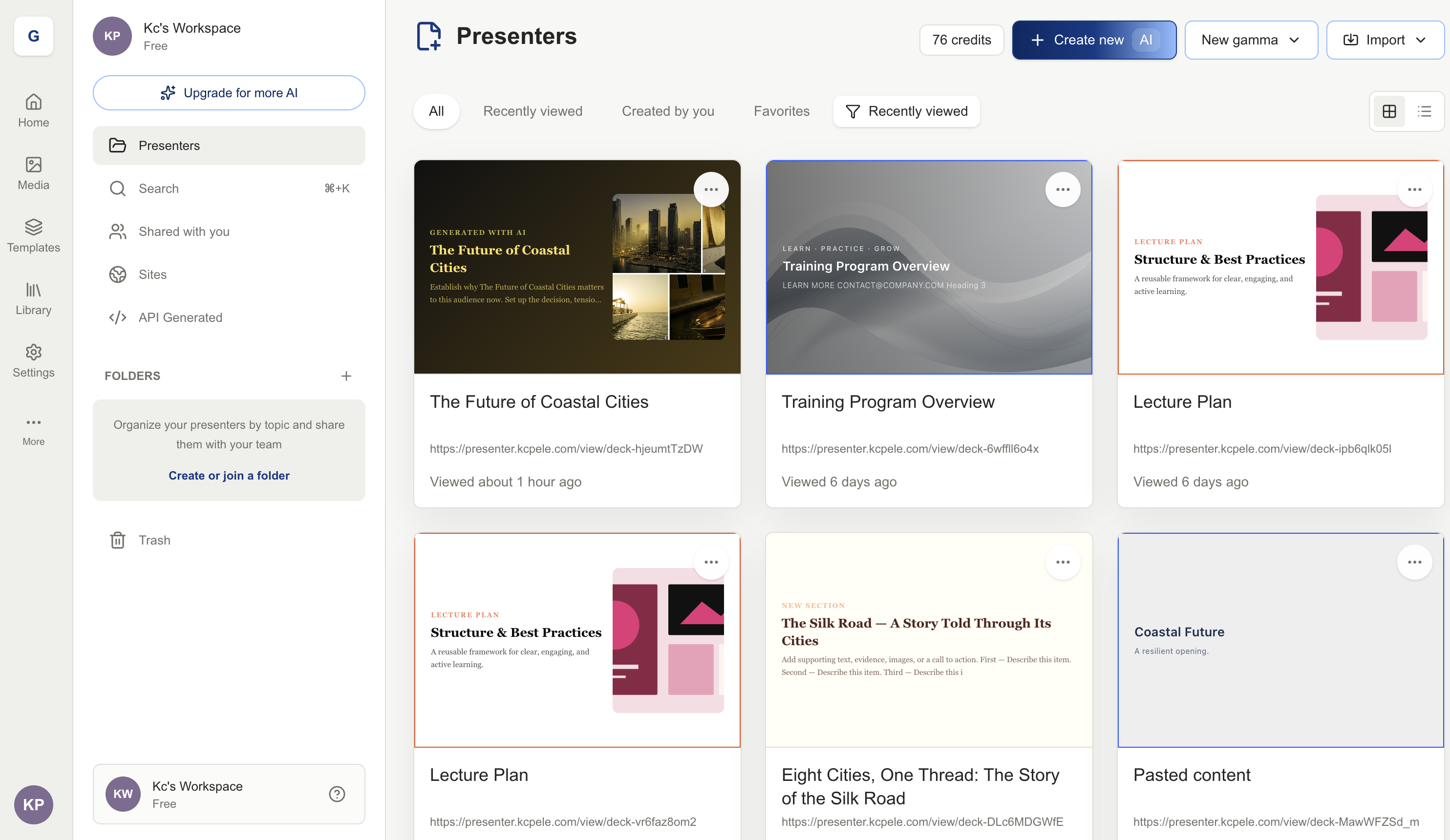
Landing page
-
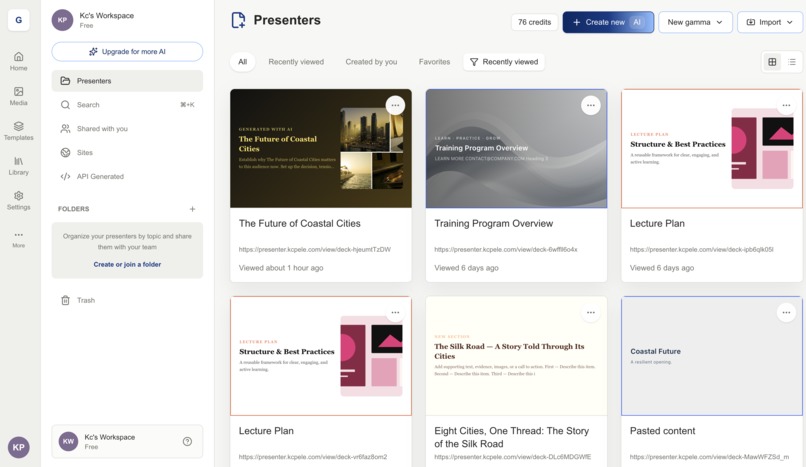
Dashboard
-
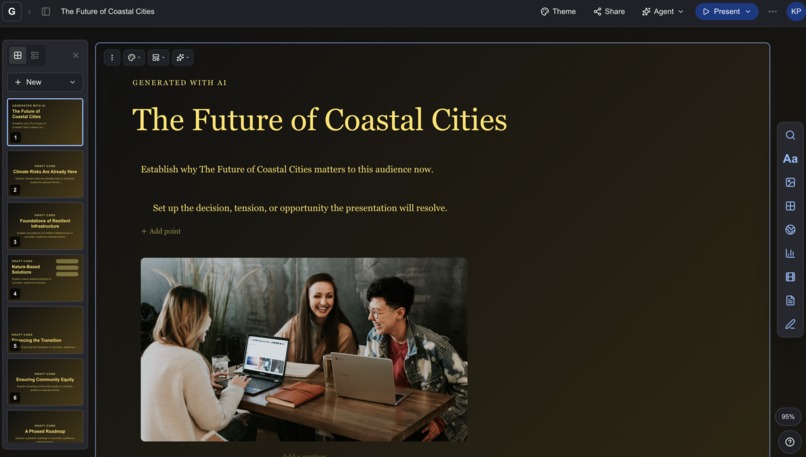
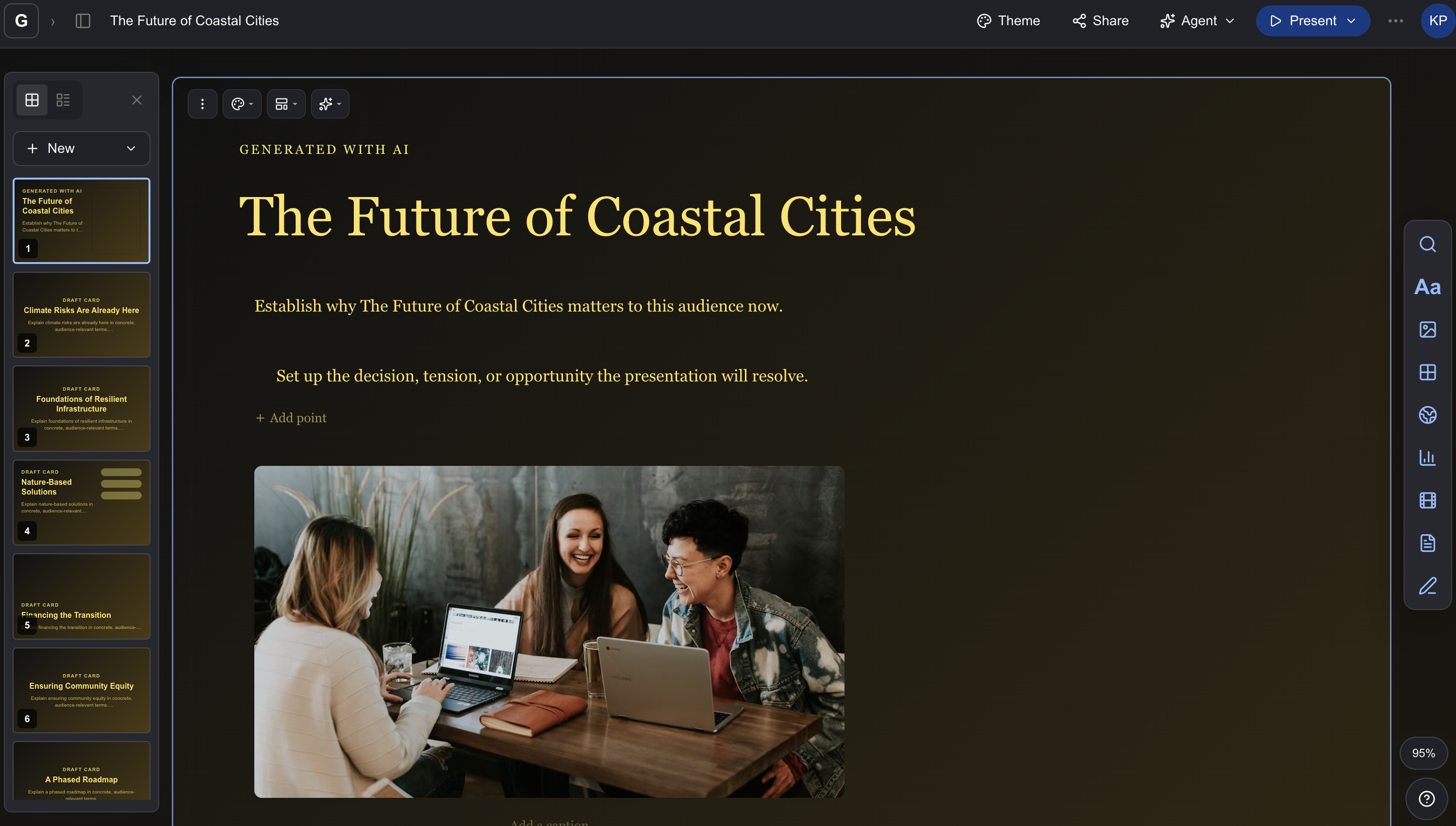
slide
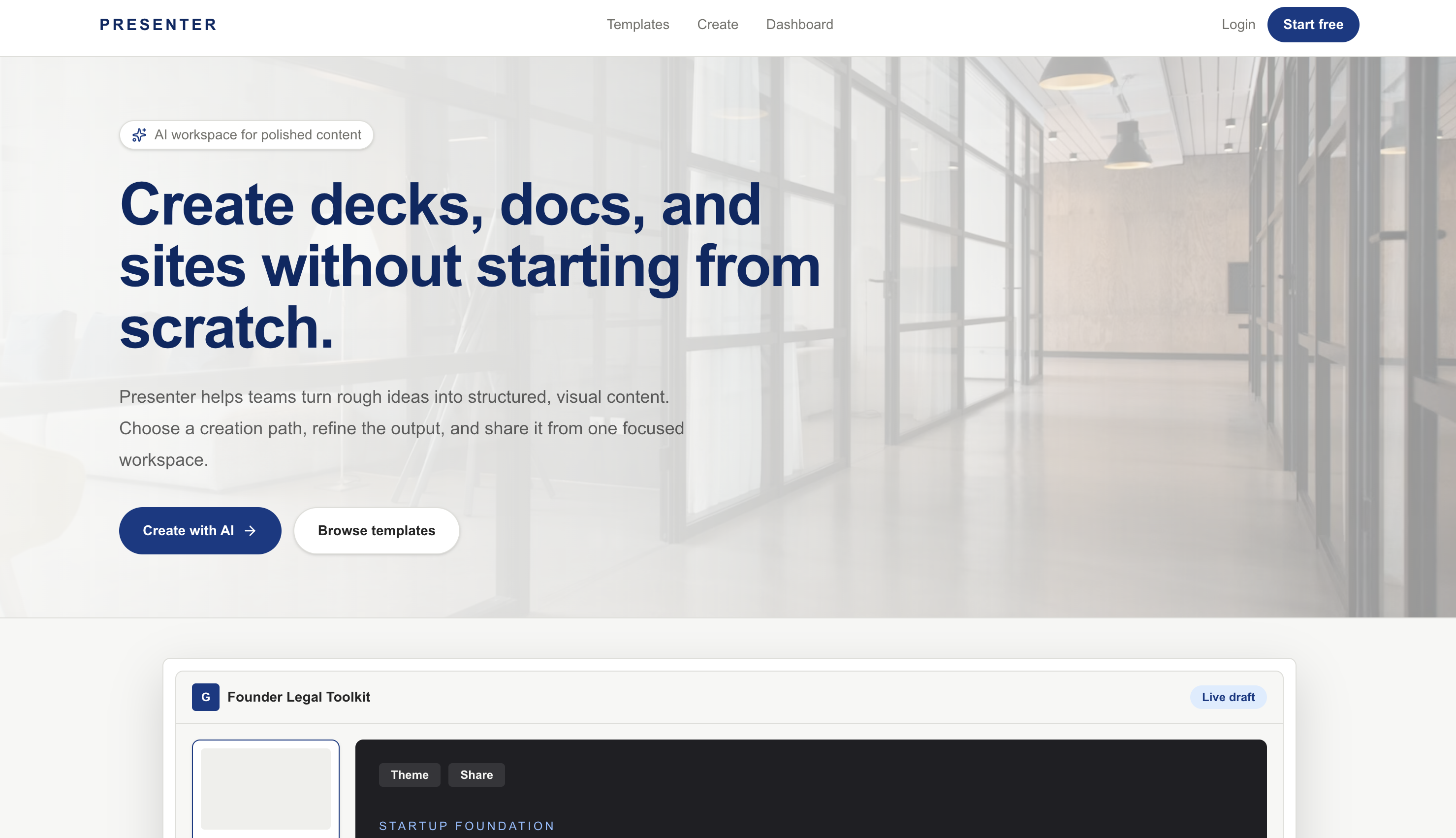
What we learned
Presenter: AI Generation Without Giving Up Creative Control
Inspiration
Creating a strong presentation is still unnecessarily difficult. Traditional tools offer control but require hours of manual design, while many AI presentation tools generate quickly but produce rigid results that are difficult to customize.
I built Presenter to bridge that gap: an AI-native presentation workspace where generated content remains completely editable. Users can begin with a prompt, document, or URL and receive a structured presentation with coherent writing, layouts, themes, charts, and imagery, and then refine every element directly on the canvas.
What Presenter Does
Presenter transforms an idea into a polished, interactive presentation while preserving granular creative control.
Users can:
- Generate complete presentations from prompts.
- Import content from documents and URLs.
- Choose rich themes that control typography, patterns, surfaces, spacing, image treatments, and colors.
- Edit individual text, image, chart, diagram, table, code, callout, and layout blocks.
- Drag, reorder, resize, duplicate, or move content between cards.
- Crop and reposition images directly on the canvas.
- Use masks, focal points, zoom, layering, and freeform media placement.
- Rewrite selected text with AI.
- Apply templates containing editable charts, diagrams, images, and content.
- Undo, redo, review document history, and rely on automatic saving.
- Present, publish, or export completed work.
The template library currently focuses on 12 carefully audited, high-quality templates.
How I Built It
Presenter is built with Next.js, React, TypeScript, and Tailwind CSS. Its editor uses a structured card-and-block document model.
The AI pipeline uses the AI SDK and OpenRouter to generate structured outlines, cards, content blocks, layout intent, image requirements, and theme-aware design decisions. The model's output is validated before it reaches the editor so every generated element can be manipulated through the same editing system as manually created content.
The main technical systems include:
- Tiptap for rich-text editing.
- dnd-kit for block and card reordering.
- Zustand for editor state, history, and undo/redo.
- Drizzle ORM and PostgreSQL for persistent documents and revisions.
- Better Auth for authentication.
- Recharts for editable data visualizations.
- A custom image pipeline for generation, sourcing, cropping, masks, focal points, and freeform placement.
- Export pipelines for presentation and document formats.
- Vitest, Testing Library, and Playwright for interaction, persistence, and visual regression testing.
I also studied leading presentation products in depth, and not merely their appearance, but how selection, contextual toolbars, themes, templates, cropping, nested blocks, and direct manipulation behave. Those observations became implementation requirements and regression tests.
Challenges I Faced
Keeping AI Output Editable
The largest challenge was preventing AI generation from becoming a one-time rendering step. A beautiful generated screenshot is not enough; every sentence, image, chart, and layout must remain understandable to the editor.
I solved this by introducing a structured intermediate representation. The AI describes semantic content and design intent, while Presenter's renderer converts those instructions into validated, editable components.
Reliable Drag-and-Drop Interactions
Early versions occasionally allowed a dragged element to visually move and then snap back after release. The causes included unstable generated identifiers, parent-state updates during pointer movement, and autosave timing.
I redesigned the interaction lifecycle so movement is rendered locally during the gesture and committed once on pointer release. Stable identifiers and focused regression tests now protect this behavior.
Themes That Are More Than Colors
A theme cannot simply change the background and text color. It must influence typography, spacing, borders, patterns, image styling, button shapes, content density, and the overall visual rhythm.
Presenter's theme system therefore uses complete design-token configurations and theme-aware generation prompts.
Balancing Freedom With Good Design
Freeform placement gives users control, but unlimited freedom can produce broken layouts. I introduced constraints, snapping guides, semantic layout roles, minimum sizes, safe boundaries, and structured defaults while still allowing users to detach media and position it freely.
What I Learned
The most important lesson was that AI products need systems, not isolated generations. Prompt quality matters, but the document model, validation layer, interaction architecture, persistence strategy, and renderer determine whether AI output becomes a dependable product.
I also learned that visual parity is not the same as functional parity. A screen may look correct while selection behavior, cropping, saving, keyboard interaction, or nested editing remains incomplete.
Testing the complete workflow from generation to editing, saving, reloading, exporting, and presenting produced a much stronger application.
What I Am Proud Of
Presenter is no longer just a prompt-to-slides experiment. It is an extensible AI creation environment where generation and editing use the same underlying system.
The result combines the speed of generative AI with the precision of a professional editor, allowing users to move from a rough idea to a presentation they can genuinely call their own.
Built With
- ai
- auth
- better
- dnd-kit
- drizzle
- html-to-image
- jspdf
- jszip
- next.js
- node.js
- openrouter
- orm
- playwright
- postgresql
- pptxgenjs
- react
- recharts
- sdk
- tailwind
- testing
- tiptap
- typescript
- vitest
- zod
- zustand

Log in or sign up for Devpost to join the conversation.