-
-
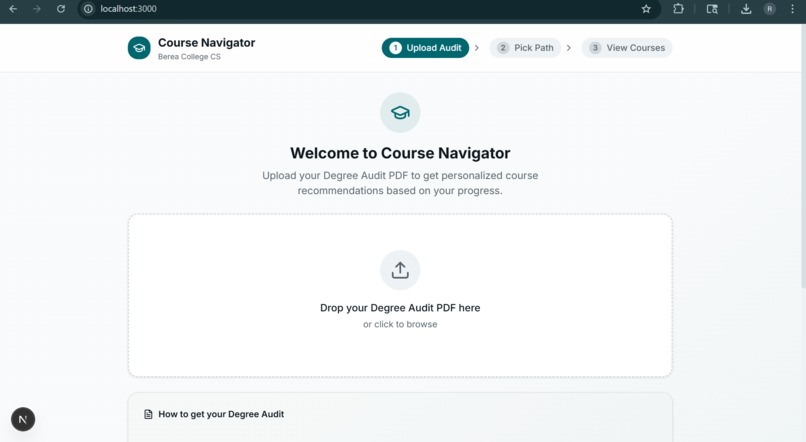
Base Interface
-
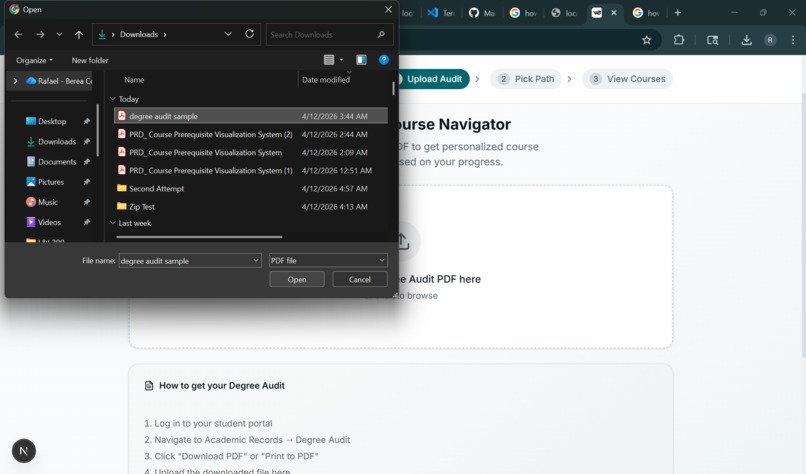
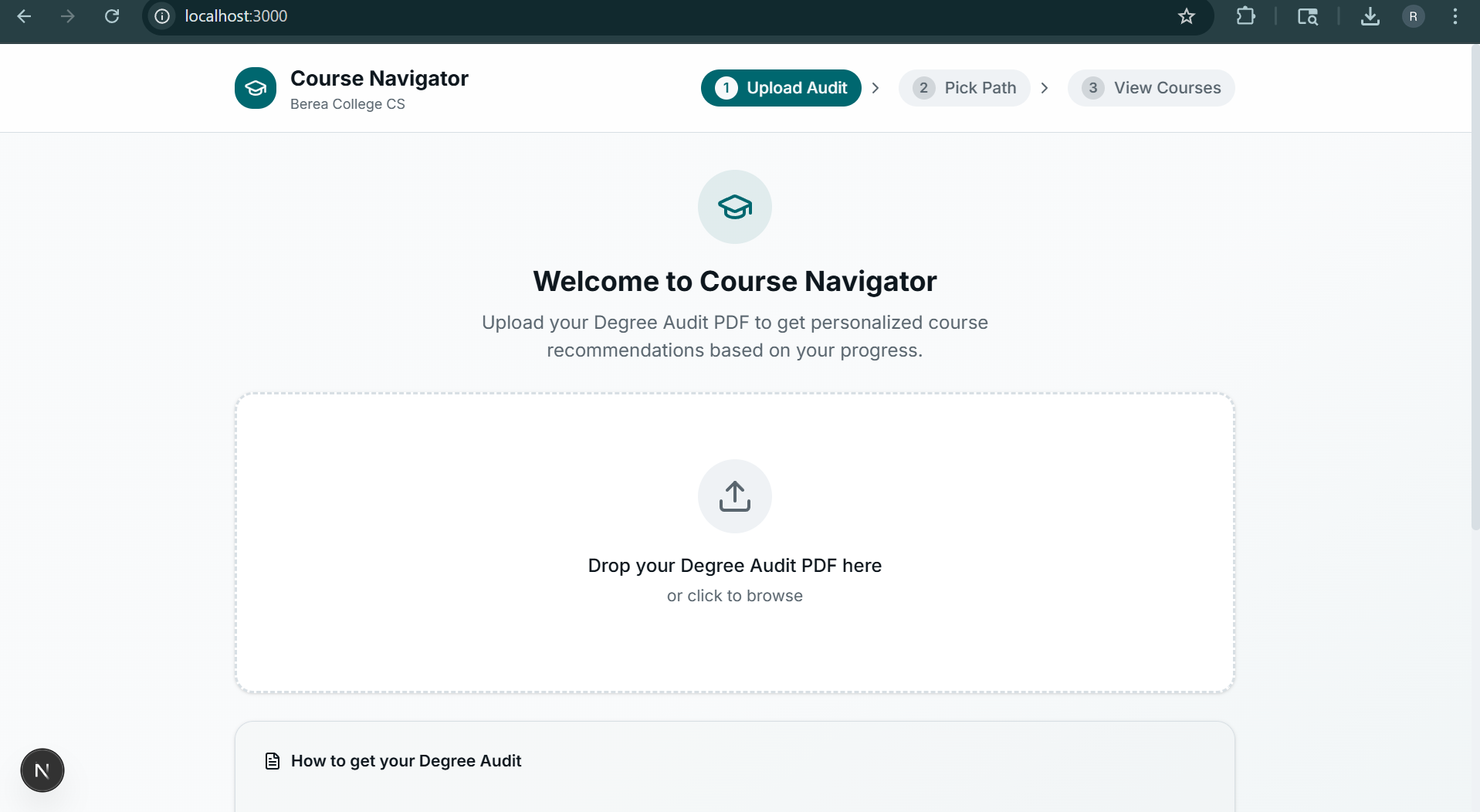
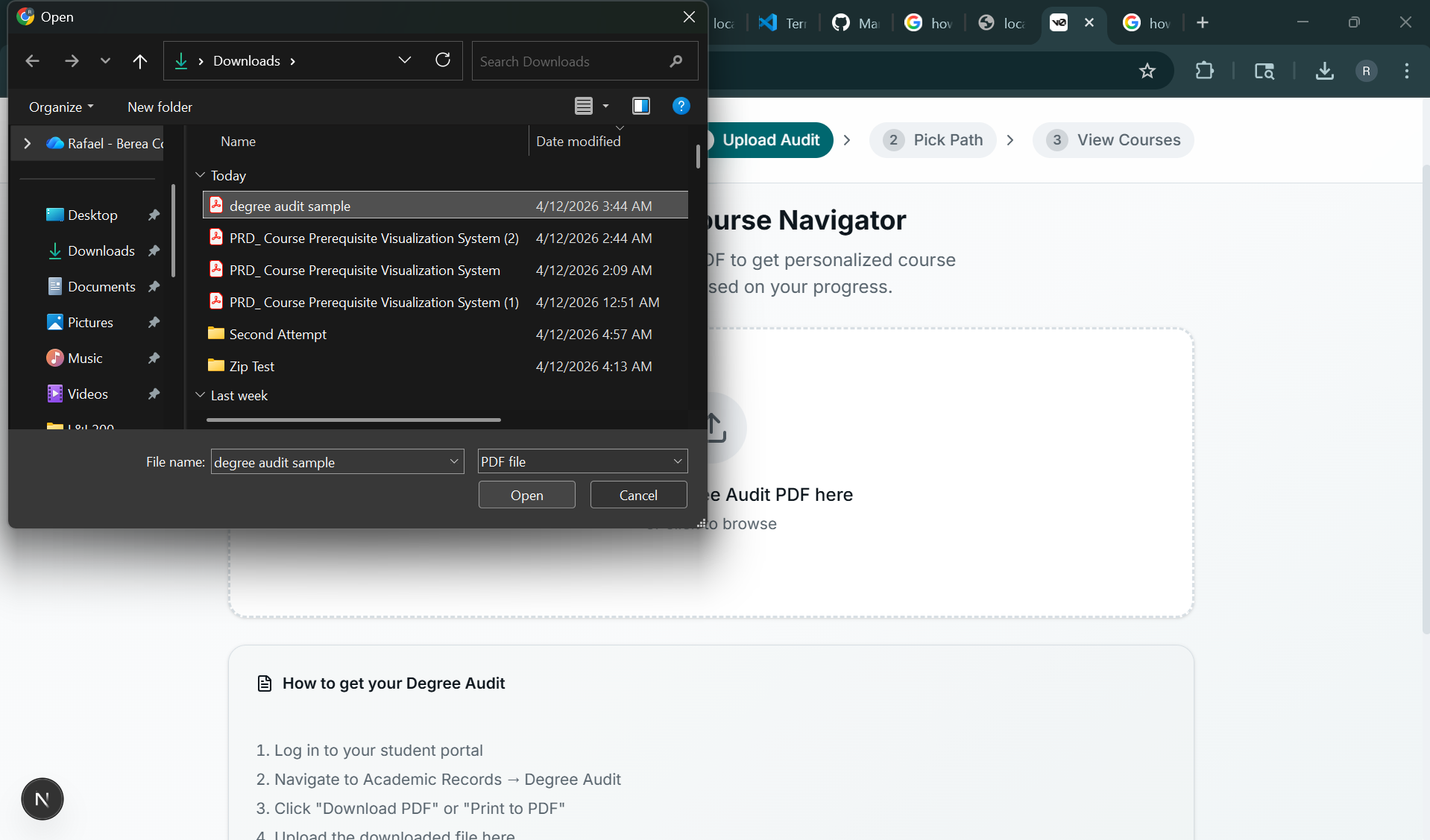
Uploading Degree Audit PDF
-
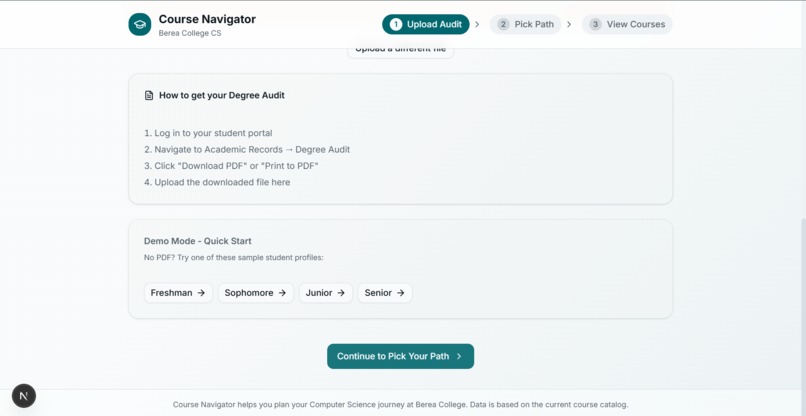
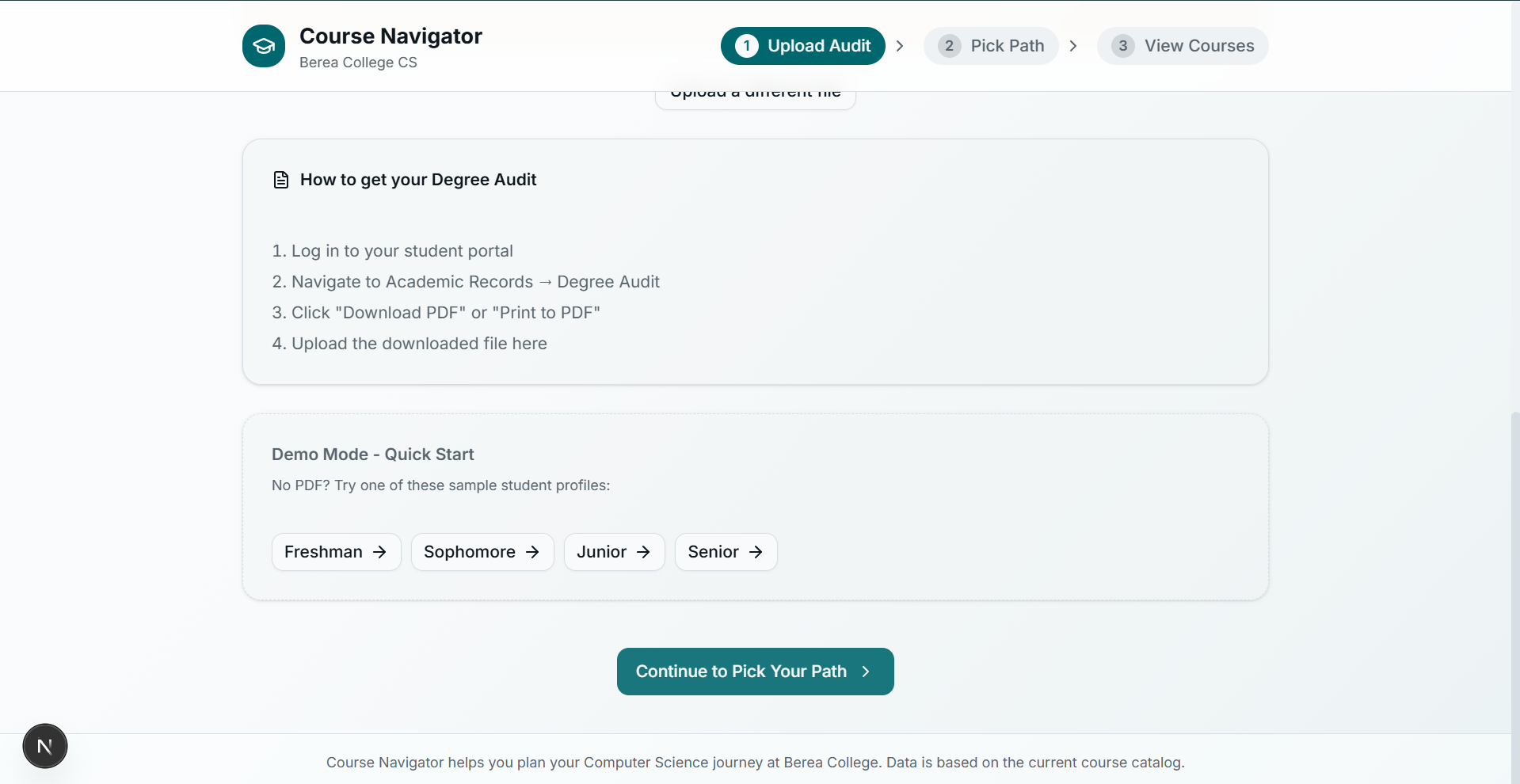
Next Step!
-
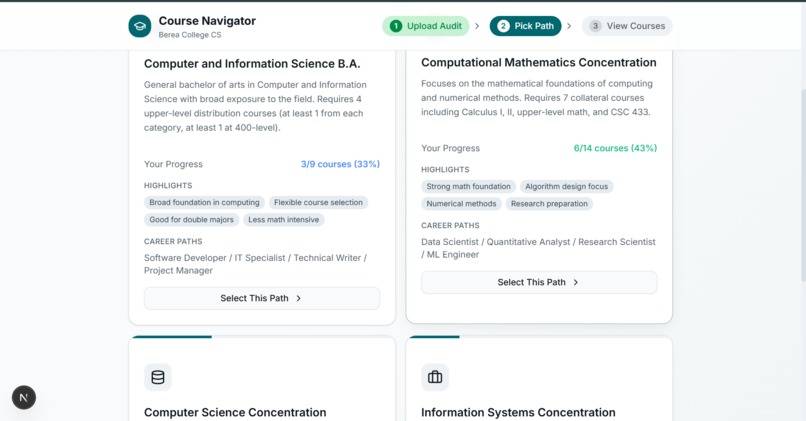
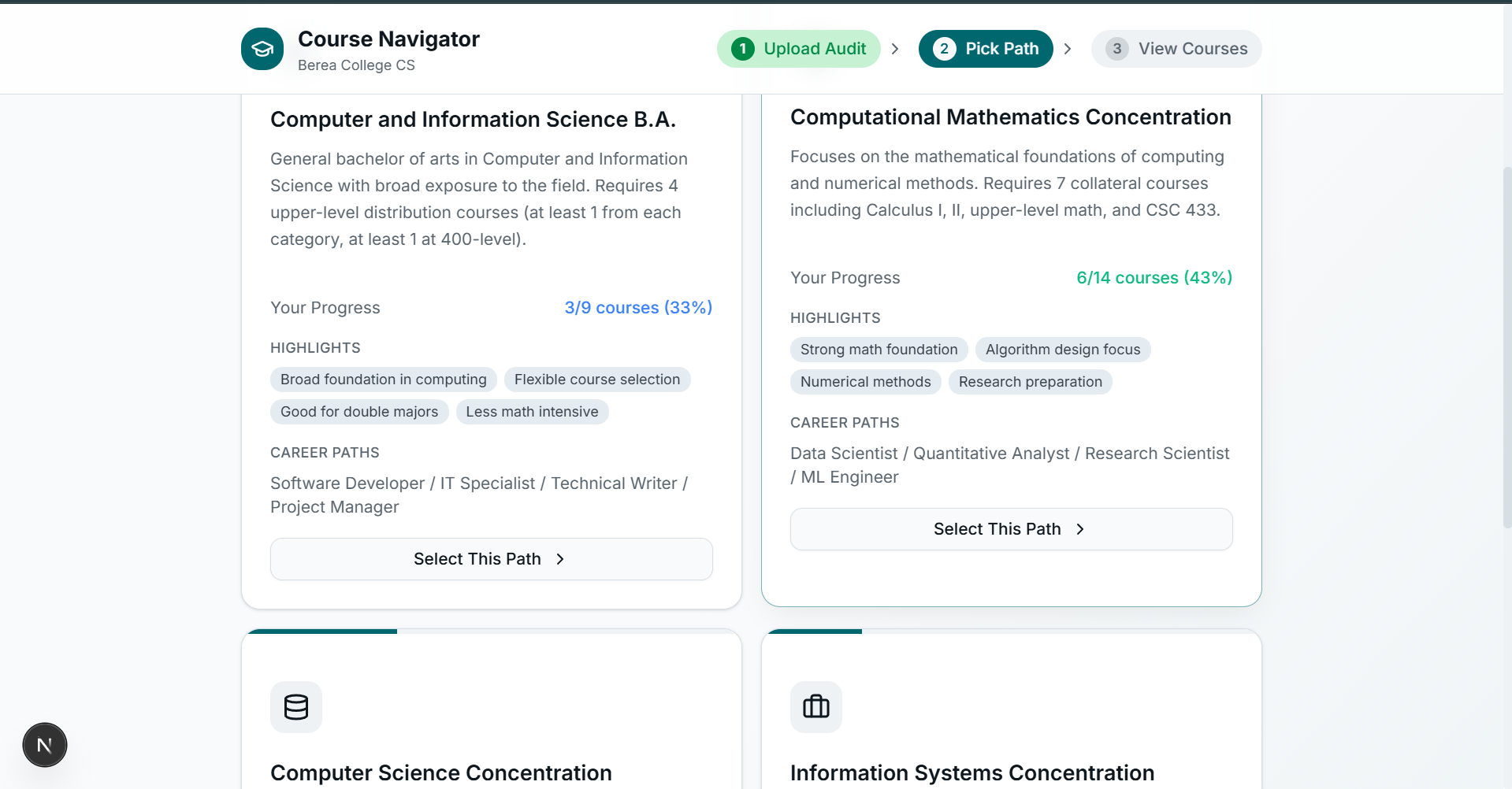
Selecting Concentration
-
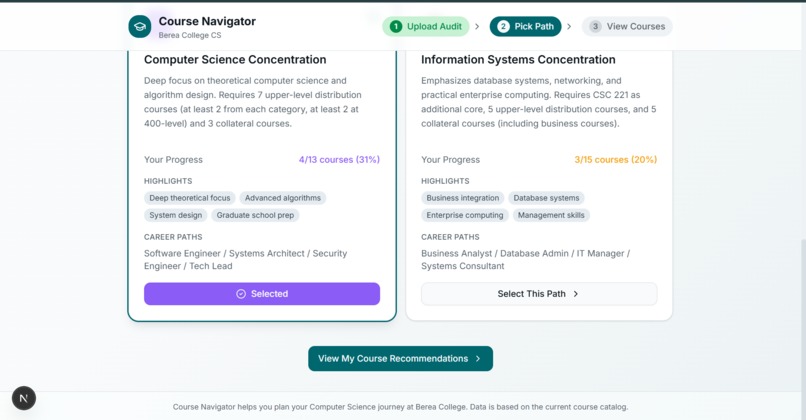
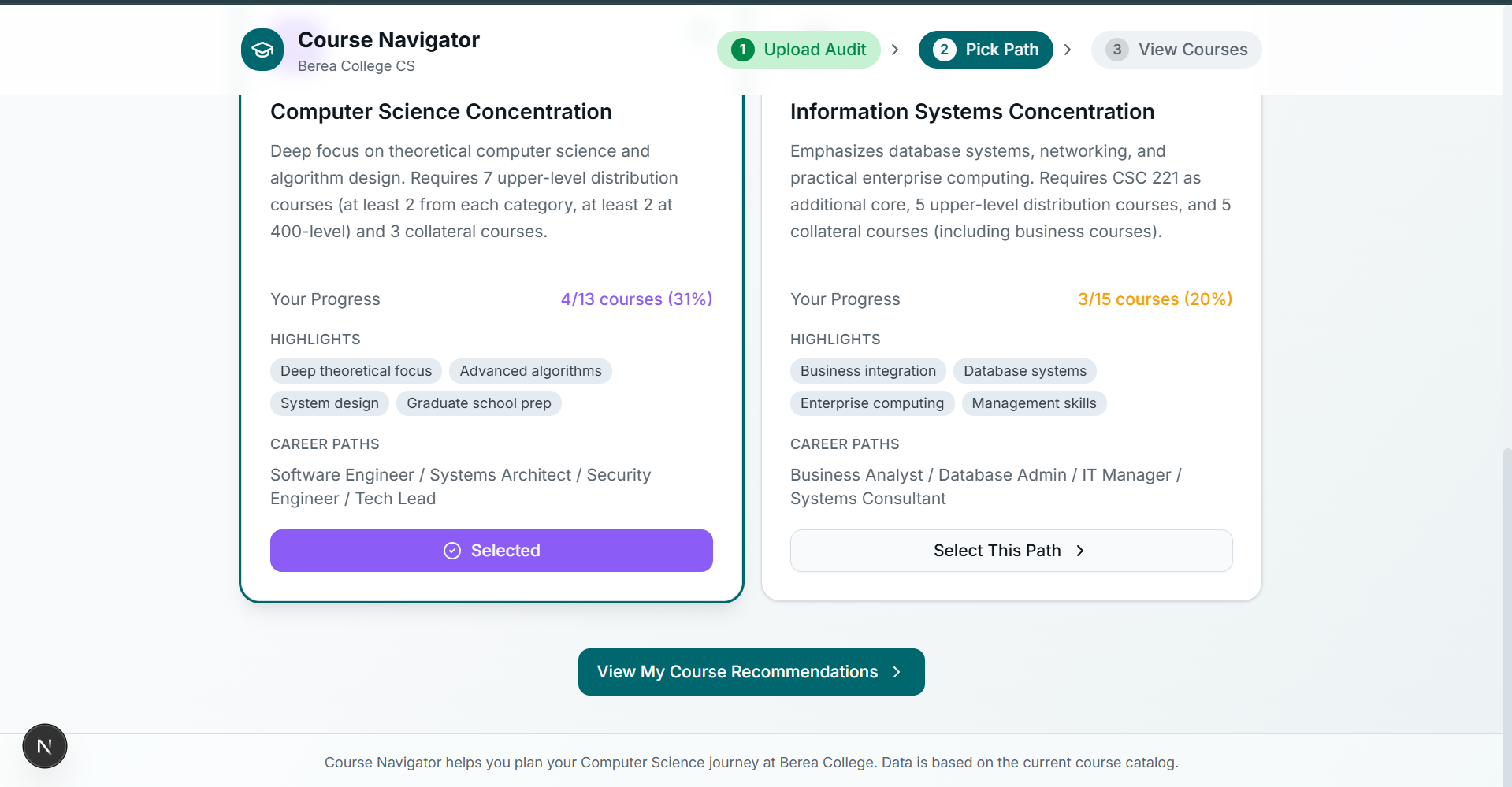
Next Step!
-
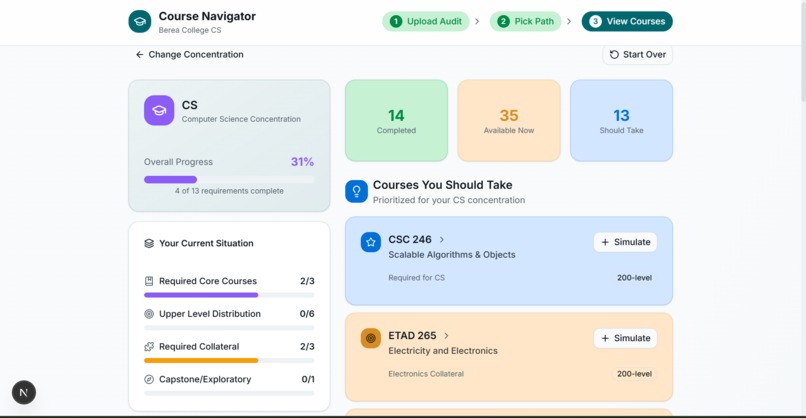
Course Analysis! With Option to Simulate future courses by clicking the + Simulate Button
-
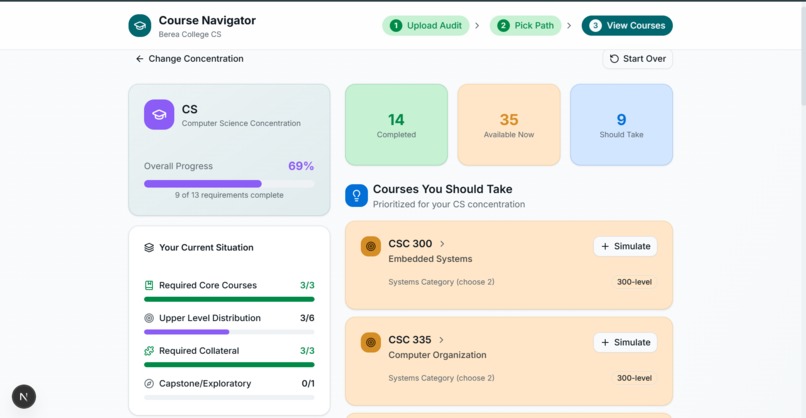
Screenshot After simulating a course! Changes are made to the overall progress. Student can reset simulation and try other classes
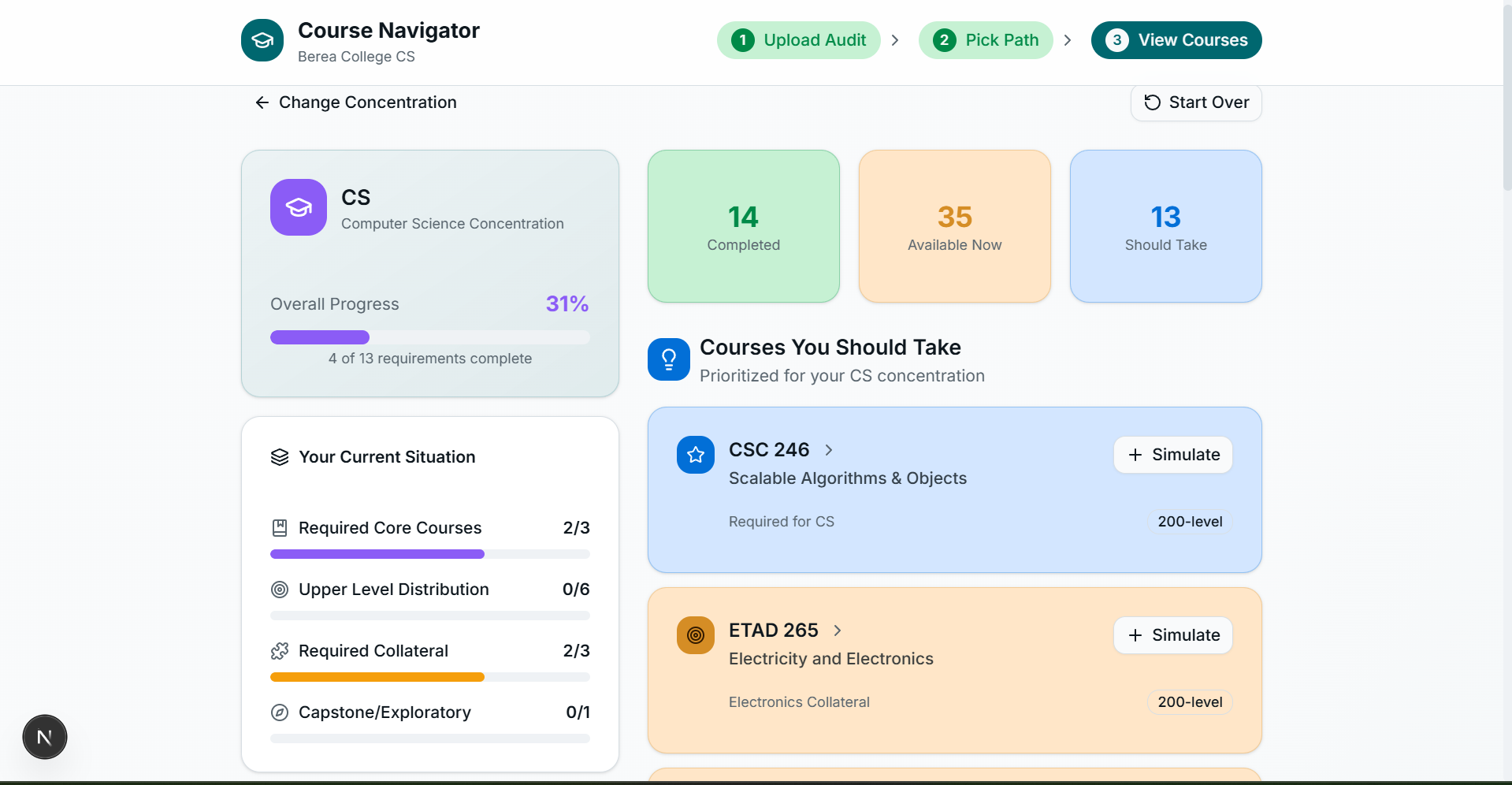
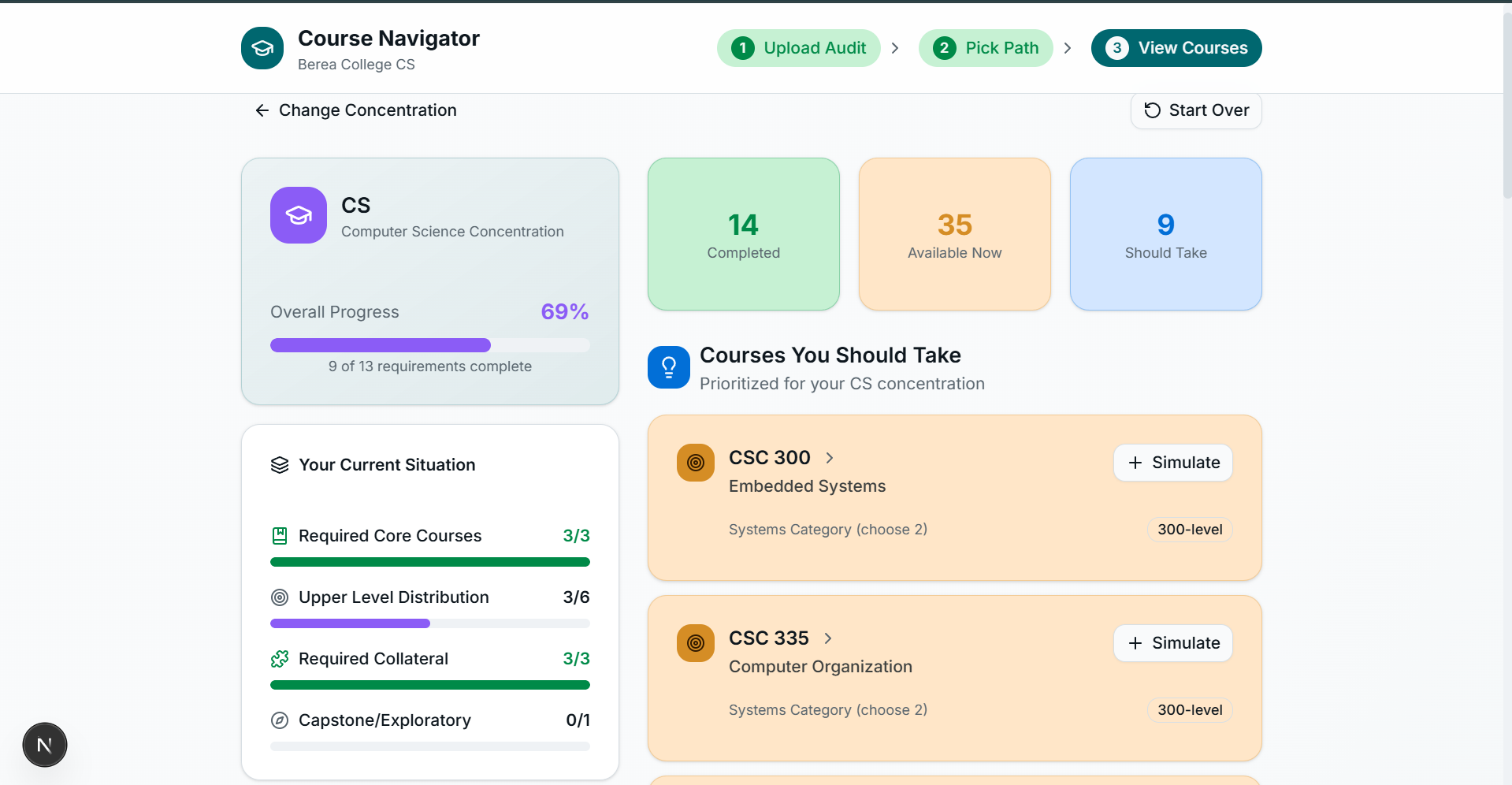
Are you a Berea College student who has to go through the atrocious degree audit page every time and click on courses manually to figure out which courses you can take next and which courses you need to plan for your next classes to take so that you can complete your degree and finally land a job?
The solution is here. This automated course-finding project does all of that work for you and removes the need for you to go back and forth between seven different pages and looking at tiny blocks of text containing course names, numbers, and prerequisites to compare your courses, and shows you all the courses you need with the click of one button.
What? This is too good to be true. What do I have to do to accomplish this?
Just Two Things!
- Go to your Berea College Degree Audit and print the PDF version of it.
- Upload it to the App. Wazzah! You're done.
It will analyze all the courses you have taken and compare them to the information it has from the Berea College catalogue and tell you exactly what you need next. The UI is extremely interactive, and it also encourages playful simulation among your courses, visually telling you how close you get towards completing your degree based on the courses you play around with. It shows you the courses you can take and the courses you SHOULD be taking.


Log in or sign up for Devpost to join the conversation.