-
-
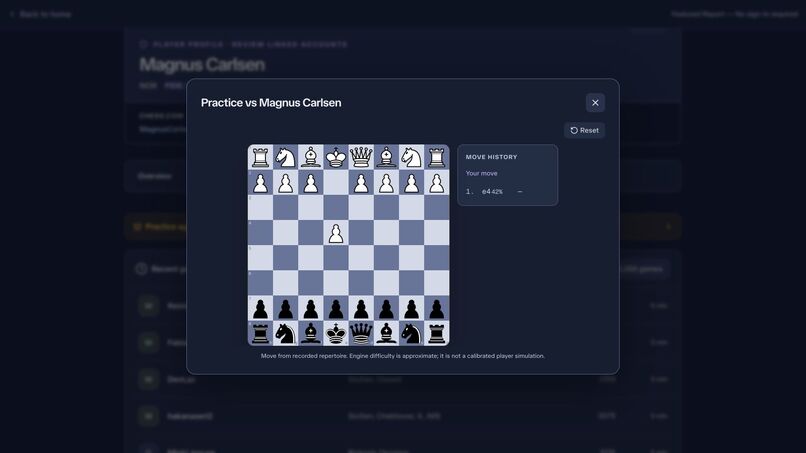
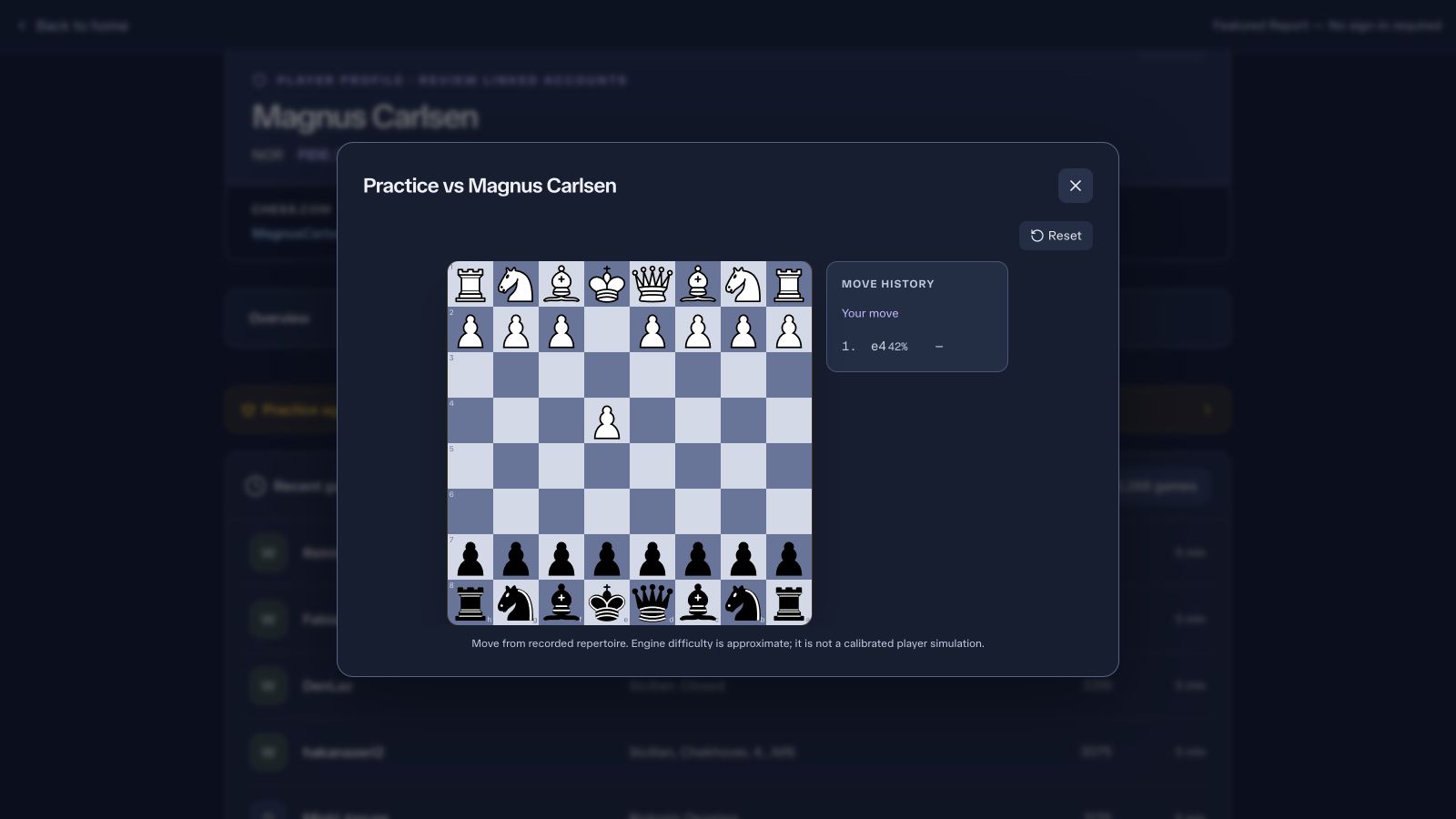
Practice recorded opening lines from either side of the board.
-
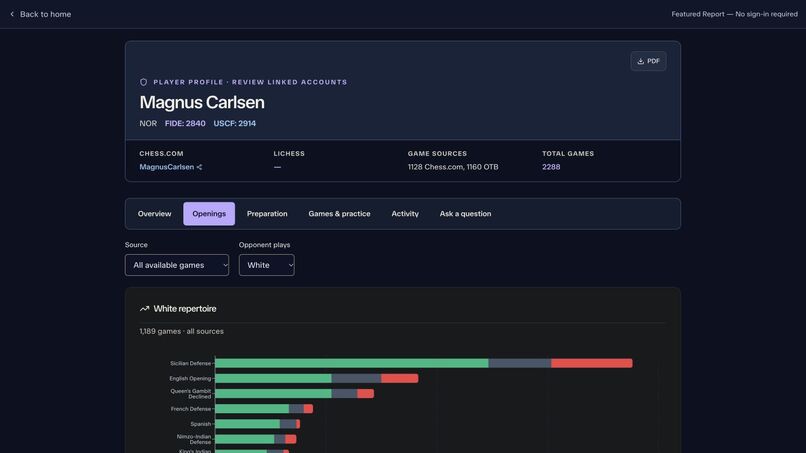
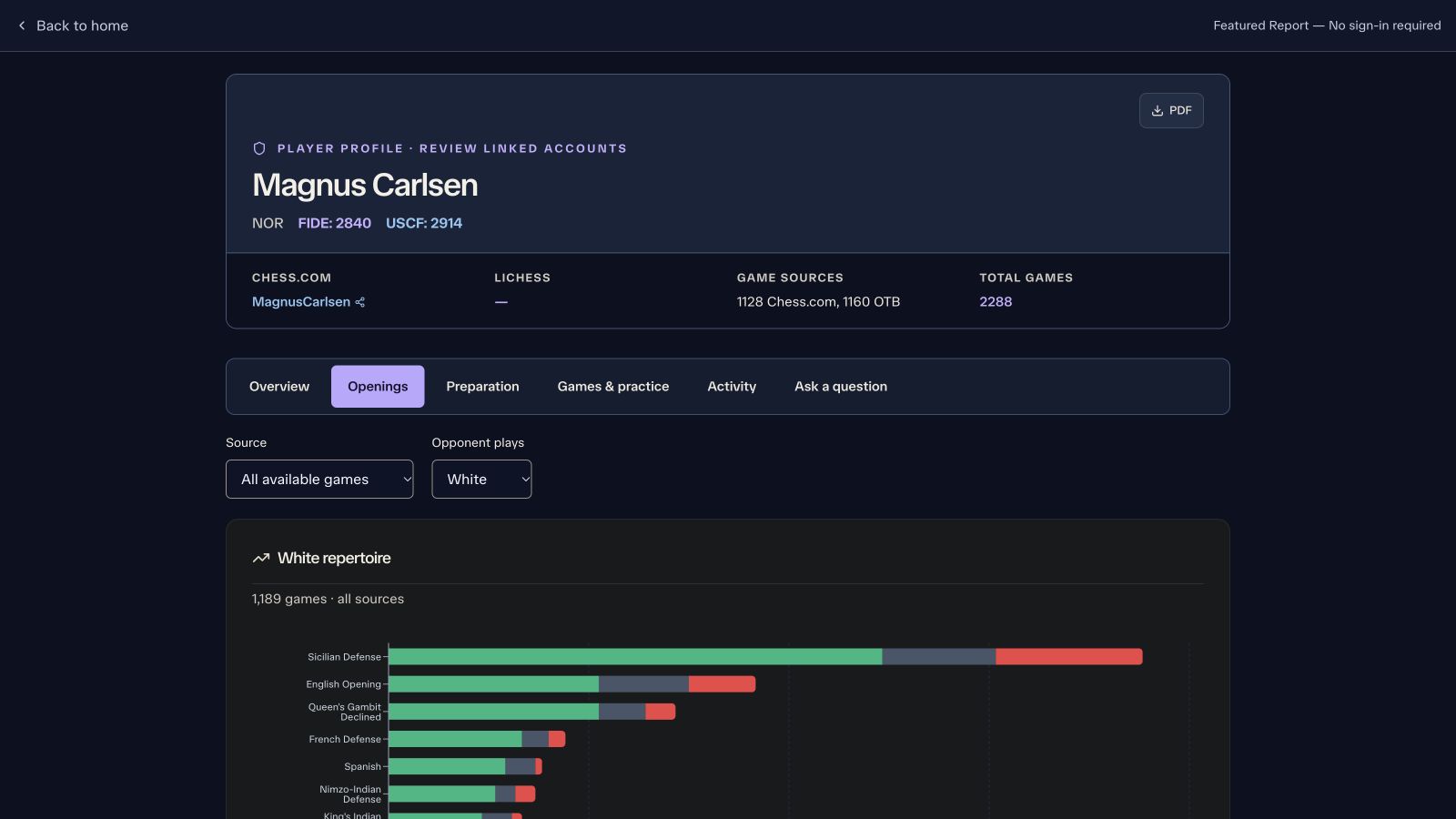
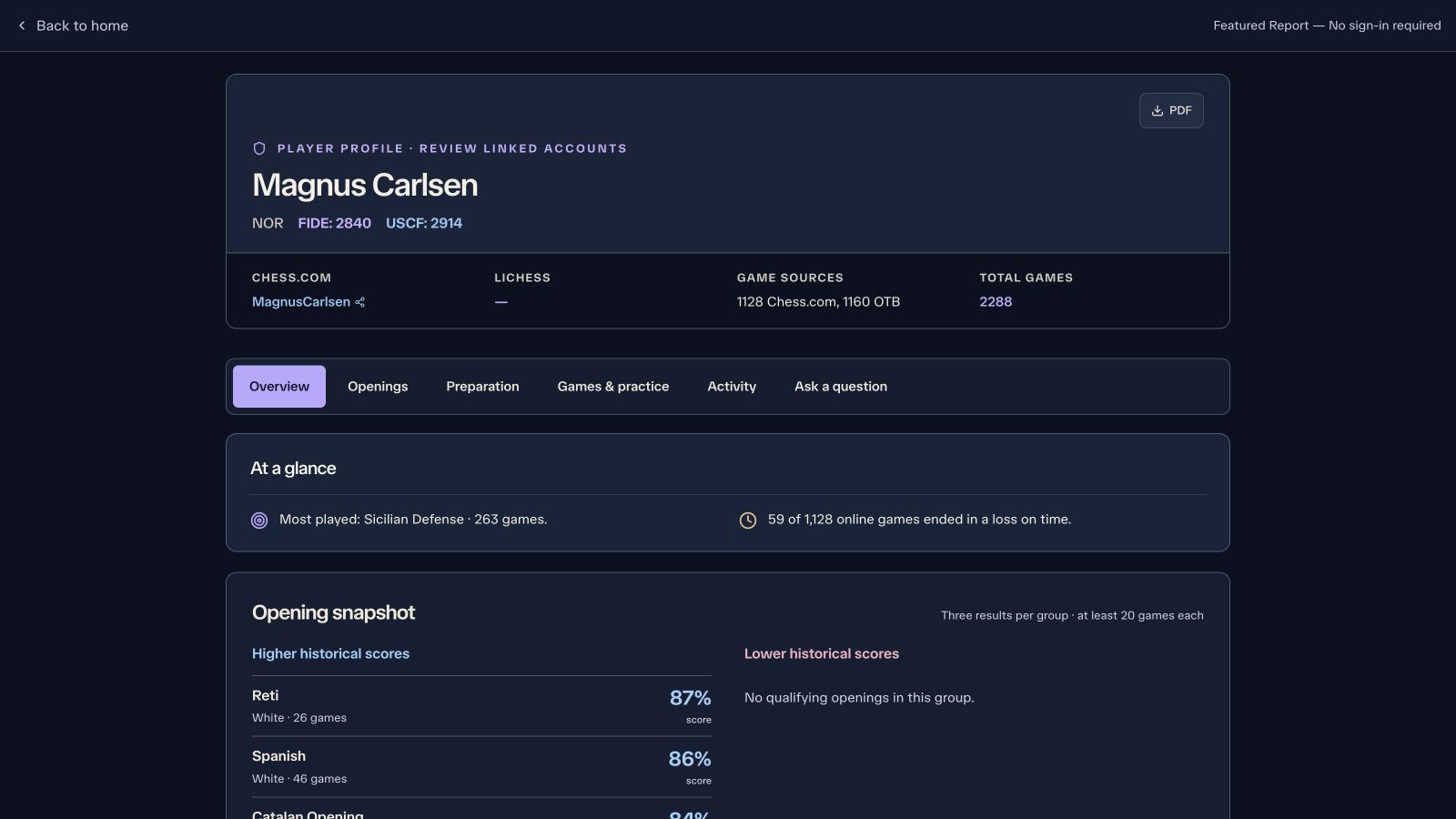
See the opening repertoire by color and game source, with results and sample sizes.
-
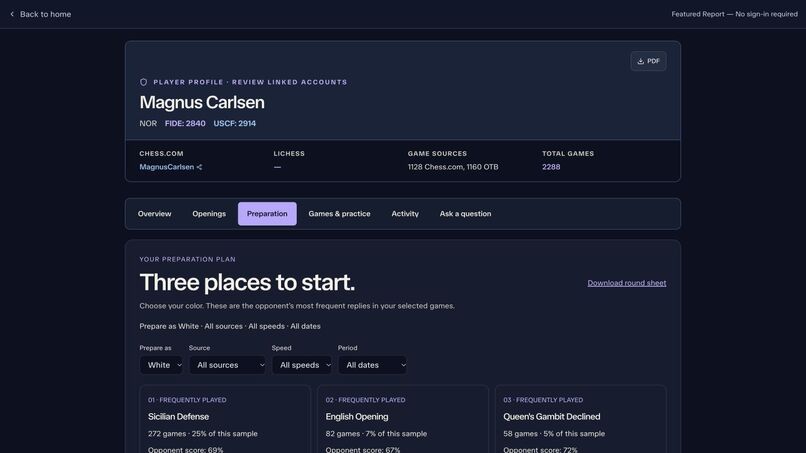
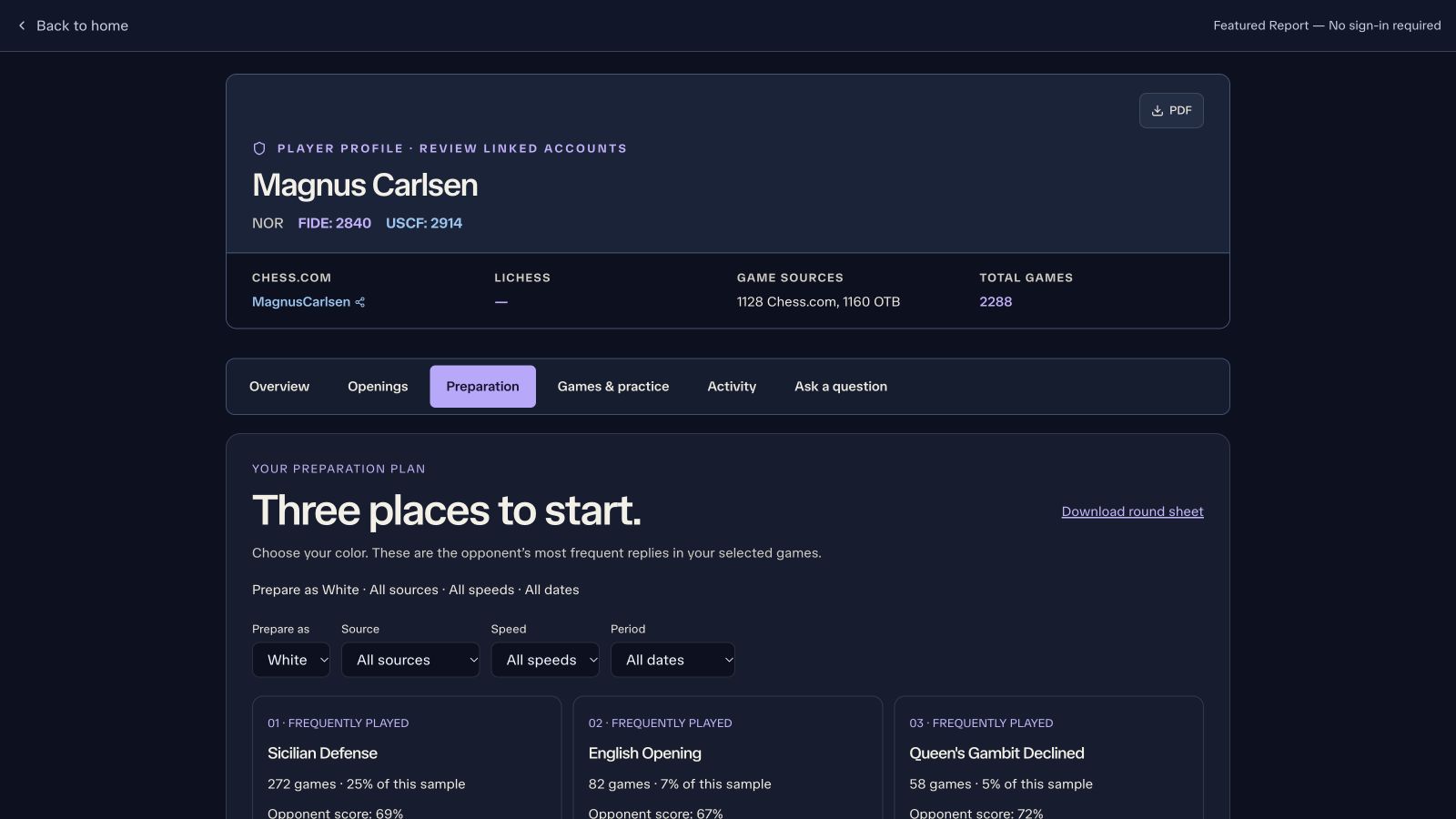
Choose your color and filters to build a preparation plan backed by actual games.
-
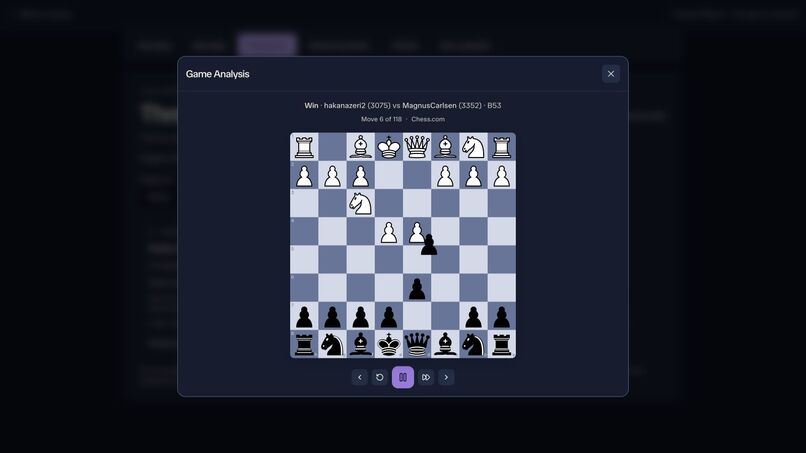
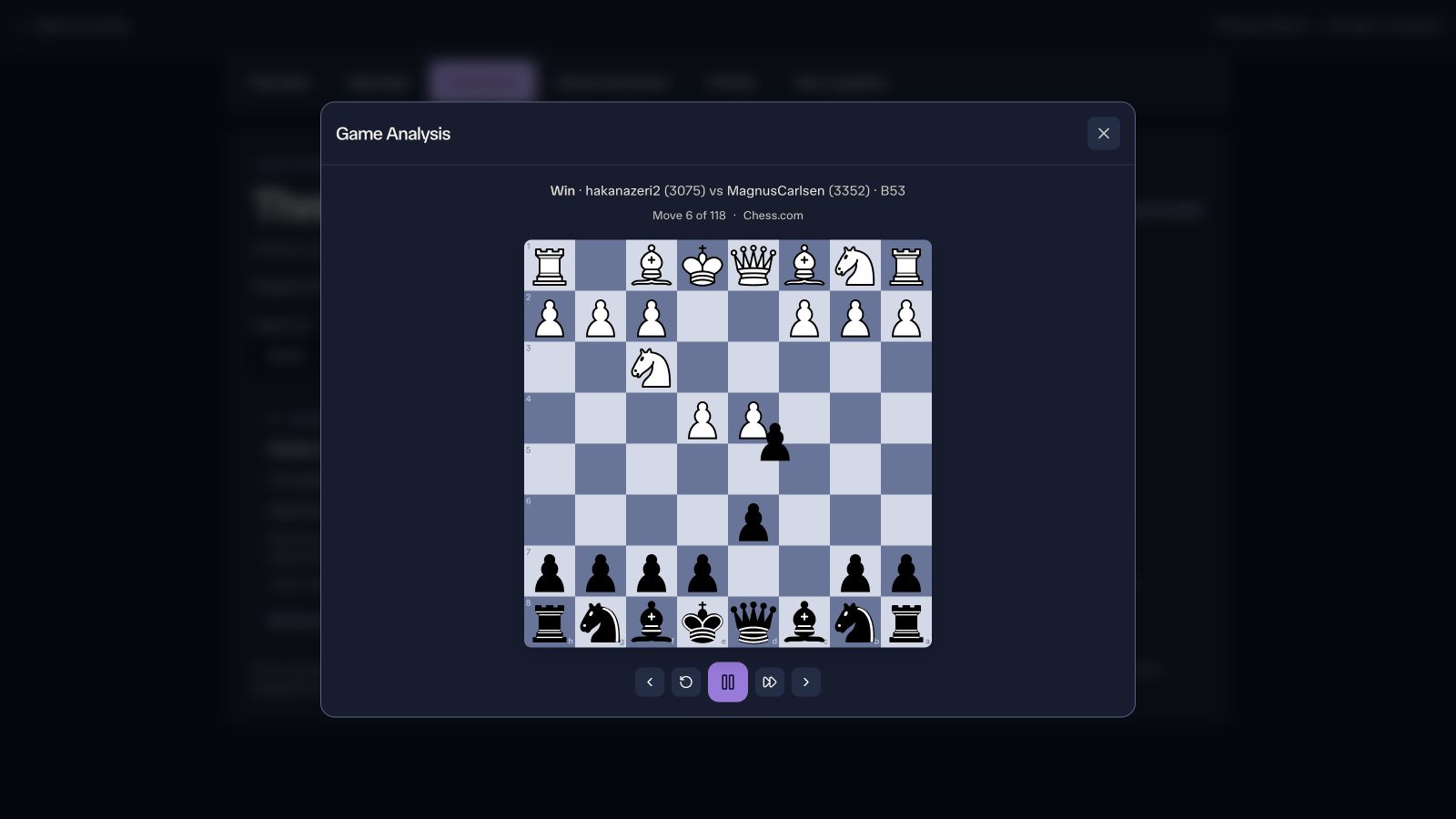
Open a supporting game and replay the moves on an interactive board.
-
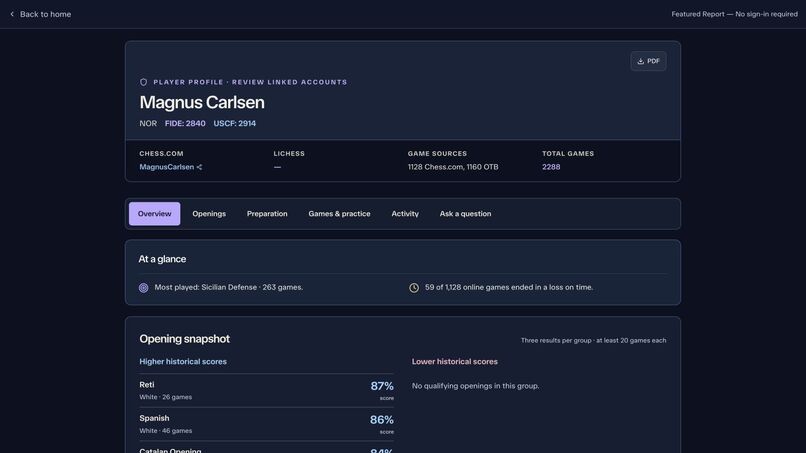
The public sample report brings player details, game sources, and opening stats into one place.
-
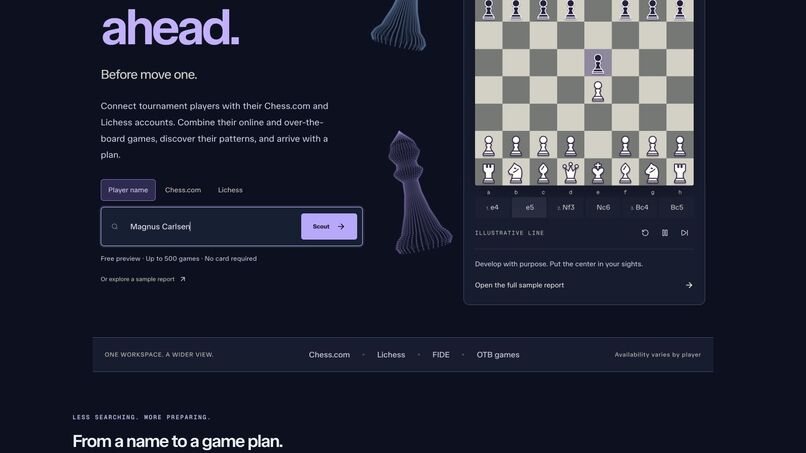
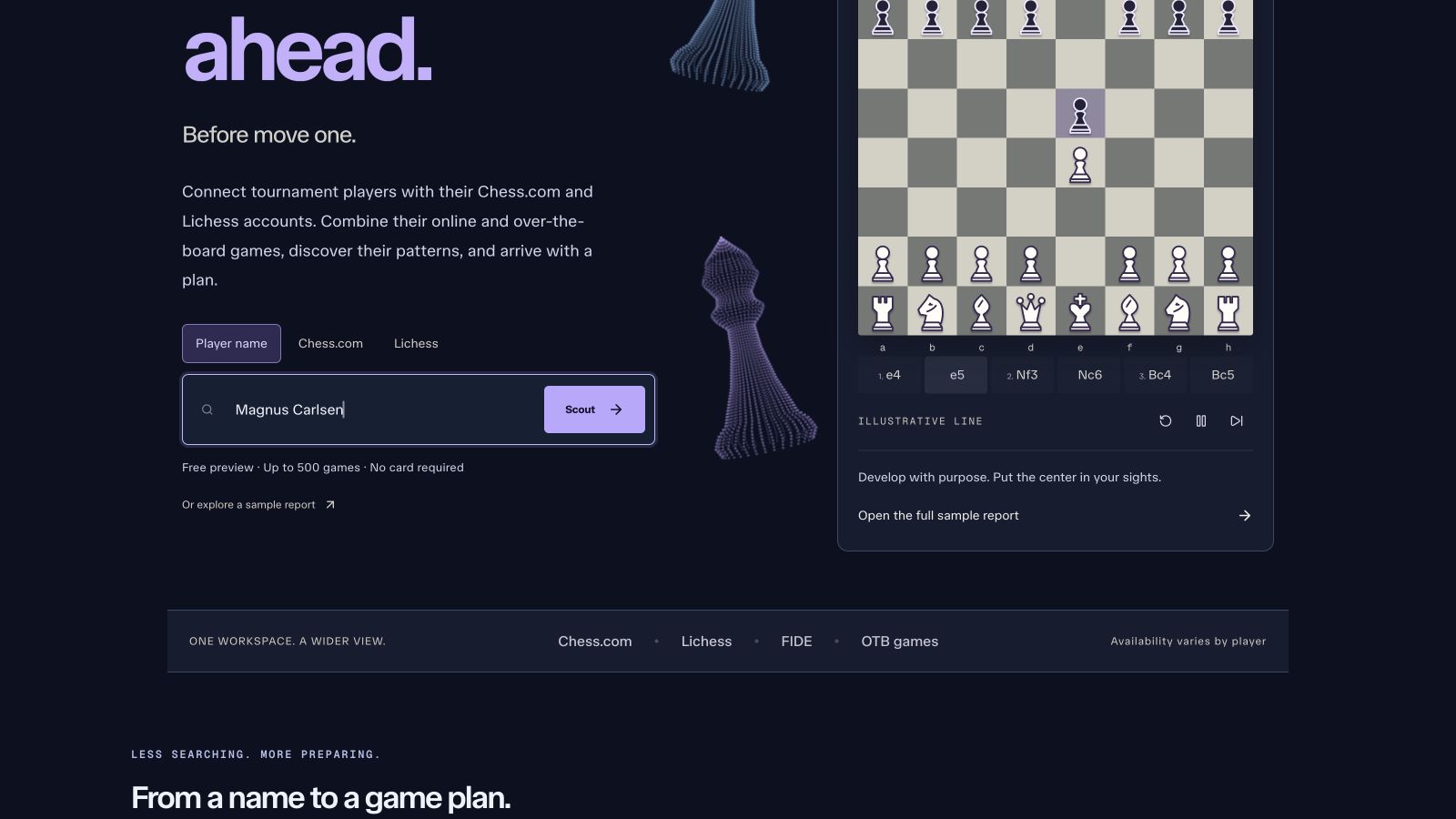
Start with a player name, federation ID, or online username.
Demo
Watch the product demo. PrepSuite connects real-world tournament identities to Chess.com and Lichess accounts, then brings available online and over-the-board games into one preparation report. This quick desktop walkthrough shows account linking, analysis, AI chat, saved reports, opening filters, game playback, practice, and exports—with captions and music, no voiceover.
Inspiration
I built PrepSuite because preparing for a chess opponent takes way more work than it should. You get a name from the pairings, then you have to find their tournament games, figure out their Chess.com or Lichess username, and go through everything to see what they actually play. The information is out there, but it is spread across different sites.
I wanted one place where you could enter your opponent and get something useful to prepare with. Less time searching for games, more time understanding the positions you are likely to get.
What it does
PrepSuite connects tournament players to their public online accounts and combines their available online and over-the-board games into a scouting report. You can search by name, FIDE or USCF ID, or an online username.
The report breaks down their openings with White and Black, shows results and sample sizes, and lets you go through the actual games on an interactive board. You can filter by source, time control, and date, build a preparation plan for your color, and export a full PDF or a one-page round sheet. There is also a practice mode for going through recorded repertoire lines.
The AI chat lets you ask specific follow-up questions about the opponent. It can retrieve a game, read its moves, calculate an opening breakdown, look up an opening, and request Stockfish analysis of a position. So if you ask how someone does against a particular response, the assistant can use their games to investigate and then explain what it found.
How I built it
The frontend is React and TypeScript, with Tailwind CSS for styling, Recharts for the charts, and an interactive chessboard. The backend is a Node.js and Hono service on Google Cloud Run. Supabase handles authentication, PostgreSQL storage, and saved reports.
The analysis runs through a server-side pipeline: resolve the player, discover possible online accounts, fetch available games, parse and classify the openings, and assemble the report. Progress streams back to the browser so you can see what is happening while it runs. Chess.js handles move validation and chess logic, and the opening database helps classify the repertoire.
I use Google Gemini for AI-assisted account discovery and the report chat. The agentic part is the chat's tool loop: the model chooses a tool based on the question, the backend runs it against the report data or chess engine, and the result goes back to the model so it can continue or answer. I put limits on tool rounds so it does not keep digging through variations forever.
The opening statistics come from the games themselves. AI helps investigate and explain the data, while Stockfish is available for position evaluation when needed.
Challenges I ran into
Matching a real person to an online username is harder than it sounds. Names are not always unique, usernames are often unrelated to real names, and not every player has an account that can be found. I had to handle uncertain matches and keep the underlying sources visible so suggested accounts can be checked.
Another big challenge was dealing with external data sources. Each source has different formats, rate limits, and failure cases. Something working locally also did not guarantee it would work from the deployed backend. That meant adding bounded requests, fallbacks, and clear unavailable states instead of letting one slow source hold up the whole experience.
Performance mattered throughout the project. Large game collections, report history, interactive boards, and PDF exports can get expensive quickly. I worked on caching, loading detailed data only when needed, and moving the heavy pipeline work to the server.
I also had to be careful about what the report claims. A bad score in a small sample does not automatically mean an opening is a weakness. Online blitz and tournament games are different contexts. The report needs to show the games, draws, sample size, and source so the player can judge what is actually useful.
Accomplishments that I'm proud of
I am proud that this is a working product at prepsuite.ai. You can search for a player, get a report, explore their games, ask follow-up questions, save the report, and download something you can use before a round.
Getting online and tournament games into the same workflow was a big part of that. The preparation filters, supporting games, and one-page round sheet make the data much easier to act on. I also put work into mobile layouts and testing the full search-to-report flow, because those details matter when someone is trying to prepare between rounds.
What I learned
The biggest thing I learned is that the useful part of an AI product depends on the data and tools around the model. A clear answer is only valuable if it is about the right player and backed by the right games.
I also learned a lot about building and deploying a full-stack application: streaming progress, authentication, database access controls, API failures, caching, and testing across the frontend and backend. Getting all of those pieces to work together reliably took as much thought as the AI itself.
What's next for PrepSuite
I want to keep improving account matching, game coverage, and the speed of the preparation workflow. I also want to expand practice and make the recommendations more personal to the openings the user already plays.
The goal is to make it easier to go from seeing your opponent's name to having a clear plan for the game, with the evidence right there if you want to dig deeper.
Built With
- google-cloud-run
- google-gemini
- node.js
- postgresql
- react
- stockfish
- supabase
- typescript
