-
-
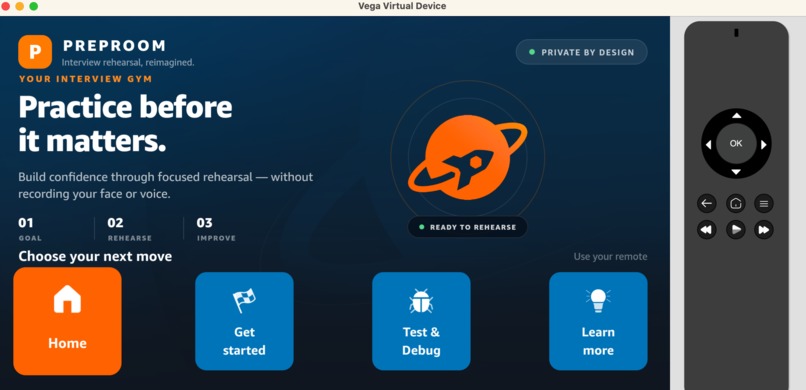
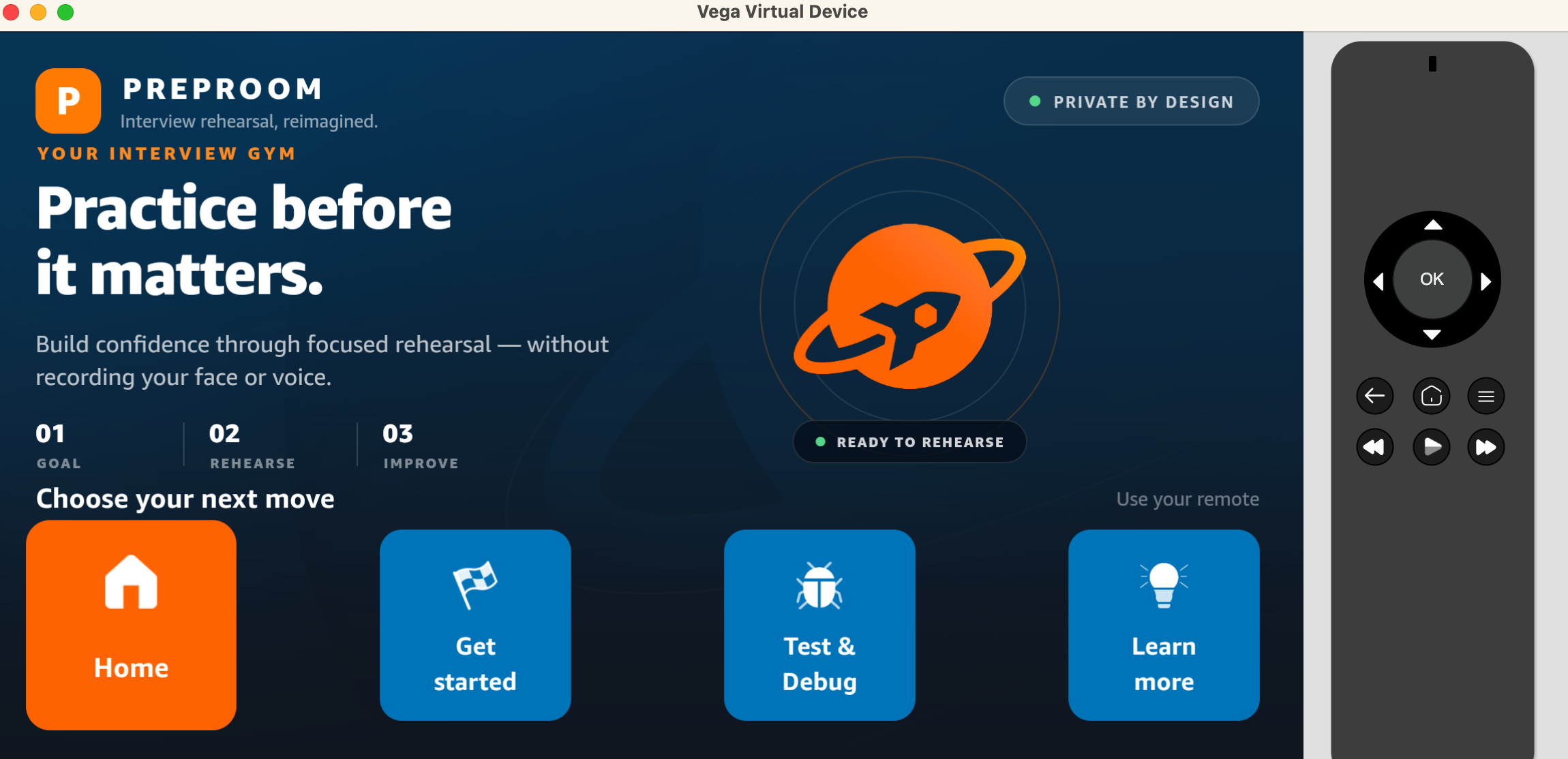
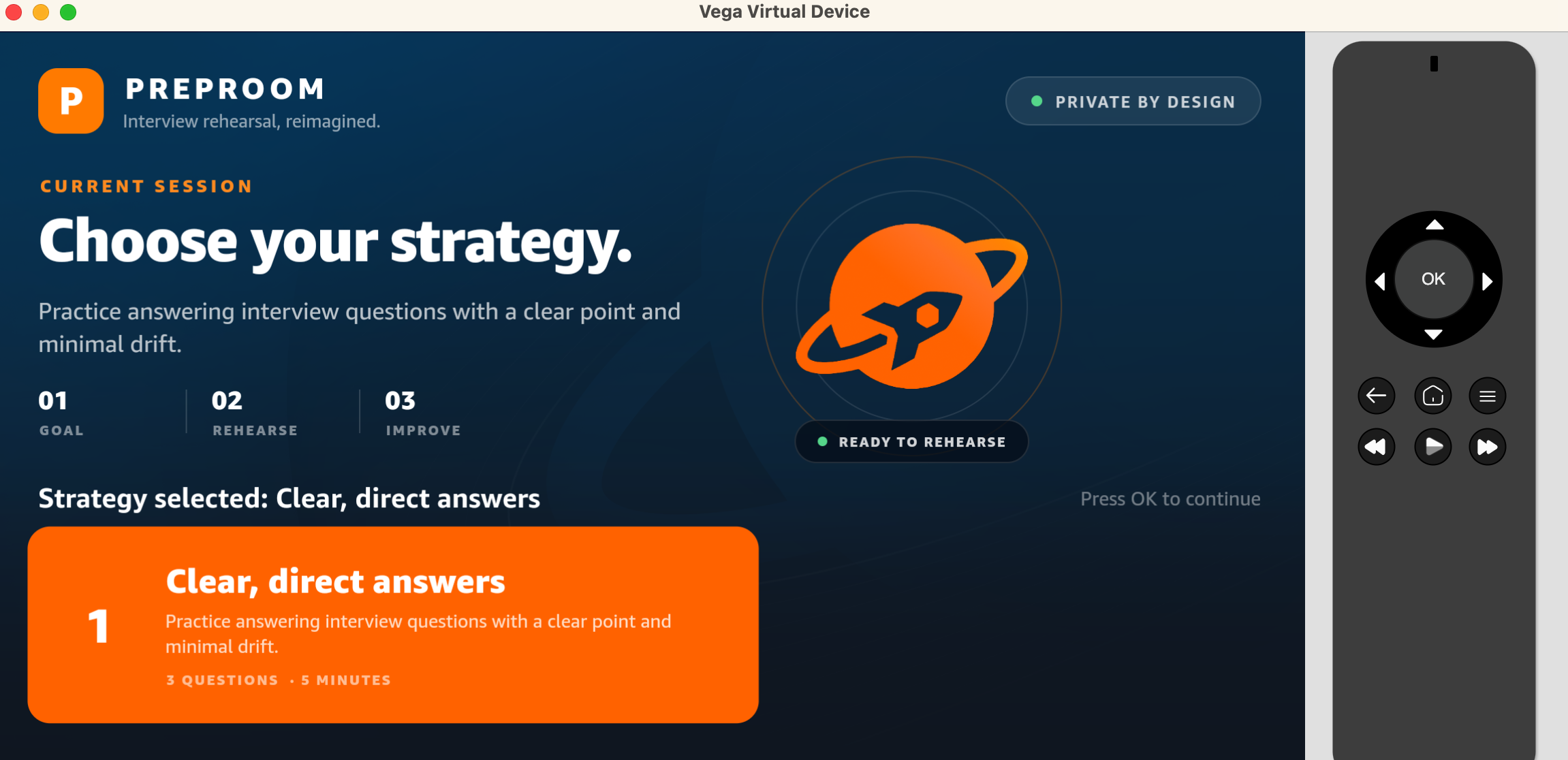
PrepRoom home screen — privacy-first interview rehearsal designed for TV and remote navigation.
-
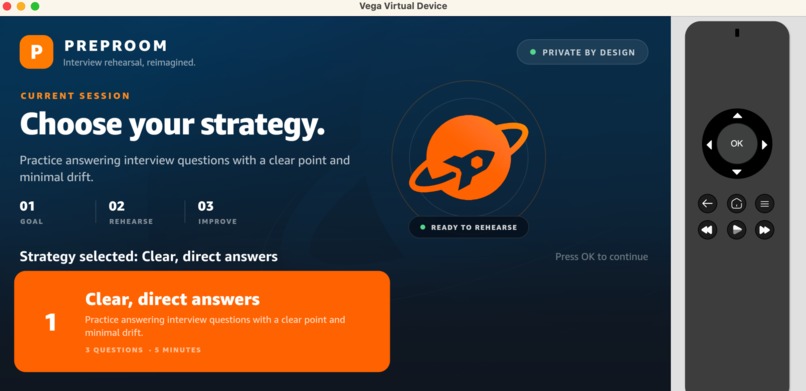
Choose a focused rehearsal strategy before starting the interview practice session.
-
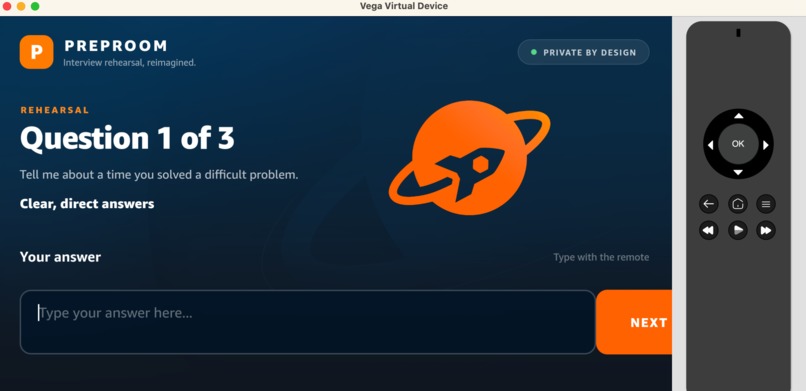
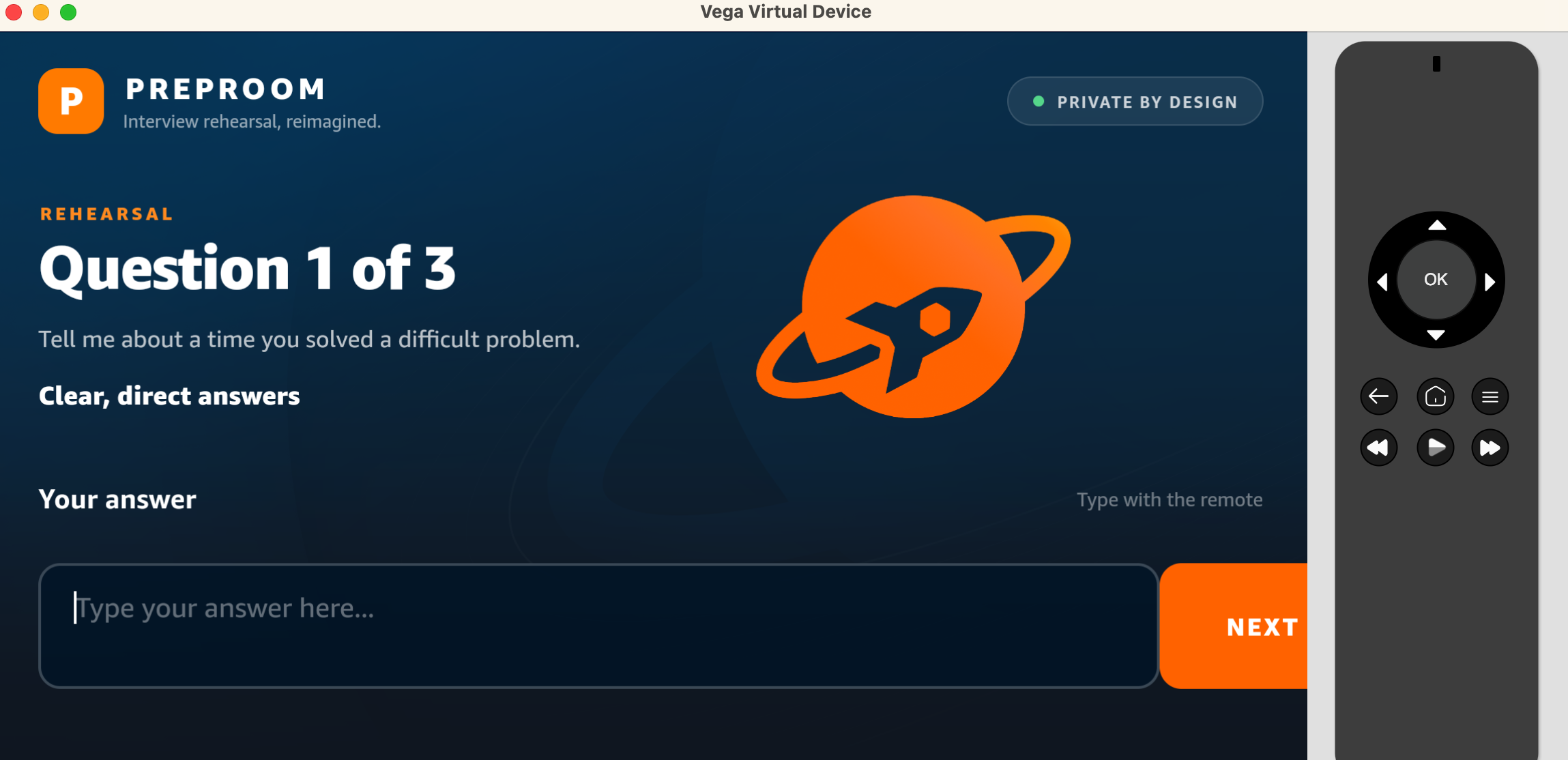
Rehearsal begins with a focused interview question and a clear answer objective.
-
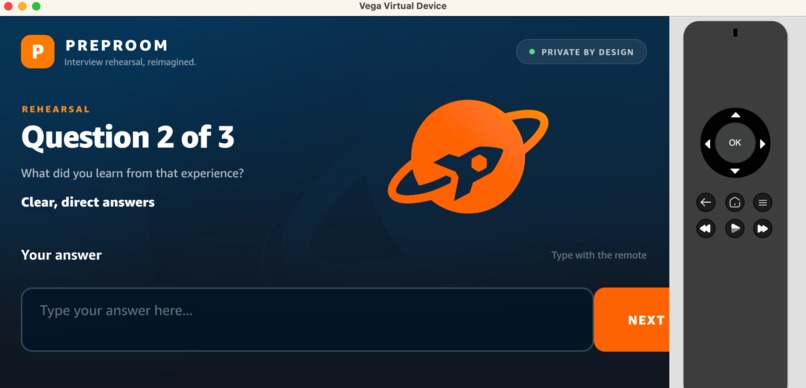
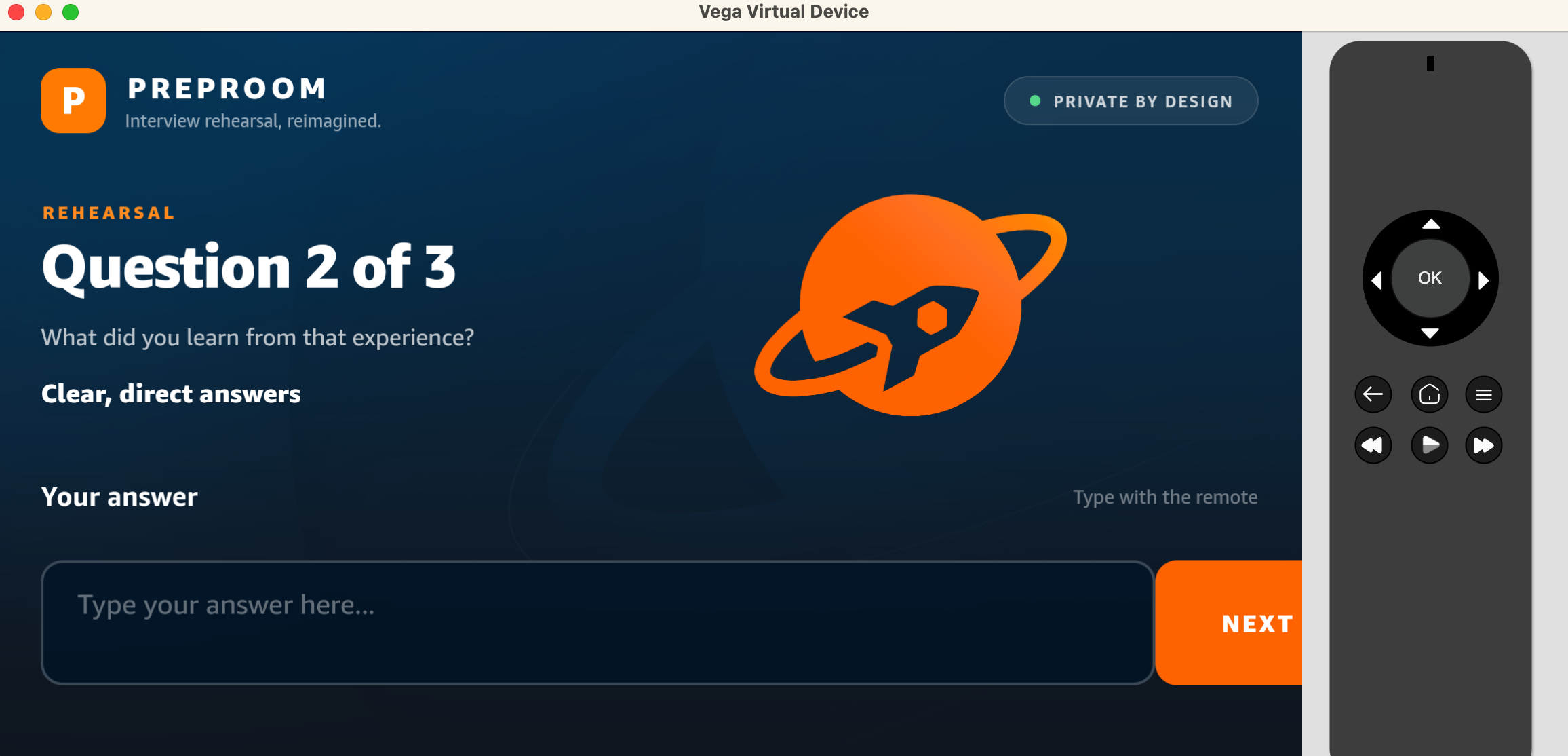
The rehearsal continues with a structured follow-up question focused on learning.
-
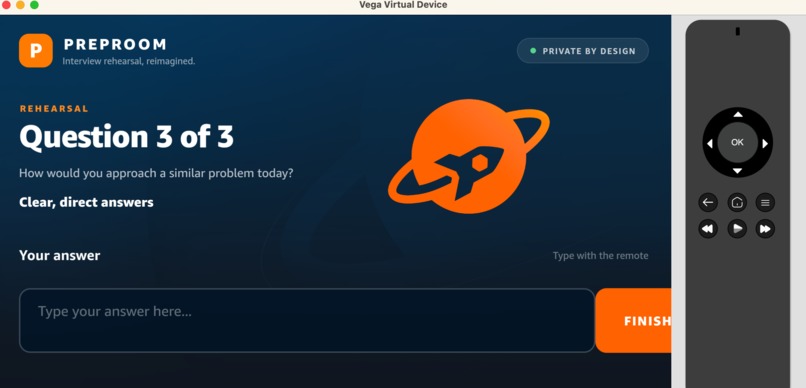
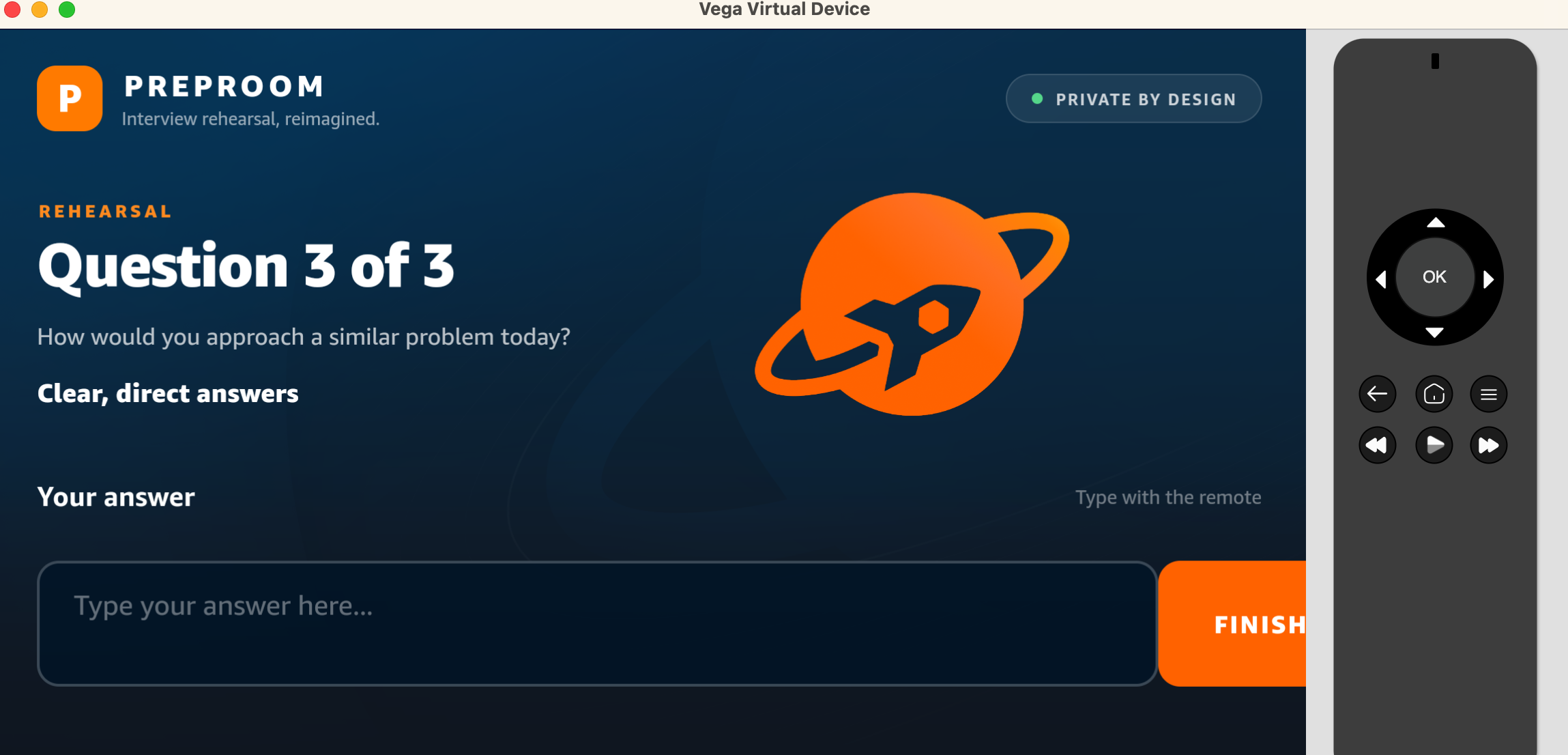
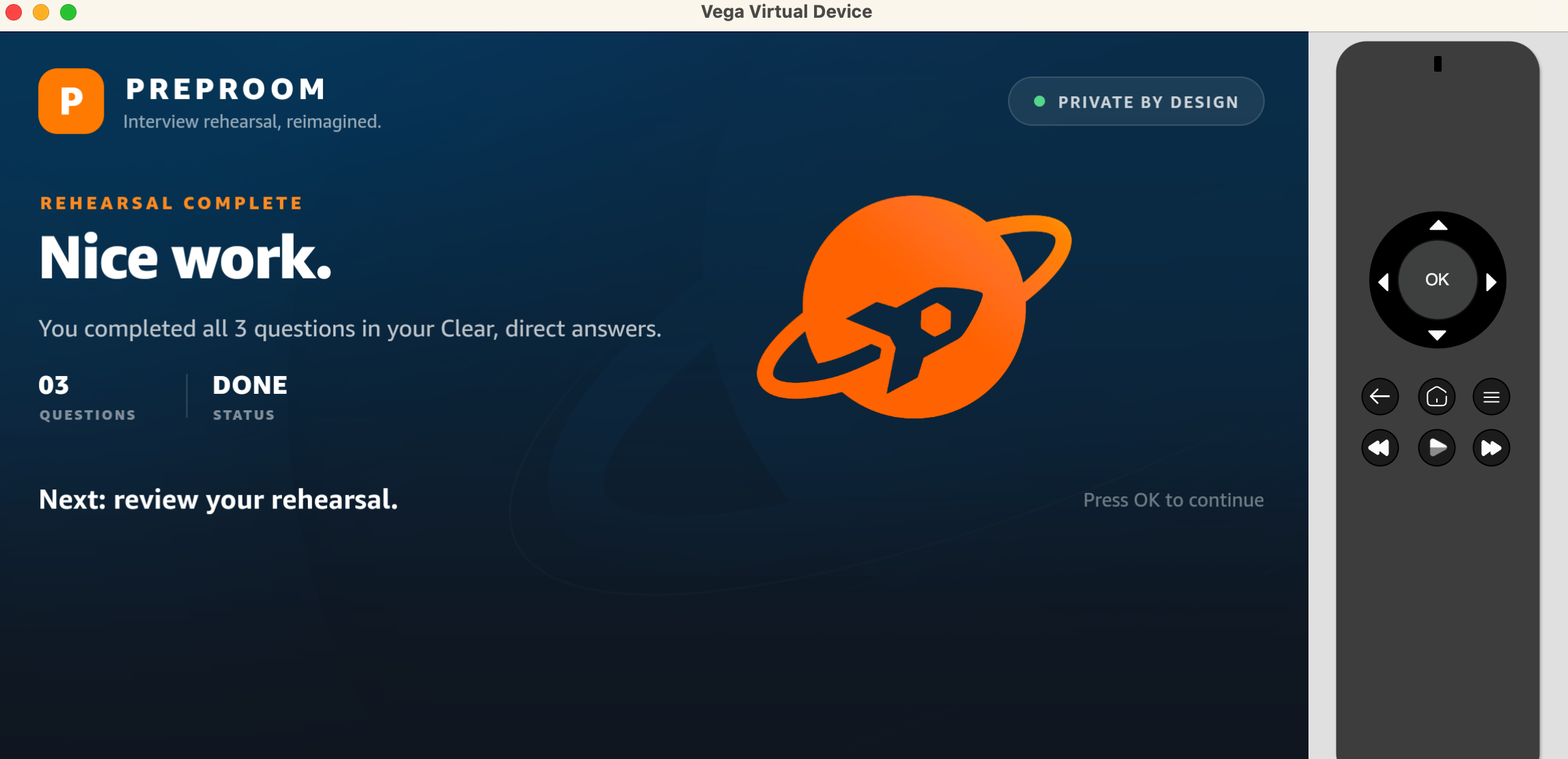
The final question completes the focused, remote-friendly interview rehearsal.
-
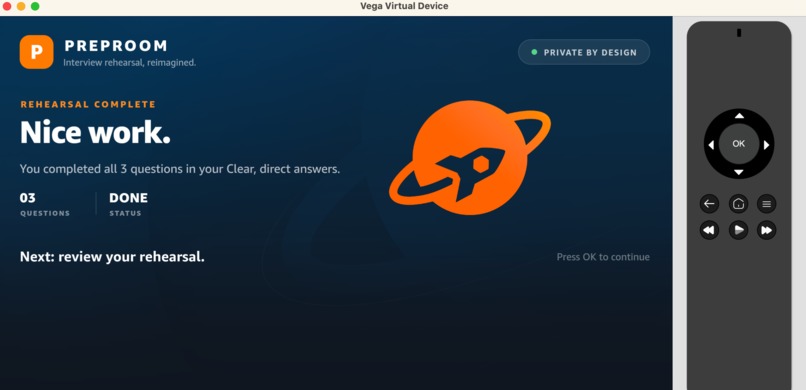
Evidence turns the rehearsal into a practical improvement decision.
-
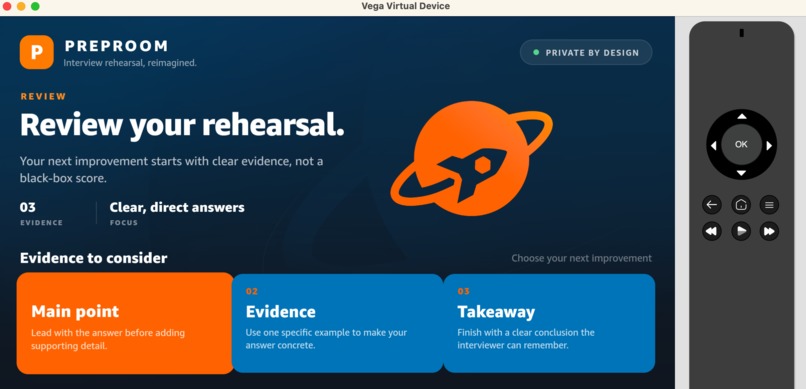
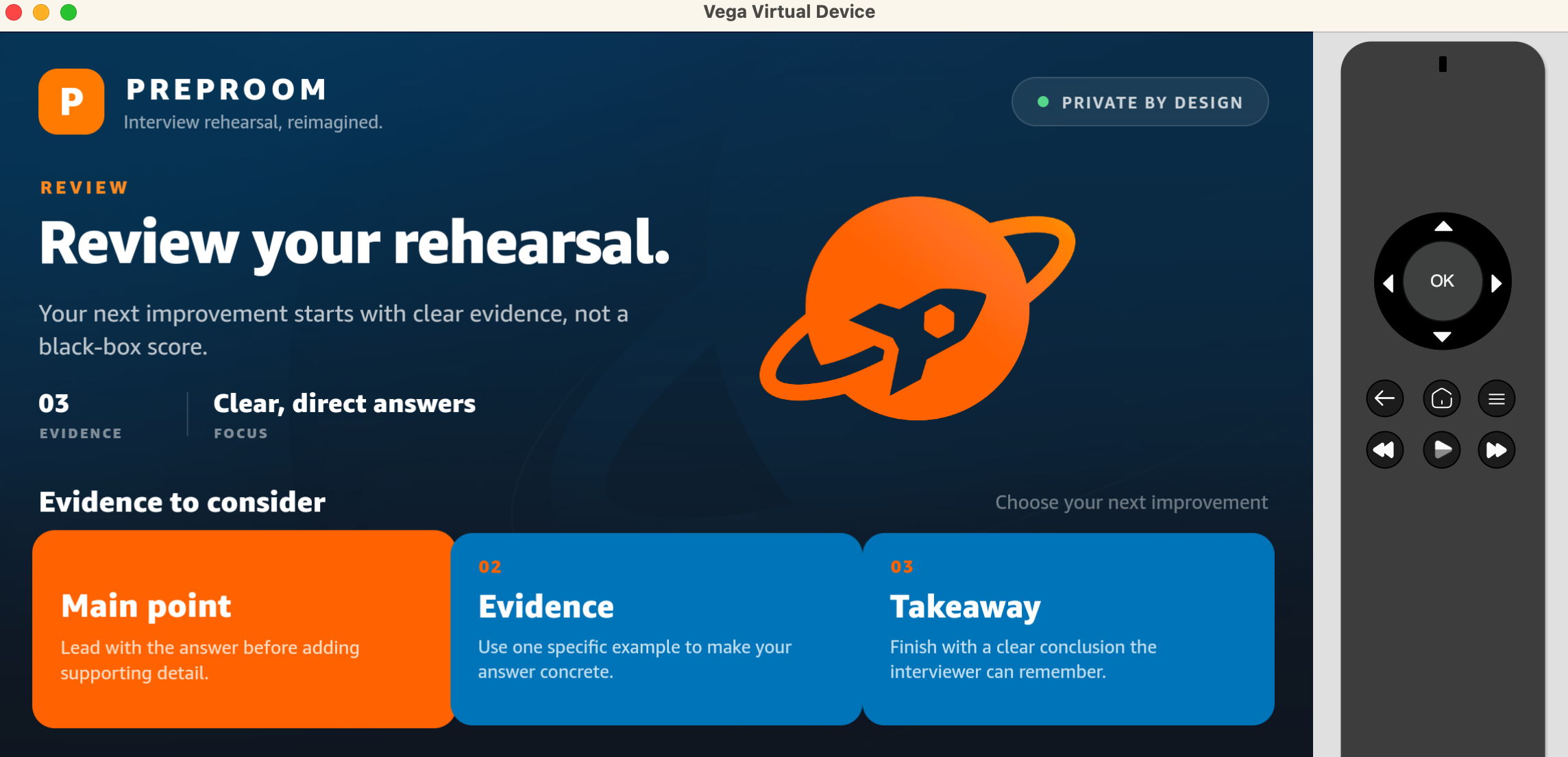
Review screen — evidence-based feedback highlights the main point, supporting evidence, and takeaway.
Inspiration
Interview preparation is usually treated as a recording problem: record yourself, watch the recording, and try to figure out what went wrong.
PrepRoom starts from a different idea:
You don't need to record someone to help them rehearse.
We wanted to create a focused interview practice experience for the TV that feels calm, private, and purposeful. Instead of turning rehearsal into a performance-review exercise, PrepRoom treats it like a gym: choose a goal, rehearse deliberately, look at useful evidence, decide what to improve, and try again.
What PrepRoom does
PrepRoom is a privacy-first interview rehearsal experience designed for a TV-first environment.
The experience is built around a simple closed loop:
Goal → Rehearse → Evidence → Improve → Retry
The TV provides the visual experience and remote-first navigation. The interface is designed for the 10-foot viewing environment, with large typography, strong hierarchy, clear focus states, and simple directional navigation.
The key privacy boundary is intentional: PrepRoom does not need to record your face or voice to help you improve.
How we built it
The current prototype is built with:
- React Native 0.83
- TypeScript
- Amazon Vega SDK 0.24
@amazon-devices/react-native-kepler- Vega Virtual Device
- VS Code with Vega Studio
We started from Amazon's Vega React Native template and evolved the baseline into a PrepRoom experience, preserving the working Vega project structure while redesigning the interface around interview rehearsal.
The prototype has been tested on the Vega Virtual Device, including remote-based focus navigation and live UI updates.
What we learned
Building for TV is fundamentally different from building for a phone or web browser.
The interface has to communicate from a distance, work naturally with directional input, and make the currently focused action unmistakable. That pushed us toward fewer choices, larger visual targets, stronger hierarchy, and deliberate focus behavior.
We also learned that privacy can be a product feature rather than just a technical constraint. Removing the assumption that every rehearsal needs to be recorded changes the experience: the user can focus on practicing rather than performing for a camera.
Challenges
One of the biggest challenges was getting the Vega development environment and project-generation workflow working reliably on Apple Silicon. We diagnosed the environment step by step, verified the Vega SDK and Virtual Device, generated the project successfully, installed its dependencies, and validated the baseline with automated tests.
Another challenge was making the experience feel natural on a TV. A desktop-style interface can technically work on a large screen while still feeling wrong from a couch. We therefore treated remote navigation, focus visibility, spacing, typography, and 10-foot readability as first-class design requirements.
Why it matters
Interview preparation is not only about knowing the right answer. It is about building the confidence to say it clearly when the moment arrives.
PrepRoom is designed to make that practice loop easier to repeat:
Practice before it matters.
Built With
- code
- device
- devices
- fire
- javascript
- jest
- metro
- native
- node.js
- sdk
- typescript
- virtual
- vs

