-
PrepMate - Make life more join and effectively powered by what you've said, seen, and heard
Prepmate App
Inspiration
The inspiration for this project arose from the need to simplify meeting preparation in a fast-paced world. Scattered information across in person conversations, emails, calendars, webs, apps, etc made it challenging to stay organized. This challenge sparked the idea to create an app that not only consolidates all relevant information seamlessly but also analyzes it to provide actionable insights.
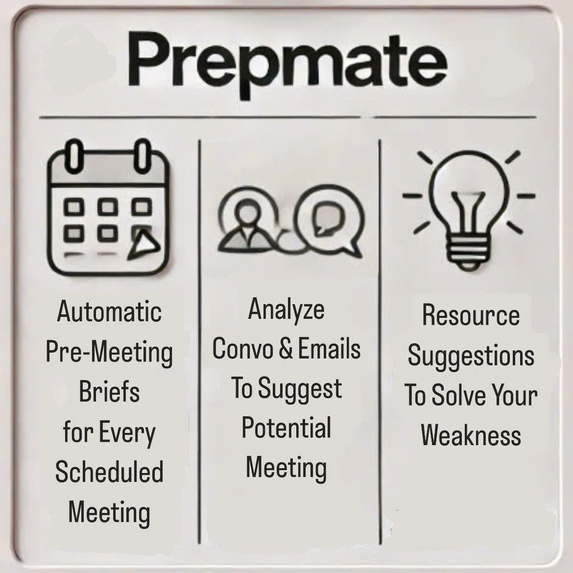
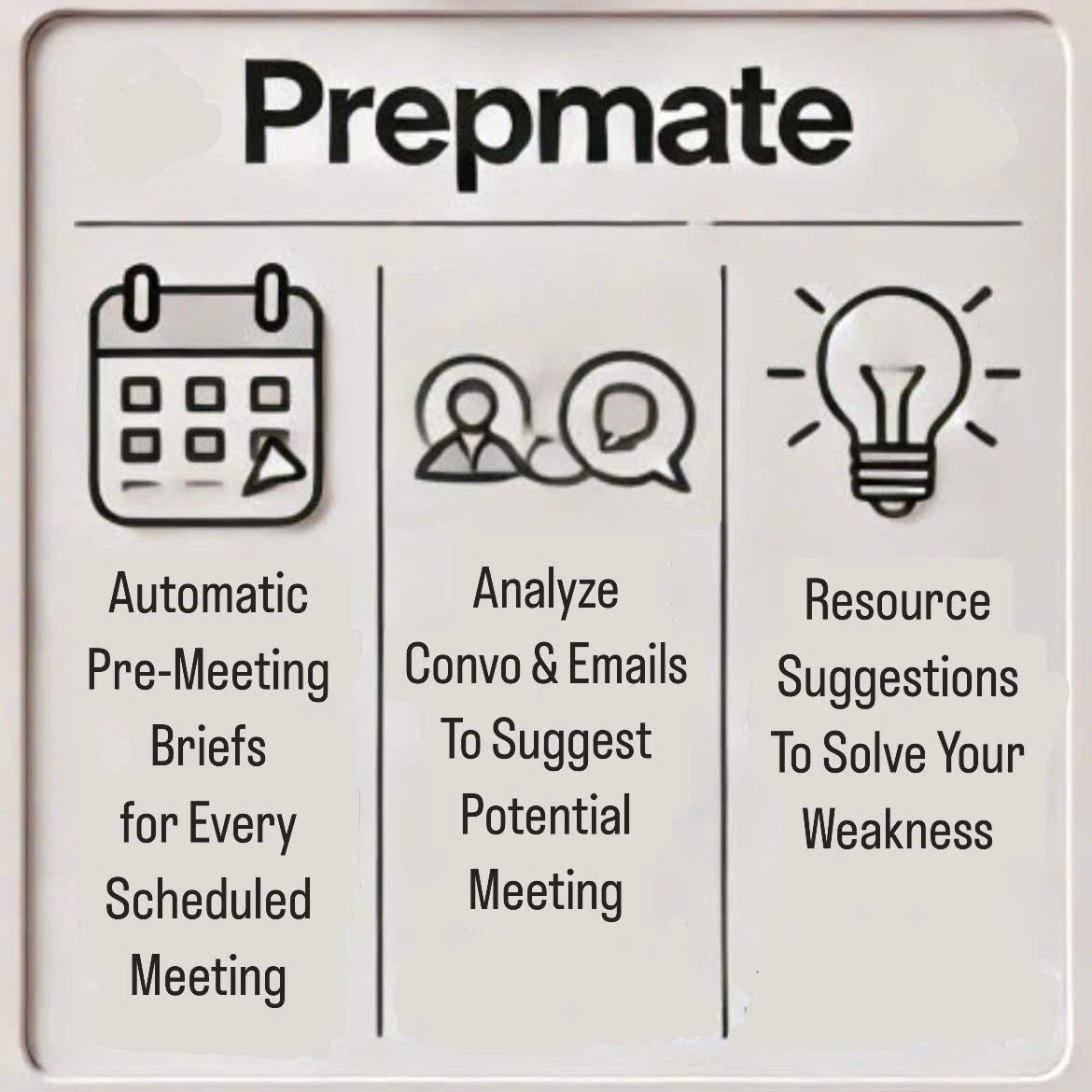
PrepMate goes beyond prepare meeting briefs, suggest potential meetings or follow-up, and resources recommendations to unlock the knowledge, experiences and solving your weakness ensuring professionals are always one step ahead.
Just connect Calendar, Gmail, PrepMate will prepare your life effectively. Key features:
- Auto-generate pre-meeting briefs for scheduled meetings
- Suggest potential meets with cool guys
- Adress weakness with recommend resources
What it does
PrepMate is a robust productivity tool designed to streamline meeting preparation and analysis through three core functions:
A. Pre-meeting Briefs
PrepMate automatically generates comprehensive pre-meeting briefs for scheduled meetings. These briefs are created using data from Omi records, emails, and calendar events, in that priority order. The system gathers and analyzes relevant data sources, ensuring users receive a consolidated, accurate, and actionable summary.
- Key Features:
- Gathers data from multiple sources, including internal user data, internet research, and AI insights.
- Validates all gathered information to ensure accuracy and relevance.
- Avoids duplication of information by comparing inputs across all sources.
- Sample Pre-meeting Brief Content:
- Context of the meeting or discussion.
- Specific time and duration suggestions.
- Format of the meeting (online/offline) and location details (with Google Maps links if applicable).
- Purpose and expected outcomes.
- Participants and additional potential attendees (with optional suggestions based on internet research).
- Stakeholders relevant to the meeting context or discussion.
- Suggested preparations, such as documents, questions, and research.
- Notification Feature: Automatically sends a notification when a pre-meeting brief is generated. ---
B. Meeting Suggestions with cool people
PrepMate analyzes conversations and email interactions, even for topics without scheduled meetings, and suggests potential follow-up meetings with relevant participants.
- Key Features:
- Prioritizes data from Omi Friend recordings and emails, with further insights derived from user-provided data and internet research.
- Recommends people for collaboration, mentorship, or deeper discussion based on the user's context and previous interactions.
- Highlights potential collaboration opportunities, gaps in discussions, or unexplored topics.
- Sample Suggestions Include:
- Follow-up with mentors or colleagues: Suggested when recurring challenges are identified in user records or emails.
- Identify valuable opportunities:
- Collaboration on promising projects.
- Professional growth through interaction with recognized experts.
3. Expand on existing discussions: Prompts when topics or key areas require further exploration or depth.
C. Resource Recommendations
PrepMate suggests tailored books, research papers, courses, and other resources based on the user's professional interests, challenges, and conversations.
- Key Features:
- Sources recommendations from influential leaders like Bill Gates, industry experts, and globally recognized organizations.
- Suggests resources tailored to professional or personal growth areas.
- Highlights trending topics and areas of interest among industry leaders.
- Examples of Recommended Resources:
- Books by renowned authors.
- Online courses from platforms like Coursera or EdX.
- Research papers, studies, and whitepapers from trusted academic institutions or industry organizations.
Data Sources
Omi Friend inputs, and past interactions, Gmail, Google Calendar.
App structure
- Event Listeners: Captures events (conversations, emails, calendar updates) via SDK or system hooks.
- Data Processing Module: Processes and organizes data into a structured format for Prepmate.
- Recommendation Module: Generates actionable suggestions for meetings and resources based on topics.
- UI Backend: Provides endpoints for fetching Prepmate and meeting suggestions.
Automation and Workflow
- Default Frequency: The app performs automated analyses and updates every 6 hours.
- Real-time Updates: Executes tasks immediately for scheduled meetings or urgent inputs.
- Priority:
- Generate Pre-meeting Briefs (Function A).
- Provide Meeting Suggestions (Function B).
- Suggest Resources (Function C).
Built With
- event
- google-calendar
- html/css
- javascript
- listeners
- npl
- prompt
- python
- sdk


Log in or sign up for Devpost to join the conversation.