-
-
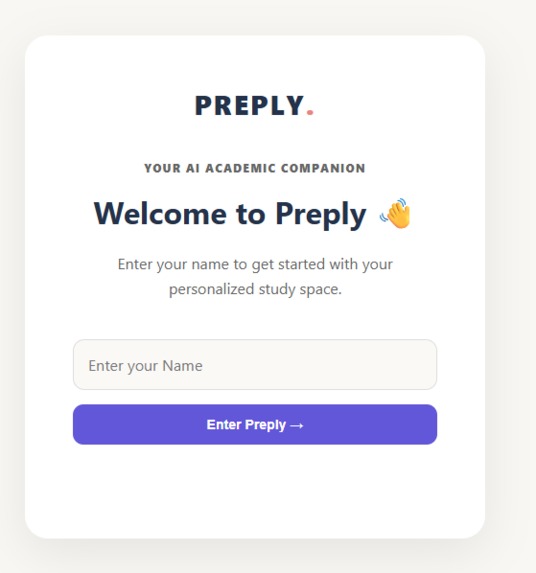
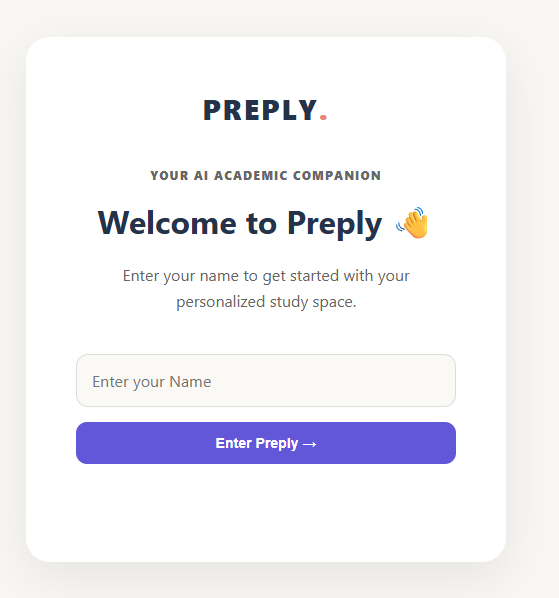
Main page
-
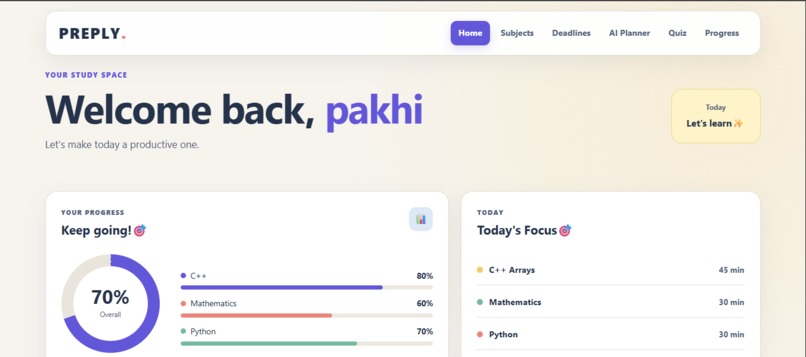
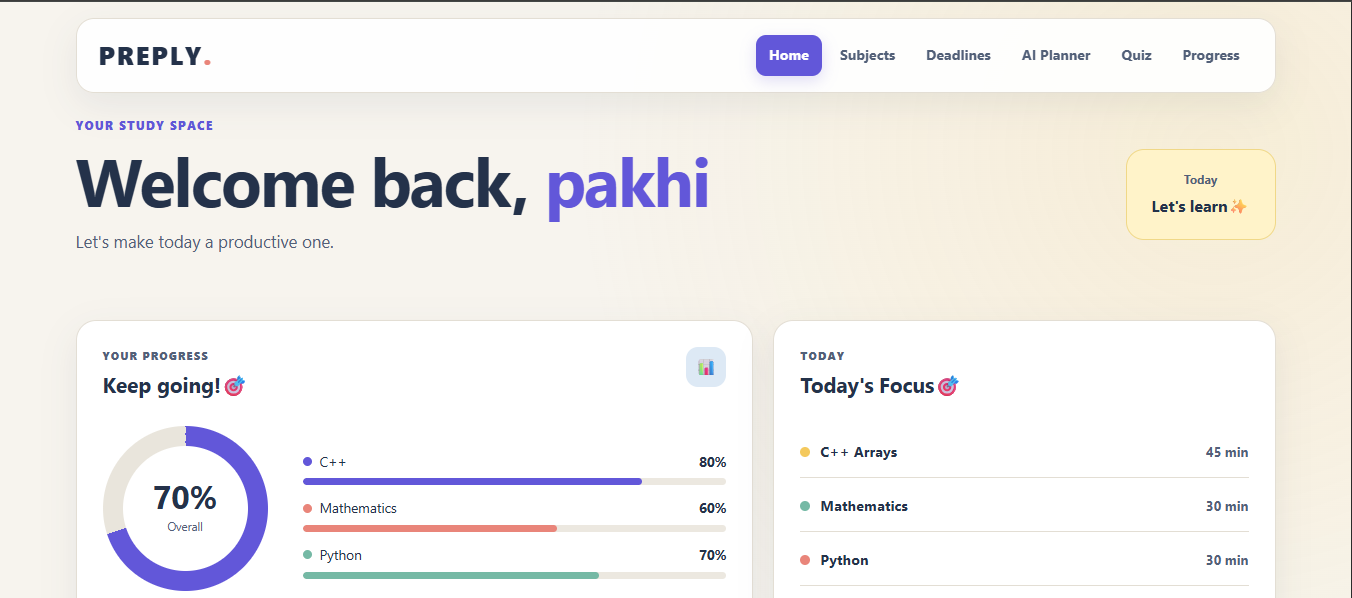
Dashboard
-
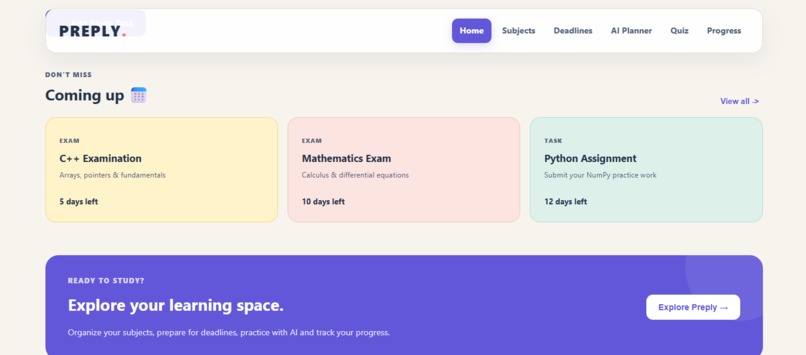
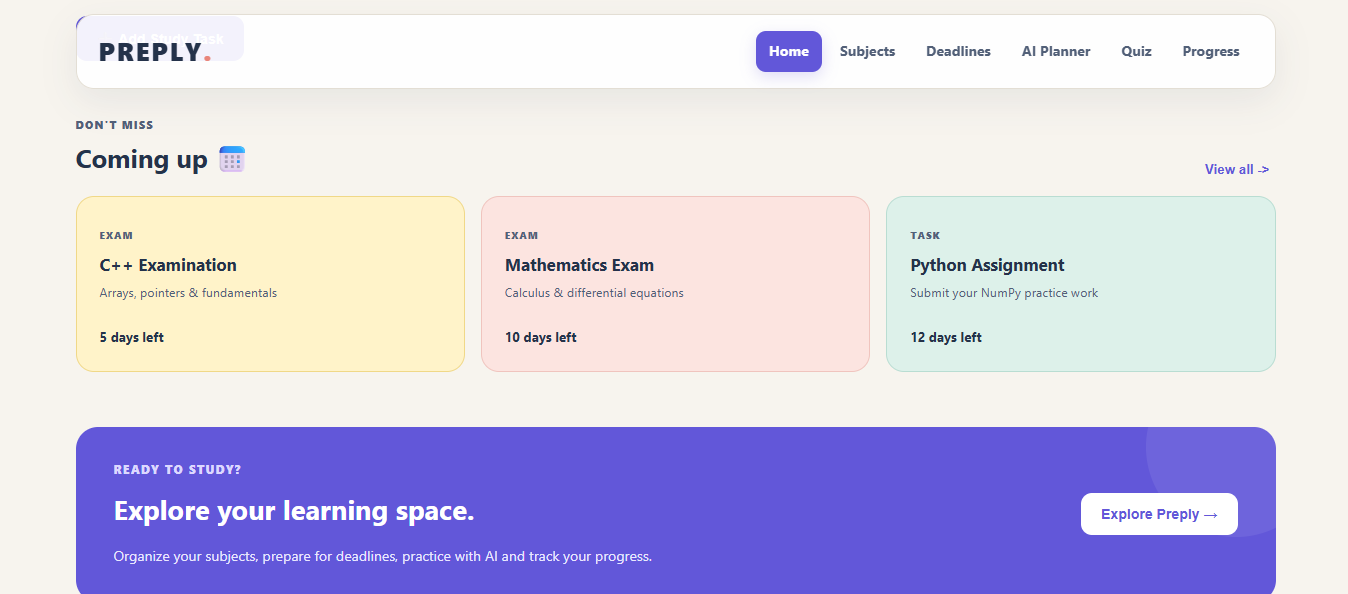
Tracker
-
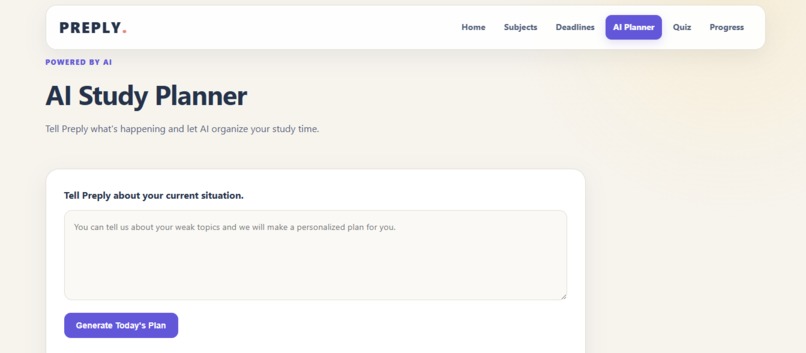
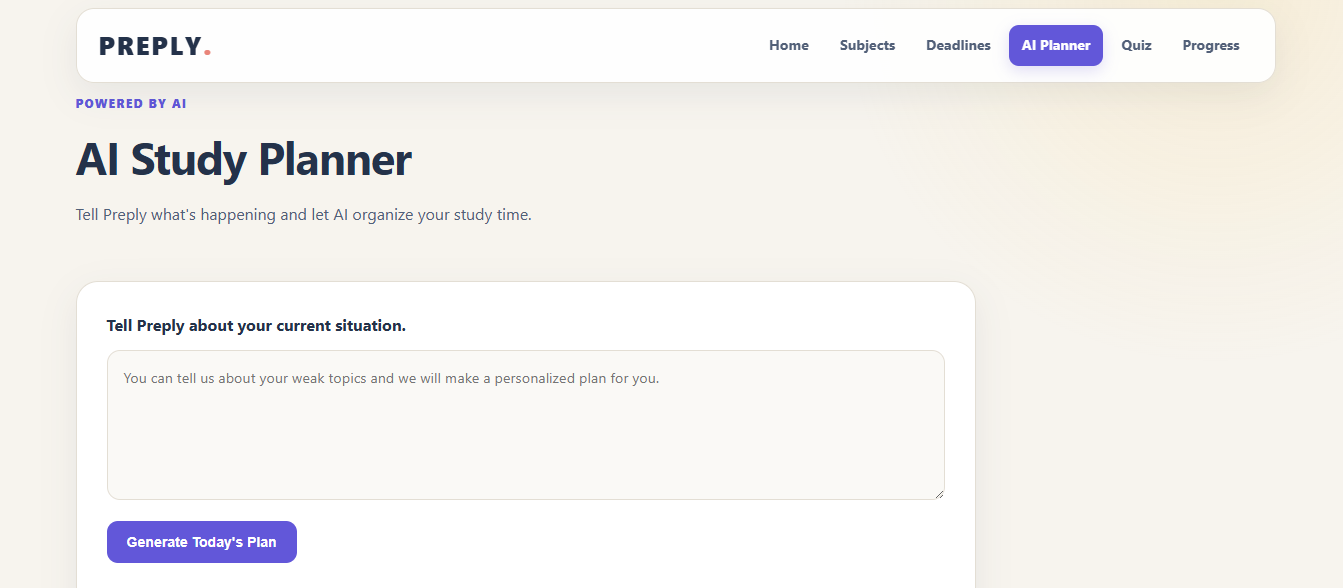
AI Study Planner
About the Project
Inspiration
The idea for Preply came from a simple problem that I personally noticed while studying. Sometimes I have a lot of things to study, but I don't really know what I should start with or how much time I should give to each topic. It can also be difficult to keep track of deadlines, progress and different subjects at the same time.
I wanted to make something that could help students organize all of this in one place instead of using different apps or notes. That is how I came up with Preply – AI Study Companion.
What I Built
Preply is a student-focused study companion that helps students manage their studies in a simple way. It has sections for subjects, deadlines, daily study tasks, progress and an AI planner.
The main feature I worked on is the AI Study Planner. A student can enter their current study situation, such as an upcoming exam or topics they need to complete, and Preply generates a personalized study plan using AI.
I also added subject dashboards where students can see their topics and progress, a deadline section for exams and assignments, daily study tasks, and a quiz section for practicing different topics.
How I Built It
I built the frontend using HTML, CSS and JavaScript. I wanted the interface to feel simple, soft and student-friendly rather than looking like a complicated productivity application.
For the AI part, I used Python and Flask to create the backend and connected it with the Gemini API. The frontend communicates with the backend using API requests.
I deployed the frontend using Vercel and the backend using Render, so the project can be accessed online instead of only running on my computer.
What I Learned
This project helped me understand much more than just writing frontend code. I learned how a frontend and backend communicate with each other, how to work with APIs, how to connect an AI model to a web application, and how to deploy a project online.
I also learned that getting something to work locally and getting it to work on a hosted website are two very different things. I had to deal with deployment issues, backend errors and debugging while building the project.
Challenges
One of the biggest challenges was connecting the AI features to the website. Initially, I had everything working locally, but after deploying the project I had to make sure that the frontend was communicating with the correct backend URL.
I also faced problems with the AI quiz feature during deployment. The Render backend worker ran out of memory while processing the quiz request, so the AI planner works on the deployed version while the quiz still needs improvement.
Even though there are still things I would like to improve, building Preply from the initial idea to a working hosted website taught me a lot about developing and deploying a real web application.
What's Next
If I continue working on Preply, I would like to improve the AI quiz system, add better progress tracking, make the study plans more personalized, and eventually add features such as reminders and a more detailed student dashboard.
The main goal is to keep Preply simple enough that a student can open it and immediately know what they need to study and what they should focus on next.

Log in or sign up for Devpost to join the conversation.