-
-
PrePaste
-
Problem
-
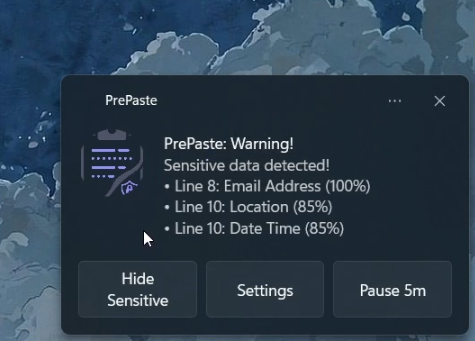
Custom UI popup
-
Native windows
-
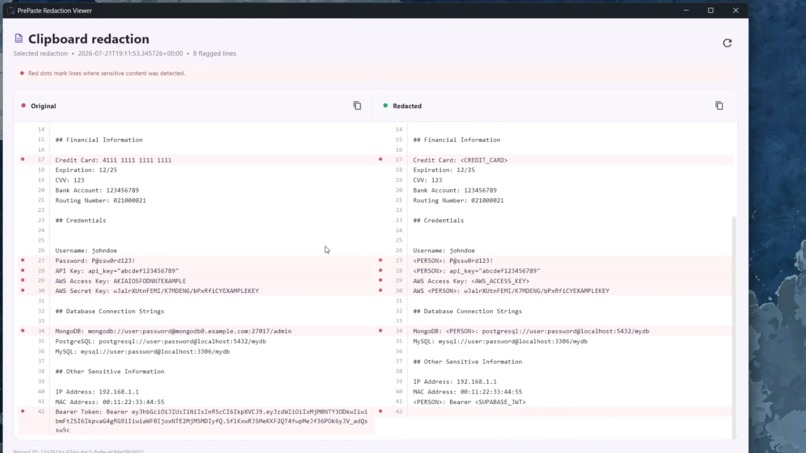
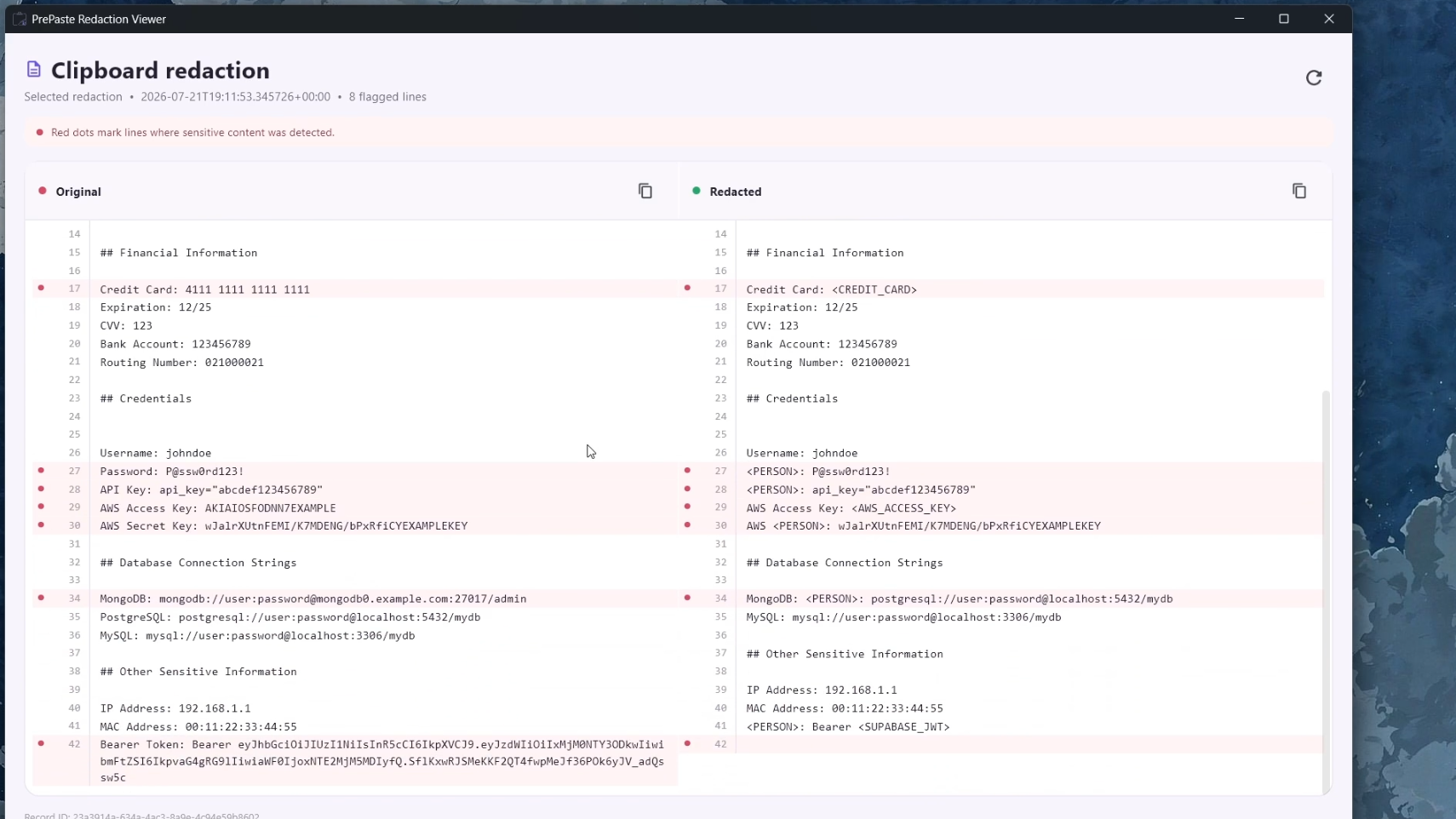
Compare redaction
-
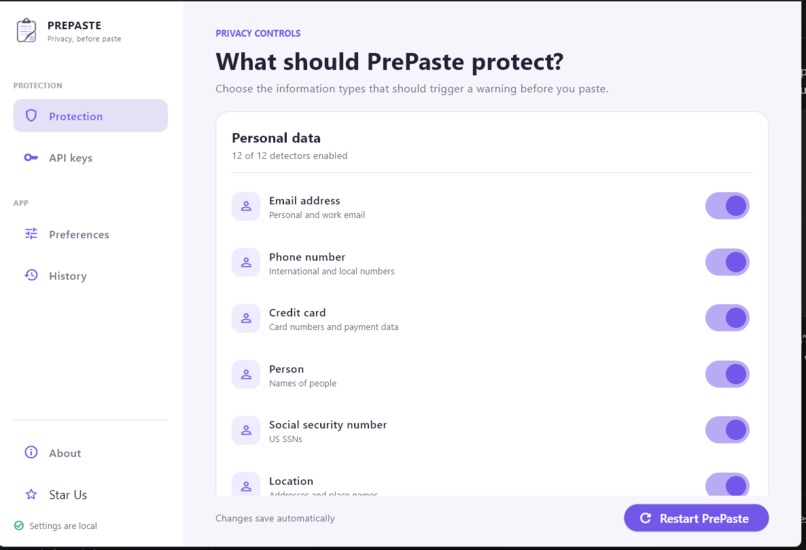
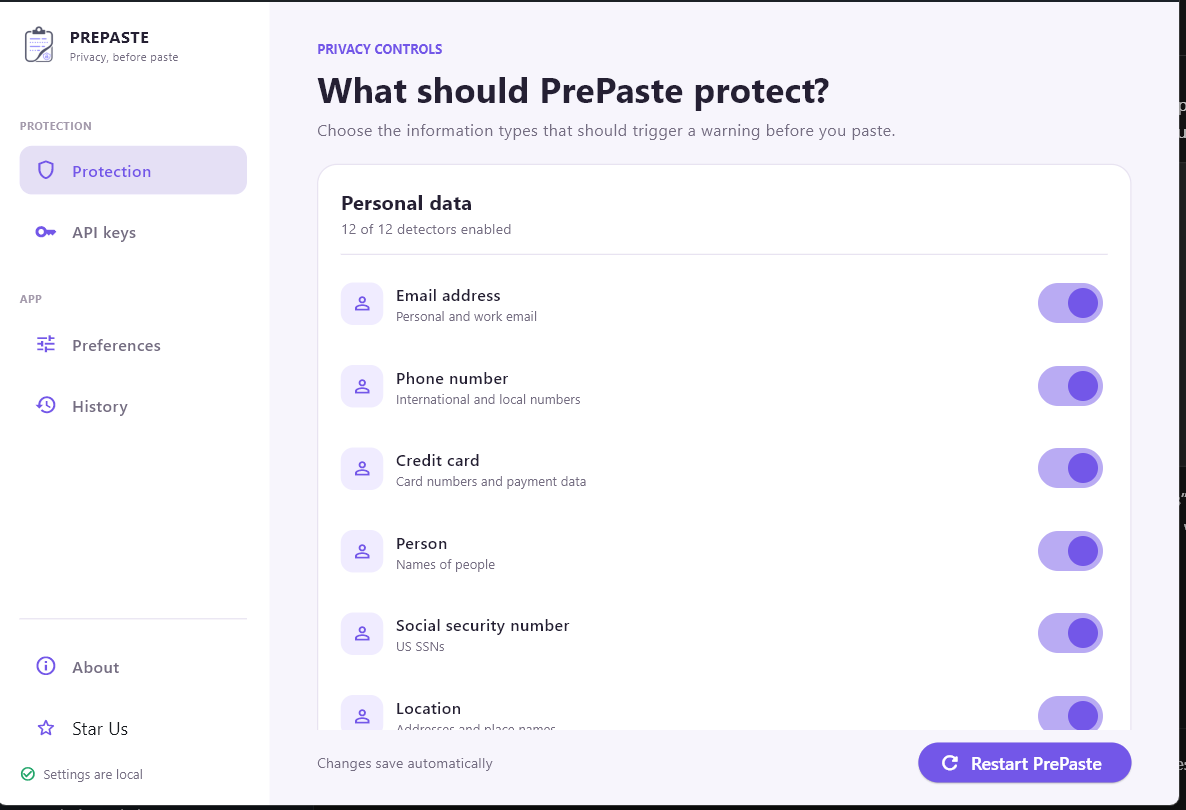
Hide Personal Identifiable Information
-
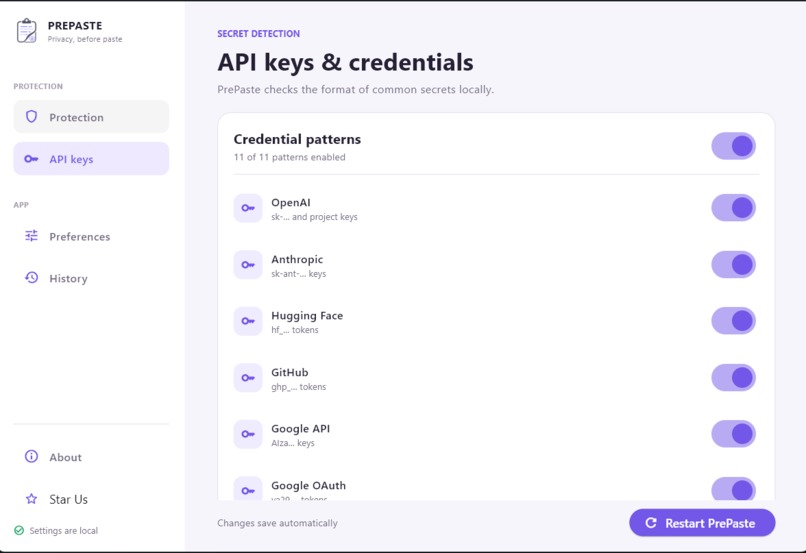
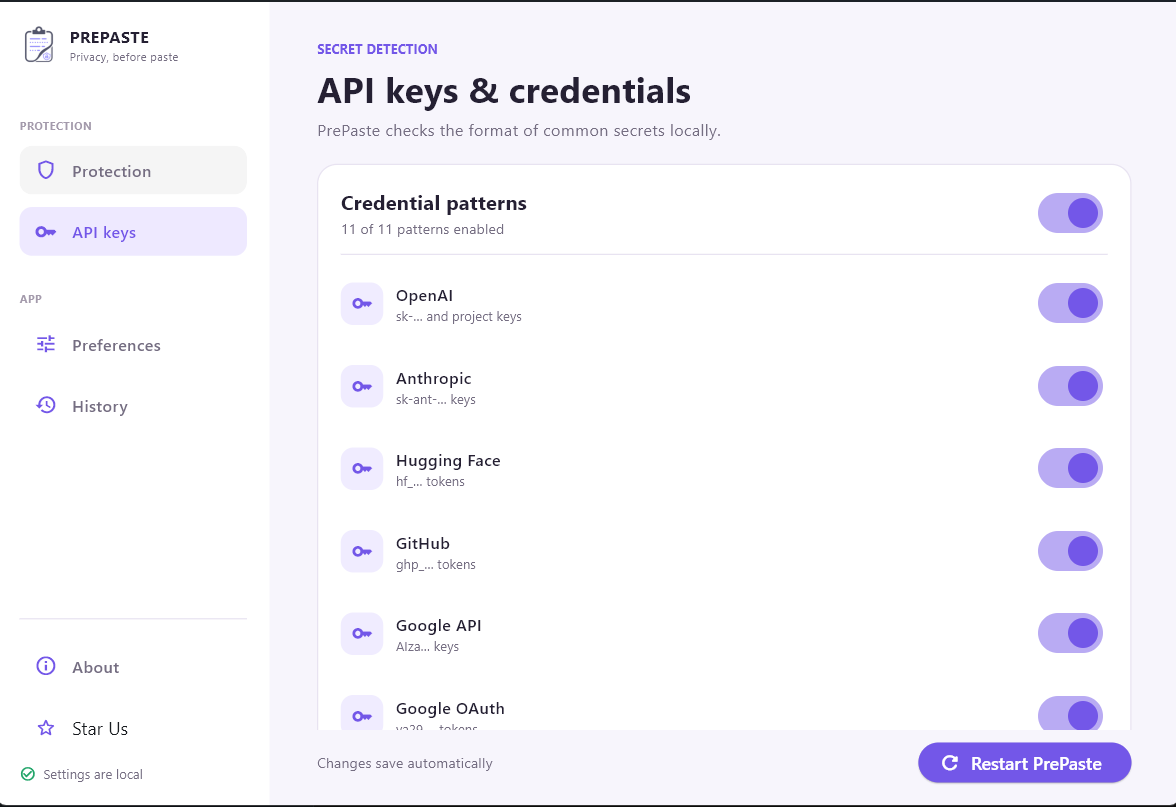
Select what Secrets to hide
-
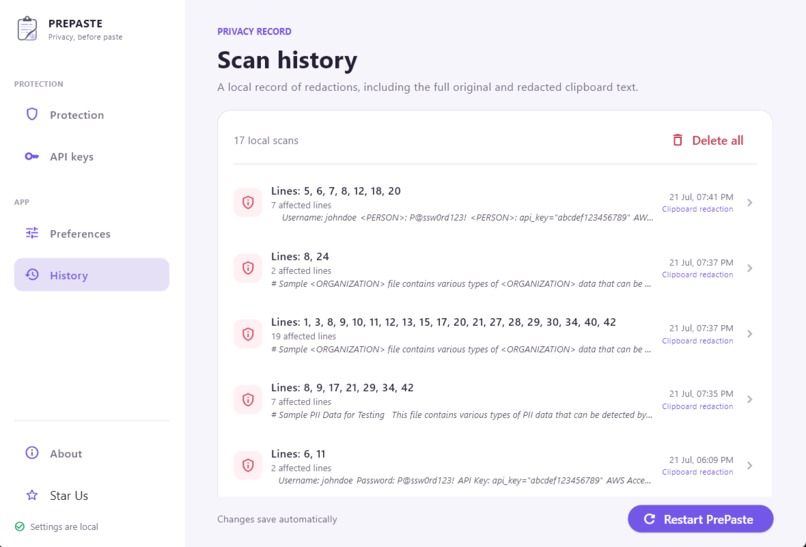
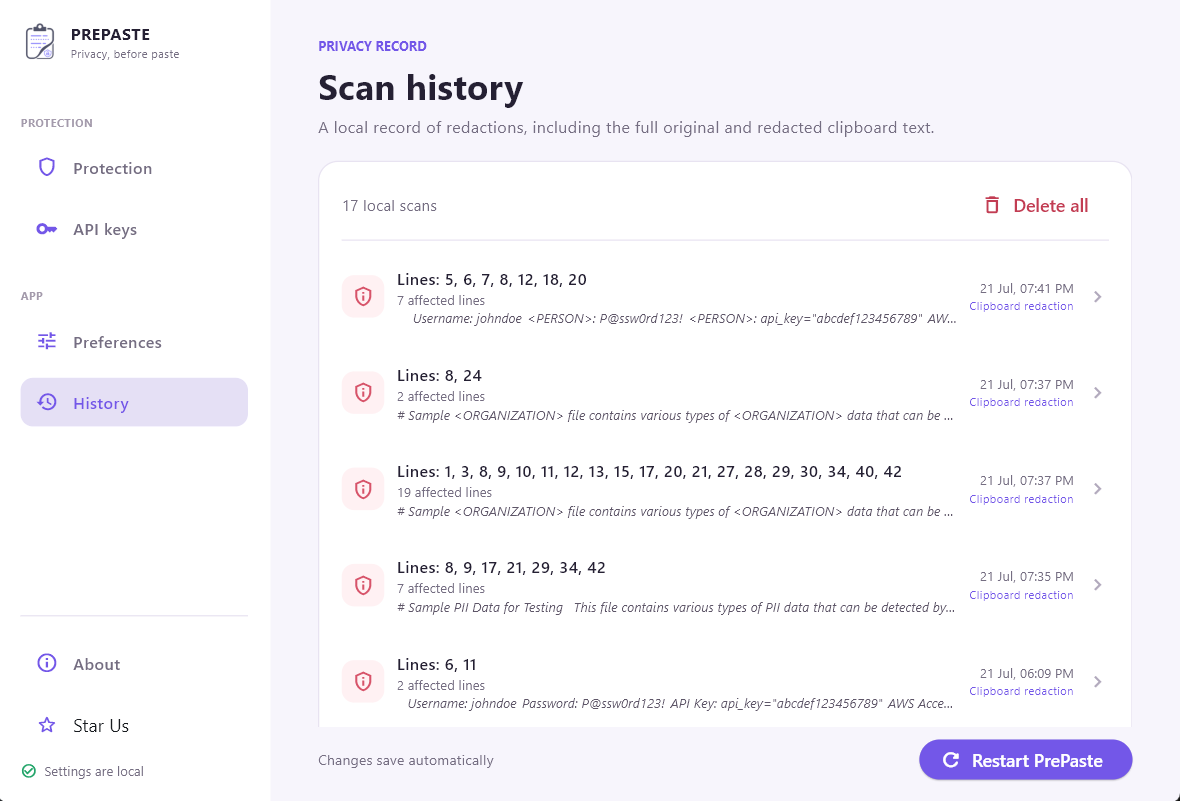
View History
-
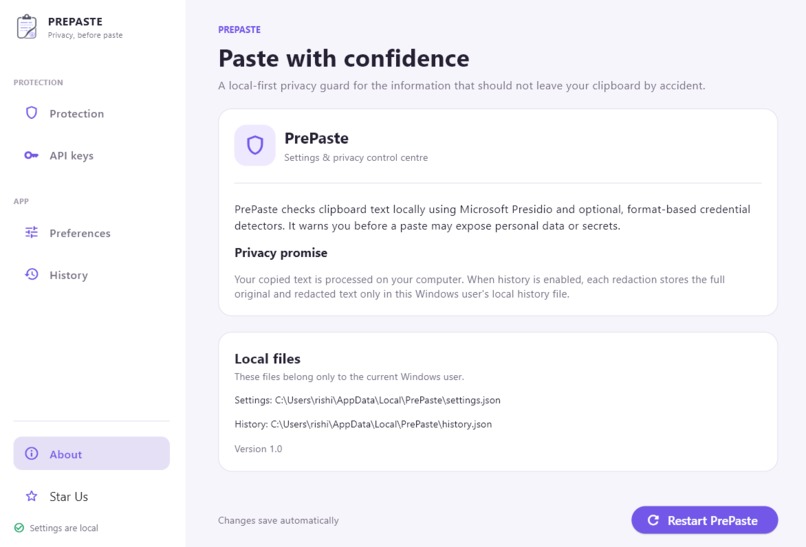
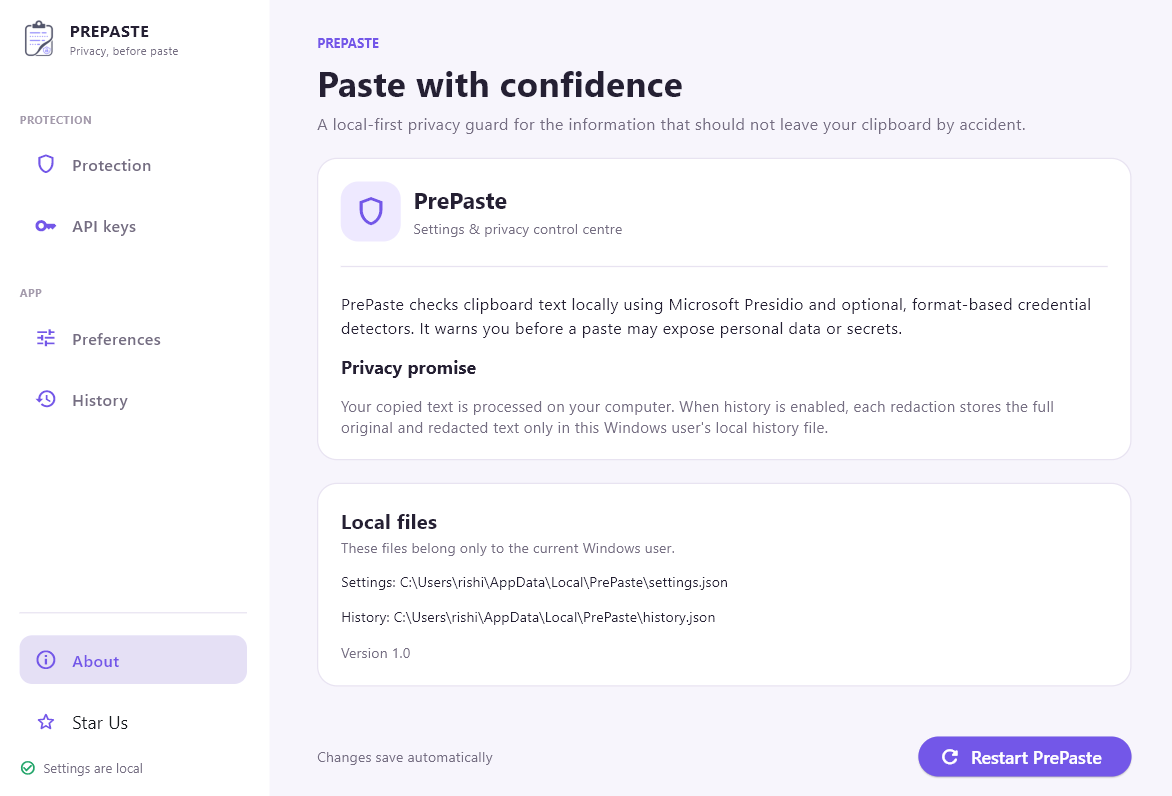
Everything is stored locally, no cloud
Inspiration
During OpenAI Build Week, I wanted to solve a problem that almost every AI user has experienced but very few people talk about.
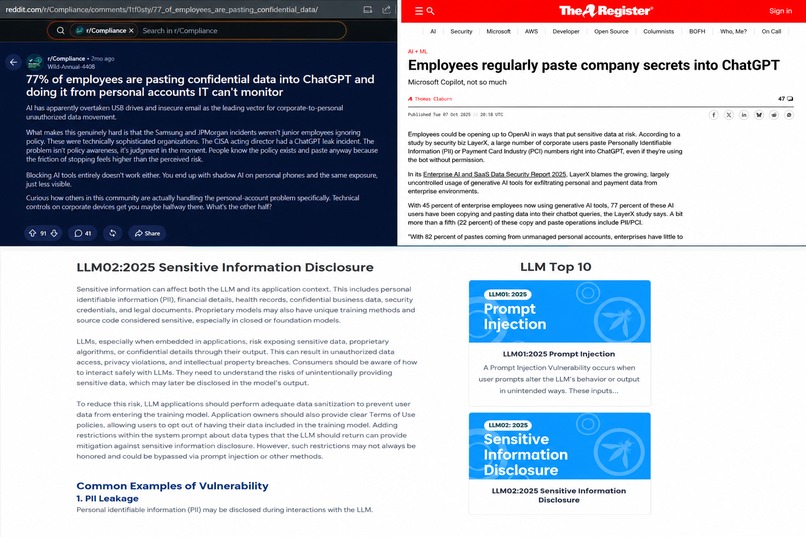
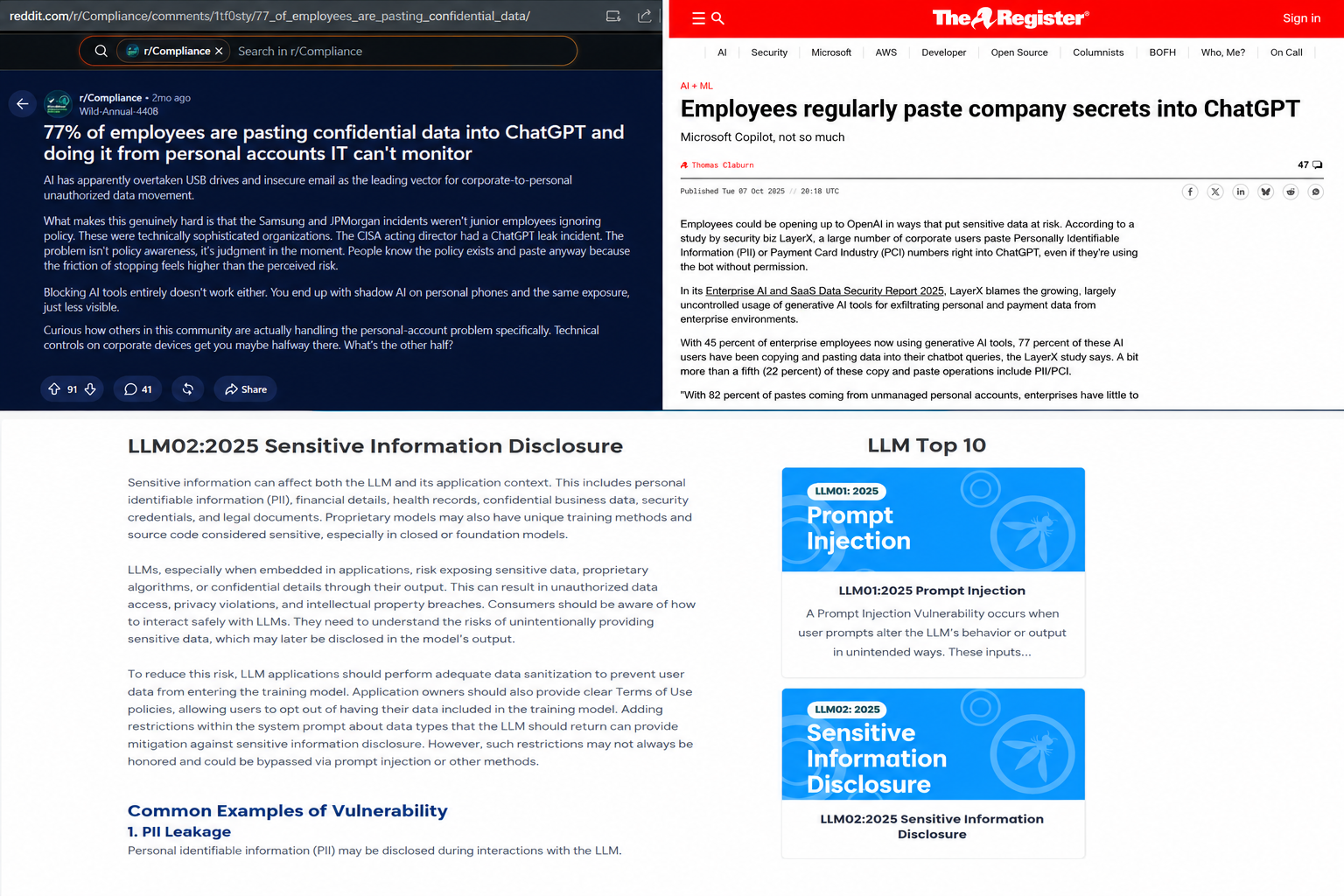
Over the past few months, I kept seeing developers, security engineers, and employees across LinkedIn, X (Twitter), and Dev.to sharing stories about accidentally pasting confidential information into ChatGPT or other LLMs. Sometimes it was an API key, sometimes an internal document, sometimes customer information, and sometimes production credentials.
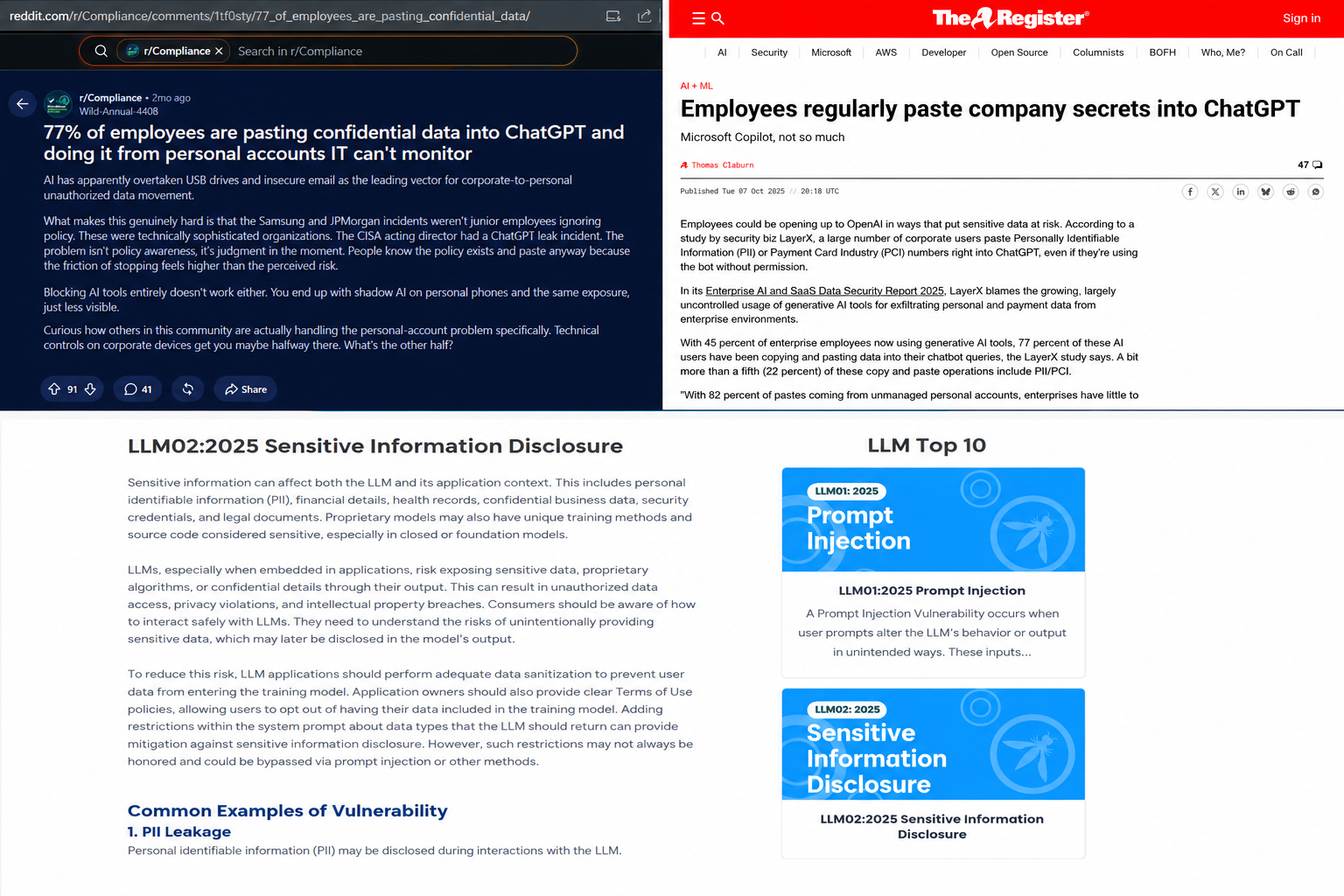
The advice was always the same:
"Be careful what you paste into AI."
But that advice assumes people stop and think before every paste.
The reality is much simpler.
The workflow is usually:
- Copy something.
- Open an LLM.
- Paste.
- Oops.
Copy and paste is pure muscle memory. When you're debugging, writing code, summarizing documents, or working under pressure, you don't stop to inspect every clipboard entry.
That made me ask a simple question:
What if security could become part of the copy-paste habit instead of trying to change it?
That idea became PrePaste.
Instead of asking users to remember to sanitize their prompts every single time, PrePaste automatically checks what they're about to share and warns them before they accidentally expose something sensitive.
Everything happens locally on the user's machine, keeping privacy as the first priority.
What it does
PrePaste is a lightweight Windows desktop application that acts as an intelligent privacy layer between Ctrl+C and Ctrl+V.
It continuously monitors clipboard content locally and detects sensitive information before it reaches an LLM, email, chat application, or anywhere else the user might paste it.
When sensitive content is detected, PrePaste can:
- Detect Personally Identifiable Information (PII)
- Detect secrets and credentials
- Identify API keys and authentication tokens
- Recognize custom confidential patterns
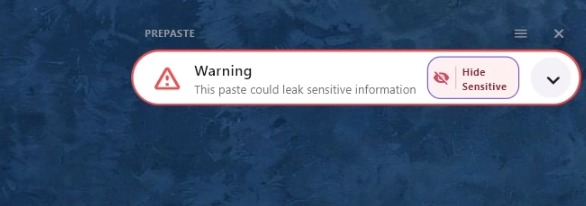
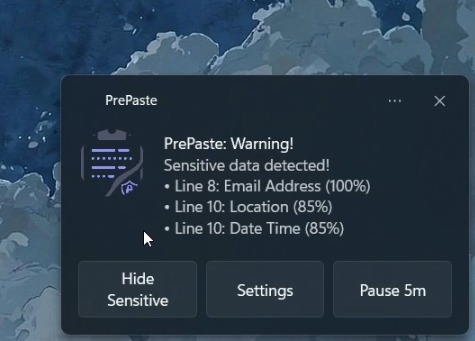
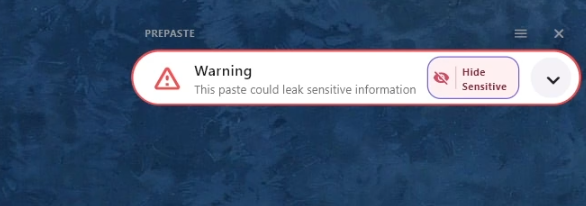
- Warn users through a beautiful desktop UI or native Windows notifications
- Redact sensitive information with a single click
- Allow users to continue safely without manually editing text
Unlike traditional enterprise DLP solutions, PrePaste is designed around the way people already work.
Users don't need to learn anything new.
They simply continue using Ctrl+C and Ctrl+V.
PrePaste quietly protects them in the background.
Everything is processed locally.
Nothing is uploaded.
Nothing leaves the device.
How we built it
PrePaste was built by me as a solo developer during OpenAI Build Week, using OpenAI Codex as my AI coding partner throughout the development process.
The desktop interface was built using Flet, allowing me to create a modern, lightweight, and responsive UI entirely in Python while maintaining a native desktop experience.
For sensitive information detection, I integrated Microsoft's Presidio, extending it with custom recognizers and custom key definitions to detect organization-specific secrets and patterns beyond the default models.
The application continuously watches clipboard events, analyzes copied text locally, classifies sensitive information, and presents contextual actions to the user.
The notification system supports both:
- Native Windows notifications
- A custom-designed in-app experience for richer interaction
Finally, I packaged the project into a standalone Windows executable, making it easy for anyone to install and start using immediately without setting up a Python environment.
Challenges I ran into
One of the biggest challenges was balancing security with usability. If the detector becomes too aggressive, users start ignoring warnings. If it's too lenient, genuinely sensitive information slips through. Finding that balance required carefully tuning detection logic and custom recognizers.
Since clipboard operations happen constantly throughout the day, the application needed to respond instantly without impacting the user's workflow or system performance.
Designing notifications was another interesting challenge.
Security tools often overwhelm users with intrusive popups.
I wanted PrePaste to feel helpful instead of intrusive, so I spent significant time designing notifications that users would actually appreciate seeing. Users can choose between lightweight native Windows notifications or a richer custom Flet overlay for a more interactive experience.
Packaging everything into a Windows executable while keeping dependencies manageable also required careful engineering.
Accomplishments that I'm proud of
The accomplishment I'm most proud of is creating something that solves a genuine problem instead of being another AI demo.
PrePaste isn't asking users to change their behavior.
It protects one of the most common computer habits that everyone already has.
From product ideation and UI design to clipboard monitoring, detection logic, local processing, packaging, and release, every part of PrePaste was built by me, with OpenAI Codex serving as my AI development partner throughout the project.
Another achievement is that all sensitive content analysis happens locally, giving users confidence that their confidential information is never sent to external servers simply to determine whether it is confidential .
One milestone I'm especially proud of is getting PrePaste into the hands of real users. It has already been tested by 7 early users, whose feedback has helped shape the product and validate that the clipboard-first approach solves a problem people actually encounter in their day-to-day workflows.
I believe PrePaste introduces a new category of AI safety tooling at the clipboard level.
Rather than building another chatbot or AI assistant, it becomes an intelligent privacy layer that sits between users and AI systems.
While there are enterprise DLP solutions and browser-based AI security tools, PrePaste focuses on the moment where accidental leaks actually happen: the clipboard. Instead of protecting a browser or an organization, it protects the user's everyday workflow completely offline.
What I learned
This project taught me that solving the right problem is often more valuable than building the most technically complex solution.
The hardest part wasn't implementing clipboard monitoring.
It was understanding user behavior.
People rarely leak confidential information intentionally.
Most leaks happen because they're moving quickly.
Designing around existing habits proved to be much more effective than trying to change those habits.
I also gained valuable experience integrating privacy-focused AI tooling, extending Microsoft's Presidio with custom recognizers, designing desktop interfaces with Flet, optimizing long-running background applications, and packaging production-ready Python desktop software.
Perhaps the biggest lesson was realizing that AI safety isn't only about making models better.
It's also about protecting users before mistakes happen.
What's next for PrePaste
My immediate goal is to make PrePaste production-ready, open source it, and build a community around privacy-first AI workflows.
PrePaste already has an easily maintainable code and easy to understand design architecture.
In the future, I plan for PrePaste to:
- Open-source the project
- OCR support for copied images and screenshots
- Faster scanning for large files
- Cross-platform support (macOS and Linux)
- Organization-specific secret detectors
- Plugin system for custom recognizers
- Browser integration for popular AI platforms
- Local analytics showing prevented privacy leaks
The long-term vision is simple:
Every AI conversation should begin with confidence.
The future of AI isn't just smarter models; it's safer interactions.
Built With
- creativity
- flet
- microsoft-presidio
- openai-codex
- problem
- python


Log in or sign up for Devpost to join the conversation.