What It Does
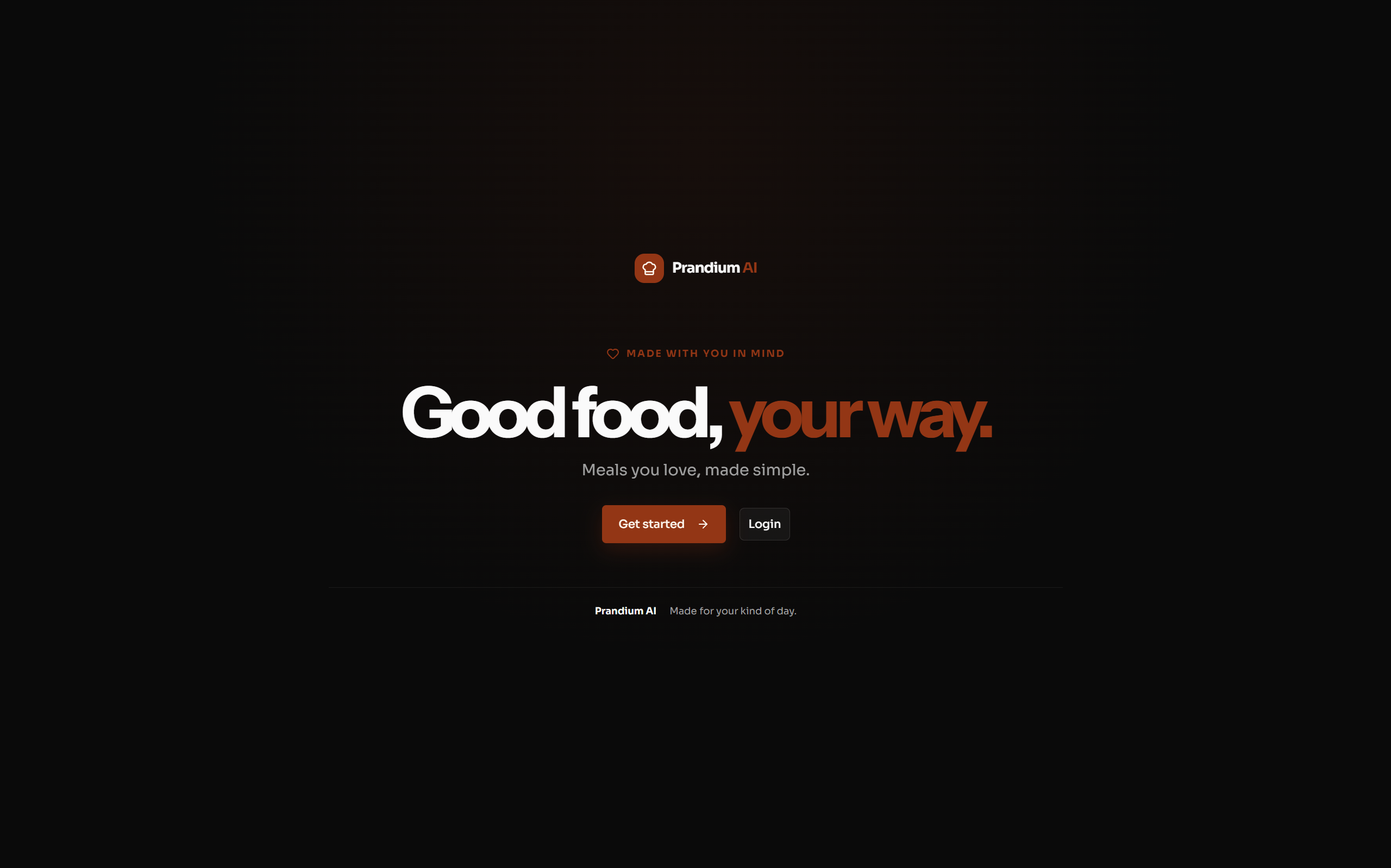
Prandium is an AI-powered meal planning and grocery shopping assistant.
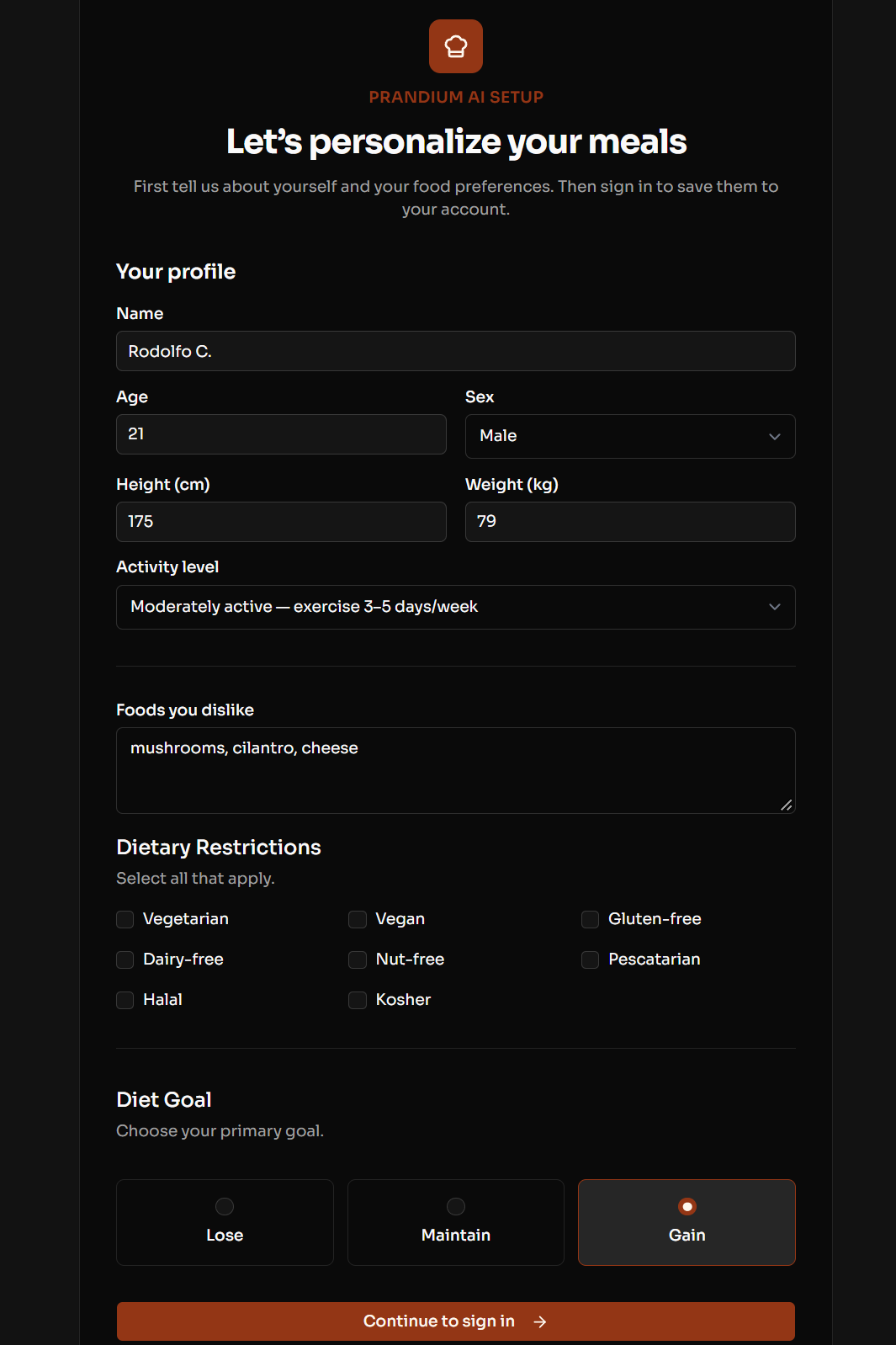
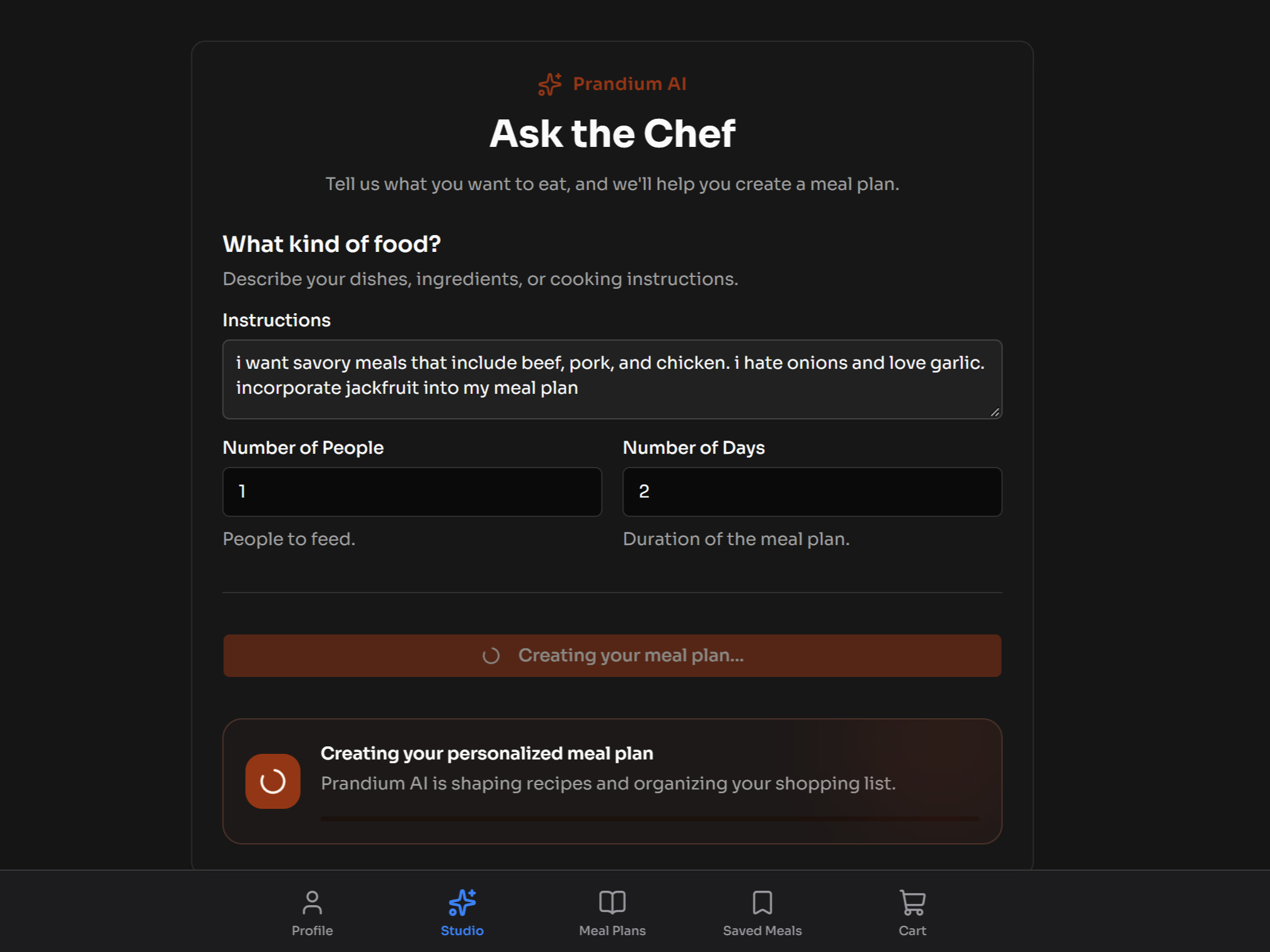
Instead of choosing from a fixed meal-kit menu, you tell Prandium what you want. You can customize your meals based on your budget, dietary restrictions, calorie goals, preferences, number of meals, and even ingredients you already have.
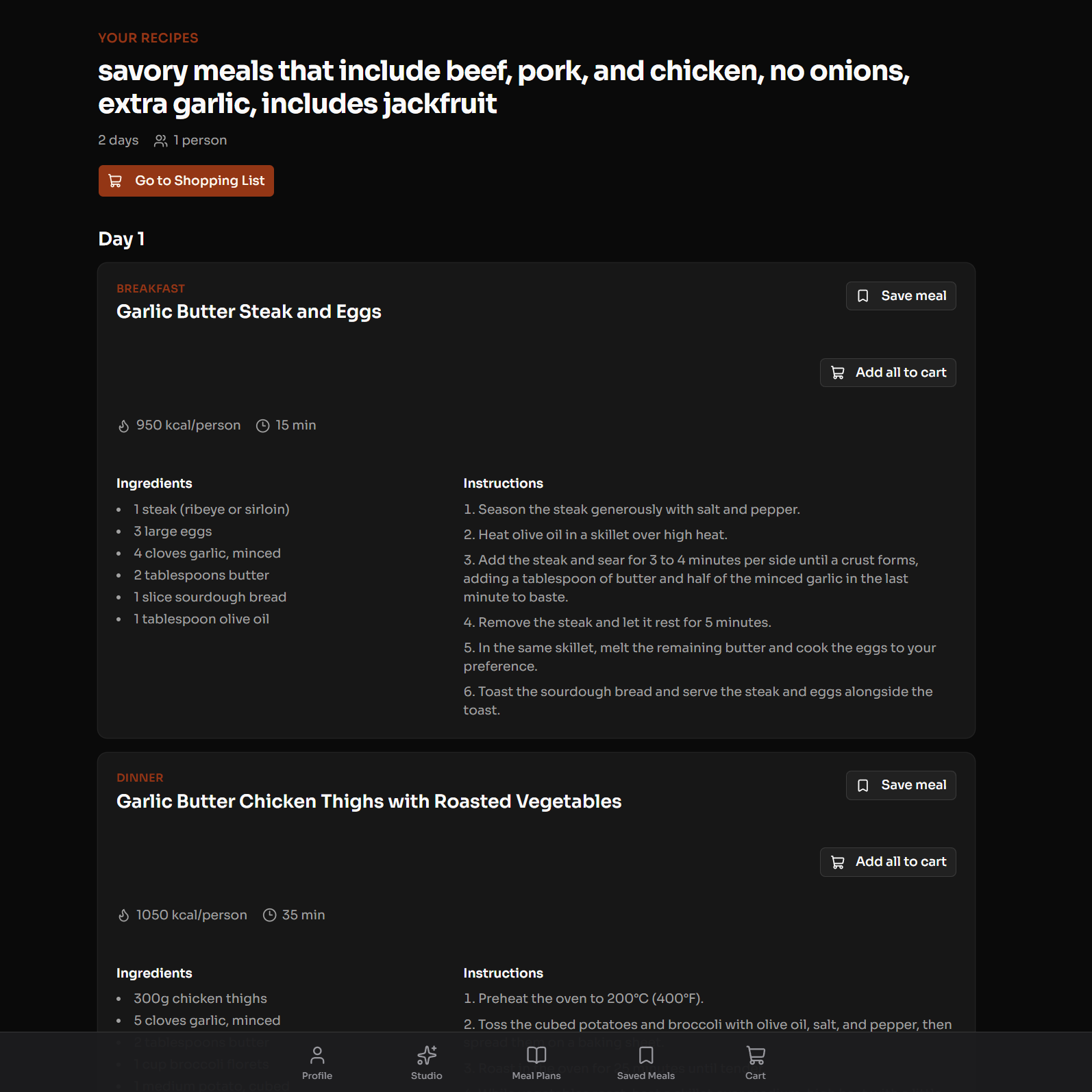
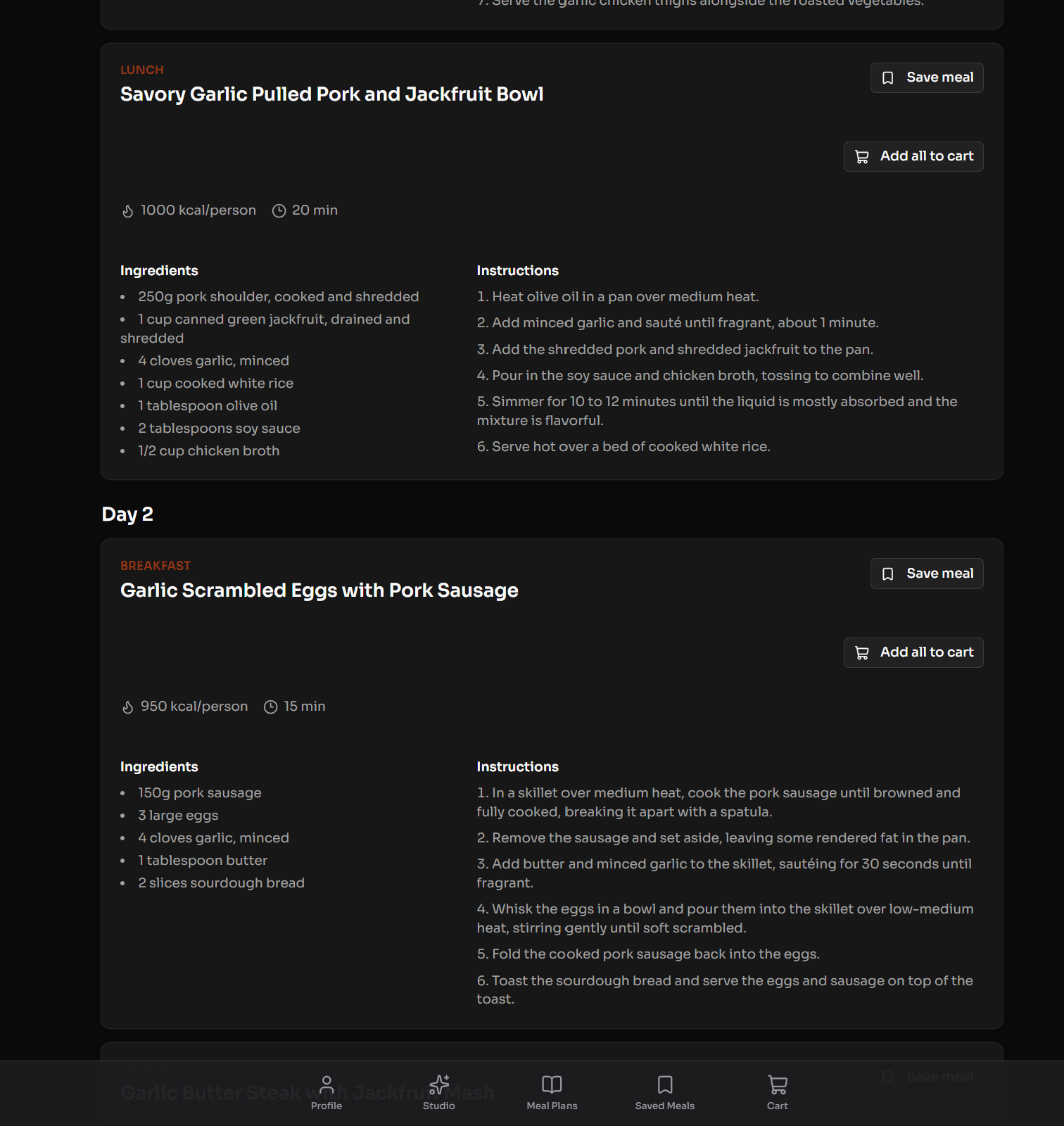
Prandium then uses AI to create a personalized meal plan, including recipes, ingredients, quantities, and estimated calories.
But we didn't want to stop at meal planning.
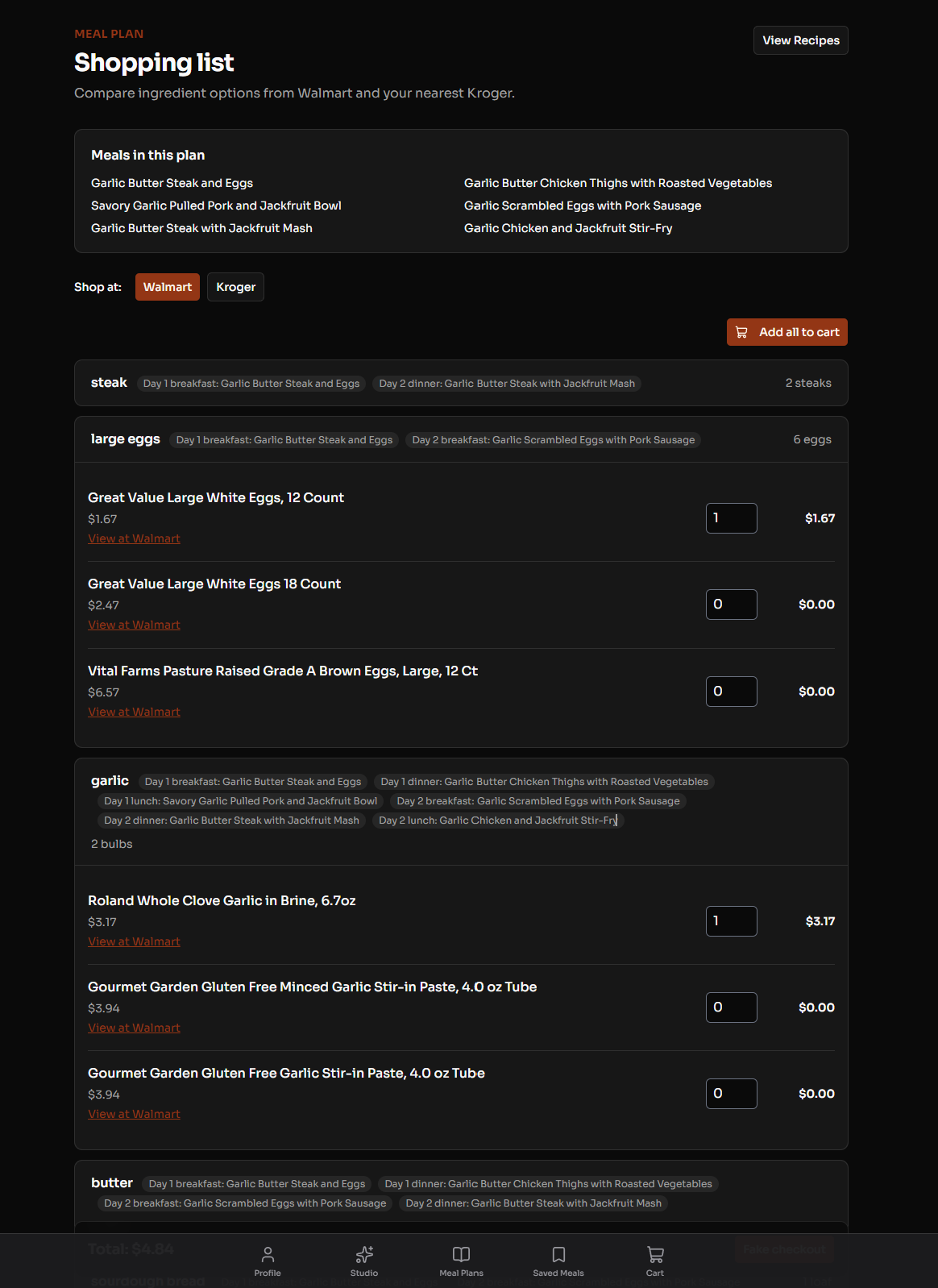
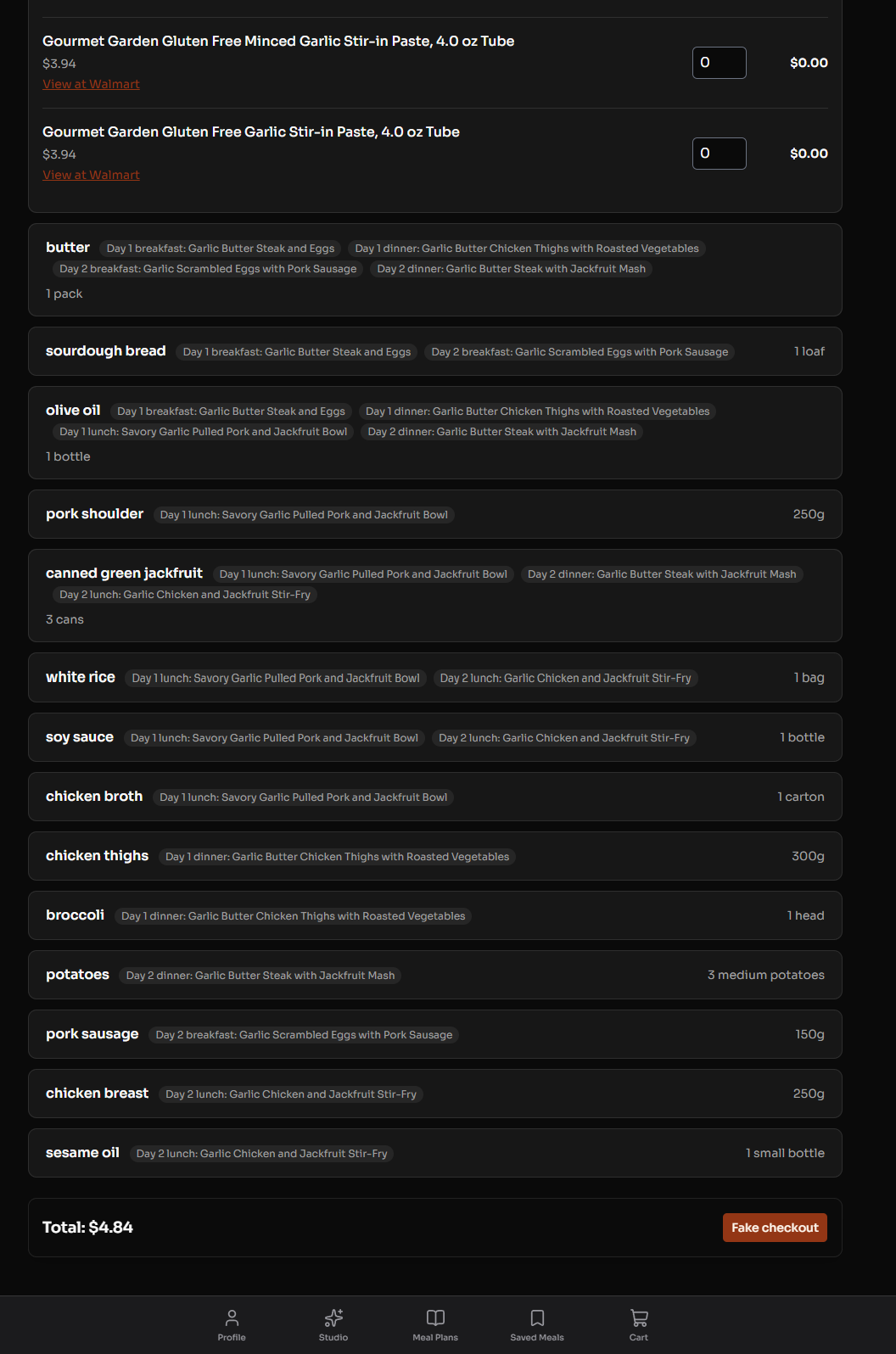
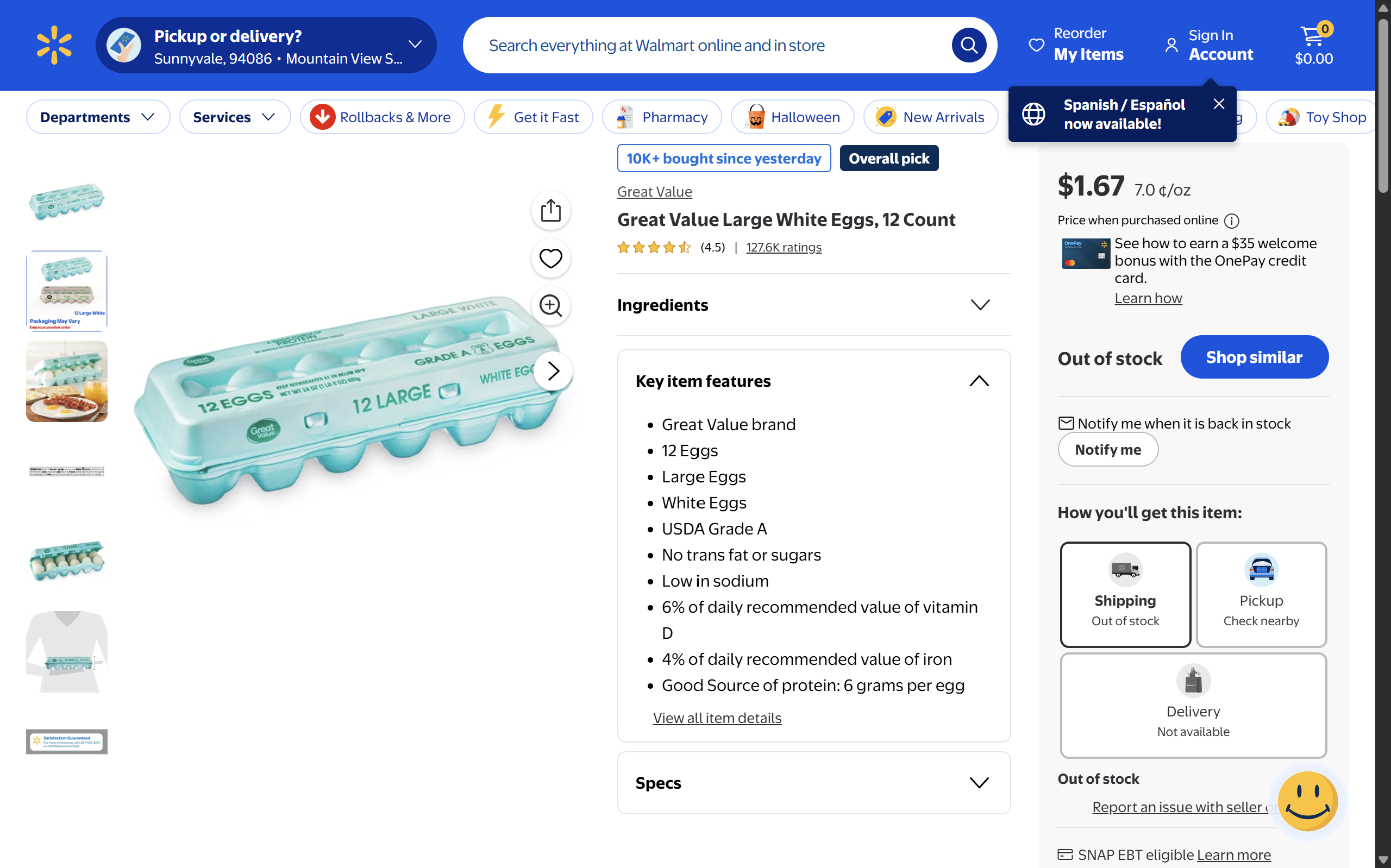
Prandium takes every ingredient from the meal plan, finds the user's nearest Walmart using Google Maps, searches for the actual products at that store, and gives the user direct links to purchase them.
Our goal is to give people the convenience of a meal kit without forcing them into a meal kit.
We are currently working on integrating the Kroger Cart API so that Prandium can eventually build the entire grocery cart automatically.
Inspiration
Meal kits like HelloFresh are convenient, but they can also be expensive and limiting. You're given a predetermined set of recipes and ingredients, even when you may want something completely different.
We thought:
Why can't AI give us the convenience of a meal kit while still letting us choose exactly what we want?
That became Prandium.
Instead of paying someone else to decide your meals, package your ingredients, and deliver them, Prandium lets you customize everything and then helps you find the groceries yourself.
How We Built It
We built Prandium using Python and Flask for our backend, with our frontend hosted through Render. All of our API calls are handled through Python.
The core of Prandium is Gemini. We spent a significant amount of time engineering a prompt that consistently produces a structured JSON response.
The JSON contains the information our application needs, including:
- Recipes
- Ingredients
- Quantities
- Estimated calories
- Meal information
This structured response allows our backend to take the ingredients generated by Gemini and automatically search for them.
We use the Google Maps API to find the user's nearest store and the Walmart Search API to find the actual products needed for each recipe.
We also use SerpAPI as part of our search and API workflow.
The result is a pipeline that looks like:
User preferences → Gemini → Structured meal plan → Google Maps → Walmart products → Purchase links
Challenges
Our biggest challenge was making the AI output reliable enough for the rest of our application to use.
It's easy to ask Gemini to create a recipe. It's much harder to make sure it consistently gives us the exact information our program needs.
We had to carefully engineer our prompt so that Gemini would return predictable, structured JSON instead of a different response every time.
We also had to connect several different APIs together and make sure information could move from one service to another without breaking.
Finally, grocery products aren't always named exactly the same way as ingredients in a recipe. Turning an ingredient like "2 cups shredded mozzarella" into an actual product that someone can purchase required us to think carefully about how we searched for and matched products.
Accomplishments We're Proud Of
We're especially proud that we were able to turn what started as a simple idea for an AI meal planner into a working end-to-end application.
Our biggest accomplishment was connecting the entire process together. A user can give Prandium their preferences, receive a personalized meal plan from Gemini, have the application find their nearest Walmart, and then receive actual products they can purchase for those meals.
We're also proud of the work we put into our Gemini prompt. Instead of simply displaying AI-generated text, we created a structured output that our application could actually process and use.
Most importantly, we built something that goes beyond just demonstrating AI. Prandium connects AI to real-world products and services, taking a user's idea for what they want to eat and turning it into something they can actually buy.
We're continuing to build on this by integrating the Kroger Cart API. Our goal is to eventually go from:
"Here are the products you need."
to:
"Your entire grocery cart is ready."
What We Learned
We learned that building an AI application is about much more than getting an AI to generate a good answer.
The real challenge was figuring out how to make AI work together with traditional software.
Gemini is great at understanding what a person wants and creating a meal plan, while our Python backend is better suited for handling structured data, APIs, searches, and products.
We learned a lot about prompt engineering, JSON, API integration, backend development, and connecting multiple services into one application.
Most importantly, we learned how to take an idea and turn it into a working product that solves a real problem.
Built With
- auth0
- firebase
- firestore
- flask
- gemini
- google-maps
- javascript
- jwt
- kroger
- kroger-api
- python
- render
- serpapi
- shadcn-ui
- svelte
- sveltekit
- typescript
- vercel
- walmart-open


Log in or sign up for Devpost to join the conversation.