-
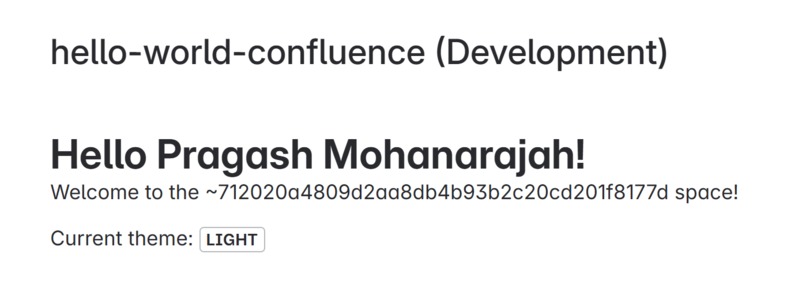
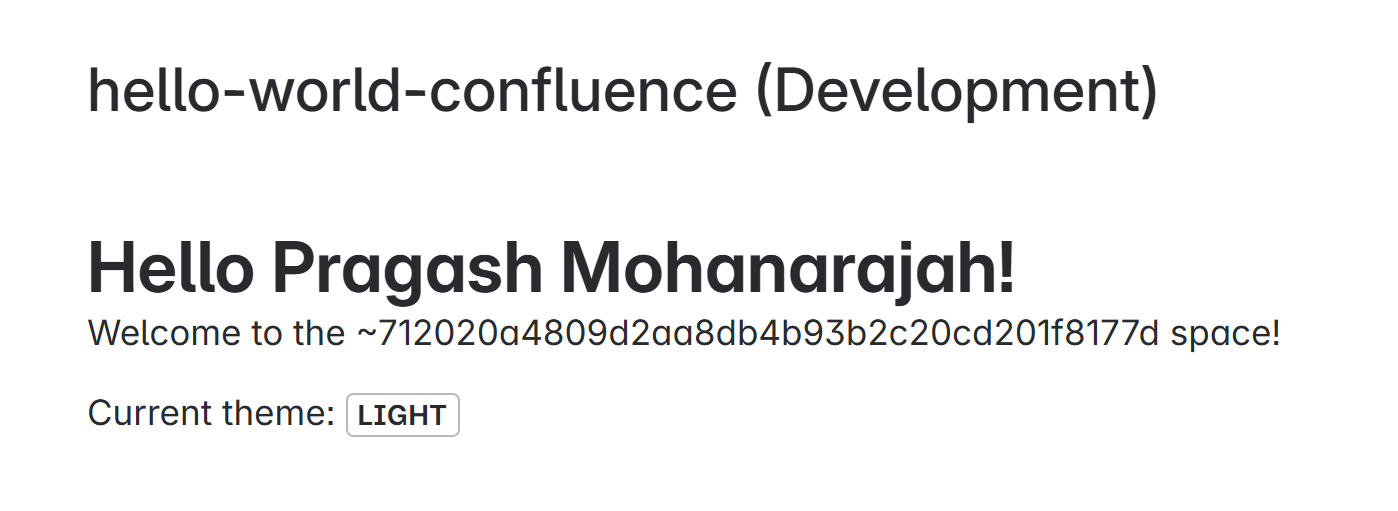
Hello World Application
-
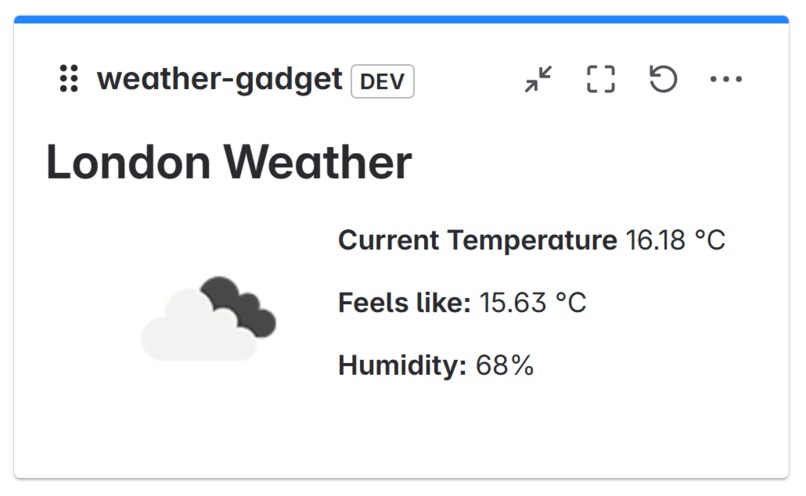
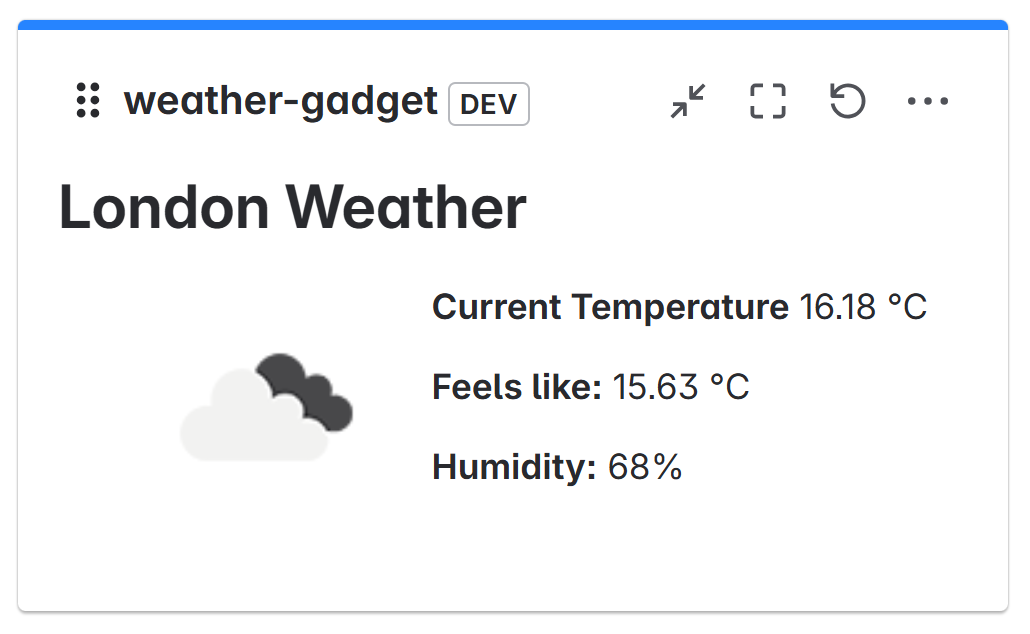
Initial Weather Application at the end of the Tutorial
-
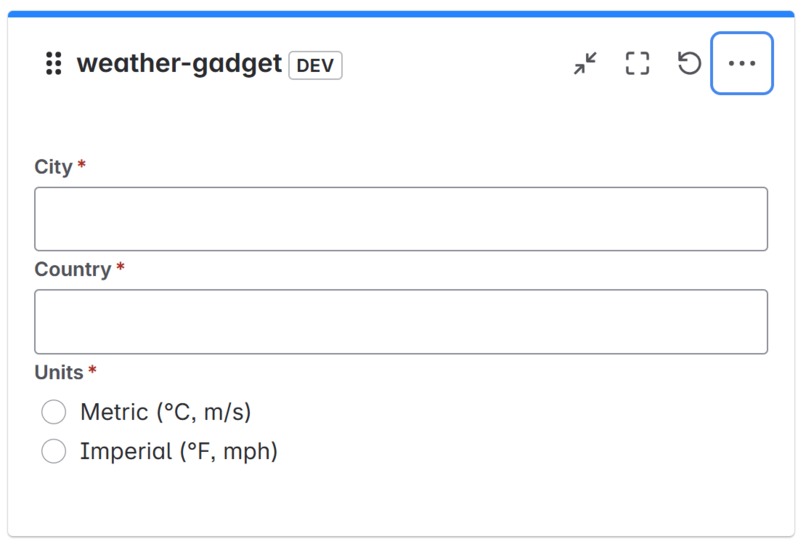
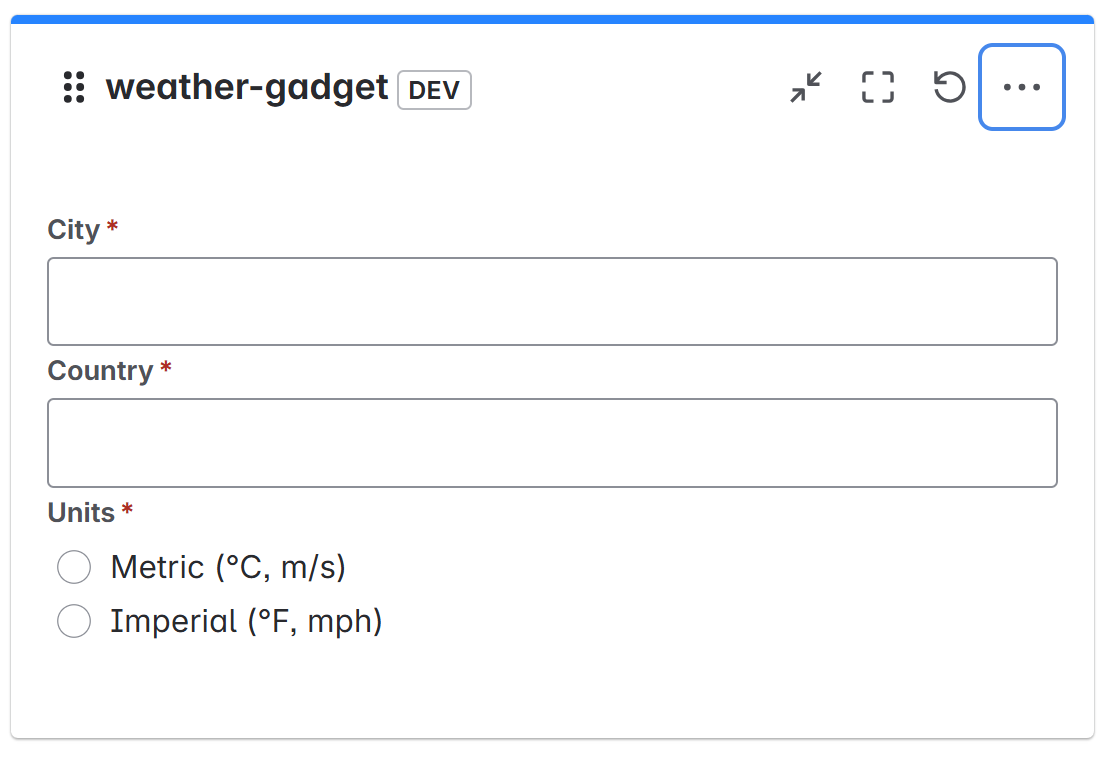
Final Weather Application: Step 1 of Configuration
-
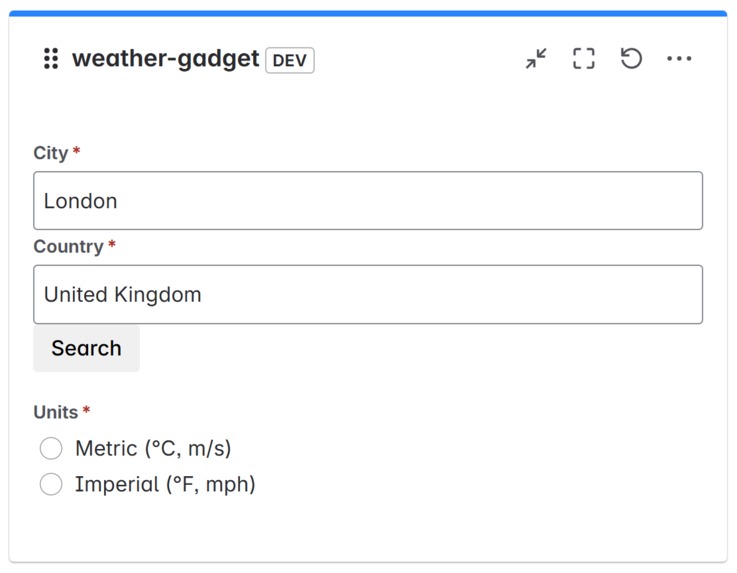
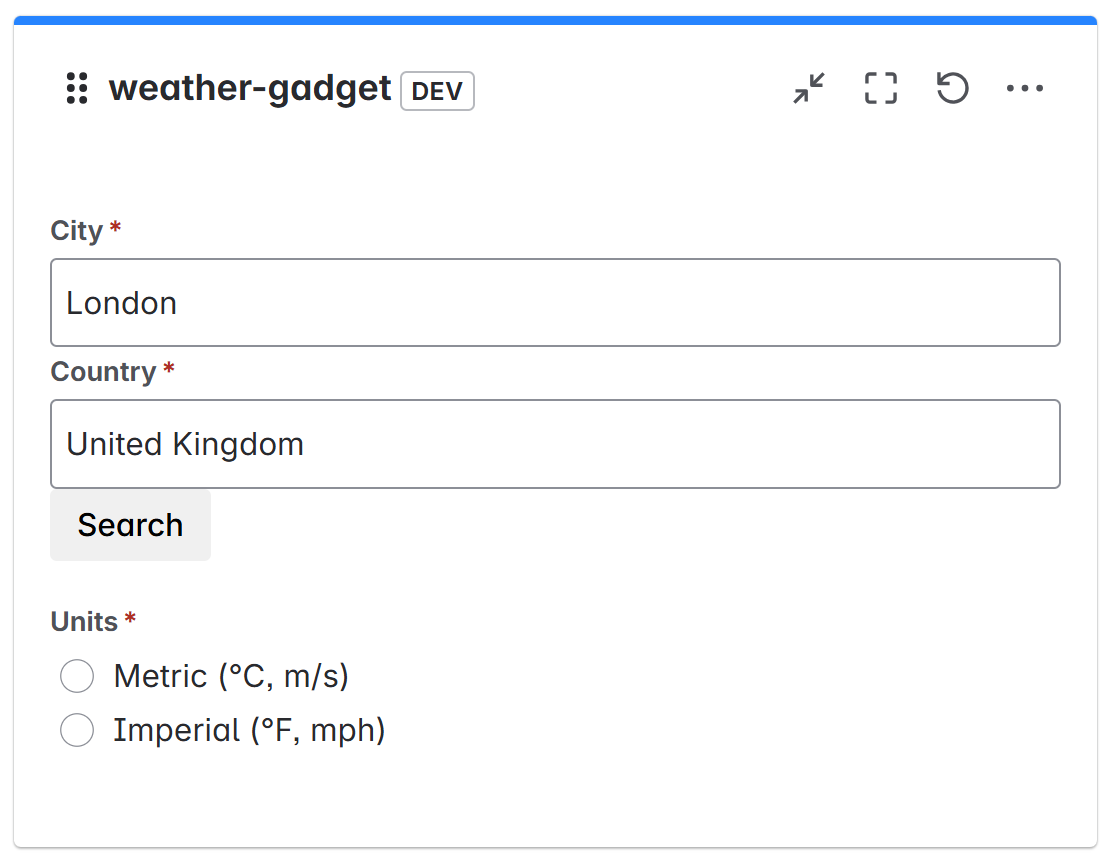
Final Weather Application: Step 2 of Configuration
-
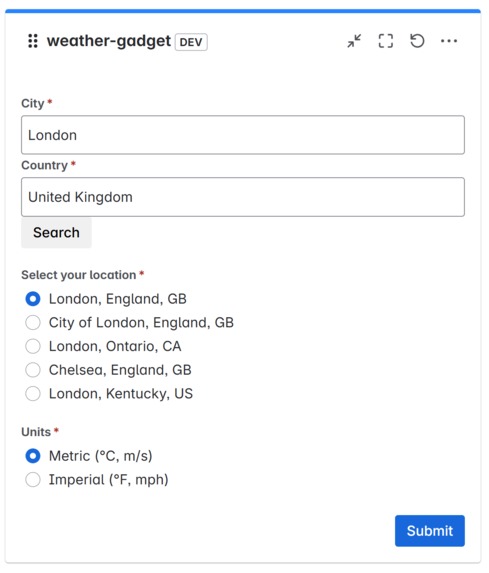
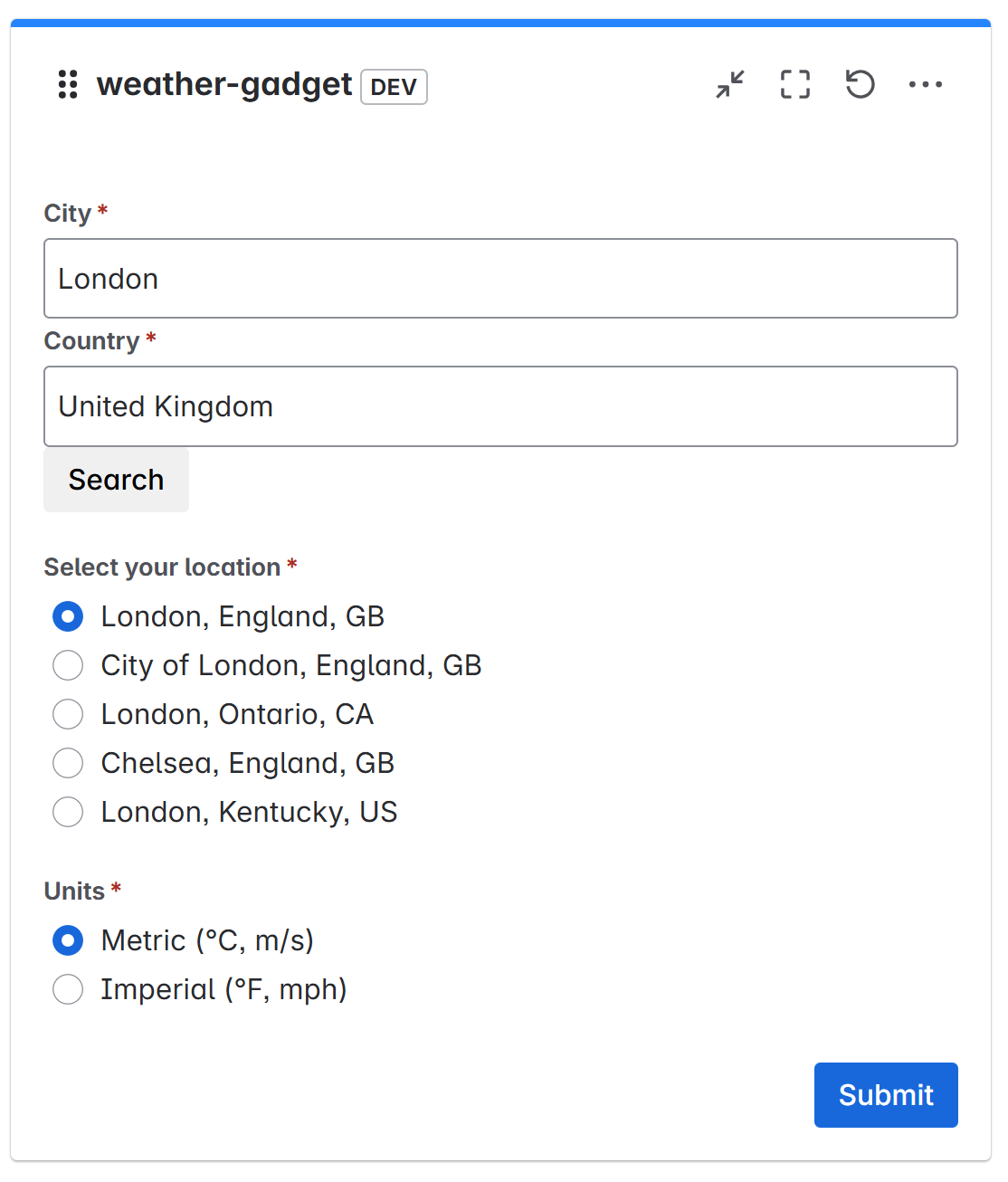
Final Weather Application: Step 3 of Configuration
-
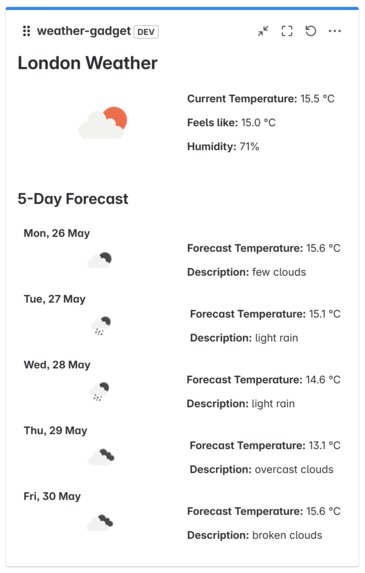
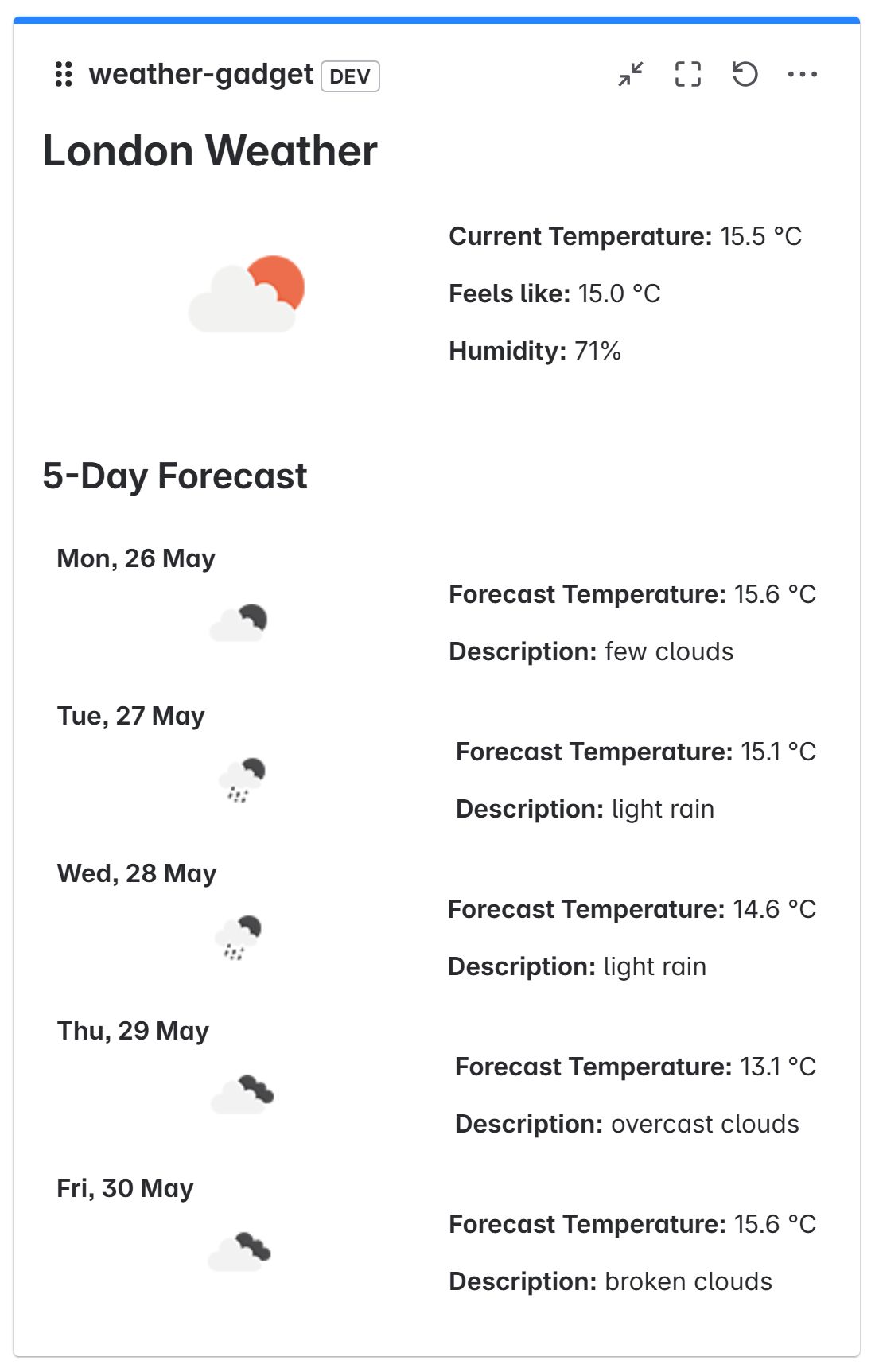
Final Weather Application after some improvements
Inspiration
My work is heavily inspired by the Atlassian Forge Quest
What it does
I have built two applications.
The first is a Hello World Confluence application, which helped me get familiar with the tools available in Atlassian's Forge technology.
The second, more advanced application, is Pragash's Weather Gadget. This Jira gadget allows users to configure a location (city and country) and then view the current weather conditions and a 5-day forecast directly within their Jira pages.
How we built it
Both applications were built using the Atlassian Forge platform.
Hello World App: This was a straightforward introduction to Forge. It involved:
- Setting up a new Forge app using the Forge CLI.
- Defining a basic Confluence macro module in the
manifest.yml. - Using Forge's UI Kit (or a very simple Custom UI with static content) to display "Hello World!" on a Confluence page.
Pragash's Weather Gadget: This project was more involved and leveraged several Forge features and web technologies:
- Forge CLI: For project scaffolding, deployment, and tunneling during development.
- Manifest (
manifest.yml): To define the Confluence gadget module, permissions (likefetch:external-apifor OpenWeatherMap andstorage:appif used), and backend resolver functions. - Custom UI (React): The frontend for both the configuration (Edit view) and the display (View) of the gadget was built using React with Forge's UI Kit 2 components (
@forge/react). This allowed for a dynamic and interactive user experience. - Forge Bridge (
@forge/bridge):-
invoke: To call backend resolver functions from the React frontend to fetch location coordinates and weather data. -
view.submit: To save the gadget's configuration from the Edit screen. -
useProductContext: To access gadget configuration in the View.
-
- Backend Resolvers (Node.js): Implemented in
src/index.js(or similar) to:- Handle API calls to the OpenWeatherMap API (for geocoding, current weather, and 5-day forecast).
- Securely manage the OpenWeatherMap API key using environment variables.
- External API Integration: Fetched data from the OpenWeatherMap API.
- State Management in React: Used
useState,useEffect,useRef, anduseMemofor managing component state, side effects, and optimizing performance. - Form Handling: Utilized
@forge/react'suseFormfor managing the configuration form, including input validation.
Challenges we ran into
- Understanding the Forge Ecosystem: Initially, getting familiar with the
manifest.ymlstructure, permissions, different module types, and the Forge CLI commands. - Frontend-Backend Communication: Mastering the
invokemechanism and ensuring data was passed correctly between the Custom UI frontend and the backend resolvers. - React State Management within Forge: Ensuring React components updated correctly based on asynchronous data fetching and user interactions, especially with
getValues()fromuseFormand the timing of state updates. - API Key Management: Figuring out the best way to securely store and use the OpenWeatherMap API key (using Forge environment variables).
- Debugging: Learning to effectively use
forge tunneland browser developer tools for debugging Custom UI, andforge logsfor backend issues. - UI Kit 2 Nuances: Working with the specifics of
@forge/reactcomponents, such as howRadioGrouphandles values or how to best structure forms. - Asynchronous Operations: Handling promises and asynchronous updates smoothly, especially when fetching data from external APIs and updating the UI.
Accomplishments that we're proud of
- Successfully building and deploying two functional Atlassian Forge applications.
- Creating an interactive and useful Confluence gadget (the Weather Gadget) from scratch.
- Integrating with a third-party external API (OpenWeatherMap) to fetch and display real-time data.
- Implementing a multi-step configuration process (search for location, select from options, save).
- Displaying both current weather and a 5-day forecast in a user-friendly way.
- Overcoming the learning curve associated with the Forge platform and its development patterns.
What we learned
- The fundamentals of Atlassian Forge development, including its architecture, CLI, and deployment process.
- How to build Custom UIs for Forge apps using React and
@forge/reactcomponents. - Effective state management techniques in React for Forge applications.
- How to define and use backend resolvers for server-side logic and external API calls.
- The importance of secure API key management.
- Best practices for structuring a Forge application and managing dependencies.
- Debugging strategies for both frontend and backend components of a Forge app.
What's next for Pragash's Weather Gadget
- Auto-refresh: Implement functionality to automatically refresh the weather data at a configurable interval.
- More Detailed Weather Info: Add details like wind speed, precipitation probability, sunrise/sunset times.
- Improved UI/UX: Enhance the visual presentation, perhaps with more dynamic icons or charts for temperature trends.
- Multiple Saved Locations: Allow users to save a few favorite locations and easily switch between them.
- Error Handling & Resilience: More robust error handling for API failures or network issues, with clearer feedback to the user.
- Unit/Integration Tests: Add tests to ensure reliability and catch regressions.
- Explore Forge Storage API: Potentially use the Forge Storage API for storing user preferences or cached data more persistently.

Log in or sign up for Devpost to join the conversation.