-
-
Logo
-
Page 1
-
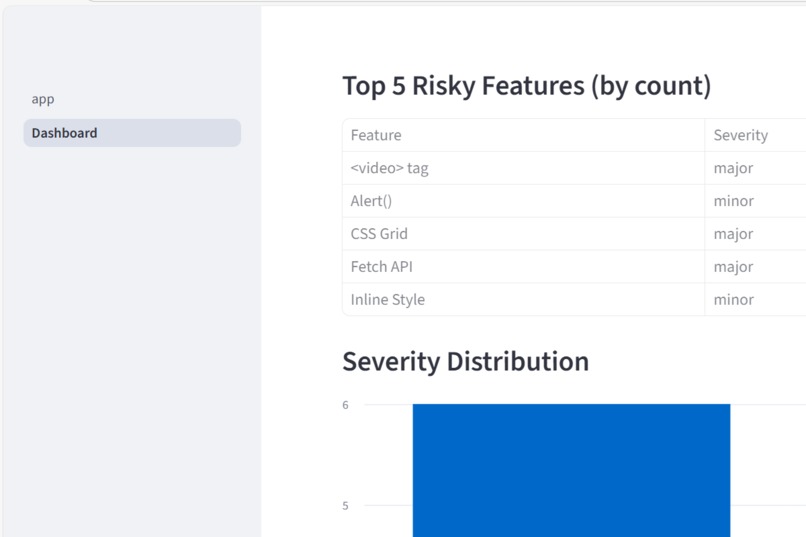
Dashboard SS 1
-
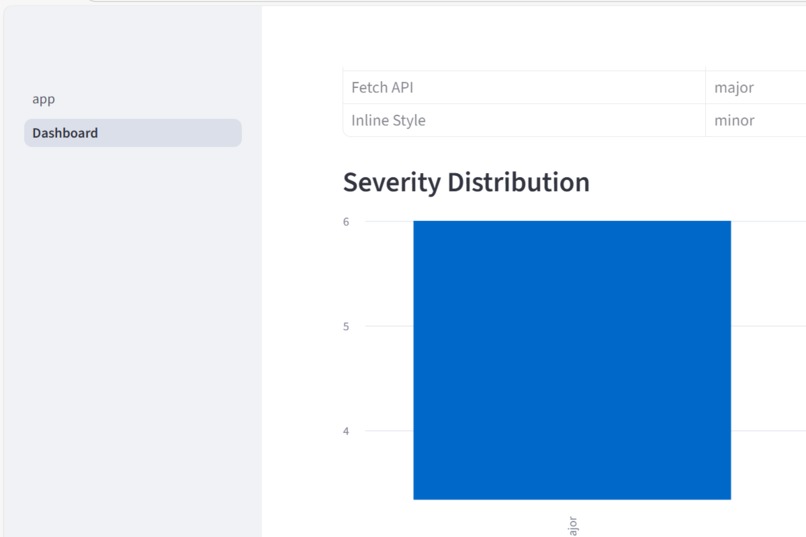
Dashboard SS 2
-
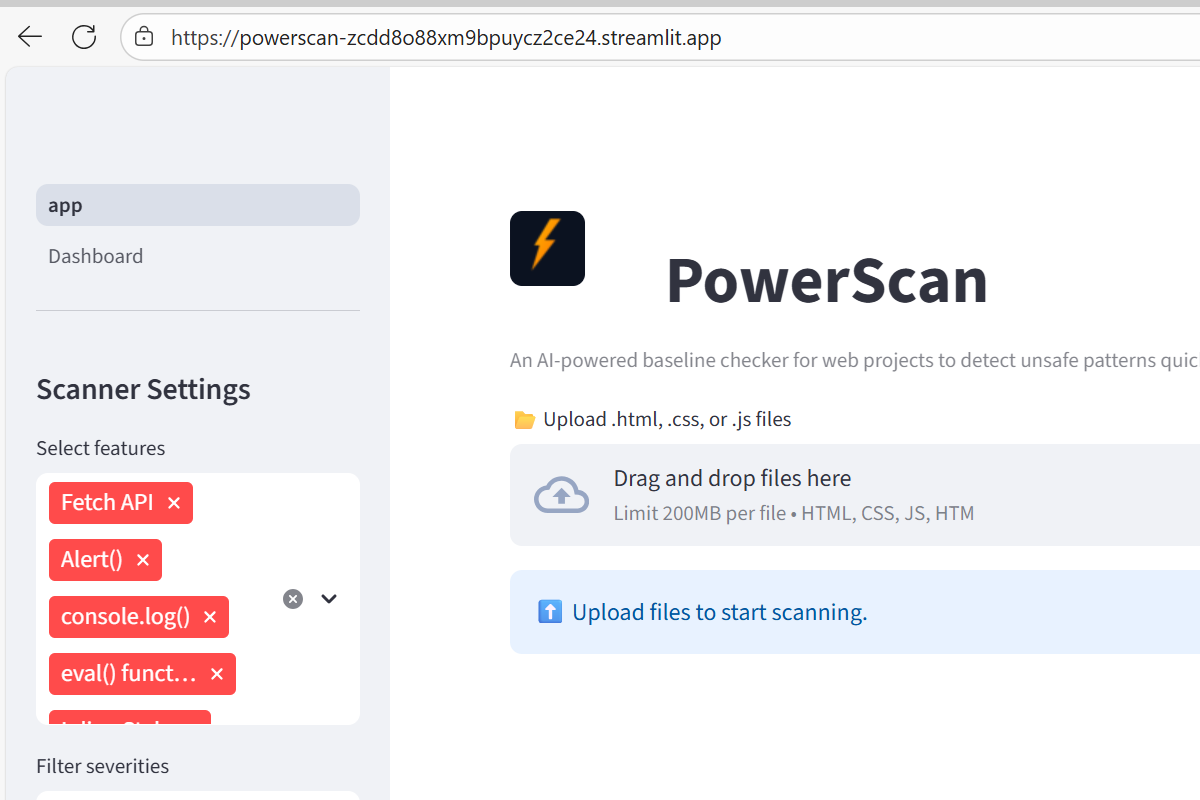
Dashboard SS 3
-
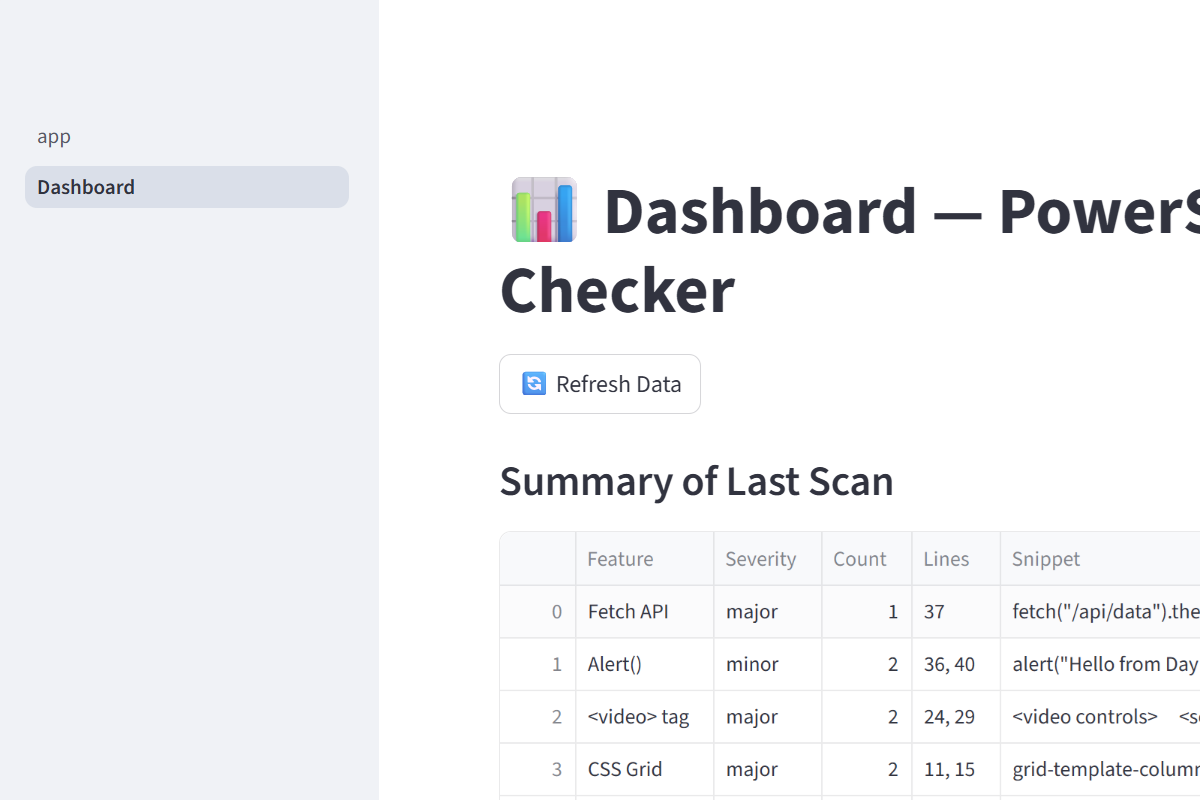
Dashboad SS 4

Inspiration:
Modern web projects often include many third-party scripts, CSS frameworks, and custom code. It’s hard to know instantly whether they include unsafe patterns or violate baseline compliance rules. We wanted to create a simple, AI-powered tool to scan these files quickly and give developers clear, actionable results.
What it does:
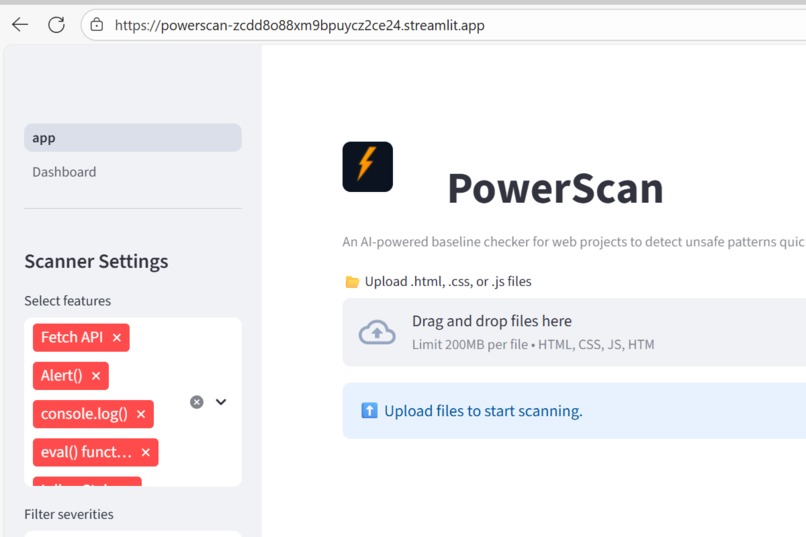
PowerScan is an AI-powered baseline checker for web projects.
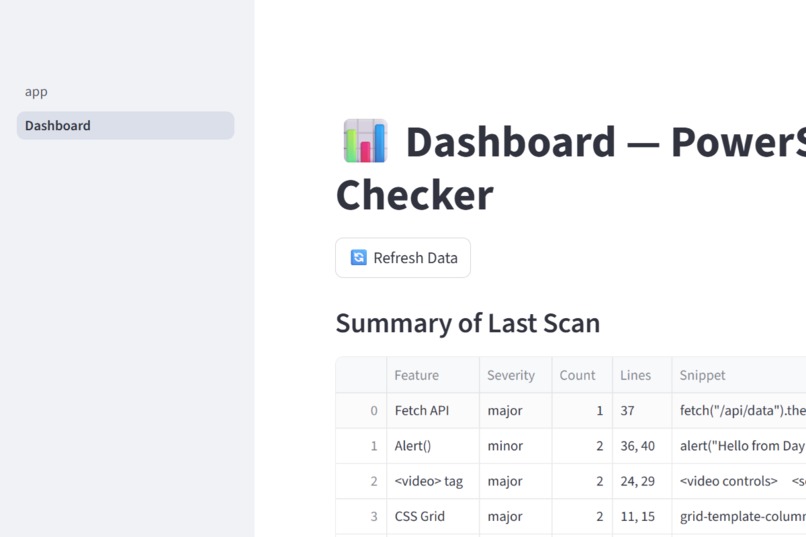
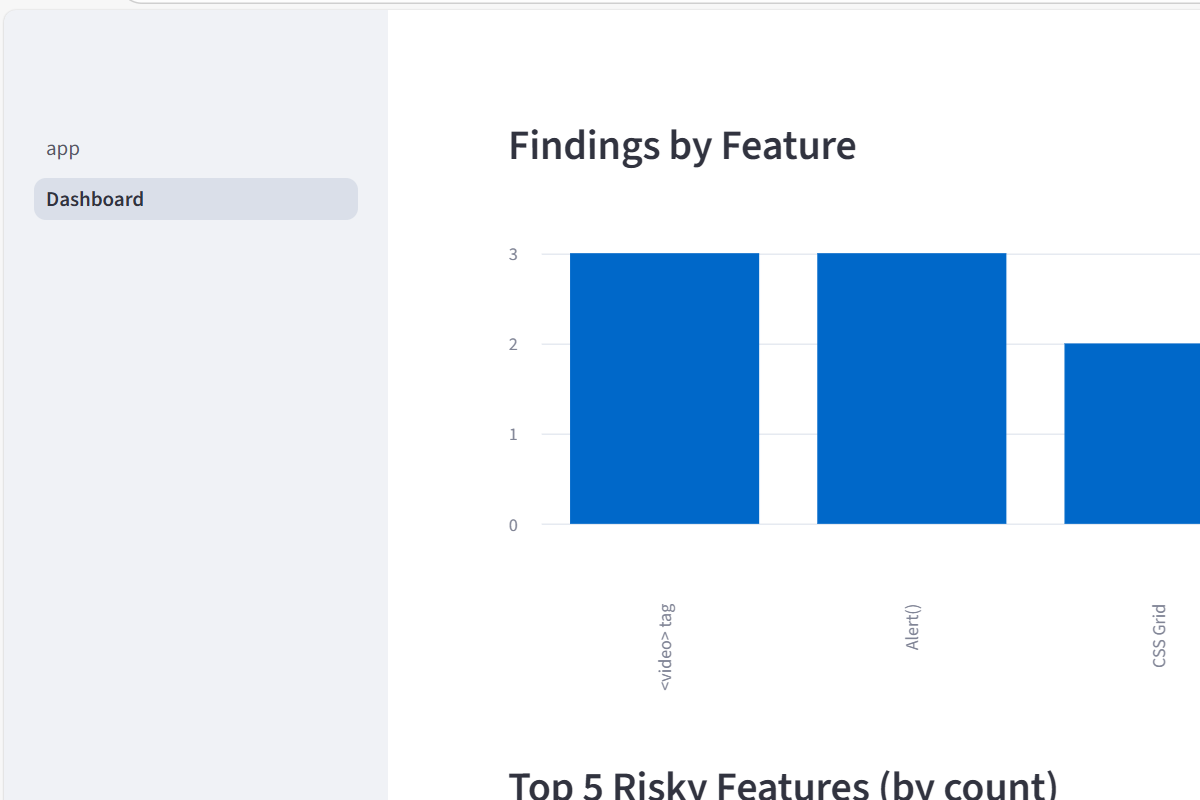
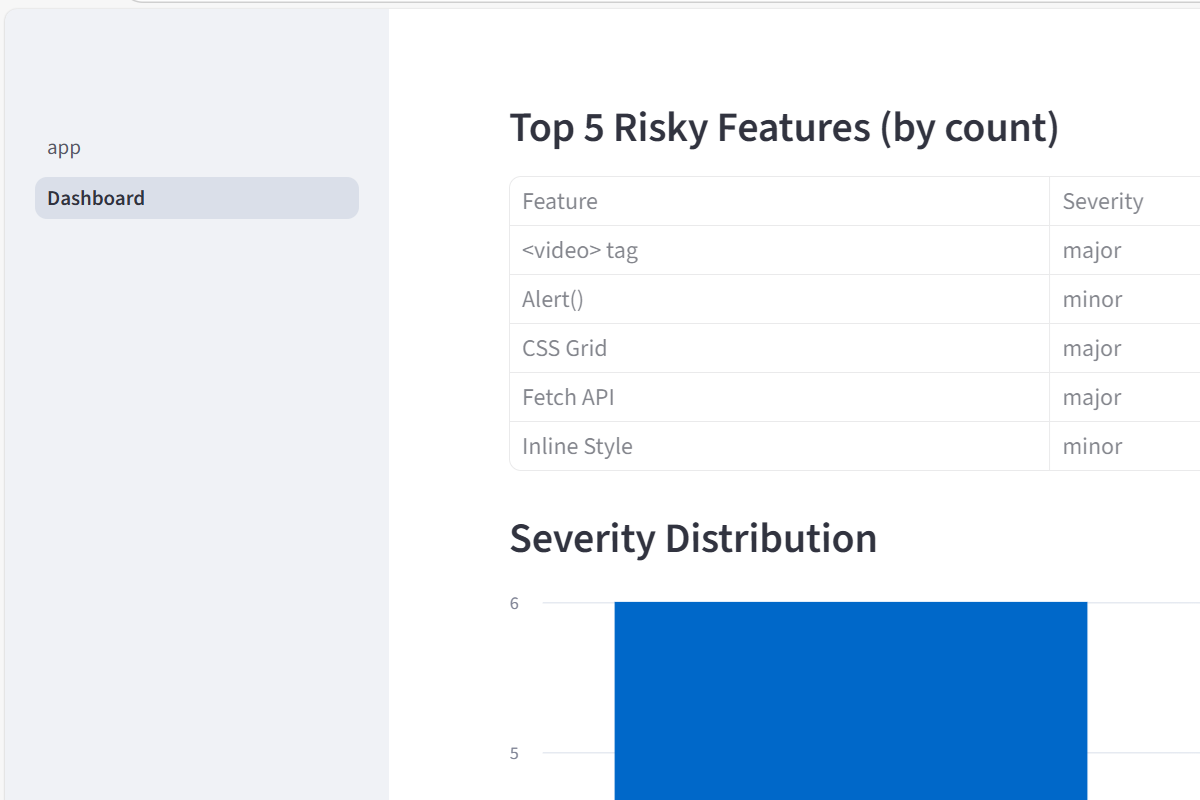
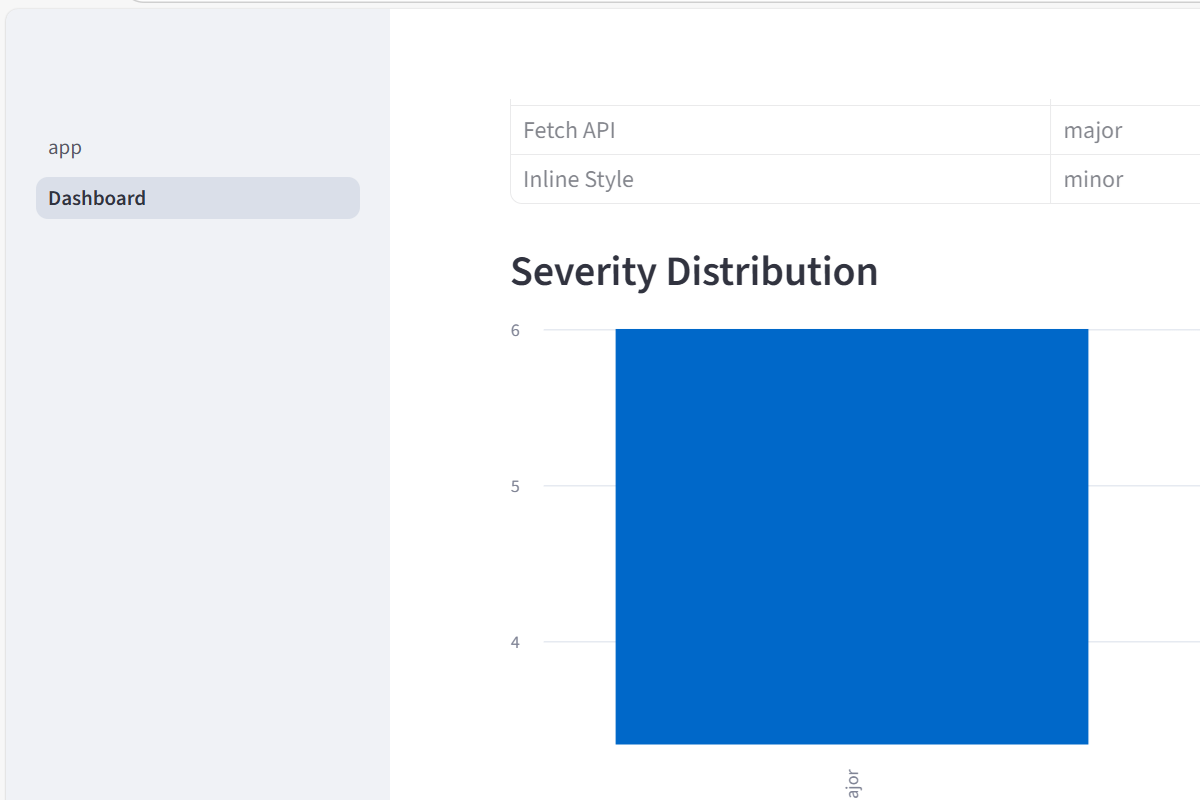
It scans your .html, .css, and .js files for predefined risky patterns, highlights code snippets, and generates downloadable reports (JSON, CSV, Excel, and PDF). It also has an automatic dashboard so you can view your latest scans instantly.
How I built it:
- Frontend/UI: Built using Streamlit for a fast and interactive web interface.
- Backend Logic: Python with regex pattern matching for scanning and summarizing results.
- Data Handling: Pandas for processing and exporting data.
- Reports: ReportLab and ExcelWriter for PDF and Excel report generation.
- Deployment: Hosted on Streamlit Community Cloud for instant online use. ## Challenges I ran into:
- Designing regex patterns that work across different file types.
- Handling very large files without slowing down the app.
- Ensuring the dashboard updates automatically after each scan.
- Managing dependencies and deployment on Streamlit Cloud. ## Accomplishments that i am proud of:
- Built a fully working multi-page Streamlit app in a short time.
- Added automatic report generation in multiple formats.
- Created a clean, open-source project structure that anyone can use or extend.
- Deployed successfully to Streamlit Cloud so users don’t need to install anything locally. ## What I learned:
- How to create multi-page Streamlit apps and link them via shared data files.
- Best practices for exporting data to JSON/CSV/Excel/PDF in Python.
- How to make regex patterns maintainable and configurable.
- Deployment and version control with GitHub + Streamlit Cloud. ## What's next for PowerScan:
- Add more pre-defined patterns (covering accessibility, SEO, and security best practices) so the scanner becomes more comprehensive.
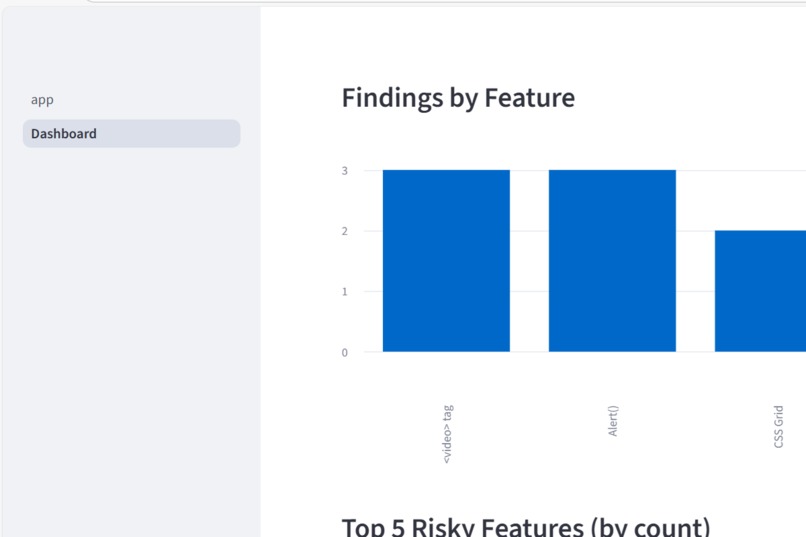
- Improve the Dashboard with clearer charts, severity filters, and a “Top 5 risky features” summary.
- Allow users to upload multiple projects and compare scan results over time.
- Add an option to export a simple HTML report that can be shared without needing Streamlit.

Log in or sign up for Devpost to join the conversation.