-
-
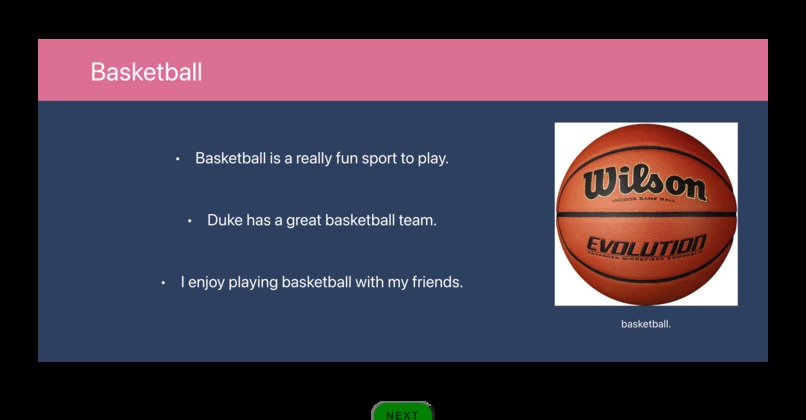
Basketball Slide
-
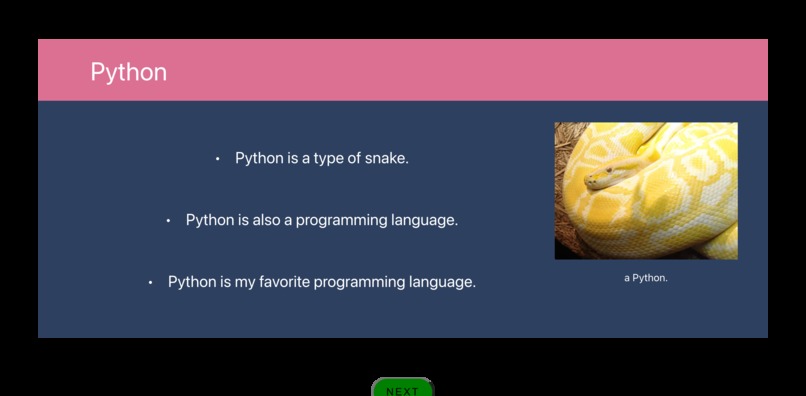
Python Slide
-
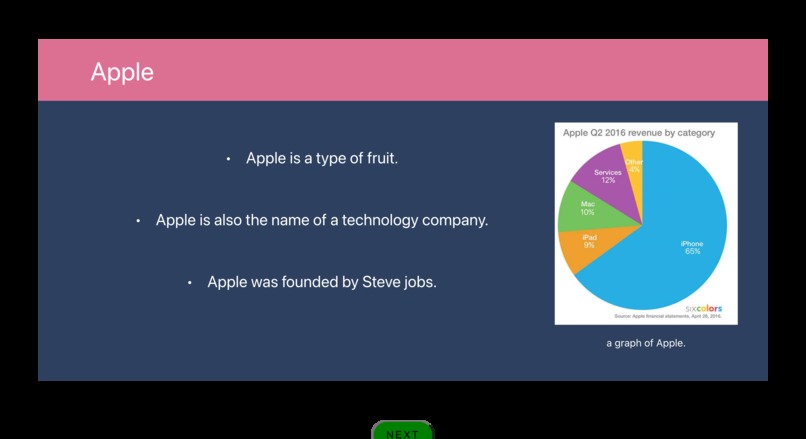
Apple Slide
-
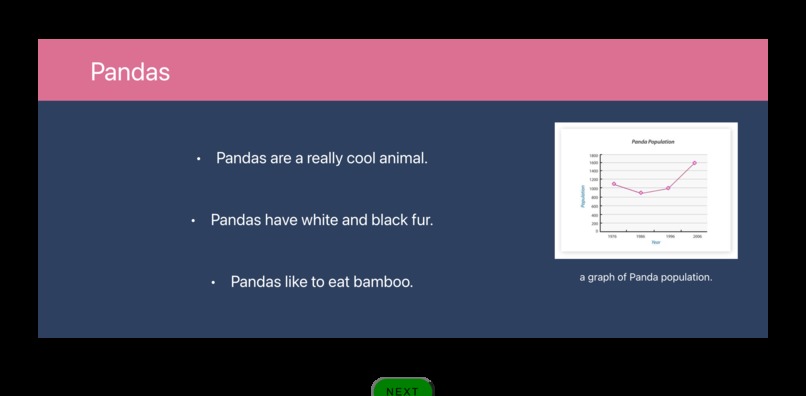
Pandas Slide


Inspiration
We wanted to make it easier for teachers to make dynamic and engaging presentations with visuals and notes that can be saved for later.
What it does
It listens to a presenter’s speech, transcribes it, and divides it up into bullet points on a slide. It considers various keywords that allow the presenter to make a title, add images and graphs, or delete previous bullet points easily. It then allows the user to download the created slide deck.
How we built it
We used React.js to build our website. We chose React.js because we knew the slide would be updating at very high rates, and the state object update re-rendering enabled us to efficiently update our interface accordingly. After capturing audio using a webRTC library, we used the AssemblyAI API to transcribe the speech and splice the audio recording based on gaps in user speech. We localhosted a javascript server to create an authenticated session with AssemblyAI. We parsed the audio transcriptions for key phrases that corresponded to slide titles, bullet points, images, and charts. For images and charts, we scraped the audio transcription and queried the Microsoft Bing API with the figure parameters. Lastly, we added slide screenshot and audio transcription export features to enable sharing of the presentation.
Challenges we ran into
A feature we were hoping to implement was speaking a math equation and displaying a step-by-step solution to the problem on the slide instantly, or allowing the presenter to make changes to the problem on the slides as they worked on it. We found that the WolframAlpha API worked well for this. However, when implementing the API request in our client-side website, we received a CORS access control error, which was the result of a WolframAlpha restriction of React client side request calls. A potential future solution to this problem is routing the API call through a CORS proxy server. The display format of the request response would also be different from the slide format than we designed, so we decided to focus on other core features.
Accomplishments that we're proud of
We were successful in our initial goal of making a live presentation producer that was fairly accurate and intuitive to use.
What we learned
We learned how to plan and develop an idea in a condensed format and how to organize our tasks and our team effectively to prioritize completion of the most important features. Additionally, each member of the team worked with an API, a language, or another tool that was completely new to them, so this project helped us develop our flexibility and willingness to learn about tools that were completely new to us - an extremely important skill for software developers.
What's next for PowerPoint Producer
We hope to be able to create different slide formats based on user input, and make the builder even more intelligent by refining our NLP model. We have many other features planned as well. For example, the Wolfram Alpha API could be implemented for use in mathematics lectures, where functions and equations can be searched and displayed with proper formatting and helpful graphs. A mobile app could be paired with this to give the lecturer more control over the presentation. Videos can also be embedded much like the images currently are.
Built With
- assemblyai-api
- bing
- javascript
- react.js
- recordrtc
- websockets

Log in or sign up for Devpost to join the conversation.