-
-
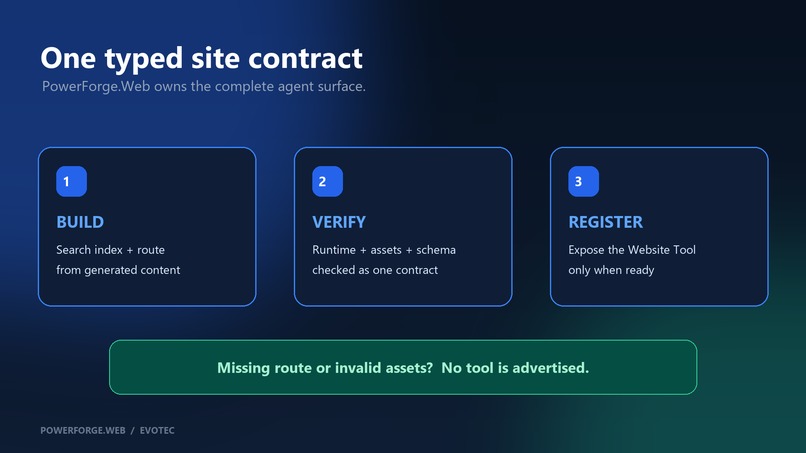
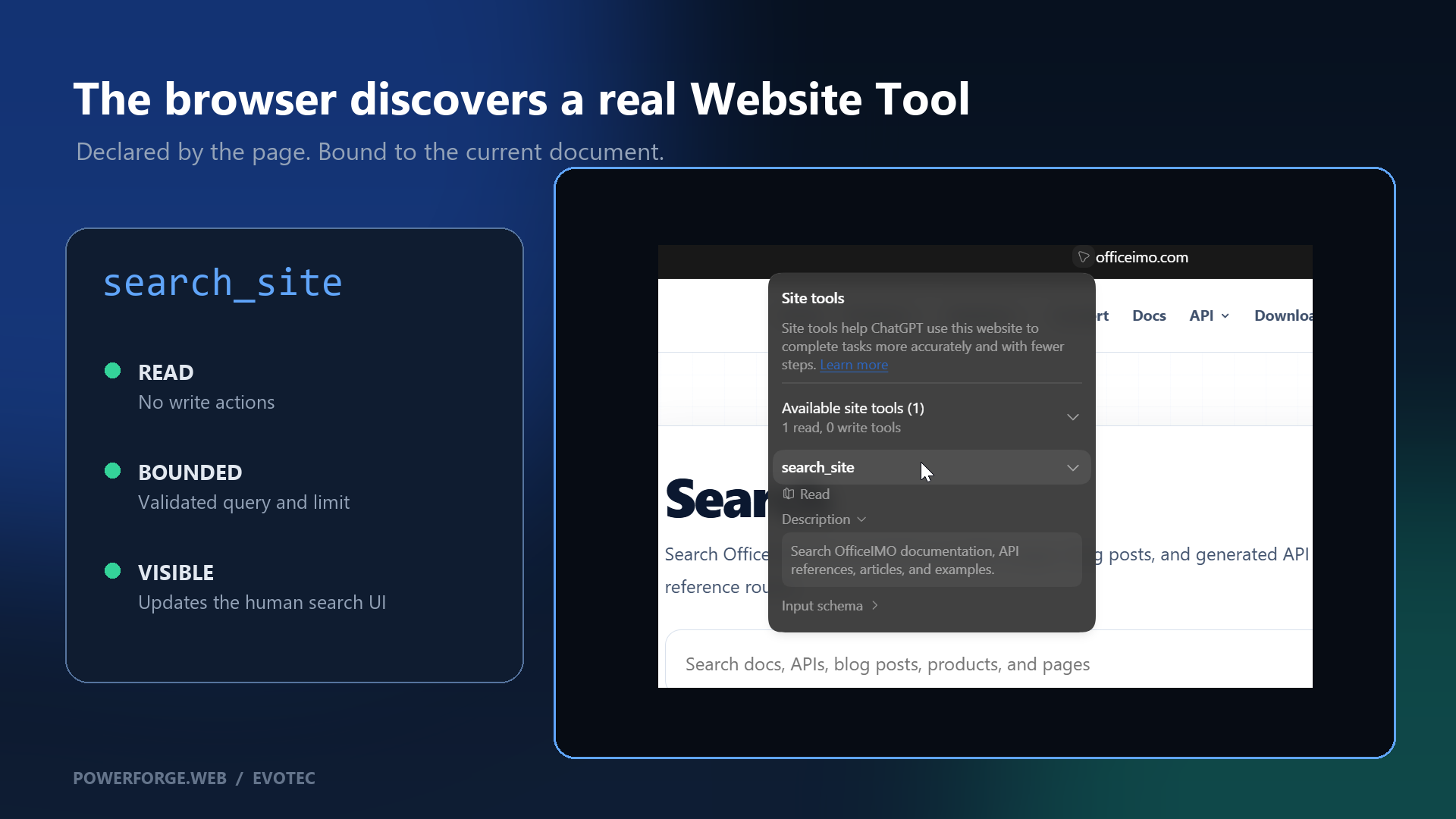
OfficeIMO exposes the read-only search_site Website Tool.
-
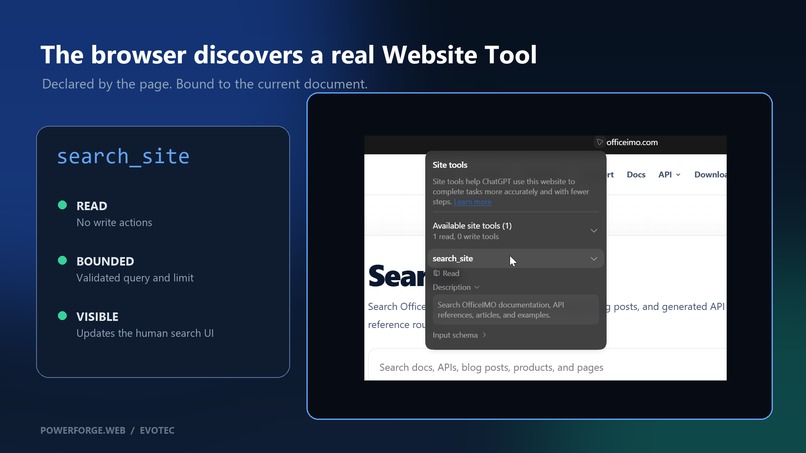
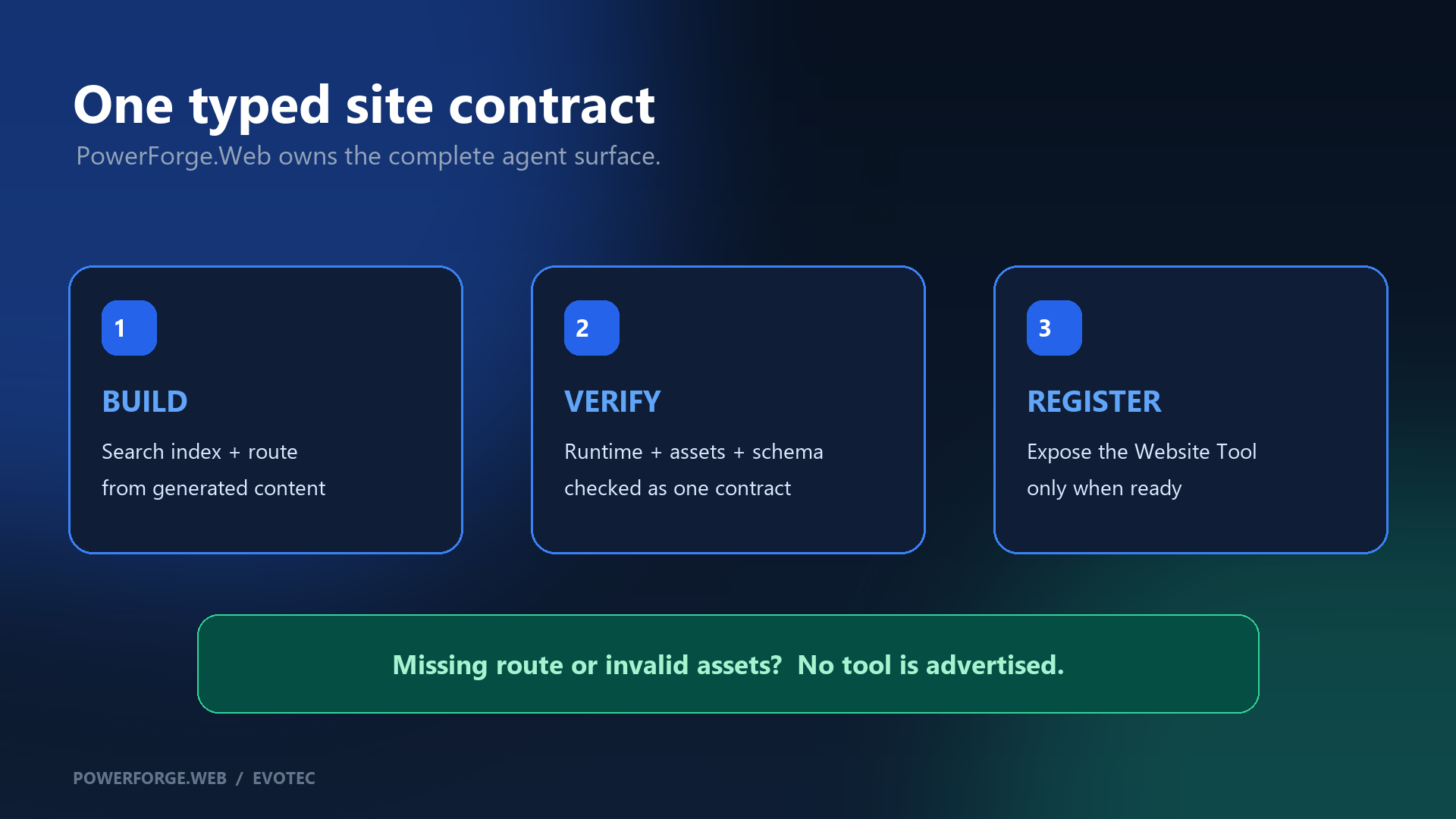
PowerForge.Web generates and verifies the complete WebMCP contract.
-
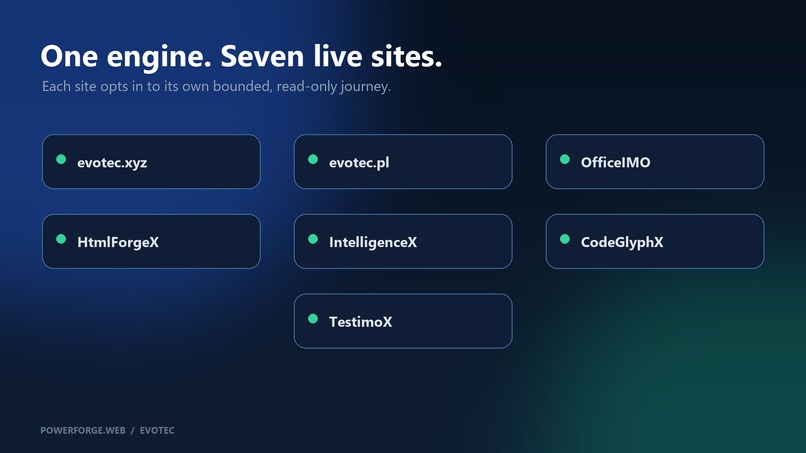
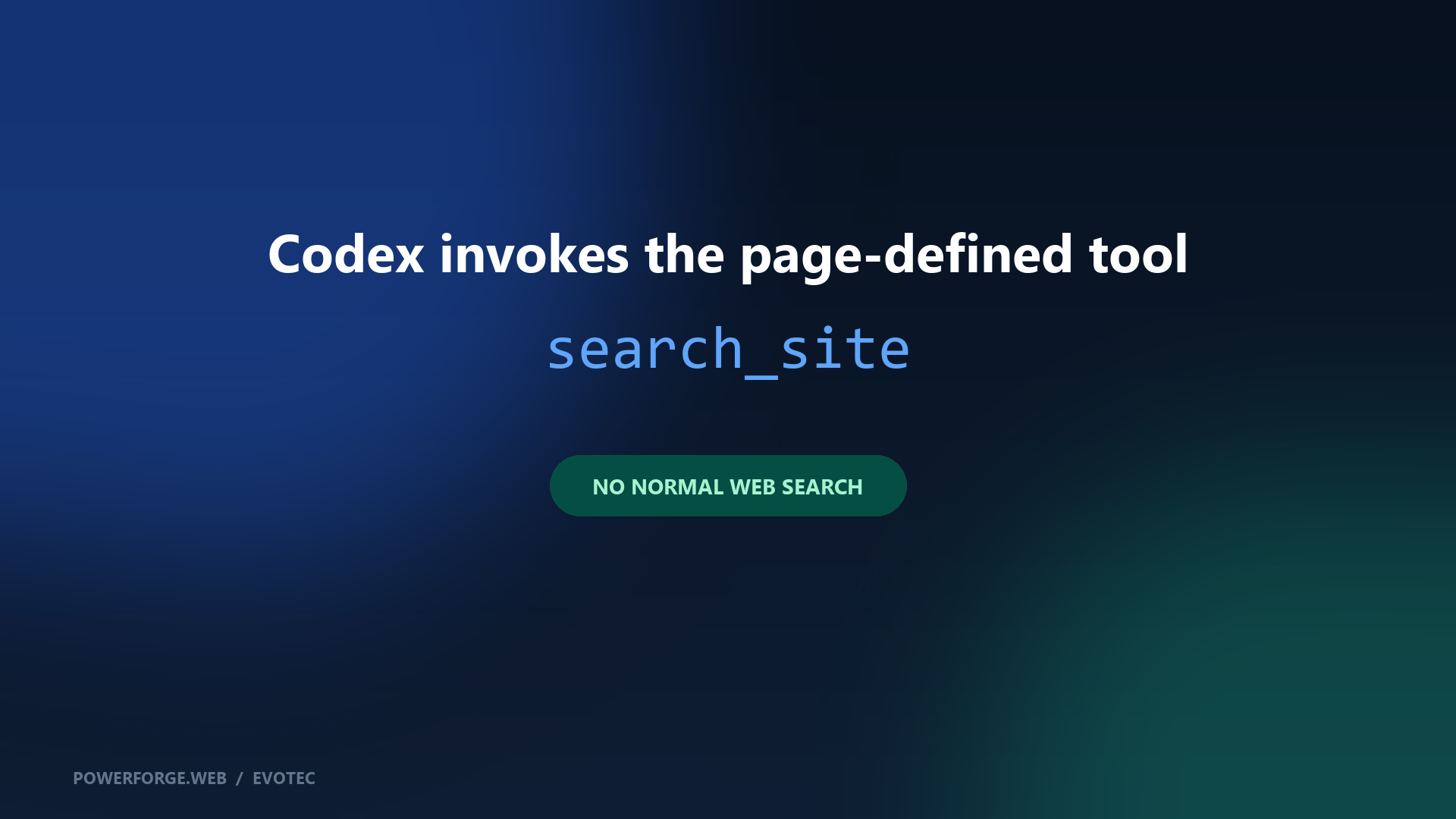
Codex invokes search_site and leaves matching results visible.
-
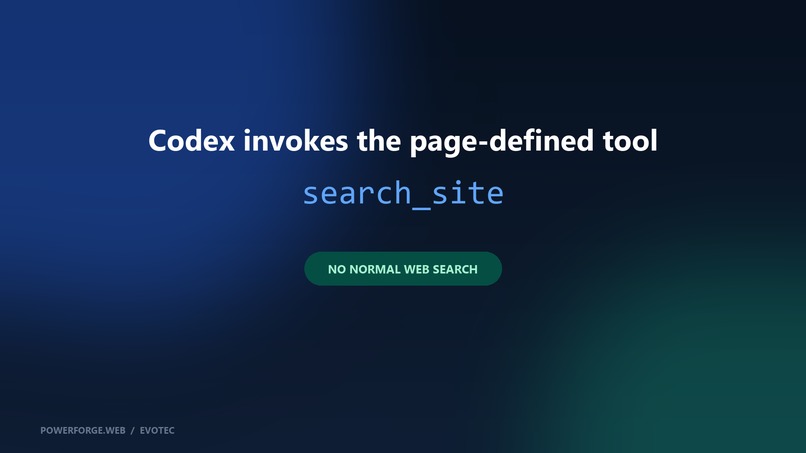
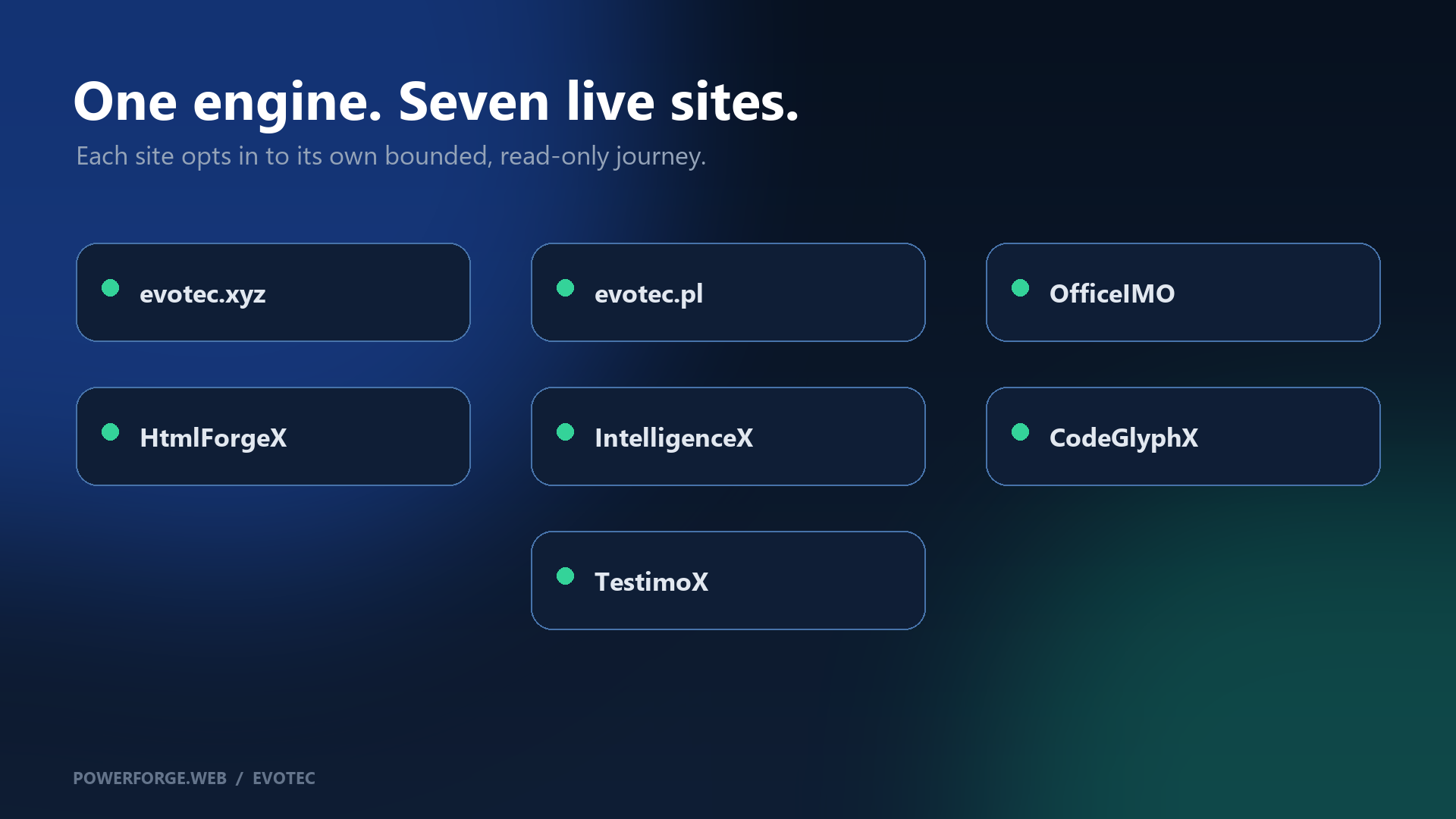
One opt-in engine capability serves seven independent documentation sites.
Inspiration
Documentation search is usually designed for people clicking through a page. An agent must either imitate that interface, scrape the rendered HTML, or bypass the site's intended search experience entirely. Those paths are harder to validate and leave the person with little visibility into what the agent actually did.
WebMCP provides a cleaner contract: the page can expose a small, typed capability that works inside the current document. We wanted that capability to be reusable across generated static sites rather than implemented as custom JavaScript for one showcase page.
What it does
On a participating site's search route, PowerForge.Web registers a read-only search_site Website Tool. The tool accepts a bounded query and result limit, searches the site's generated JSON index, and returns structured results containing titles, descriptions, collections, tags, languages, and URLs.
The same invocation also updates the visible search page. The agent receives structured data while the person sees the corresponding query and result cards, can inspect the choices, refine the search, and open a result normally. Browsers without WebMCP continue to use the ordinary search page.
The live judging target is OfficeIMO:
- Live application: https://officeimo.com/search/
- Demo video: https://youtu.be/xIPtNwYBO58
- Public source: https://github.com/EvotecIT/PSPublishModule
Why WebMCP is a strong fit
Search is a good first agent journey because it benefits from structure without requiring broad authority. WebMCP removes UI guessing, gives the agent an explicit schema, and keeps the action bound to the page the person is already viewing. The tool is read-only, the query is bounded, and the result remains visible.
The improvement is not only faster retrieval. The person and agent now share one observable state: the agent can perform the structured search, and the person can immediately review the same results in the website's normal interface.
How we built it
PowerForge.Web is a .NET static-site engine. A site opts in through the engine's typed agent-readiness configuration and declares a route-scoped WebMCP tool. During generation, the engine:
- Builds the site's normal search route and JSON search index.
- Emits a same-origin WebMCP runtime.
- Registers
search_sitethrough the imperativedocument.modelContext.registerTool(...)API. - Connects the tool to the visible search UI through a reusable adapter.
- Verifies the rendered route, executable script ordering, same-origin index and runtime, asset integrity, schema, and declared tool metadata.
- Advertises WebMCP readiness only when the complete generated artifact passes those checks.
The runtime supports cancellation, bounded input, cached index loading, explicit cache invalidation, and theme-owned ranking through an adapter. The current shared implementation intentionally supports a read-only site-search journey; future write or product-specific actions will require separate authority and product contracts.
What people and agents can do together
Before this addition, a person could search the documentation, but an agent had no explicit contract for using that experience. It had to infer controls or search elsewhere.
Now the person can open the OfficeIMO search page and ask Codex to find Word-to-PDF resources using the page's Website Tool. Codex invokes search_site, receives three structured matches, and leaves the OfficeIMO results visible. The person can verify the query, inspect the result cards, and continue browsing from the same page.
Challenges we ran into
Generated static sites create a different reliability problem from server-backed tools: configuration may look correct while the deployed page is missing its route, index, script, or fingerprinted asset. We therefore treated rendered output as the contract and added both local and remote readiness checks.
We also needed to keep structured agent results synchronized with the theme's human-facing search behavior. PowerForge.Web provides a fallback search surface and an adapter that lets richer themes own ranking and rendering without replacing the shared WebMCP runtime.
Accomplishments
- One reusable implementation in the PowerForge.Web engine rather than seven unrelated site scripts.
- A live, read-only Website Tool recognized and invoked by the ChatGPT/Codex integrated browser.
- Fail-closed verification of the actual generated and deployed artifact.
- Visible synchronization between the structured tool call and human search page.
- Opt-in deployment across seven independent Evotec documentation sites: evotec.xyz, evotec.pl, OfficeIMO, HtmlForgeX, IntelligenceX, CodeGlyphX, and TestimoX.
- Normal search behavior remains available in browsers without WebMCP.
Work completed during the challenge
PowerForge.Web existed before the challenge. The WebMCP capability was added as a meaningful extension during the challenge period on September 2-3, 2026.
- PR #860, Add verified WebMCP site search support: https://github.com/EvotecIT/PSPublishModule/pull/860
- PR #865, Define safe WebMCP portfolio rollout: https://github.com/EvotecIT/PSPublishModule/pull/865
- Registration runtime: https://github.com/EvotecIT/PSPublishModule/blob/main/PowerForge.Web/Assets/WebMcp/site-search.v1.js
- Implementation and operating documentation: https://github.com/EvotecIT/PSPublishModule/blob/main/Docs/PowerForge.Web.AgentReadiness.md
The dated pull requests and commit histories distinguish this WebMCP work from the pre-existing engine and websites.
What we learned
Adding registerTool is the small part. A reusable implementation also needs truthful discovery, bounded inputs, same-origin resources, script-order guarantees, browser fallback behavior, visible state synchronization, and validation of the final deployed files. Treating those pieces as one contract made the feature safe enough to enable across multiple sites.
What's next
The next phase is to add richer read-only journeys where a site has a real domain-specific task, such as navigating API surfaces or comparing documented capabilities. Write tools will remain opt-in and will be designed per product rather than enabled across the portfolio by default.
Testing instructions
- Open https://officeimo.com/search/ in ChatGPT's integrated browser.
- Open the address-bar Site tools menu and confirm that
search_siteis available as one read tool with no write tools. - Attach Browser to a Codex request.
- Ask: "Use the current OfficeIMO page's
search_siteWebsite Tool to find three resources about converting Word documents to PDF. Use only the Website Tool exposed by the page and leave the matching results visible." - Confirm that Codex returns structured links and the OfficeIMO search page displays the corresponding query and result cards.
No account or credentials are required.
Built with
- WebMCP imperative API
- PowerForge.Web
- .NET and C#
- JavaScript
- Static HTML and JSON search indexes
- ChatGPT/Codex integrated browser
Repository and license
The implementation is available in the public EvotecIT/PSPublishModule repository under the MIT license:
Built With
- c#
- javascript
- openai
- static

Log in or sign up for Devpost to join the conversation.