-
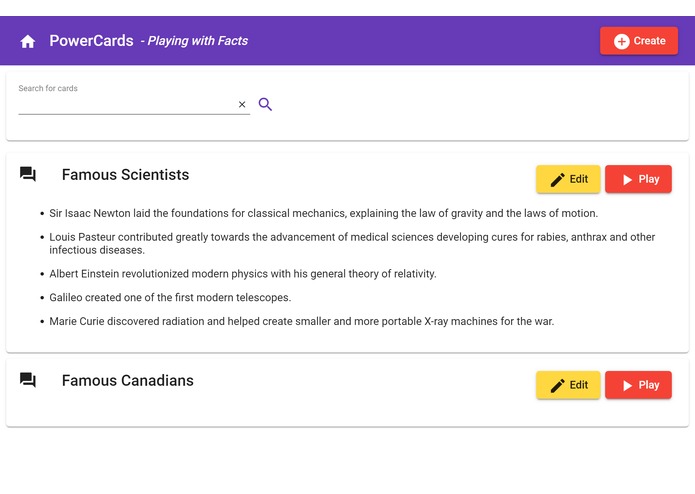
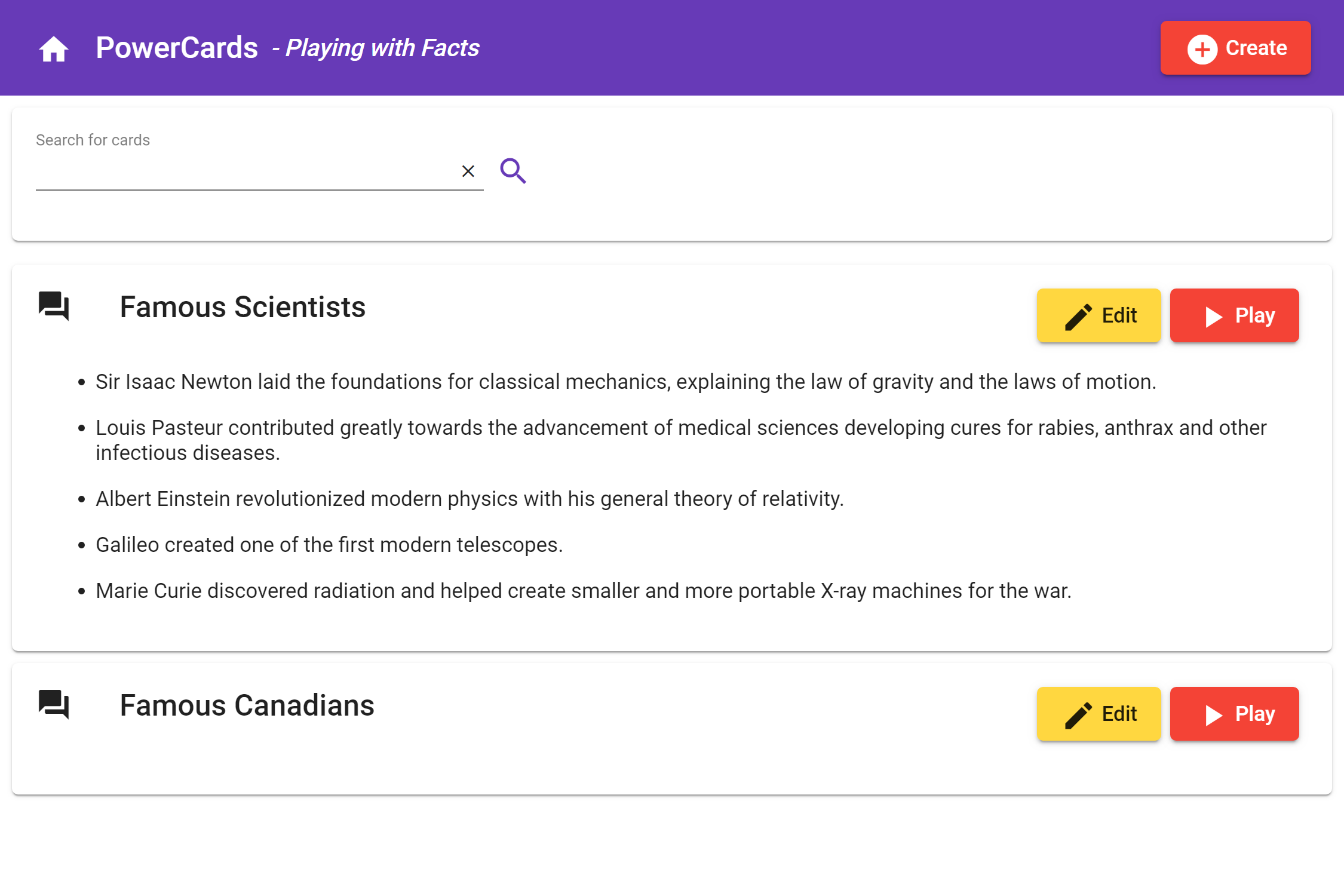
Home screen - search for cards by keywords
-
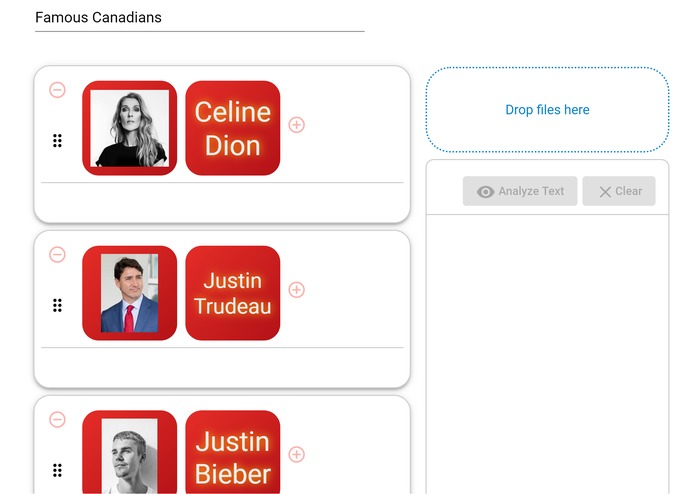
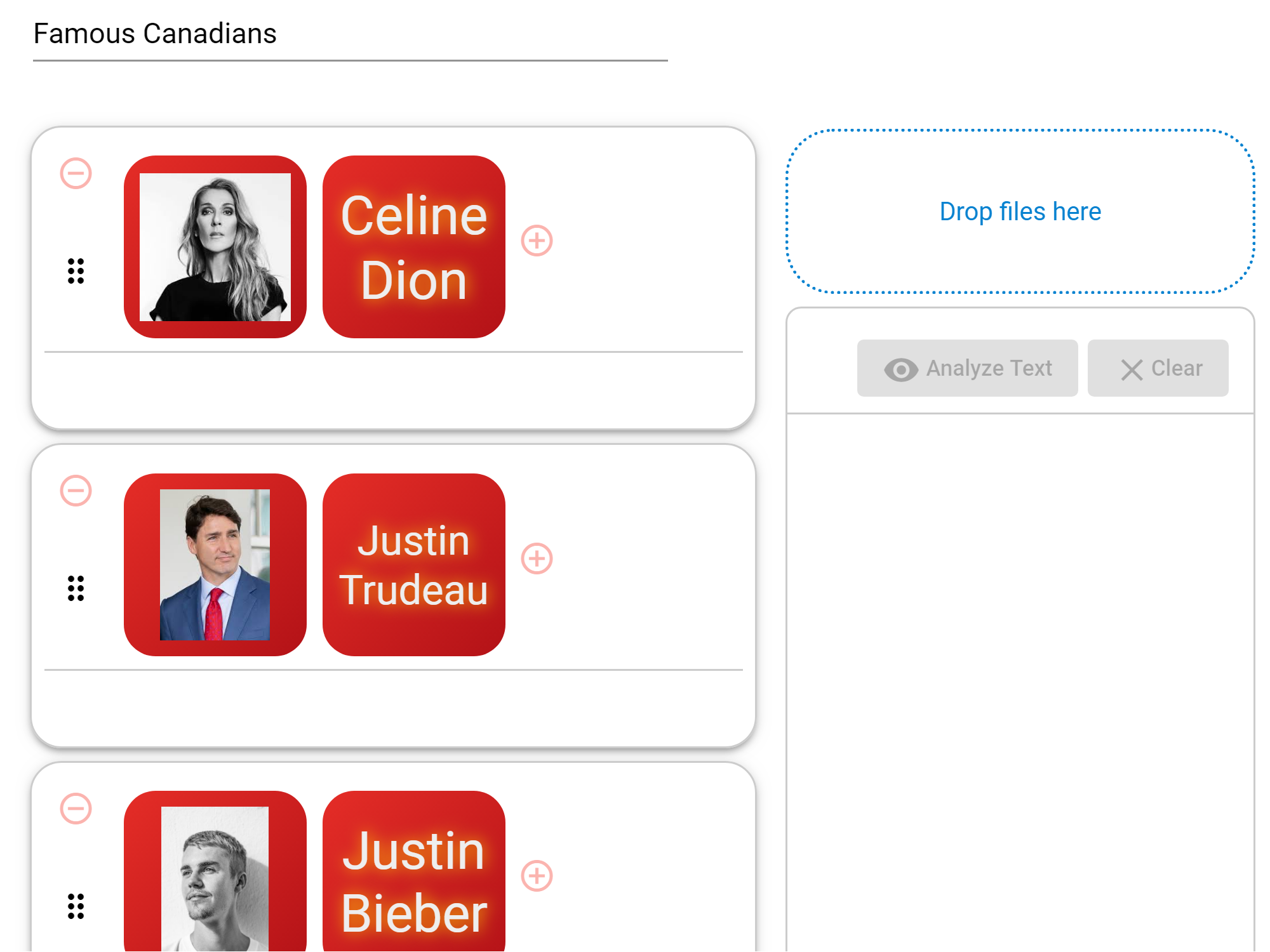
Card editor analyzes the images and labels them automatically by AI Vision
-
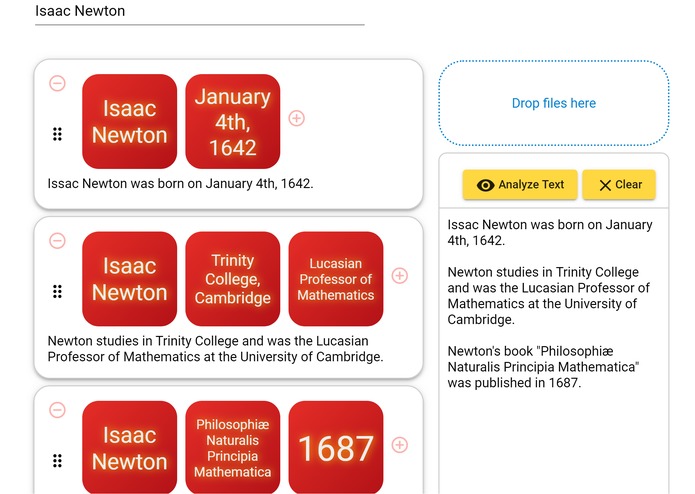
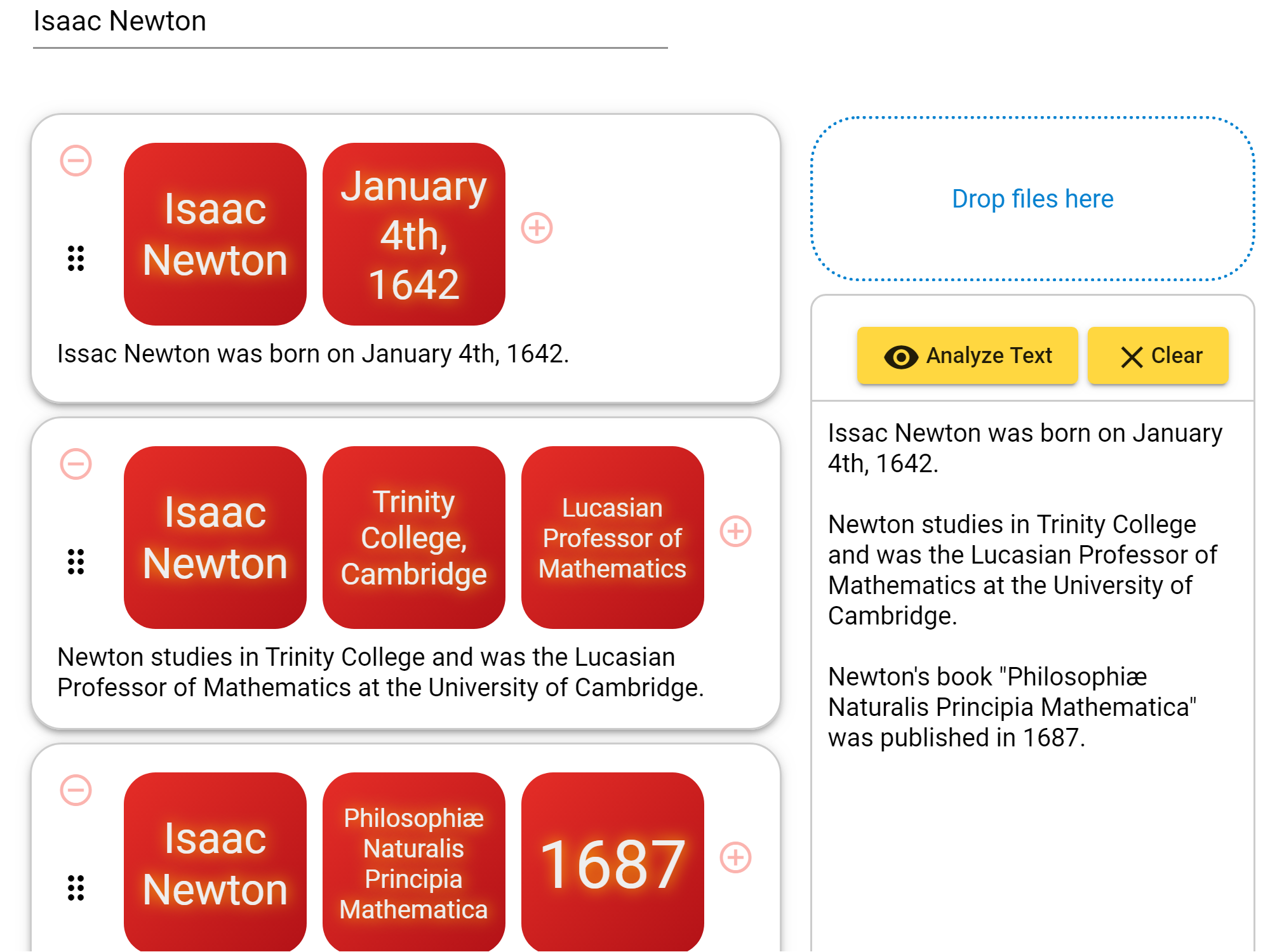
Card editor generates new cards automatically from sentences
-
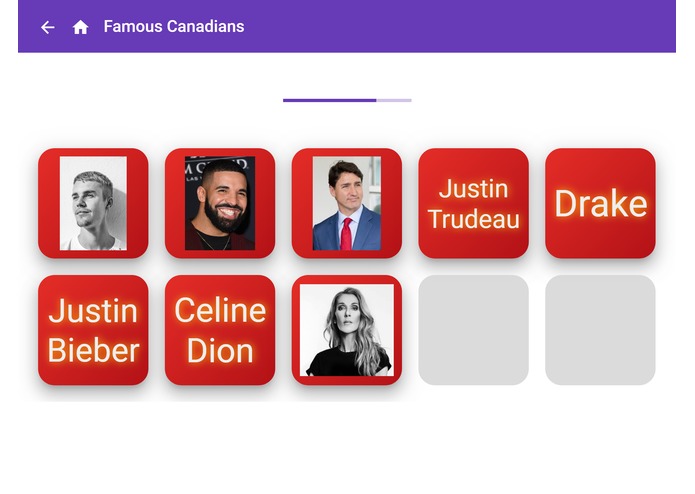
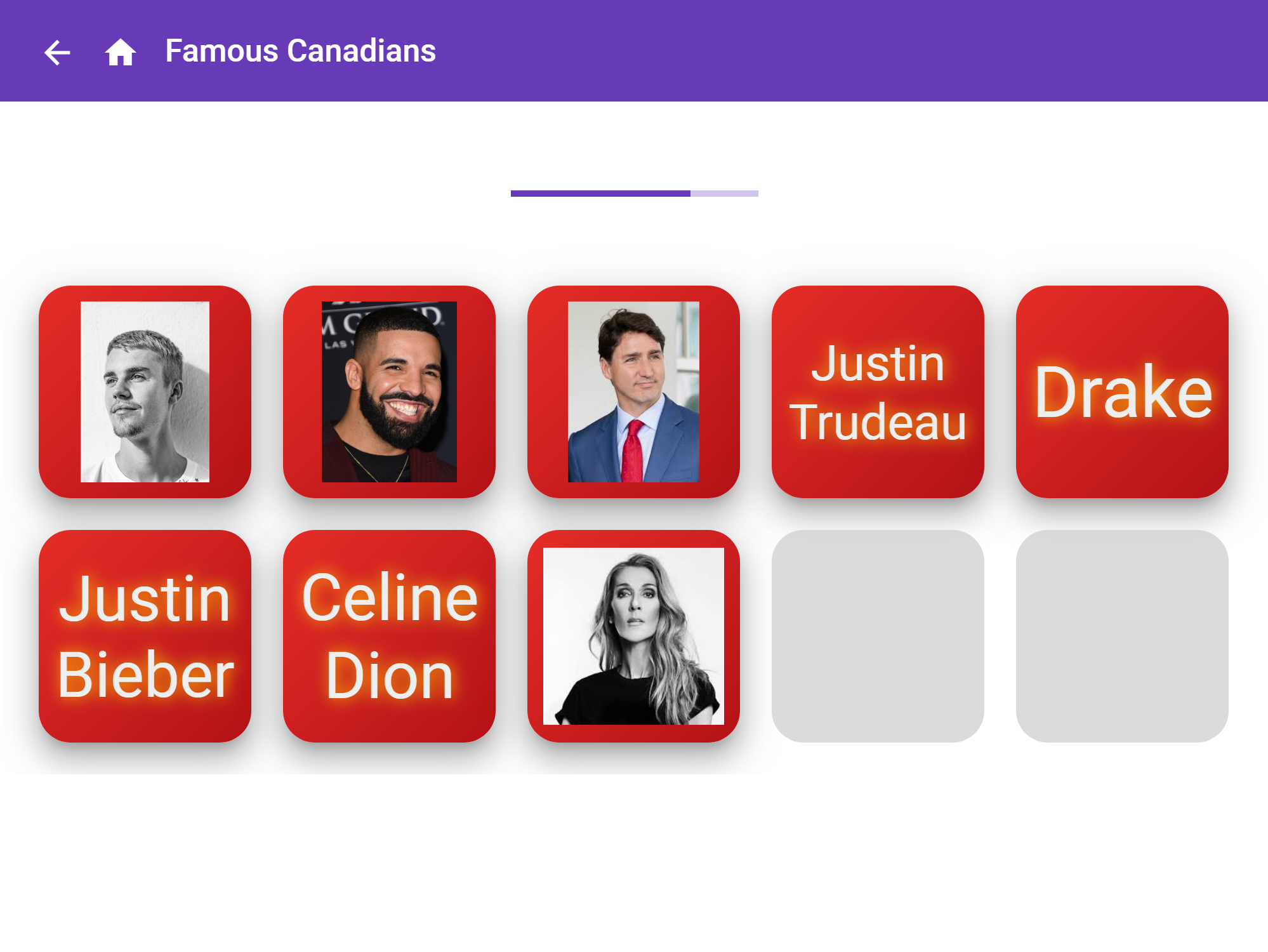
Preview of cards before they are turned face down
-
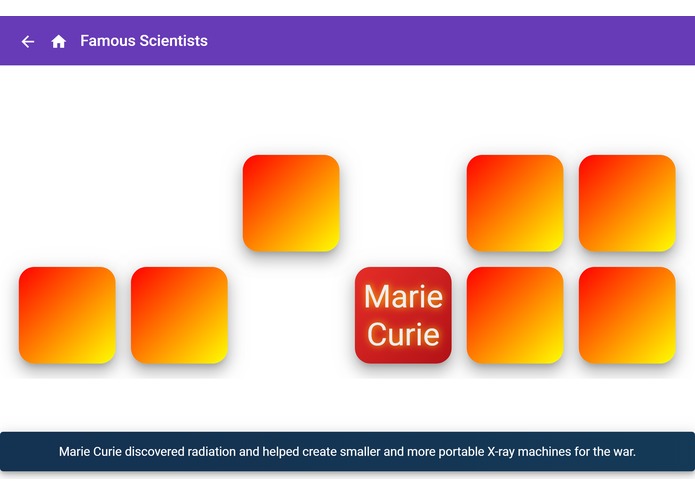
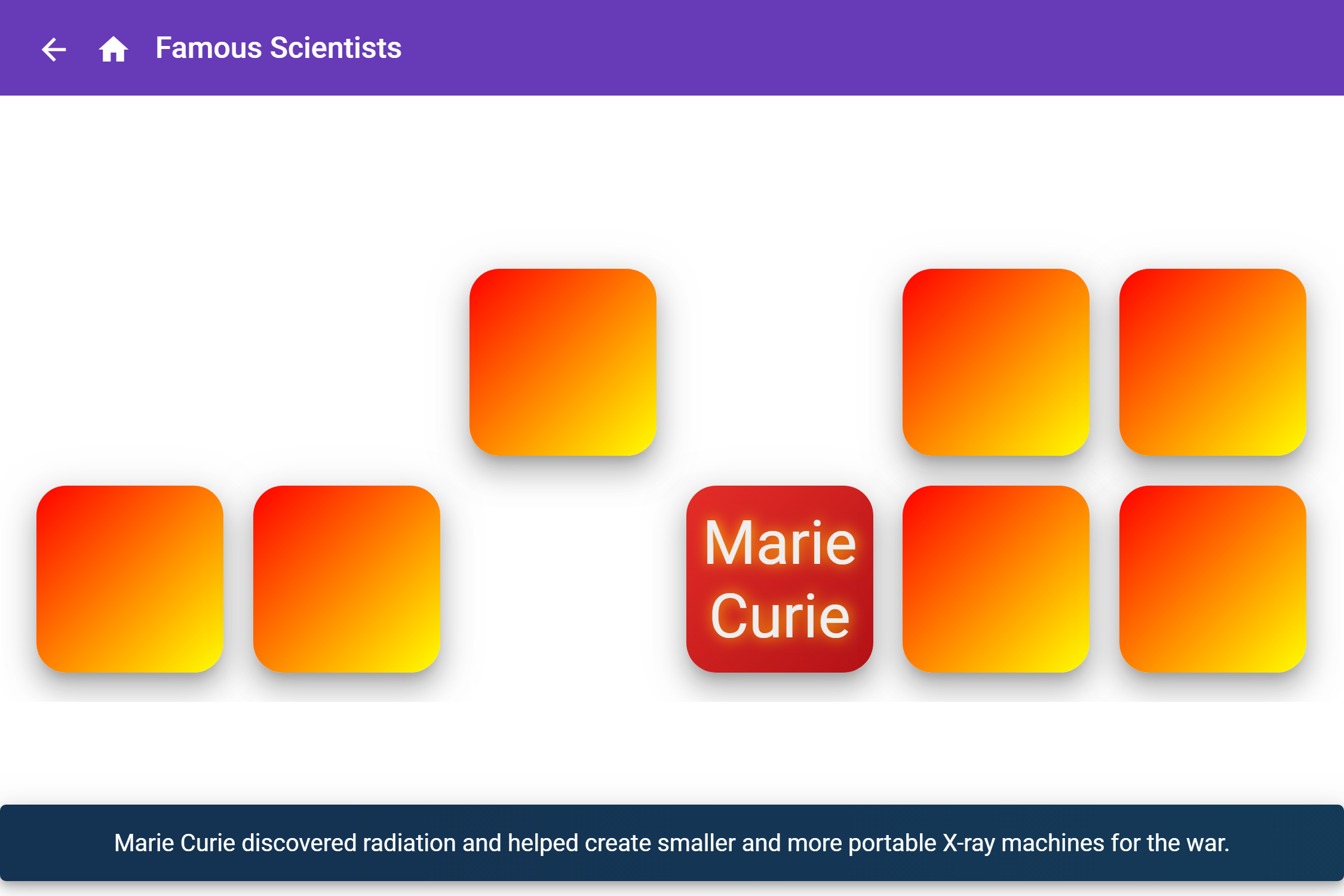
Flip and match up cards during game play. Spoken subtitles assist user.
Inspiration
I wanted to build a web app where anyone can play with interesting facts of the world. I decided to develop a memory game that is suitable for all ages. For kids, it will help them increase concentration and improve memory. For adults, it will help them exercise their minds and reduce the risk of dementia at an older age. Traditionally, match-up games and flashcards are played as separate games. But I wanted to create a new type of game that combines the characteristics of these games in a fun way. The game design of this app is the result of this effort. To make it easy for users to create new cards for the game, Azure Vision and Text Analytics API's are used to analyze the text and images the user drags onto the screen. Azure Speech API is also used to speak in high fidelity the messages on the screen in order to enhance the user experience.
What it does
- Easily generates cards with meaningful words from sentences and images using Microsoft Azure AI.
- Auditorily reinforces user memory by speaking the content during gameplay.
- Trains memory of the user, whether a student, an adult learner or a casual player.
- Searches for cards by keywords
How I built it
I integrated Microsoft Azure’s Cognitive Services APIs, like AI vision, text analytics and text-to-speech, into the application using REST. I found the API libraries for Node.js quite easy to use. I used Angular 8 to scaffold the UI based on Material Design. I used Loopback 4 to create the API backend using a model-to-code generator. For the database, I used MongoDB because of its support for full-text search and NoSQL.
Challenges I ran into
One challenge was designing the best user experiences given the time available. I tried different layouts by putting different ideas on paper. In the end, I finalized on one layout for each page and worked towards it. Also, nested groups of drag-and-drop panels turned out to be difficult to implement in the Card Editor. In the end, I fixed the issue by googling for a solution.
Accomplishments that I'm proud of
- Integrated some great Microsoft Azure Cognitive Services into the application on first attempt
- Built a dynamic single-page application with a responsive UI and a flexible backend that is easily scalable in real-world applications.
What I learned
- How to use the Microsoft Azure Cognitive Services API’s
- To divide and conquer
- To use good libraries to solve otherwise difficult problems.
What's next for PowerCards
- User authentication so users can create and contribute; users can also report mistakes and comment.
- Points & Rewards system where users can earn points and medals.
Built With
- angular-material
- angular.js
- azure
- azure-cognitive-services
- loopback4
- mongodb
- node.js
- typescript

Log in or sign up for Devpost to join the conversation.