ReadBridge 🦊
Helping curious minds take a step toward confident reading.
Inspiration
Reading is an essential skill, but for some children, learning to read can feel difficult, intimidating, or frustrating. We wanted to create something that could make reading practice feel more interactive, supportive, and enjoyable rather than like another school requirement.
This inspired us to build ReadBridge, an interactive reading companion designed to help young learners develop confidence while reading. Our main goal is to bridge the gap between a child who is still developing their reading skills and the confidence they need to explore stories independently.
What It Does
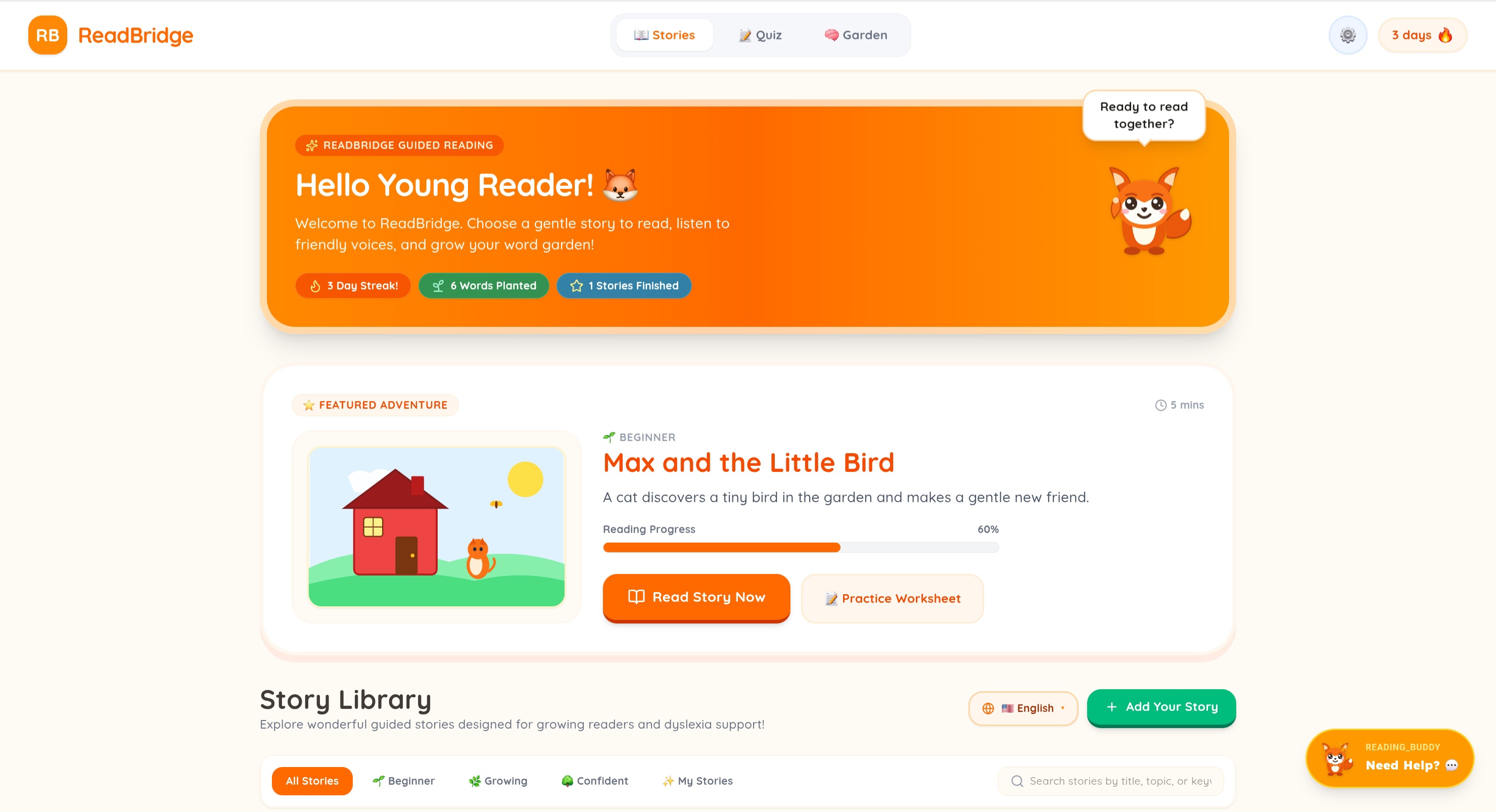
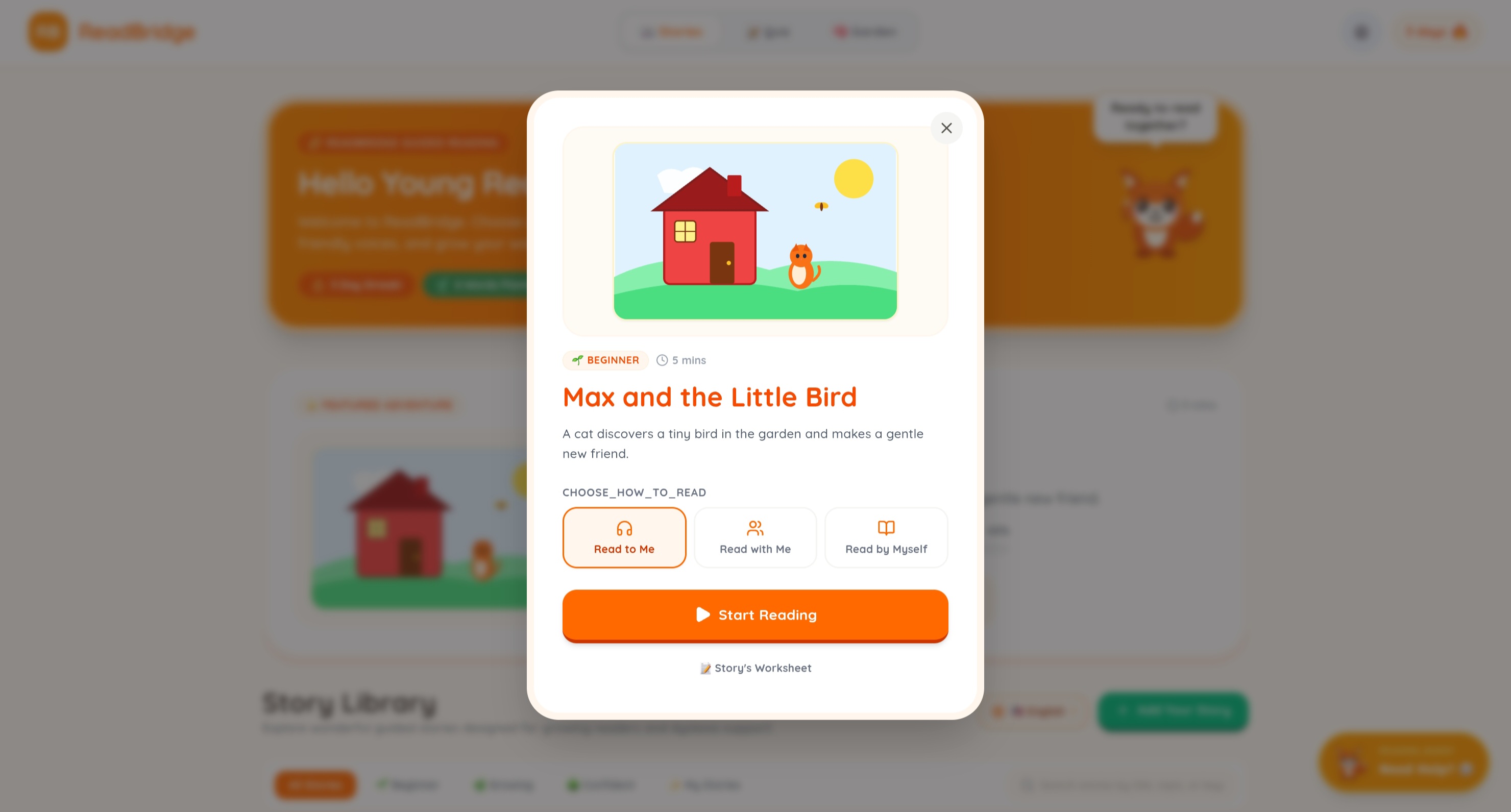
ReadBridge is designed primarily for children who are developing their reading skills. It combines interactive stories, AI-powered assistance, visual elements, and audio to create a more engaging reading experience.
Instead of simply presenting a block of text, ReadBridge encourages learners to follow along with stories while receiving support from the application. This makes reading more accessible and gives children a more interactive way to practice.
Key Features
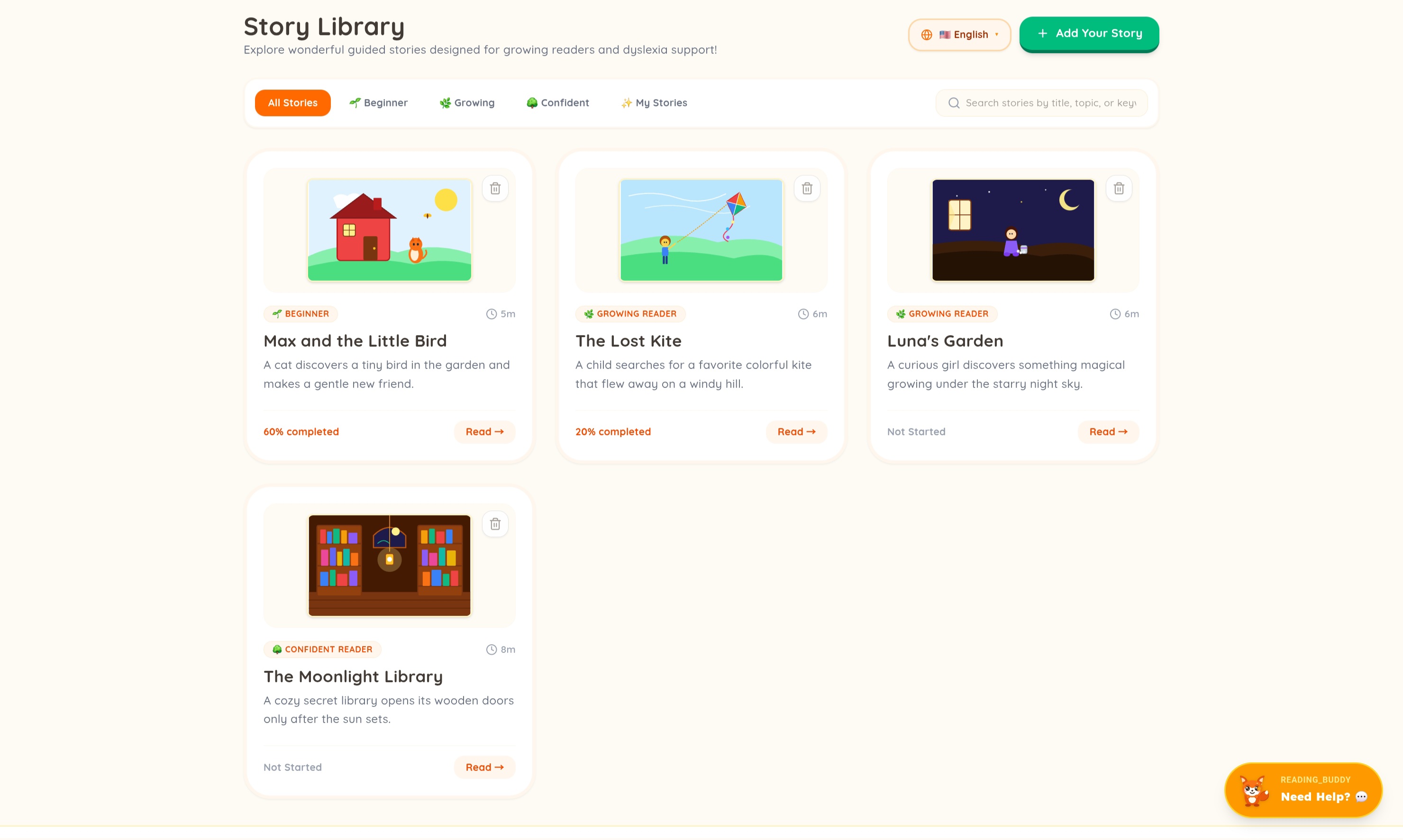
- 📖 Interactive stories that make reading practice more engaging
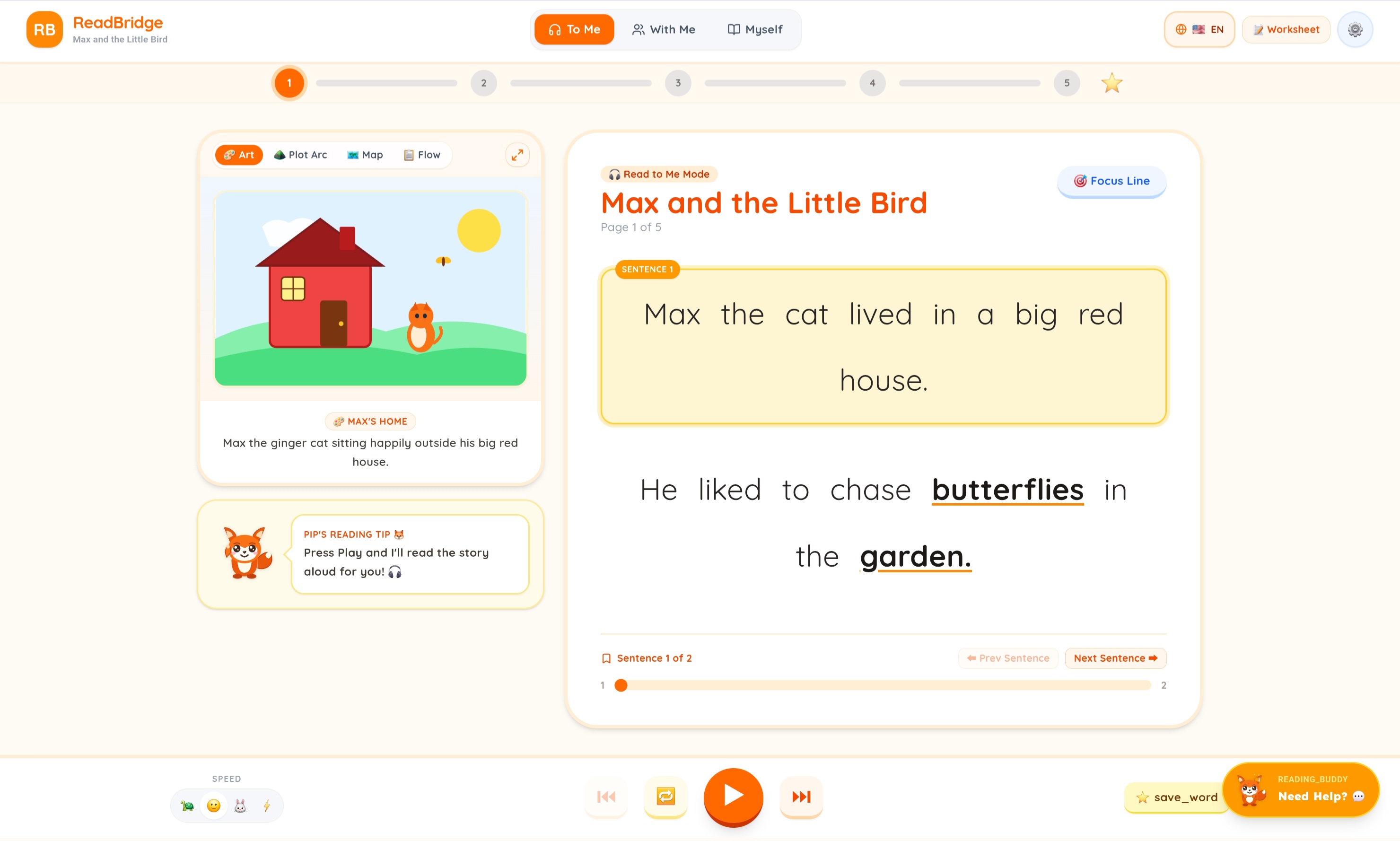
- 🔊 AI voice assistance that reads the story aloud
- ✨ Highlighted text to help learners follow along
- 🖼️ Visual story elements and diagrams to support understanding
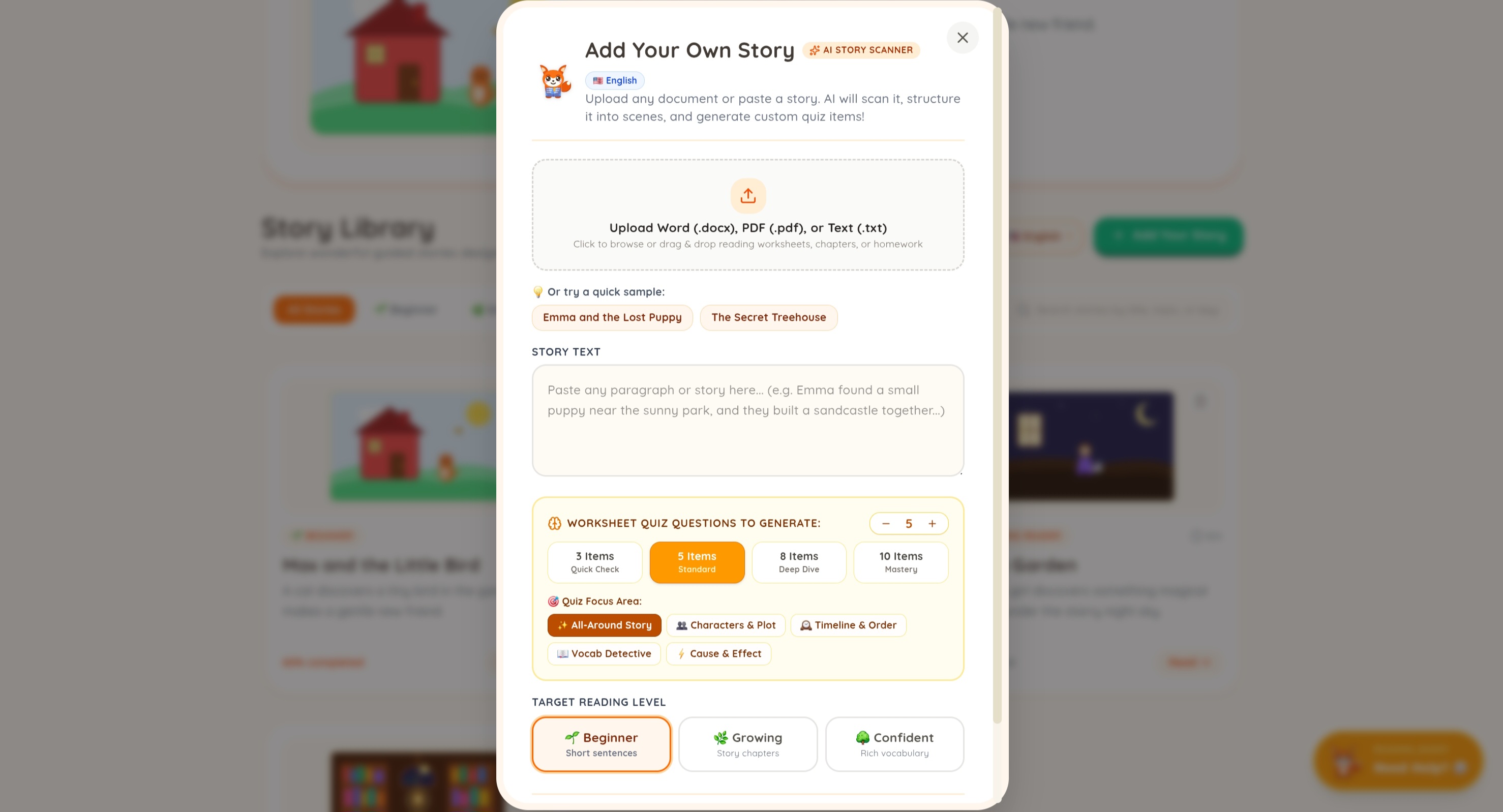
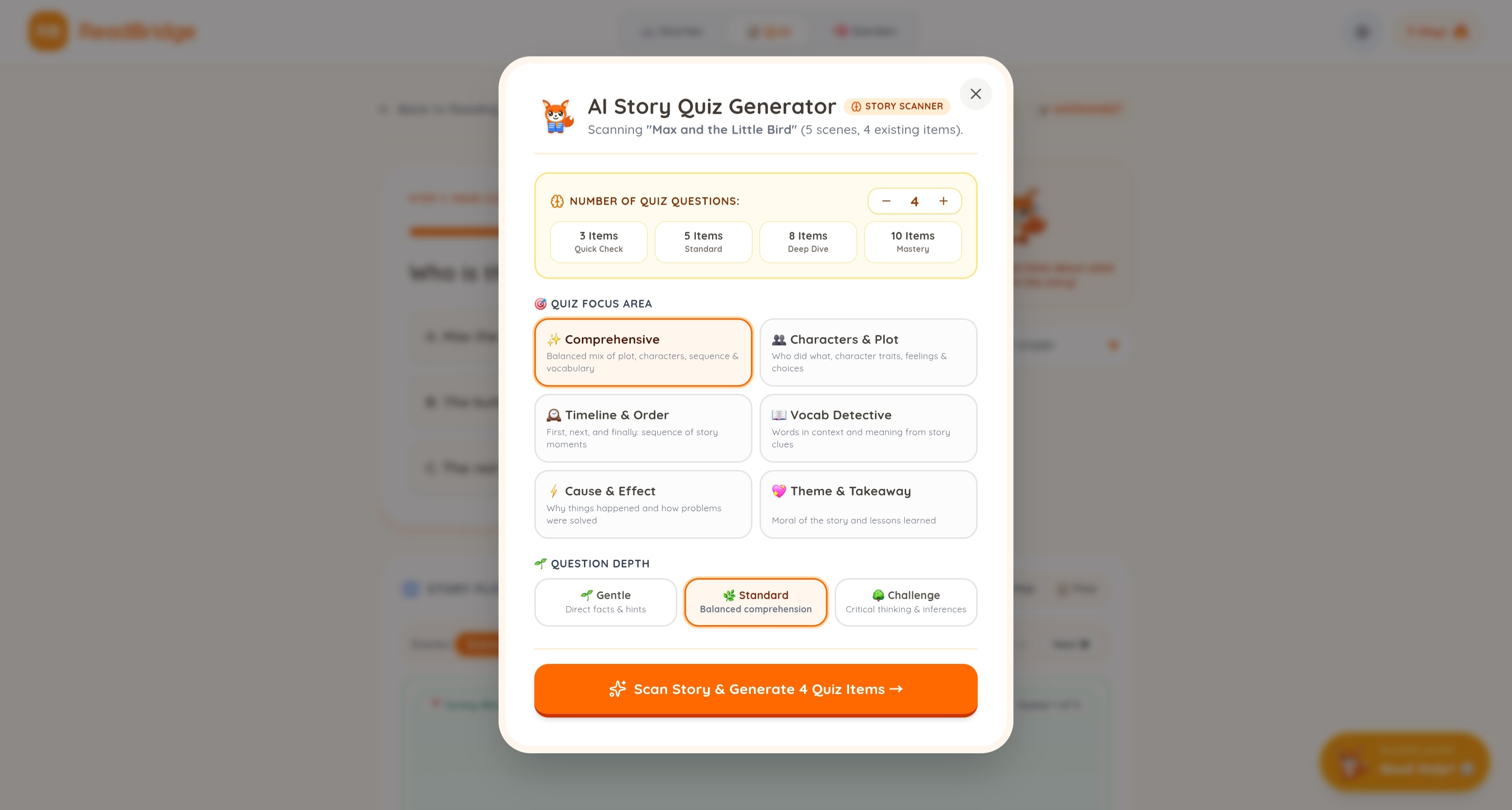
- 🤖 AI-generated/customized stories that can make reading more personalized
- 🦊 A friendly and approachable design created with young learners in mind
How It Works
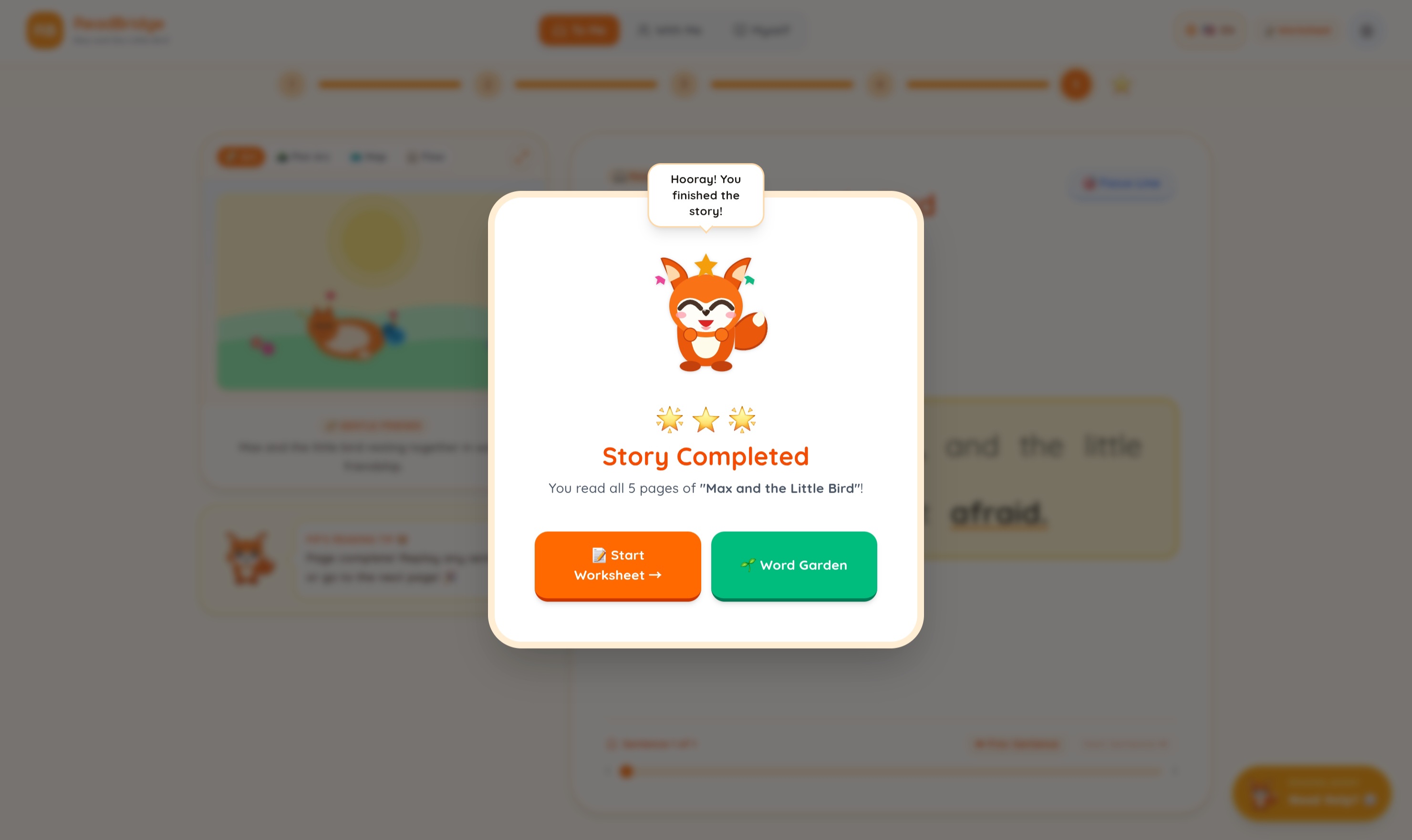
A learner begins by interacting with a story inside ReadBridge. The application presents the story through text, visuals, and AI voice assistance. As the story is read aloud, highlighted text helps the learner identify and follow the words being presented.
The combination of seeing, hearing, and interacting with the story is intended to give learners multiple ways to engage with the material. Our goal is to make reading practice feel less intimidating while encouraging children to become more comfortable reading on their own.
How We Built It
We used Google AI Studio to prototype ReadBridge and experiment with its AI-powered features. We built the prototype using:
- HTML — for the structure of the application
- CSS — for the visual design and responsive interface
- TypeScript — for the application's interactions and functionality
- Google AI Studio — for prototyping and integrating AI capabilities
We started by turning our ideas for an interactive reading companion into a working prototype. From there, we designed the interface and implemented the different features needed to create a cohesive reading experience.
Challenges We Ran Into
One of our biggest technical challenges was synchronizing the highlighted words with the AI-generated voice. Ideally, the text being spoken should be highlighted at exactly the right moment, allowing learners to easily follow along. Achieving reliable synchronization proved more difficult than we initially expected.
We also faced challenges with:
- 🌎 Expanding language support so ReadBridge can eventually serve a wider range of learners
- ⚡ Managing our Google AI Studio usage credits, which limited how much we could experiment with AI-powered features each day
- 📱 Making the interface responsive across different screen sizes
These challenges helped us identify areas that we can improve as we continue developing ReadBridge.
Accomplishments We're Proud Of
We are proud that we were able to turn our initial concept into a fully functional interactive prototype.
More importantly, we successfully designed and implemented features specifically around the needs of young readers. Rather than creating a general-purpose AI application, we focused on how AI could be used to make reading practice more engaging and approachable for children.
What We Learned
Building ReadBridge taught us that developing an AI-powered application is not just about getting the AI to work. The user experience matters just as much, especially when designing for children.
We learned how to:
- Turn an idea into a functional prototype
- Use AI tools to accelerate development and experimentation
- Connect AI functionality with a user-friendly interface
- Think about accessibility and engagement when designing for young learners
- Identify technical limitations and design around them
- Work collaboratively to develop and refine a product
Most importantly, we learned that even a simple feature can have a significant impact on the user's experience. For ReadBridge, something as straightforward as synchronized text highlighting can make the difference between an ordinary reading interface and one that genuinely helps a learner follow along.
What's Next for ReadBridge
ReadBridge is still a prototype, and there is plenty of room to grow. Our next steps include:
- 📱 Improving responsiveness across different screen sizes
- 🎤 Implementing the learner's microphone input so the application can follow along as they read
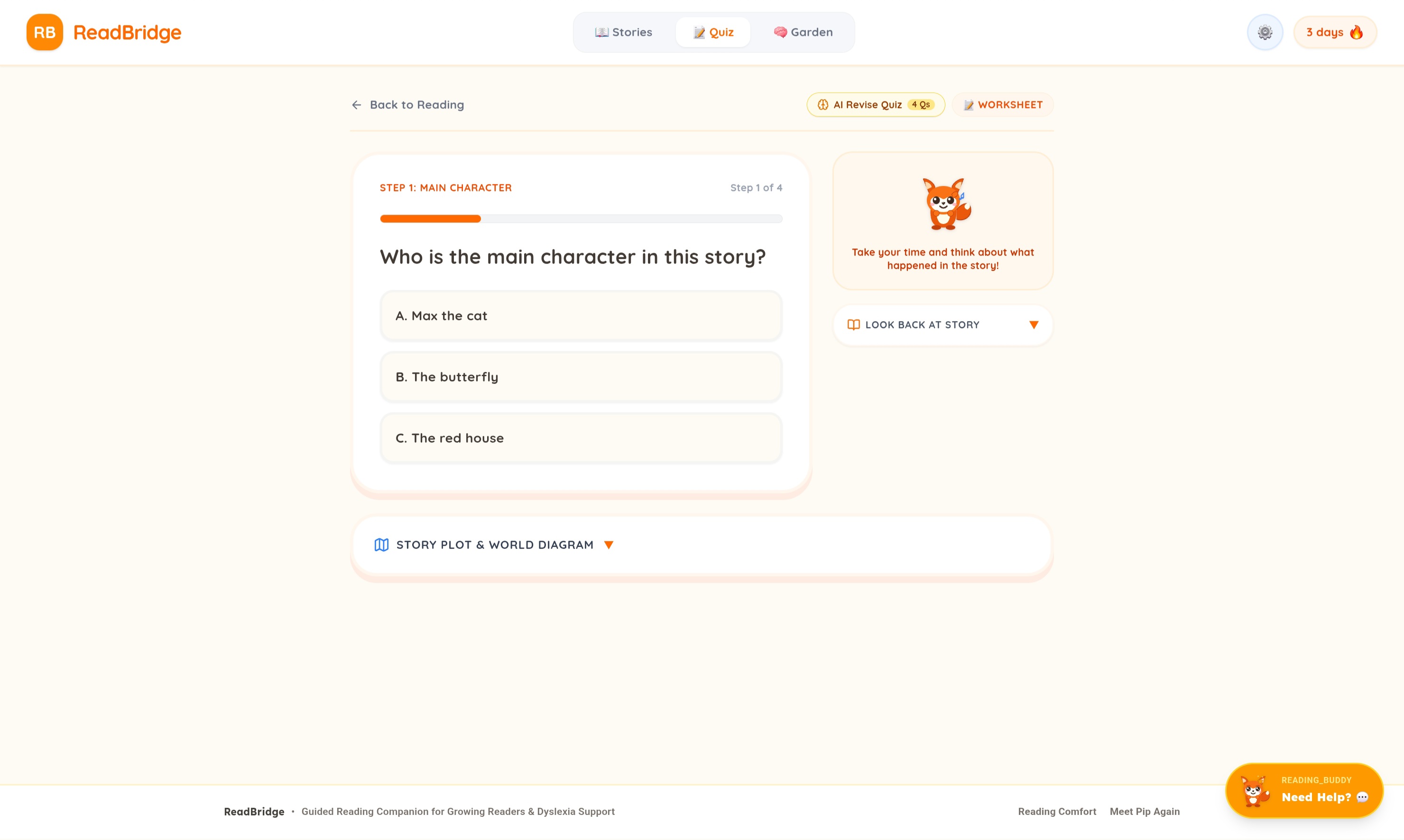
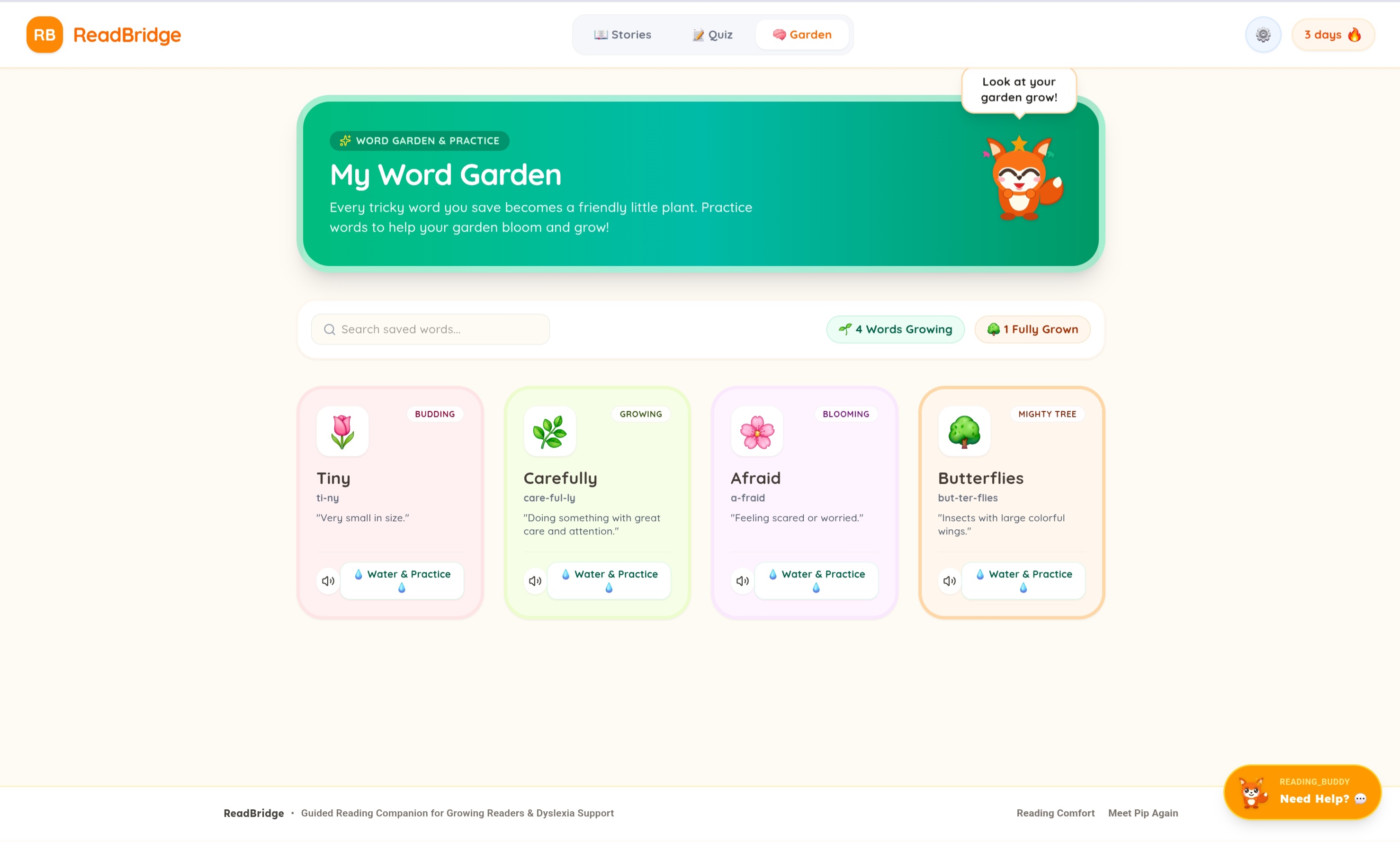
- 🃏 Exploring flashcards to reinforce vocabulary and reading comprehension
- 🎨 Improving diagrams and visual elements for more customized stories
- 🏆 Adding advancement badges and milestones to motivate learners and make progress feel rewarding
- 🌎 Expanding support for more languages
Our vision is to continue developing ReadBridge into a tool that doesn't simply help children read a story, but helps them become more confident readers.
Impact Statement
ReadBridge aims to make reading practice more engaging and approachable for children who are still developing their reading skills. By combining AI voice assistance, interactive stories, visual support, and guided text, we want to give young learners a supportive environment where they can practice at their own pace.
Ultimately, ReadBridge is about building a bridge between struggling with reading and feeling confident enough to keep trying.
Team: Power Rangers 2.0
- Matt Batucan
- Paul Delos Santos
- Jessica Ong
- Louis Santos


Log in or sign up for Devpost to join the conversation.