-
-
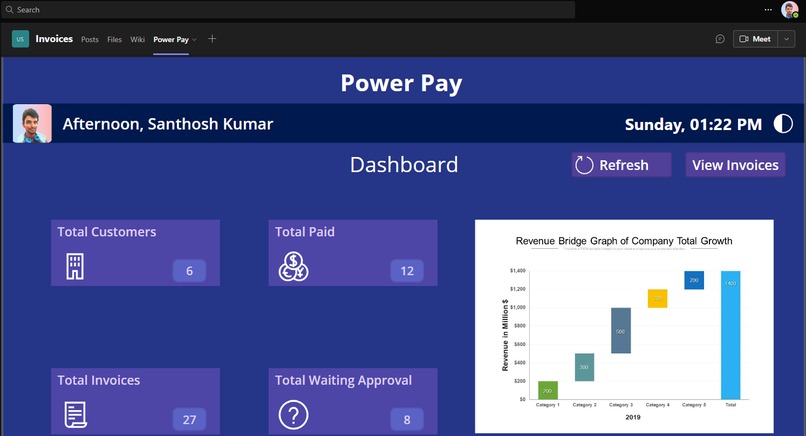
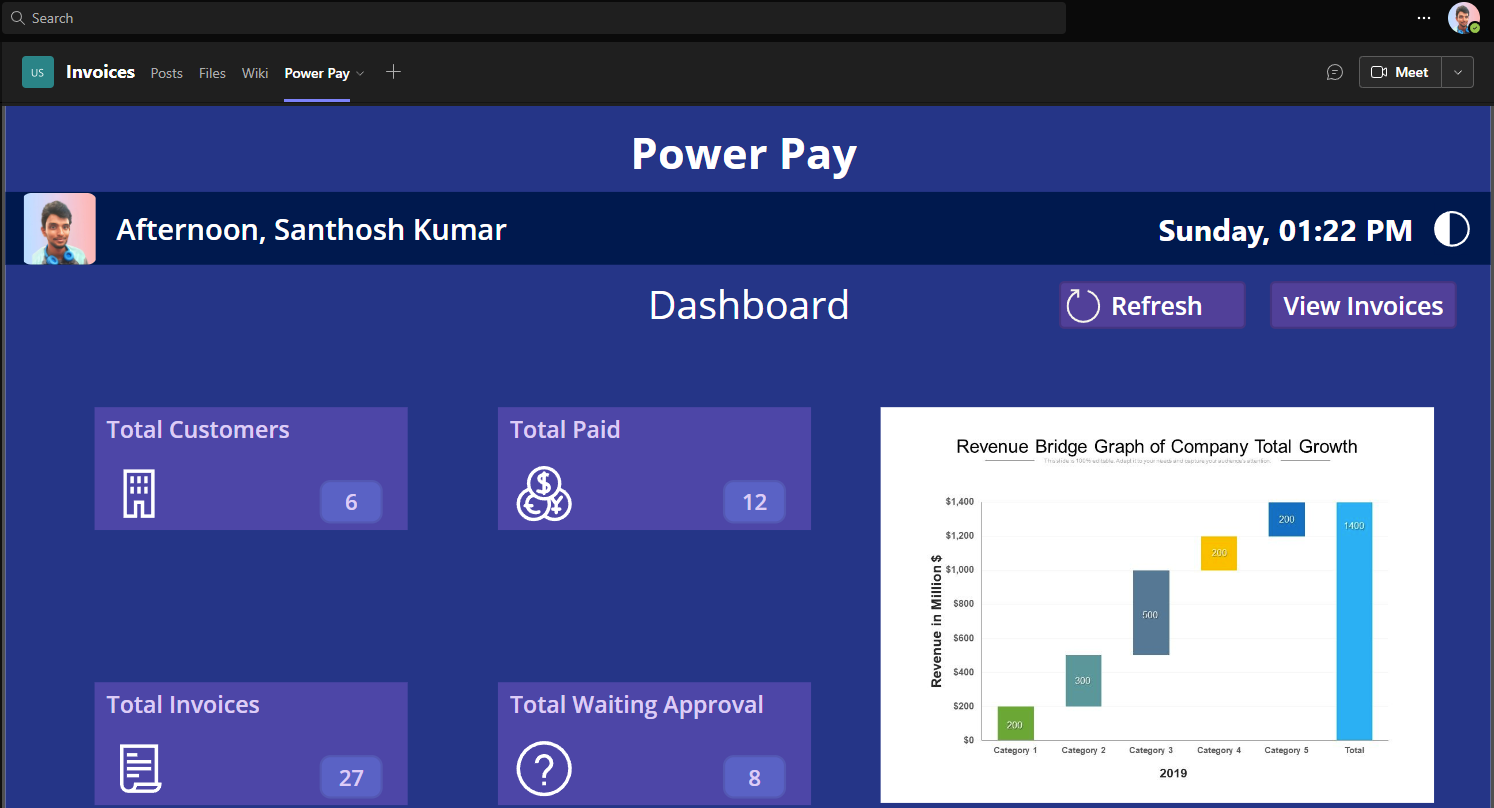
Dashboard - Dark
-
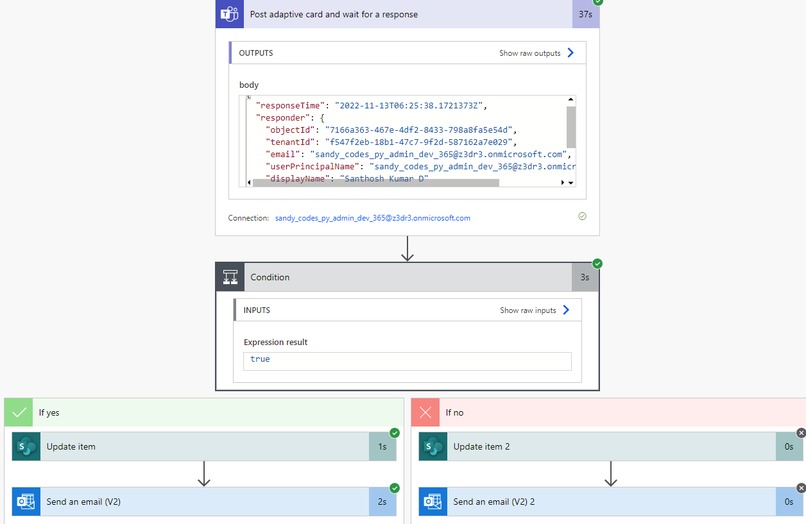
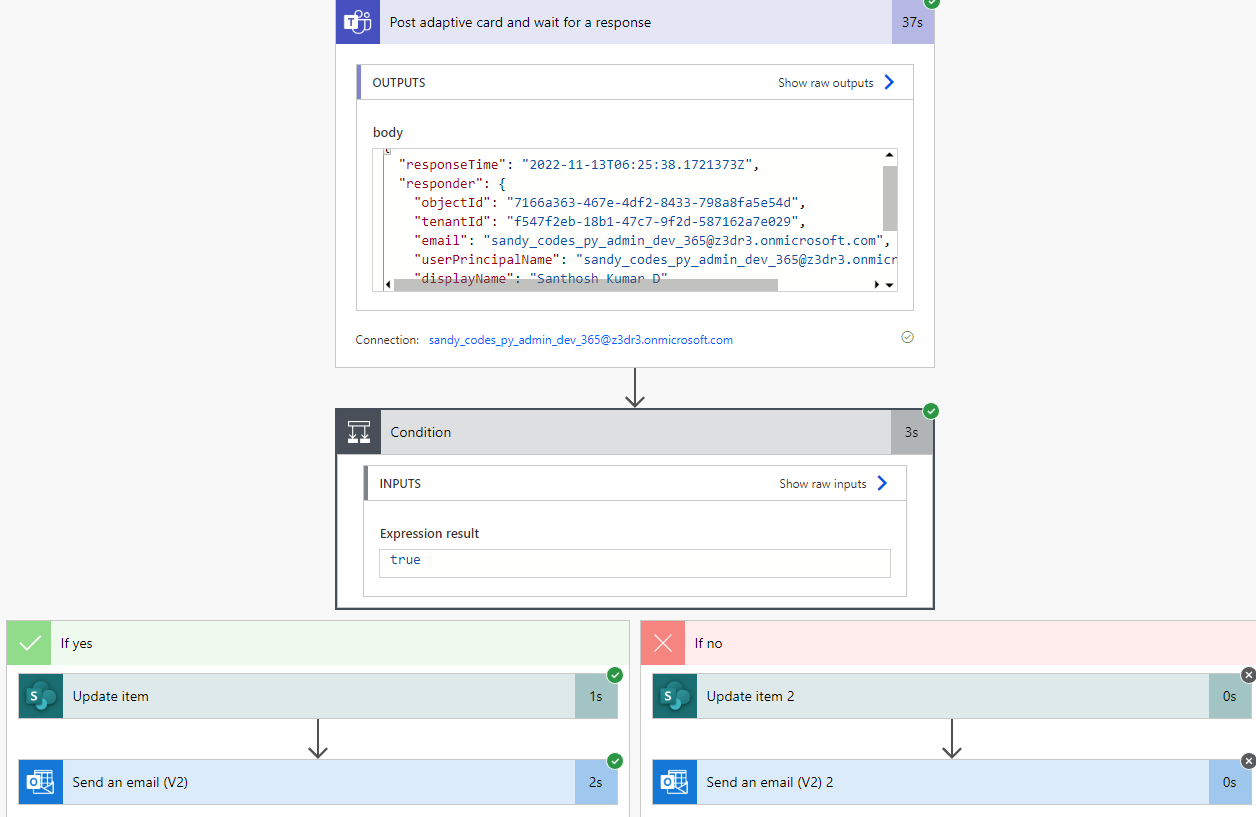
Power Automate - Approval Flow
-
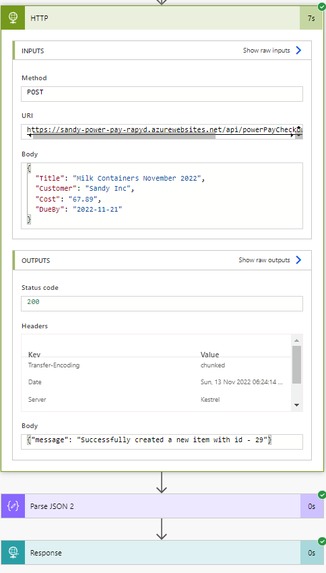
Power Automate - Generate Invoice
-
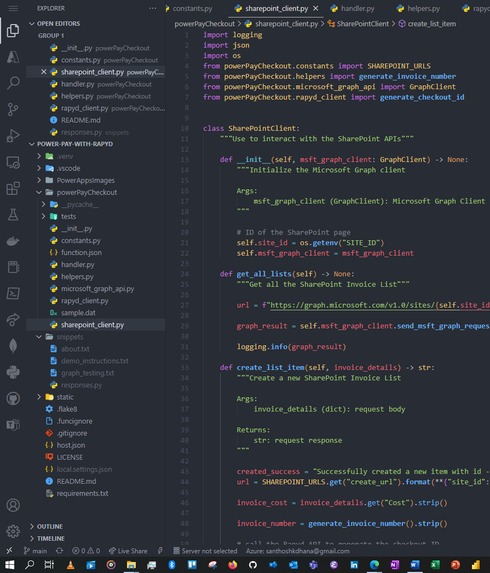
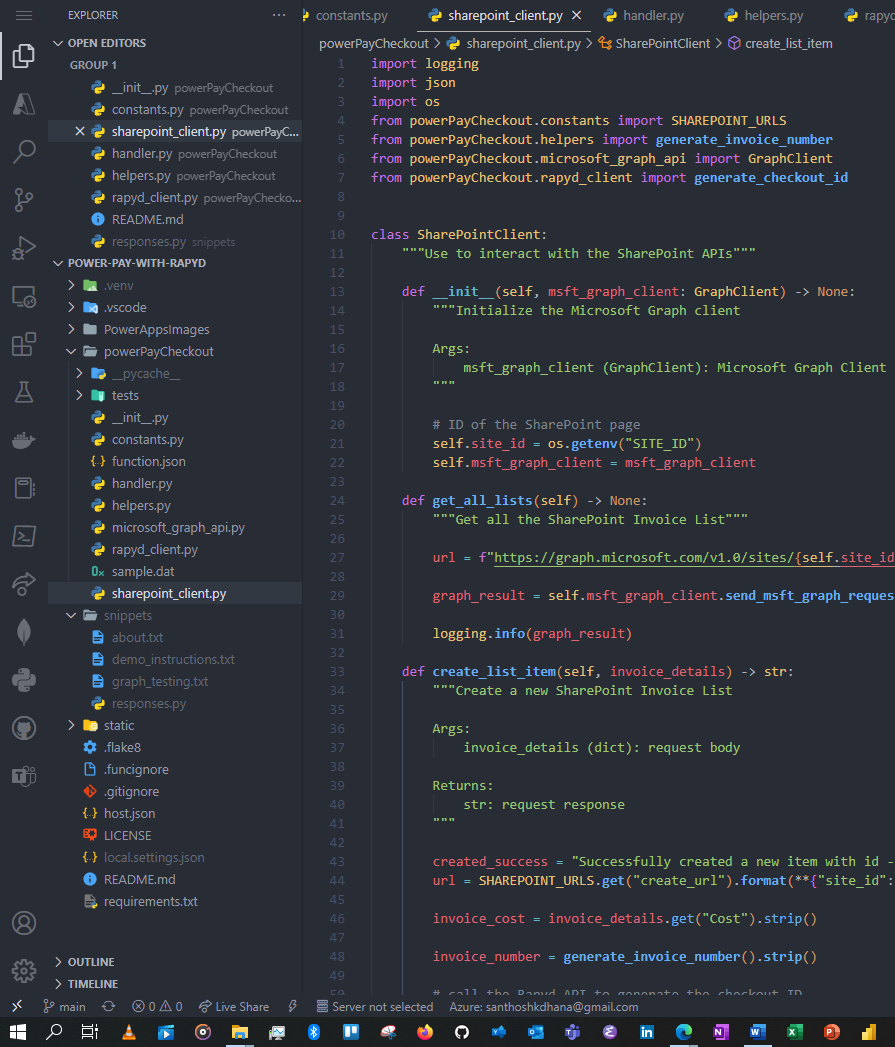
VSCode - Snippet
-
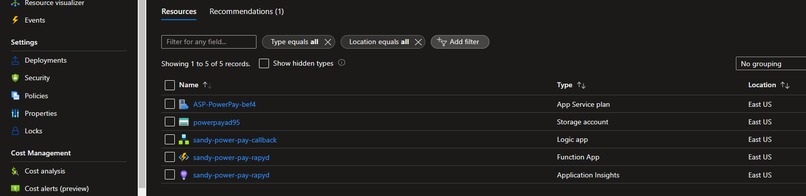
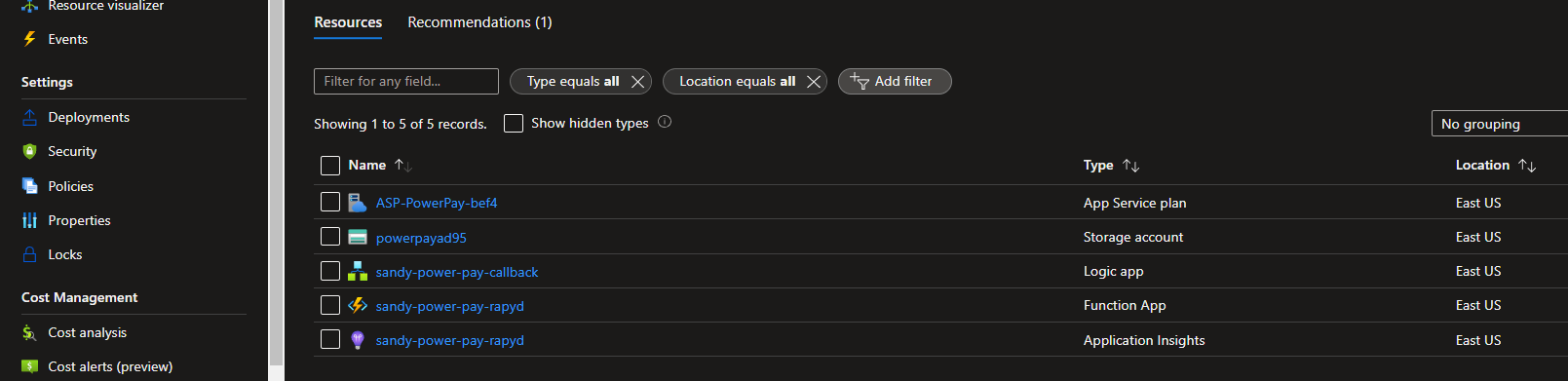
Azure Resources
-
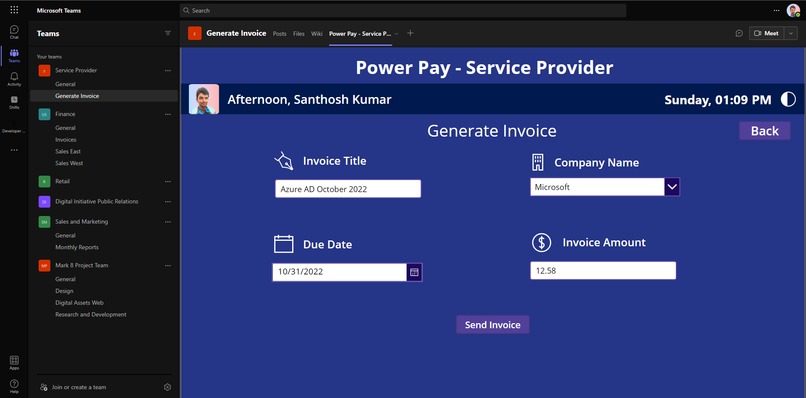
Power Apps - Invoice Generation
-
Loading Page
-
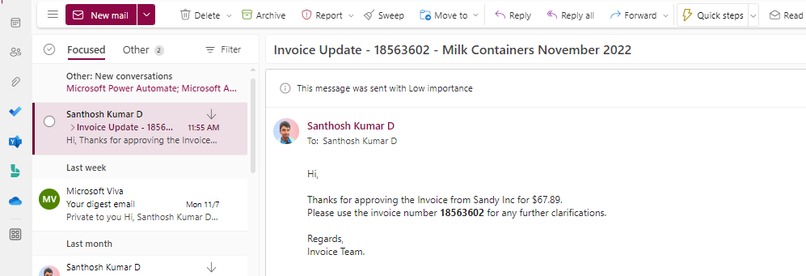
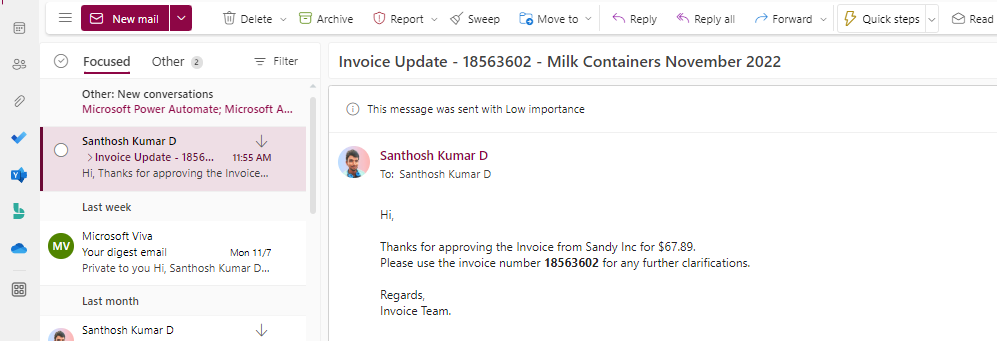
Outlook - Approval Email
-
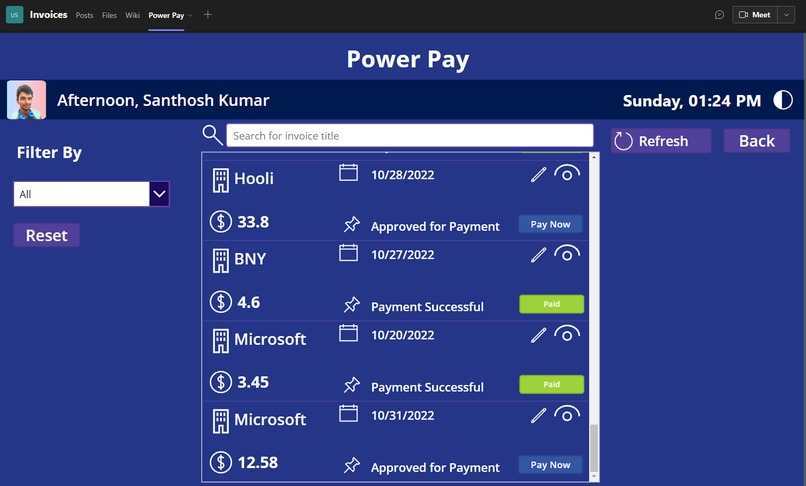
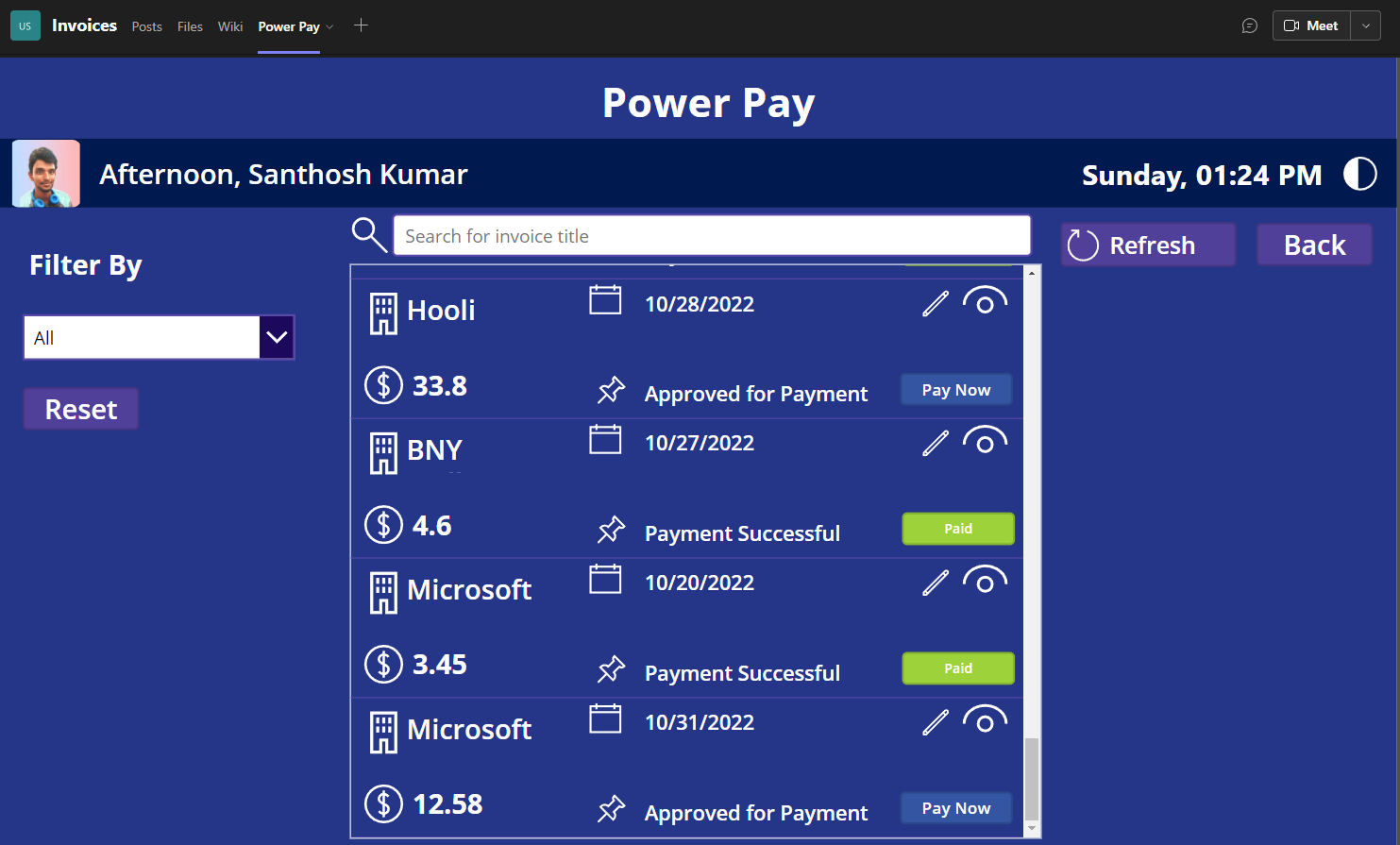
Payment List - without Filter
-
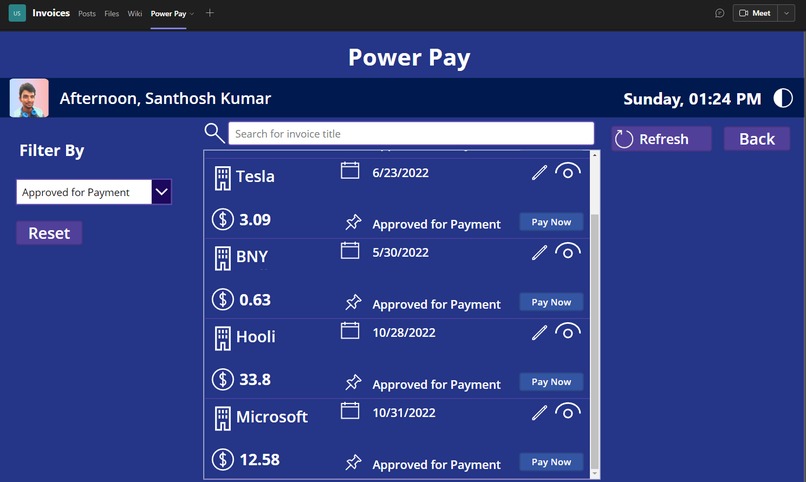
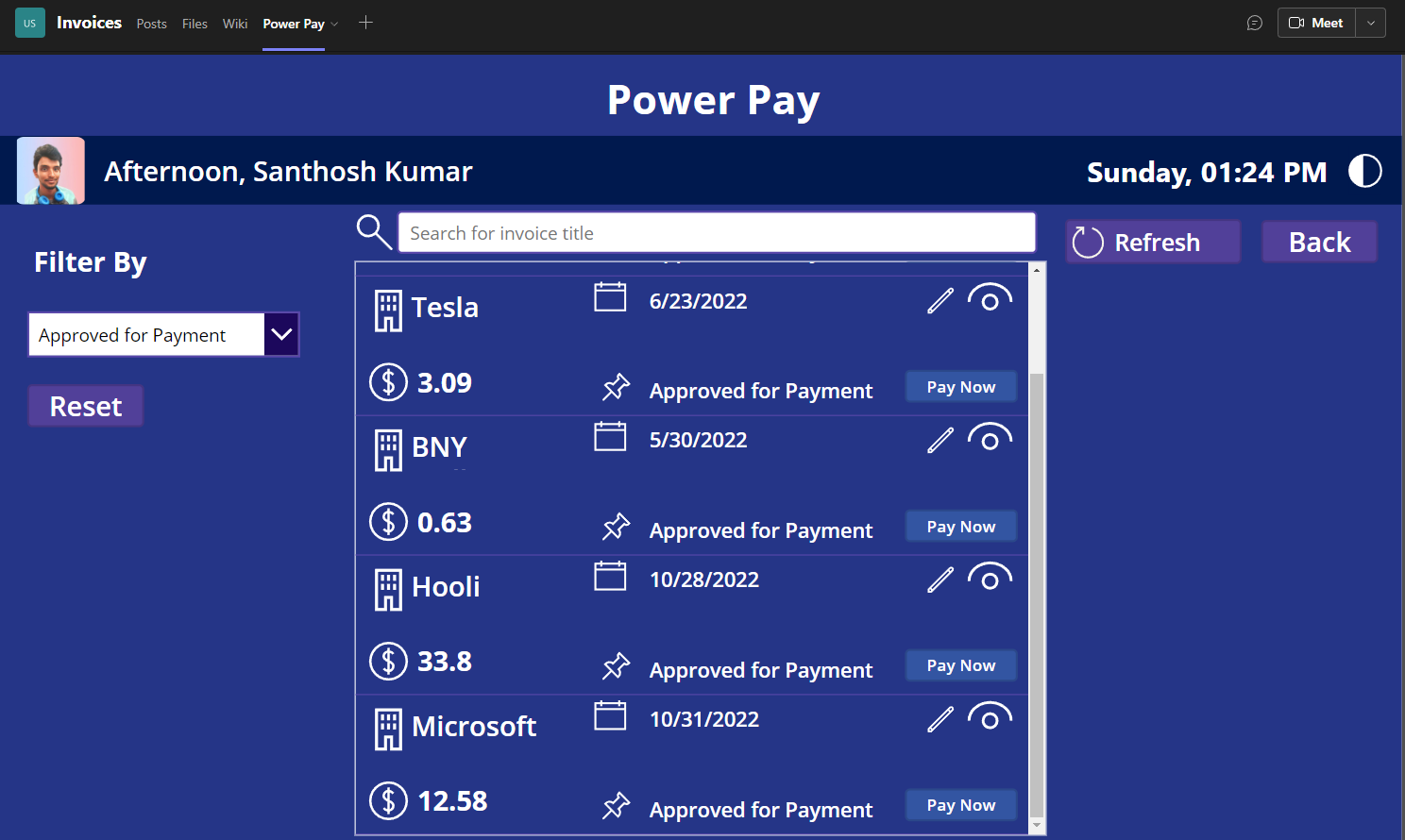
Payment List - with Filter



Inspiration
There is this notion of fear when you enter your credit card details into a website. This application eliminates the fear by providing payments from within the Microsoft Teams application. Teams has now roughly 270M+ active monthly users, so if you have a shop and it's available on the Microsoft AppSource and you need a payment solution, mostly it would be a redirect to an external page. Why is that a case, can't we just put it inside Teams so people can be sure that the application is legit and complimented with government standards. Boom! Power Pay is the solution for it. It's a huge untapped marketplace for people to integrate payment systems with Rapyd.
What it does
The complete invoice payment experience is done from within your most used application (Microsoft Teams) for B2B payments of invoices and it can also be used for B2C checkout experience
- Pay shop invoices from within Teams
- Track invoice status within Teams
- Generate invoices from Teams and send them to the client
- Invoice approval flow
- Theme Toggle - Light/Dark theme matching the Microsoft Teams themes
How I built it
As developers we love automation tools, the complete solution is built on the following to deliver the value and speed to the clients
- Power Apps - a No/Low code platform
- Power Automate - Workflow automate
- Adaptive Card - seamless integration with Power Automate
- Azure Function - Runs Python code to manage all the backend services for robust usage
- SharePoint - using it as a database for storing all the data
Challenges I ran into
Note: Fix for all the below challenges are complete and the app is working
- Initial trouble in getting the strong encryption technique of Rapyd to work from my Python code (great docs on this topic, Kudos to the team)
- I ran into an issue with how to embed a complete web page into Teams UI
- Can't figure out how to authenticate the application from Teams UI
- How to update the payment status from the embedded page onto the SharePoint was a huge task to solve, thought of using Webhooks from Rapyd
Accomplishments that I'm proud of
- Successfully creating checkout ID from the Power Apps UI
- Got the invoice approval flow right the first time and worked smooth
- Robust Python backend code to handle requests and webhooks from Rapyd
What I learned
- Rapyd's ecosystem of payments and how easy is it to integrate with any application
- Got a better idea of how to embed a cross-origin page to another and to another ((Checkout Page inside Power Apps Canvas) inside Microsoft Teams Team Channel tab - three-layer)
What's next for Power Pay
- Getting approval from Microsoft AppSource to be published as an App that you can add to your Microsoft Teams
- Need to get an MPN (Microsoft Partner Network) ID
- Adding a proper Admin access to the Power Apps
The service provider will use our app to generate the invoice and send a post request to our API service, which receives it and adds it to the respective Office 365 SharePoint tenant.
Built With
- azure
- azure-functions
- html5
- javascript
- json
- power-apps
- power-automate
- python


Log in or sign up for Devpost to join the conversation.