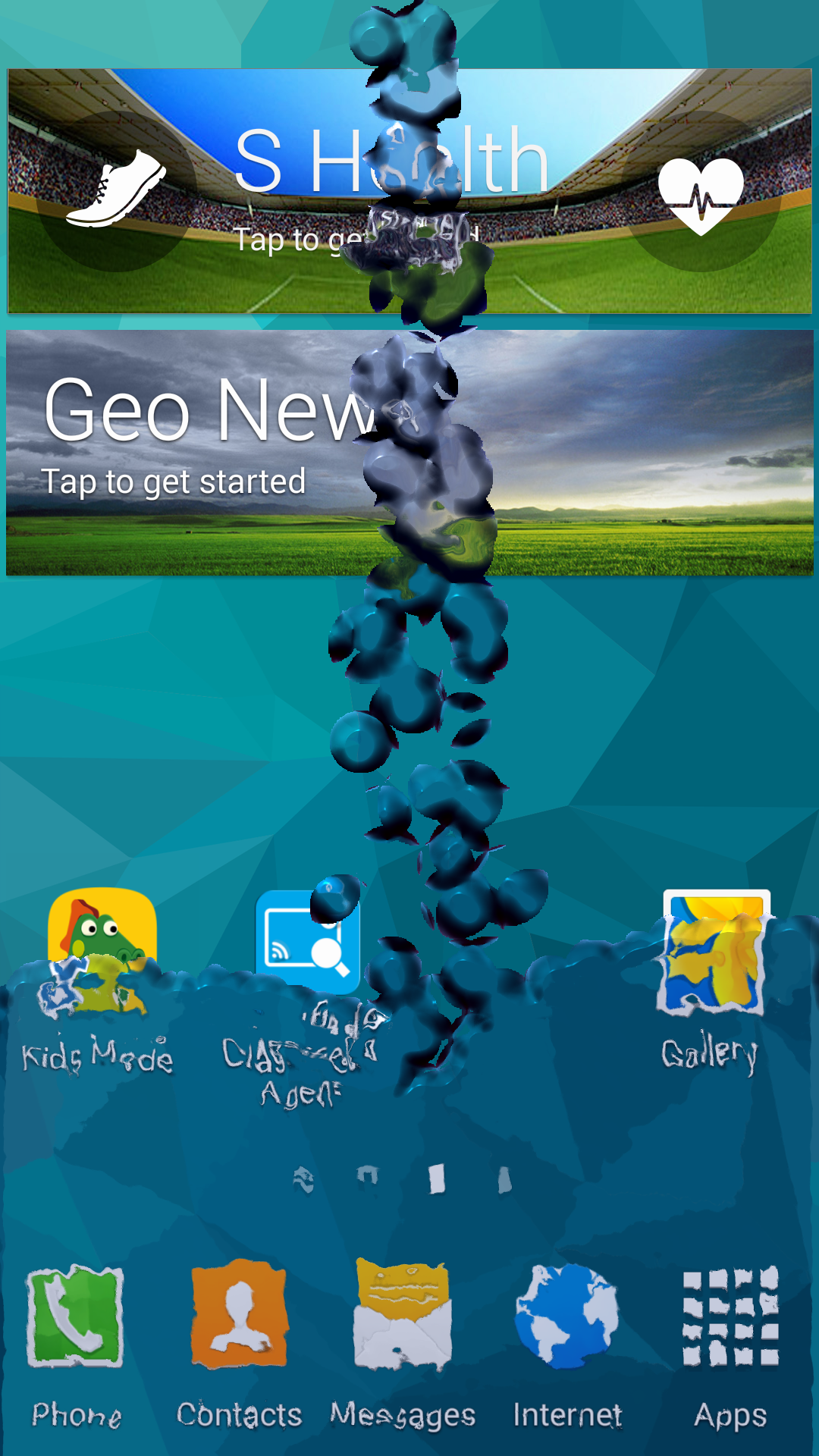
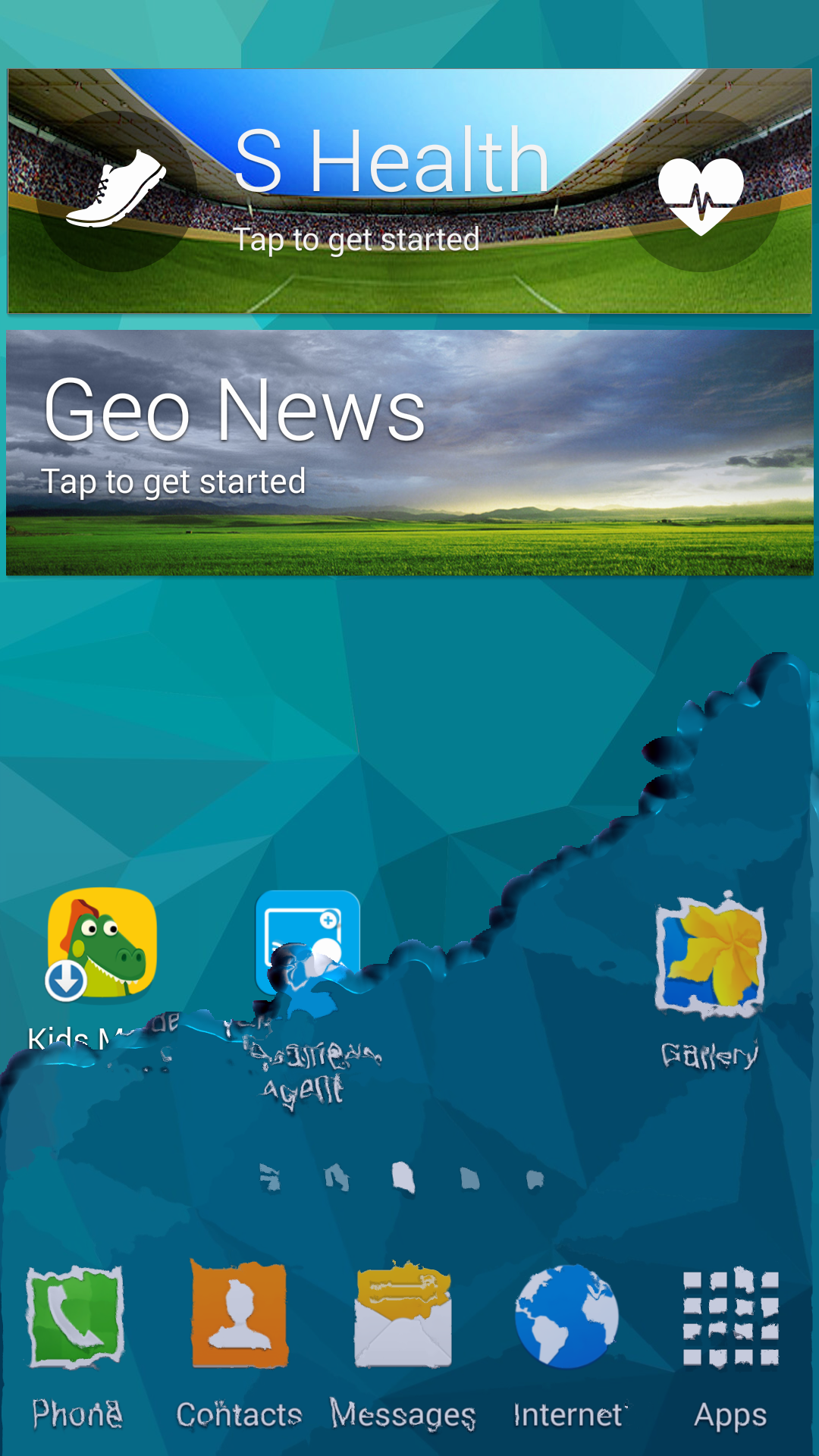
Pour water into your martphone, drink it and shock your friends.
Application enables you to pour water into the smartphone and to drink from it.
All you need to do is:
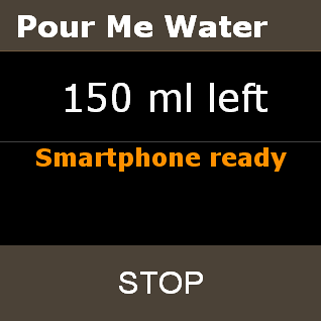
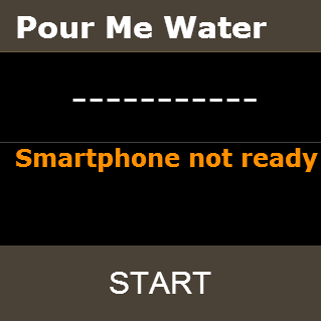
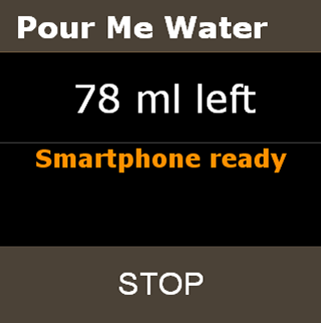
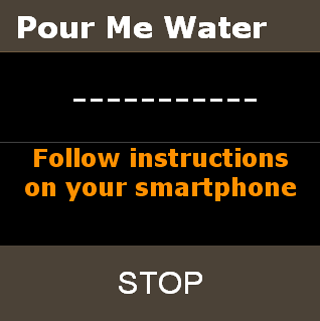
Open "Pour Me Water" app and press "Start" (You will be prompted about smartphone's screen preparing if it has been not prepared yet or changing it, if you wish).
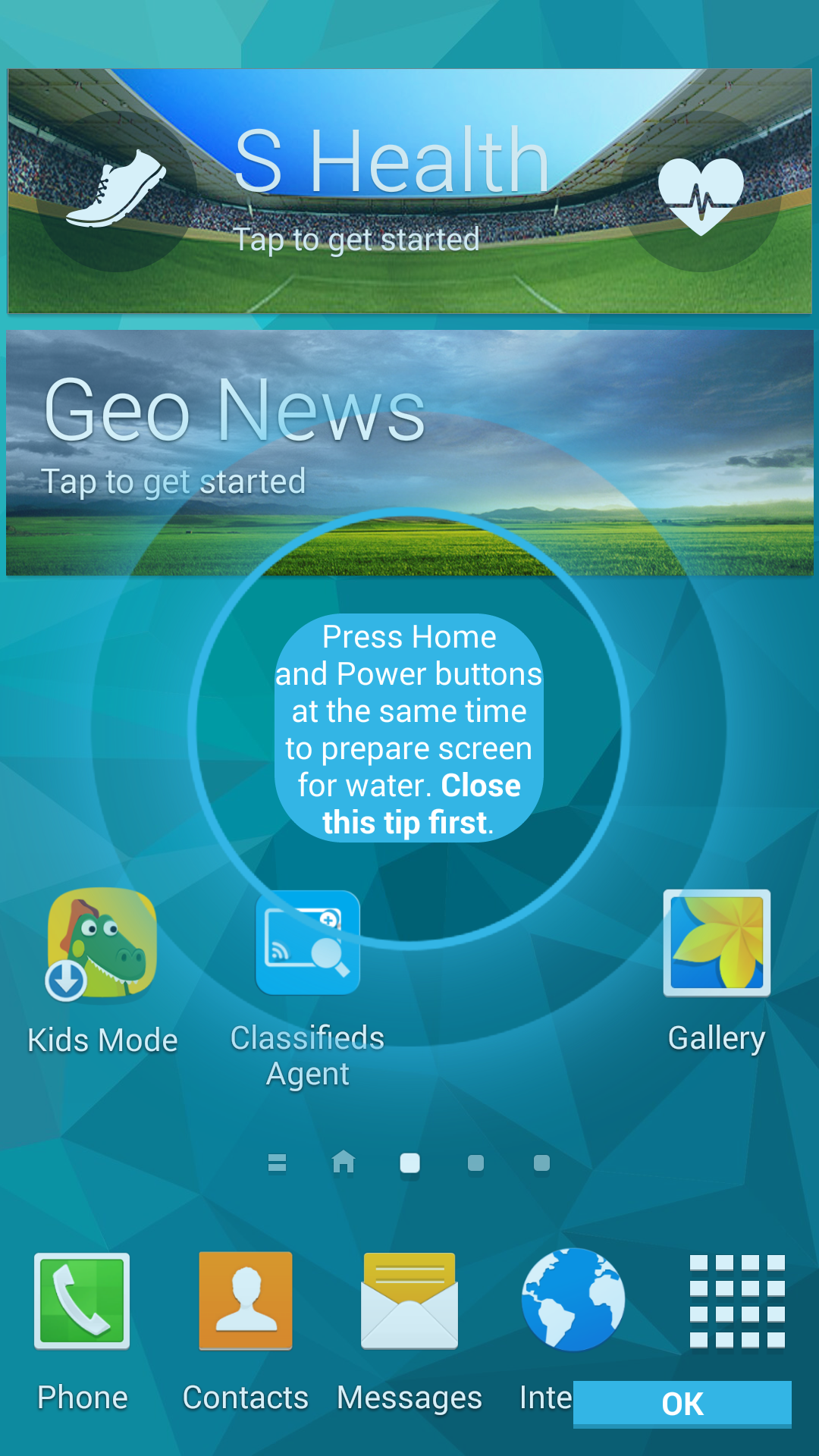
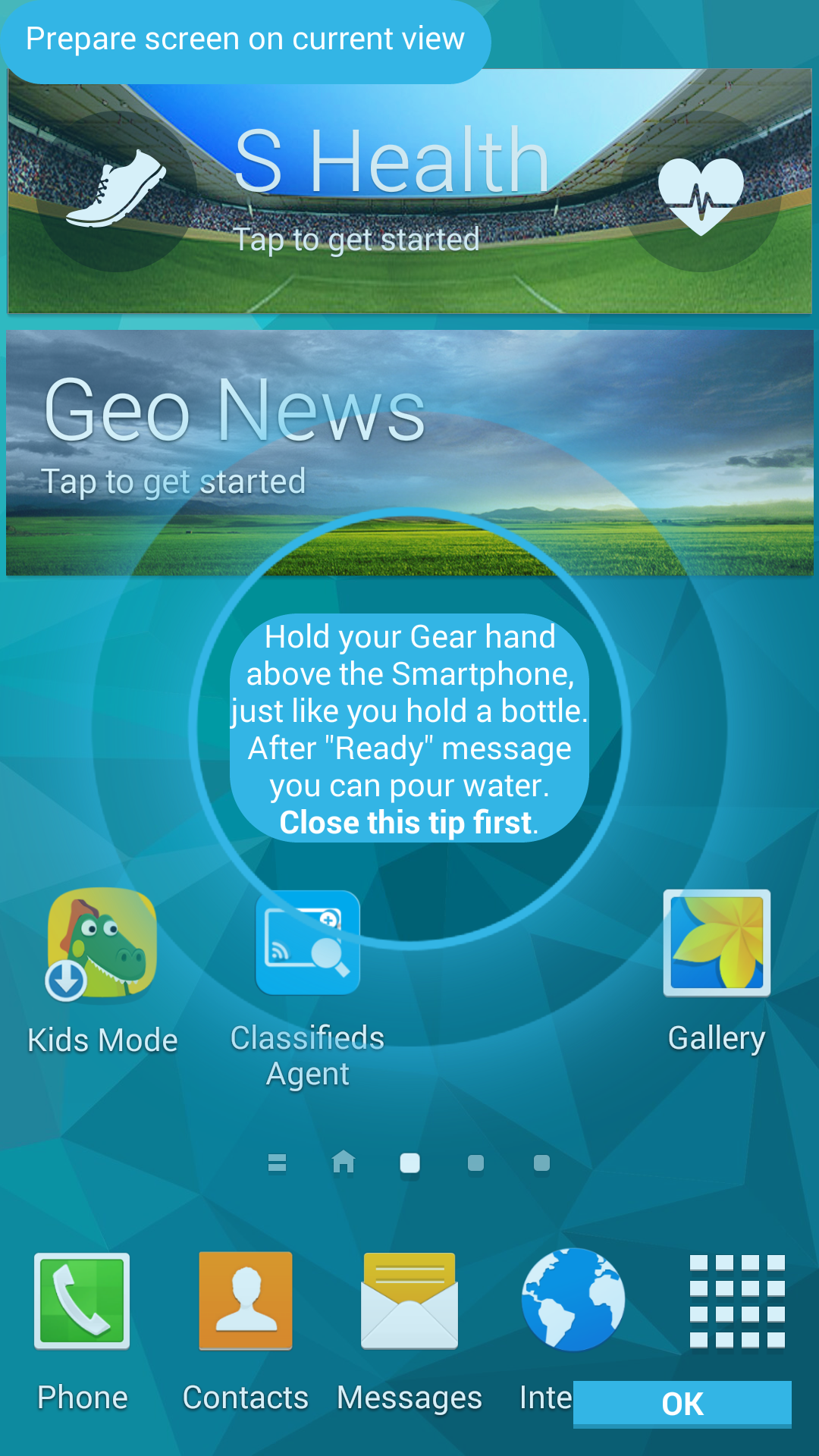
On the smartphone's screen you will see the tip how to take a screenshot (Press Home and Power button at the same time). Close the tip by touching it and take a screenshot.
After that you will see the second tip how to pour water. You can close the tip in the same way or choose "Don't show again".
"Ready" message is displayed after 3 seconds and smartphone vibrates for a while. You can pour water into the screen.
Additional tips:
You can pour water if both gear and smartphone's screens are on.
If gear's screen goes to sleep mode, pouring effect is paused. You should then consider to increase screen timeout. After waking the screen, you can pour water again after 3 seconds.
If smartphone's screen goes to sleep mode or user presses Home button, pouring effect is interrupted. You can start it again from gear.
If application is interrupted (e.g. through phone call), pouring effest is interrupted. You can start it again from gear.

Log in or sign up for Devpost to join the conversation.