-
Potativity
-
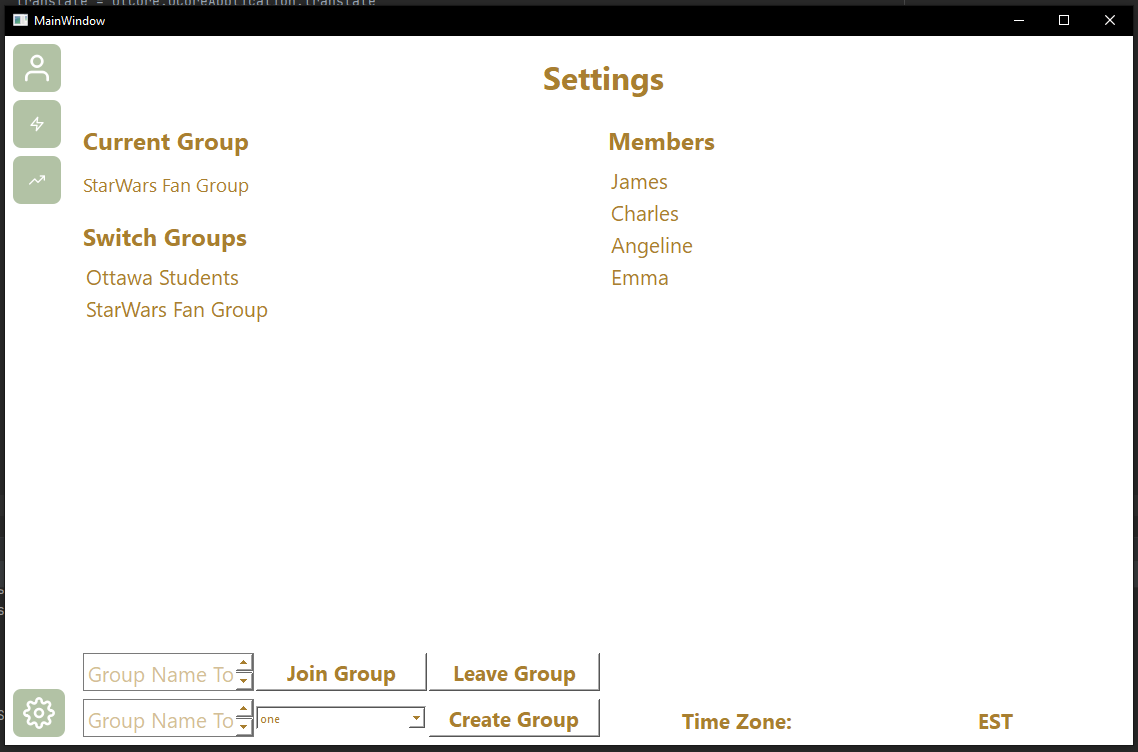
Settings Page
-
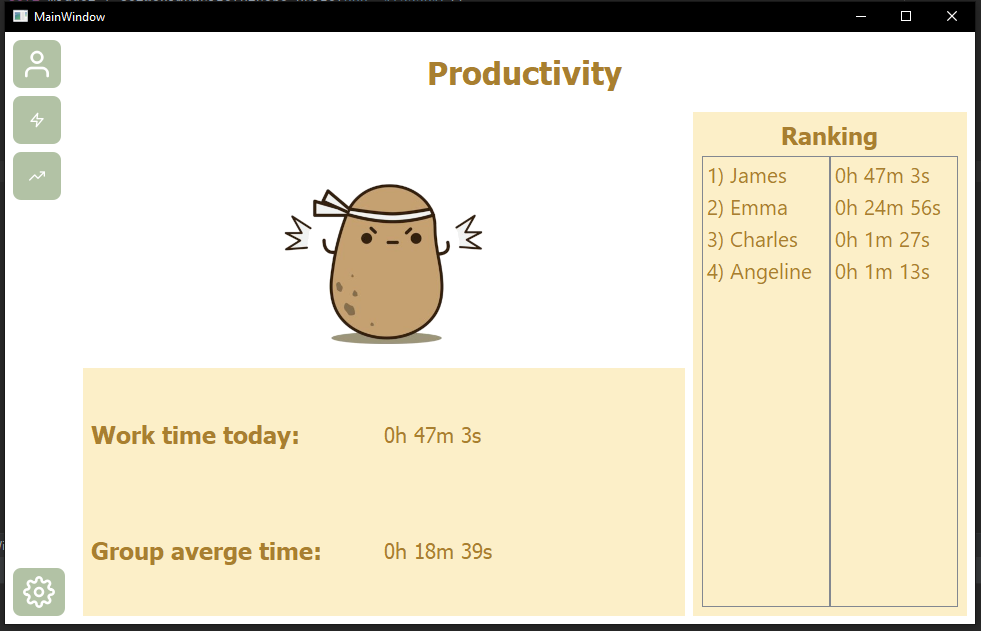
Productivity Page
-
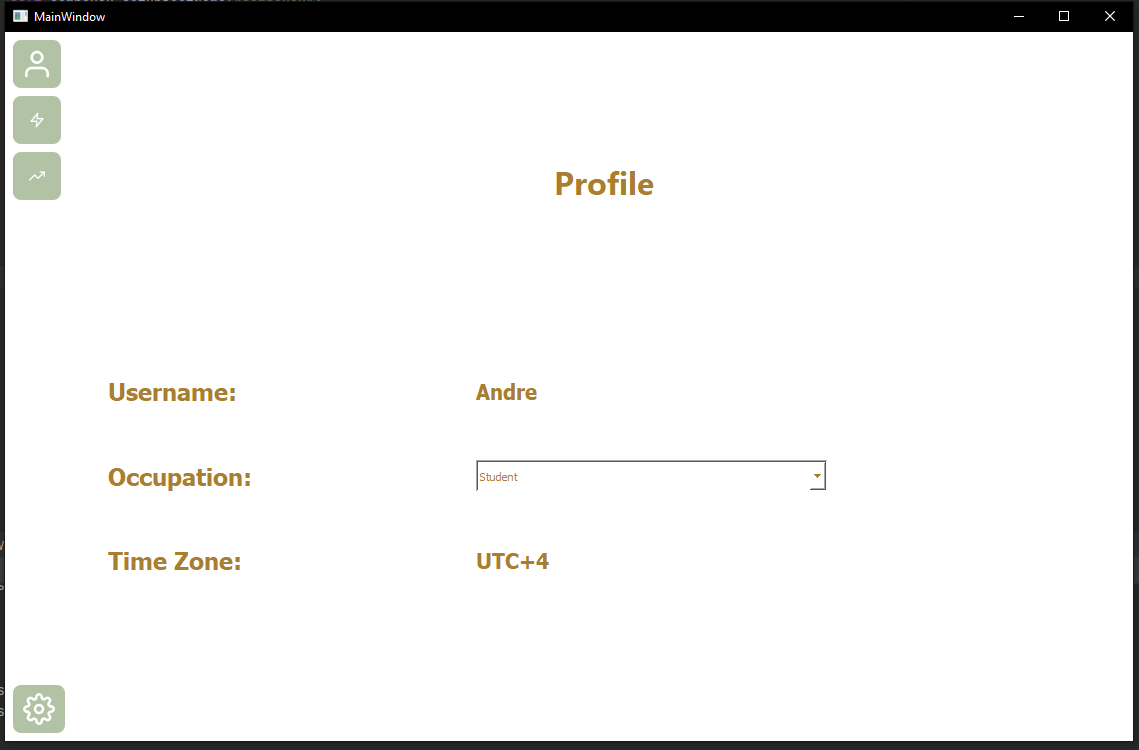
Profile page
-
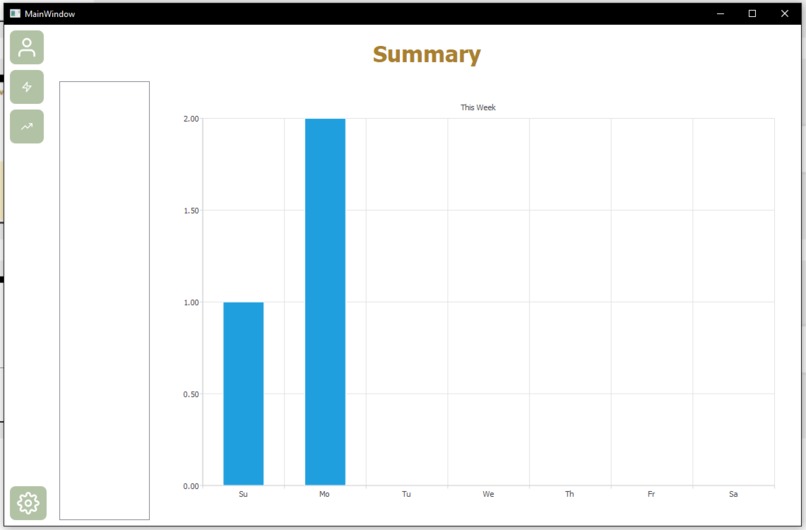
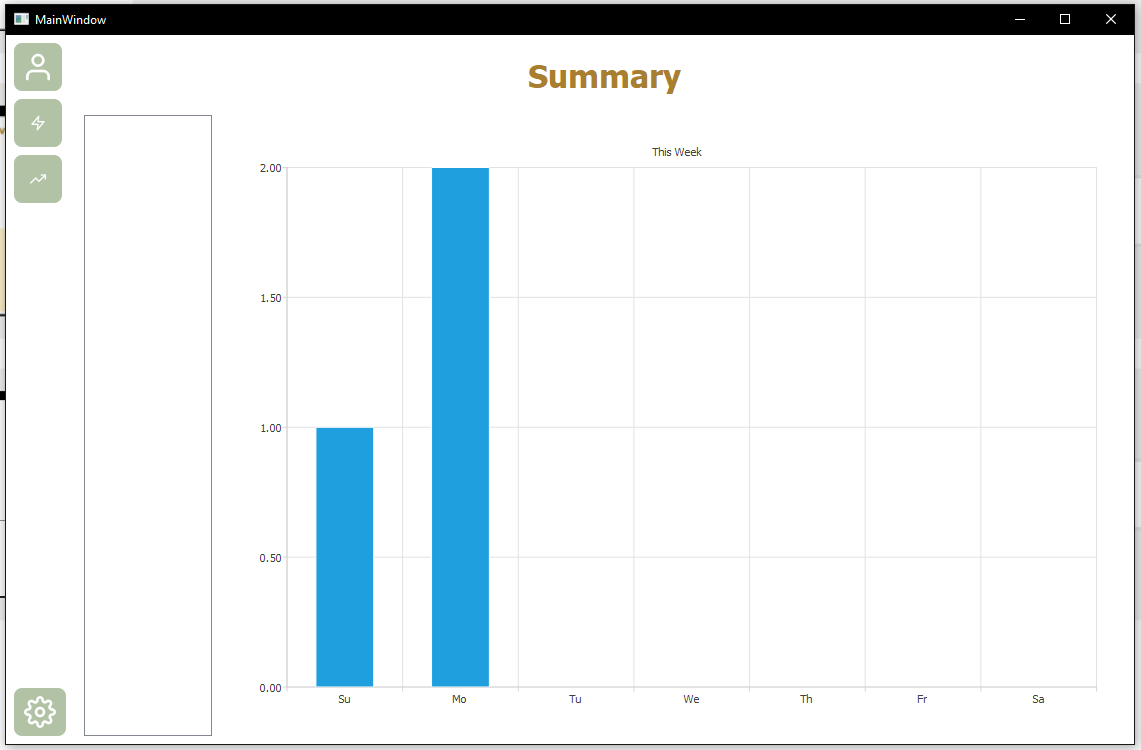
Summary Page
Inspiration
During the COVID-19 pandemic, most schools and work places have shut down and people are now working and studying from home. One downside to this is that our productivity tends to be much lower when working from home due to the lack of a competitive working environment. To solve this issue, Potativity automatically monitors and records your daily working time from your device and allows you to compete with others to see who is the most productive and keep you motivated.
What it does
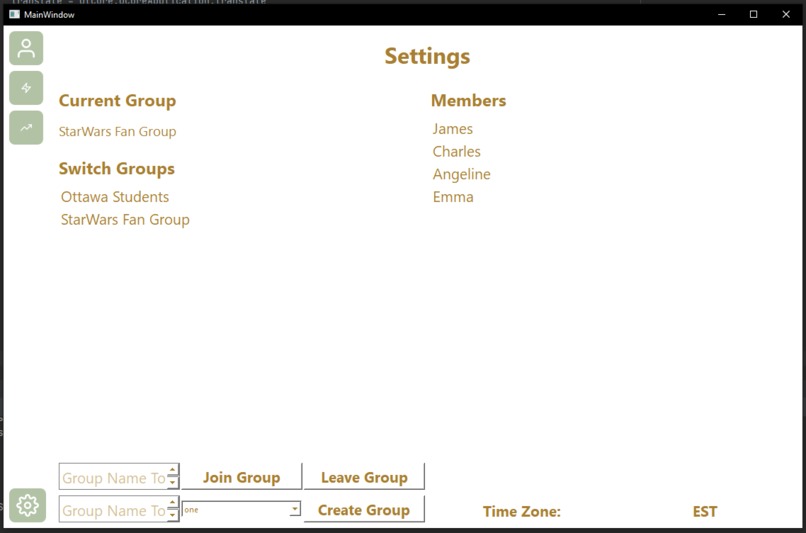
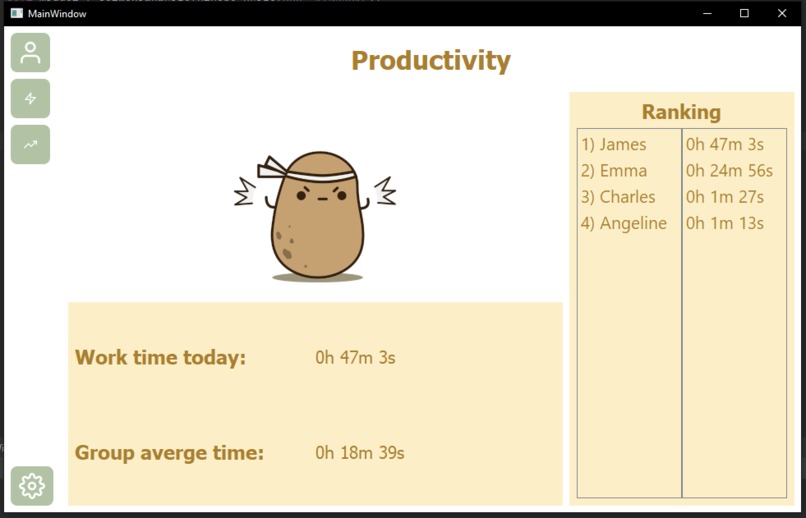
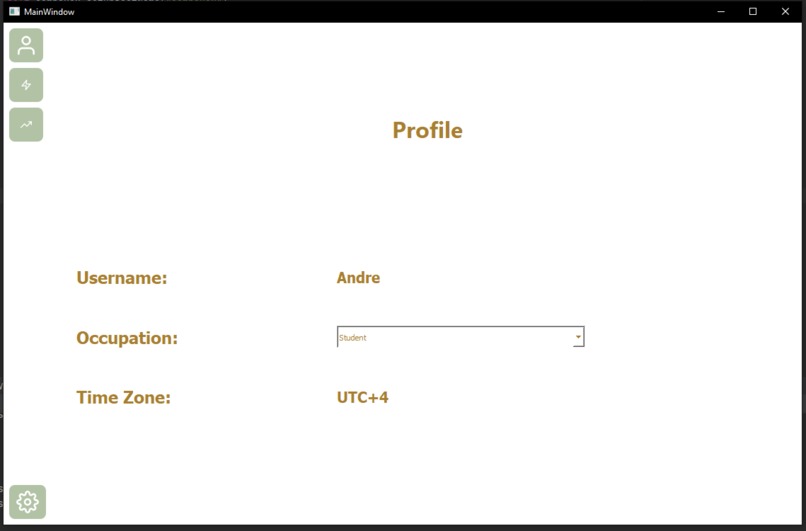
Potativity runs in the background of your device and keeps track of your daily working time. Unlike other time trackers that require manually starting timers or building time blocks on calendars, Potativity automatically detects when different apps are in use and extrapolate when you are being productive. By specifying your time zone and occupation, you are then compared with other users from a similar background based on your working time data. The longer you work, the bigger your potato grows and the higher your ranking among users becomes. You can also create custom groups with friends or co-workers to introduce some friendly competition into your working life.
How we built it
For this project, we used CockroachDB to store the users and their ids and the names of the custom groups. We also created a table which recorded the users interactions with each application which was then used to analyze how productive they were in the last 24 hours. We used PyQt5 to create the GUI along with QT Designer and QTCharts. For the UI elements, we used a set of icons from feathericons.
Challenges we ran into
At about 3 AM on the day of submission, a Google Cloud outage caused us to stop all development since our cloud CockroachDB went down. This set us back quite a bit since it took us about an hour to start working again since we had to re-create our database tables after switching to another cloud cluster.
Accomplishments that we're proud of
We had absolutely no past SQL experience 48 hours ago so it took a while to understand how to perform SQL queries and tie everything together. Additionally, we also had no past Python GUI development experience so we had to learn all of PyQt5. Although this was greatly simplified by using QT Designer to layout the majority of components, we still had many custom functions that had to be programmed in but despite the challenge we were able to implement most of these if not all of them.
What we learned
We learned about SQL!
What's next for Potativity
Polish up the user interface and introduce more security measures for the database.


Log in or sign up for Devpost to join the conversation.