
Inspiration
This client had really poor CTA clicks, conversions, and revenue from blog-driven traffic. But this was their biggest source of traffic. So they came to Remotish to see what solutions we could deliver to solve this problem.
What it does
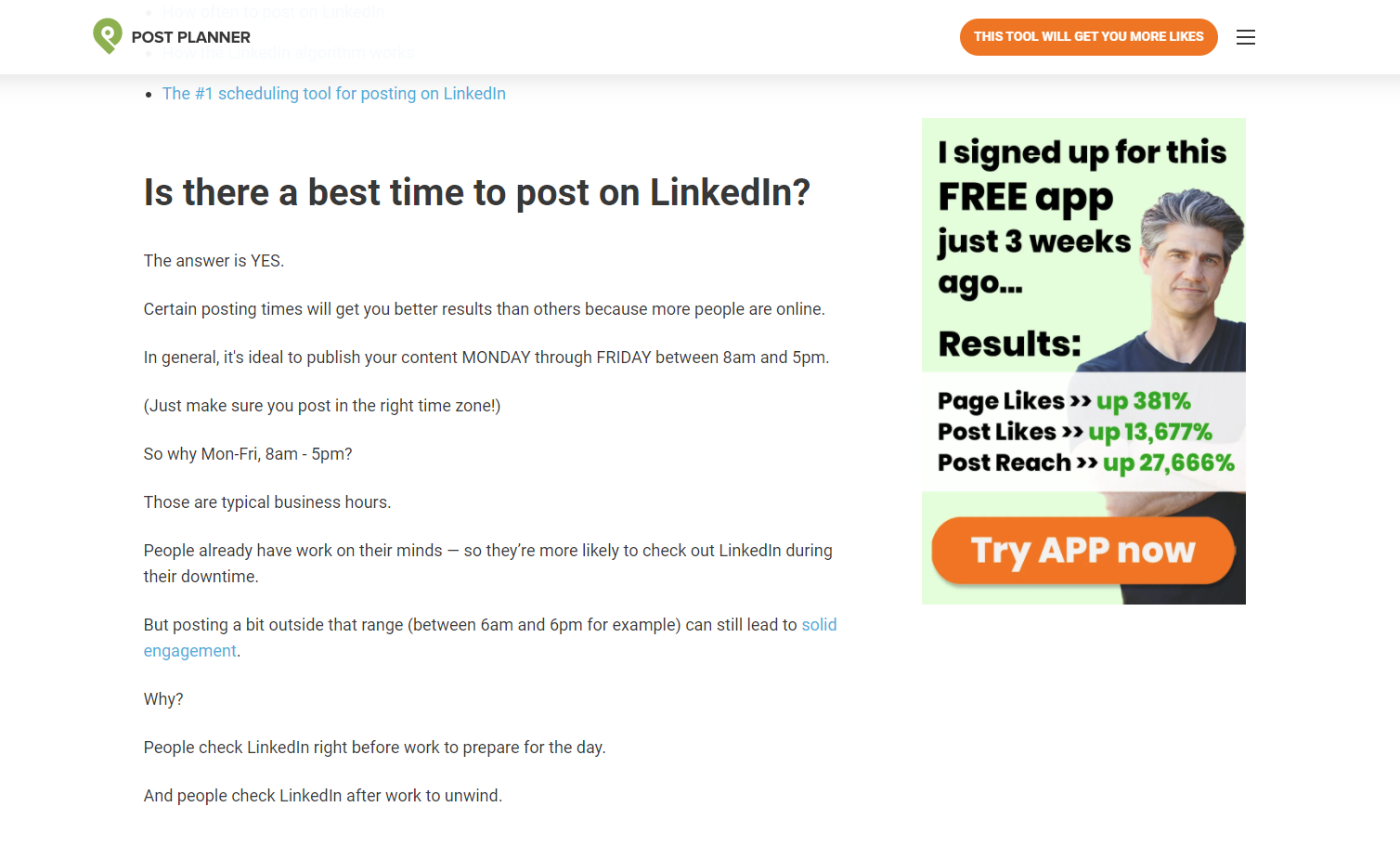
Displays a dynamic CTA on a blog post based on the category.
How I built it
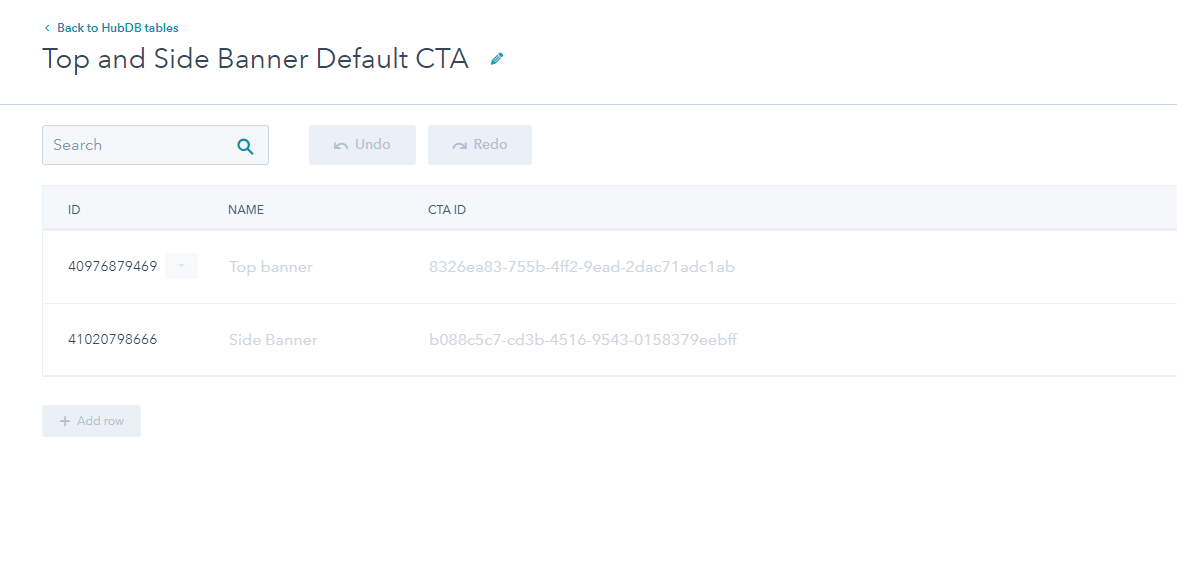
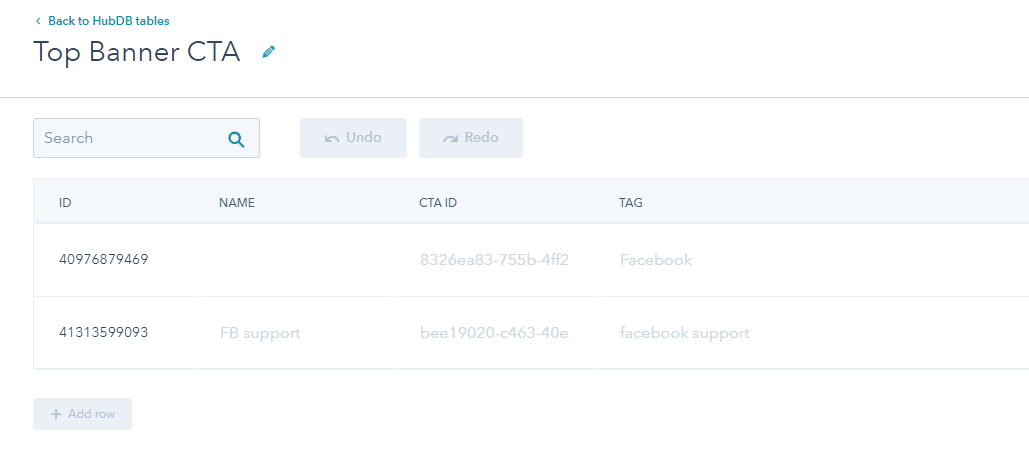
We built HubDB tables that the client could add rows to with a CTA ID and blog category. Then the blog will reference these tables to display the appropriate CTA. If there is a blog without a category not in the tables it will reference the default CTA that has been set up in another table.
Challenges I ran into
The client did not have a large budget to put into this project before we could see if there was a positive ROI. So we had to get creative and think really hard on this before doing any actual work.
Accomplishments that I'm proud of
Sometimes the simplest of solutions can have the biggest impact!
What I learned
Small changes on high-traffic sites can really compound.
What's next for Post Planner Dynamic CTAs on Blog Posts
We hope to help them use more contextual content throughout their site!


Log in or sign up for Devpost to join the conversation.