-
-
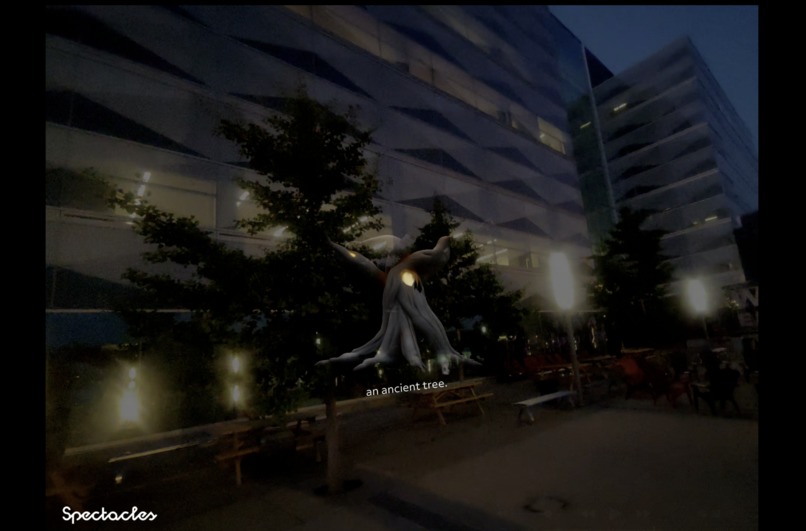
3d object generated by snap3D and Gemini
-
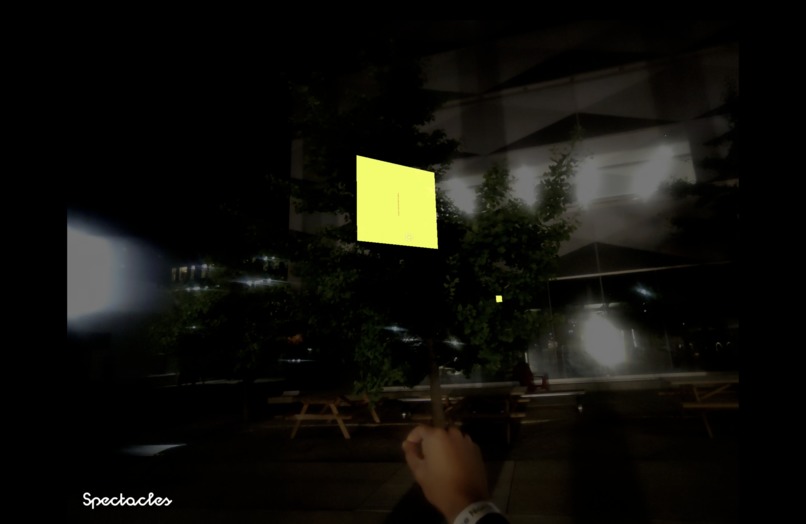
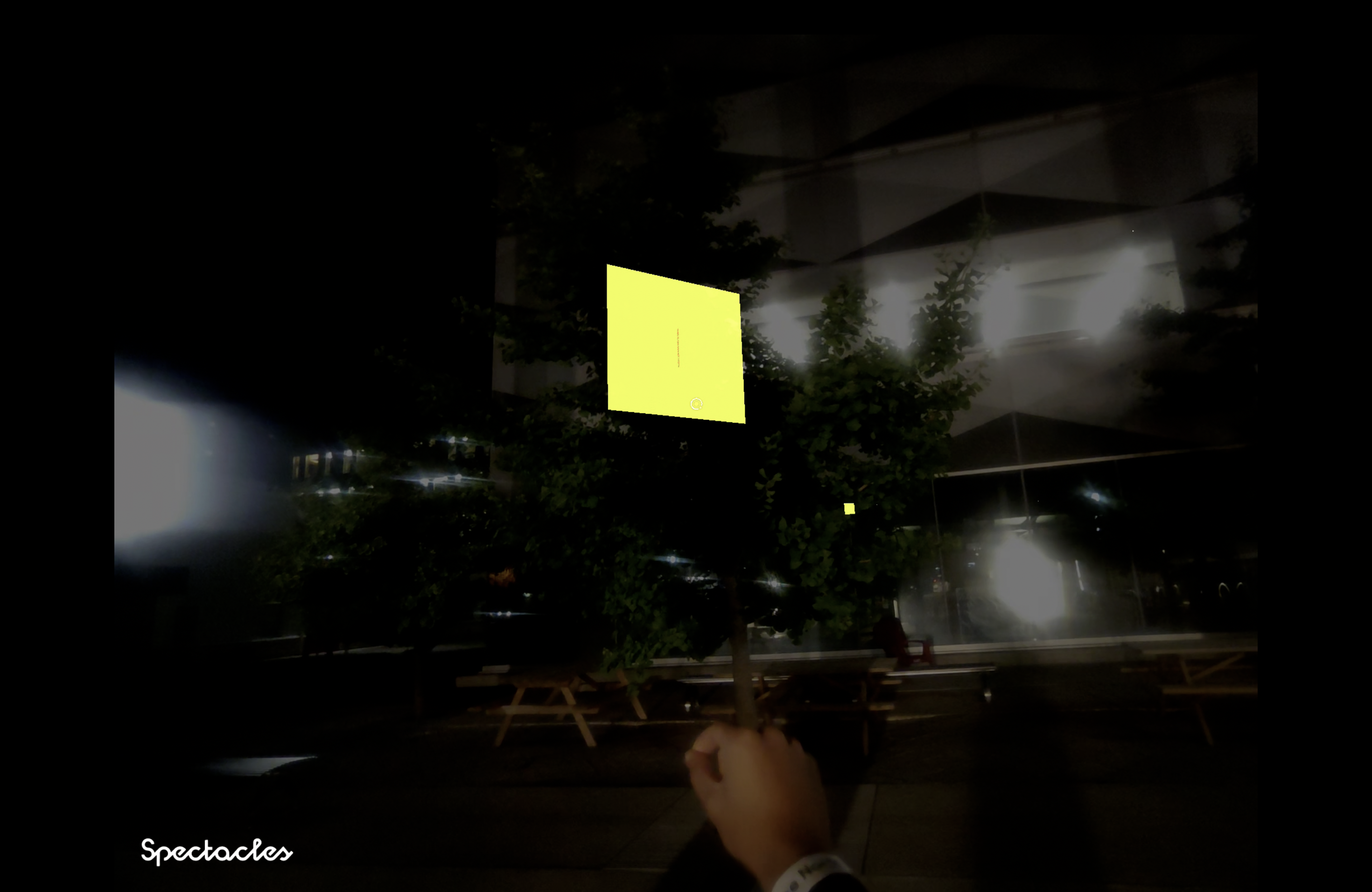
sticky note in AR space (outdoor)
-
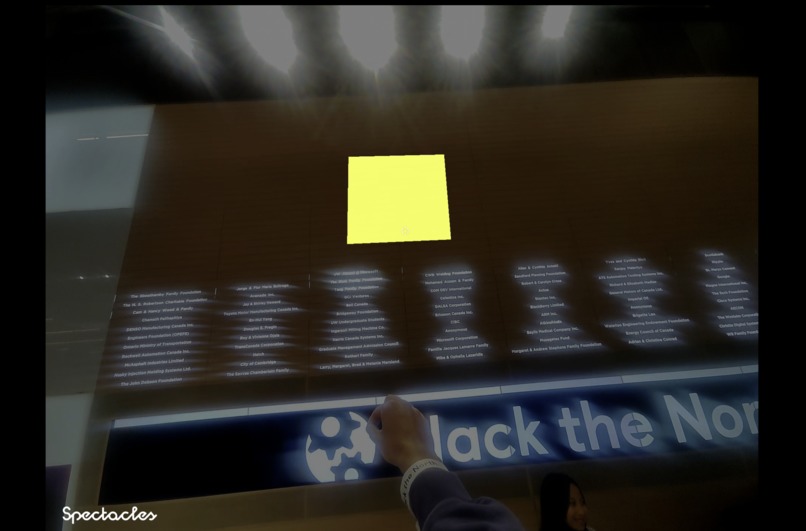
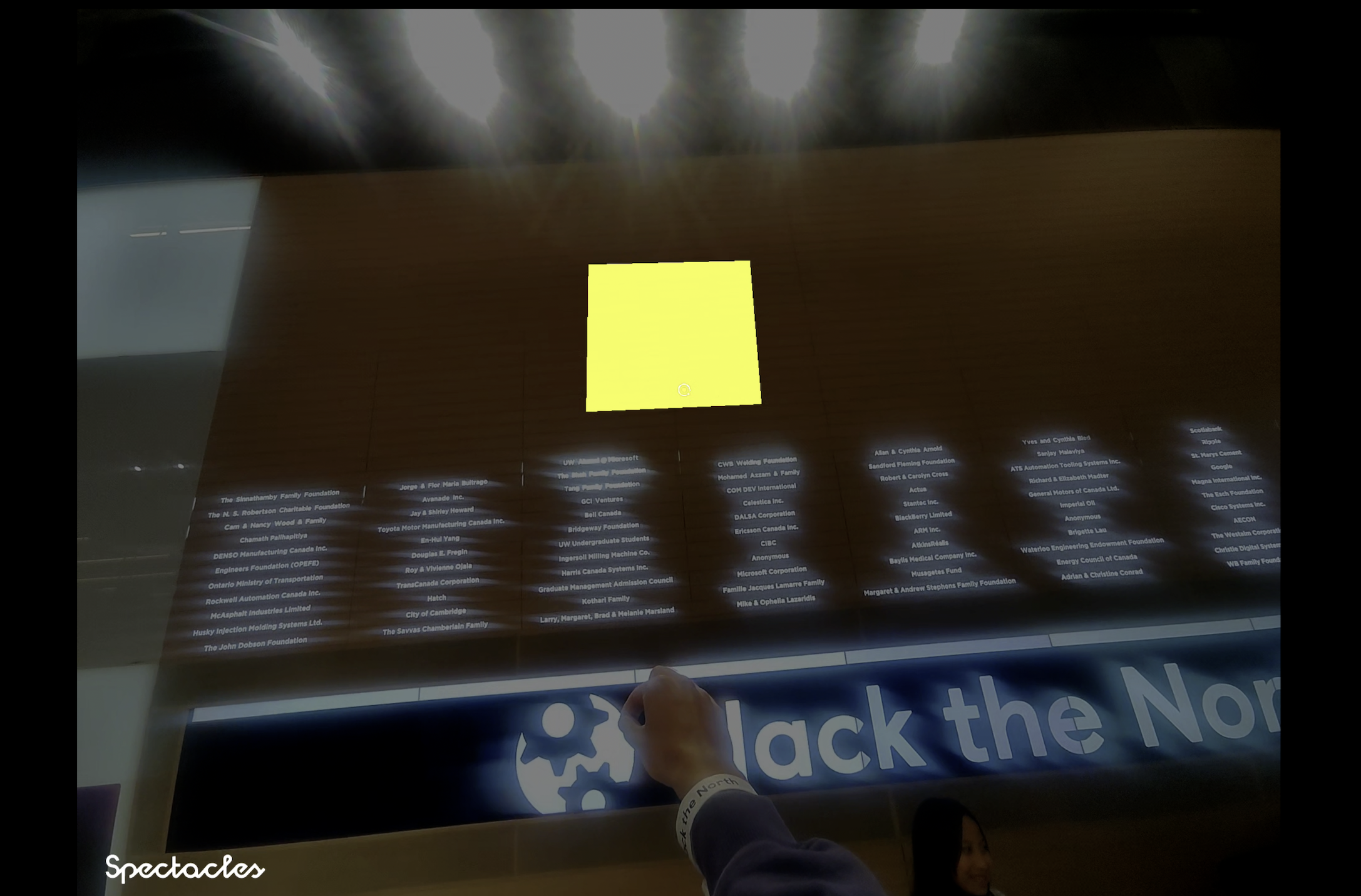
sticky note in AR space (indoor)
Post It
The city, annotated.
Inspiration
We wanted to bring back the joy of exploring. The excitement of noticing something new and discovering your surroundings in a playful way. It’s easy to pass through streets without really seeing them, and we wanted to change that. Post It lets people leave digital notes in real spaces so others can interact with them. Imagine if we could make our thoughts and memories experiencable and associative, so that the moments and ideas we care about could guide someone else’s experience. You might come across a rooftop garden, an underground restaurant, or a corner with perfect light, and these notes guide you to notice it. The goal was to turn everyday spaces into a shared, interactive canvas and make city exploration fun, social, and personal again.
What it does
Post It uses Augmented Reality through Snap Spectacles to bring digital sticky notes into the real world.
You place a note by tapping on a location in front of you which anchors a sticky to that spot. Then, add your message to display on the note - for example, “Hidden mural around the corner, picture worthy!”
Each note is processed through Gemini AI, followed by Snap’s 3D modeling to generate a symbolic icon (a book for a study spot, a cup for a café, etc.).
Nearby users see these icons anchored in space, and with a tap they can reveal the sticky note itself. They can switch between the text and the icon.
The result is a dynamic, collaborative way to share and discover hidden gems right where they matter most.
How we built it
We used Snap's World Query Controller to let users create sticky notes anywhere in the lens by simply tapping on a spot. When a note is placed, the message is passed into Gemini AI, which generates a symbolic image that serves as a marker. Snap’s 3D modelling tools then render that marker into the scene. For the sticky-to-icon toggle, we used Snap’s Lens Studio AI Playground and built the interaction flow with:
- Physics Collider to detect finger overlaps on objects
- Pinch Button Component paired with a TypeScript script to switch between sticky notes and icons
- Interactable Component to support smooth, repeatable interactions
- Audio and button feedback to make the toggling intuitive and responsive for users
Challenges we ran into
This was the first time any of us worked with AR. Our backgrounds were in web, app, and ML development, so stepping into AR felt completely new and a bit intimidating. Lens Studio, AR, and working directly with hardware all came with a steep learning curve.
A lot of what felt natural in other domains - like setting up event listeners, debugging, and merging - suddenly worked differently in AR. We had to rethink how to detect interactions, anchor objects in real space, and especially how to ensure the experience felt intuitive when viewed through glasses. The small details, like whether a “tap” was being registered as a “pinch,” or why colliders weren’t firing, slowed us down more than we expected.
At the same time, those challenges forced us to adapt quickly and learn by doing. We became better at breaking problems into smaller pieces, testing in short iterations, and not being afraid to scrap approaches that weren’t working.
Once we got past the initial confusion, experimenting with high-tech glasses was honestly just really fun. Nothing like pinching the air and seeing code come to life right in front of you.
Accomplishments that we're proud of
We successfully created a fully functional AR experience on Snap Spectacles with interactive sticky notes. We built a seamless toggle system between symbolic 3D icons and detailed sticky notes for a smooth user experience. AI (Gemini + Snap’s 3D modeling) automatically generates meaningful icons from user text. Interactions feel natural thanks to physics colliders, pinch detection, and feedback components. Notes are reliably anchored to real-world locations, allowing users to leave and discover them. Our team adapted quickly to a completely new platform, working with AR hardware and Lens Studio, and delivered a working prototype that can be experienced live on AR glasses.
What we learned
We adapted quickly to new tools and technologies and communicated clearly in a team with no prior AR experience. This strengthened our ability to quickly learn unfamiliar tech and work in interdisciplinary teams.
We learned to connect systems, such as turning text into symbolic 3D icons, and to design interfaces that are intuitive in 3D space. This improved our understanding of UX in immersive environments.
Working with hardware taught us to consider the physical space as part of the interface and to manage constraints like real-time performance. This will help in any interactive or spatial project, an industry which we will continue to explore.
We practiced teaching each other new tools, iterating quickly, and experimenting confidently. This deeply improved our problem-solving and collaboration skills.
We discovered how immersive technology can make real-world exploration more engaging and human. This inspired us to create experiences that blend digital and physical spaces effectively.
What's next for Post-It
Use Snap’s Pathfinder feature to guide users to sticky note locations with AR arrows to make exploration intuitive and engaging.
Add streaks or rewards for leaving notes consistently to encourage active participation.
Allow users to set note visibility as private, friends only, or public to give control over who sees their content.
Enable filtering of notes by category (food, art, study spots, scenic views) to help users find relevant recommendations quickly.
Include upvoting and downvoting to highlight the most useful or interesting notes.
Implement note clustering to prevent visual clutter in areas with many notes.
Add a “favorites” feature so users can bookmark notes for easy access later.
Built With
- augmented-reality
- gemini
- javascript
- snap-interaction-kit
- snap3d
- spectacles
- typescript


Log in or sign up for Devpost to join the conversation.