-
-
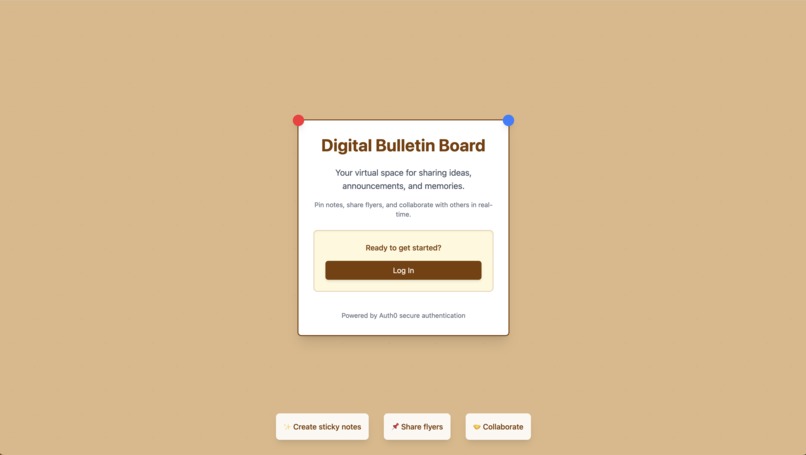
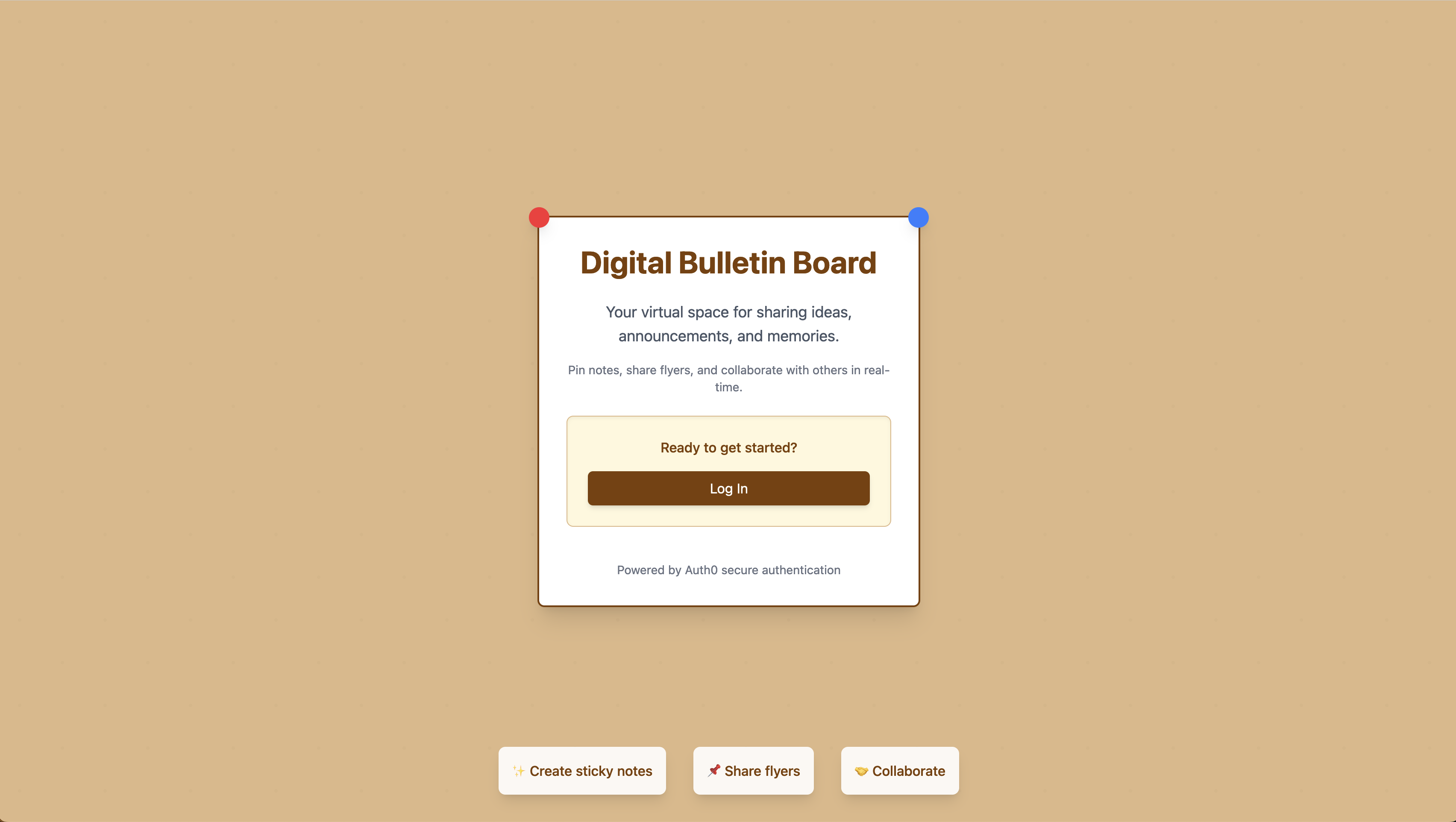
SSO Authentication
-
-
-
-
HackTCNJ-2025
Created in equal parts by Christopher Lam & Benjamin Guerrieri
Our Story
🚀🚀🚀
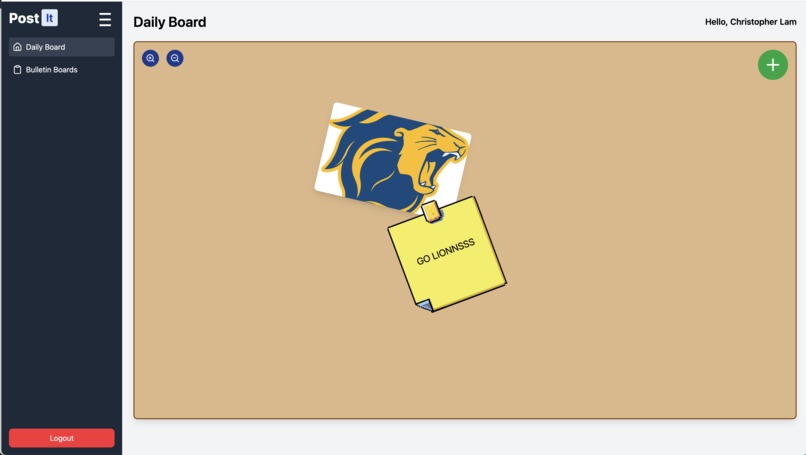
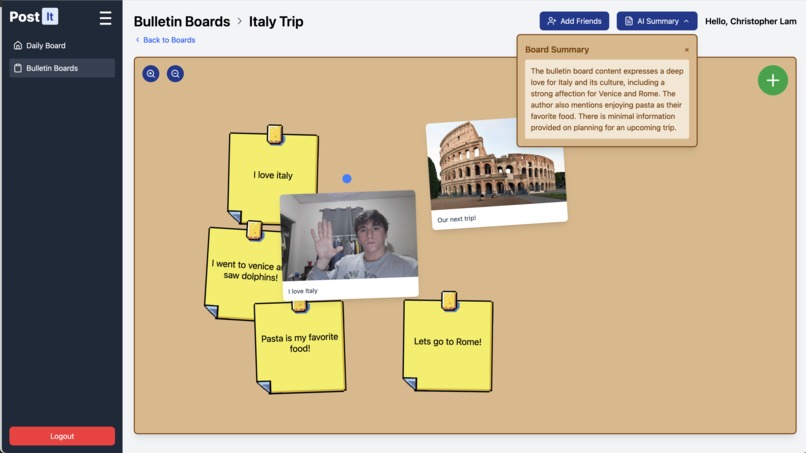
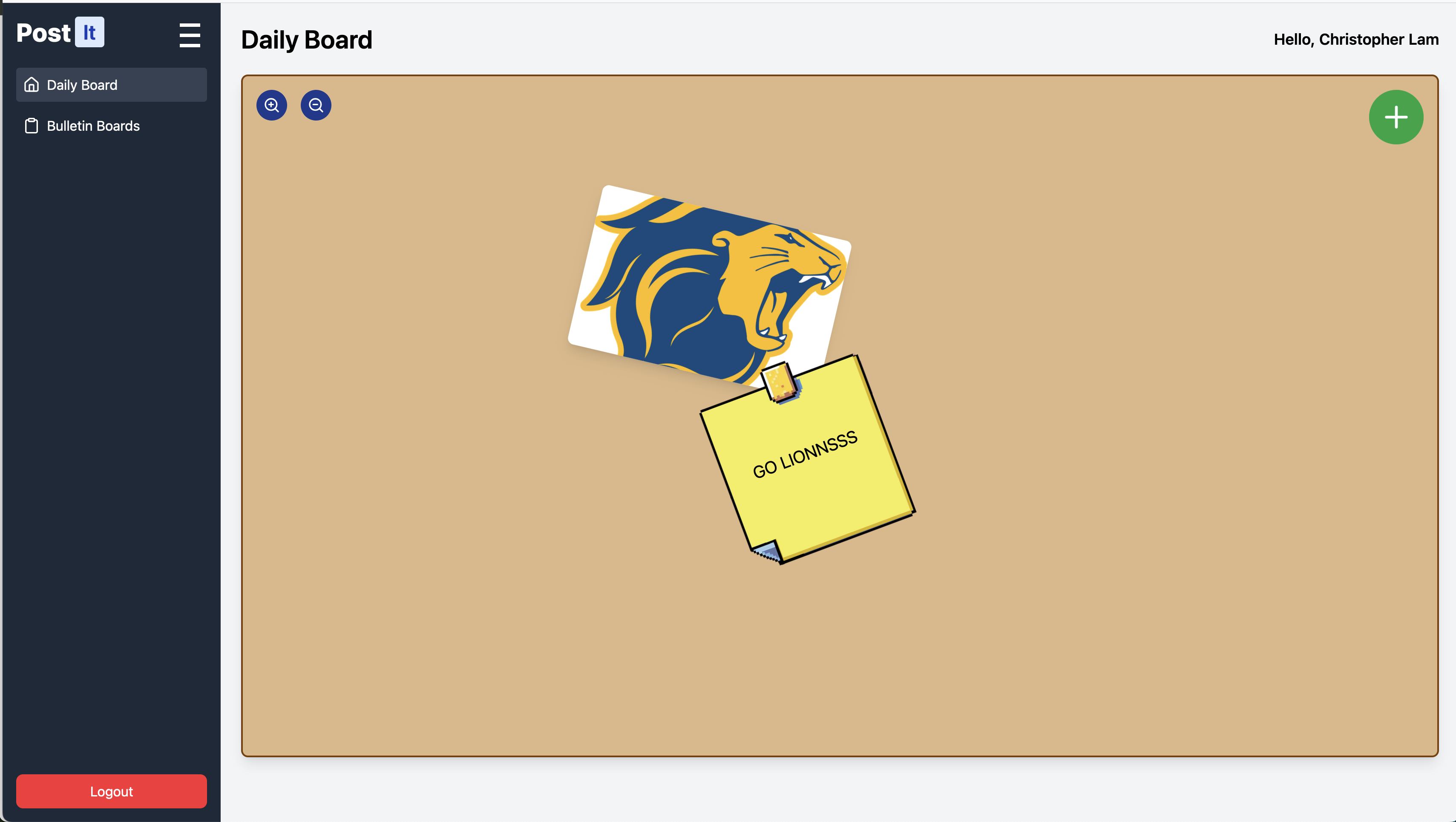
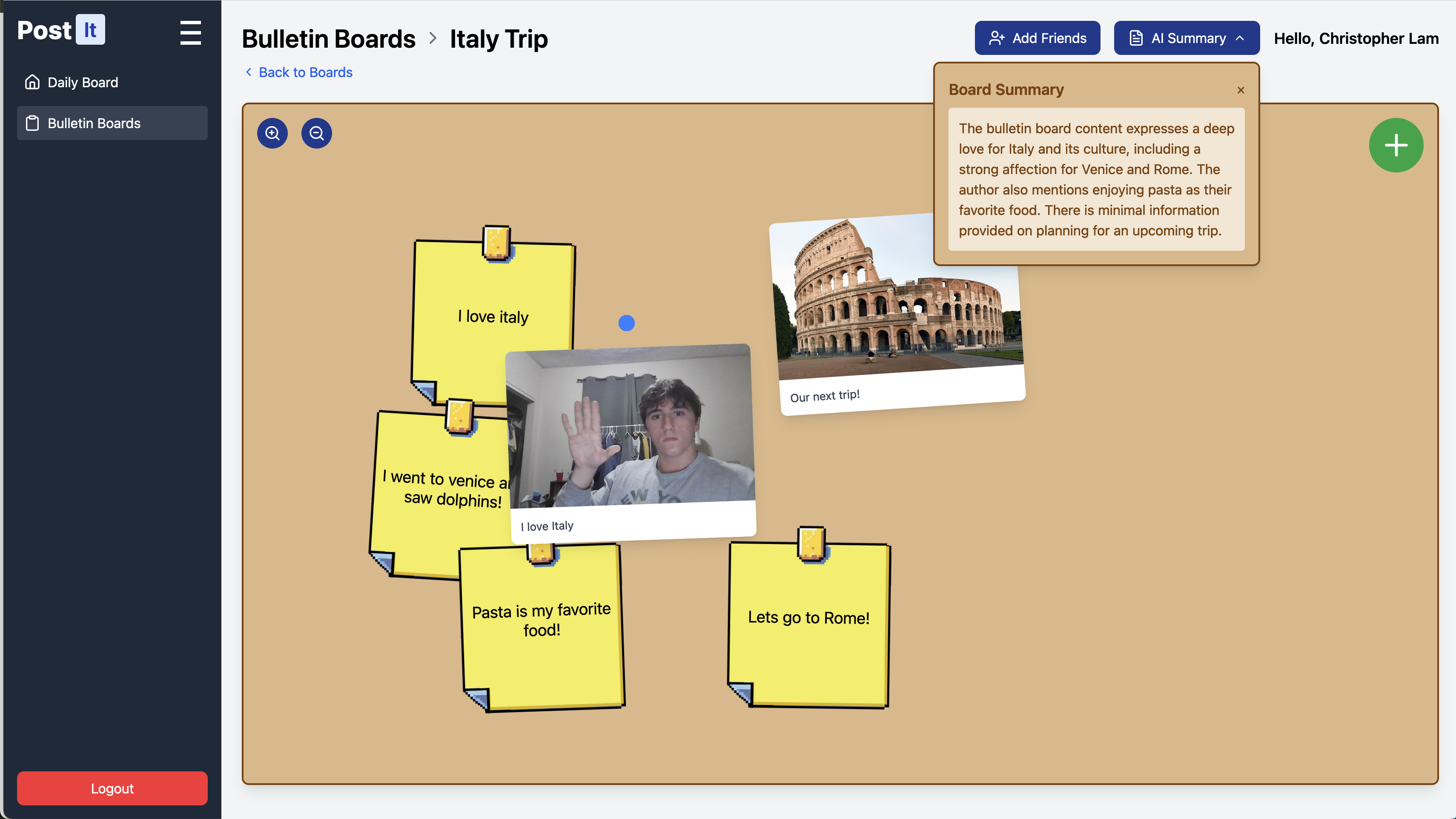
We decided to create a collaborative notes app to enhance student productivity and class discussions by providing an interactive bulletin board where users can share ideas through sticky notes, images, and comments.
To ensure secure access, we implemented OAuth authentication, allowing students to sign in via SSO. MongoDB serves as our database, providing a scalable and flexible solution for storing notes, images, and user interactions efficiently. Our tech stack includes Node.js for the backend, ensuring seamless API handling, and React for the frontend, delivering a responsive and intuitive user experience.
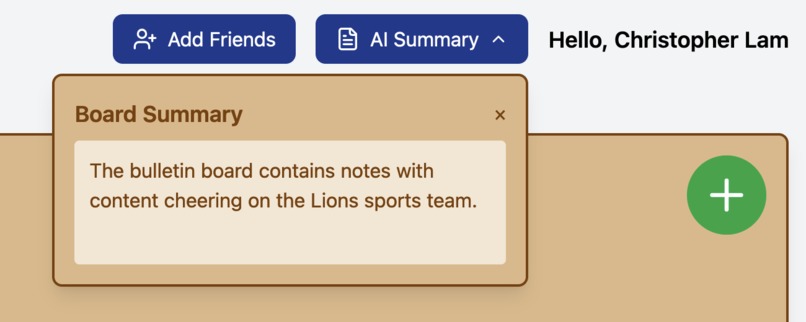
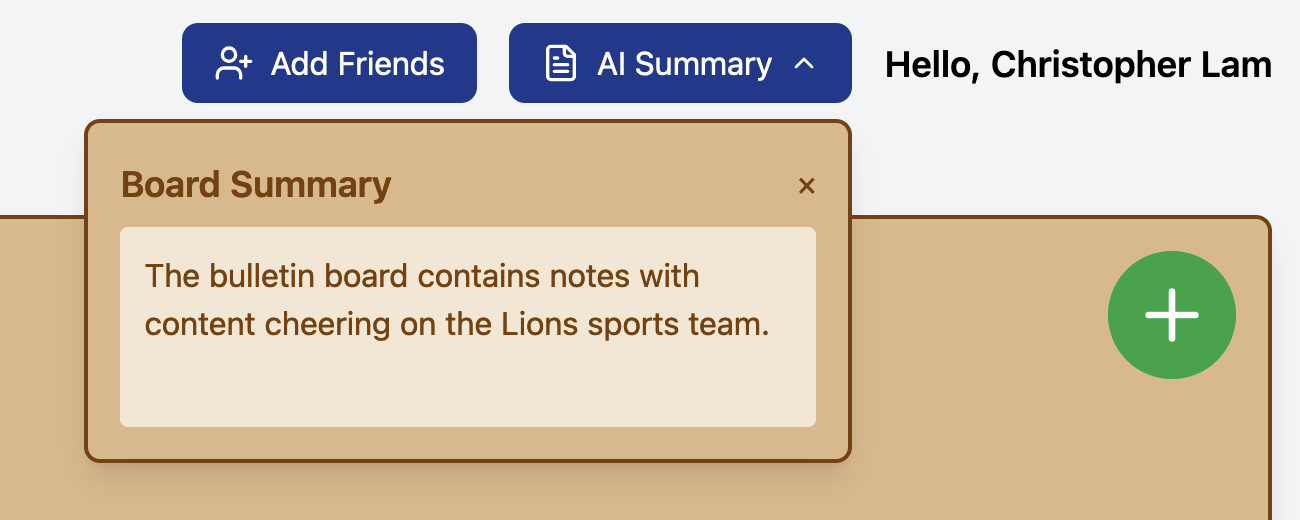
Additionally, we integrated GPT-powered AI to help students summarize discussions, generate topic suggestions, and enhance collaboration by providing intelligent insights. This combination of technologies creates a modern, real-time, and engaging platform for students to collaborate effectively.
We wanted to create this collaborative notes app to address common challenges students face when organizing and sharing information in academic settings. Traditional note-taking and discussion platforms often lack real-time interactivity, structured collaboration, and intelligent insights, making it harder for students to engage, retain information, and work efficiently in groups.
🚀🚀🚀
Features
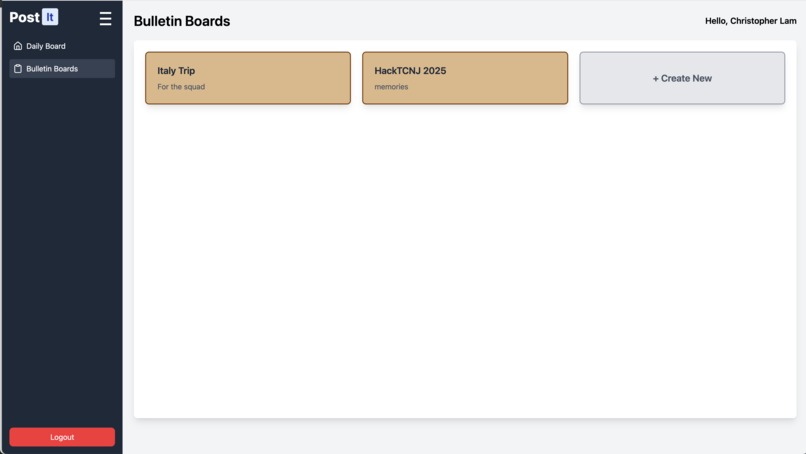
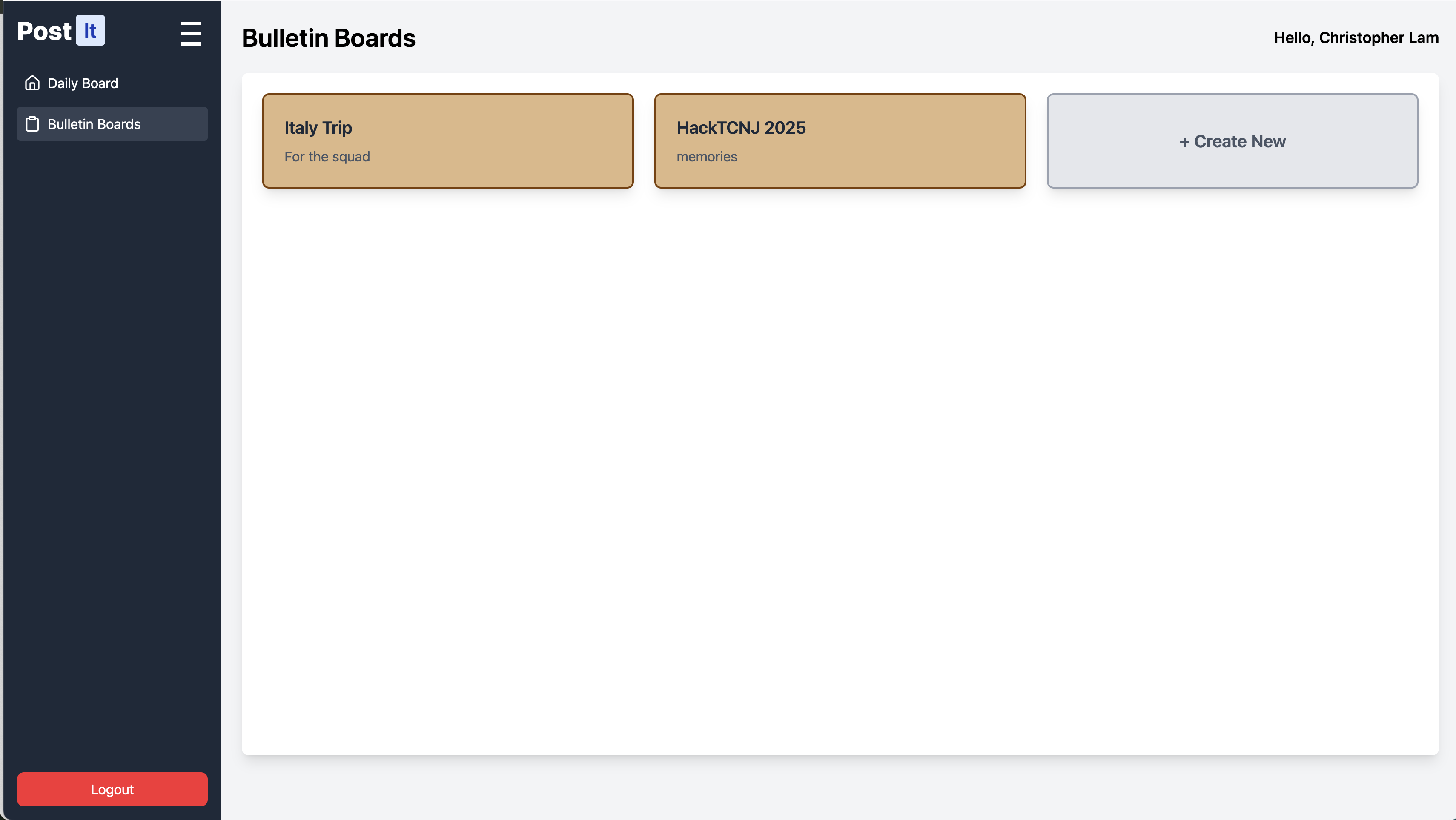
- Boards: Users can create and manage multiple boards.
- Posts: Boards can contain different types of posts, including notes and flyers.
- Real-time Updates: Implemented using polling for nearly-instant updates.
- User Authentication: Secure user authentication and authorization.
- File Uploads: Users can upload files to flyers.
- AI Summarization: Boards can be summarized using OpenAI's GPT-3.5 Turbo.
Technologies Used
- Backend: Node.js, Express, MongoDB, Javascript
- Frontend: React, HTML/CSS, OAuth, Typescript
- Other: OpenAI API, ngrok
Challenges We Faced
🔧🔧🔧
Building this app required learning and integrating multiple technologies, each with unique challenges. Creating an API in Node.js was difficult due to asynchronous request handling, RESTful design, and CORS issues. Debugging errors and managing middleware for authentication took time, but we resolved them using Postman for testing and structured error handling.
Integrating React with Node.js posed challenges in managing API calls, state, and CORS issues. We overcame this by ensuring consistent API response formats and properly configuring CORS middleware. Setting up MongoDB required learning schema design, efficient queries, and nested data handling, which we optimized using Mongoose and aggregation pipelines.
Implementing OAuth authentication (SSO) was particularly tricky, involving OAuth flows, token validation, and session management. Debugging token misconfigurations and authentication failures took effort, but careful documentation review and structured testing helped us succeed.
Despite these hurdles, we built a secure, scalable, and efficient platform, significantly improving our full-stack development, database management, and authentication skills. 🚀
🔧🔧🔧
Setup
- Clone the repository.
- Install the dependencies:
npm install - Set up the MongoDB database and update the connection string in
.env. - Set up the OpenAI API key in
.env. - Run the server:
node server/index.js - Run the command
npm run dev
API Endpoints
The API endpoints can be found in the repository
-
POST /boards: Create a new board. -
GET /boards: Get all boards. -
POST /posts: Create a new post. -
GET /posts: Get all posts. -
POST /comments: Create a new comment. -
GET /comments: Get all comments. -
POST /upload: Upload a file. -
DELETE /delete-post: Delete a post. -
POST /summarize-ai: Summarize all posts for a given board using GenAI. -
POST /users/addUser: Create a new user. -
POST /users/shareBoard: Add permissions to a user.
Database Schemas
- Board
- Post
- Flyer
- Note
- Comment (W.I.P)
- User
Built With
- express.js
- javascript
- mongodb
- ngrok
- node.js
- oauth
- openai
- react
- rest-api
- tailwind
- typescript


Log in or sign up for Devpost to join the conversation.