-
-
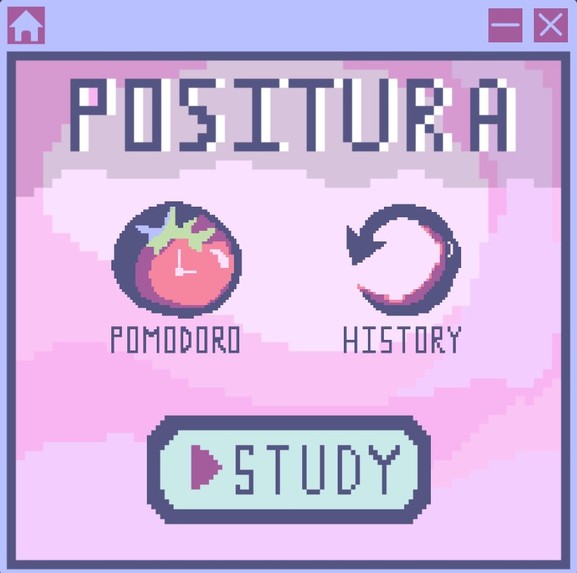
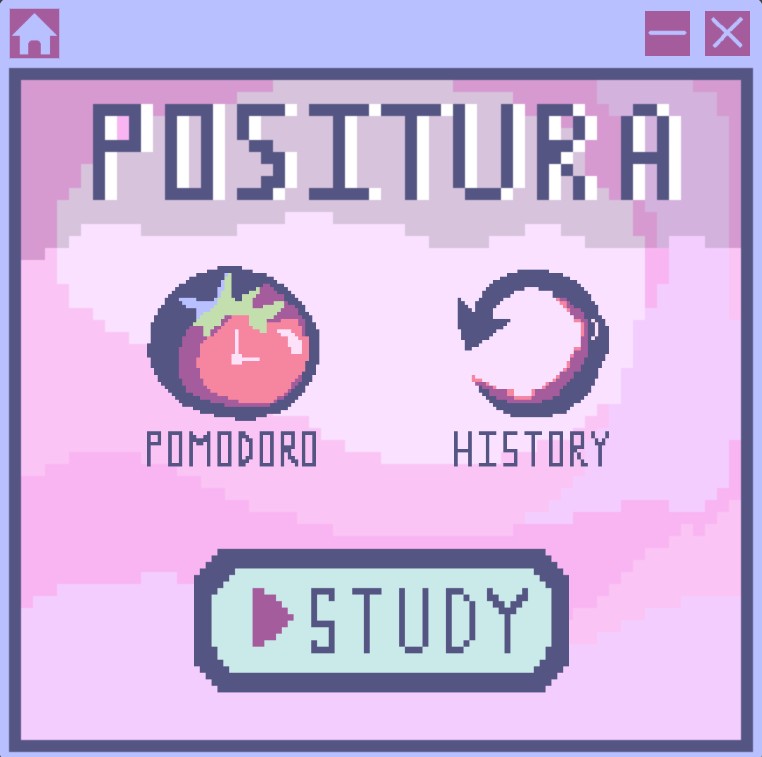
Positura home page
-
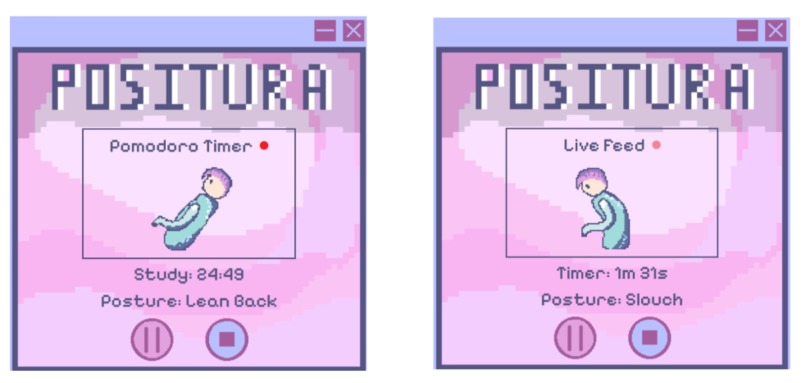
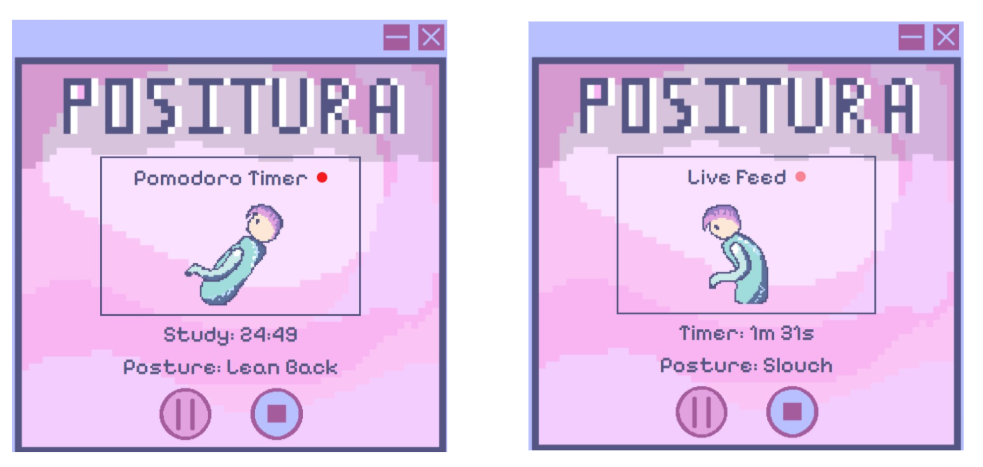
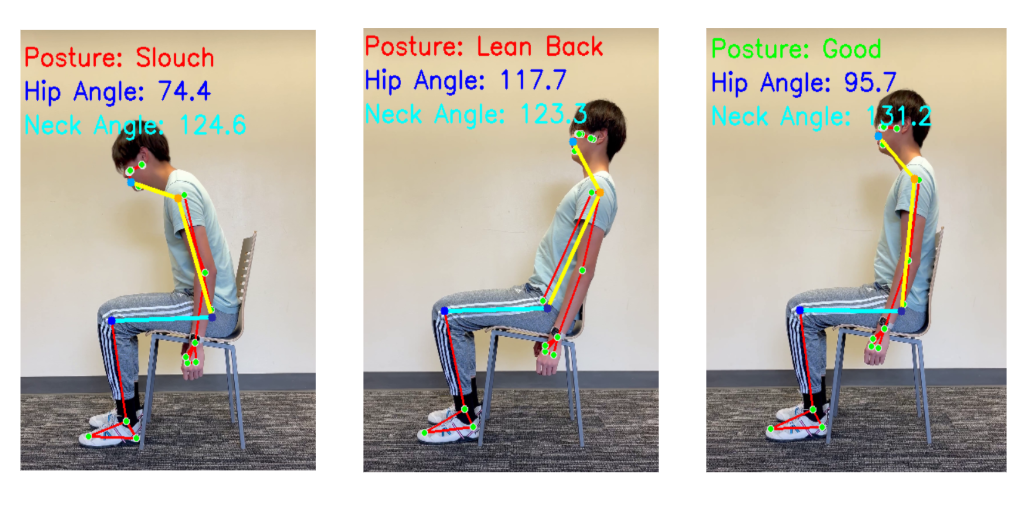
Study session posture detection
-
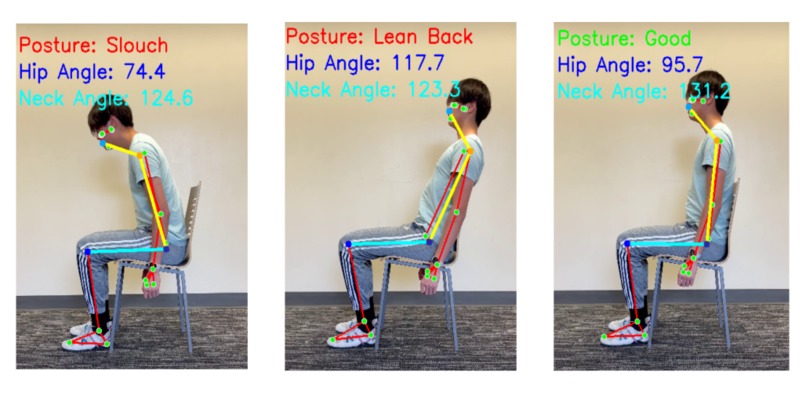
Test 1 of the pose detection system
-
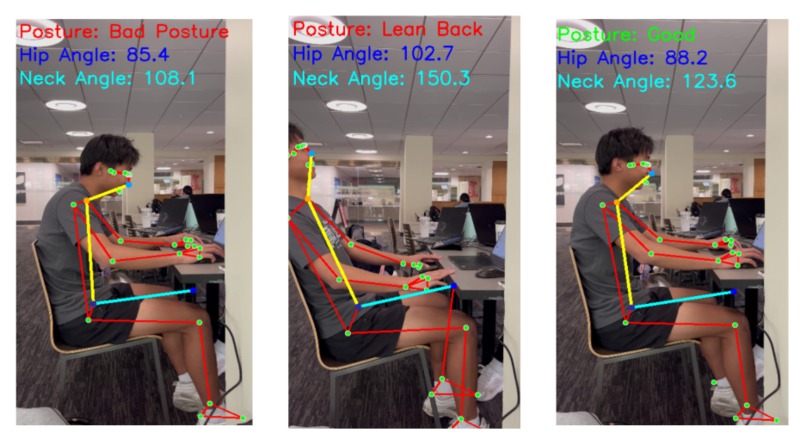
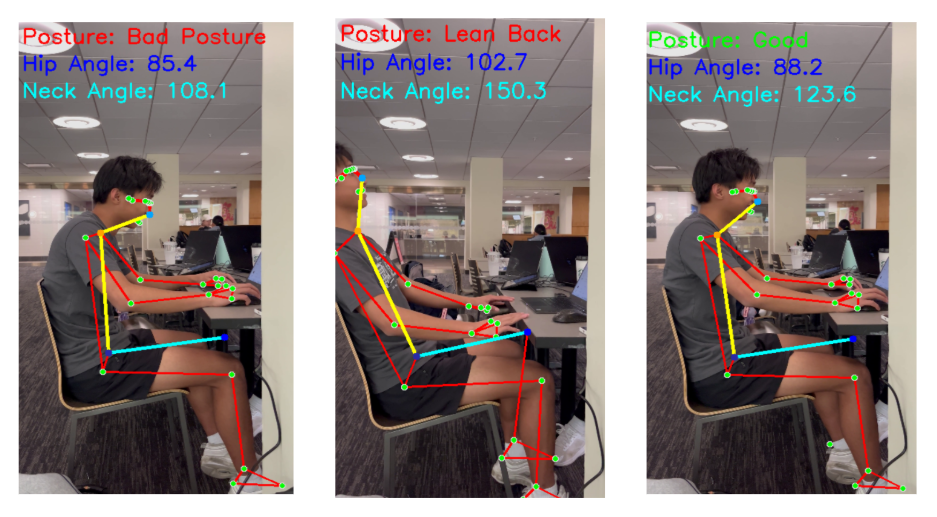
Test 2 of the pose detection system
-
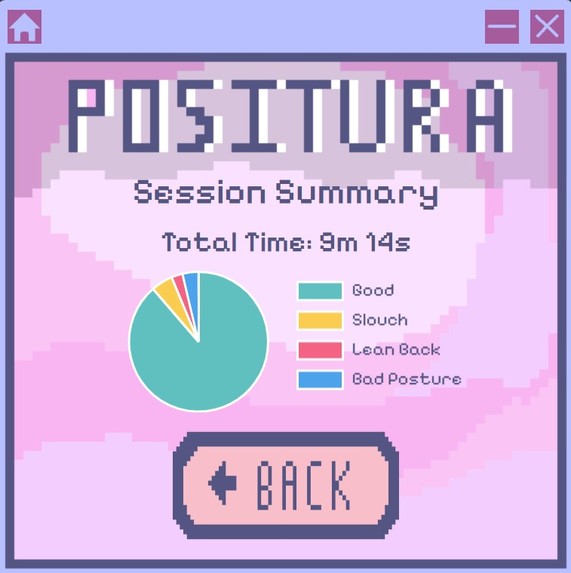
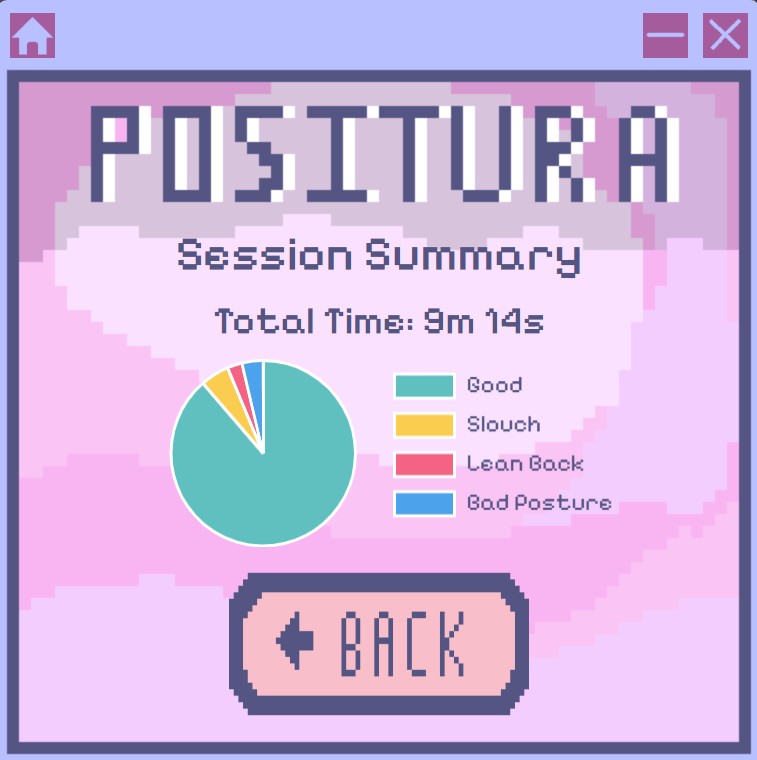
Study session summary
-
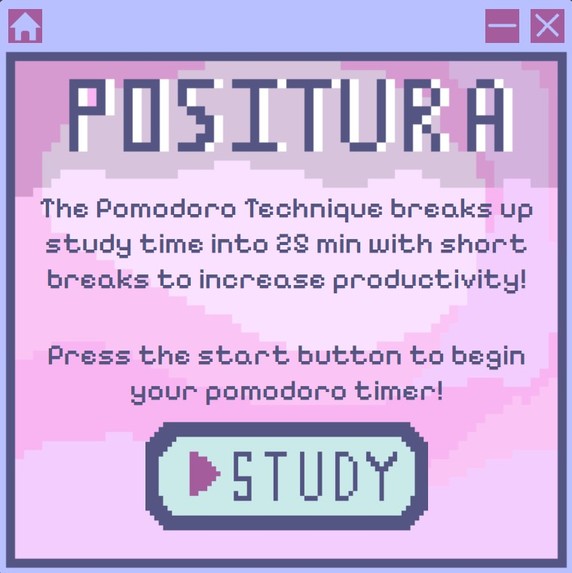
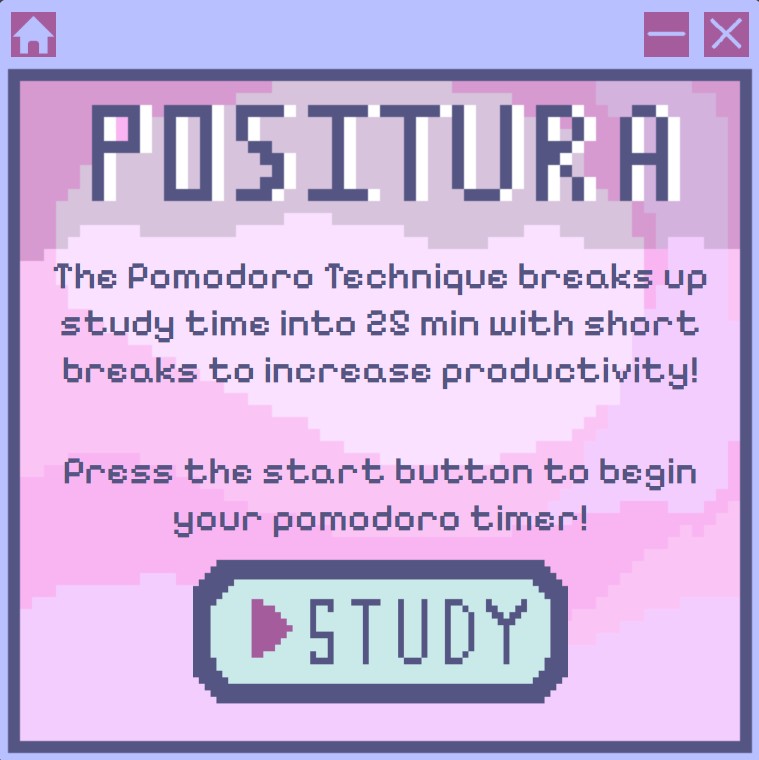
Pomodoro feature
-
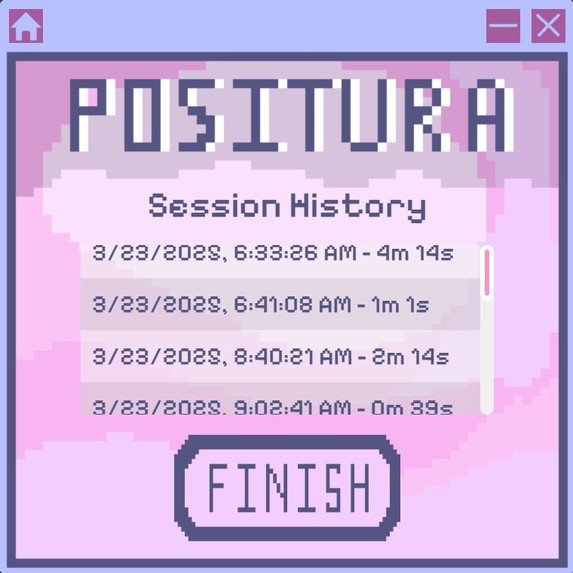
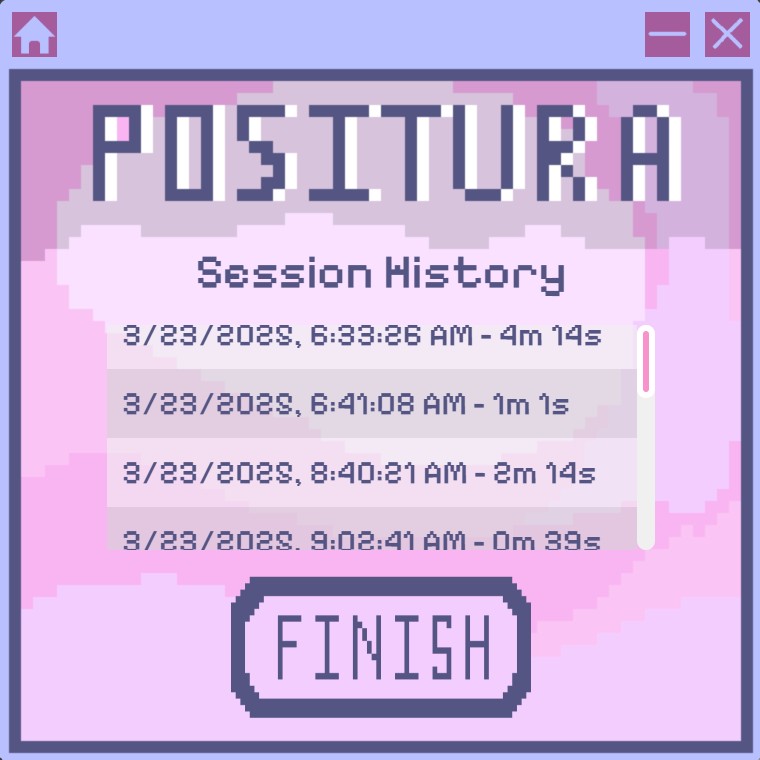
Previous study session history
-
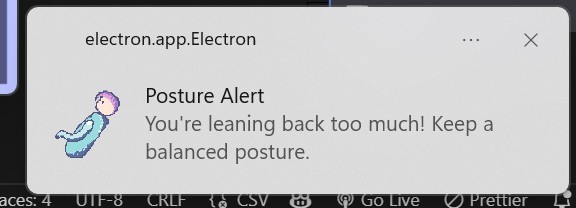
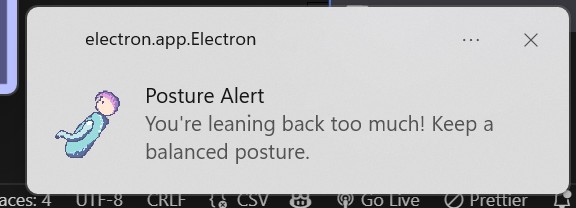
Desktop posture notification
-
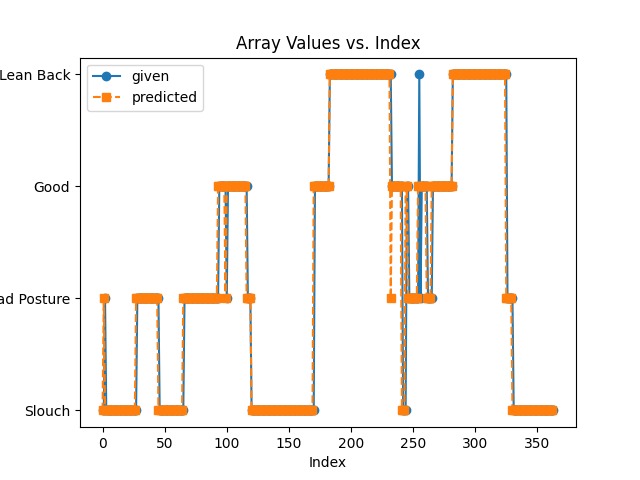
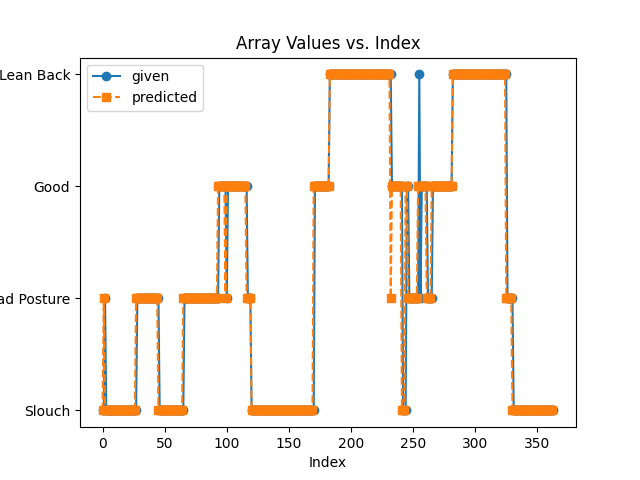
Fitted pose detection system vs ML model results 1
-
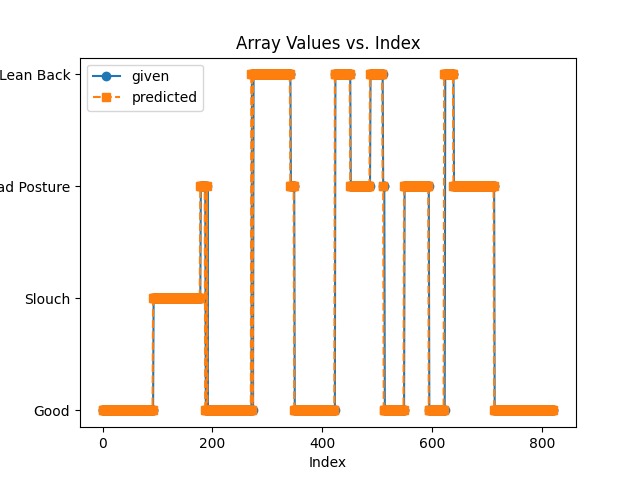
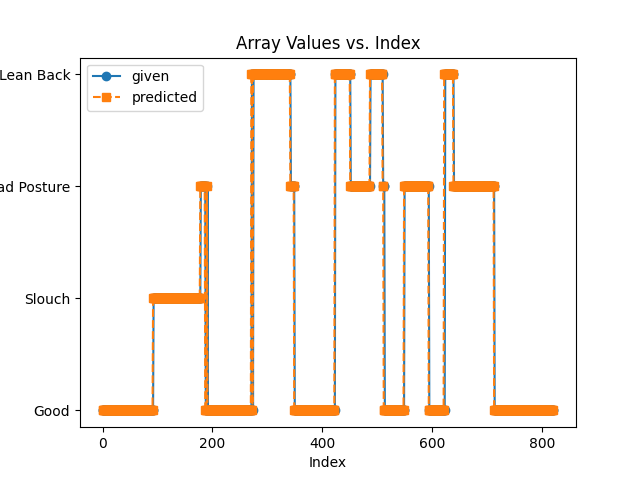
Fitted pose detection system vs ML model results 2
Inspiration
Our project was inspired by a growing need for healthy, well-being students. We noticed that among our friends and peers, many students would spend long hours studying with atrocious posture. Research has shown these habits can lead to back and neck pain, headaches, digestive issues, breathing difficulties, and even cognitive impairments. In order to promote healthier minds and bodies, we created Positura.
What it does
Positura is a study app designed to make users aware of their sitting position and improve their posture. The desktop application is built around a camera that records the user from a side profile and detects if the user has good sitting posture, or if they are slouching or leaning back. Positura will send the user desktop alerts as a reminder to correct their posture as well as notifications to take meaningful study breaks. Within the app, users can see their posture stats for any study session, as well as use a built-in Pomodoro timer to improve productivity.
How we built it
We drew our own assets, including all buttons and the background image, using a pixel art app called dotpict. Utilizing HTML, CSS, JavaScript, and React, the components were integrated together using Electron to create a cutesy and aesthetic looking desktop application.
We used the OpenCV and MediaPipe libraries to map a skeleton frame of the user’s body position from a camera feed, storing the coordinates of each major joint into a dataset. A pose detection system was developed to determine which frames constitute good or bad posture and categorize which type. By combining the algorithmically determined posture state and skeletal node positions, we got our training data for a machine learning model. Using technologies such as scikit-learn, we then performed supervised learning against the pose detection algorithm. After much training time, we found that given the right input of positional data points, we were able to accurately predict the user’s posture around 95% of the time.
After completing the training model, we stored it with joblib and then modified the program to operate with a live camera feed. The machine learning model was then configured to identify the user’s posture in real time. Positura destroys the camera feed immediately after processing each frame, storing its data locally on the user’s computer. Positura is completely offline, and user data is not used in any other way. The machine learning model was trained entirely off of developer data and we saw a 95% accuracy rating between the ML model and the pose detection algorithm during our tests.
We used Electron API to bridge the frontend and backend, using a communication tool called Inter-Process Communication. The frontend sends IPC events to the Electron API, which then returns a corresponding action to the Python backend. The posture classifications from the backend are received and forwarded to the frontend through an IPC event. This structure ensures seamless data flow between the frontend and the AI-powered posture tracking backend, allowing for real-time feedback and a smooth UI/UX including real-time video processing, posture classification feedback, and notification alerts to the user.
Challenges we ran into
A major challenge in the backend was working with video feed, both pre-recorded and live. The team had to learn how to work with the data frame by frame, implementing posture recognition algorithms and models. Another challenge was training the model itself: this was our first time implementing machine learning, so knowing what to train the model off of and how was a major challenge. We had to do a lot of trial and error with model parameters and training data.
We also ran into issues when creating our pose detection system. From taking in input data from the camera feed we needed to find a near-perfect algotherm to provide the training data for the ML model. It took a long time to optimize the positional data and joint angles to effectively determine if a person had good or bad posture.
Accomplishments that we're proud of
This was our first time working with machine learning, computer vision, and making a native windows application. Our team is very proud of learning and implementing all these skills in less than 24 hours, and having the time to make the app look great aesthetically!
What we learned
Developing Positura taught us how to use electron to build Windows applications, use the OpenCV and mediapipe libraries for computer vision, as well as some basics of machine learning. Working on so many different tasks simultaneously taught us the value of communication and planning out our use of time, as well as the importance of branching and version control in git.
What's next for Positura
Currently, Positura can only detect if the user is leaning forwards or backwards, and the tilt of their neck. The machine learning model may also be improved by fine-tuning model parameters and giving the model more and more varied data to work with. In the future, we hope to implement frontal camera feed as well to detect side-to-side leaning, as well as improve the accuracy of our model.
Inside the app, we hope to develop additional features, such as progress tracking over time, hoping users will be able to see improvements in their posture while using Positura. App navigation will also be improved, and we hope to implement an option to see live video feed in-app.


Log in or sign up for Devpost to join the conversation.