Inspiration
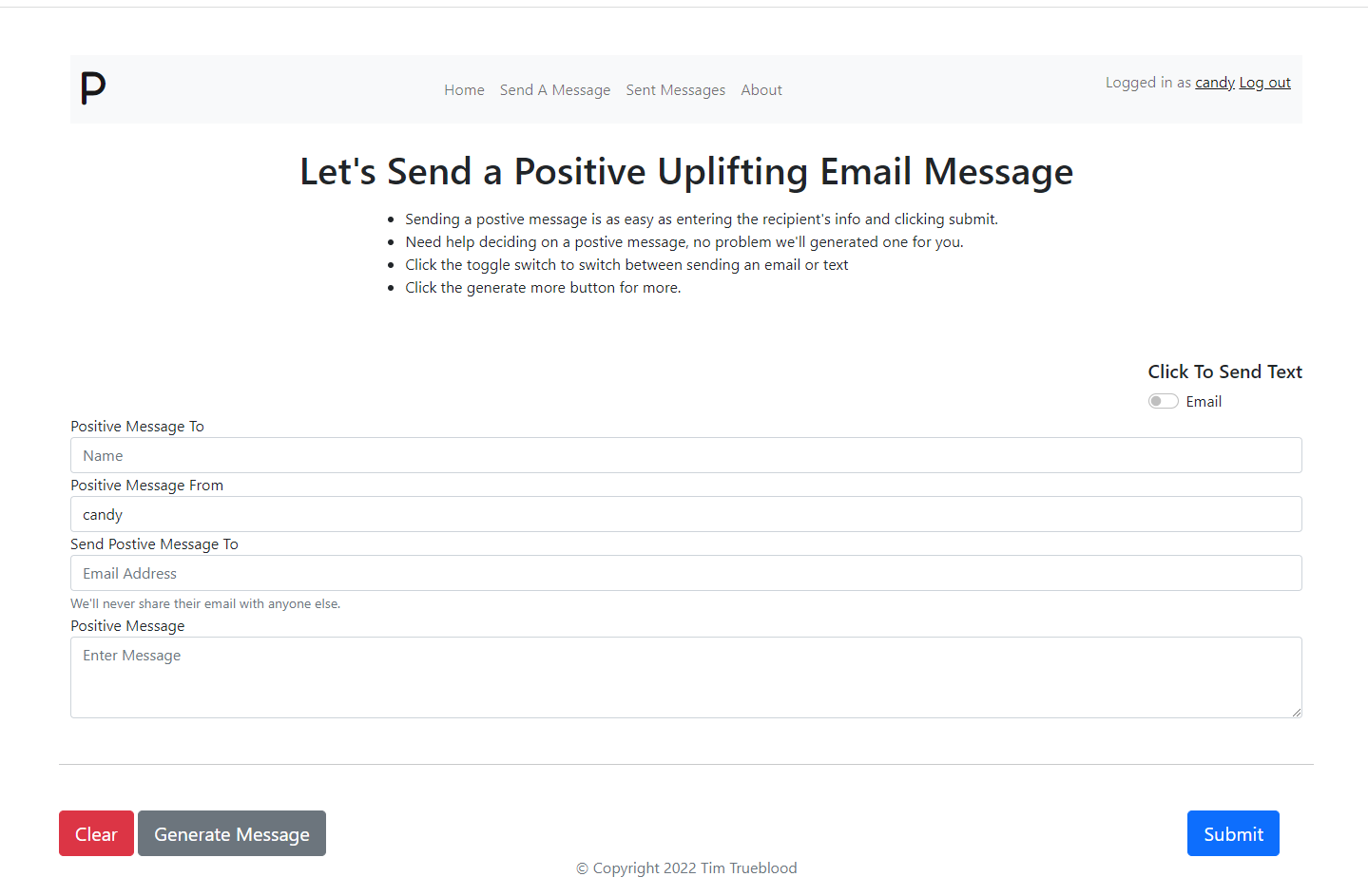
Positivity, of course. I wanted an easy fun way to send a positive message to someone to help brighten their day. I wanted to make an easy to use user interface and to generate a message if the user cannot think of one. Also make the website secure using authentication and https. Complete with a custom error page as well.
What it does
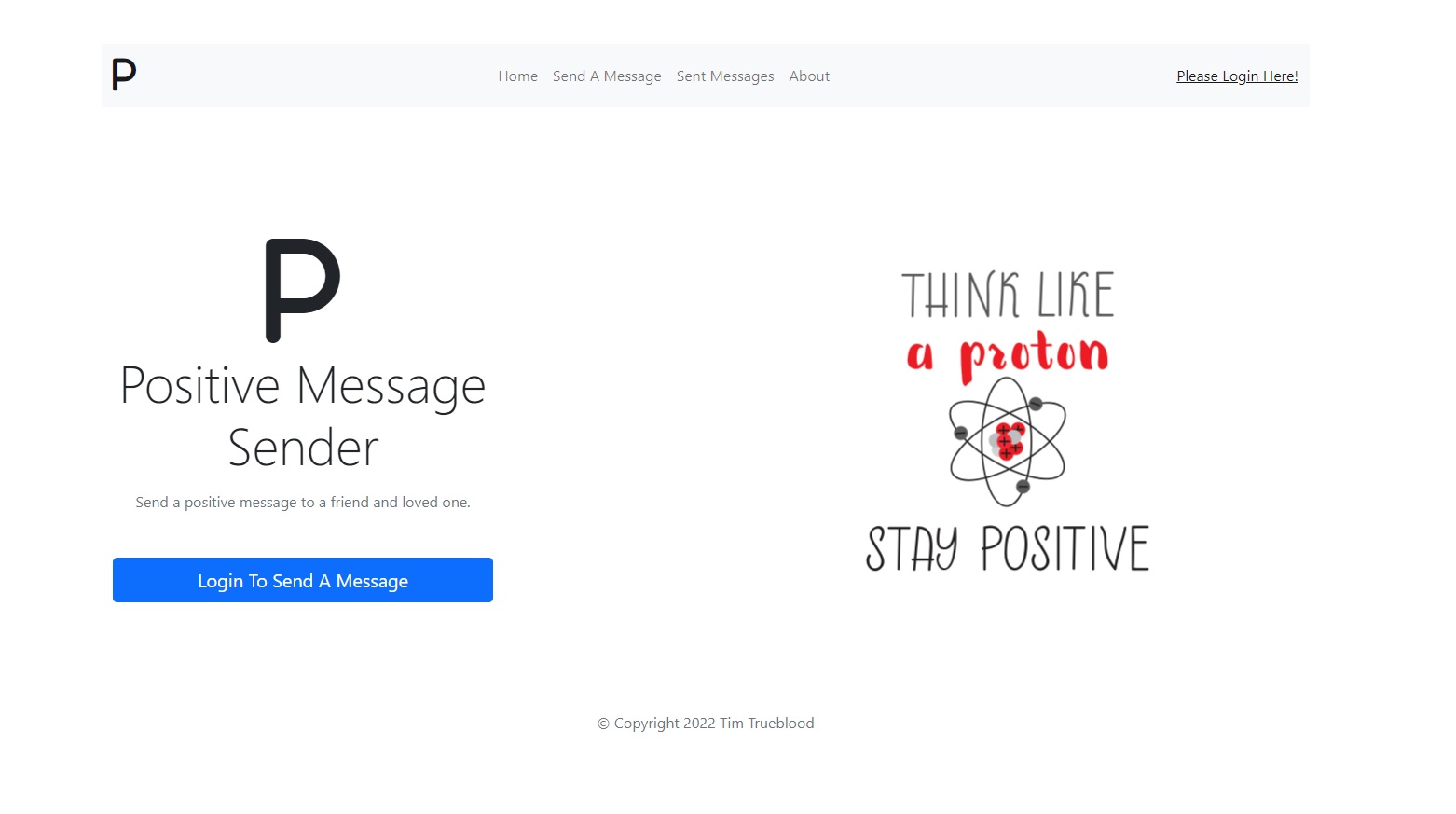
A web application for easily sending a positive message to a friend and loved one.
How we built it
I made a MVC application that uses OAuth security using Passport JS. I built the application using HTML, CSS, JavaScript, and Node js as the server runtime. For the database integration I use MongoDB, a non-relational database. I used Visual Studio 2022 as my IDE and MongoDB Compass for managing my database. I used Courier API to send the positive messages and to send the user notifications.
◊ Full list of technologies
} Courier API
} MVC
} MongoDB Cloud
} HTML
} CSS
} JavaScript
} Node.js
} Passport JS
} Express JS
} And various other NPM packages
} Visual Studio 2022
} MongoDB Compass
} Heroku for deployment to prod
Challenges we ran into
The challenges I faced with building this project is I knew absolutely nothing about Node JS. I needed to know node.js to use the Courier API. I am a C# developer so picking up a new language to use the Courier API was a challenge. I ended up picking a Node JS book and teaching myself enough node to build an application. As a result I was able to put together the Positive Message Sender with database integration and user authentication. I come from a relational database background so learning about nonrelational database MongoDB was a challenge.
Accomplishments that we're proud of
That the application really does brighten someone's day. :)
What we learned
I learned server side Node JS. Learned about JavaScript promises and export functions. I learned about MongoDB nonrelational database. I also learned about the Passport JS package. Also learned about Express JS as my website view engine. I learned about the NPM Package Manager. I also learned about the different NPM packages and what they do for the application. Learned how to publish Node JS application using GitHub and the Heroku CLI. And most importantly of all I learned about the Courier API and how to use their message sender template. I learned how to integrate their easy to use API with my application. I learned the post request with Courier API and sending both text messages and emails. Using both custom passed in strings for messages and Courier message templates. Also learned about branding feature of Courier.
What's next for Positive Message Sender
The Positive Message Sender development doesn't end at the end of this hackathon. I want to build out features. I want to setup subscriptions so messages are auto generated daily to signed up users. To do this I'll need to setup a service running on a server or use a service like Hangfire. I also want to setup a user dashboard so they can change their user password and see their sent messages from their account and modify the daily generated messages. Also use an API to pull in holidays and make the positive message have something to do with the day's holiday. I also need to implement captcha.
Built With
- courier-api
- css
- html
- javascript
- mongodb
- node.js


Log in or sign up for Devpost to join the conversation.