-
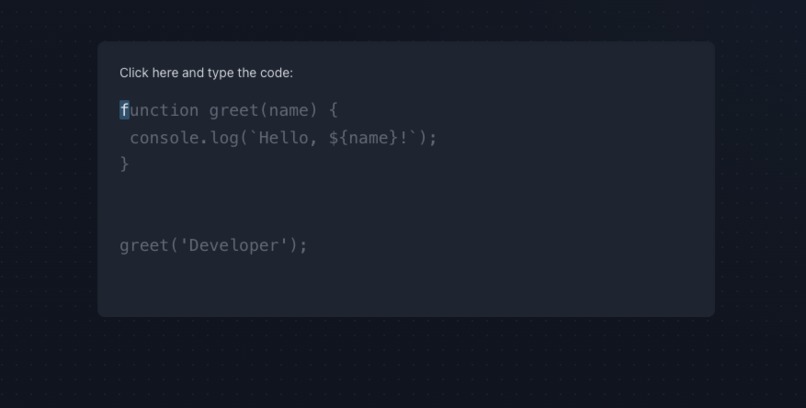
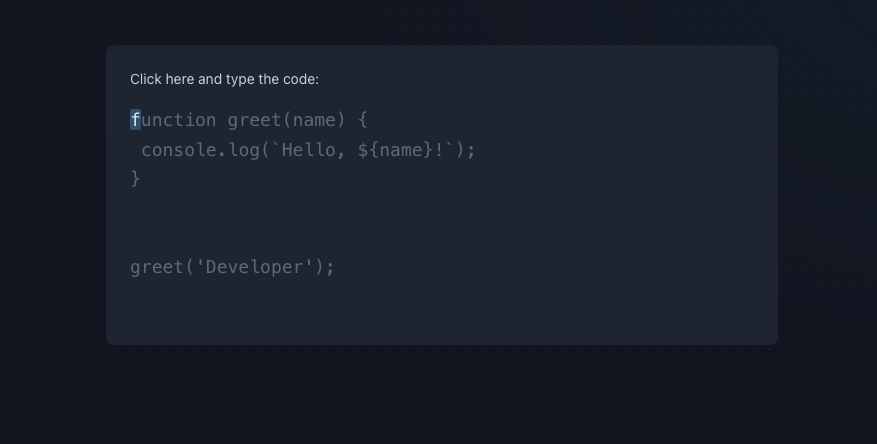
Word per minute counter
-
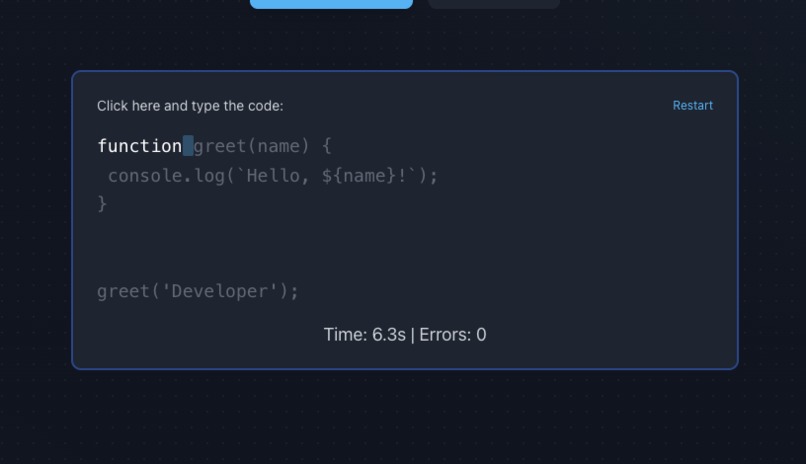
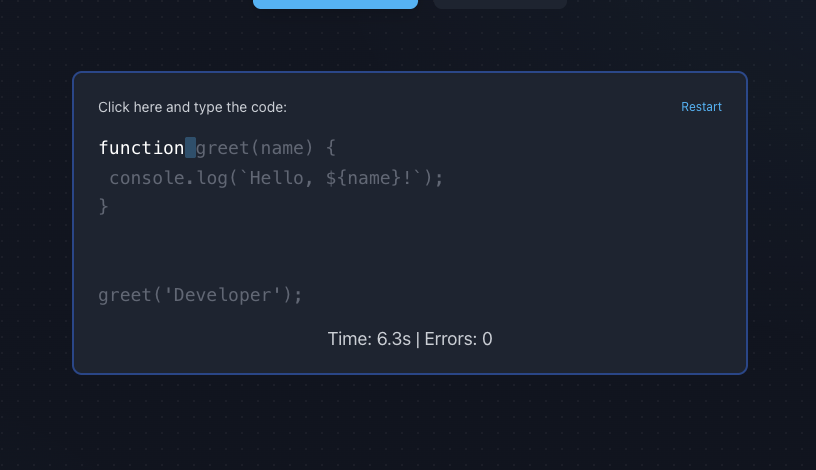
Word per minute counter with seconds and errors
-
-
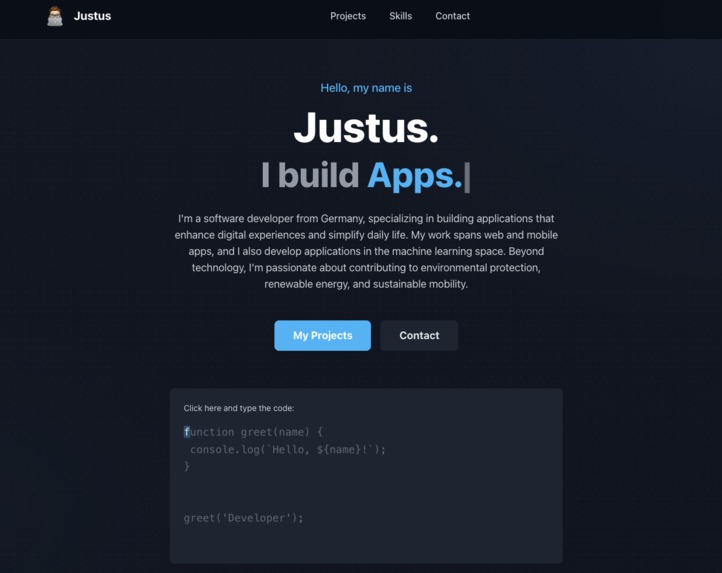
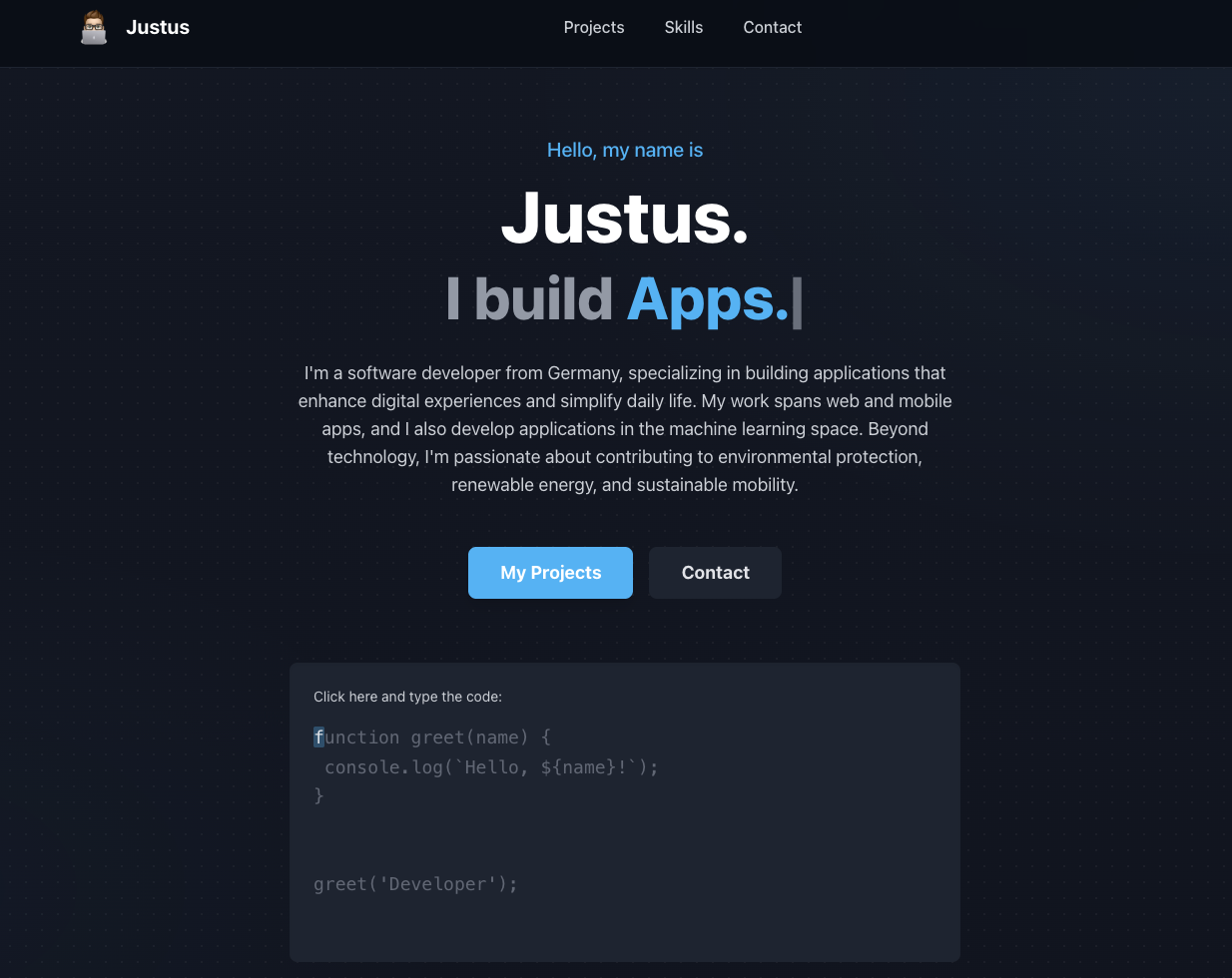
Startscreen
What it does
This website serves as my professional developer portfolio and digital resume. It's a single-page application designed to clearly communicate who I am, what I build, and how I think.
It fulfills several key functions:
- Introduction: A "hero" section immediately introduces me and my focus areas (Apps, AI Tools, etc.) using an animated typing effect.
- Showcase: It presents my featured projects, "Cardify" and "KitchenBook," explaining their purpose and the technologies used.
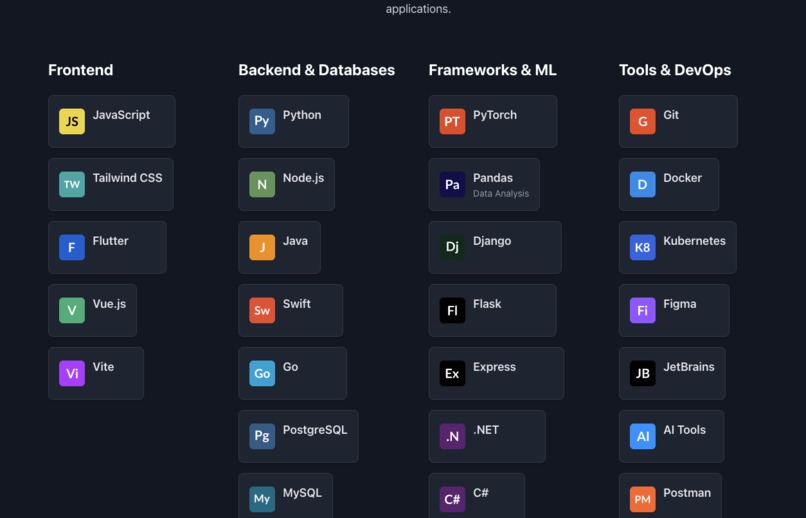
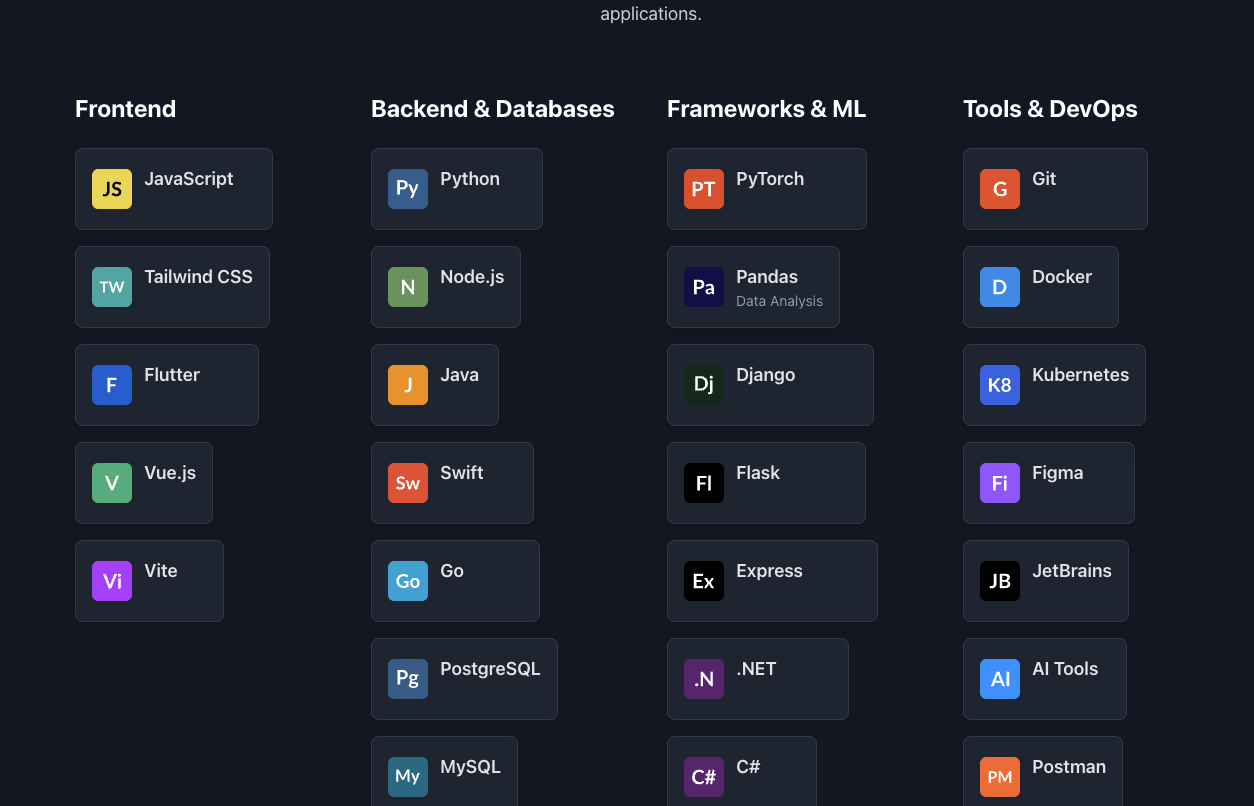
- Skills: It provides a comprehensive and organized overview of my complete tech stack, logically broken down into four categories: Frontend, Backend & Databases, Frameworks & ML, and Tools & DevOps.
- Engagement: It includes an interactive typing game to engage visitors and subtly demonstrate my JavaScript skills.
How I built it
This portfolio is built from the ground up using core, modern web technologies, avoiding heavy frameworks to ensure maximum performance and customization.
- Structure: The foundation is semantic HTML5.
- Styling: All styling is handled by Tailwind CSS, which I used via the CDN. This utility-first approach allowed me to build a complex, fully responsive design (like the 4-column skills grid) directly in the markup, ensuring consistency and maintainability.
- Interactivity: All dynamic features are powered by vanilla JavaScript. I wrote several custom scripts to handle the site's interactive elements:
- Scroll Animations: An
IntersectionObserverdetects when sections scroll into view and adds ais-visibleclass to trigger CSS fade-in animations. - Active Navigation: A separate
IntersectionObservertracks which section is currently in the middle of the viewport and dynamically applies the.activeclass to the corresponding navigation link. - Mobile Menu: A simple event listener to toggle the
hiddenclass on the mobile menu when the burger icon is clicked. - Typing Effect: A recursive function in the hero section that simulates typing and deleting words in a loop.
- Typing Game: The most complex script, which manages game state, listens for
keydownevents, calculates WPM, tracks errors, and manipulates the DOM to provide real-time feedback.
- Scroll Animations: An
Challenges I ran into
The most significant technical challenge was, by far, implementing the typing speed game (WPM counter) from scratch.
- State Management: In vanilla JavaScript (without a framework like React), managing the game's state was complex. I had to manually track the
currentIndex,startTime,errors, and whether the game wasgameActive. - Event Handling: Capturing user input via
keydownevents required careful handling. I had toe.preventDefault()for keys like 'Space' (to prevent page scrolling) and correctly map special keys like 'Enter' to newline characters (\n) and 'Backspace' to reverse logic. - DOM Performance: The most difficult part was efficiently re-rendering the code display on every single keypress. My solution involves splitting the prompt string into "correct," "cursor," and "remaining" sections, wrapping them in
<span>tags, and updating theinnerHTMLof the display. This is a DOM-intensive operation, and optimizing it to feel instant was a key challenge. - UI Feedback: Implementing the "shake" animation (
animate-shake) on an incorrect keypress, and ensuring the WPM and error count updated in real-time via thesetIntervaltimer, added another layer of complexity.
A secondary challenge was perfecting the responsive behavior of the 4-column skills section, ensuring it collapsed correctly to 2 columns on tablets and 1 column on mobile.
Accomplishments that I'm proud of
I am particularly proud of successfully building and integrating the interactive typing game. It's a feature that goes beyond a standard static portfolio. It functions well, accurately calculates WPM, and reflects my ability to solve complex logic problems with pure JavaScript.
I'm also proud of the site's overall clean aesthetic and fluid user experience. By using native browser APIs like IntersectionObserver for both the scroll animations and the active navigation highlighting, the site feels modern, performant, and app-like without the overhead of heavy external libraries.
What I learned
This project was a fantastic learning experience. I moved beyond just building a static "document" and learned how to create a more engaging, interactive user experience using only native browser tools.
- Advanced JS: It deeply reinforced my understanding of JavaScript event handling, DOM manipulation, and asynchronous browser APIs.
- Tailwind CSS: It was a practical masterclass in Tailwind. I learned how to build a complex, responsive, and custom-designed website from scratch purely with utility classes.
- Deployment: I also used this project to experiment with a new hosting provider, which streamlined my deployment workflow (CI/CD) and taught me about their specific environment.
- Product Thinking: I learned to think about how a user interacts with the site, leading me to add features that are both fun (the game) and useful (the active nav).
What's next for Portfolio website
This portfolio is a strong foundation, but I have clear plans for its next iteration.
My immediate plan is to create dedicated sub-pages for each major project. Currently, they only have a brief description. These new pages will function as detailed case studies, outlining the problem, my technical solutions, challenges I faced, and links to live demos or GitHub repositories.
Following that, I plan to integrate a small blog. This will be a space for me to write technical articles, share what I'm learning (especially in the ML and sustainable tech spaces), and further demonstrate my expertise and passion for technology.
Built With
- css
- dom
- html
- javascript
- tailwind
