-
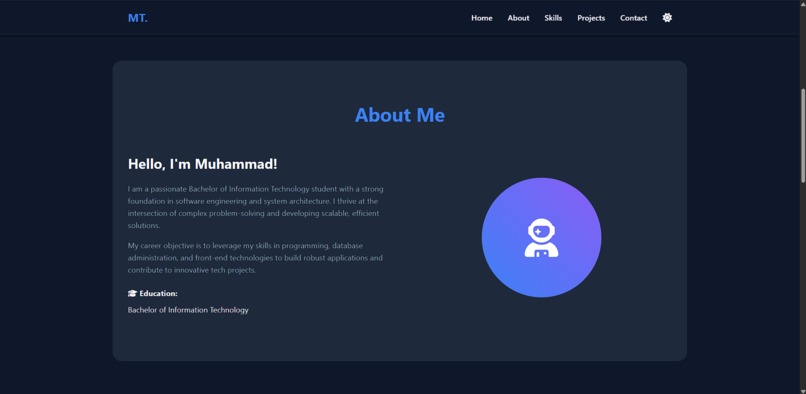
About me
-
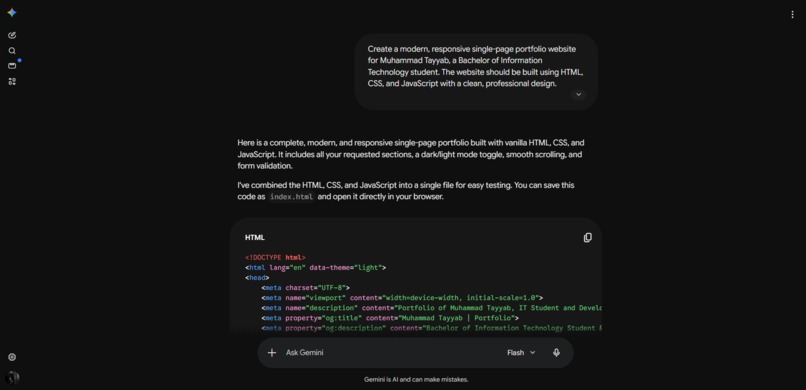
Prompt Screenshot
Project Title:
Muhammad Tayyab – Personal Portfolio
Elevator Pitch:
A modern, responsive, zero-dependency single-page portfolio website built to showcase my IT background, technical skills, and cybersecurity projects.
Inspiration
As a Bachelor of Information Technology student specializing in software engineering and network security, I realized the importance of having a strong digital presence. I needed a centralized, professional hub to showcase my capabilities, my academic journey, and complex projects—like my CyberShield AI dashboard and ML-Based XDR platform—to potential employers and collaborators. I wanted a site that reflected my personal brand: clean, efficient, and technically sound.
What it does
This project is a fully responsive, single-page digital portfolio. It allows visitors to seamlessly scroll through different facets of my professional profile:
- Hero Section: A quick introduction with a call-to-action.
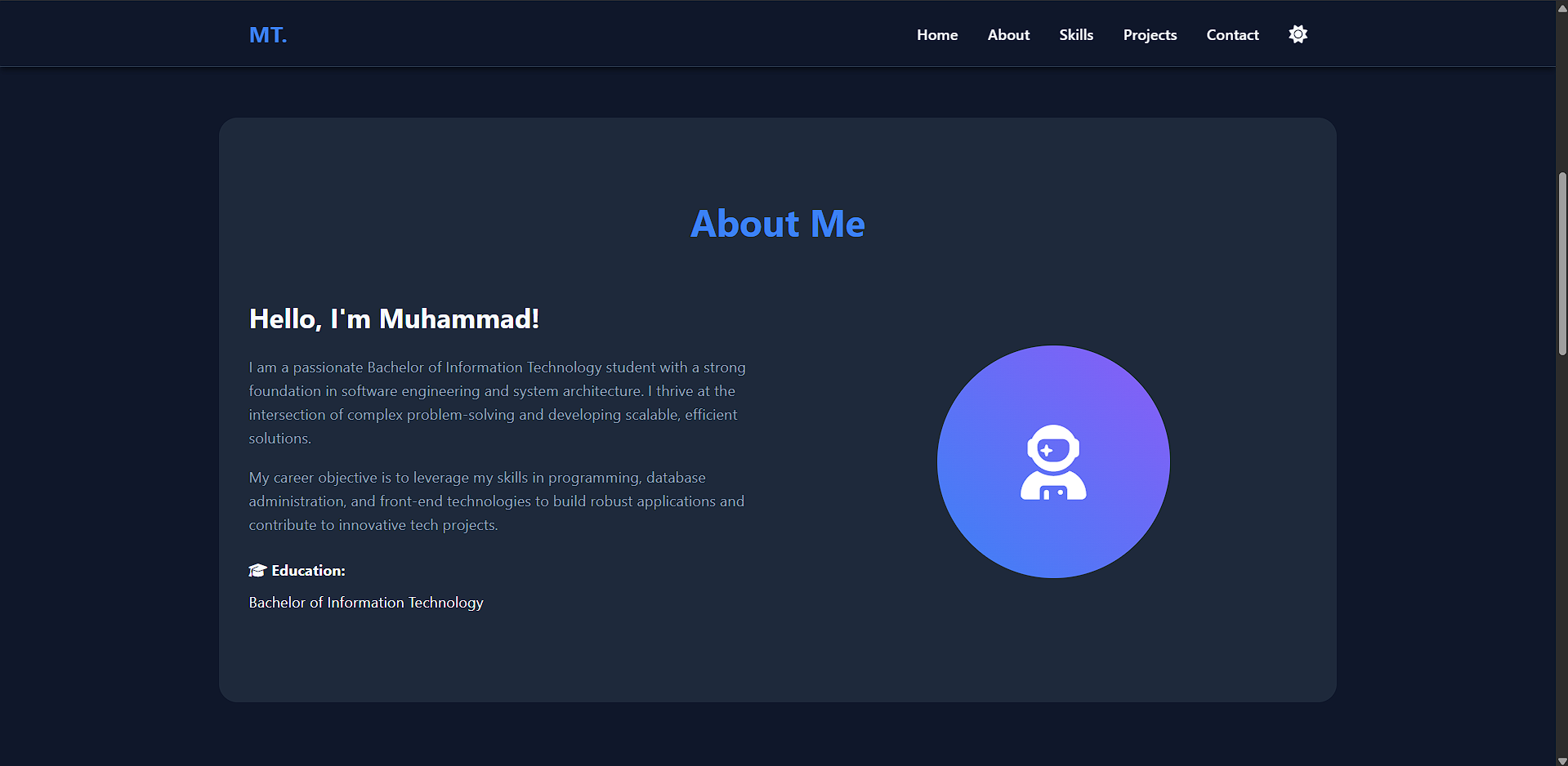
- About Me: Details regarding my education and career objectives.
- Skills Showcase: A visual representation of my technical stack (Python, OOP, DSA, SQL, Vanilla JS, etc.).
- Projects Gallery: A grid showcasing my latest work with direct links to my GitHub and live demos.
- Contact Form: A built-in way for recruiters and peers to reach out.
- Customization: A fully functional dark/light mode toggle that saves the user's preference.
How we built it
To ensure lightning-fast load times and to demonstrate a strong grasp of core web fundamentals, I built this entirely using vanilla HTML5, CSS3, and JavaScript.
- Layout & Styling: I used CSS Grid and Flexbox to create a responsive design that adapts seamlessly from mobile devices to large desktop monitors. CSS Variables (Custom Properties) were heavily utilized to manage the color palette and implement the dynamic dark/light mode switching.
- Interactivity: Vanilla JavaScript was used to handle the smooth scrolling navigation, the mobile hamburger menu toggle, client-side form validation, and managing the theme state via
localStorage. - Assets: FontAwesome was integrated for clean, scalable vector icons.
Challenges I ran into
One of the main challenges was ensuring the layout looked perfect across all screen sizes without relying on UI frameworks like Bootstrap or Tailwind. Crafting custom media queries for the mobile navigation menu and the project grid required precise CSS tuning. Additionally, implementing client-side form validation to ensure data integrity before submission took some careful JavaScript logic.
Accomplishments that I'm proud of
I am incredibly proud of the clean, professional UI and the smooth animations. Building the entire single-page application from scratch without a framework really solidified my fundamental web development skills. The fact that the site boasts a perfect responsive design and an elegant dark mode implementation using pure CSS and JS is a huge win.
What I learned
Building this project reinforced the power of vanilla web technologies. It proved that you don't always need heavy JavaScript frameworks to build a beautiful, interactive, and highly performant web application. I also deepened my understanding of CSS variables and DOM manipulation.
What's next for Muhammad's Portfolio
- Backend Integration: Connecting the contact form to a backend service (like Node.js/Express) or EmailJS to handle actual message delivery.
- Dynamic Content: Adding a technical blog section to share my learnings in Network Security and Machine Learning.
- Project Filtering: Implementing a feature to filter my portfolio projects based on the technologies used (e.g., viewing only Python projects or only UI projects).
The AI Prompt Used for This Project
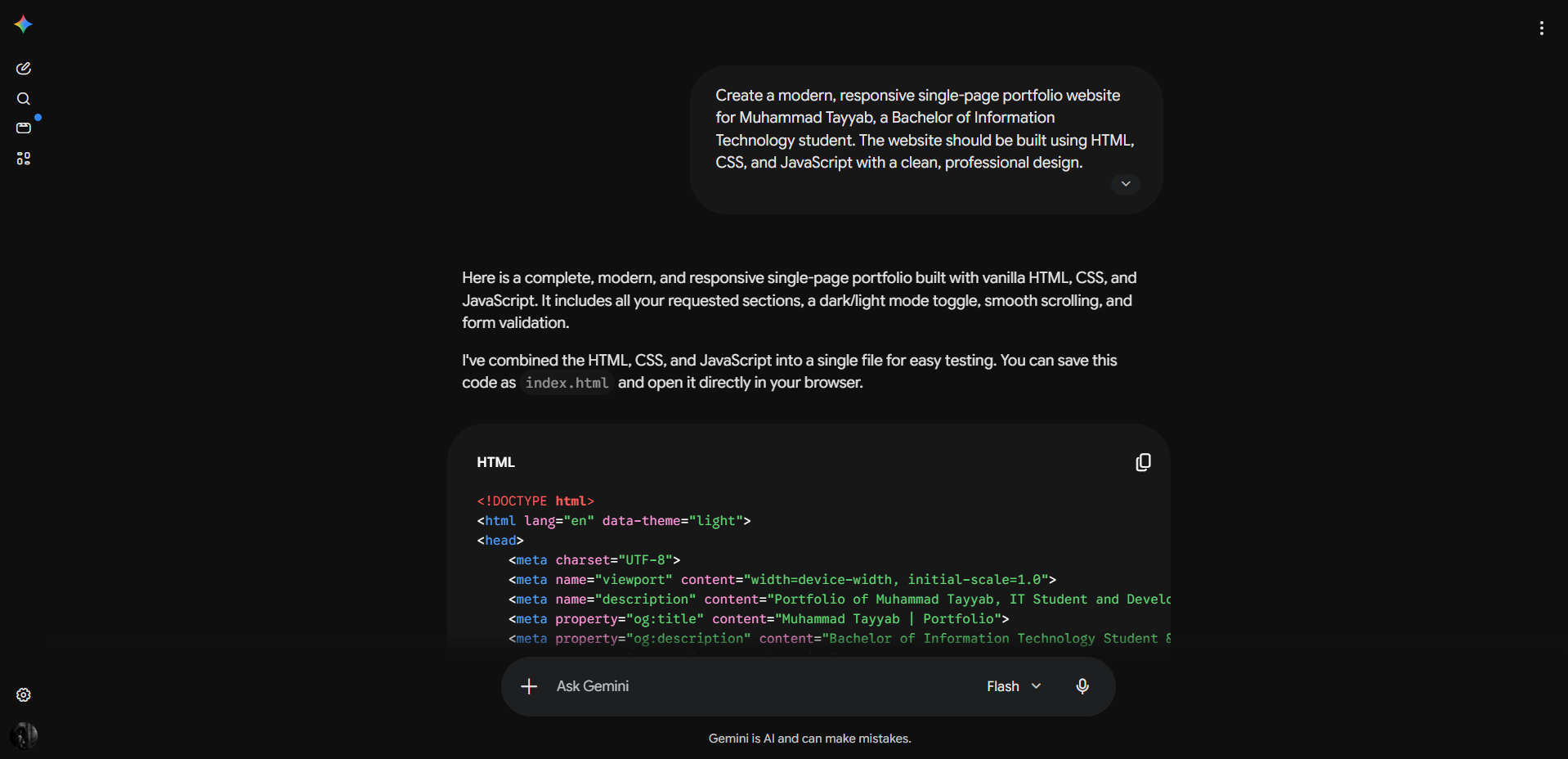
To assist in generating the foundational structure and boilerplate for this project, the following prompt was utilized:
"Create a modern, responsive single-page portfolio website for Muhammad Tayyab, a Bachelor of Information Technology student. The website should be built using HTML, CSS, and JavaScript with a clean, professional design. Required Sections: Navigation Bar: Sticky header with smooth scrolling to sections. Include links: Home, About, Skills, Projects, Contact Hero Section: Prominent headline: "Muhammad Tayyab | IT Student & Developer". Subtitle: "Bachelor of Information Technology". Call-to-action button (e.g., "View My Work" or "Download CV"). Professional background image or gradient About Section: Brief personal introduction (2-3 sentences). Education details: Bachelor of Information Technology. Career objective/passion statement Skills Section: Display all skills in an organized, visual format (cards, badges, or bars): Programming: Python. Core Concepts: OOP (Object-Oriented Programming), DSA (Data Structures & Algorithms). Databases: DBA (Database Administration), SQL. Frontend: HTML, CSS, JavaScript. Version Control: Git, GitHub Projects Section: Showcase 3-4 portfolio projects (or placeholder projects). Each project card should include: Project title, Brief description, Technologies used, GitHub link (if available), Live demo link (if available) Contact Section: Contact form with fields: Name, Email, Message. Social media links (LinkedIn, GitHub, etc.). Email address for direct contact Footer: Copyright information, Social media links, Quick navigation links Design Requirements: Responsive Design: Works seamlessly on desktop, tablet, and mobile devices. Color Scheme: Professional and modern (e.g., dark/light mode toggle). Typography: Clean, readable fonts. Animations: Smooth transitions and subtle hover effects. Loading Performance: Optimized and fast-loading Technical Requirements: Use vanilla HTML, CSS, and JavaScript (no frameworks required). Implement smooth scrolling navigation. Add form validation for contact form. Optimize for SEO with proper meta tags. Include favicon and open graph tags for social sharing. Use flexbox or grid for layout Optional Enhancements: Dark/Light mode toggle, Animated skill progress bars, Project filtering by technology, Blog section for technical articles, Resume/CV download button, Loading animations or effects

Log in or sign up for Devpost to join the conversation.