Inspiration
We really enjoy learning about cybersecurity so we chose the cyber pathway. We wanted to create something that could help teach a user that doesn't know anything about their computer network and informs them of port scanning and what they do for their computer.
What it does
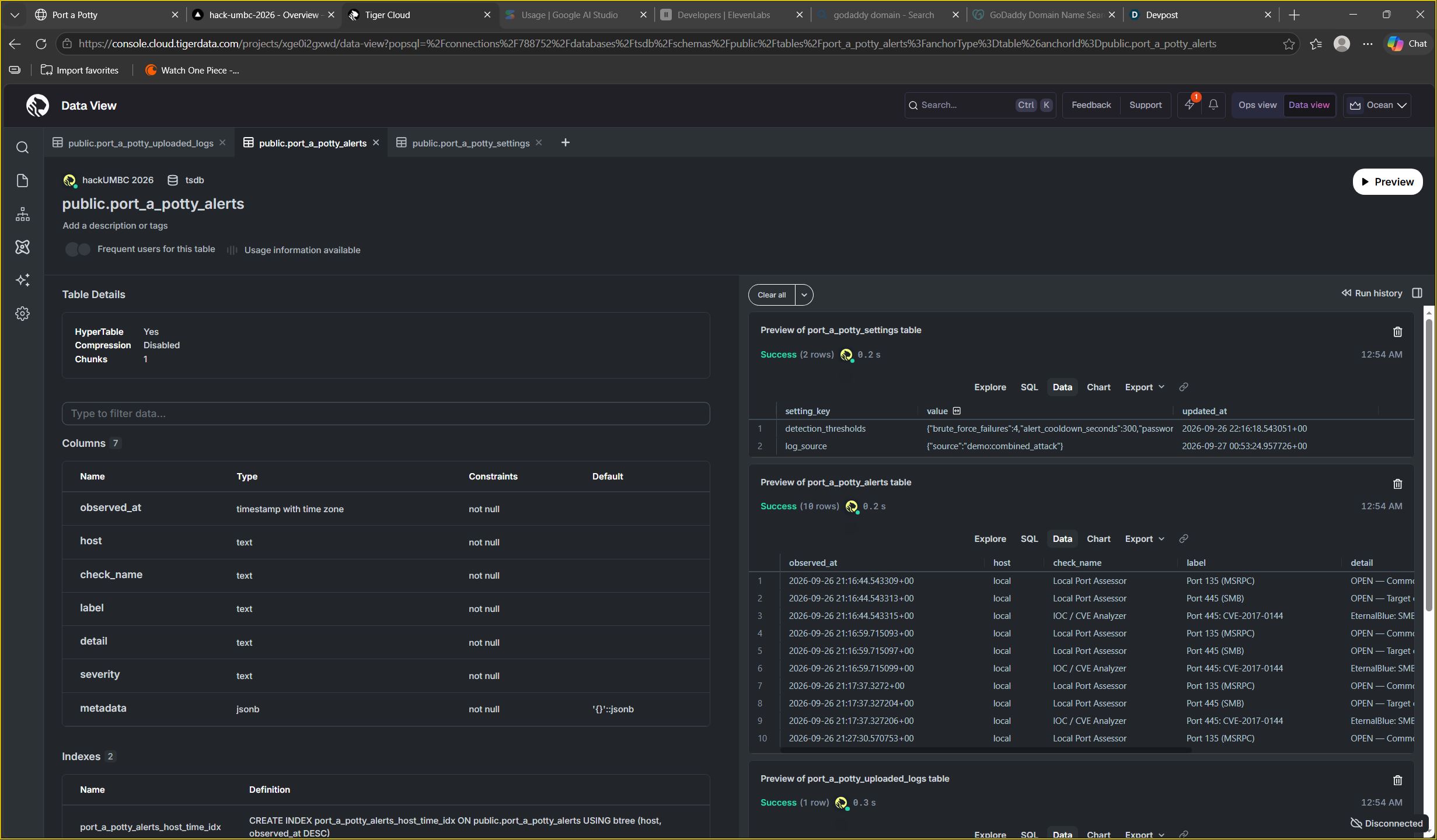
This application scans the ports on the users computer and gives a dashboard of useful information, like the common vulnerable ports, their descriptions (what they are used for) and if they are open or closed as well as listening services, IOC/CVE analyzer, and some system hardening recommendations.
How we built it
We have a lot of networking knowledge and python knowledge so we used python to create the backend to scan the ports and get their status and used Claude and Chatgpt to help us with the frontend and using flask to link the two together.
Challenges we ran into
We were testing the port scanning for both Mac and Windows OS and the port scanner didn't work with windows because the code had been tested on Mac and when we tested it with windows, only the basic port vulnerabilities display showed up. There were also some issues with connecting the frontend with the backend with flask. When we tried to implement an option for the user to close a port that was open, it didn't work, nor did it undo when we tried to reopen a port.
Accomplishments that we're proud of
We got the frontend and backend to work, this is our first time using flask.
What we learned
How to use flask to tie in a frontend and backend
What's next for Port a Potty
We are going to try and add an ai helper the user can ask for more information one the information they see on their dashboard
Built With
- chatgpt
- claude
- css
- flask
- html
- javascript
- python


Log in or sign up for Devpost to join the conversation.