-
-
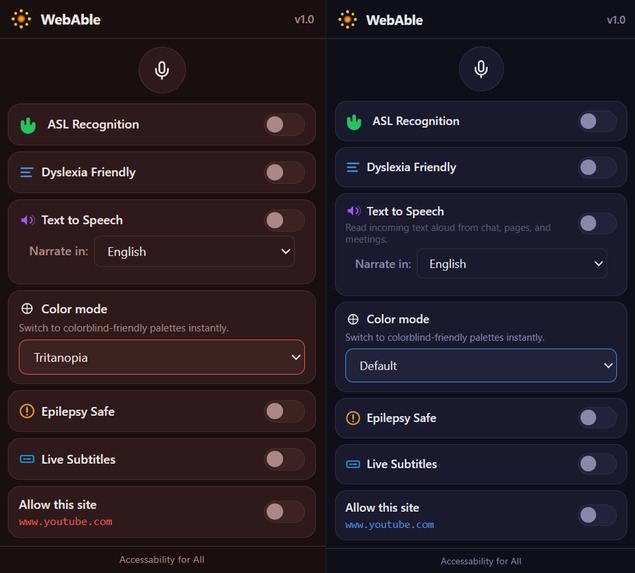
Chrome Extension with Color blindness mode turned on.
-
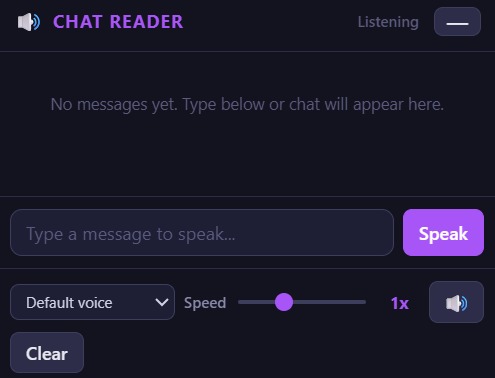
Text to Speech mode.
Inspiration
We wanted the web to be safer and more usable for people who are often left out: those with dyslexia, photosensitivity, color vision differences, and people who rely on sign language. Too many sites assume “normal” vision and hearing, and flashing content can be dangerous. We built WebAble so one extension could tackle reading, safety, and inclusion together — without asking users to install five different tools.
What it does
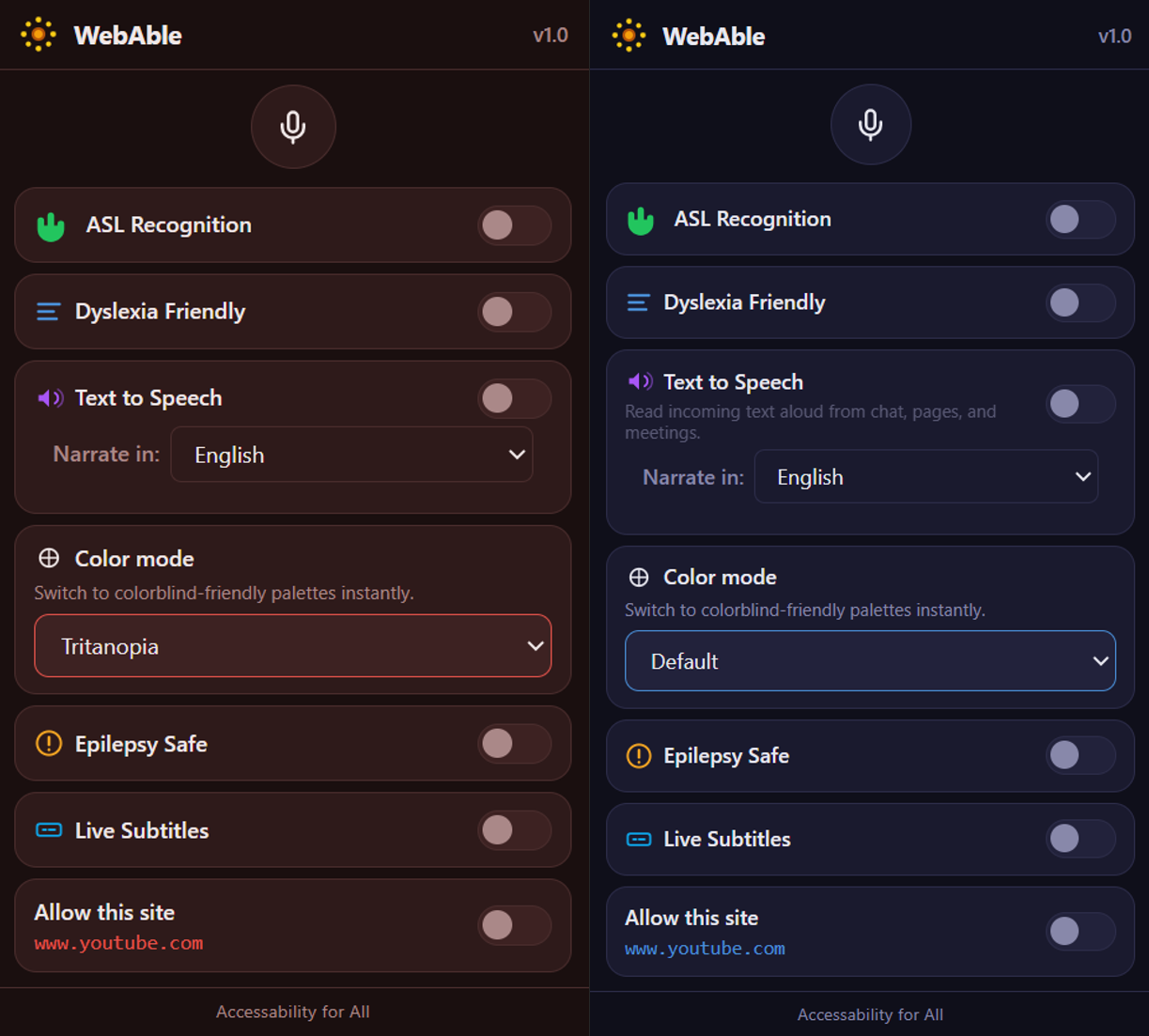
WebAble is a browser extension that acts as an accessibility layer on top of any website:
- Dyslexia-friendly mode — Applies OpenDyslexic-style fonts, calmer spacing, and light/dark reading themes so text is easier to parse.
- Seizure-safe mode — Stops flashing animations and detects risky video content, then pauses and warns before showing it (harm reduction, not a medical guarantee).
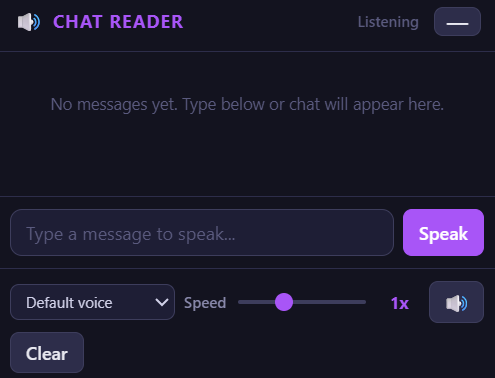
- Text-to-speech (Chat Reader) — Reads chat messages aloud (e.g. on Meet, Teams) or any text you paste; supports multiple languages and “Narrate” from the context menu.
- ASL recognition — Uses the camera and on-device ML (MediaPipe) to recognize ASL fingerspelling and send the text into the Chat Reader so signing can drive TTS.
- Color palettes for color blindness — Offers three modes (Deuteranopia, Protanopia, Tritanopia) and applies them to the whole page, not just the extension UI, so the entire browsing experience is easier to distinguish.
- Per-site allowlist — “Allow this site” turns off all filters so trusted pages behave normally.
Everything is opt-in, syncs across devices (where supported), and runs locally where possible.
How we built it
- Chrome extension (Manifest V3) — Popup UI for toggles and settings; content scripts inject styles and logic into pages.
- Storage — We use
chrome.storage.sync(with a browser polyfill for cross-browser) so preferences persist and, where supported, sync. - Page-wide color mode — We apply a CSS filter (e.g. hue-rotate, saturate, contrast) directly to
document.documentElementso it works even on strict-CSP sites like Google, instead of injecting<style>tags that get blocked. - ASL — We use MediaPipe Hands in an isolated frame; the content script bridges gestures to the Chat Reader and storage.
- Seizure safety — We throttle animations and transitions via CSS, replace auto-playing GIFs with “Show GIF” placeholders, and run a lightweight flicker detector on visible video to pause and warn when rapid brightness/color changes are detected.
We kept the code modular: central palette definitions, shared storage keys, and clear separation between popup, content script, and background so we could iterate quickly.
Challenges we ran into
- CSP vs. injected styles — Many sites block inline
<style>tags. For the color-blindness filter to apply to the whole page, we had to set the filter on the<html>element via JavaScript instead of injecting a stylesheet. - Making color mode actually page-wide — Early on, the palette only changed the extension popup. We added content-script logic to read the chosen mode from storage and apply the filter to the page on load and when the user changes the setting, so the whole browser view updates.
- Keeping extension and page in sync — We rely on
storage.syncand a single source of truth (e.g. colorMode); the popup and content script both react to storage changes so the experience stays consistent without fragile tab messaging. - ASL and TTS working together — Wiring MediaPipe output into the Chat Reader and making sure recognized text is sent in the right format and language for TTS took careful coordination between the ASL frame, bridge script, and reader UI.
What we learned
We learned how strict Content Security Policies affect extension-injected CSS, how to design one extension to serve multiple accessibility needs without feeling cluttered, and how to combine on-device ML (MediaPipe) with browser APIs (Speech Synthesis, storage, content scripts) for a fully client-side accessibility flow.
What's next for WebAble
We’d like to add more language and voice options for TTS, optional high-contrast and reduced-motion modes, and better customization (e.g. subtitle/caption font size for future real-time captions). We’re also open to packaging the extension for Firefox and Edge and to contributing back to the open-source accessibility community.

Log in or sign up for Devpost to join the conversation.