-
-
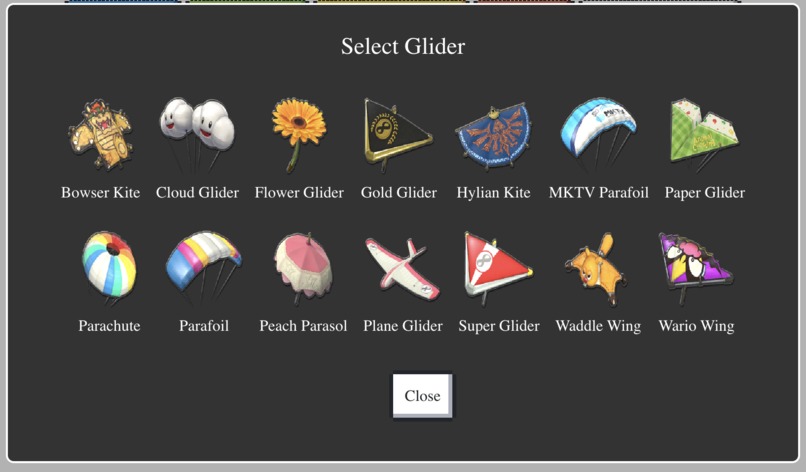
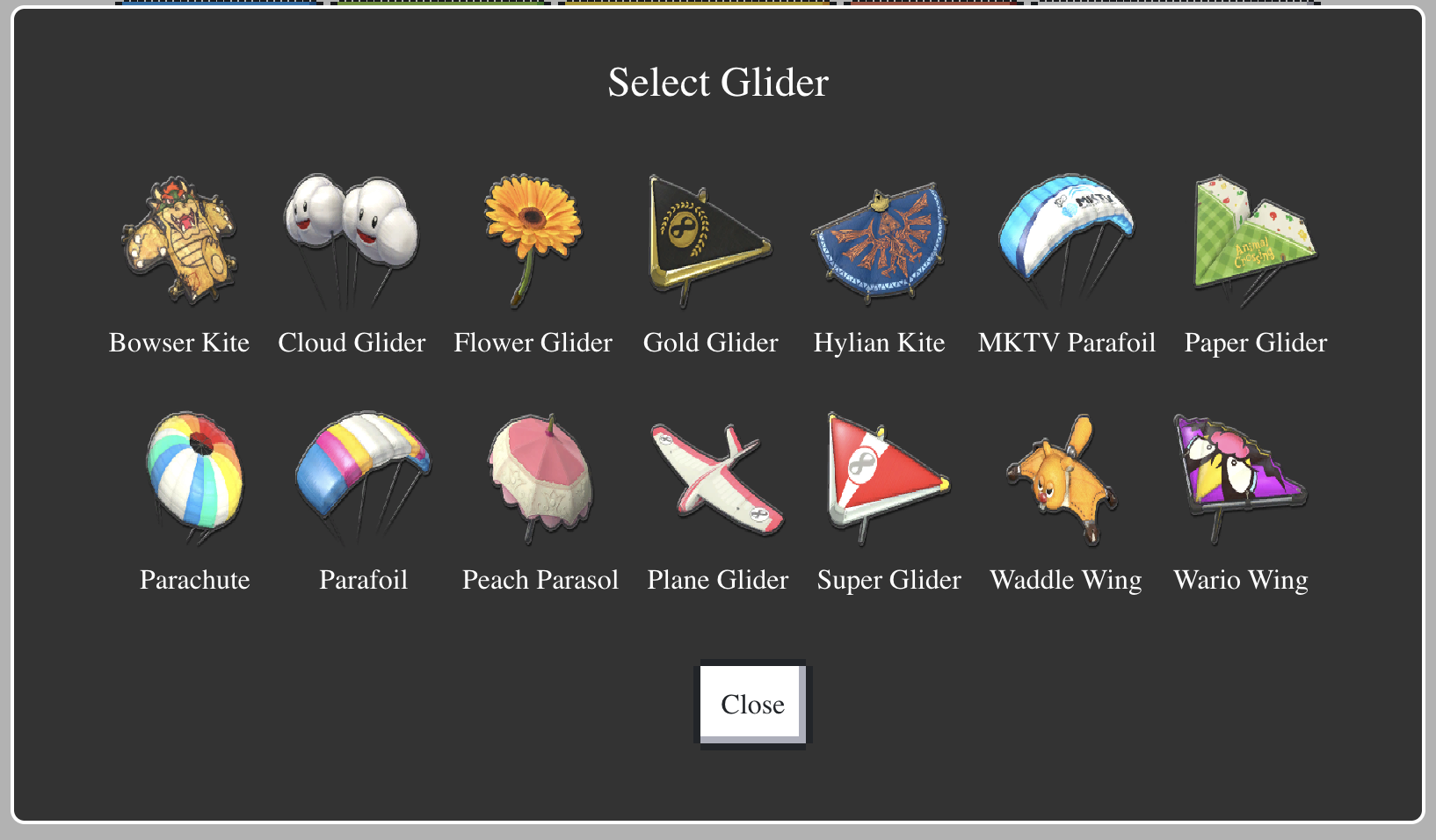
Glider Selection Popup
-
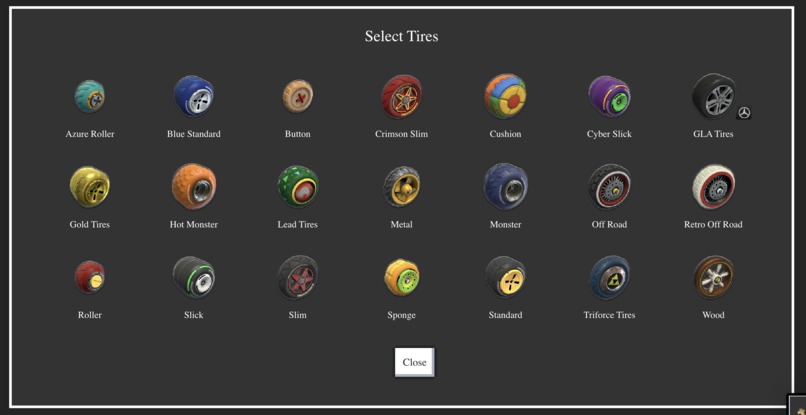
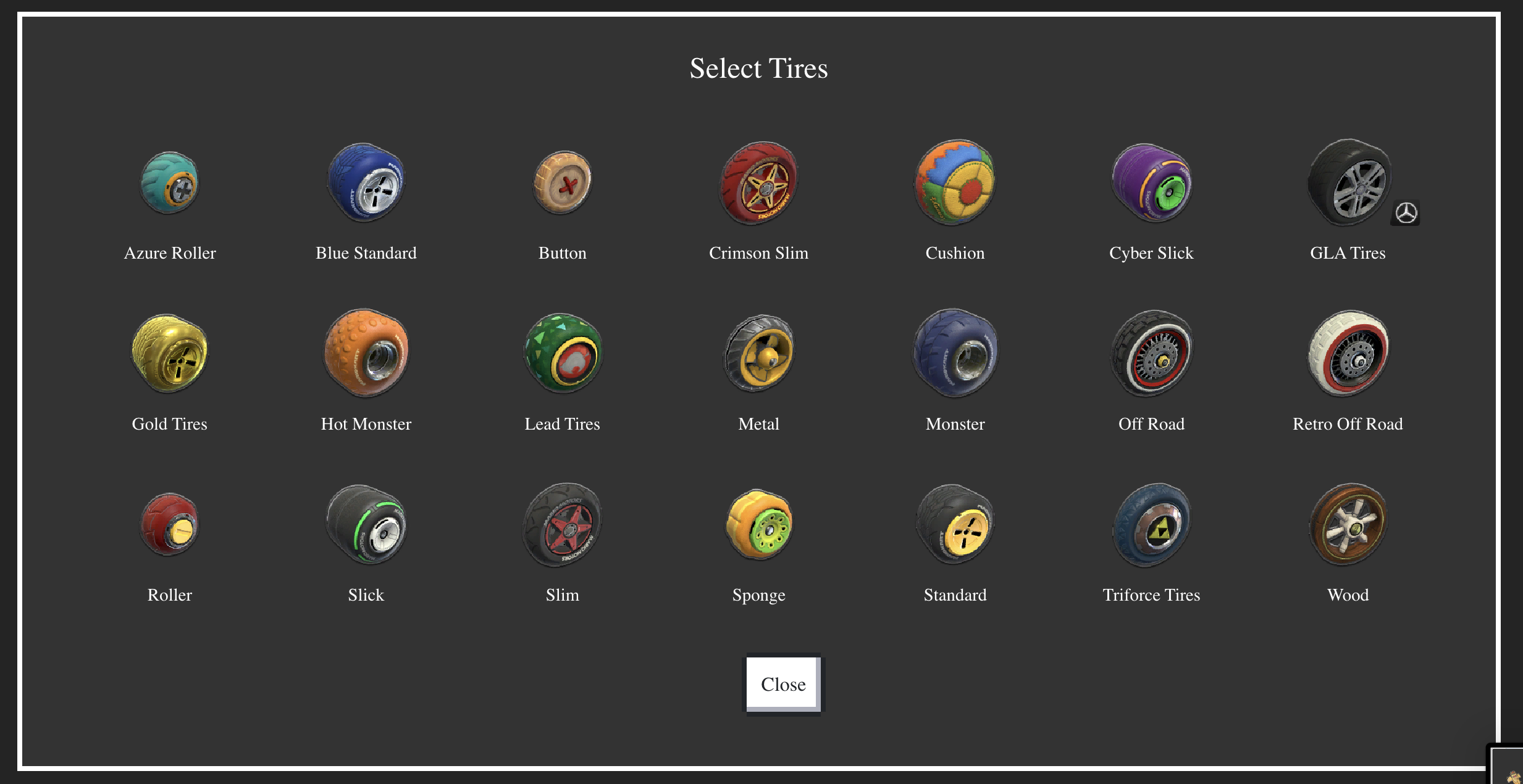
Tyre Selection Popup
-
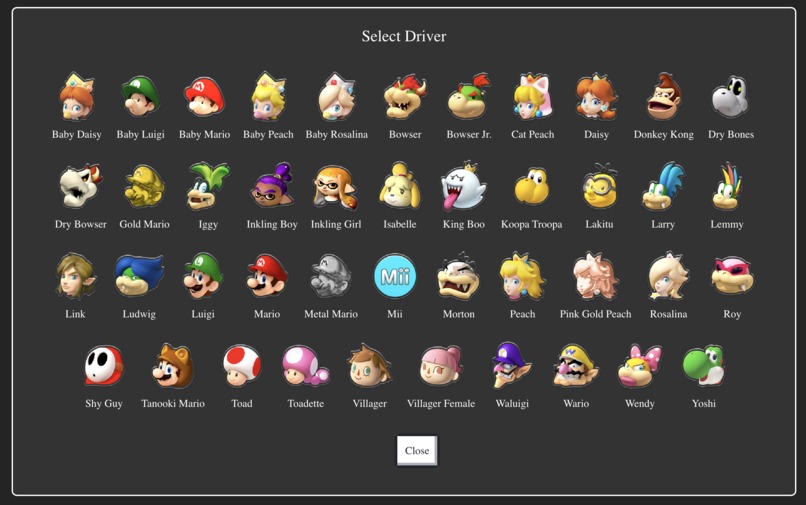
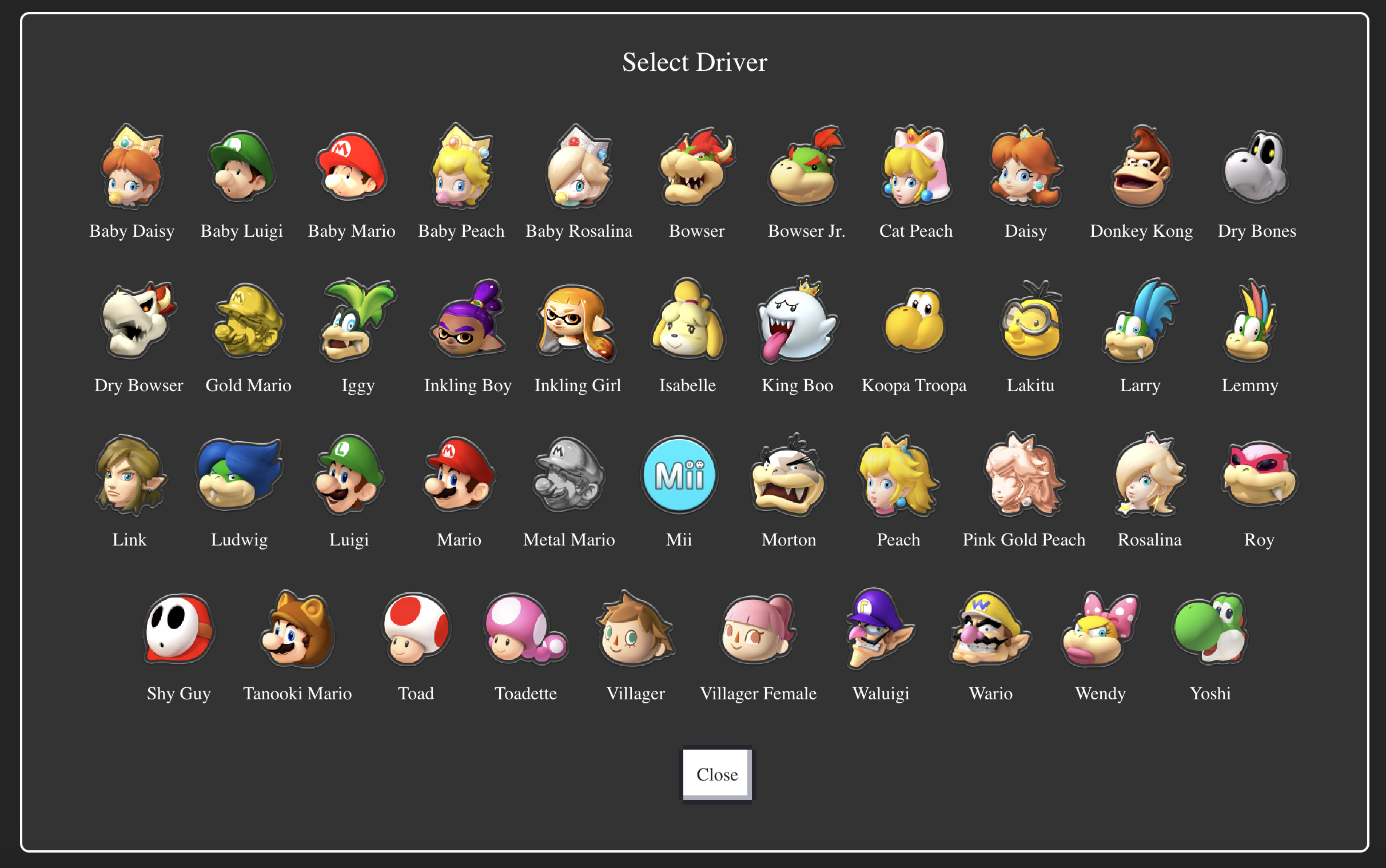
Driver Selection Popup
-
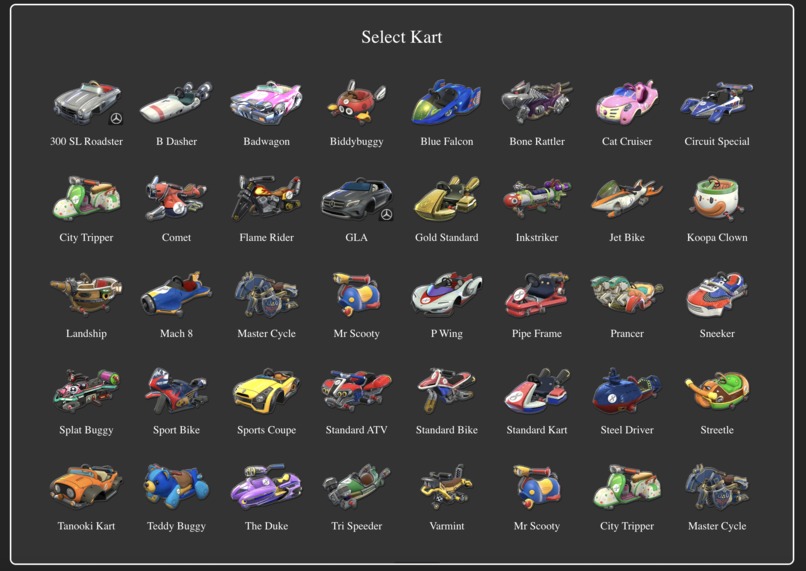
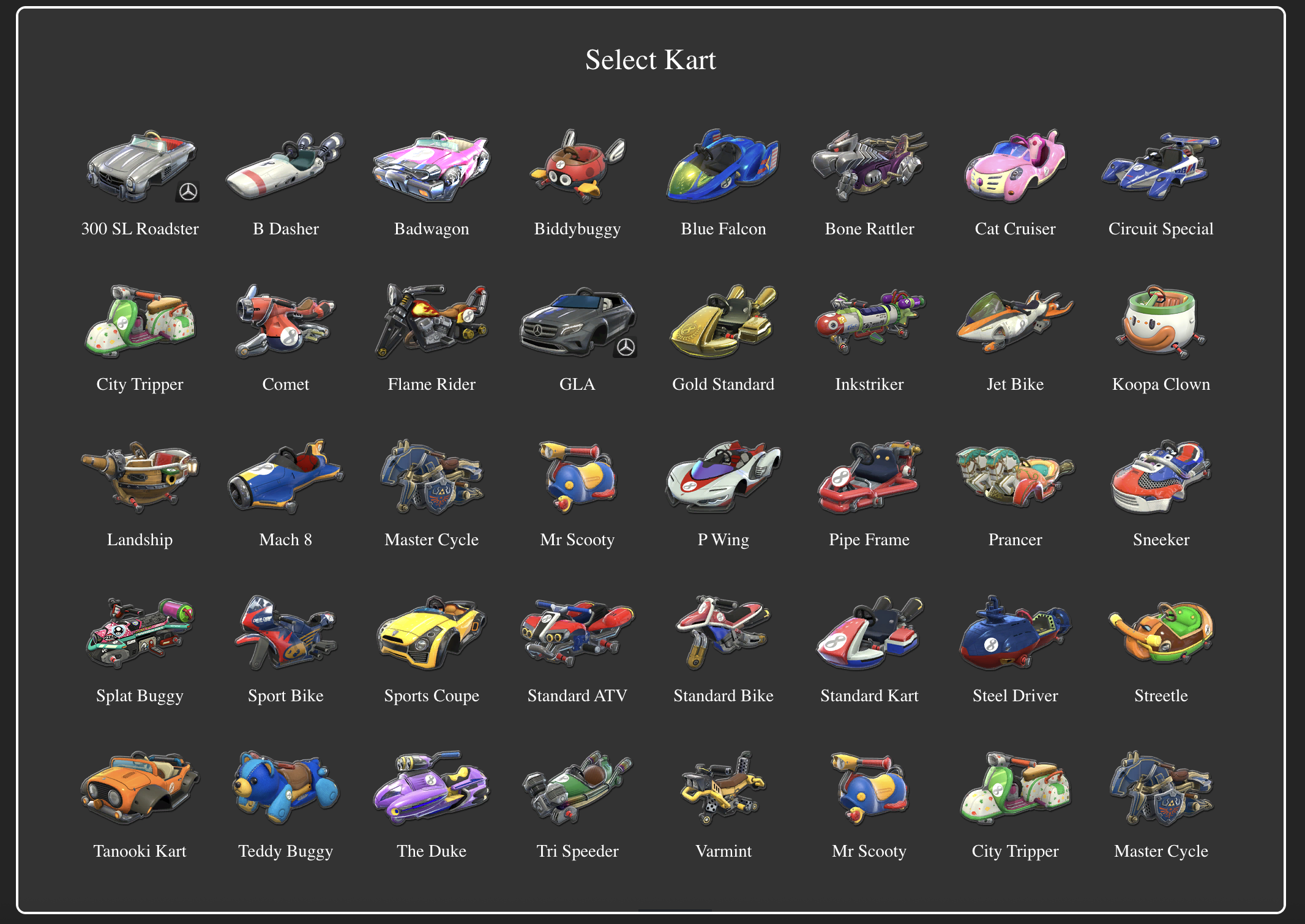
Kart Selection Popup
-
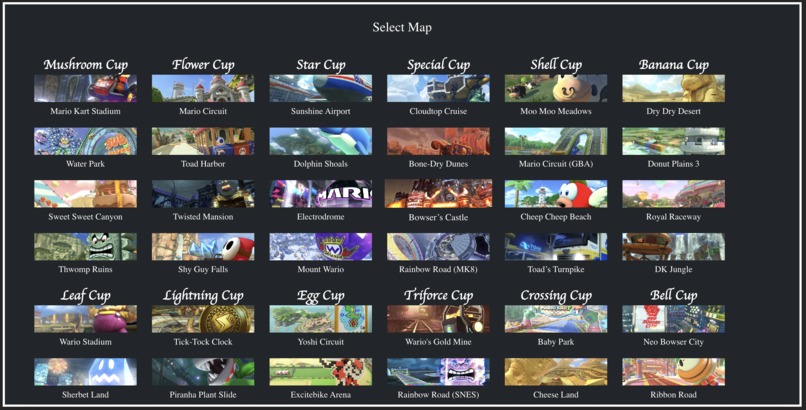
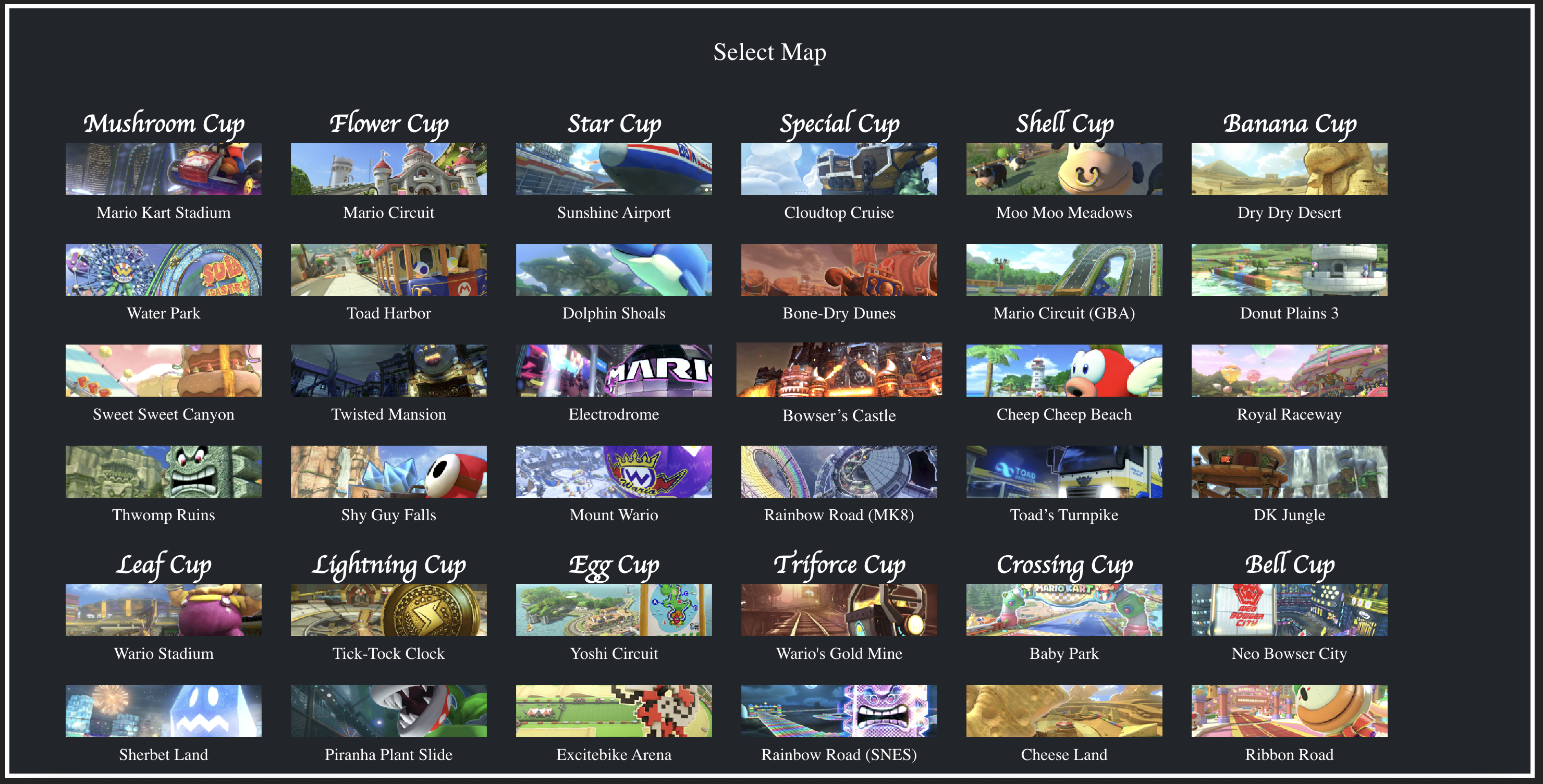
Map Selection Popup
About the Project
Inspiration
The idea for DurKart — the Mario‑themed “crystal ball” predictor for Mario Kart 8 Deluxe — came from the blend of two passions: gaming and data science. Having spent countless hours selecting characters, karts, tyres and gliders, and still being surprised by our finish, we wondered: could one build a model to forecast how well you’ll do — given your build and track choice? We wanted to make it fun, retro‑style, and interactive. The “crystal ball” UI with the Mario‑trained voice gave it the quirky character that makes it more than just a prediction tool.
What I Learned
We deepened my skills in feature engineering: turning track characteristics (land vs underwater vs anti‑gravity vs glider segments) into usable numeric features, then combining those with driver+kart statistics. We worked on modeling: devising a regression/classification approach to predict finish position (1–12) based on those features, plus a “chaos/variance” factor to account for item RNG and bumping. We developed the frontend UI using retro styling (NES.css) and sprite‐based assets, integrated the prediction logic with a Mario‑style voice output, and ensured a smooth user experience. We also learned about real world data gaps: not all track metrics are publicly available (e.g., exact % of underwater vs anti‑gravity), so we had to make reasonable estimates and document those choices.
How We Built it
Datasets & Features
- Compiled a dataset of all tracks from Mario Kart 8 Deluxe and annotated them with mode proportions (e.g., underwater %, anti‑gravity %, glider %, land %).
- Collected driver/kart/glider/tyre stat tables (speed, handling, traction in each mode) from community sources and wiki pages.
- Created combined features: for each build+track Modeling
- Built a simple classifier/regressor in Python (scikit‑learn or TensorFlow) to predict finish position (or top‑3 / middle / bottom) given the engineered features.
- Included a random noise term or “luck” variable to simulate item RNG and chaos, because Mario Kart results are far from deterministic. Frontend & Interaction
- Used NES.css for styling to give a retro look and feel, laid out a sprite of Mario & crystal ball at the center, and had five selection menus (map, driver, kart, tyre, glider) around it.
- When the user selects their build and track, they click “Predict My Fate” → triggers the model (or placeholder logic) → output is delivered both visually and via a Mario‑trained voice (TTS) for dramatic effect.
- Mario crystal ball sprite was designed and drawn by Abbie, all other sprite credits go to mariowiki.com Voice Integration
- Incorporated a voice clip generated with ElevenLabs, creating a custom voice and using their text-to-speech engine adjusted to sound like Mario. The voice announces predictions dynamically (e.g., “It’s‑a me! First place awaits!”), adding a fun and interactive layer to the prediction experience. Packaging & Demo
- Assembled the HTML/CSS/JS frontend with asset sprites, ensured responsive layout, handled dialog popups for feature selection, and connected the frontend to the model backend.
Challenges Faced
- Data quality & completeness: Many track features (especially underwater/anti‑gravity proportions) are not standardised or publicly tabulated. We had to estimate or manually time video segments from a youtube video, which introduces uncertainty.
- Predicting finish position in a chaotic game: Mario Kart has many unpredictable elements (items, bumping, shell hits, drift mishaps). Modeling finish position is inherently noisy, so the accuracy remains limited.
- Responsive UI with many tile images: Ensuring the map‑selection dialog displayed as neat rectangular tiles (width ≈2× height) and arranged in a grid across cups took a few CSS iterations (handling grid vs flex vs container defaults).
- Voice integration & timing: Matching voice output with UI timing (ensuring voice play completes before next interaction) required careful handling of audio events and UI blocking so the user experience felt smooth.
- Animation is synced up with the volume of the voice engine, so Mario's mouth moves when he is speaking.
- Keeping a retro aesthetic while using modern frameworks: Using NES.css gave the right look, but making sure CSS overrides didn’t break button layout (especially when NES.css had default button styles) took debugging.
Built With
- css
- elevenlabs
- flask
- html
- javascript
- python


Log in or sign up for Devpost to join the conversation.