-
-
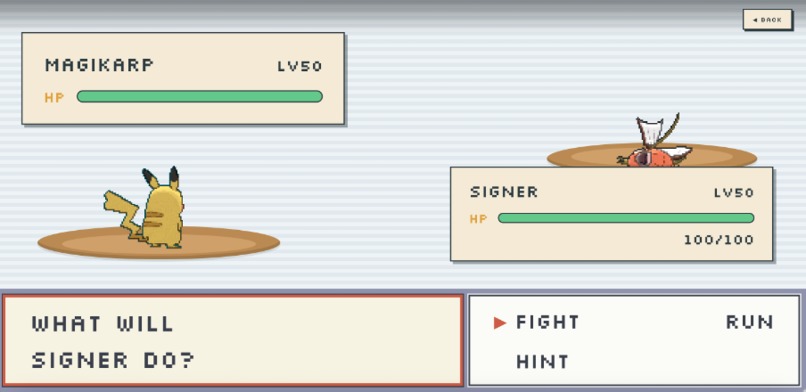
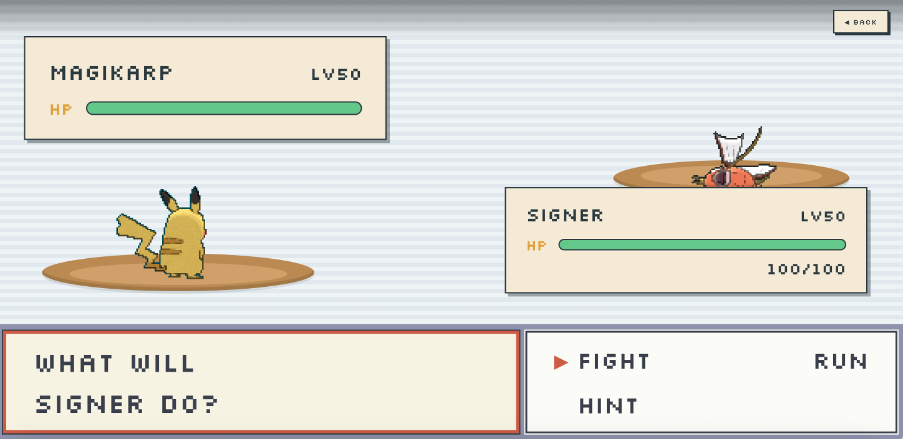
Battle Page
-
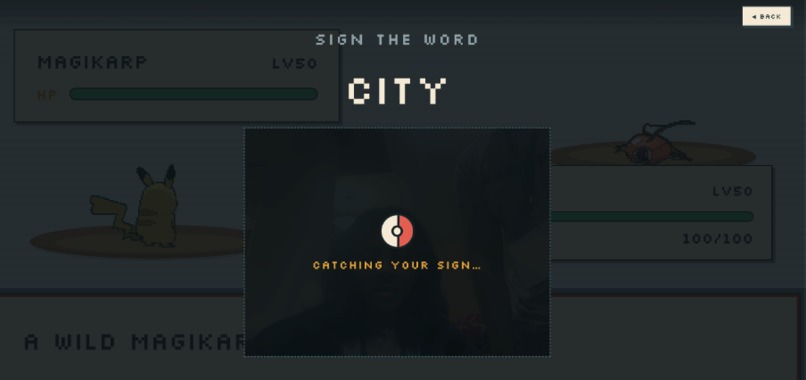
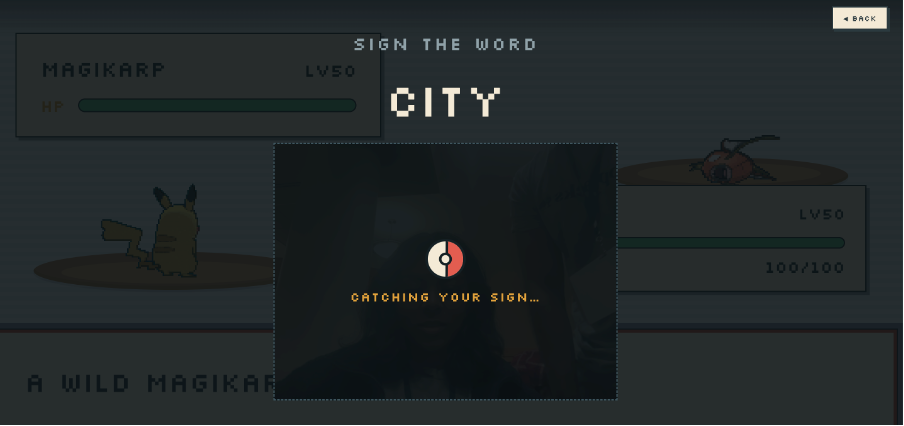
Webcam Page
-
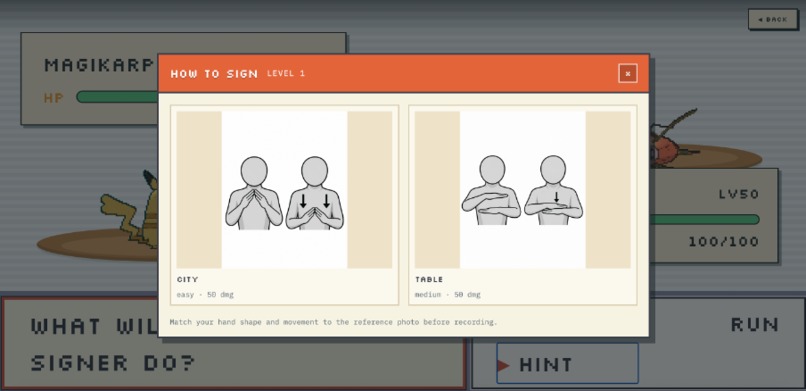
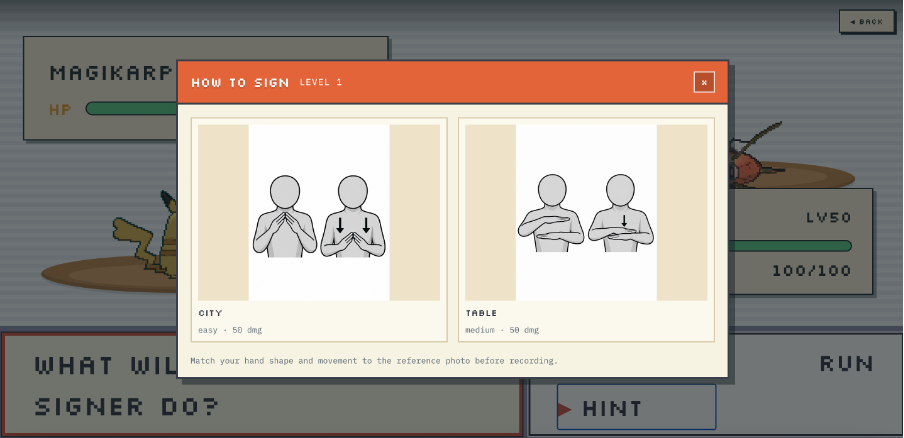
Hint
-
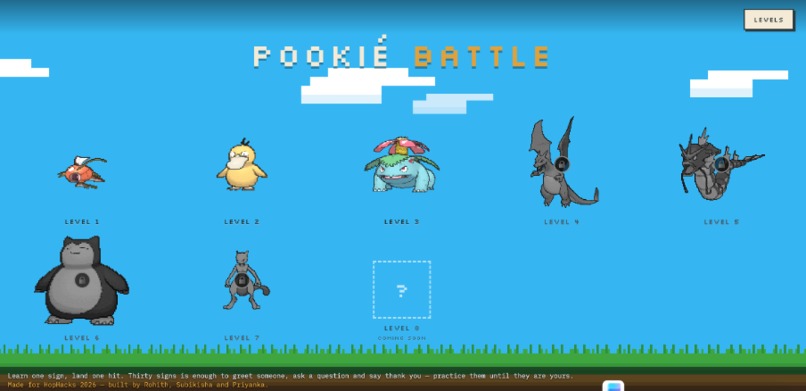
Home Page
-
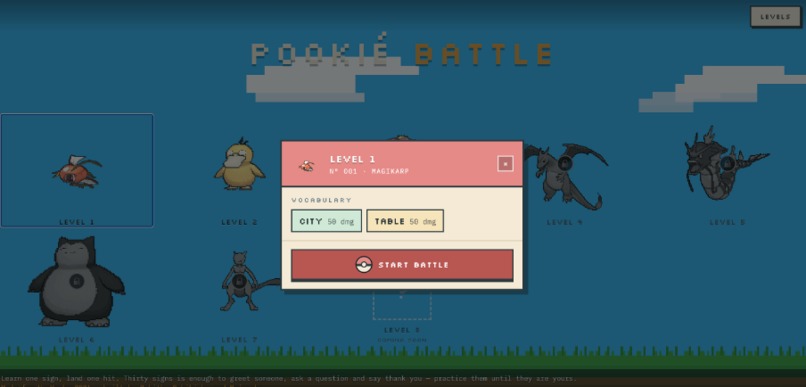
To start level
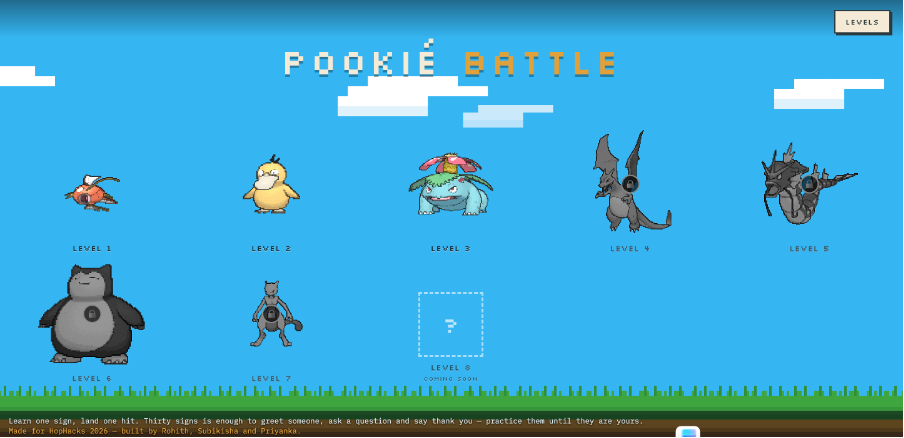
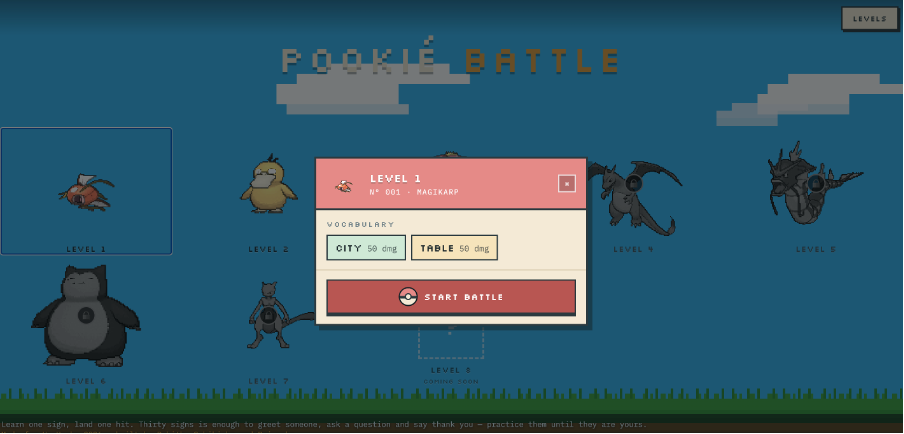
Poke Battle: Sign Language Learning Game
Inspiration
Some of us work at our campus Accessibility and Disability Services center. When a deaf student comes in and the interpreter on shift isn't available, everything stops. A five-minute question about a class schedule turns into typing on a phone, passing it back and forth, waiting for someone who can sign. Everyone in the room wants to help, and nobody can. You feel that gap in your chest.
The numbers say the same thing at scale. Nine out of ten deaf children are born to hearing parents, and only about one in four of those parents ever learn to sign, so most deaf kids grow up in a home where nobody speaks their language. Not from a lack of love, but because learning American Sign Language means flashcards, and flashcards lose to everything else in your evening.
Meanwhile, 205 million Americans, 64% of the country play video games, and ASL is already the third most studied language in US colleges. The interest is there. The practice habit isn't.
So we stopped trying to make ASL practice more educational and tried to make it something you'd actually come back to: Poke Battle, a Pokémon-style battle game where your attacks are signs.
What it does
You choose a move. The camera opens. You sign the word to your webcam, and the game decides what happens:
- Signed correctly → you hit the opponent for that move's damage
- A different sign → your attack misses and the opponent strikes back
- Not sure → a free retry, no penalty, because guessing would teach the wrong thing
Clear a level, unlock the next one. Your progress is saved on your machine, and every camera frame is thrown away the moment the answer comes back.
The design rule we stuck to: the game only counts a sign as correct when the model is genuinely confident. A strict "try again" is better than a flattering "correct".
How we built it
Frontend (React + Vite). The battle screen owns the game: HP, PP, four attack slots, opponent turns, level progress in localStorage. When you attack, it records 64 webcam frames about 40 ms apart (~2.6 seconds), encodes them as 640×480 JPEGs, and posts them with their timestamps.
Backend (Flask). Exactly one application endpoint: POST /api/validate-sign. It validates the upload, looks up the expected sign from the level files, and runs the sign recogniser. Uploads live in memory only, no frame is ever written to disk or sent to a third party.
The model. We use a pretrained sign-recognition video model (I3D, trained on the WLASL corpus, under a non-commercial research licence). Weights are never committed to the repo: a setup command downloads the model source at a pinned commit, verifies its security hash, installs the checkpoint after checking its hash again, and writes the manifest that switches recognition on.
Preprocessing reproduces the reference pipeline exactly: convert color space, resize so the short side is 256 pixels, centre-crop to 224×224, scale the pixel values to a standard range, and prepare the data in the exact format the model expects.
The network looks at every frame and produces a confidence score for each possible sign. We take the strongest score across all frames and then look only at the signs the game knows. We calculate the difference between the top match and the second-best match to measure how much better the top candidate is.
An attempt is accepted only when:
- The top match scores 25% or higher
- The gap between the top and second-best match is at least 0.5 points
Otherwise the server answers "retry" instead of guessing. The margin is measured as a raw gap in the model's internal scores, not as a difference of probabilities—a distinction that cost us an afternoon before we pinned it down.
Honest failure states. No model installed → 503 MODEL_NOT_READY. A sign that hasn't been validated → 422, and the model isn't even run. An inference error → 503, never a fake "incorrect".
Challenges we ran into
Reproducing someone else's ML pipeline exactly. Our evaluation and our server had to agree perfectly. We built a parity check: reference clips through our backend versus her saved results. They matched with extremely high precision—same top-1 word, same confidence, same margin. That turned "we think it's the same" into "it is the same".
Frame count. The API started at 25 frames. On the reference clips, 25 frames rejected a sign that 48 and 64 frames recognised confidently: squeezing a two-second sign into 25 frames is like watching it in choppy slow motion. We moved the whole stack, capture, API, limits, tests, to 64.
Thresholds calibrated on the wrong thing. The published accept rule came from a 100-way comparison tested only against synthetic non-signs (black screens, noise, random waving). Restricting the comparison to the game's own signs changes those numbers, so we re-measured: real signs scored perfectly with strong confidence gaps, while blank video and noise stayed very low. That gap let us lower the acceptance threshold and accept many more real attempts without letting nonsense through.
The unglamorous ones. macOS AirPlay silently occupies port 5000, so every request from the browser vanished into thin air. Webcams that claim 640×480 often hand you 16:9, and we were squashing people into 4:3 before sending frames to a model trained on undistorted video. And one test passed on a fresh clone but failed on every machine that had actually installed the model.
Accomplishments that we're proud of
- It genuinely recognises signs, live, in about two seconds on a laptop CPU, no GPU, no cloud inference, no internet needed at demo time.
- Perfect agreement with the reference pipeline, proven rather than assumed.
- 202 backend tests covering upload rules, every error path, the model manifest checks and the decision logic, all with fake models, so the suite runs without any weights.
What we learned
- A confidence score is not accuracy. A model can be 99.99% sure on a studio clip and useless on a laptop webcam in a dim room.
- Calibrate in the domain you deploy in. Thresholds measured on curated clips don't transfer to webcams, and synthetic negatives prove nothing about a real person moving.
- Sample size is part of the claim. "100% accurate" over one clip is a number, not evidence.
- Put the model behind an interface early. Ours loads from a manifest with a format key, so swapping the recogniser is a configuration change, not a rewrite. That decision is what makes our next step cheap.
- Frame rate matters as much as frame count, because a sign is motion, and the model learned that motion at a particular speed.
What's next for Poke Battle
We're going to train our own model, on a dataset we create ourselves.
Existing sign datasets are recorded in studios: even lighting, plain backgrounds, trained signers, good cameras. Players are on laptop webcams in dorm rooms at 11pm. That gap is the single biggest limit on how well the game plays today, and no amount of threshold tuning closes it.
So the plan is:
- Build a consented recording set, many takes per sign, from a range of signers, rooms, lighting and cameras, captured through the game's own capture path, so the training data looks exactly like what the model will see in play.
- Have every sign reviewed by a fluent signer before it becomes training data, so the game teaches the right version of each sign.
- Train on that set and hold out entire signers, so our accuracy number means "it works for someone new", not "it works for us".
- Grow the vocabulary from the words people actually need first, guided by the Accessibility and Disability Services staff and students who inspired this, starting with the phrases that come up when an interpreter isn't in the room.
- Teach, then test: a reference clip for every sign in the game, so players learn the sign before the battle asks for it.
The end goal is simple. The next time a student walks into that office and the interpreter isn't there, the person behind the desk should already know how to say hello.


