Inspiration
I often keep many browser tabs open while researching, building, or switching between tasks. Standard browser tab strips make it hard to understand what is open without clicking through tabs one by one. PonyTabs was built to make large tab sessions easier to inspect, organize, and clean up safely.
What it does
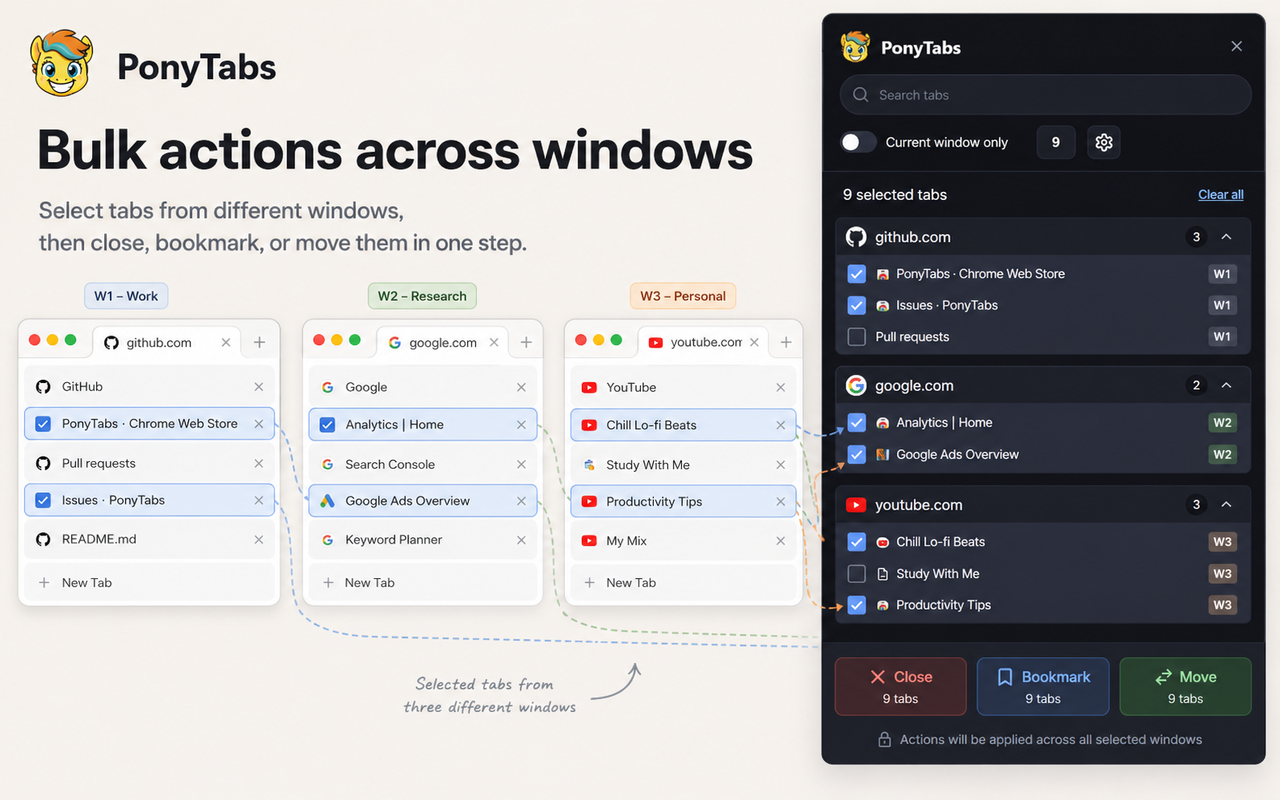
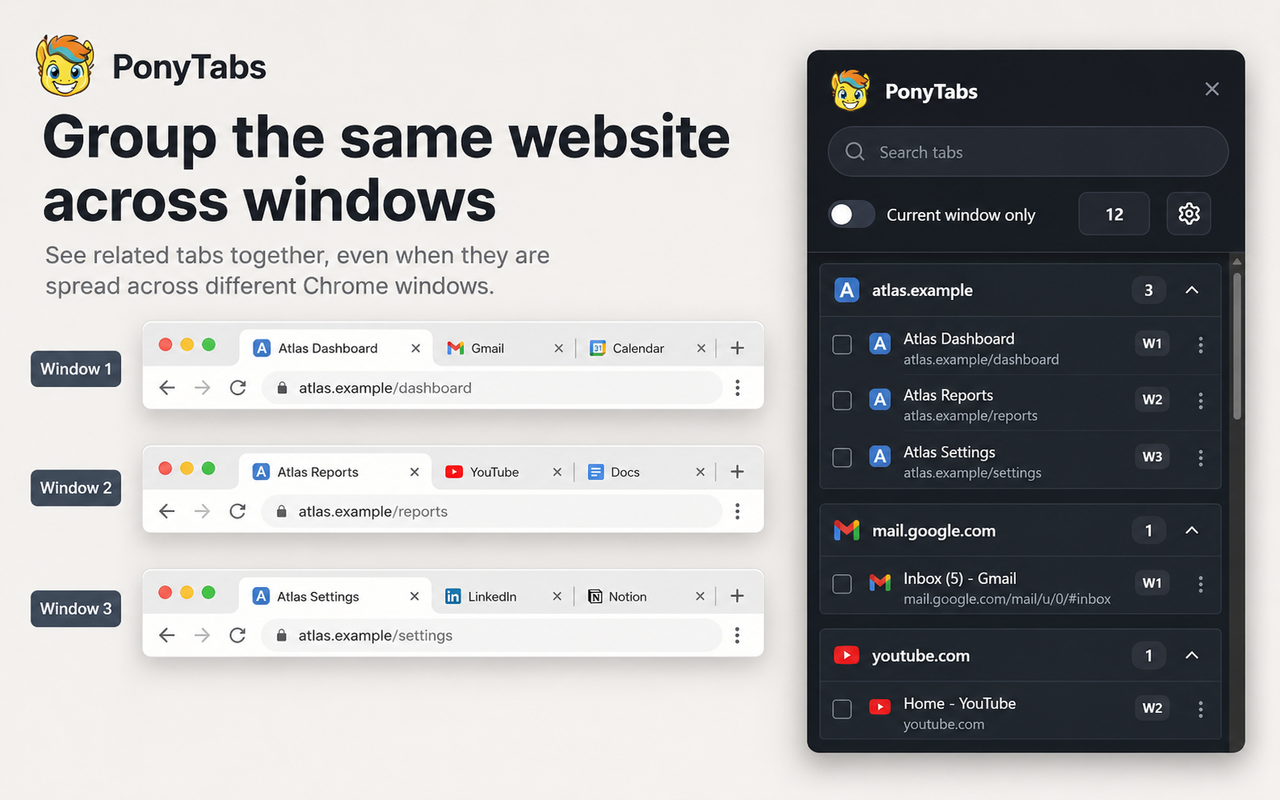
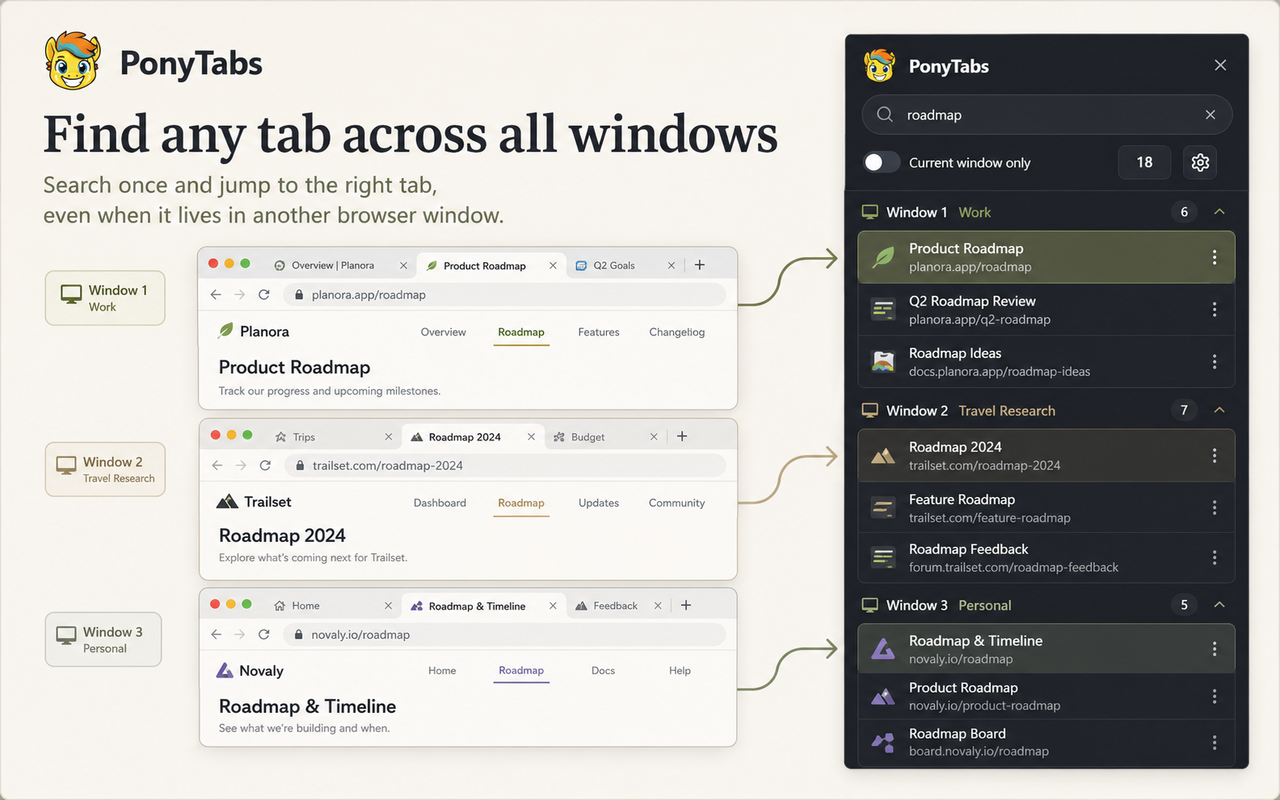
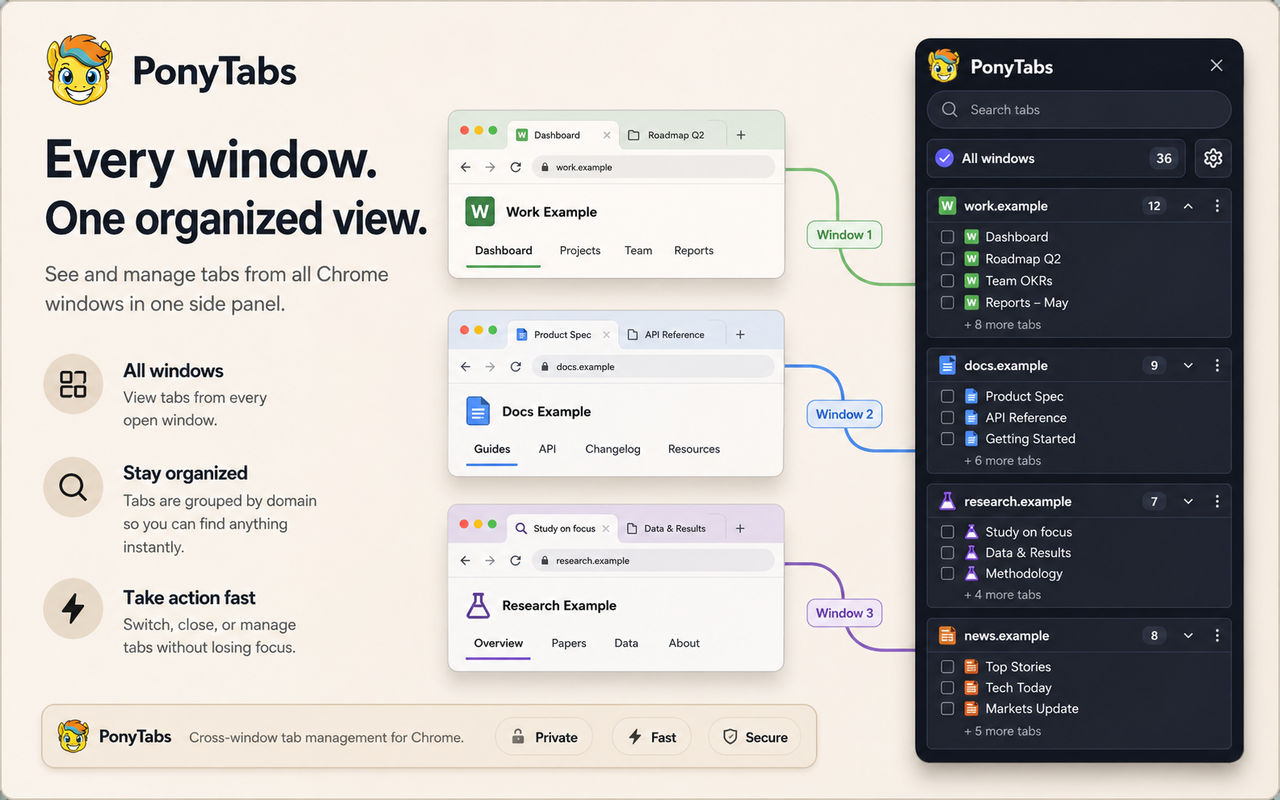
PonyTabs is a Chromium MV3 browser extension for Chrome and Edge. It opens as a native side panel and groups open tabs by domain or hostname, showing each tab's title, URL/domain, favicon, and useful states such as active, pinned, audible, muted, and discarded. Users can activate, close, duplicate, move, pin, or unpin individual tabs. They can also take safer bulk actions on groups, including bookmarking a group, creating a native Chrome tab group, closing a group, closing other tabs in the group, or moving a group to a new window. Multi-select support and a bottom bulk action bar make cleanup faster while confirmations and default protections help prevent accidental tab loss.
How we built it
PonyTabs was built as a Manifest V3 Chromium extension using TypeScript and React. The native build uses the Chrome/Edge side panel API, while a compatibility Dock build supports Chromium variants that do not accept side_panel. The extension queries tab metadata through Chrome extension APIs instead of inspecting page contents. Core logic handles tab querying, grouping, URL/domain parsing, safe-close policies, bookmarks, native tab groups, and move actions. The UI includes runtime localization with a system-language default and a settings-level language switch. Codex helped accelerate the project by shaping the architecture, implementing extension logic and UI flows, tightening safety behavior around destructive actions, and producing tests/build checks. GPT-5.6 was used through Codex to reason through implementation decisions, edge cases, and submission-ready documentation.
Challenges we ran into
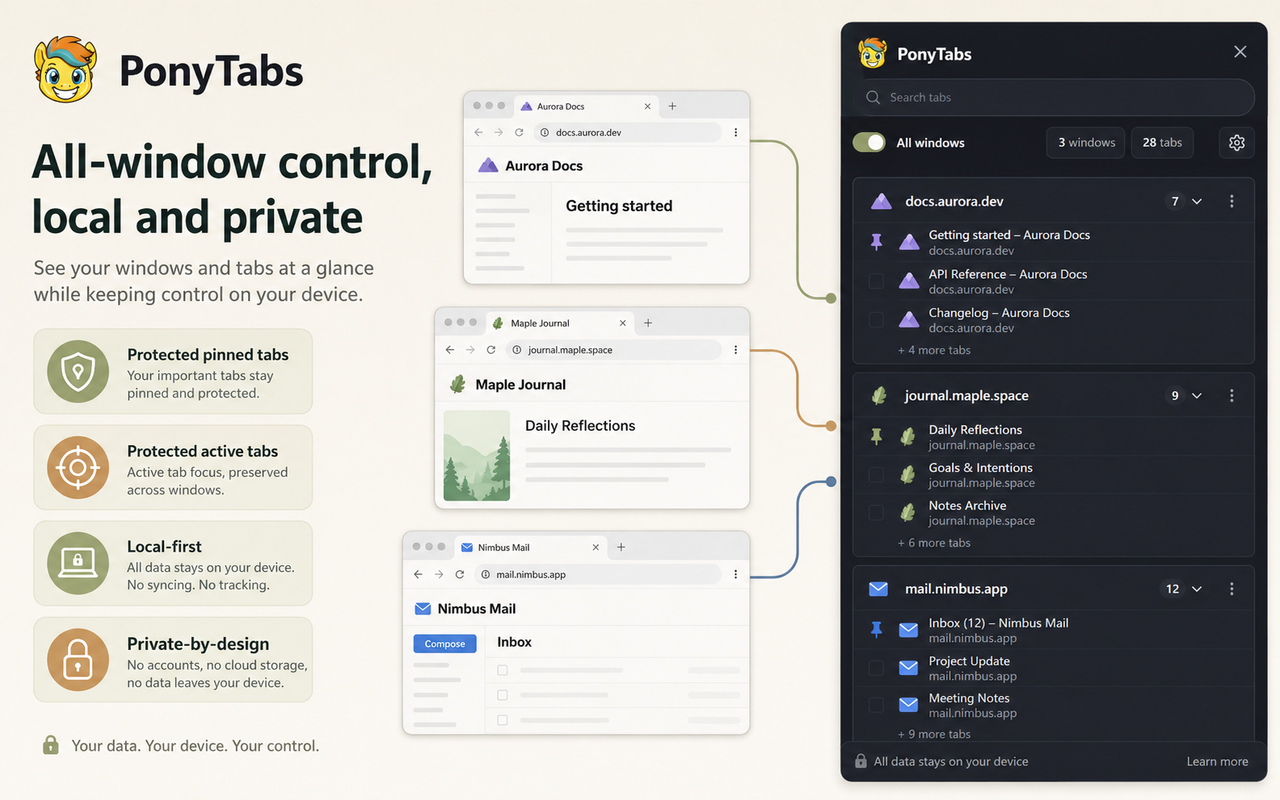
The main challenge was designing bulk tab actions that are powerful without being risky. Closing or moving many tabs can easily become destructive, so PonyTabs protects pinned and active tabs by default, asks for confirmation on larger closes, and gives progress feedback for longer operations. Another challenge was supporting both the native side-panel build and the compatibility Dock build while keeping permissions minimal and avoiding unnecessary content inspection.
Accomplishments that we're proud of
I am proud that PonyTabs focuses on practical browser productivity while keeping the permission model restrained. The extension can manage many tabs using browser-provided metadata, without content scripts in the native side-panel build and without reading page contents. I am also proud of the safety details: protected tabs, confirmations, multi-select behavior, bulk actions, localization, and separate packaged builds for Chrome, Edge, and compatibility use cases.
What we learned
I learned more about building production-style MV3 extensions, using the side panel API, structuring tab-management logic, and designing UI flows for high-volume browser workflows. I also learned how useful Codex can be for iterating on architecture, tests, packaging, and documentation during a build sprint.
What's next for PonyTabs
Next, I want to finish the demo video, polish onboarding, add more keyboard-friendly workflows, improve saved tab-session support, and continue testing across Chrome, Edge, and other Chromium-based browsers.
Built With
- chrome
- chrome-side-panel-api
- chrome-tab-groups-api
- chrome-tabs-api
- codex
- css
- manifest-v3
- react
- typescript

