-
-
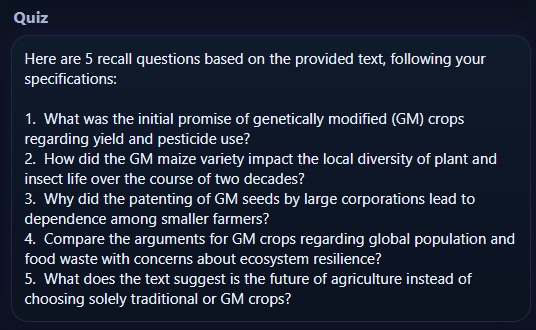
Questions
-
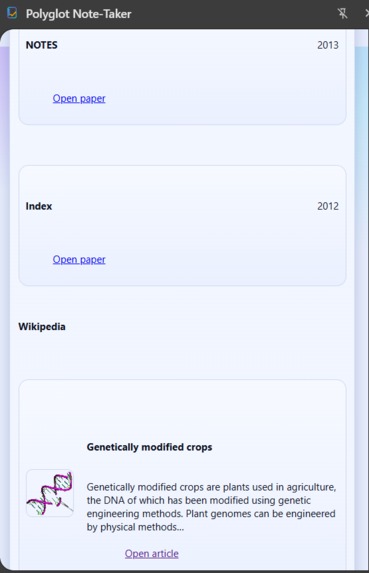
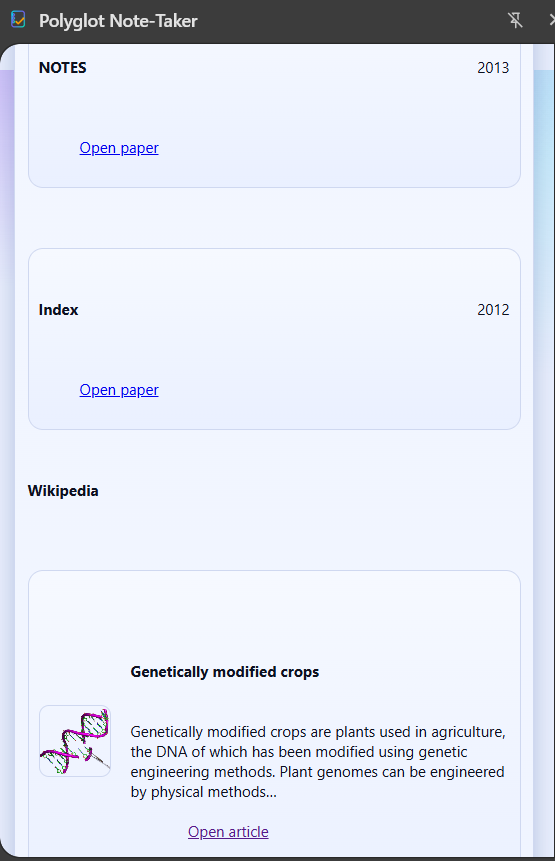
Sources related to the text
-
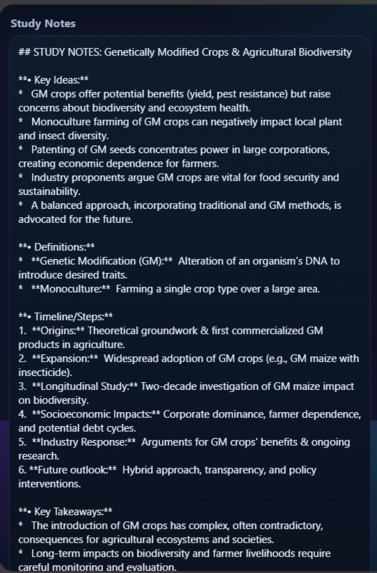
Notes
-
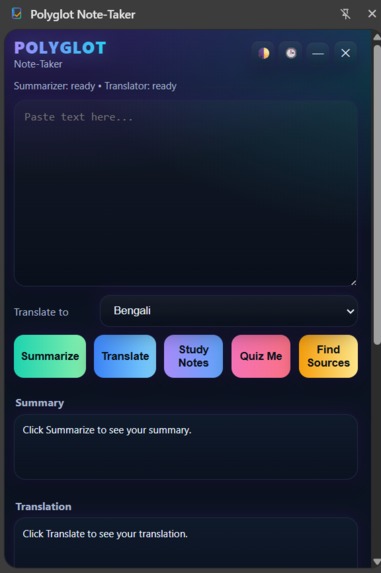
Dark theme
-
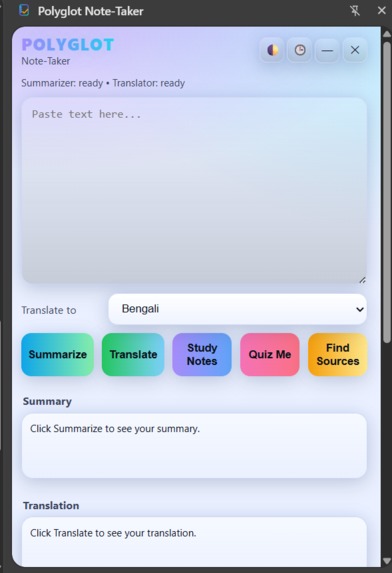
Light theme
-
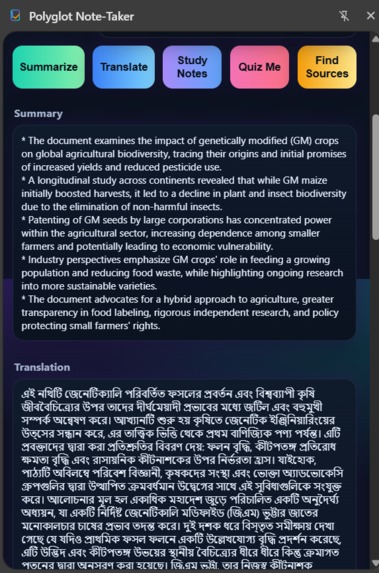
Summary and translation
Inspiration
I built Polyglot Note-Taker because I was tired of switching between apps every time I needed to summarize notes, translate a paragraph, or find good sources. I wanted something simple that could live inside Chrome and help me study better without breaking focus.
As an international student, I often work with texts in different languages and needed quick tools that could summarize and translate while keeping everything in one place. That’s how the idea started , a clean and helpful side panel that supports focused learning.
What it does
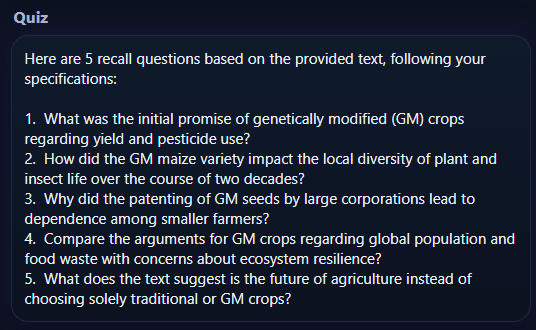
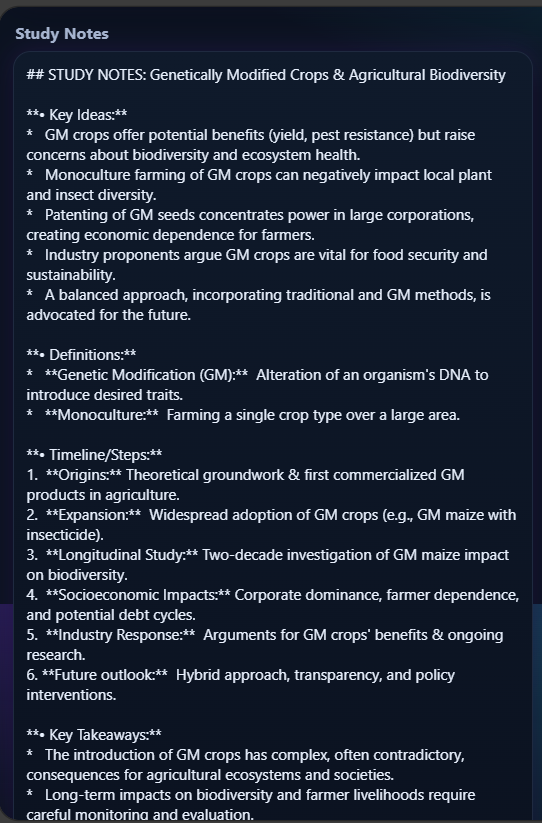
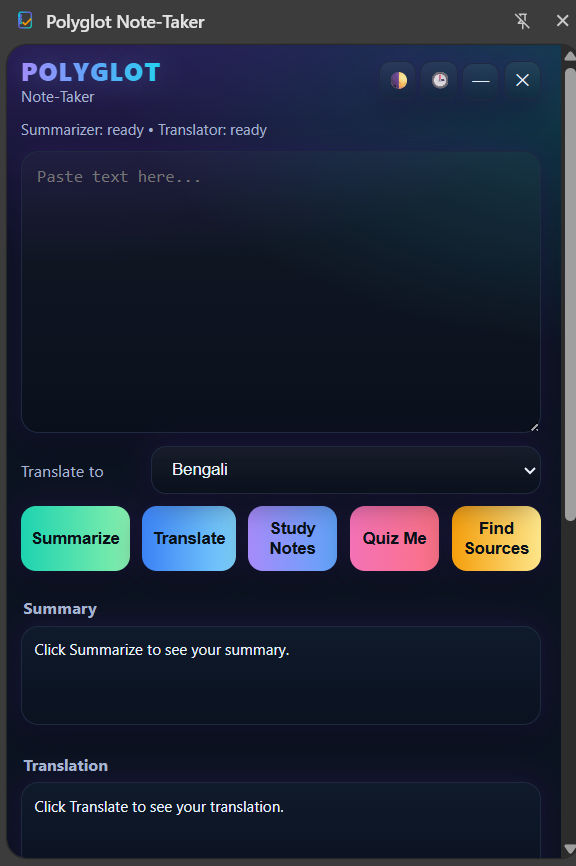
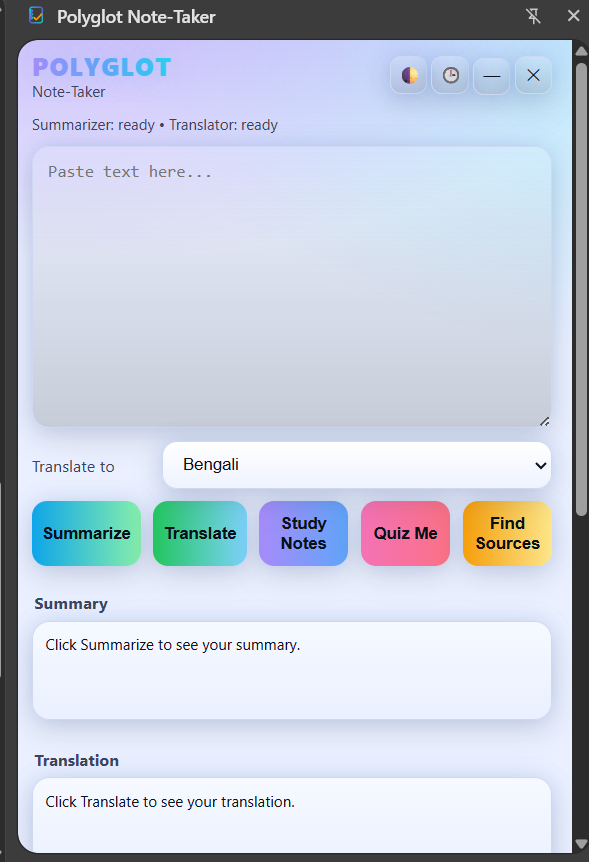
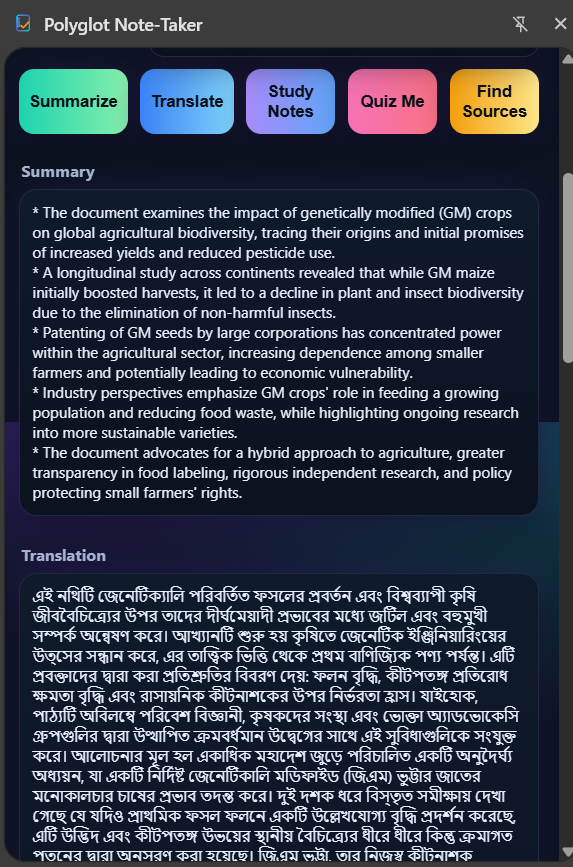
Polyglot Note-Taker sits inside Chrome as a side panel and turns long or complex text into short, clear summaries, translations, study notes, and quiz questions. It can also find related academic sources from CrossRef and Wikipedia.
It saves all results in history, supports theme switching, and keeps your notes safe even if you close and reopen the extension. The goal is to help students, writers, and researchers save time and stay organized while working online.
How we built it
I built it using HTML, CSS, and JavaScript along with Chrome’s new AI APIs for summarization and translation. The extension stores user data with Chrome storage and connects to the CrossRef and Wikipedia APIs to fetch research papers and short article previews. The interface uses a gradient layout, soft hover effects, and modern glowing elements to make it pleasant and simple to use.
Challenges we ran into
One big challenge was handling API calls and making everything work smoothly inside Chrome’s side panel. Another was keeping the layout consistent in both light and dark themes while managing the stored data and ensuring the quit and history buttons behaved properly.
Accomplishments that we're proud of
I’m proud that I built a fully working Chrome extension from scratch that actually feels useful for students and researchers. It brings together summarization, translation, study notes, quizzes, and source-finding all in one clean side panel.
I’m also proud that the interface is simple, lightweight, and runs smoothly without extra setup. Another big win was getting the history, theme switch, and storage to work perfectly so users can close the app and still pick up where they left off.
Seeing it all come together inside Chrome and knowing it can genuinely save people time makes it something I’m proud of.
What we learned
I learned how to use Chrome’s side panel API, manage local storage efficiently, and connect third-party APIs. I also learned a lot about designing practical user interfaces that are fast and responsive without feeling cluttered.
What's next for Polyglot Note-Taker
I plan to add a rewriting and grammar feature in the next version so users can polish their text directly in the side panel. I also want to make it sync with Google Docs or Notion for saving notes directly.
Built With
- chrome-ai-apis
- crossref-api
- css
- html
- javascript
- wikipedia-rest-api

Log in or sign up for Devpost to join the conversation.