Inspiration
The inspiration came from a routine observation of our friend, a PHD student. She rushed home to her laptop because she had to check in with her research participants and see how many had responded by a certain time. We remember thinking to ourselves what a tedious task, what if she could get a summary of her results and a summary of her participants feedback by asking an agent.
That brought to mind the hours she spent in Qualtrics and Prolific and did the same tedious task: create a new page, pick a question type, click, type, repeat. She already knew her research questions. What if she could tell an agent to build the survey, and all she has to do is approve it. Later she can ask for a summary of results across her studies without needing to rush home.
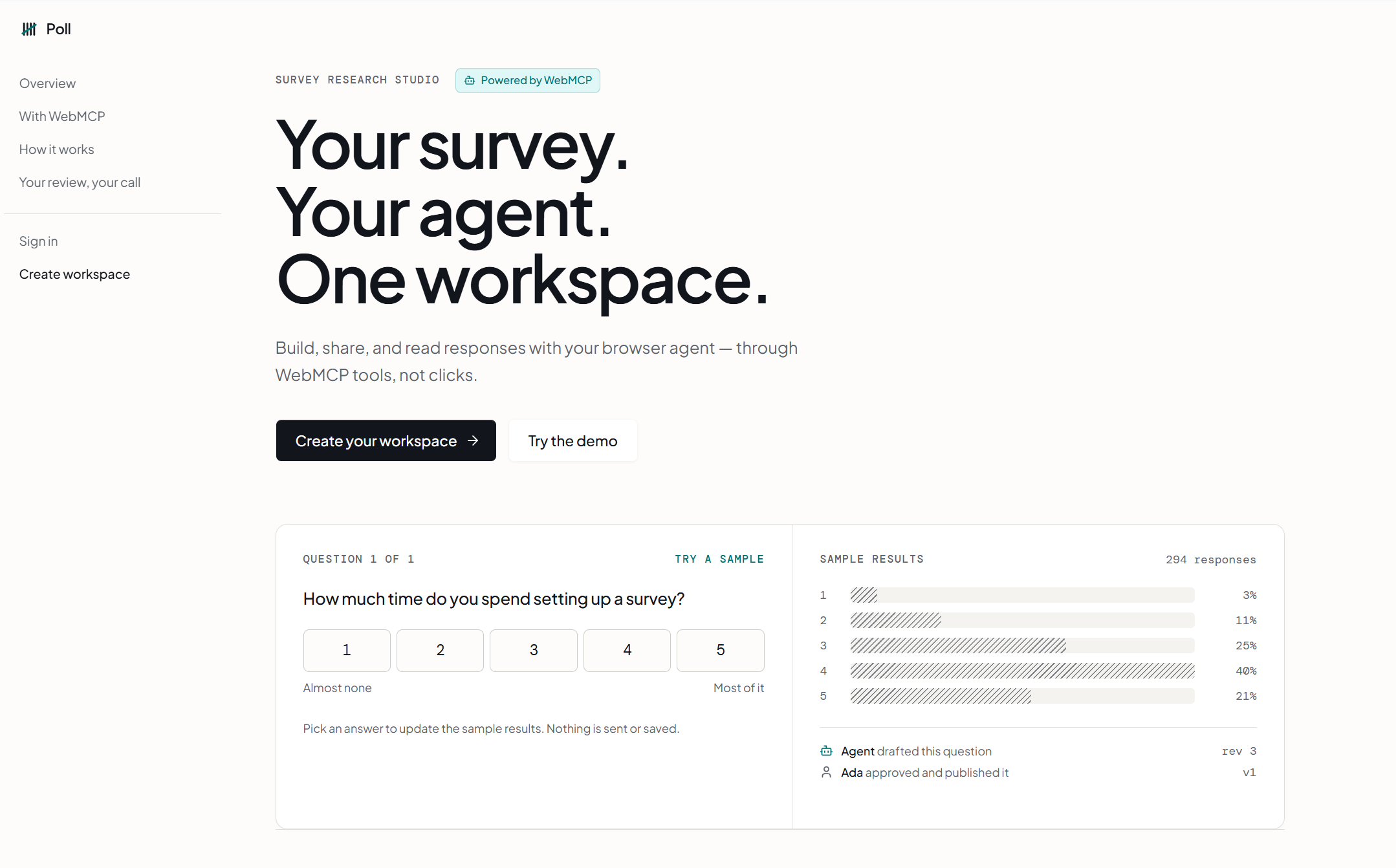
That is Poll: a survey studio where a researcher and their agent share one workspace, and a person still decides what goes out.
What it does
Poll is a survey research studio. A researcher works with an agent to build, share, and report results of the survey. The human has to give explicit approval for all participants facing tasks while the agent can help them get to the final draft quicker.
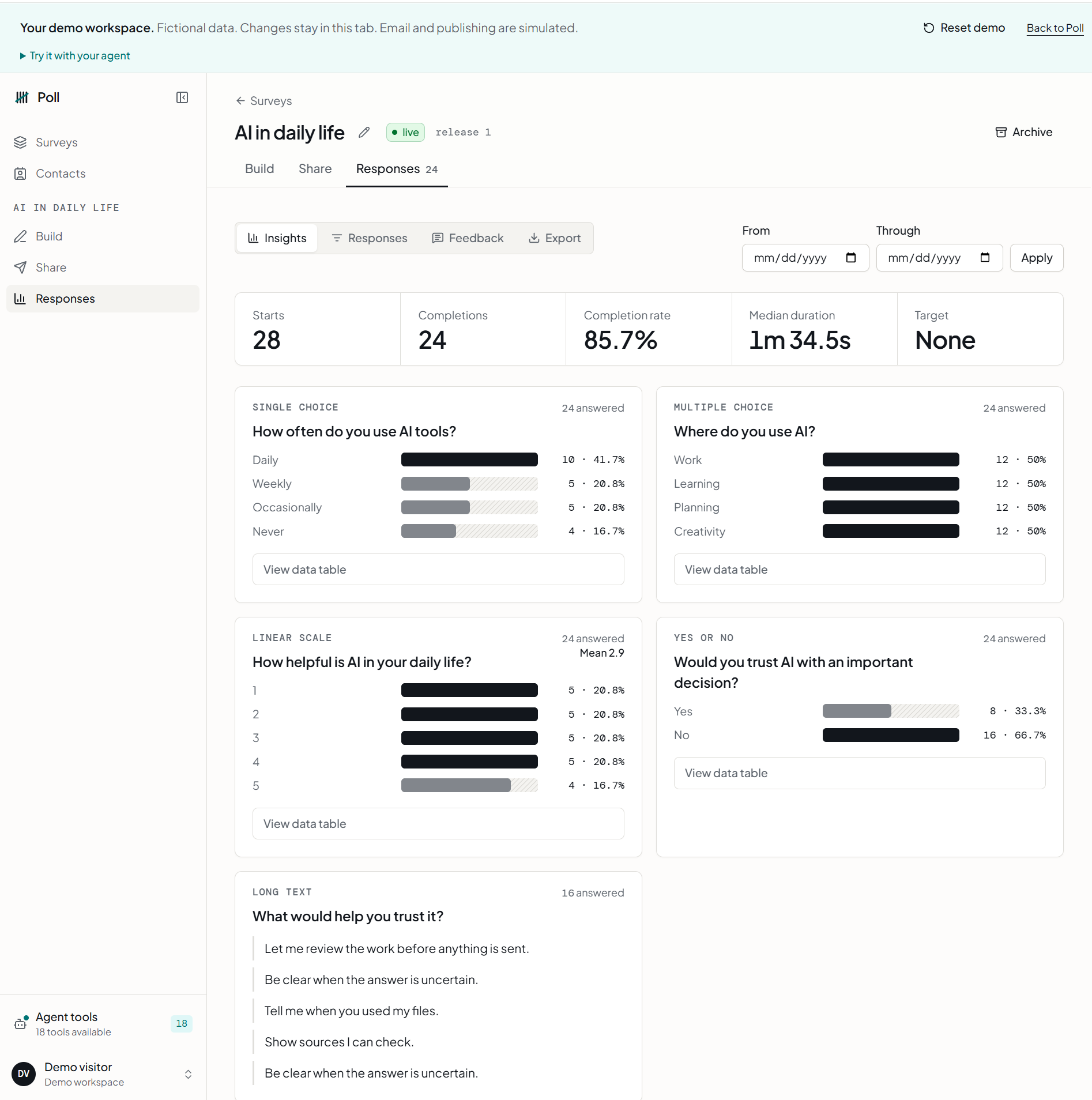
In a WebMCP-capable browser, an authenticated user can use their favorite agent tool like Codex to interact with Poll to create a draft from a research goal, edit questions, preview, share, and summarize results or feedback. Tools call the same APIs as the buttons on the screen, allowing humans and agents to make edits the same way. Participant routes register no tools: people still consent and answer for themselves.
How we built it
We started by mapping out a researcher workflow and where an agent can help them. We wanted to see what the user workflow looks like end-to-end should a user choose to manually create a survey, edit the questions, and launch it. The majority of the tedious work came from survey building, so that became the focus of our first tool.
We spent time in the documentation reading the example repos and WebMCP docs from Google, OpenAI's Site tools notes, and Cloudflare's WebMCP React starter. What we wanted was a survey studio that still works in a normal browser, and then researcher tools if WebMCP is there.
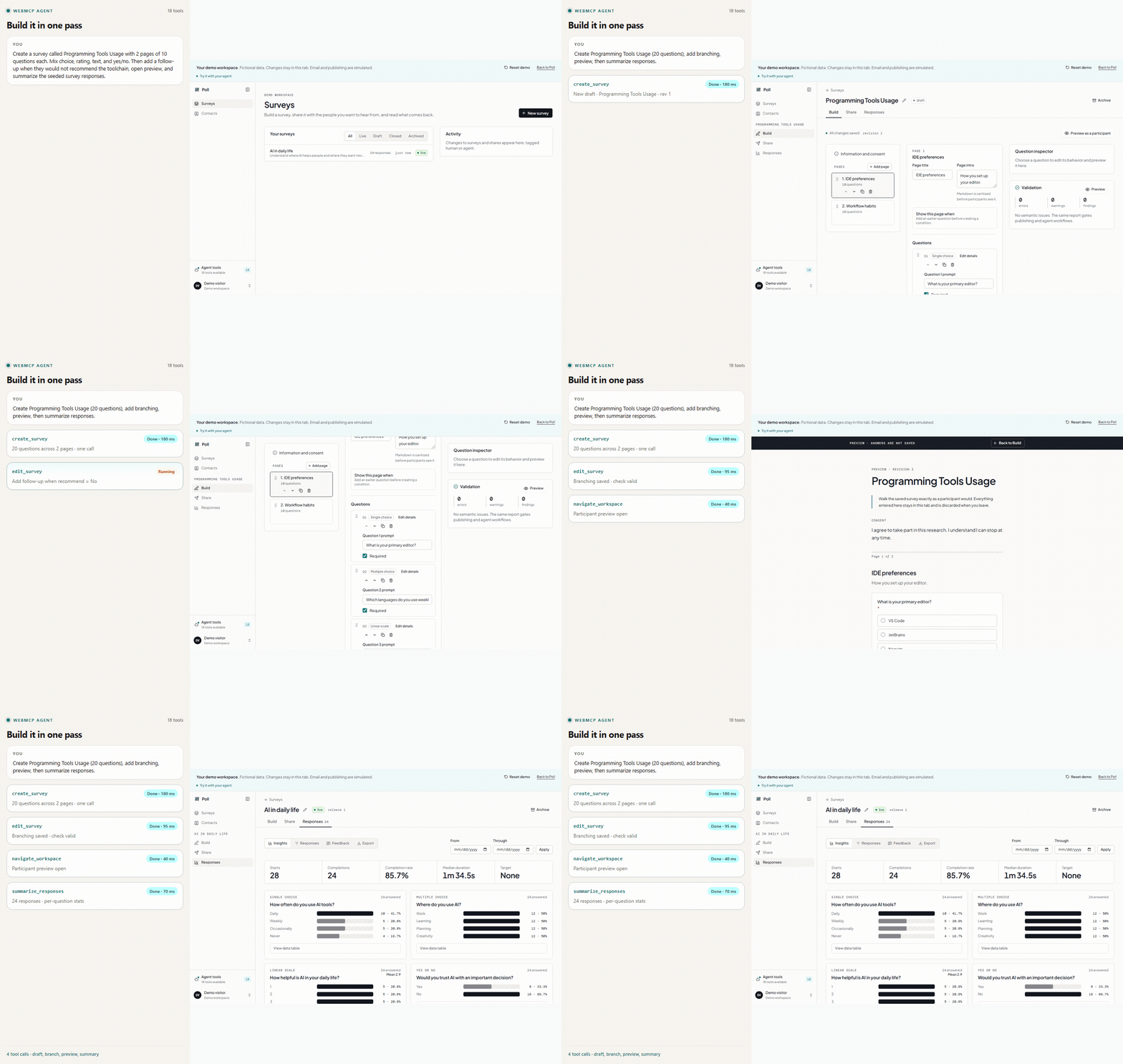
Codex then did the majority of the implementation. We used Codex agents for most of the coding and also used automations to run long running PRs overnight that could be merged in parallel. We reviewed every open PR, no agent was allowed to merge their own work. We tested WebMCP with Codex's Chrome plugin, in-app browser and also the Chrome DevTools MCP. The gif on our landing page was entirely created by Codex and DevTools MCP . We used Cloudflare MCP directly as well to help with db configuration, setup and automated release pipelines.
Stack: Our app uses React 19, React Router and TanStack Query with a Hono powering the api. We use D1 and Drizzle for the database. The UI, api and the WebMCP tools all share the same Zod contracts as well. Finally we are using Better Auth for authentication and Resend for email through a Cloudflare Worker cron.
WebMCP implementation.
- Tools are registered imperatively with
document.modelContext.registerToolthrough a small React hook (useWebMCPTool). Registration is keyed on the public metadata (name, description, schema, annotations) while the handler is swapped in a ref, so navigating between Build, Share, and Responses does not tear the catalog down. - Every tool carries annotations:
readOnlyHint,idempotentHint,destructiveHint: false, anduntrustedContentHintwherever participant-authored text appears. - All of our tools are aware of the role of the logged in user as well to always allow authenticated access.
edit_surveyis a the core tools, it is a single transactional batch (add, update, move, replace, delete pages and questions, with same-callrefnames for branching).- Every write that the agent does returns the new revision, an outline, and a validation check, so the agent can see whether it broke anything without another tool call.
- The
/demoroute swaps the network transport for a browser local one behind the same tool code, so the entire app is usable without signup
Stack. React 19, React Router, TanStack Query, Tailwind on the client; Hono on Cloudflare Workers; D1 with Drizzle; Better Auth; Resend for invitation email from a durable outbox drained after approval; Vitest with 250+ tests across jsdom and the Workers runtime. MIT licensed.
Challenges we ran into
- The agent could not see the tools - In production Chrome refused the page: "WebMCP is disabled for this page because the site's WebMCP configuration exceeds supported limits." We could not find any published limit in the webmcp spec. Our first
edit_surveyschema, generated from Zod with every question type inlined wherever it appeared, and was close to 100 KB and about 30 levels deep. We rewrote it to define each question type and condition once and point to it with$ref, and hand-tuned the public shape. The same operations, same validation, now under 11 KB and 11 levels deep. - The tools kept vanishing mid task - Poll is an SPA and moving from Build to Share rebuilds component state. Our hook treated every new tool object as a new catalog, unregistering everything. To the agent, the tools disappeared between calls. We split "what the tool is" (registered once) from "what it does right now" (a ref that always sees the current survey).
- Drawing the line between agent work and human approval - One of the hardest decisions to make while building this was what should an agent be unable to do even if asked? We debated this decision a lot because, as models are getting better, they are able to do much more work autonomously and correctly but on the other hand we thought from a researcher's POV and landed on prepare only approach. Anything that reaches other humans has to be explicity approved through the web interface.
Built With
- cloudflare
- react
- typescript
- vite
- webmcp


Log in or sign up for Devpost to join the conversation.