-
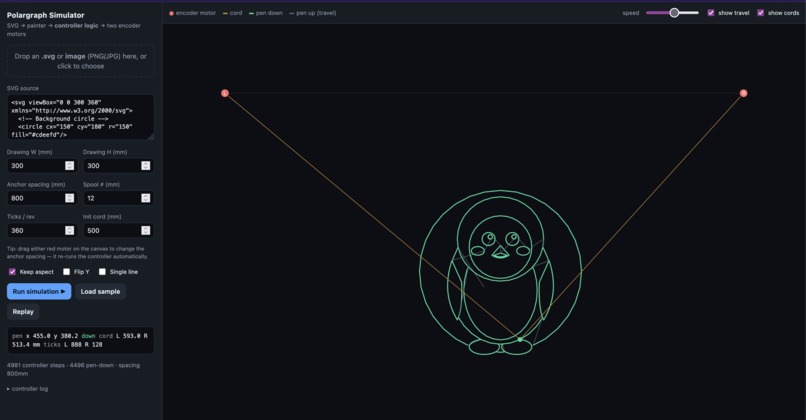
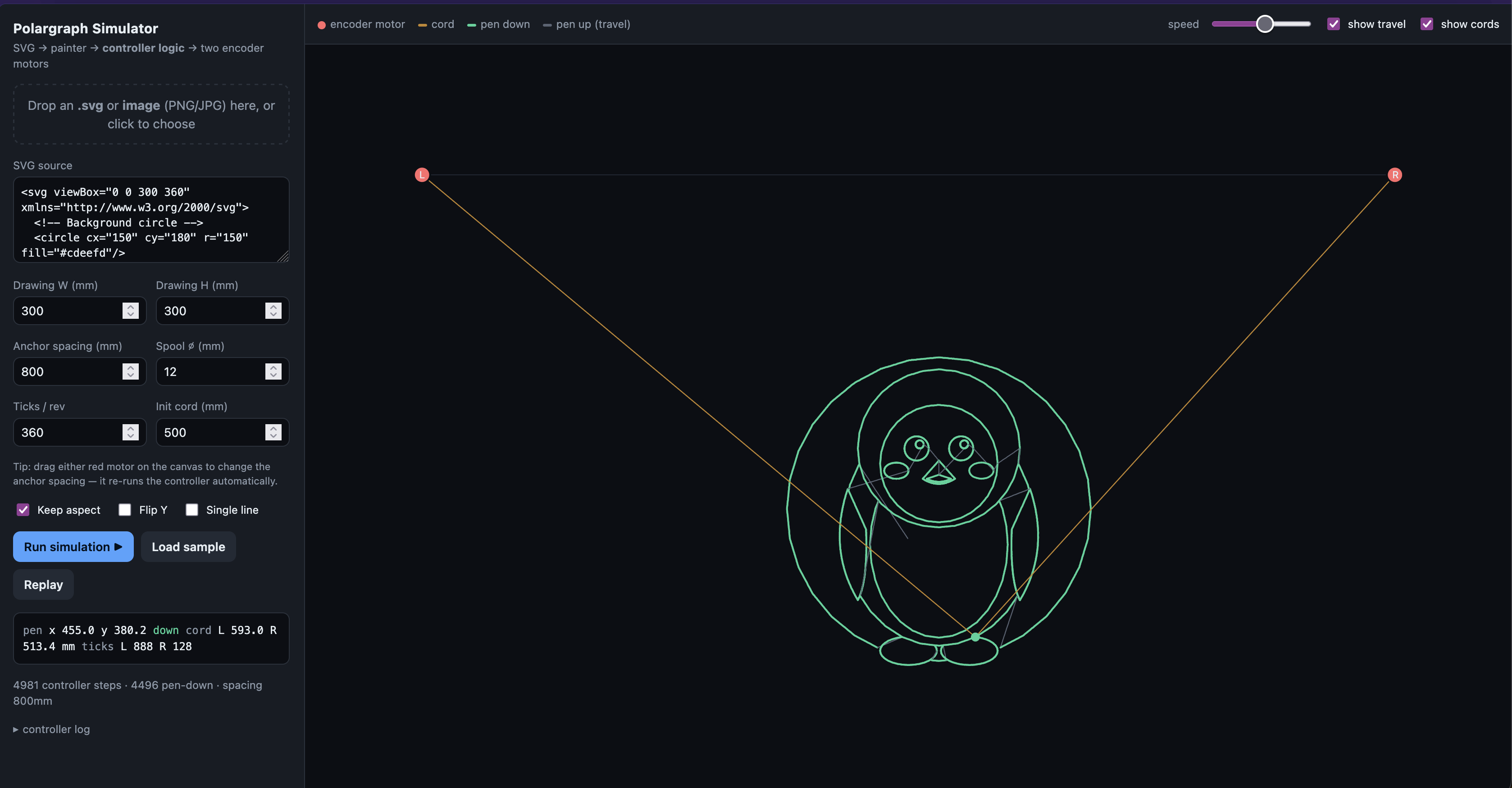
Our simulator
-
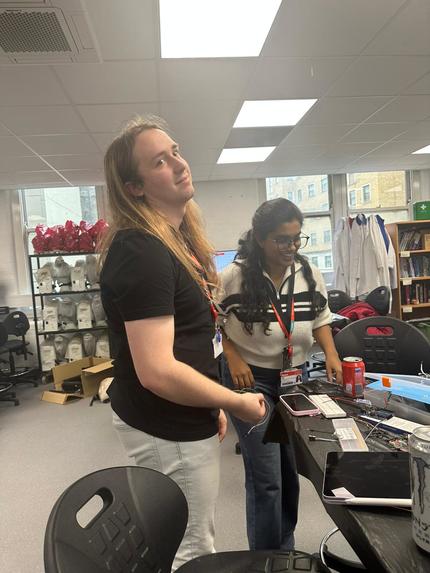
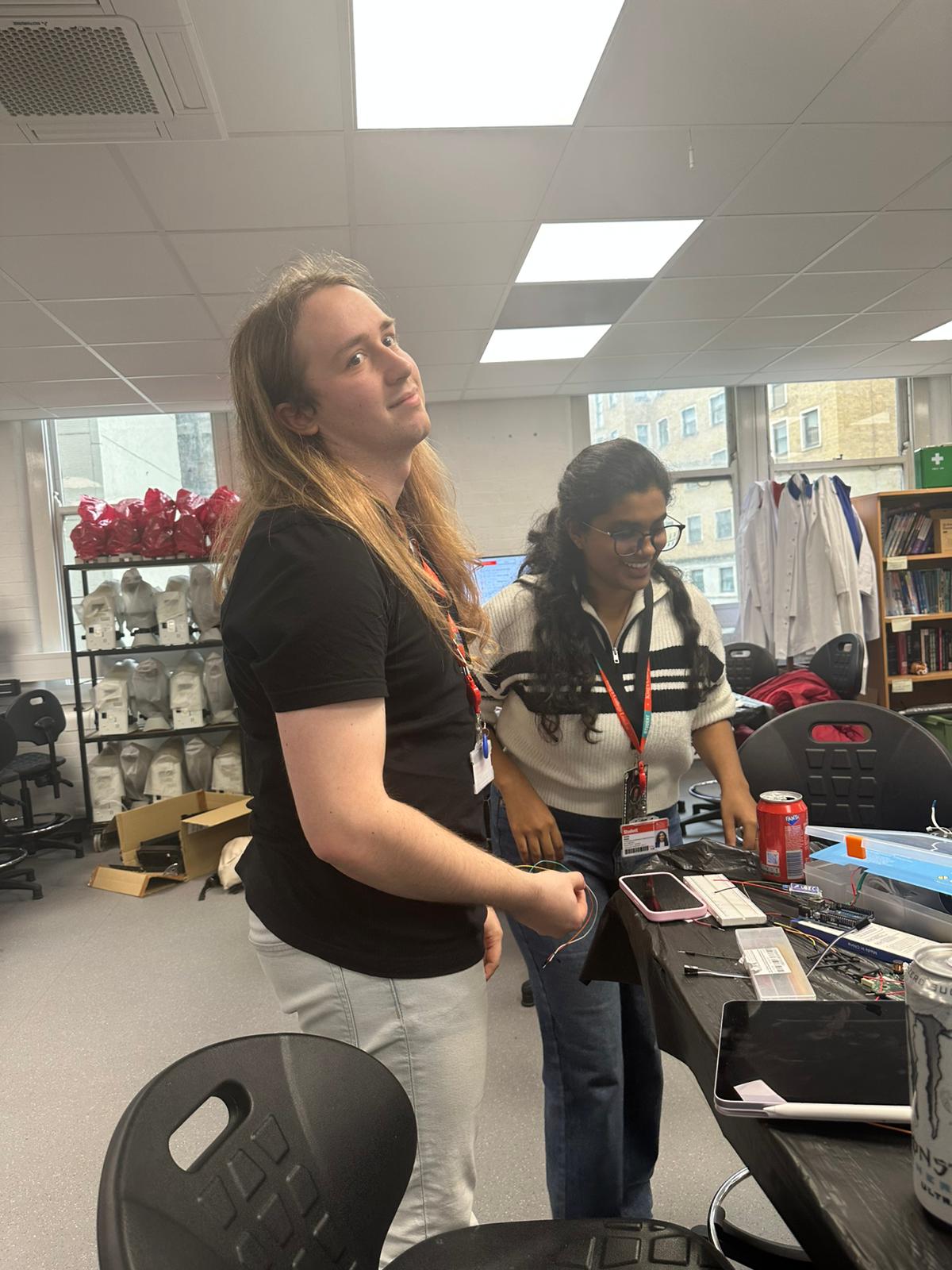
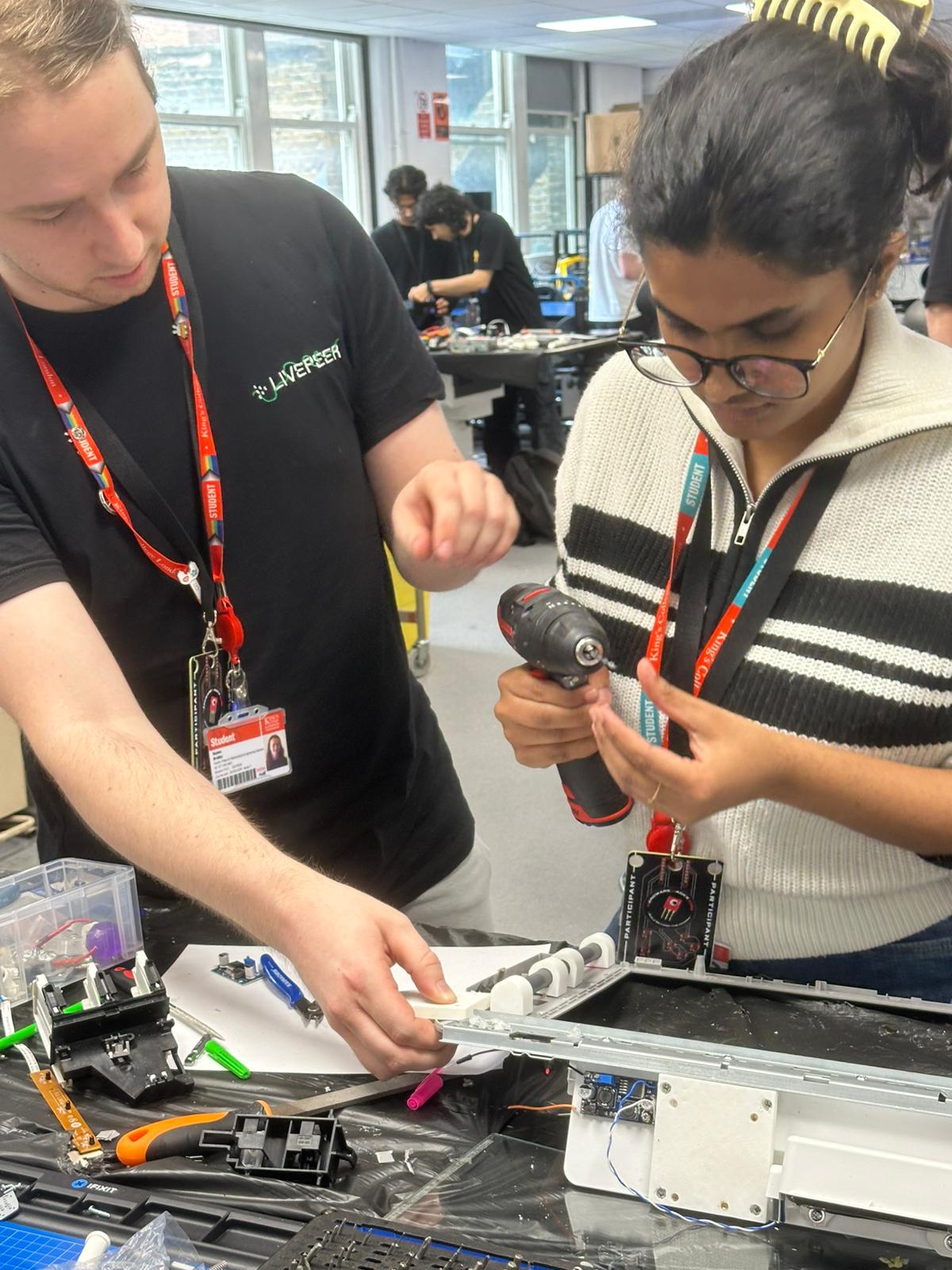
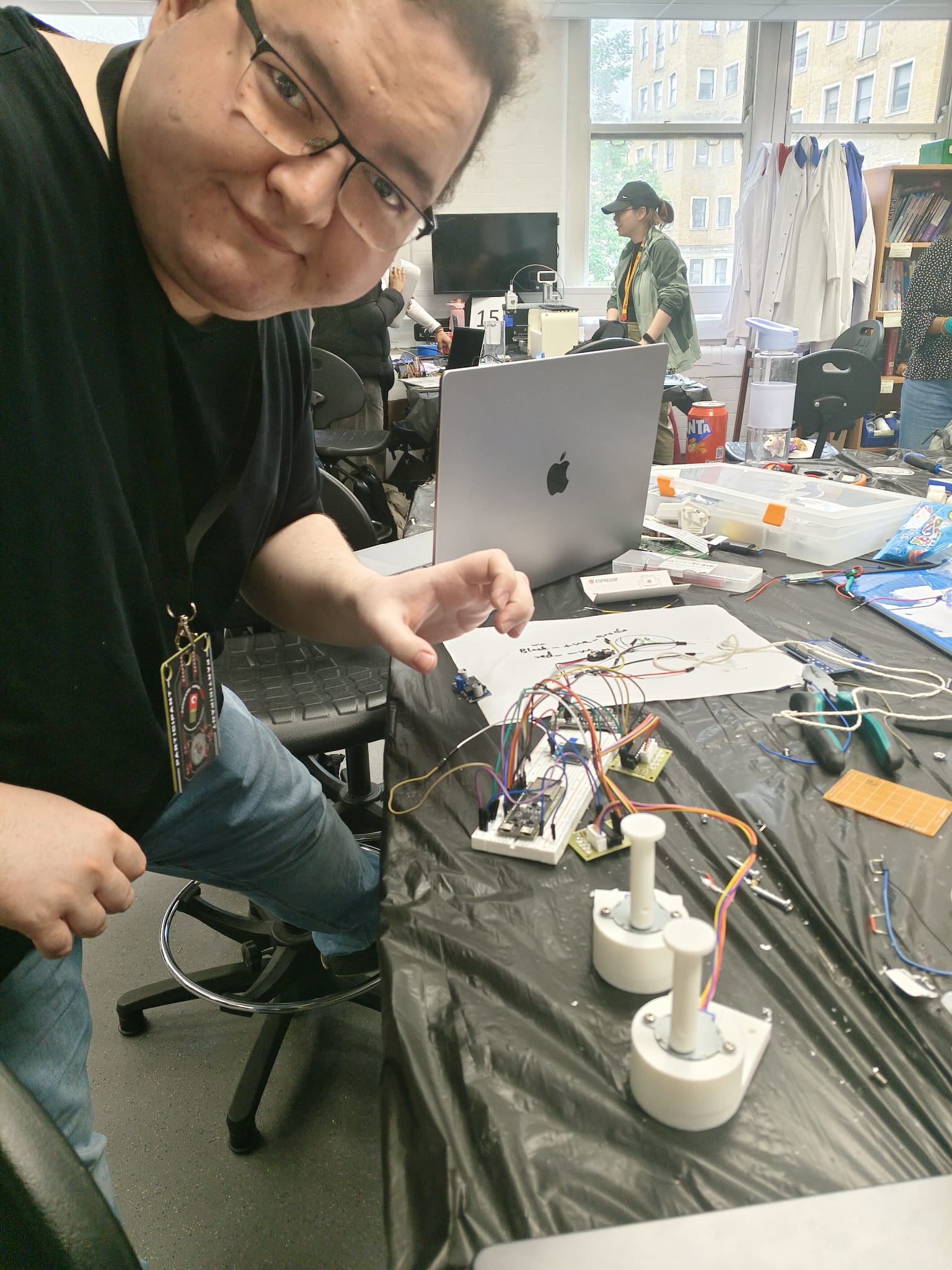
Our team working hard on the hardware design
-
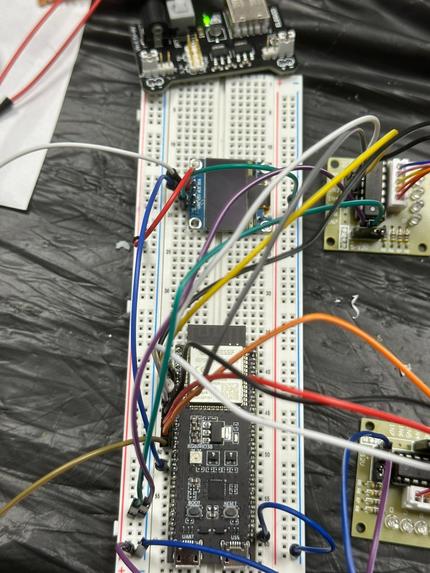
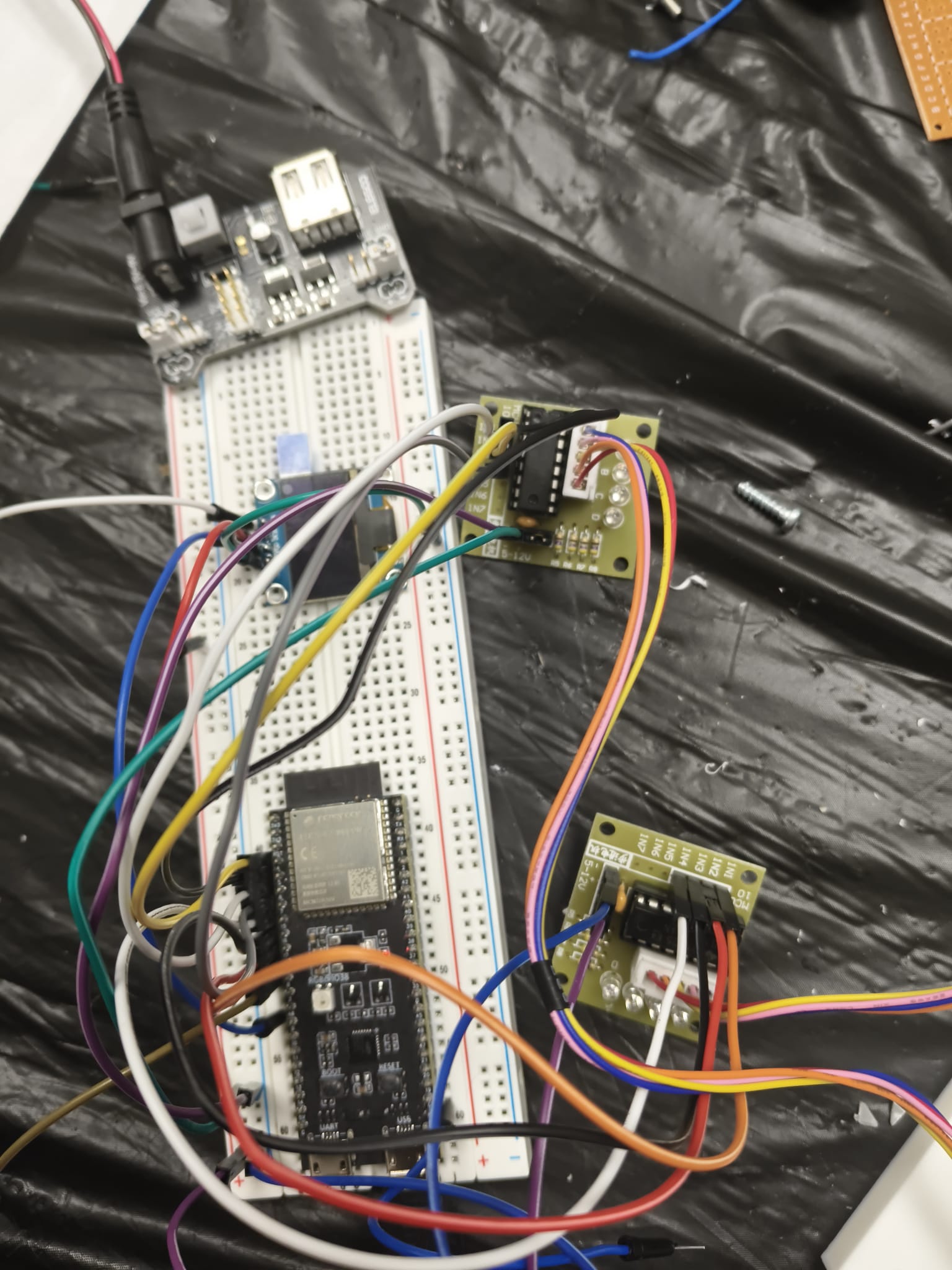
The initial hardware
-
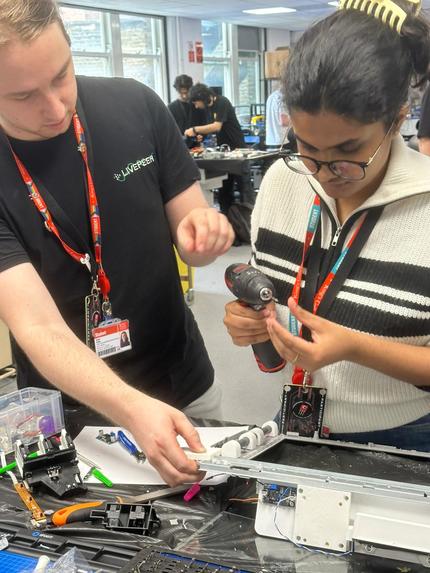
Our team building the board fitter
-
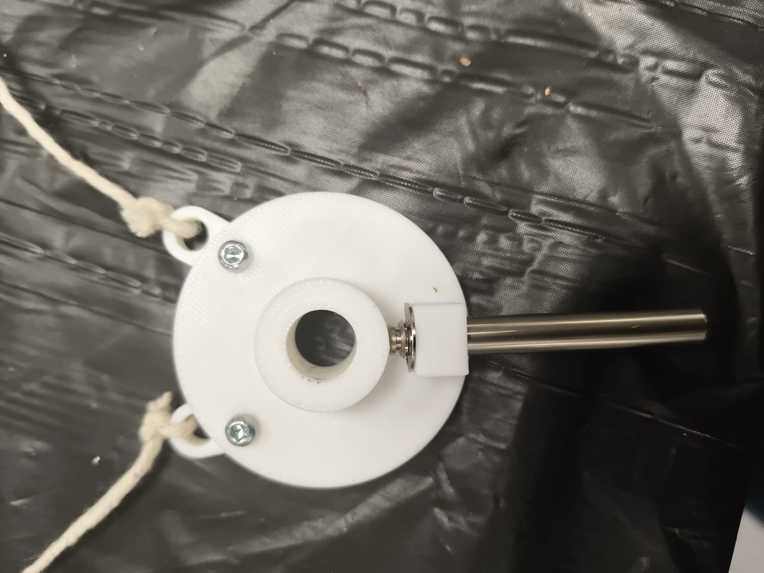
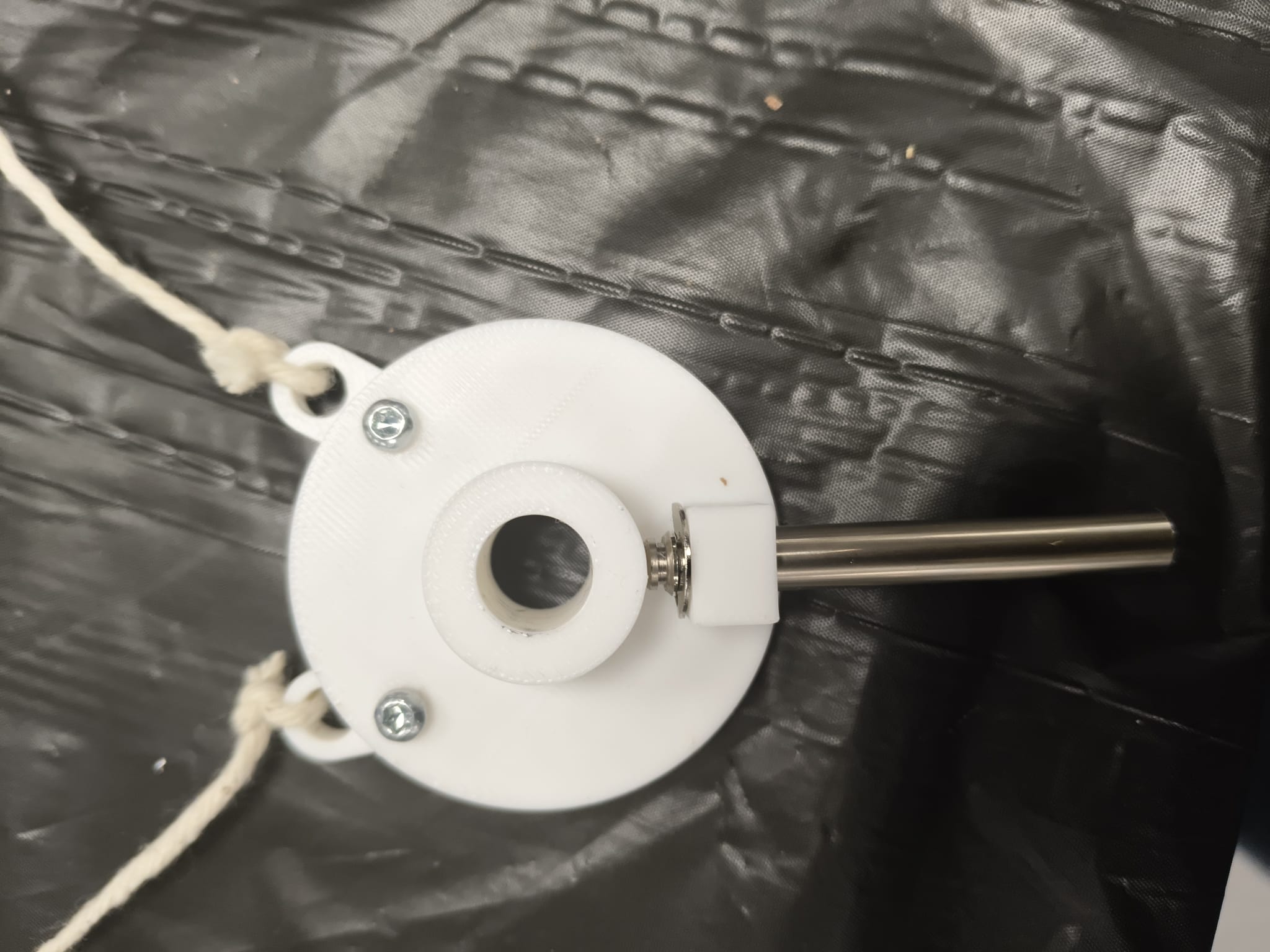
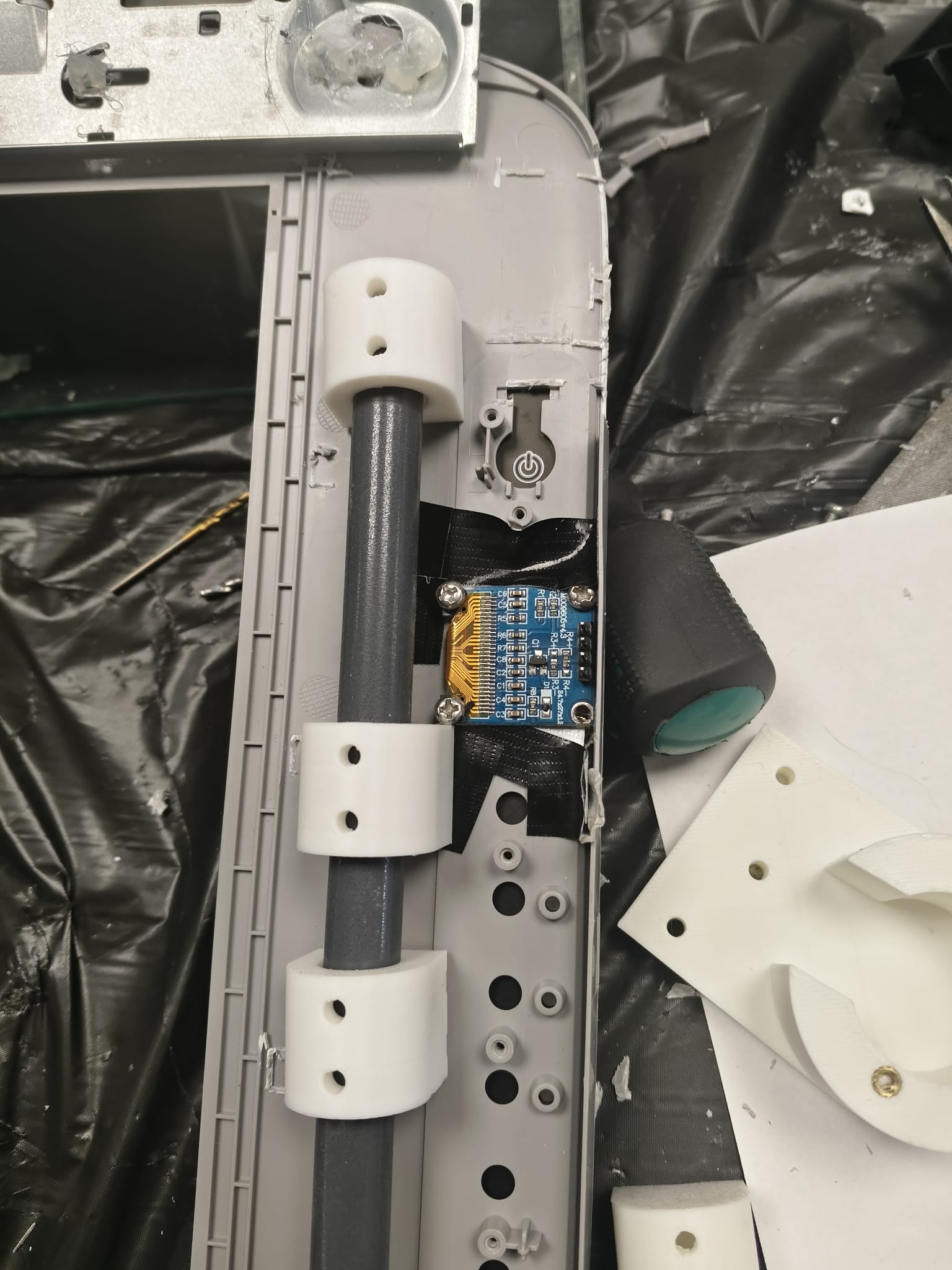
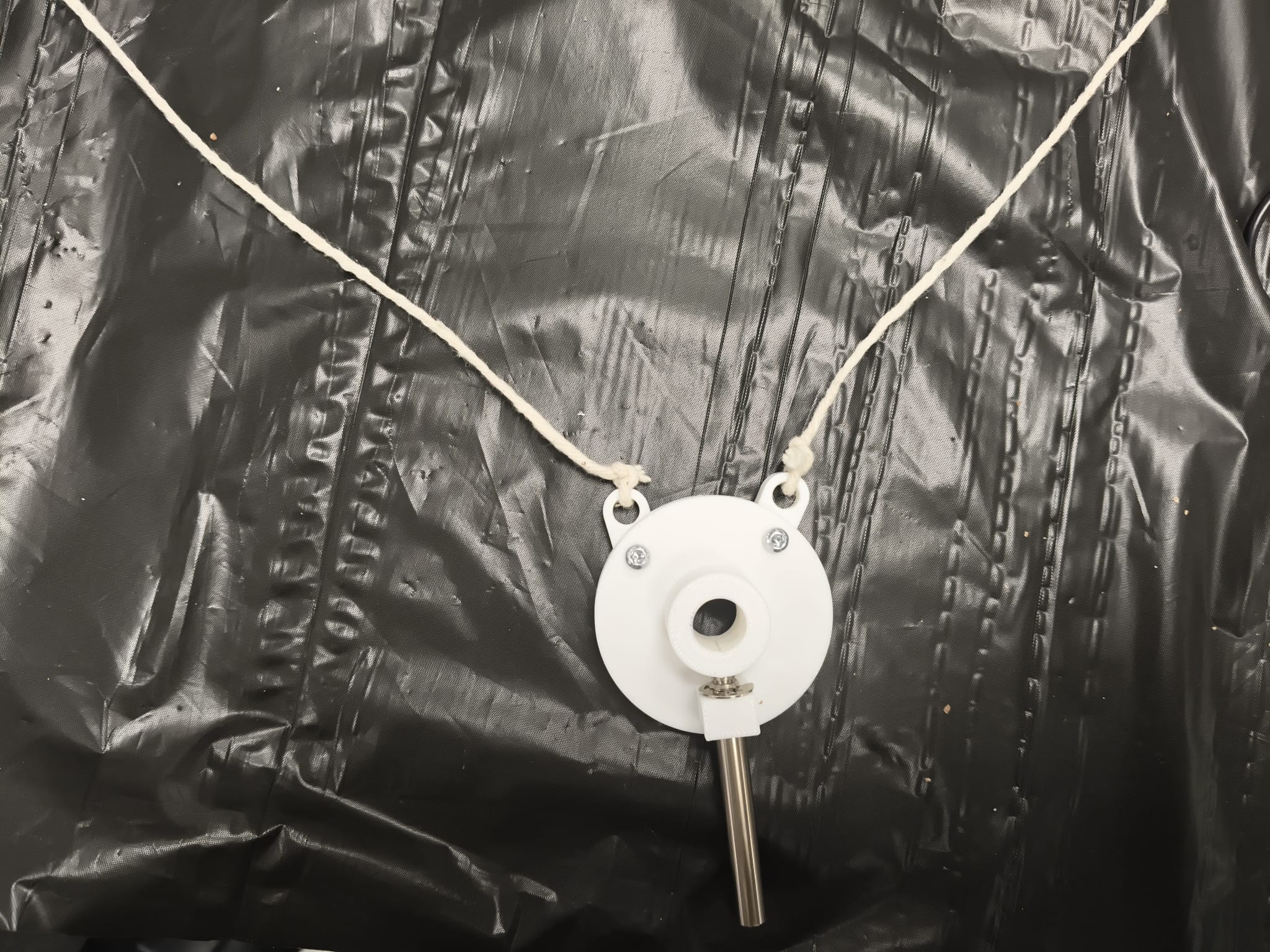
"Peppa Pig", our pen-holder for the system
-
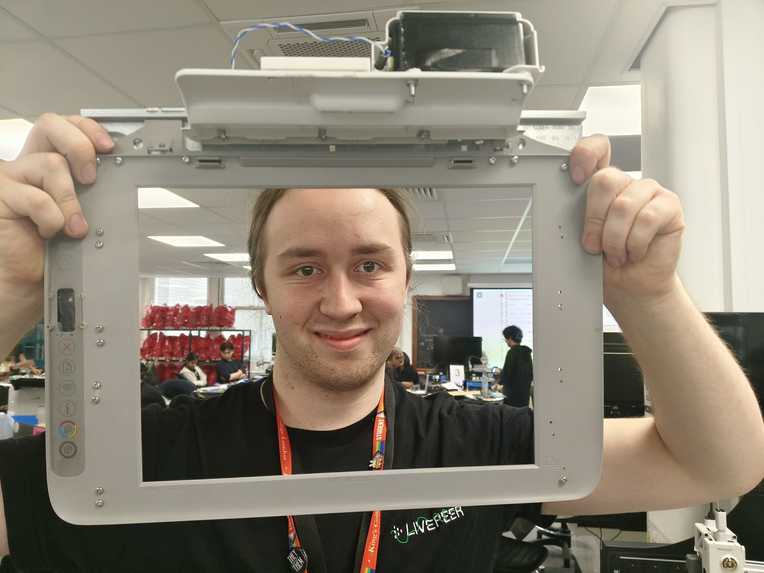
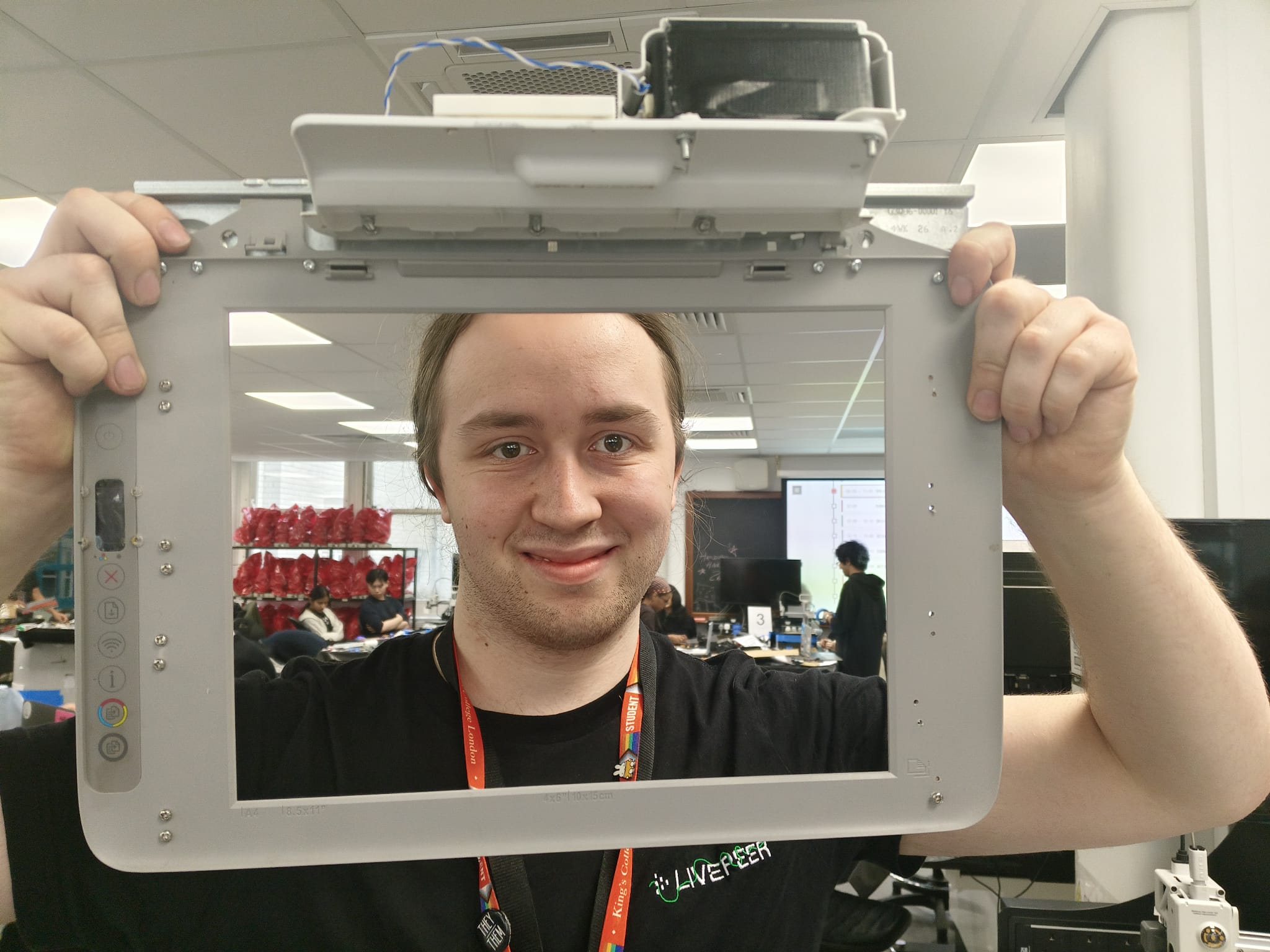
One of our teammates with the board-fitter.
-
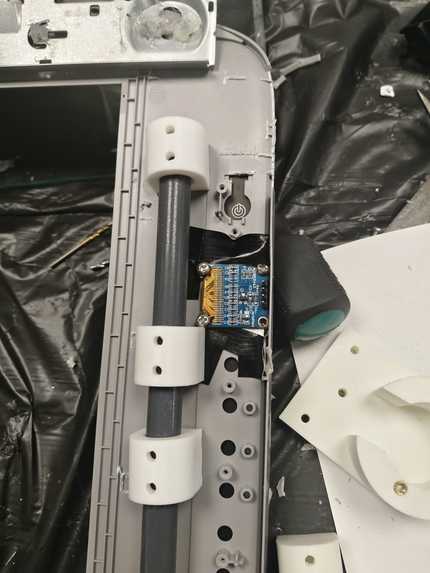
Back-side of the board-fitter.
-
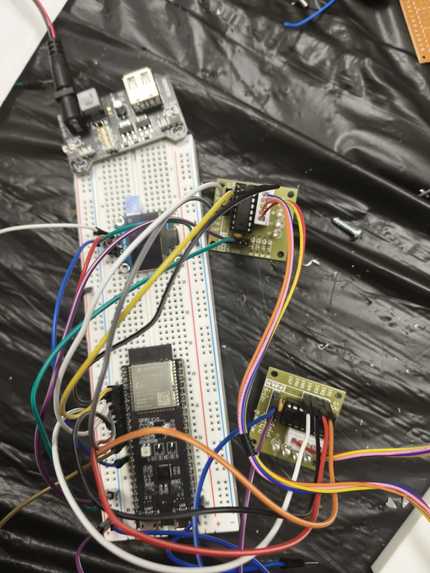
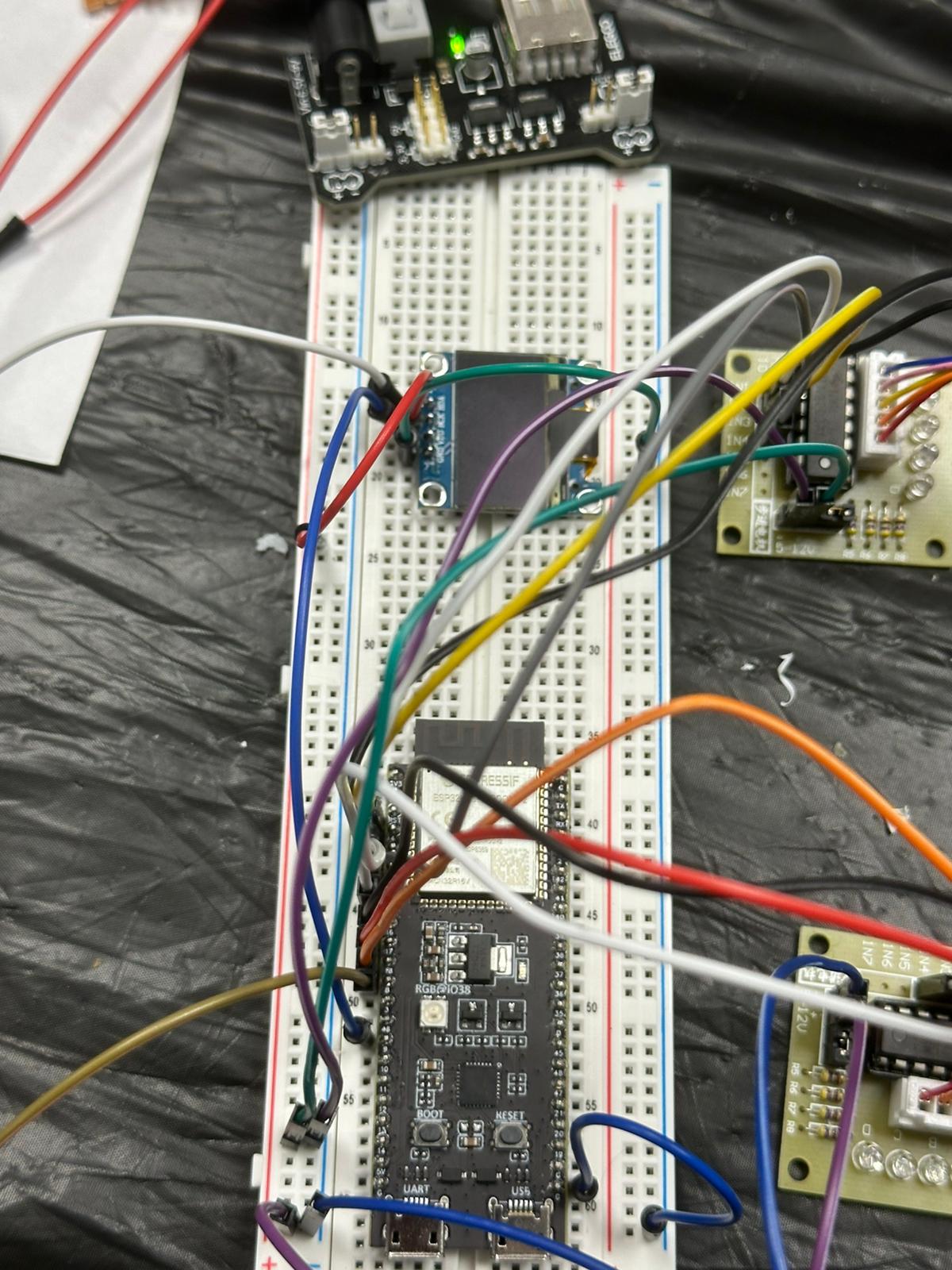
Initial hardware updated with ESP32 for WiFi
-
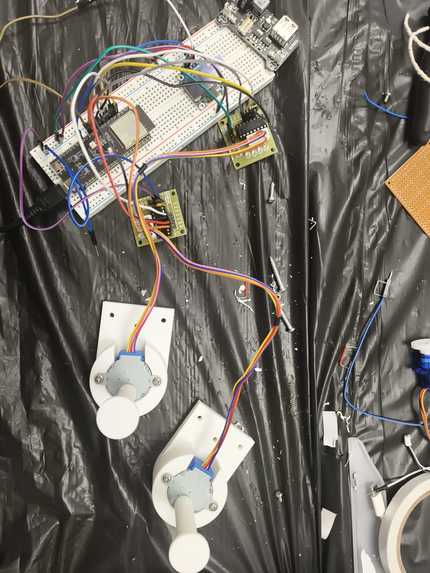
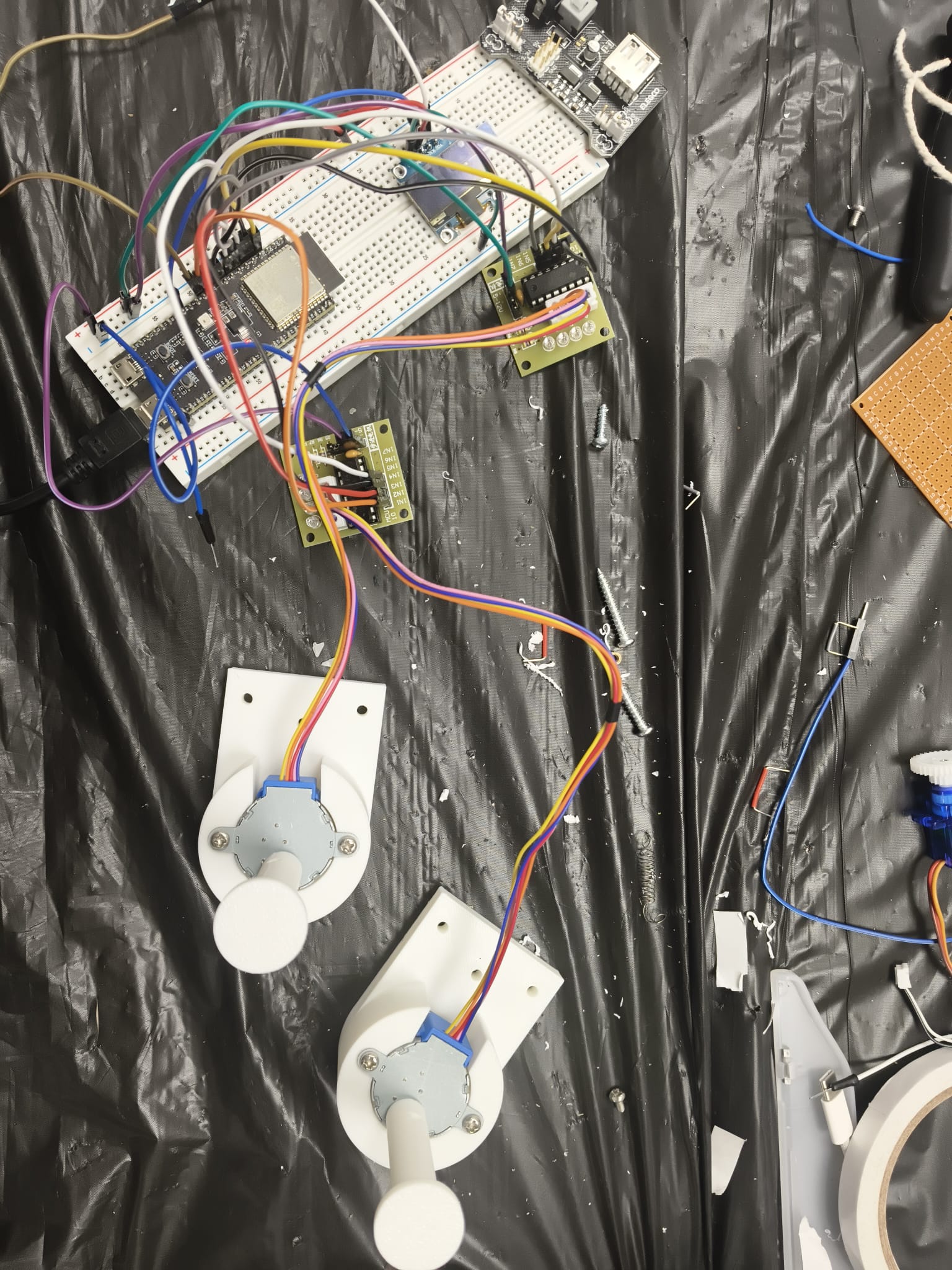
Initial Hardware and Motors
-
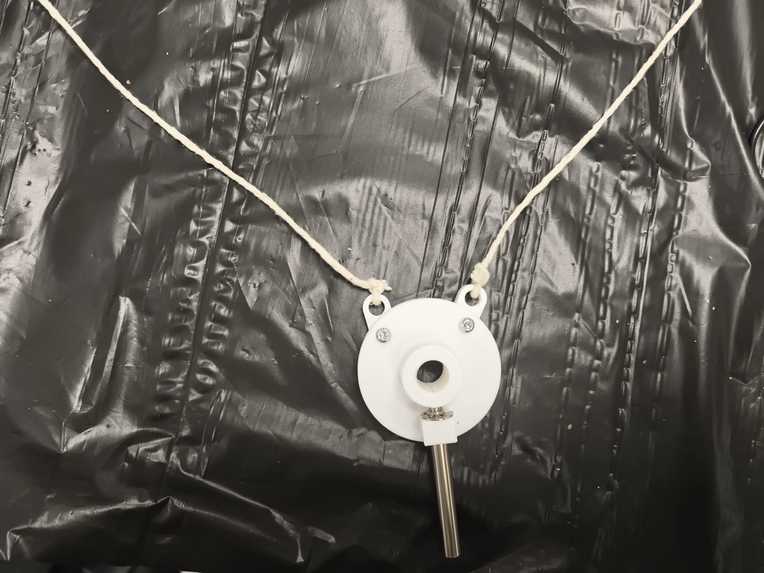
Another peppa-pig photo!
-
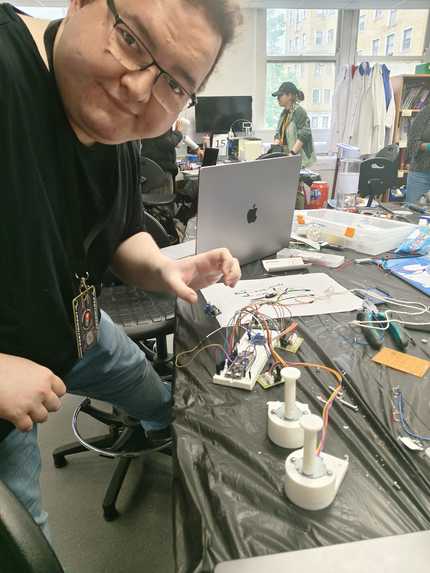
Here's one of our teammates debugging the hardware
Inspiration We've all seen those mesmerizing pen-plotter videos where a machine slowly draws a portrait one stroke at a time. We wanted to build one ourselves — but not just any plotter. A polargraph: two motors hanging a pen from cords against a wall, drawing with nothing but gravity and trigonometry. The dream was simple: snap a photo, and watch a machine redraw it in front of you. Turning a selfie into physical line art felt like the perfect intersection of math, hardware, and "wait, that actually works?"
What it does Polargraph takes any image — a photo, a logo, a selfie — and physically draws it on a wall. You feed in a PNG/JPG, and our pipeline turns it into clean line art, plans the stroke paths, simulates the entire drawing before a single motor moves, and then sends it to the machine. An ESP32 hanging between two stepper-driven spools moves a pen across the surface, raising and lowering it stroke by stroke, with live status on a little OLED screen. What comes out is a hand-drawn-looking sketch of your original image.
How we built it We built it as a pipeline:
rasterize.py converts any raster image into plottable line-art SVG using edge detection, thresholding, and contour simplification — taking a photo's ten-thousand pixel wiggles down to a few hundred clean strokes. painter (C++) flattens the SVG — lines, curves, arcs, paths — into ordered polyline strokes with pen-up travel and pen-down drawing. sim runs the exact same kinematics headers as the firmware, off-hardware, to produce a frame-by-frame trace we can preview in a browser before risking the real machine. The ESP32-S3 firmware does the inverse kinematics, fetches its path over WiFi, drives two stepper motors, and reports status on an SSD1306 OLED. The whole thing is glued together with a Makefile and a couple of Python servers.
Challenges we ran into Polargraph kinematics are deceptively nasty — the pen's position is a nonlinear function of two cord lengths, and tick-quantization error from the steppers means the machine never lands exactly where the math says. Getting the forward/inverse kinematics to agree took real care. Vectorizing photos was its own battle: too much detail and the plot is an unplottable mess; too little and you lose the subject. And sharing kinematics code between a host simulator and Arduino firmware meant being ruthless about keeping the core math Arduino-free.
Accomplishments that we're proud of The simulator drives the literal firmware kinematics code — not a reimplementation — so what you preview in the browser is genuinely what the machine will do, quantization error and all. We're proud of the end-to-end pipeline: a raw photo goes in one end, and clean physical strokes come out the other, with a faithful simulation in between to catch problems before they become tangled cords on a wall.
What we learned We learned a lot of practical trigonometry — and that the gap between "the math is correct" and "the hardware does what the math says" is where all the real engineering lives. We learned how to structure code so the same logic runs on a laptop and a microcontroller, and how much image preprocessing matters: half the battle of a good plot is won before any motor turns.
What's next for Polargraph Closed-loop feedback to correct for cord stretch and slip, smarter path ordering to minimize pen-up travel time, and grayscale via hatching and stippling so we can render shading, not just outlines. We'd also love a one-tap mobile flow — take a photo, hit go, watch it draw — and support for larger surfaces and multi-color pen swaps.
Want me to tighten any section, match a specific word count, or make the tone more playful/technical?
