-
-
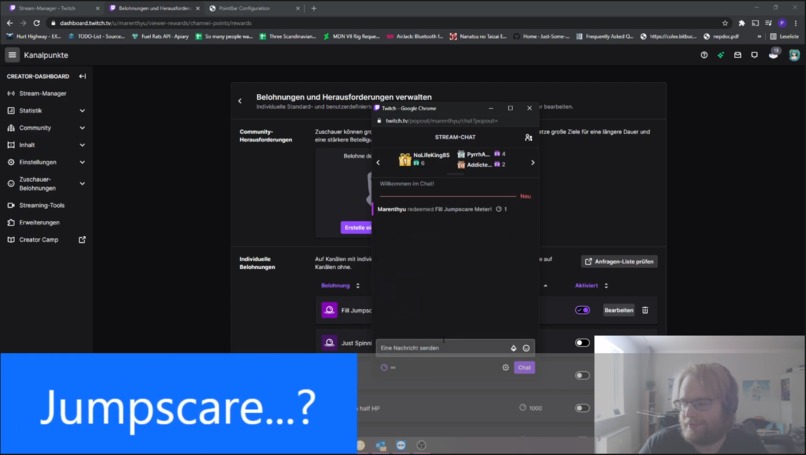
PointBar in action
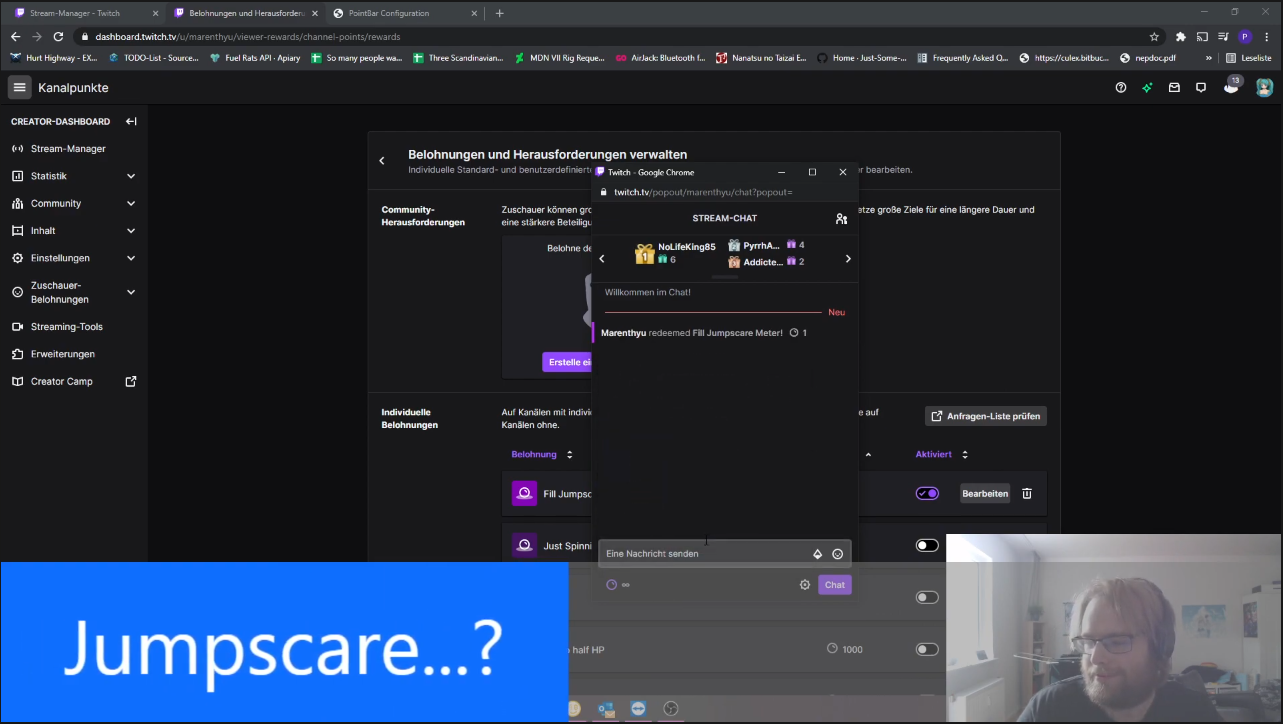
Inspiration
Progress Bars are a very common Element in Streamer Overlays - be it a Sub or Bits target, number of followers or any other arbitrary goal. A Progress Bar is easy to understand and consistently shows the progress twoards a common goal to the community or lets them know that time is running out on an event.
So why not do that with Channel Points? That was what Maple thought as well and gave me the idea to make a Progress Bar that slowly empties and causes a "Jumpscare" for the streamer, unless the Community votes to not let that happen, ... for now.
That Idea is neat and to add to it, with customization and some toggles, it's easy to revert the procedure and let the community spend points towards a goal, triggering a sound effect when the goal is reached.
What it does
It's a Progress Bar! It empties itself over time and using a Channel Points Redemption, it can be filled back up. Then, depending on what the streamer wants, a sound effect is played when it completely empties out (so the streamer even forgot it exists!) to scare them, or when it filled up completely, to notify that the target has been reached.
To be even more creative, this little Overlay Element packs another punch: "Hype Mode"! Combining the steady emptying of the bar with filling the Bar up gives the unique experience of requiring people to spend Channel Points to fill the Bar in a short amount of time to trigger the end of the Event - so if your Viewers are "HYPE" enough, they can let you know! It's not as fancy as Twitch's Built-In Hype Trains, but this offers a cheerful alternative for those that just don't have the coin to spend for an amazing experience.
How we built it
The Overlay Element is based entirely on client-side JavaScript and utilizes the Implicit Authentication Flow in combination with the Channel Points Reward Creation API Endpoint as well as a steady PubSub connection. This way, the Broadcaster has full control over the App, if they want to even without using the Version hosted on my Webserver.
In addition to being able to set all configuration options (of which there are numerous) via query Parameters in a simple Browser Source, the Broadcaster can use the configuration page to interactively set and style it to their liking, culminating in a simple Drag&Drop into OBS (or compatible Software) to apply all their settings, removing the hassle of registering on a third party website or installing ANY additional Software.
Challenges we ran into
As mentioned above, one of the main Goals was to have the Overlay be 100% client-side to remove the need for a consistently-running third-party Webserver. This puts a bit of a hassle to the project to get authentication with Twitch right - for a client-side project, the Implicit Authentication Flow is a no-brainer, but not every user/broadcaster knows that they can right-click and select Interact on a Browser Source element to log in to the page. Another way would have been to have both the configuration page and the Browser Source open at the same time to communicate between them, but even the simplest WebRTC communication between them needs a third-party, consistently-running relay server to initiate communication. It's not just cross-tab communication, but cross-browser communication, (OBS's CEF versus the user's Firefox, Chrome, Safari, ...) which is plain out impossible to do, as far as my resaearch has gone. In the end, just passing a single, currently-valid OAuth Token on the URL was the chosen path, but leaving the option to log in in the Browser Source element to avoid having to re-configure it fully every time the token runs out.
Another interesting challenge was thinking of how to get the broadcaster to style the Progress Bar to their liking - this is done through CSS, obviously, but barely any of the testers knew how to configure it without any additional help, so more instructions were needed, adding more potential points of failure and inconvenience. Thus, the Color Config was added to the configuration page, giving a slightly more intuitive (and HTML5-supported) way of configuring the look of the Progress Bar.
However, the user still needs to copy this into OBS as the Drag-and-Drop feature does not (used to not!) support adding this piece of information for newly created Browser Source elements. Here the awesomeoness of Open Source Software comes into play, though: Anyone can add features they think are missing! And, as such, the next release of OBS will support adding CSS information on Drag-and-Drop, allowing users to import the new overlay element with a simple drag-and-drop of an element. This feature is currently listed for release with OBS Studio 27.0, which is scheduled to be due by March 31, 2021. Until then, or for forks of the project, the CSS can obviously still be imported manually as the CSS is shown on the configuration page for copying.
Accomplishments that I'm proud of
Even though I've had previously opened Issues with OBS, the above mentioned caused me to actually go through and compile it from source to add my own changes. It's amazing to see how much love, support and knowledge has went into this Project and adding a feature feels really good, especially after having used it for a long while - in a sense giving back to the community.
And obviously, seeing those that inspired one to do a project be happy about it is always one of the best feelings a developer can ask for. That's no different with this!
What's next for PointBar
As can be seen on the configuration page, a "Tug-Of-War" feature is in planning to be added as well - making it so viewers can battle to empty or fill the Progress Bar - though this may want to wait until some other functionality relating to Channel Points becomes available, if it ever does. As it stands now, it'd require some hefty management of rewards and whatnot, so it was not a priority for this hackathon.


Log in or sign up for Devpost to join the conversation.