-
-

Using APL to supplement spoken response by highlighting User Guide
-
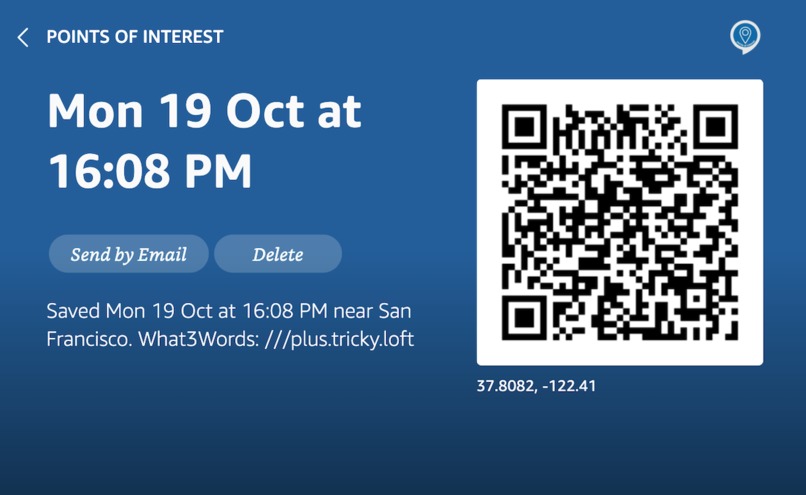
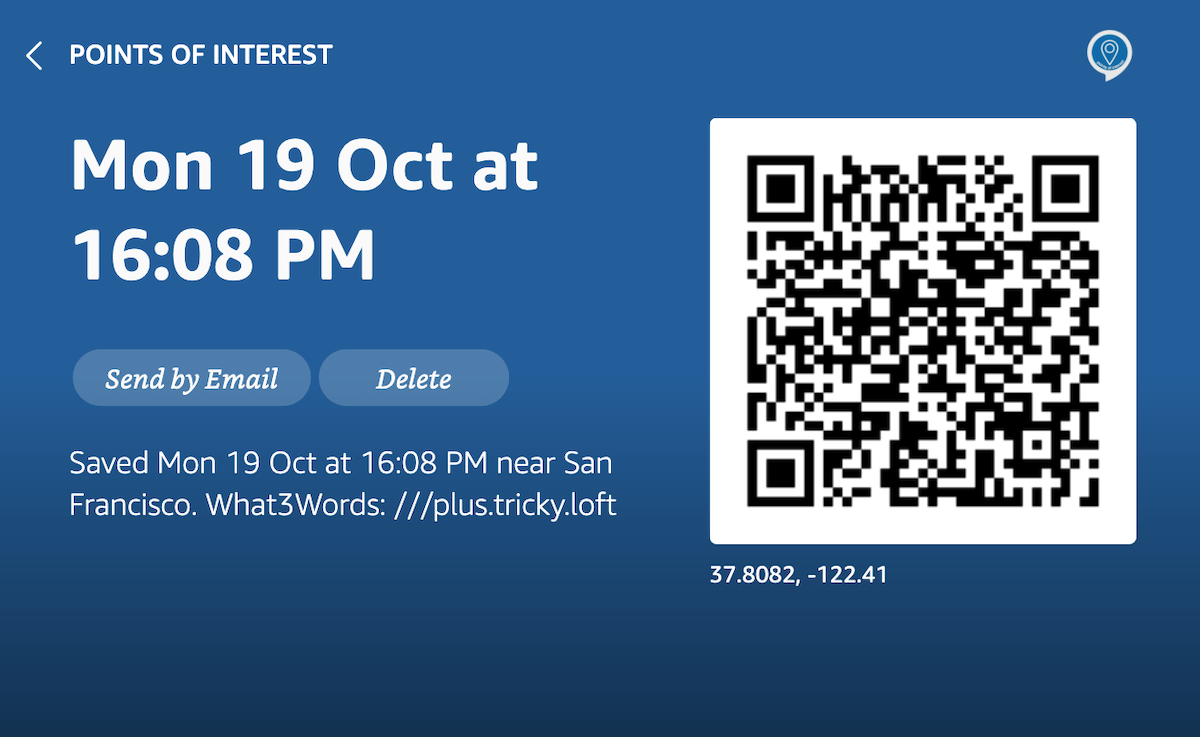
Location detail page - Echo Show 2. Scanning code opens the location in maps app / site on mobile device.
-
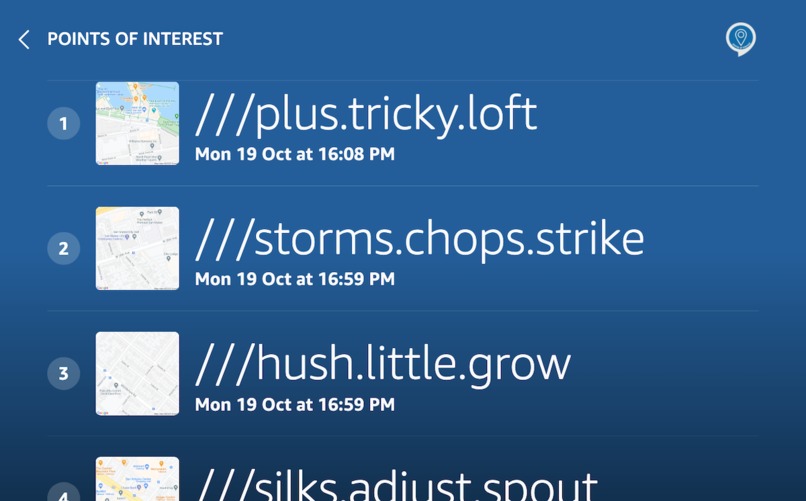
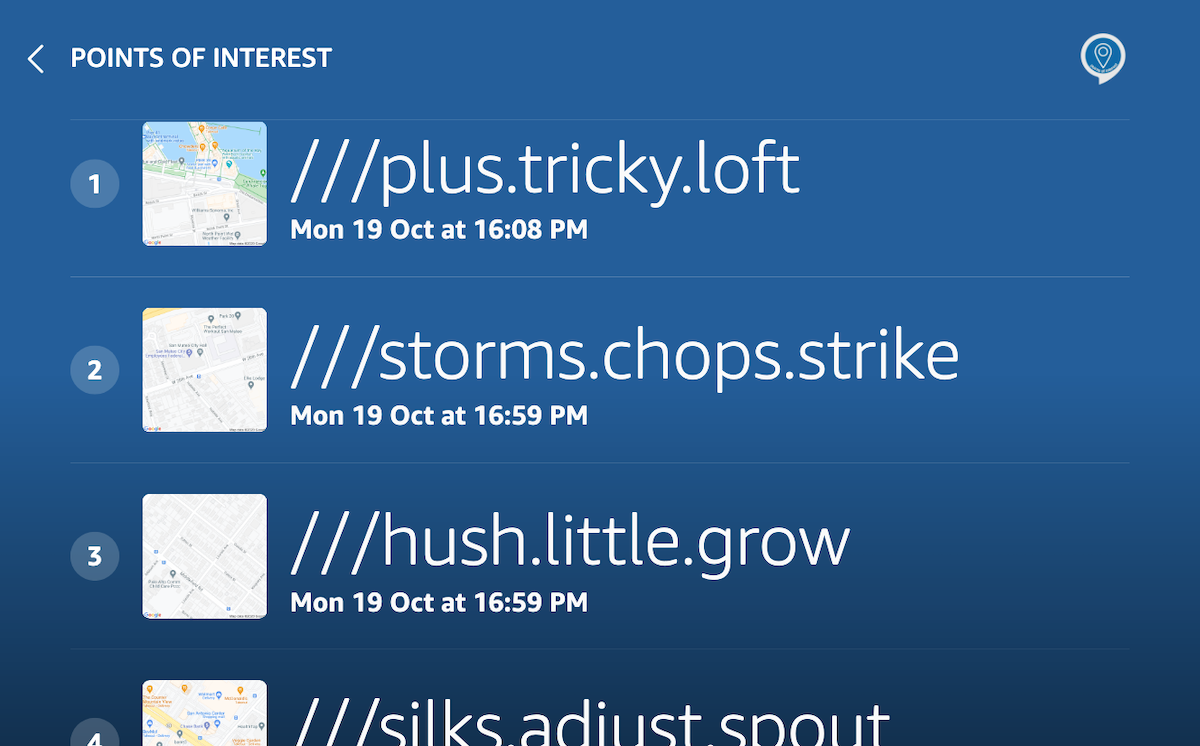
View my Trip page (locations list) - Echo Show 2 Small area maps for easy identification..
-
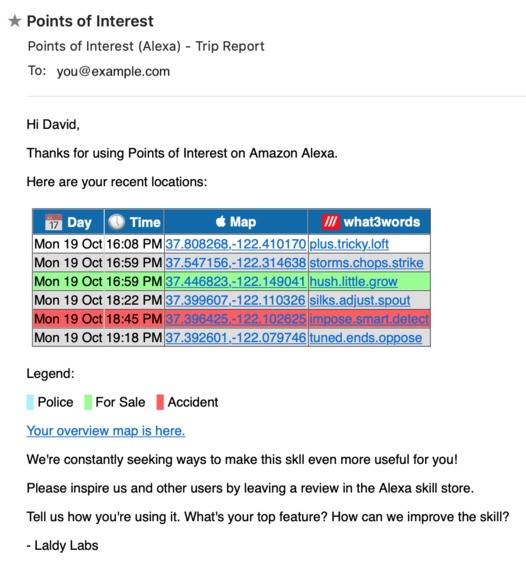
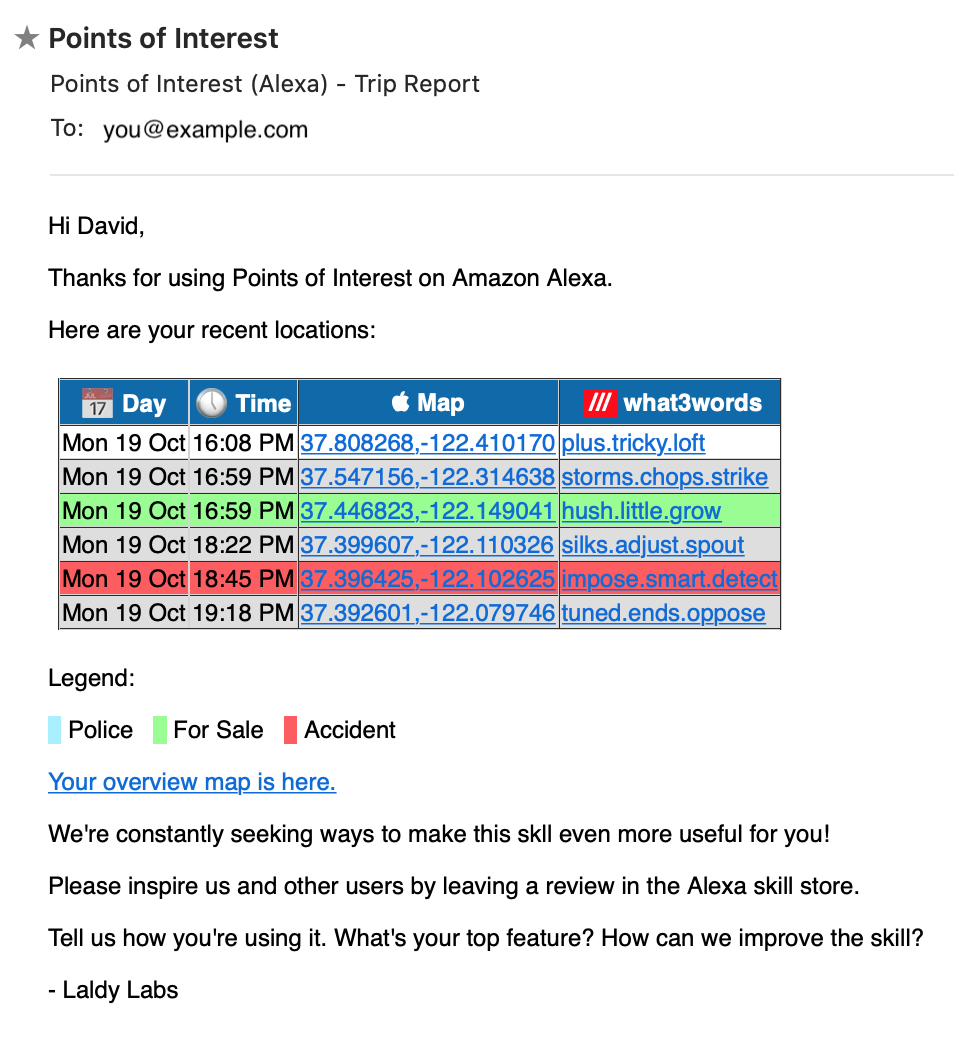
trip report, delivered by email, integrates with Google/Apple maps and What3Words
-

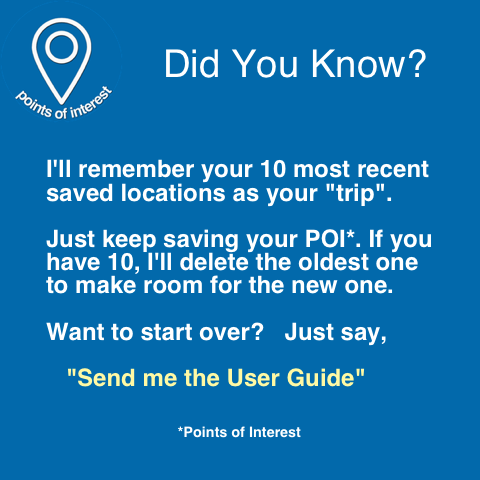
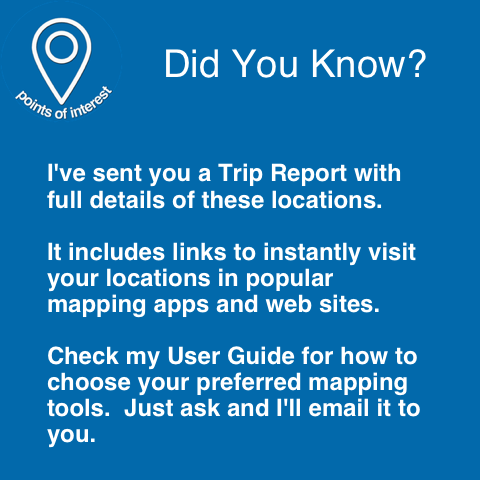
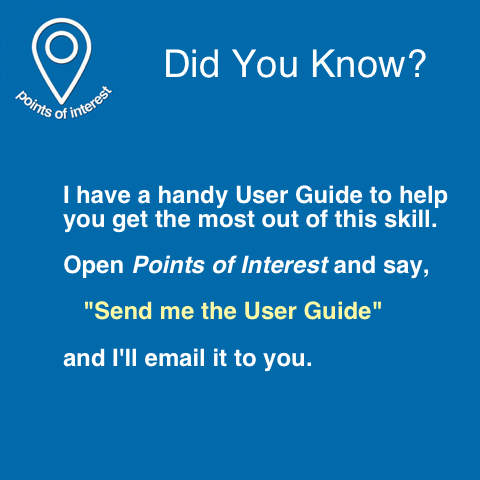
Using skill cards to surface hidden features
-
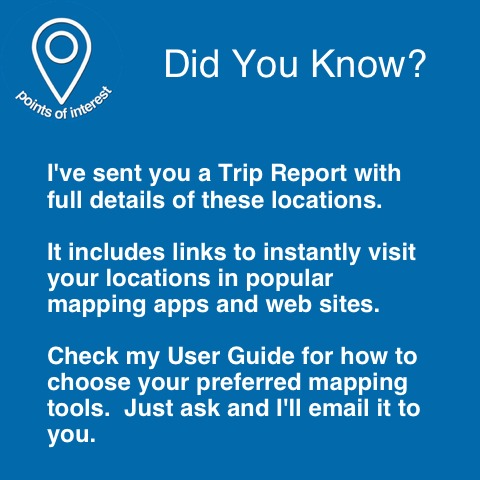
Using skill cards to surface hidden features
-

Using skill cards to surface hidden features
-

Custom APL templates for each viewport size. This is Help page on Echo Spot.
-
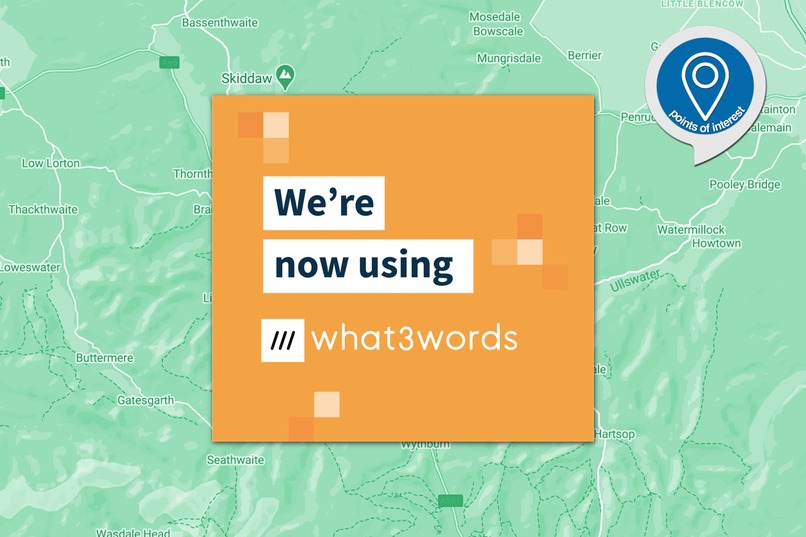
Don't depend on postal addresses. Trip reports have 3-word addresses to pinpoint your POI.

Inspiration
I enjoy exploring the world around me - by car, bike, and on foot. I often see something interesting but can't stop to investigate at the time. I wanted a way to easily record exactly where I am that would also let me easily explore it later or share it with others. I've also followed what3words since it began, and I wanted to extend their idea of precise locations by using voice to "bookmark" places that don't necessarily have a street address, and integrate with mapping tools for easy further investigation.
What it does
The skill uses the geolocation data that's available in Alexa requests when you are using a device with location services, such as a mobile phone, a wearable device connected via the phone, or an in-car Alexa device.
The voice interface is in two parts: collecting and then reporting your POIs (points of interest). When you encounter something interesting, you record it ("Save this location"). The skill collects up to ten POIs before replacing the oldest with the next new one. When you want to access your POIs, you ask for a "trip report". Your POIs are shown on-screen if you have a display device, send to a skill card in the Alexa app, and also emailed to you.
Email proved to be a great medium for this because the report can include links to view locations in your favourite mapping app or website (e.g. Google Maps or Apple Maps). You can easily edit and forward your email report, for instance if you want to report an incident, share a great picnic site, running trail or dog-walking spot, or if you witnessed suspicious activity.
This skill can also email you its own User Guide. I did this for another skill and it's proved quite popular. It's a nice way to surface features that might otherwise remain quite hidden in a voice interface.
How I built it
I built this skill as a custom Alexa-hosted skill in Javascript and Node using VSCode and the ASK extension, because I wanted to check out the new local debugging features.
Challenges I ran into
I needed to use personal AWS resources for some things. For instance I have images intended for post-session use, like in a skill card and in email "trip reports". Because the bundled S3 bucket that comes with Alexa-hosted skills requires pre-signed URLs with a short expiry time, I found that the image URLs were stale too soon. I resorted to a personal bucket and used IAM roles to give the skill protected access to these resources.
I also wanted to use SES to deliver emails, so I used STS to get temporary credentials and let my Alexa-hosted skill's Lambda back end use my personal AWS account to call SES.
Accomplishments that I'm proud of
I'm really pleased with the way I've been able to export the POIs as a really useful email report that seamlessly integrates with popular apps and websites like Apple Maps, Google Maps and What3Words.
I also like the Skill Cards that you'll see in most responses. I used them as another way to surface hidden features. I have a collection of "Did You Know" images, and insert them in the relevant cards to invite customers to try features.
What I learned
Lots! I hadn't called AWS services across accounts before, I learned more about Alexa-hosted skills and local debugging. I hadn't used APLA in a real skill before. It offers far richer options for responses and I'll be using it from now on.
What's next for Points of Interest
More integrations, e.g. Waze More APL More ways to share locations
Built With
- amazon-web-services
- ask
- google-maps
- iam
- node.js
- s3
- ses
- sts
- what3words


Log in or sign up for Devpost to join the conversation.