-
-
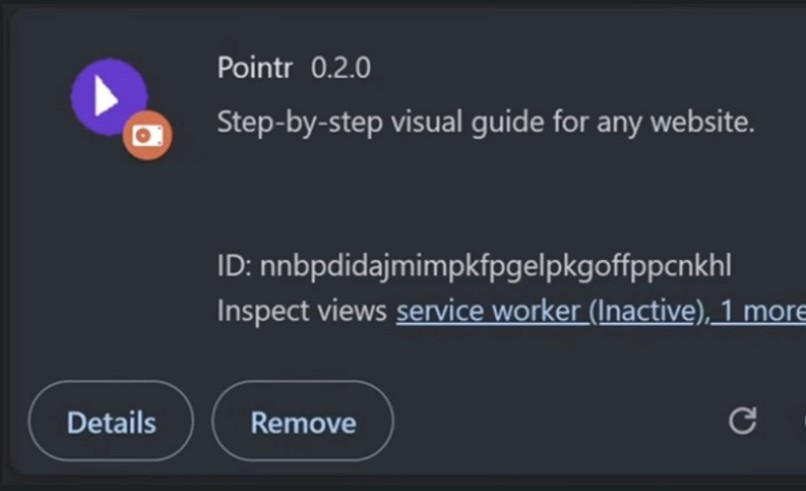
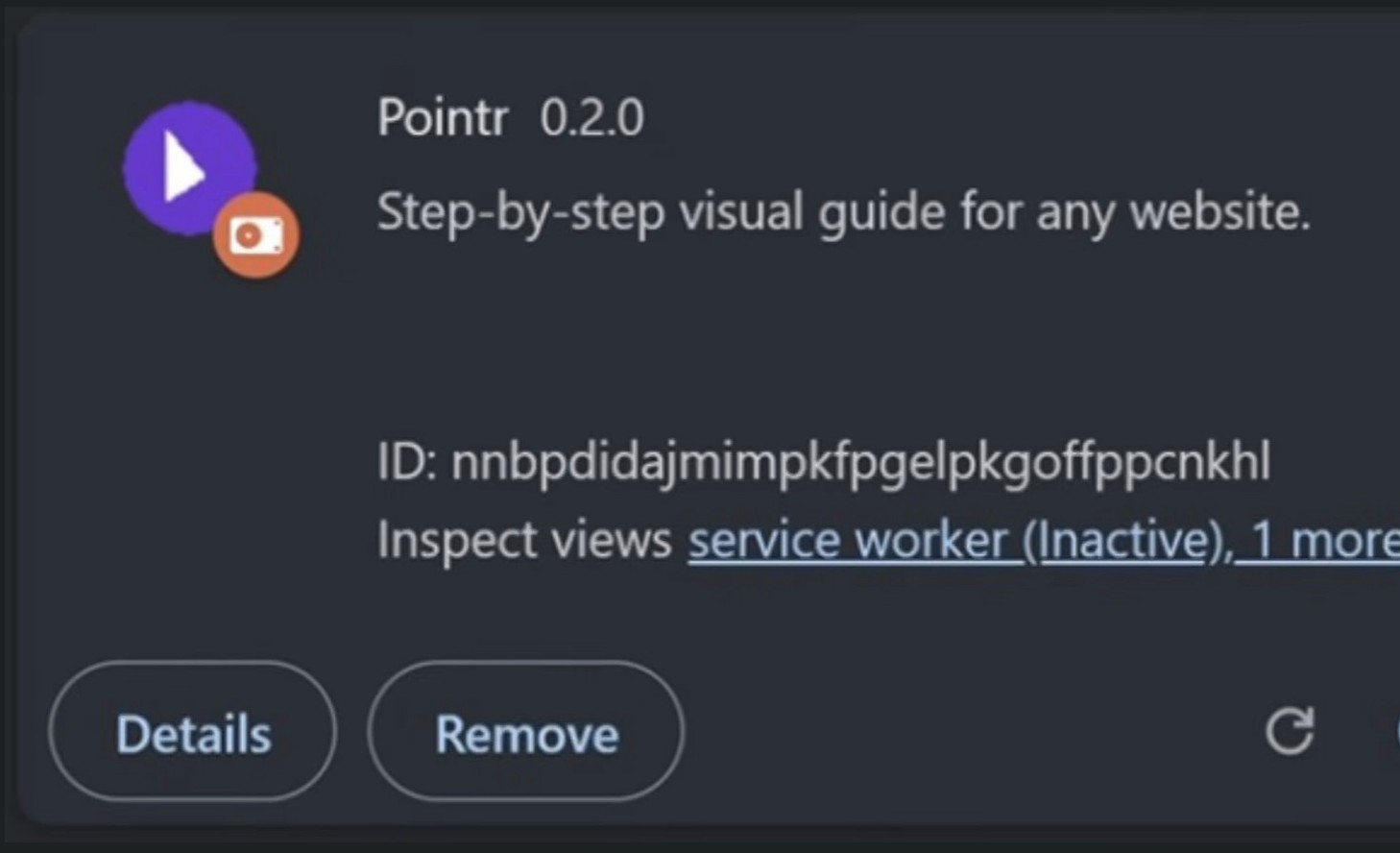
Pointr Chrome Extension.
-
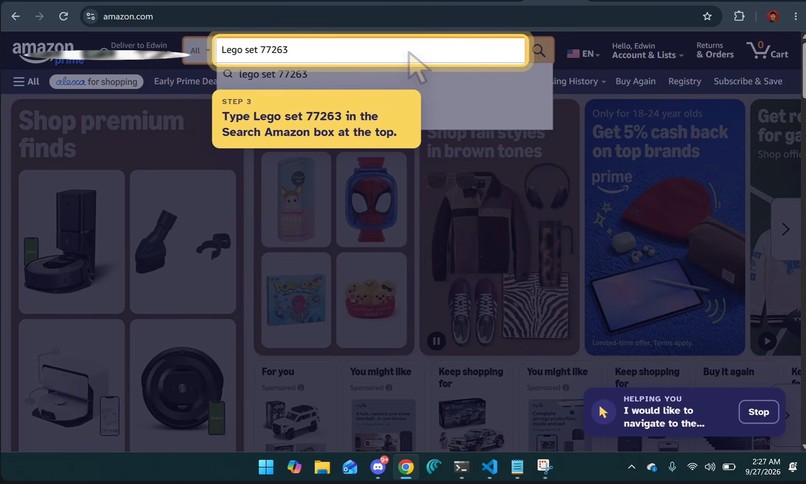
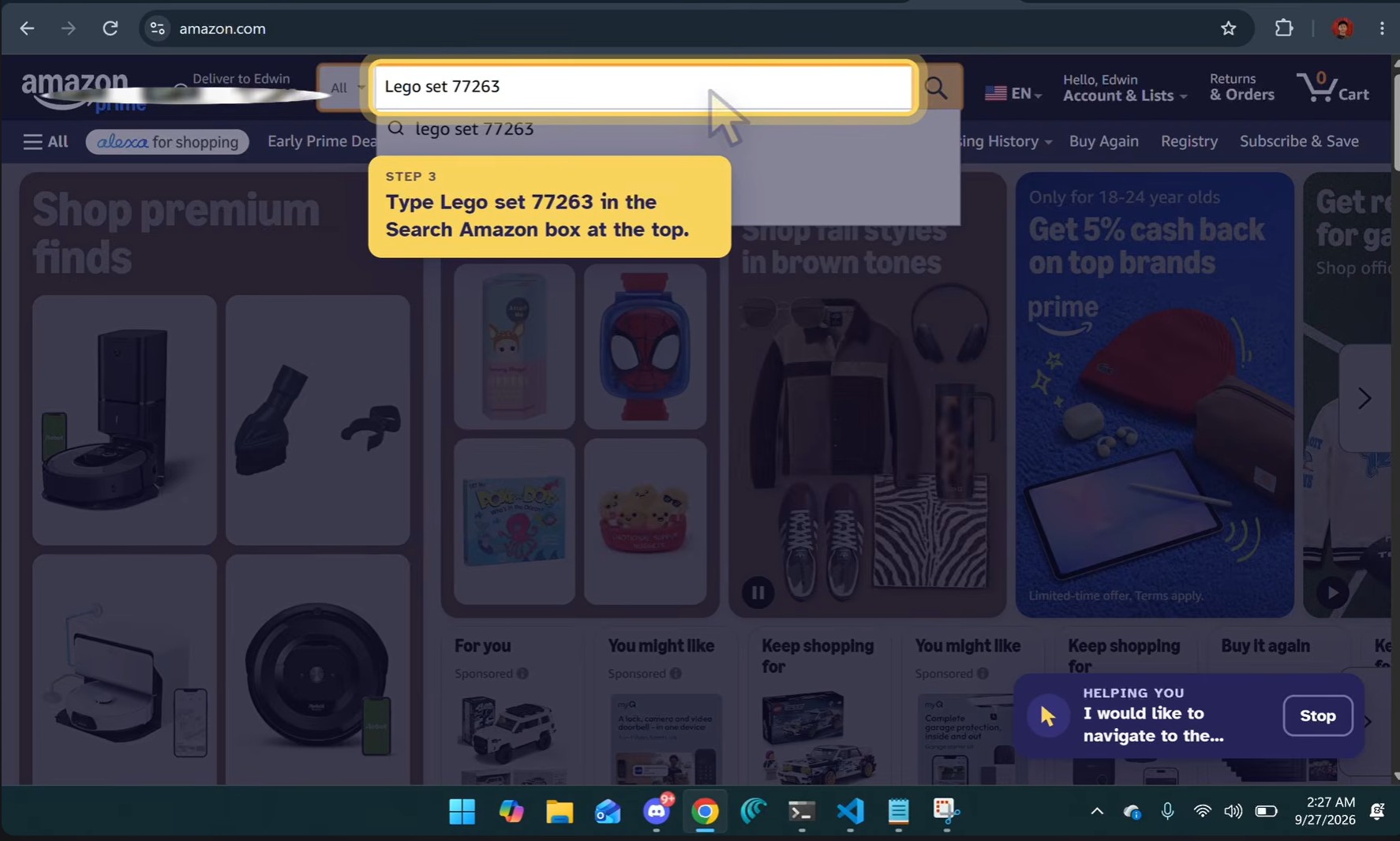
Prompt user to type into textbox.
-
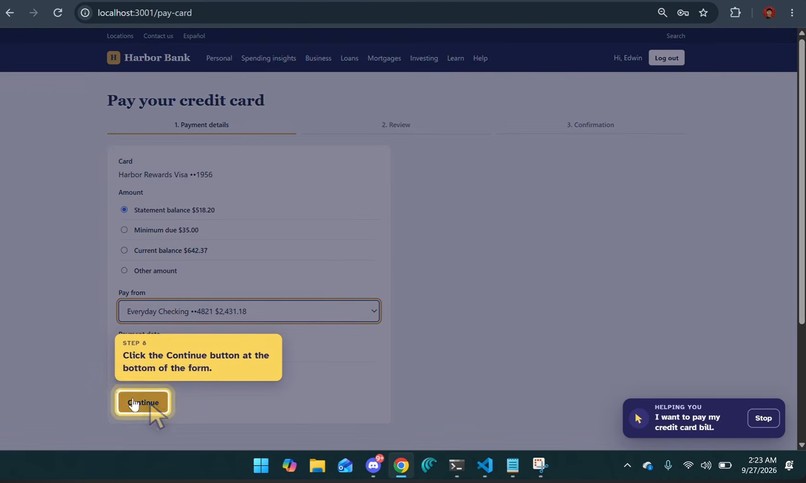
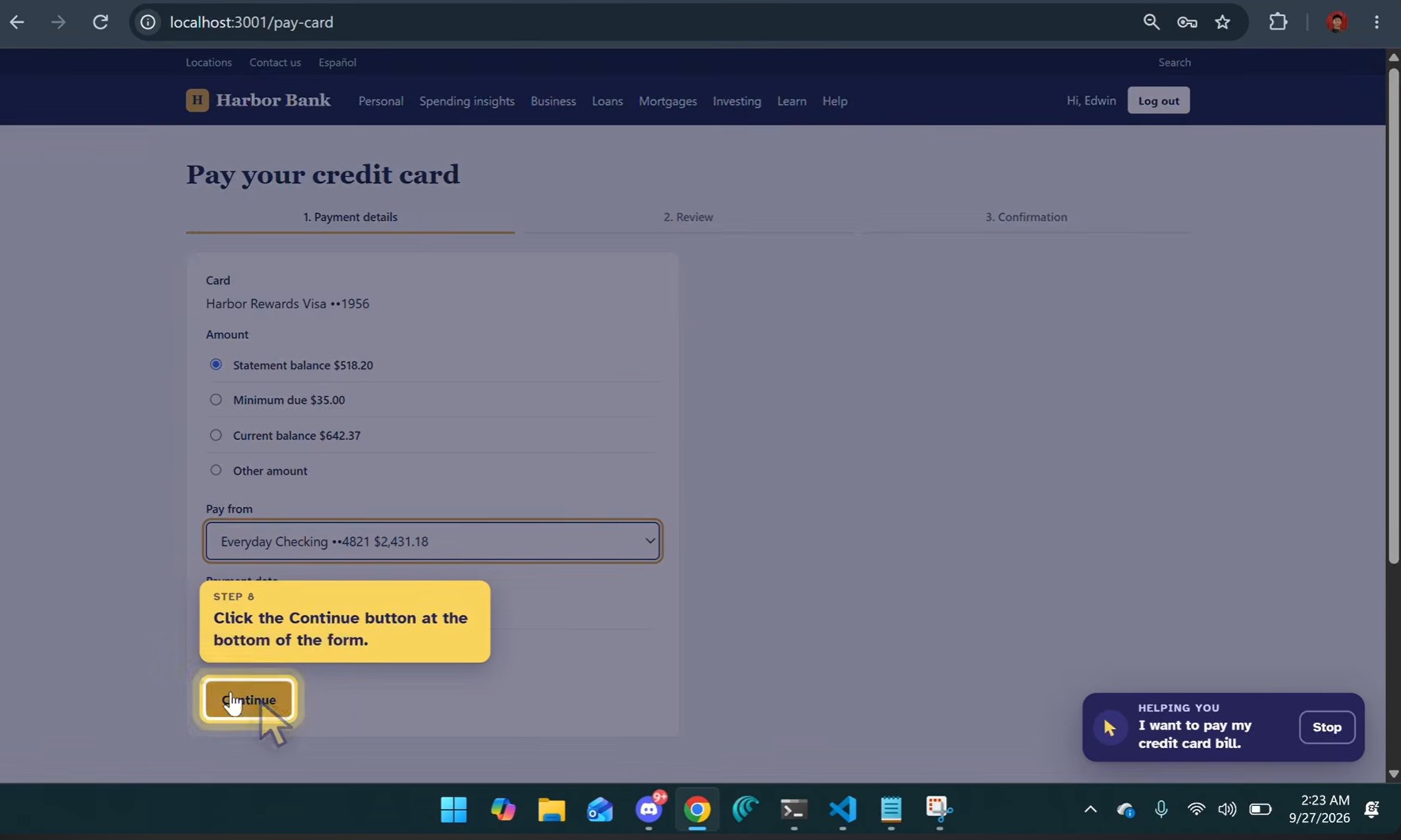
Prompt user to click a button.
-
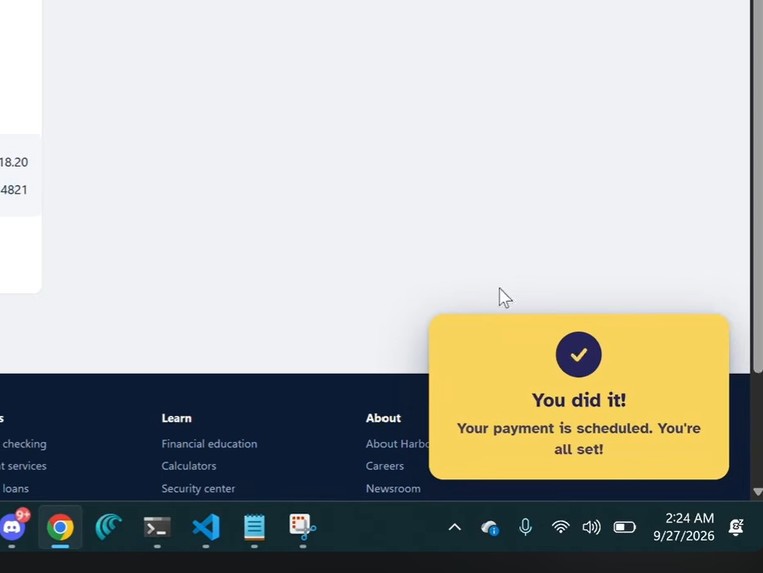
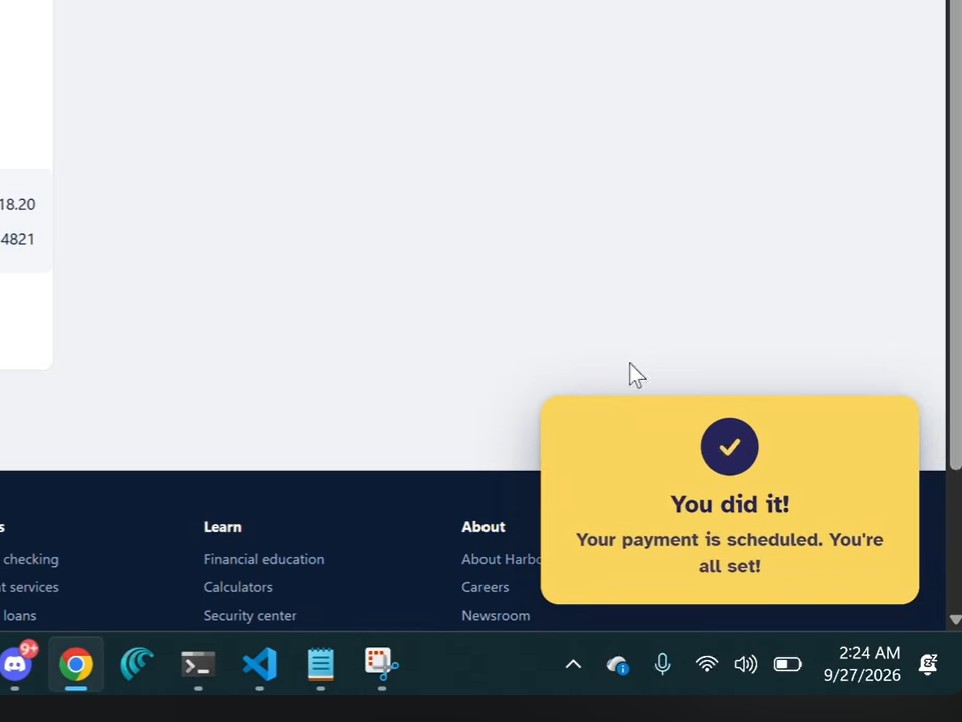
Message for objective completion.
Inspiration
Navigating a new task on the web browser may be difficult for users, especially for older individuals. Having a tech-literate individual by your side is not always possible, but an intelligent tool that springs up at your command is. Introducing Pointr, an AI-powered overlay that guides users through tasks on a web browser.
What it does
Tell Pointr one goal, typed or spoken ("pay my credit card bill"), and it shows you where to click, one step at a time, on the real website. The page dims, a big yellow cursor glides to the right button, a ring highlights it, and a short caption says what to do. You do the clicking, and Pointr looks again after every action until the goal is done.
- No chat window. Just one goal box and a pointer.
- Never clicks or types for you. It never asks for your password either. It points at the box.
- Handles real-world mess. It closes popups first, guides you back after a wrong click, a logout, a reload or the Back button, and follows you into new tabs.
- Answers "tell me" goals. "What's my checking balance?" goes to the right page and rings the answer.
- Push-to-talk voice (
Alt+X). Speech is transcribed locally on your own machine.
How we built it
- Chrome extension (Manifest V3, plain JS): a scanner numbers every button, link and field. An overlay draws the dim, ring, cursor and caption. A watcher notices when the user acts. An offscreen document handles the mic.
- Set-of-Marks prompting: each step, we screenshot the tab with a number drawn on every element and send the picture plus the numbered list to the model. The model answers with one element number and a short instruction, and the extension rings that exact element from the real page.
- Node 24 backend: calls Amazon Bedrock Nova 2 Lite, with automatic fallback to Google Gemini. Every request is logged along with the screenshot the model saw.
- Local Whisper (faster-whisper in Docker) for voice, so dictation never leaves the machine.
- Three mock apps (bank, pharmacy, grocery) + a Demo Hub in React/Vite. They come with popups, promos and dead ends on purpose.
- A robot tester (Playwright) runs the real extension and clicks wherever Pointr's ring points, across 19 scenarios.
Challenges we ran into
- Accuracy vs. speed. We built a bake-off of 41 captured screens and compared 5 models. Nova 2 Lite won. Prompt tuning took it from 76% to 97% step accuracy at about 1.2 s median latency.
- Latency. To keep it snappy, the model predicts the next step, so the next ring often shows up about 0.5 s after you click. We also send a backup request if the model takes longer than 1.5 s.
- Off-path users. Real people click the wrong thing, log out, hit Back, and open new tabs. Each of these needed its own recovery path.
- Real sites are messy. On Outlook and Amazon we hit new tabs, see-through buttons and odd markup that the scanner had to handle.
Accomplishments that we're proud of
- Made a guide that works on real sites (Outlook, Amazon), not just our demos.
- 97% next-step accuracy with about 1.2 s median model latency, plus near-instant predicted steps.
- An accessible design: Atkinson Hyperlegible font, big high-contrast cursor, one short caption at a time, voice input.
What we learned
Learnings include: How to overlay and keep an agent in a looped task until an objective is met, how to make a Chrome extension, and how to design a simple user-experience for an AI tool at a high level.
What's next for Pointr
Need to handle three issues: 1) Since compute isn't free, how would we get the funding?, 2) When handling personal information, how should the AI model be hosted in a way that maintains data privacy and minimizes latency?, and 3) Improving the voice dictation model to format/clean up raw voice input.
Built With
- amazon-bedrock
- amazon-nova
- amazon-web-services
- chrome
- claude
- css
- docker
- gemini-api
- html
- javascript
- manifest-v3
- node.js
- python
- react
- typescript
- whisper


Log in or sign up for Devpost to join the conversation.