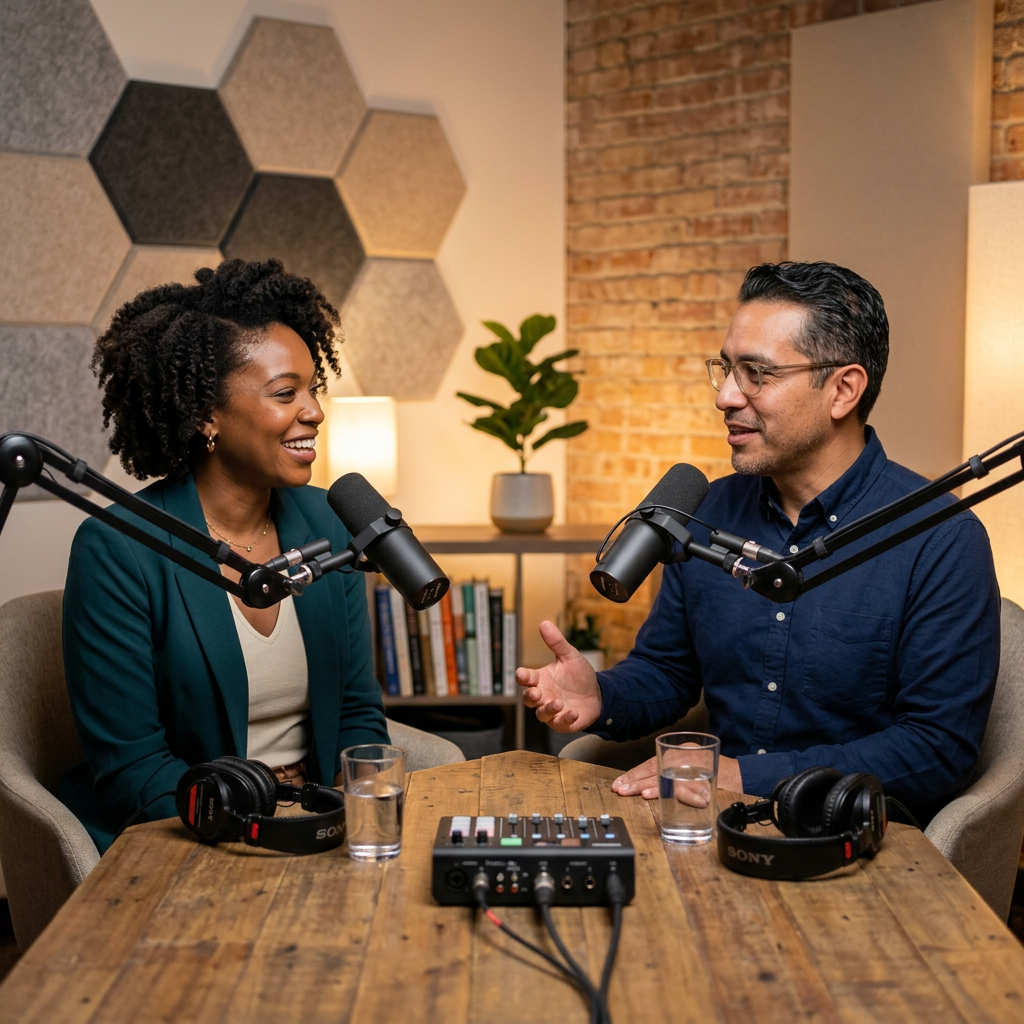
🎙️ PodGen - AI Podcast Generator
Winter 30 Hackathon Submission
Transform any text content into engaging, natural-sounding podcast conversations with AI-powered script generation and neural text-to-speech.
Demo Video: https://youtu.be/nE_eR3pYIU8
🌟 Features
Content Input Options
- 📄 File Upload: PDF, TXT, DOCX, HTML, EPUB
- 🔗 URL Paste: Articles, blogs, Wikipedia pages
- 🔍 Online Search: AI-powered research using Groq
- ✏️ Direct Paste: Copy-paste text content
Script Generation
- 🎭 Two Distinct Characters: Priya (Female Host) & Arjun (Male Co-host)
- 🗣️ Natural Hinglish: 74% English, 20% Hindi, 3% conversational fillers, 3% formal pauses
- 💬 Conversational Elements: "Hmmm...", "Acccha...", "Is that so?", "Ohh, I see!"
- ✨ Professional Tone: Dignified language, no slang
Audio Generation
- 🔊 Edge TTS Neural Voices: High-quality Microsoft text-to-speech
- 🇮🇳 Multi-Language Support: English, Hindi, Tamil, Telugu, Bengali, Kannada, Malayalam, Marathi, Gujarati
- 🎧 Voice Preview: Test voices before generating
- 📥 Downloadable MP3: Save combined podcast file
Modern UI/UX
- 🎨 Beautiful Audio Player: Canvas waveform visualization
- 📝 Editable Names: Rename projects and audio files
- 💾 Auto-Save: Local storage persistence
- 📱 Responsive Design: Works on all devices
🚀 Quick Start
Option 1: One-Click Start (Recommended)
Mac/Linux:
chmod +x start.sh
./start.sh
Windows:
start.bat
This will automatically:
- Install all dependencies
- Start the backend server (port 8000)
- Start the frontend server (port 5173)
Option 2: Manual Setup
Backend:
cd backend
python3 -m venv venv
source venv/bin/activate  # Windows: venv\Scripts\activate
pip install -r requirements.txt

# Create .env file with your Groq API key
echo "GROQ_API_KEY=your_api_key_here" > .env

python main.py
Frontend:
npm install
npm run dev
Option 3: Google Colab (No Setup Required)
- Open
Podcast_Creator_Colab.ipynbin Google Colab - Run all cells sequentially
- Follow interactive prompts
📍 Access Points
- Frontend UI: http://localhost:5176
- Backend API: http://localhost:8000
- API Documentation: http://localhost:8000/docs
🛠️ Technology Stack
| Component | Technology |
|---|---|
| Frontend | React 18, TypeScript, Tailwind CSS, Vite |
| Backend | FastAPI, Python 3.9+ |
| AI/LLM | Groq (Llama 3.1-8B Instant) |
| TTS | Edge TTS (Microsoft Neural Voices) |
| Audio | HTML5 Canvas Visualization |
📁 Project Structure
podgen-ai-podcast-generator/
├── src/                          # React frontend source
│   ├── app/
│   │   ├── App.tsx              # Main application
│   │   └── components/
│   │       ├── UploadStep.tsx   # Step 1: Content input
│   │       ├── ScriptStep.tsx   # Step 2: Script generation
│   │       └── AudioStep.tsx    # Step 3: Audio synthesis
│   └── styles/                  # CSS and themes
├── backend/
│   ├── main.py                  # FastAPI server
│   ├── requirements.txt         # Python dependencies
│   └── .env                     # API keys (create this)
├── Winter 30 Hackathon deliverables/
│   ├── backend/                 # Standalone backend
│   ├── frontend/                # Standalone frontend
│   └── docs/                    # Documentation
├── Podcast_Creator_Colab.ipynb  # Google Colab notebook
├── start.sh                     # Mac/Linux startup
├── start.bat                    # Windows startup
├── package.json                 # Node.js config
└── README.md                    # This file
🔧 API Endpoints
Content Processing
POST /api/content/wikipedia- Fetch Wikipedia articlePOST /api/content/perplexity- Search and summarize topicsPOST /api/content/url- Extract content from URLPOST /api/content/upload- Process uploaded files
Script Generation
POST /api/script/generate- Generate conversational scriptPOST /api/script/summarize- Summarize long content
Audio Generation
POST /api/audio/generate- Generate podcast audio from scriptGET /audio/{filename}- Serve generated audio files
📖 Usage Guide
Step 1: Content Input
- Choose your content source:
- Wikipedia: Search by topic
- URL: Paste article link
- Upload: Select file (PDF, TXT, DOCX, etc.)
- Search: AI-powered topic research
- Click "Upload content from source"
- Preview content in the right panel
Step 2: Script Generation
- Content is automatically displayed
- Click "Generate script"
- Review the generated conversation between Priya and Arjun
- Click "Next" to proceed
Step 3: Audio Generation
- Select voice for Priya (P1)
- Select voice for Arjun (P2)
- Click "Generate audio"
- Listen to the podcast in the player
- Download the MP3 file
🎯 Key Innovations
- Hinglish Prompting: Carefully engineered prompts for natural Hindi-English code-switching
- Character Consistency: Fixed roles (Priya/Arjun) with gender-appropriate voices
- Canvas Waveform: Smooth 60fps audio visualization
- Smart Naming: Auto-extracts 1-2 keywords from content for project titles
- Multi-Source Content: Flexible input from various sources
🔑 API Keys Setup
Get Groq API Key (Required):
- Visit: https://console.groq.com/keys
- Sign up for free account
- Create new API key
Create .env file:
cd backend
echo "GROQ_API_KEY=your_actual_key_here" > .env
Restart backend if already running
🐛 Troubleshooting
Backend won't start
- ✅ Ensure Python 3.8+ installed:
python3 --version - ✅ Check port 8000 available:
lsof -i :8000 - ✅ Verify GROQ_API_KEY in
.envfile - ✅ Install dependencies:
pip install -r backend/requirements.txt
Frontend won't start
- ✅ Ensure Node.js 16+ installed:
node --version - ✅ Check port 5173 available:
lsof -i :5173 - ✅ Install dependencies:
npm install - ✅ Clear cache:
rm -rf node_modules package-lock.json && npm install
Content fetch fails
- ✅ Backend must be running on port 8000
- ✅ Check browser console for errors
- ✅ Verify GROQ_API_KEY is valid
- ✅ Check internet connection
Audio generation issues
- ✅ Edge TTS requires internet connection
- ✅ Check backend console for errors
- ✅ Verify script was generated successfully
- ✅ Ensure audio_output directory exists in backend/
📦 Deliverables
This project includes complete deliverables for the Winter 30 Hackathon:
- ✅ Full-stack web application (React + FastAPI)
- ✅ Google Colab notebook for standalone use
- ✅ Complete documentation and setup instructions
- ✅ Demo video and usage guide
- ✅ Source code with detailed comments
- ✅ Attribution and license information
See Winter 30 Hackathon deliverables/ folder for organized submission files.
📝 Notes
- Groq API offers generous free tier (14,400 requests/day)
- Edge TTS is free and requires no API key
- All generated content saved locally in
audio_output/ - Project state persists in browser local storage
- Works best with English content for Hinglish output
📄 License
This project is for personal and educational use.
🤝 Contributing
Feel free to submit issues or pull requests!
Built With
- cursor
- javascript
- jupyter-notebook
- ml
- python
- vibecoding

Log in or sign up for Devpost to join the conversation.