Inspiration
A phone is the computer people carry every day everywhere, including during travel, network outages, and urgent situations when a laptop may not be available. Most mobile coding tools are limited editors or depend on a remote server. I wanted to make an Android phone into a private, useful development environment even without reliable internet access.
PocketIDE began with one question: can a small local model write code, run it on the same phone, inspect the result, and repair problems without sending the project anywhere?
What it does
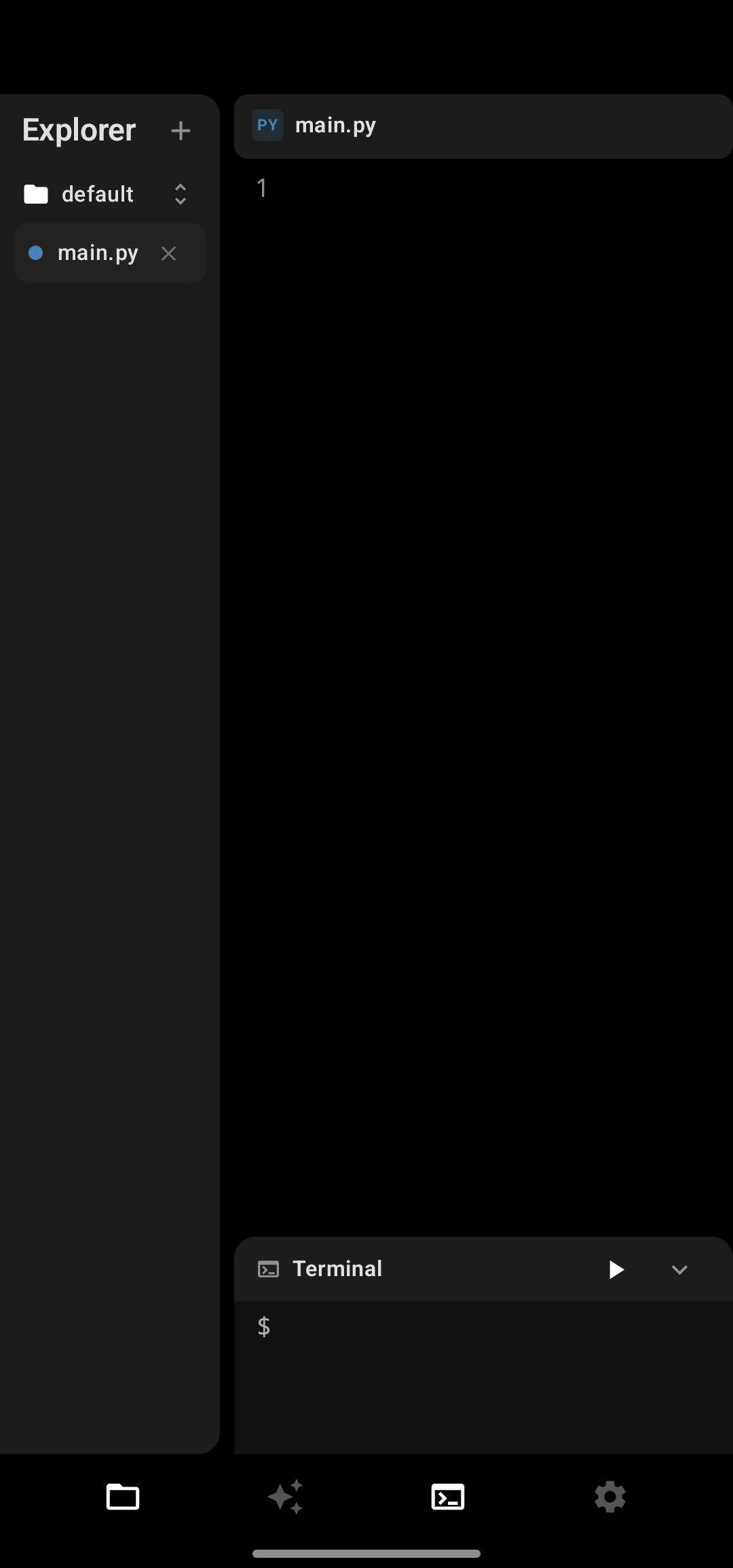
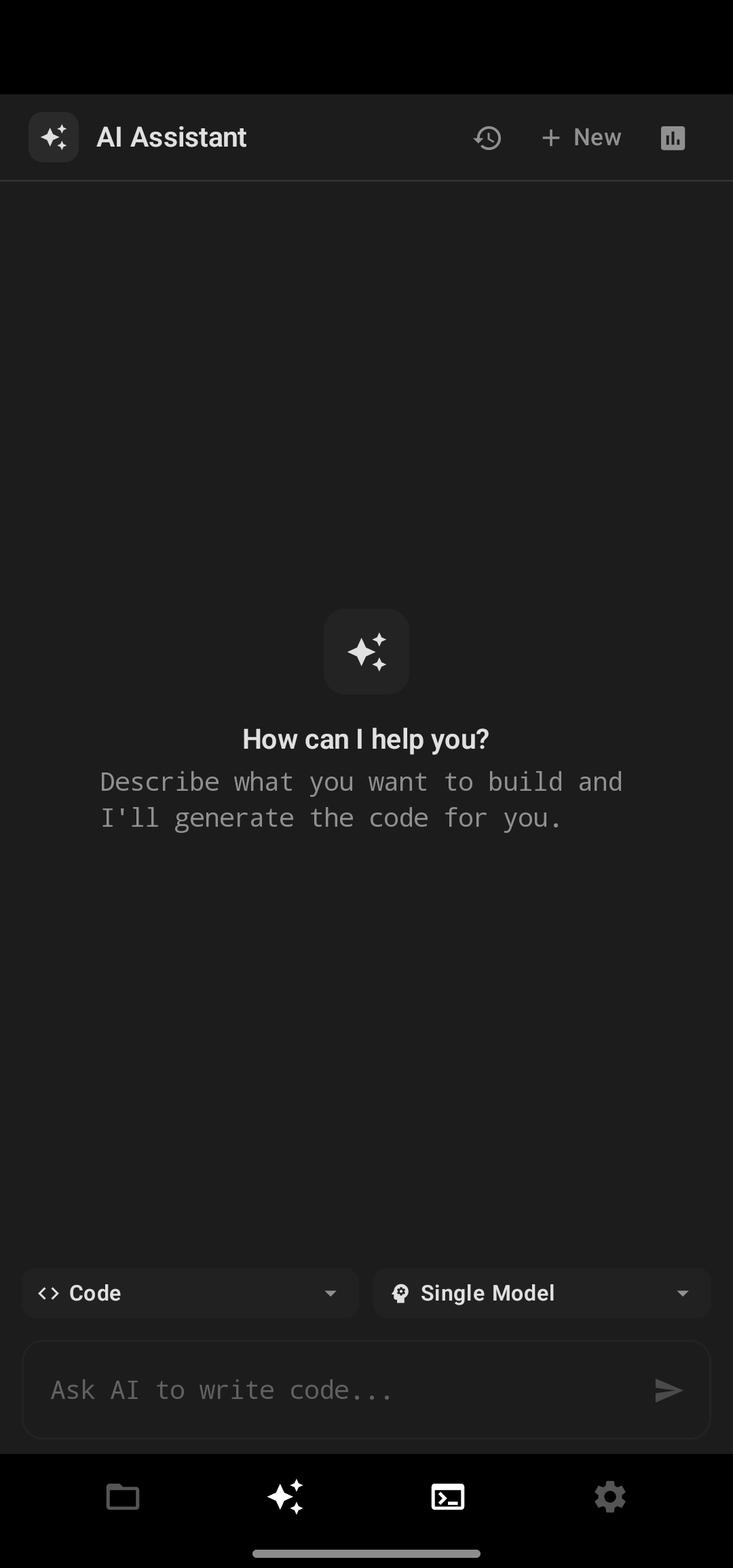
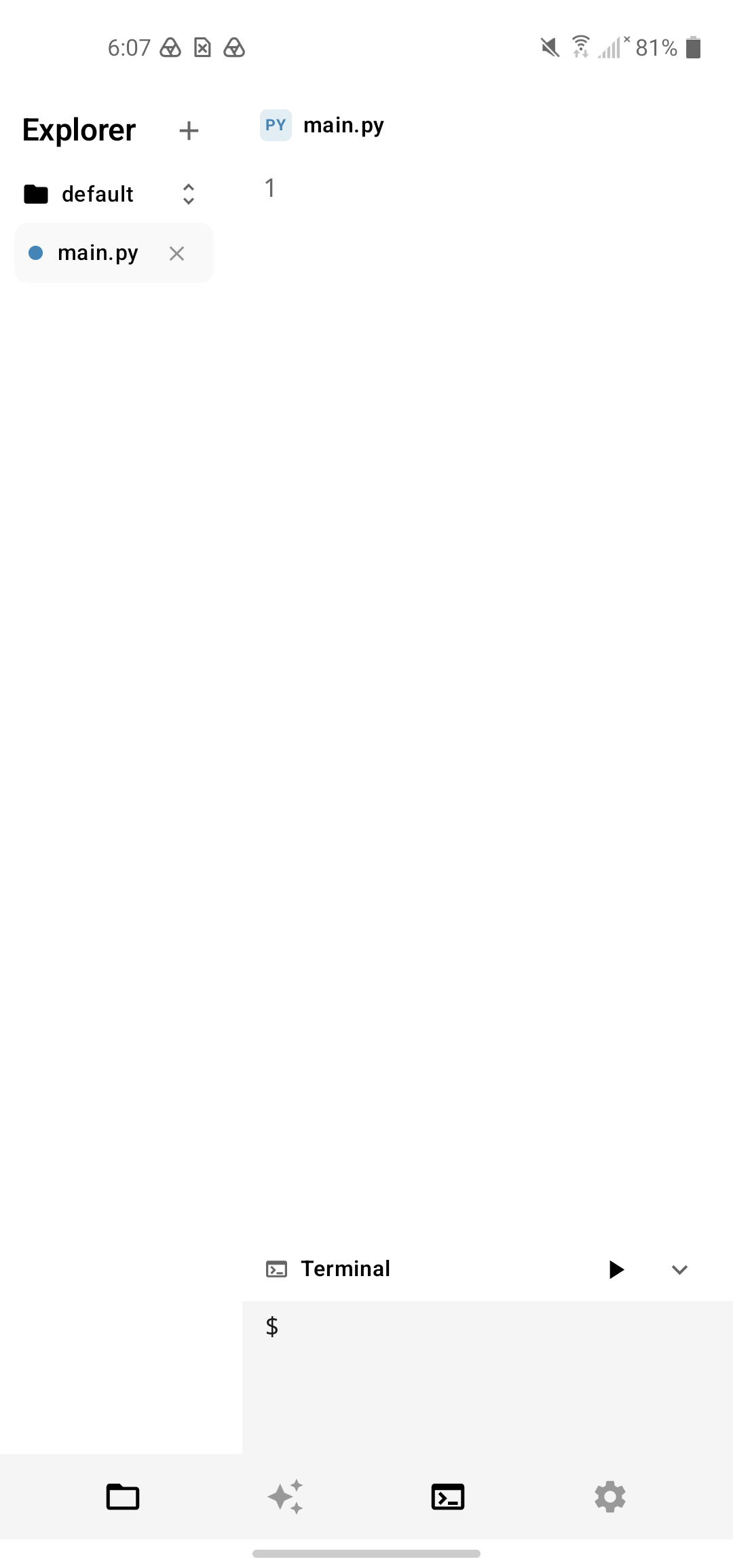
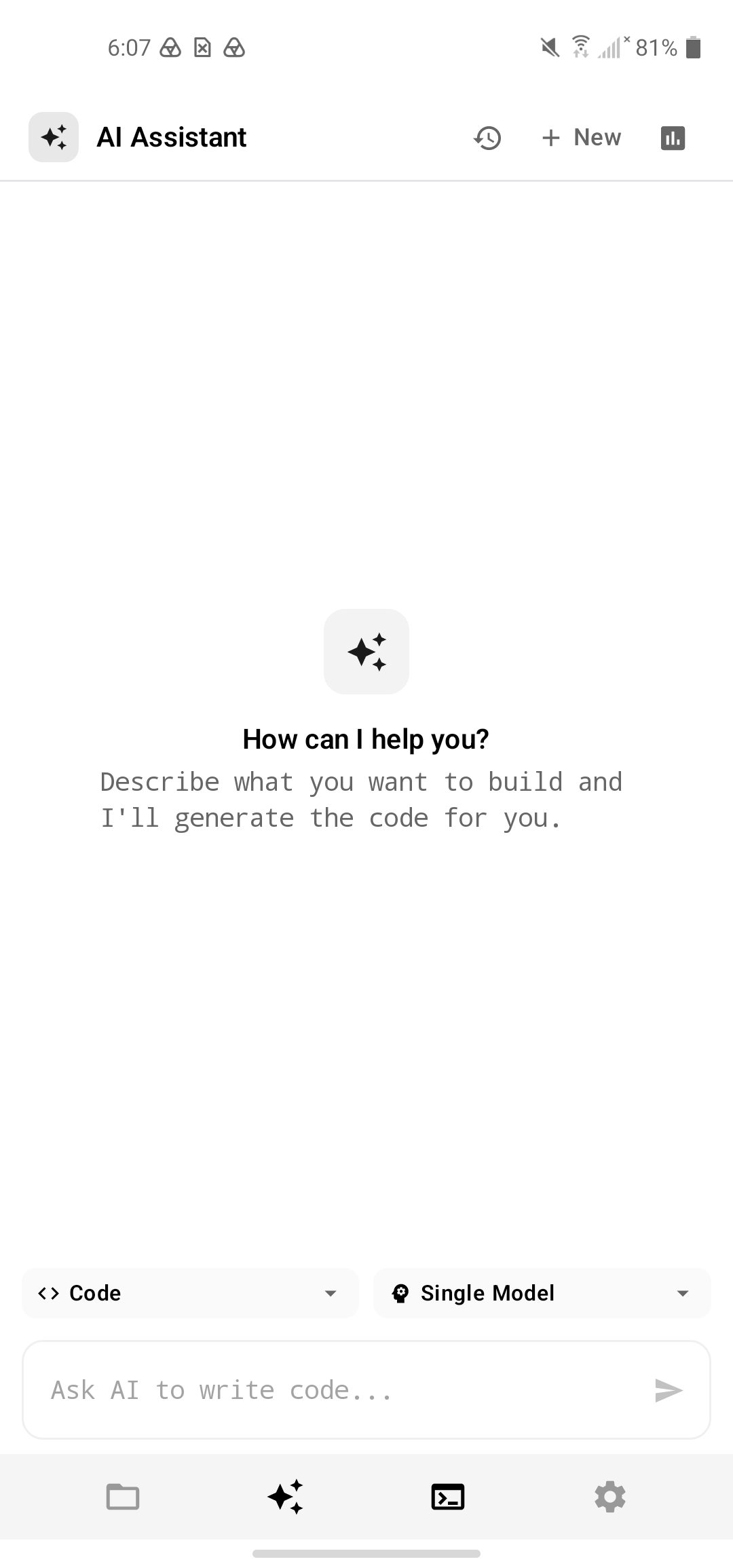
PocketIDE is a native Android IDE with a fully local AI coding agent. It can create and update multiple project files, explain code, plan an implementation, inspect execution errors, and attempt repairs. The model, project, chat history, and execution workflow can remain on the phone.
PocketIDE provides:
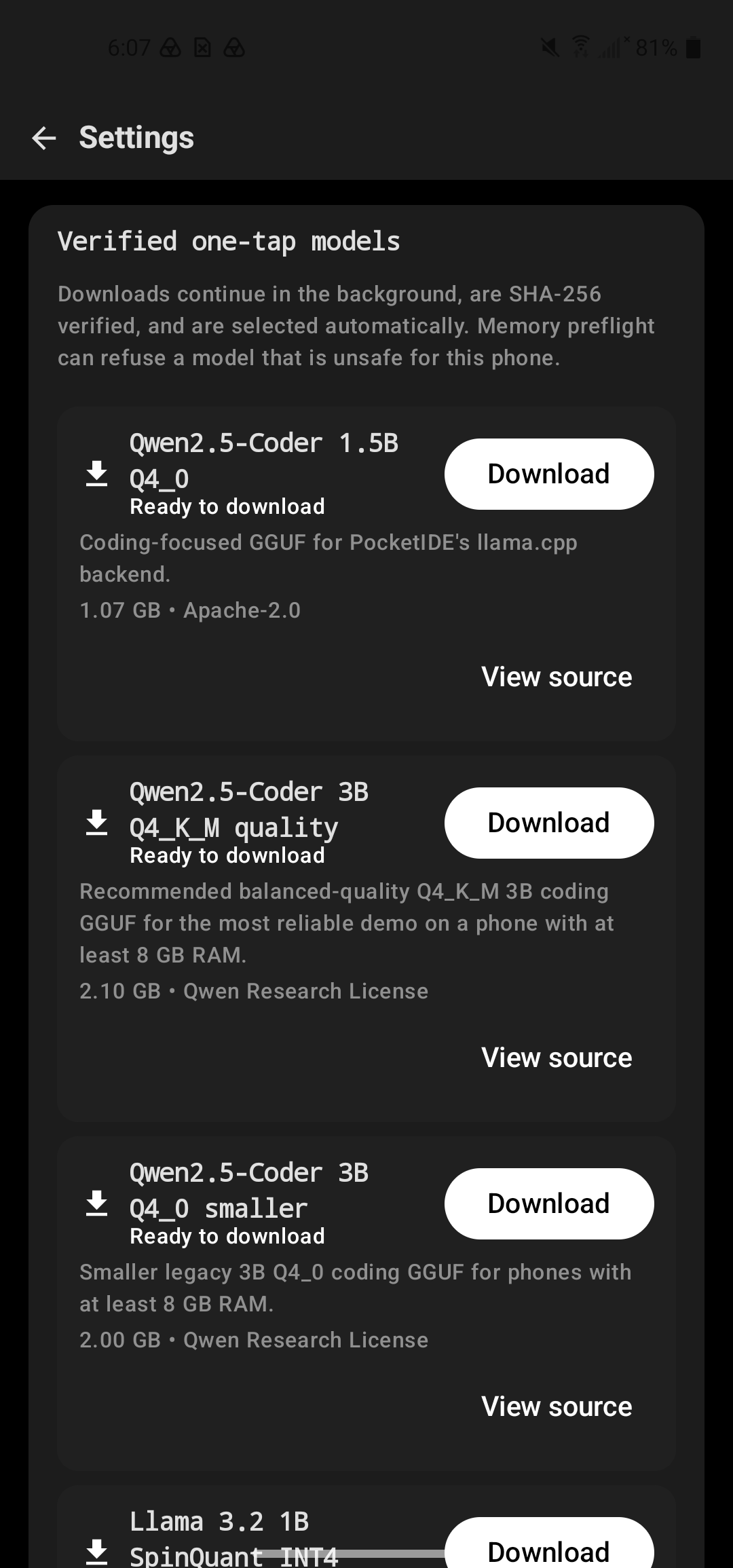
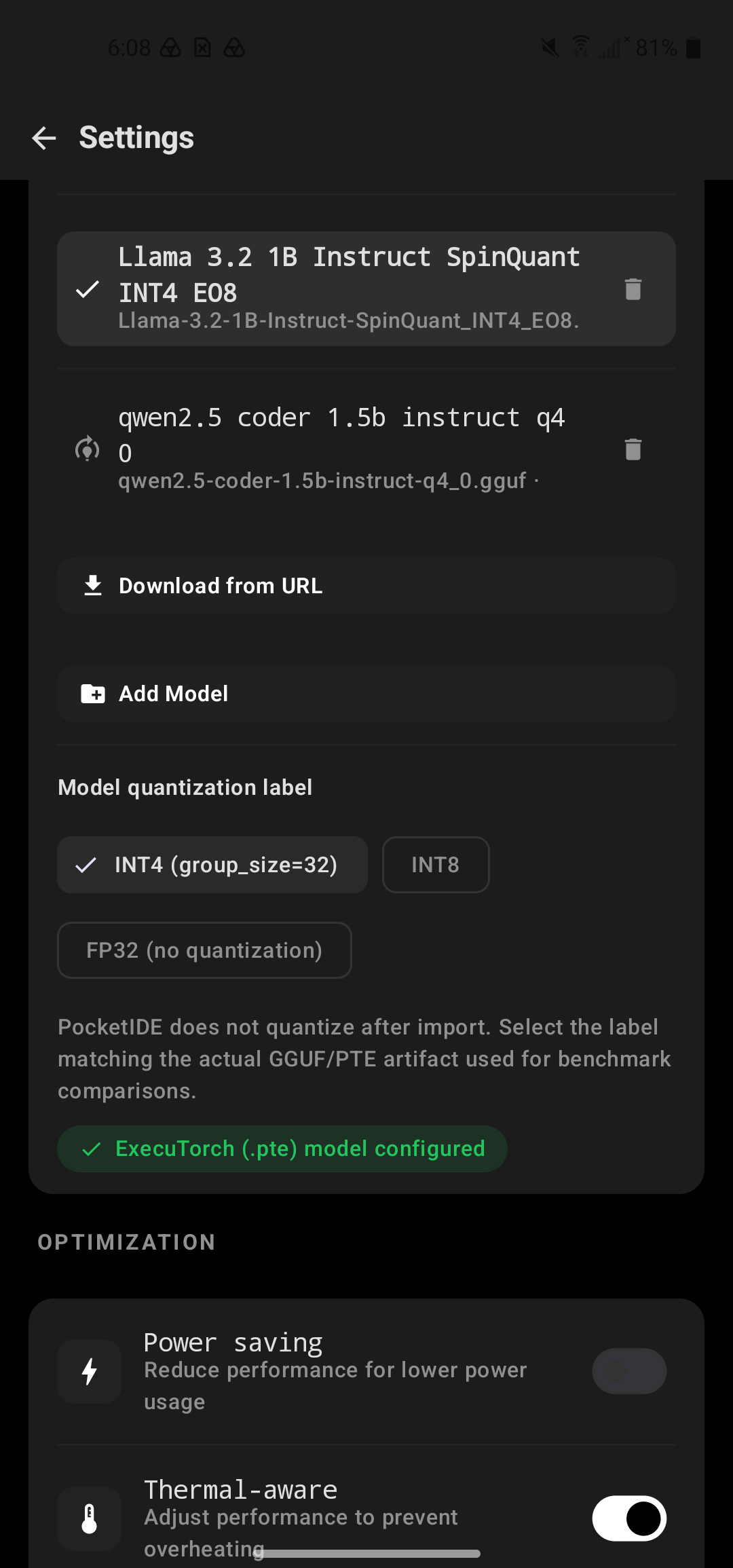
- Local GGUF inference through llama.cpp and compatible PTE inference through ExecuTorch
- Interactive Python execution with real terminal input
- Local execution for JavaScript, a compatible TypeScript subset, Lua, SQL, Android shell scripts, and BeanShell Java scripts
- Device local browser previews for HTML, CSS, JavaScript, and simple TypeScript projects
- Multiple project files and local AI chat history
- An Android hardware bridge for device information, battery, network, storage, sensors, location, vibration, flashlight, speech, notifications, and sandboxed files
- Quick, Deep, and Sustained benchmark modes with an in-app summary, readable report, and JSON evidence
The final output is an installable open-source Android application plus reusable benchmark, prompt, runtime, and validation workflows for building local AI developer tools on Arm phones.
Useful without normal infrastructure
PocketIDE can help when a developer, student, field worker, or repair technician needs to create a small tool immediately but only has a phone. A user could build a checklist, sensor reader, storage monitor, device health report, local information page, or hardware control utility during a network outage or another constrained situation.
This is more than offline chat because generated programs can accept terminal input and communicate with available Android hardware. PocketIDE is a development tool for urgent and field situations.
How I built it
I built PocketIDE as a native Android application using Kotlin and Jetpack Compose.
GGUF models run through llama.cpp. Compatible PTE models run through ExecuTorch. Python uses CPython through Chaquopy. Other local runtimes include Rhino, LuaJ, BeanShell, Android SQLite, Android shell, and NanoHTTPD for loopback browser previews.
PocketIDE does not infer acceleration from a model extension or library name. The current GGUF result is a CPU result. The runtime selected an Armv8.2 dot product native library from the phone CPU features, with zero GPU layers. I do not claim NPU, GPU, KleidiAI kernel, or ExecuTorch delegate acceleration without runtime proof.
Arm optimization and measured result
PocketIDE treats mobile optimization as a device and model-specific measurement problem. More threads are not automatically faster or more efficient on a phone. The corrected benchmark recreates the native llama.cpp context for every configured thread profile, excludes warmups, confirms the finalists, and saves the winning profile for the exact device, model file, runtime version, and selected Arm native library.
I measured Qwen2.5 Coder 1.5B Instruct Q4_0 GGUF on an LGE LM Q620 with a Qualcomm SM6150 processor (LG Q70 Snapdragon 675) and Android 12. The model file was 1,016.8 MB. The Deep benchmark selected two configured threads instead of the original four-thread heuristic.
| Metric | Four thread heuristic | Calibrated two thread profile | Change |
|---|---|---|---|
| Median decode throughput | 8.12 tok/s | 11.73 tok/s | 44.4% faster |
| Median time to first token | 132 ms | 87 ms | 34.1% lower |
| Mean process CPU time per output token | 445.6 ms | 169.4 ms | 62.0% lower |
| Mean maximum sampled process PSS | 1,780.7 MB | 1,915.5 MB | 7.6% higher |
The CPU time per token values are derived from the process CPU time and output token counters in the same Deep report. They measure process CPU work, not battery energy. The PSS result is reported as a tradeoff rather than hidden.
The native llama.cpp microbenchmark at the selected profile measured 46.82 prompt processing tokens per second for pp128 and 11.88 generation tokens per second for tg32.
In a separate run, the selected profile measured 11.48 tok/s compared with 8.20 tok/s for four threads, a 40.0 percent improvement. First half and second half medians were 11.37 and 11.65 tok/s. During the segment, battery temperature moved from 28.1 C to 28.9 C and Android reported no thermal throttling state.
These results are real physical device measurements, but their scope matters. Decode timing begins after the first emitted token. Time to first token excludes model loading and prompt formatting, and the fixed GGUF prompt can reuse the runtime prefix cache after warmup. The thread values are load-configured because the wrapper does not expose the native live worker count. Android energy counters cover the whole phone, so I do not present them as an app only power.
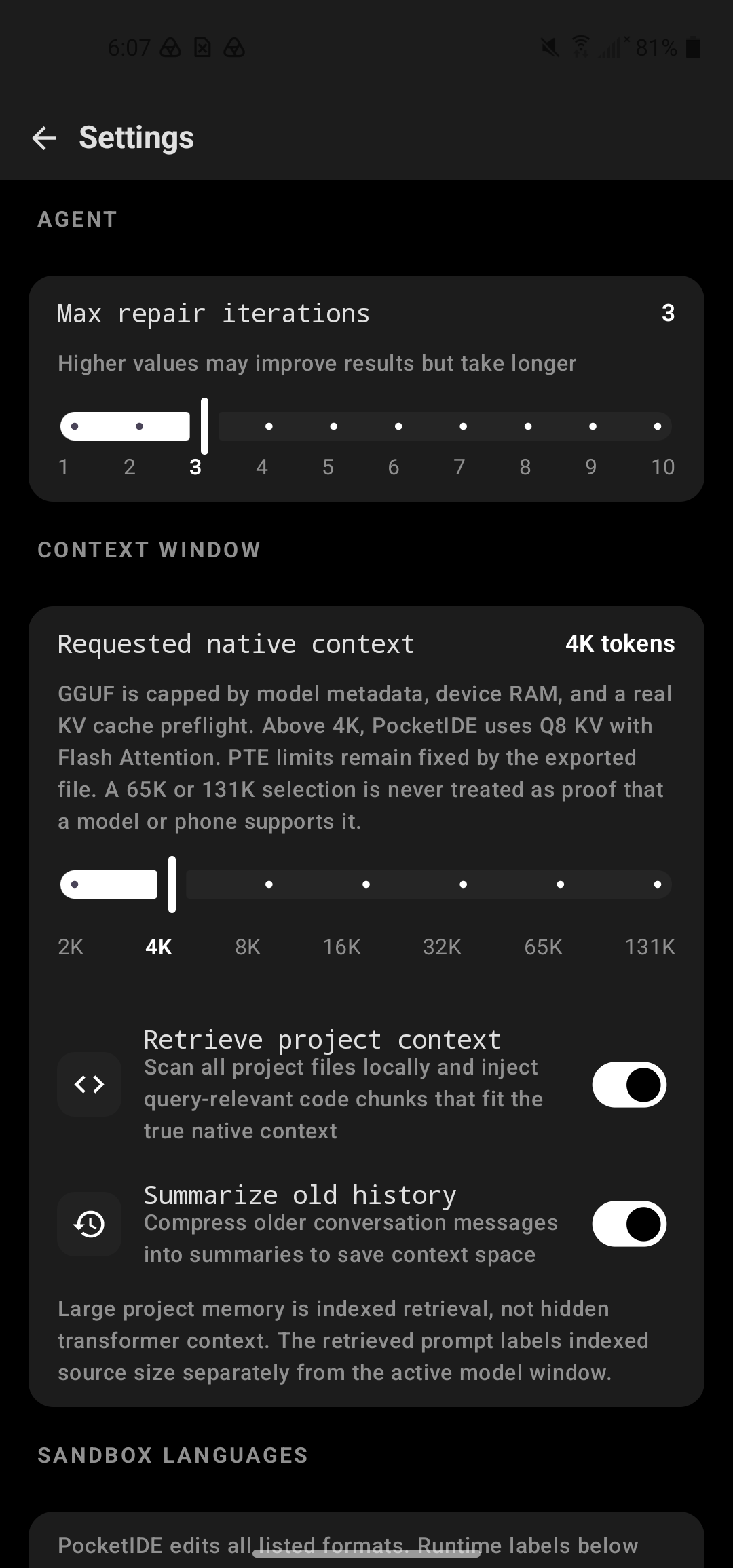
PocketIDE also reads architecture, layer, embedding, attention head, and KV head information from GGUF metadata before loading. A memory planner selects a shared context, batch size, and output cap from Android memory information. Normal chat and benchmarks use the same plan, and an unsafe cold load is refused before Android can terminate the process.
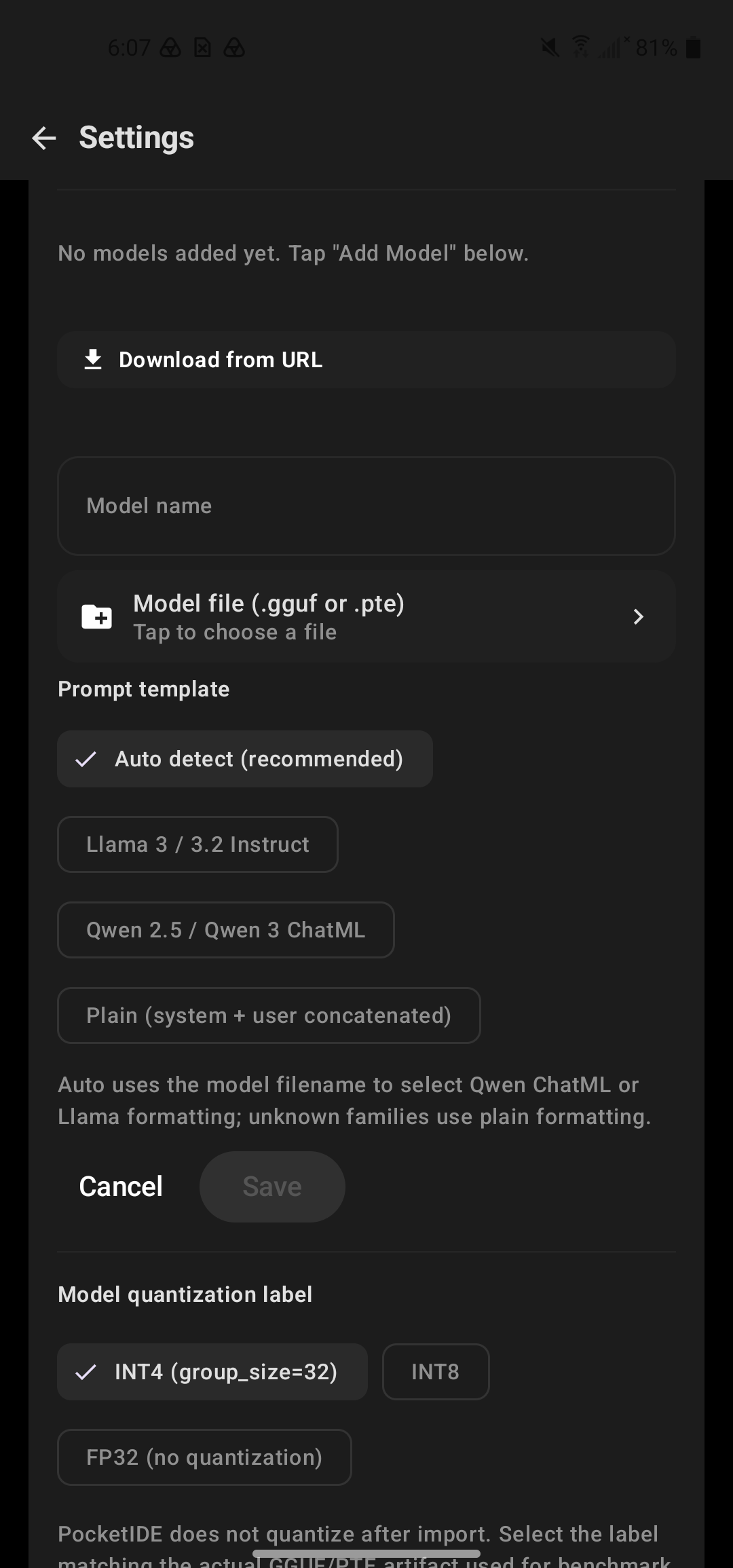
PTE results remain separate because the exported model and ExecuTorch runtime control context, workers, and delegates. PocketIDE does not present a comparison between different GGUF and PTE models as an optimization result.
What changed during the challenge
During the challenge period, I significantly expanded PocketIDE. I added device-specific GGUF calibration, separate Quick, Deep, and Sustained evidence protocols, and native llama.cpp microbenchmarks, readable dashboard cards, JSON reports, thermal and whole device energy evidence, model-aware memory planning, process exit diagnostics, cancellable generation, PTE support, and a model download catalog.
I also expanded and tested terminal input, multiple file workflows, browser preview, local language runtimes, and the Android hardware bridge. After finding that an earlier benchmark changed a generation argument without recreating the native context, I invalidated the old calibration and created schema 9, which reloads the context for every configured thread profile. The published result comes only from the corrected protocol.
Challenges
The hardest challenge was fitting a model of roughly one gigabyte into a complete Android development environment on a phone with limited memory. Model weights, KV state, native buffers, language runtimes, the editor, and Android all compete for physical memory.
The second challenge was benchmark integrity. It was easy to display a thread number or library name, but harder to prove where a control was applied and what the runtime actually exposed. I chose to label configured values, timing boundaries, cache behavior, and whole device counters directly in the report.
Interactive execution also required more than showing standard output. PocketIDE needed to accept input while a program was running, preserve multiple files, report source locations, preview browser projects locally, and expose Android hardware without pretending every language is a complete desktop toolchain.
What I learned
I learned that mobile AI must be measured on the target device. On this phone, two llama.cpp threads were much faster than four and required far less process CPU work per generated token. I also learned that native memory pressure and reliable model loading matter as much as headline throughput.
Small coding models perform better when the application gives them compact context, precise runtime capabilities, strict output structure, and a direct run and repair workflow.
Why PocketIDE should win
PocketIDE turns local AI into a complete developer workflow instead of a chat demonstration. One-arm-powered phone performs inference, creates project files, executes code, accepts terminal input, previews local web projects, communicates with phone hardware, and measures its own real inference behavior.
The project combines privacy, offline reliability, developer experience, and reproducible optimization evidence. Its benchmark and reporting work are reusable by other Android developers, and its hardware bridge demonstrates a practical reason to place the coding agent on the device it is programming.
Build, run, and validate
- Clone
https://github.com/meowshmalloww/PocketIDE. - Open the project in Android Studio with the Android SDK, or run
./gradlew assembleDebug. On Windows, run.\gradlew.bat assembleDebug. - Install
app/build/outputs/apk/debug/app-debug.apkon an Arm64 Android device running API 26 or newer. - In PocketIDE Settings, download or import a compatible GGUF model. A compatible PTE model also requires its tokenizer file.
- Select the model, open AI Assistant, and use Code mode to create a project.
- Open Terminal to run the generated program. Terminal input remains available while an interactive program is running.
- To validate offline behavior, install the model first, enable airplane mode, and generate and run code.
- To validate optimization, open the benchmark dialog. Run Quick first, then Deep and Sustained on an unplugged and cooled phone. Review the in-app Summary and copy the full report and JSON.
- Repository verification commands are
./gradlew testDebugUnitTest,./gradlew lintDebug,./gradlew assembleDebug, and./gradlew connectedDebugAndroidTestwith a connected test device or emulator.
The repository is public under Apache License 2.0. The model files are not stored in the repository because they are approximately one gigabyte each.
What is next
I plan to test more Arm-powered phones and model sizes, publish a larger physical device benchmark matrix, improve memory planning, evaluate newer ExecuTorch exports, add more complete language runtimes, and expand camera, audio, sensor, connectivity, and device control capabilities in the Android hardware bridge.
I also plan to add optional cloud model providers. Users will be able to keep the complete private local workflow or choose a larger cloud model when connectivity is available. A future hybrid mode could keep execution and sensitive files on the phone while allowing the user to control exactly which context is sent to a provider. Local mode will remain a complete option.

Log in or sign up for Devpost to join the conversation.