Try the app:
https://pocket-guru-azure.vercel.app/
Inspiration
In many underfunded schools, one teacher serves 35 students. There's no time to sit with each person, re-explain a concept, or catch who's falling behind. For millions of students, studying alone means hitting a wall with no one to ask.
The problem isn't a lack of information — students have notes, textbooks, and slides. The problem is making sense of it, alone, without guidance.
We built PocketGuru to be the tutor that's always there — for every student, everywhere.
What It Does
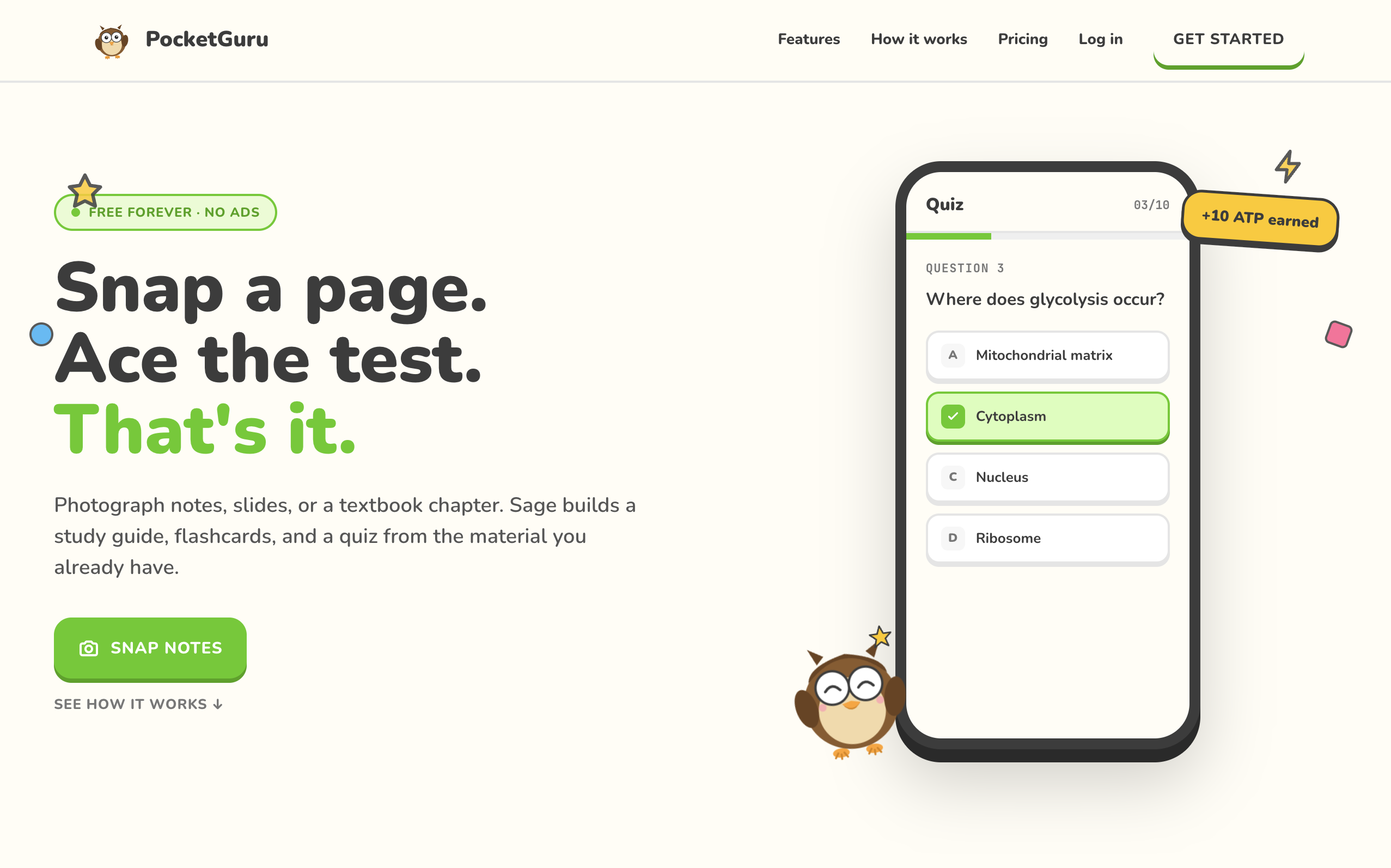
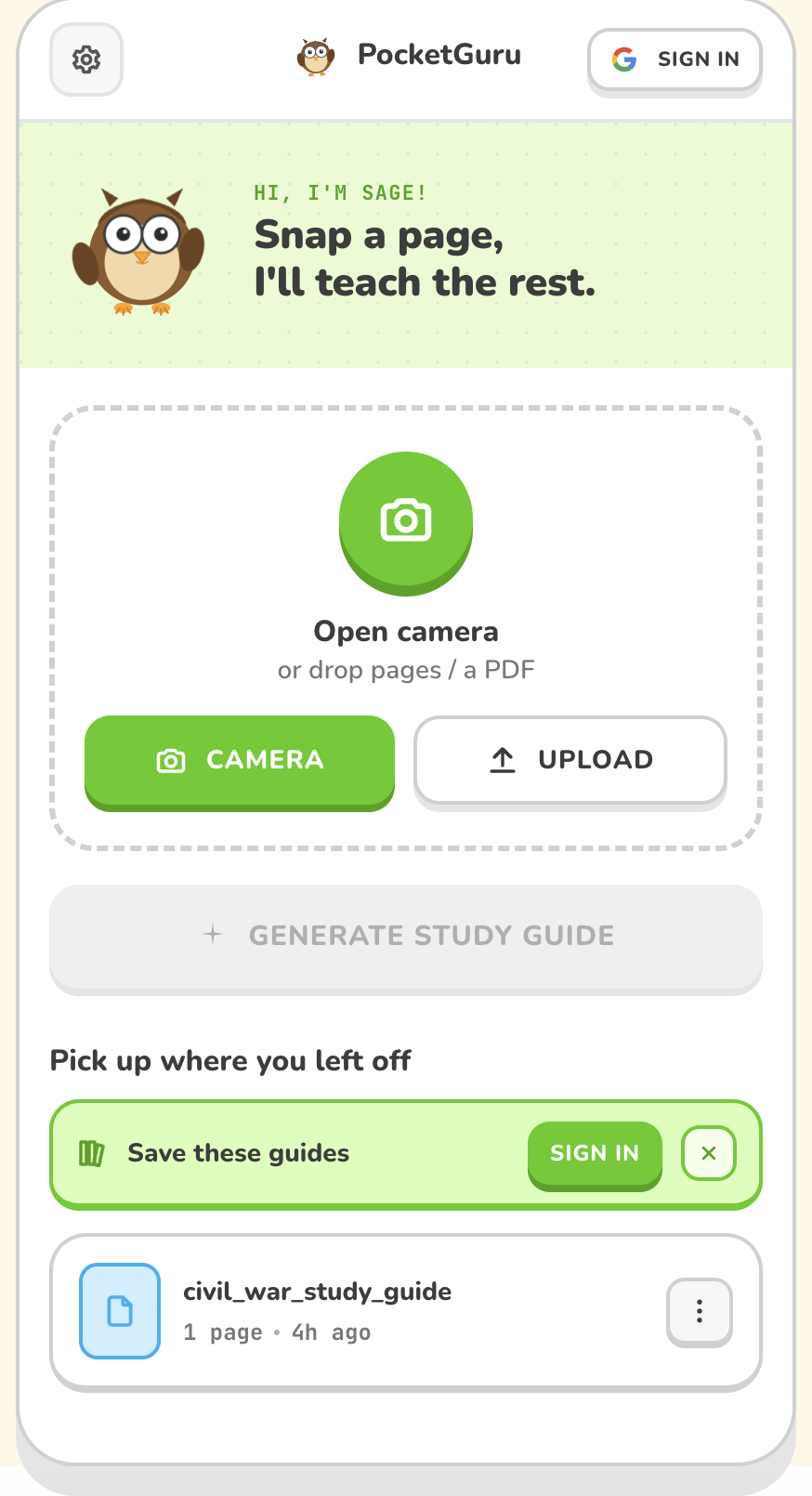
Snap a photo of any study material. In under 12 seconds, PocketGuru turns it into a full learning session:
- A plain-language summary — no more decoding academic jargon
- Key concepts with definitions and connections
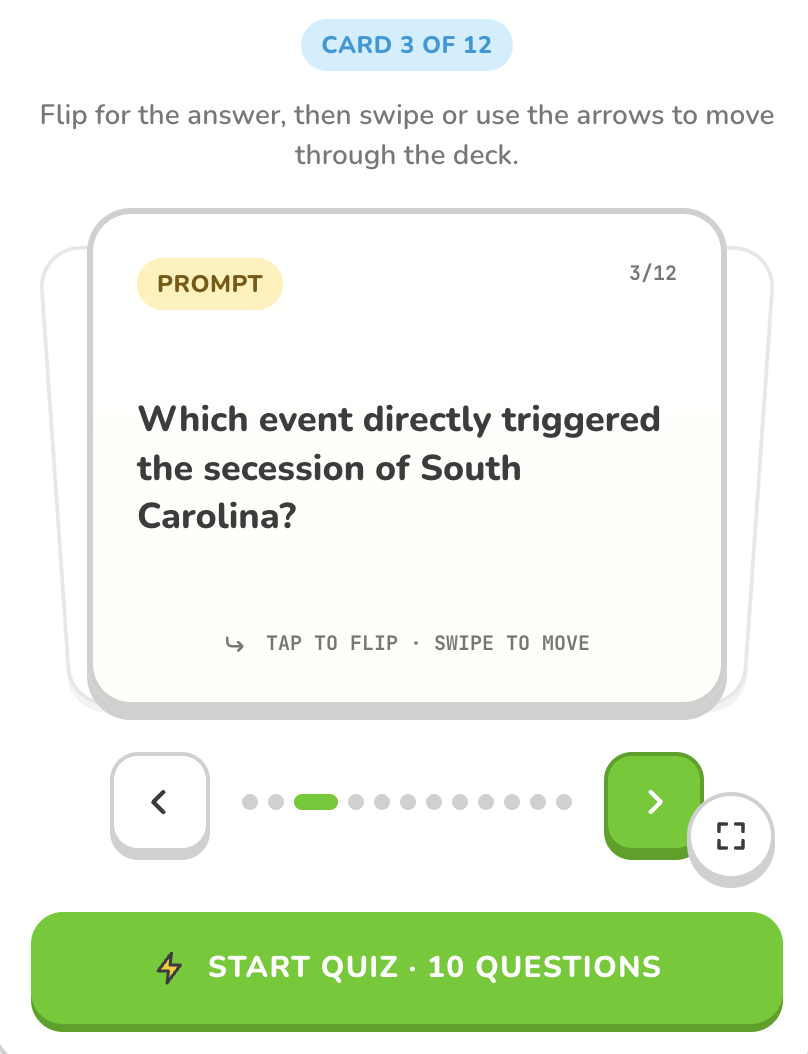
- Flashcards with swipe navigation for on-the-go memorization
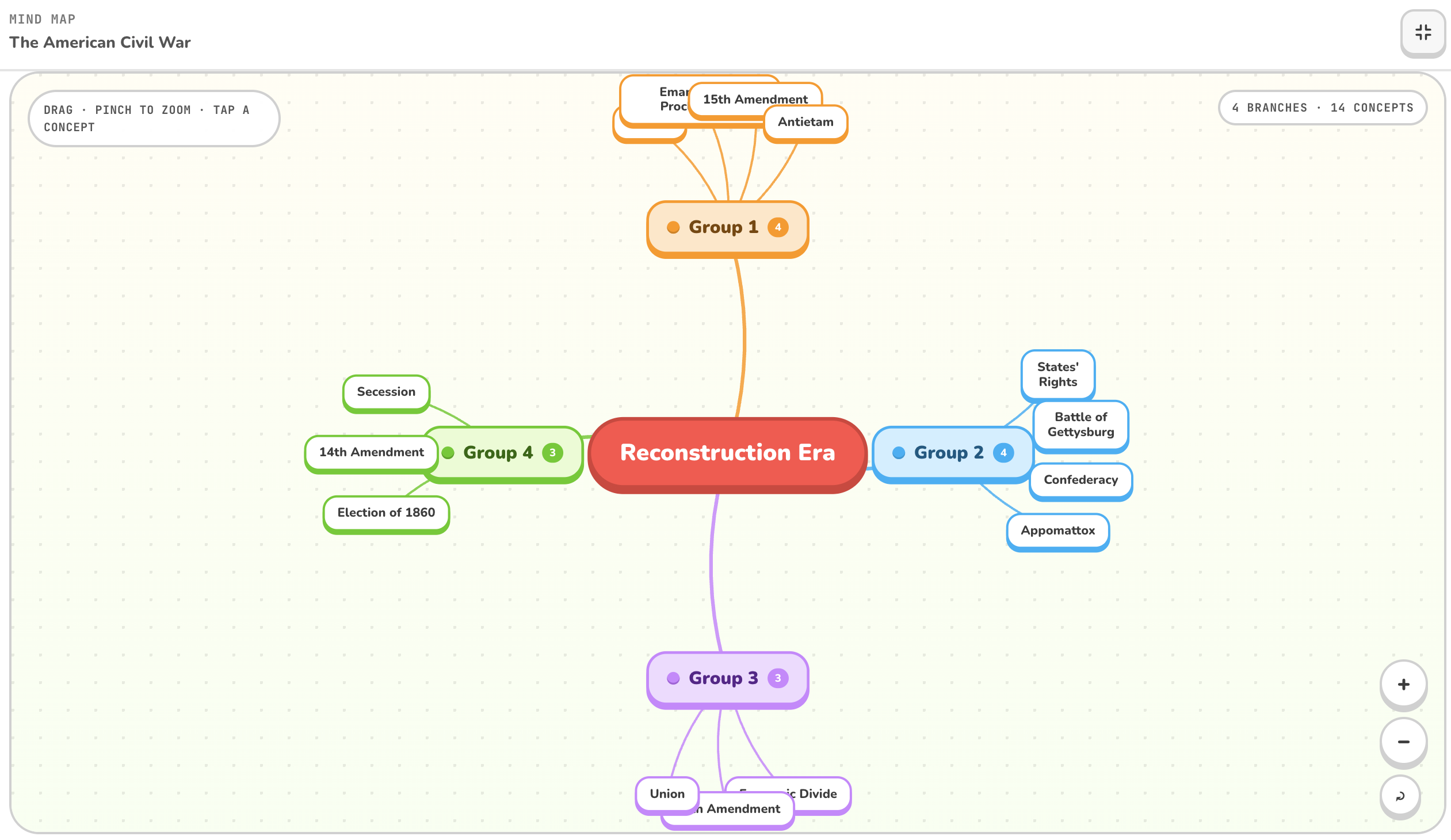
- An interactive concept map to see the big picture
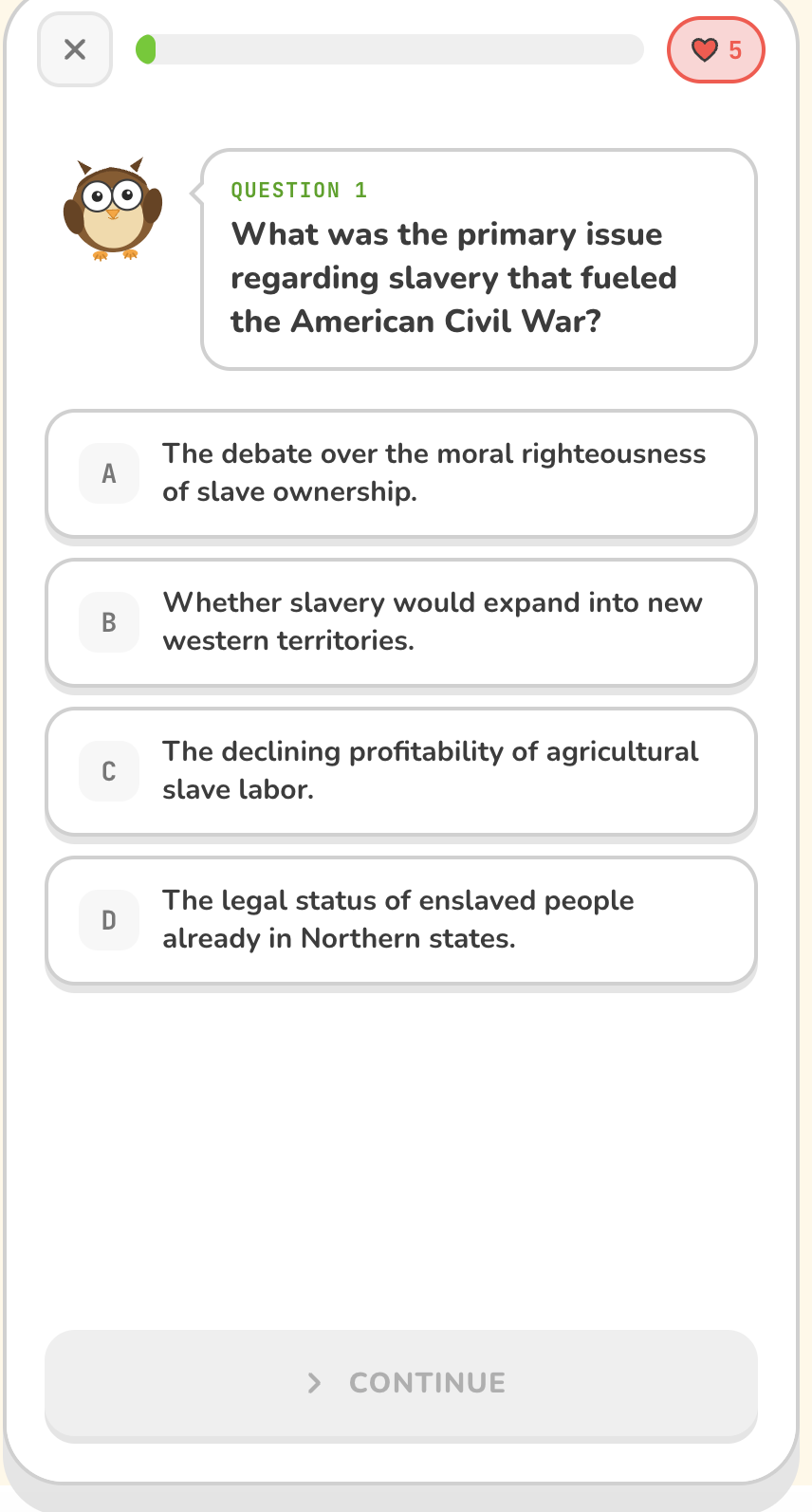
- A 10-question quiz built from your exact material — not generic questions
- Sage, an AI tutor that answers your follow-up questions in context
Just snap, and start learning.
How We Built It
The AI Brain
We use Google Gemini 2.5 Flash as the core AI. One of our favorite technical decisions was making a single structured AI call that returns both the study guide and quiz at the same time. This cuts the time and cost in half compared to making two separate calls. We use Pydantic schemas to make sure the AI always returns clean, predictable JSON — and if it doesn't, we automatically retry with the error appended to the prompt.
The Backend
The server is built with FastAPI (Python), backed by PostgreSQL. We use async programming throughout so multiple operations can happen at the same time — for example, while the AI is generating your study guide, we're also uploading your PDF to cloud storage in parallel. This shaves a couple of seconds off every request.
We also built automatic deduplication: if you upload the same page twice, the server detects it via a text hash and returns the cached result instantly — no extra AI call needed.
The Frontend
The client is a React + TypeScript app with a mobile-first design. Key features include:
- Native camera capture that works on iOS and Android
- Drag-and-drop page reordering before you submit
- 3D flip animations on flashcards with swipe navigation
- An interactive concept map powered by a force-directed graph library
- A chat drawer for the Sage AI tutor — grounded in your specific document, not general knowledge
Authentication
Users can study completely anonymously — no account needed. When they're ready to sign in with Google, all their previous documents automatically transfer to their account. No work is lost.
Type Safety Everywhere
The backend generates an OpenAPI schema that the frontend uses to auto-generate all its TypeScript types. This means there's one source of truth, and our CI pipeline catches any mismatch before it reaches production.
Challenges We Ran Into
Getting the AI output right was harder than expected. Gemini is powerful, but getting it to consistently return well-structured JSON with the right number of flashcards, properly formatted questions, and valid relationships for the concept map required careful prompt engineering, strict Pydantic validation, and automatic retry logic.
Handling authentication cookies across proxies was surprisingly tricky. When deployed behind a reverse proxy (like on Railway or Render), cookies need to correctly reflect the HTTPS protocol and production domain — not the internal HTTP hop. We had to add proxy-aware header handling to get Google OAuth working reliably in production.
Making the app fast on mobile took deliberate effort. We lazy-load the concept map component so it doesn't bloat the initial bundle. We run the AI call and the file upload concurrently. We cache all server state with TanStack Query. The result is an experience that feels snappy even on a slow mobile connection.
Accomplishments We're Proud Of
- One AI call, two outputs — study guide and quiz generated together, cutting cost and latency in half
- Concurrent I/O — file upload and AI generation happen at the same time using
asyncio.TaskGroup - Smart deduplication — duplicate uploads return cached results instantly
- Seamless anonymous → authenticated merging — your history follows you when you sign in
- OpenAPI → TypeScript bridge — one source of truth for all API types, enforced in CI
- Production-grade error handling — every failure mode (rate limits, bad OCR, AI validation errors, storage failures) has a clear, user-friendly message
What We Learned
This project taught us a lot about the practical side of building AI-powered apps:
- Structured outputs with Pydantic make AI integrations far more reliable than free-form text
- Async programming pays real dividends when you have multiple I/O operations happening at once
- The gap between "works locally" and "works in production" is often authentication and cookie handling
- Good UX for AI latency matters — a loading screen with clear messaging makes a 5-second wait feel acceptable
What's Next for PocketGuru
- Spaced repetition — track which flashcards you struggle with and surface them more often
- Study sessions — set a timer and let PocketGuru build a focused session from multiple documents
- Shared decks — let students share their study guides with classmates
- Export to Anki — for power users who want their flashcards in a dedicated tool
- Voice mode for Sage — speak your question, hear the answer (great for studying on the go)
Try It Out
Upload a page from any textbook, your class notes, or even a screenshot of a slide deck — and let PocketGuru do the rest. We think studying should feel less like a chore and more like a conversation.


Log in or sign up for Devpost to join the conversation.