-
-

logo
-

Start
-
step 1
-
step 2
-
step 4 infant
-
step 4 adult
-
-
step 5
-
step 6
-
instructions


Inspiration
PocketCPR was inspired by free online first aid resources, many of which include all sorts of injuries such as burns, choking, and bruising. However, in the face of a crisis, it can be hard to find the right information and it's easy to be overwhelmed. Having an application that could quickly provide the help users needed could save lives and drastically decrease panic. We decided to focus our idea to one type of first aid, CPR, in order for the application to deliver instructions quickly and allow users to receive the guidance they need instantly.
What it does
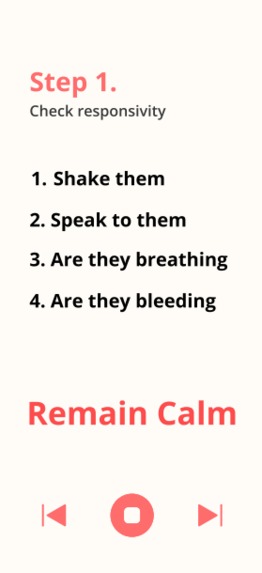
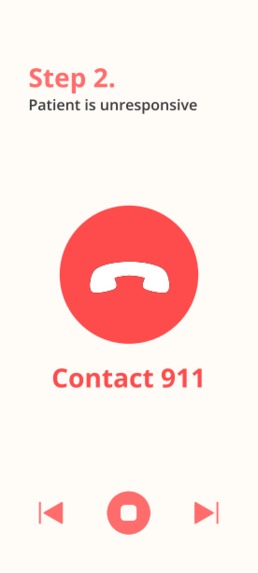
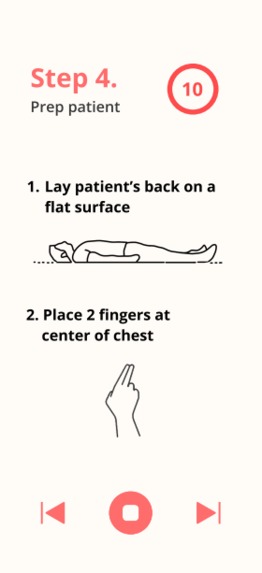
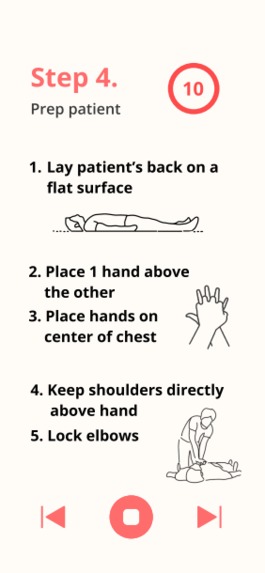
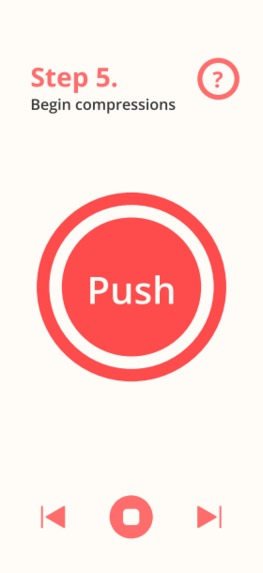
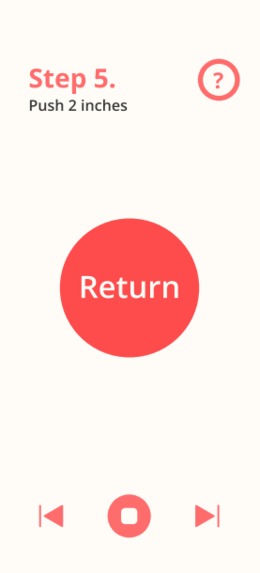
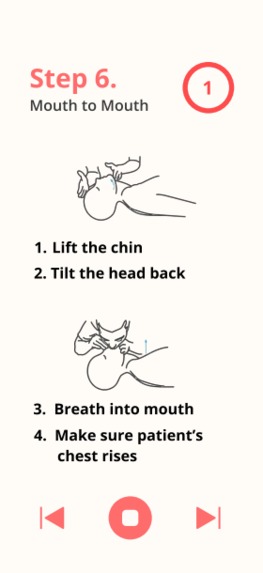
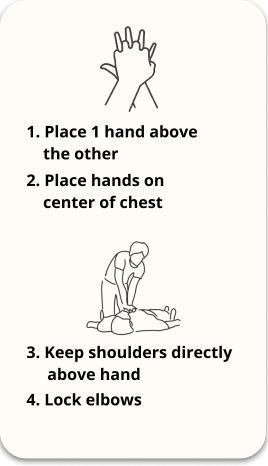
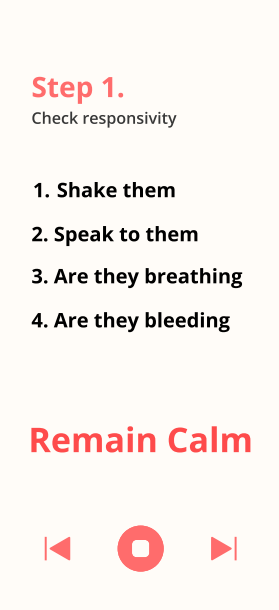
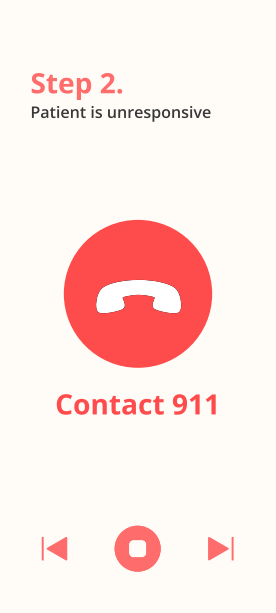
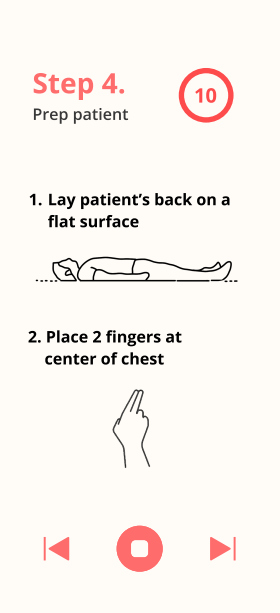
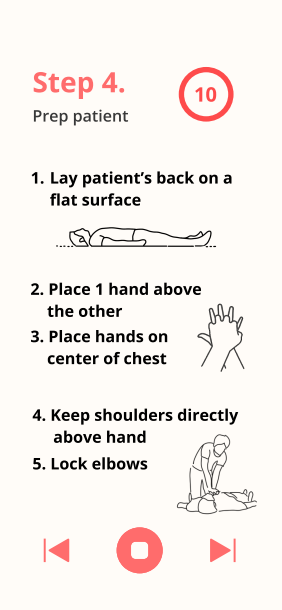
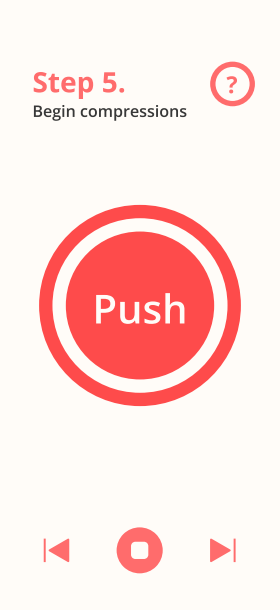
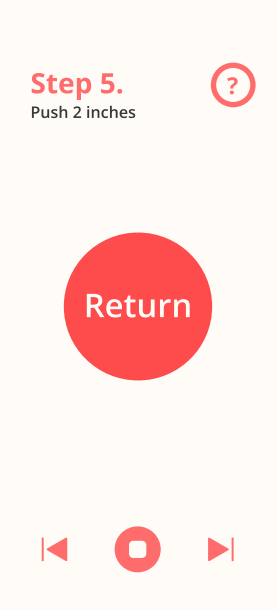
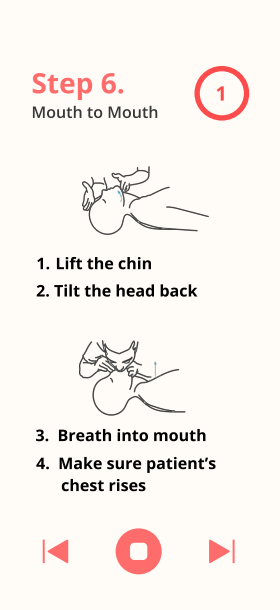
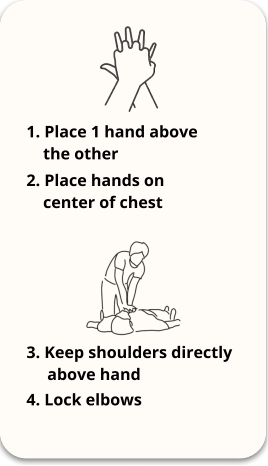
Recognizing that anyone who might use PocketCPR would be in the midst of an emergency, the actual process of first aid begins as soon as the application is open. In step 1, the application directs the user to check the responsiveness of the patient to ensure the patient is in need of CPR. Step 2 is to contact help. Once the user has confirmed the status of the patient, 911 must be contacted. To streamline this process, and to avoid wasting time switching apps, the applications contains a button that, when pressed, automatically calls 911. After 911 has been contacted, the application begins to guide the user through CPR. The user will be prompted to choose whether the patient is an infant, child, or adult, and based on this response, the application will accordingly show proper form and directions. From this point and onwards, the application is automated. (For presentation purposes, the automation is slower than reality.) After displaying proper form and directions, the application directs the user to begin compressions. The app will count down 30 compressions at a rate of 100 BPM so that the user can focus on the compressions while following the rhythm of the app. Once the 30 compressions are complete, the app will direct the user through mouth to mouth. Once again, it displays the proper technique and is automated. The application will automate 2 breaths and return back to the compressions. The application is designed to repeat until the user ends it which signifies help arrived.
How we built it
The interfaces of the application were made through Figma, while the logo and graphics were made through Photoshop.
Challenges we ran into
From a design perspective, we ran into layout problems where the interface had to be as straightforward as possible in order for users to not get confused with all the text in action. We also wanted to keep the layout static without scrolling so everything needed to be displayed was shown. By adding images and removing any unnecessary text, we were able to show what was needed clearly without removing important information.
We also faced real life experience complications with the application. For example, if the users hands were set to compress, they would not be able to progress the application which led us to make half the application automated. However, with it being automated the timing of the compressions could become unmatched. We solved this problem through a back button with an automated service so if users would like to reverse or pause, they are able to.
Accomplishments that we're proud of
We're proud of our finished result, and that we managed to account for both a pleasing interface and a functional idea that would help someone who needs to conduct CPR.
What we learned
As a group of beginner hackers, throughout the creation of this project, we learned how to plan and execute a project, as well as manage the logistics of final submissions, presentations, and deadlines.
What's next for PocketCPR
We hope to take PocketCPR to the next level by creating a functional app based on this design prototype. While our team could not finish a physical app during the time constraint of this hackathon, we hope to continue to work on it and make it a reality -- hopefully improving on features and creating a smoother user experience while doing so.
Built With
- adobe
- aftereffects
- figma
- photoshop


Log in or sign up for Devpost to join the conversation.