-
-
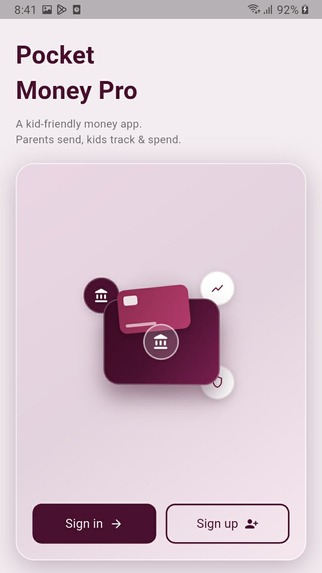
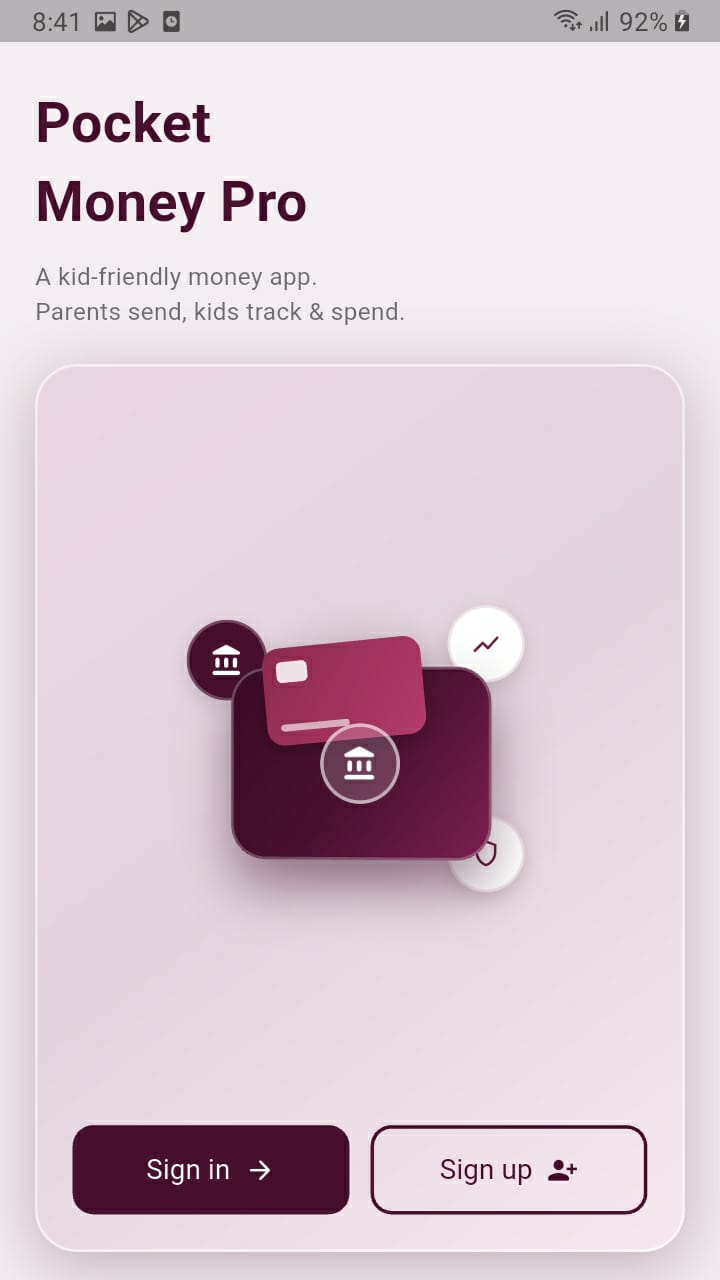
Main page (sign up and sign in)
-
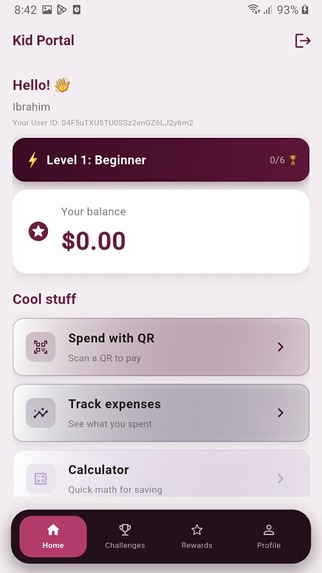
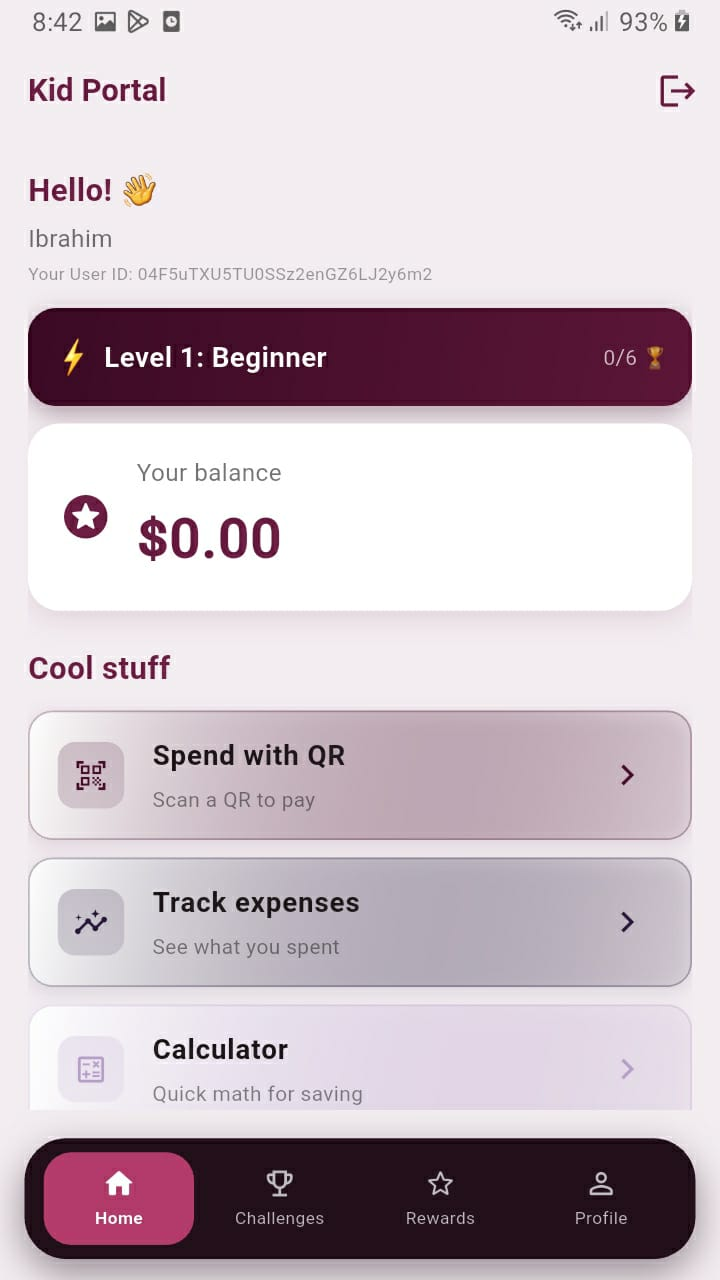
Kid's Portal View
-
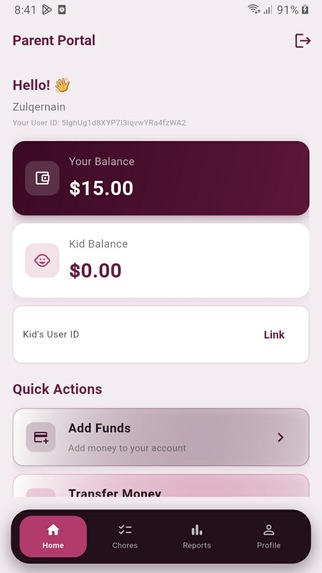
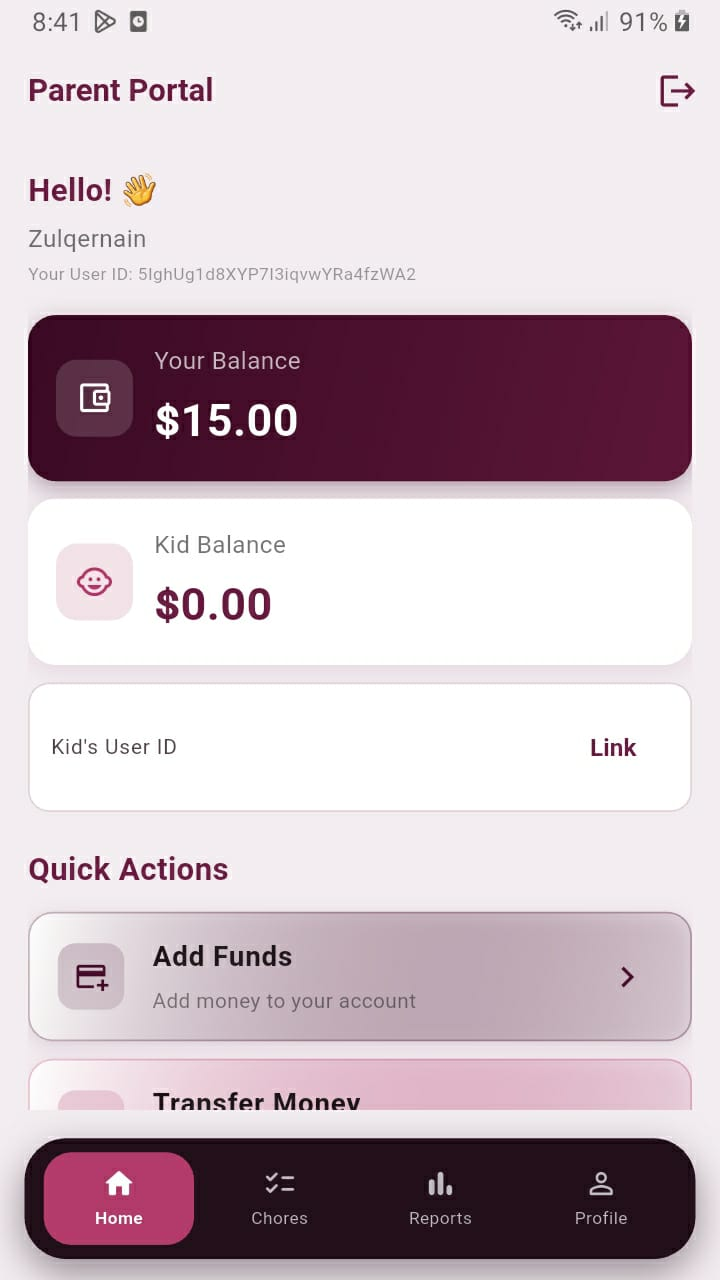
Parent's Portal View
-
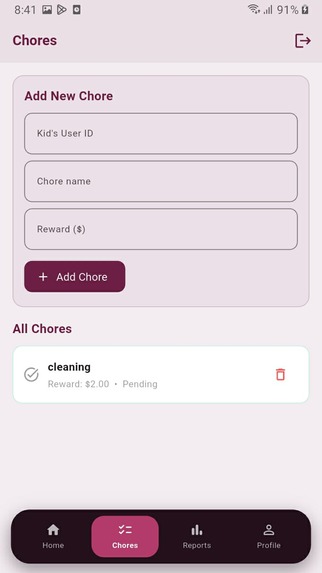
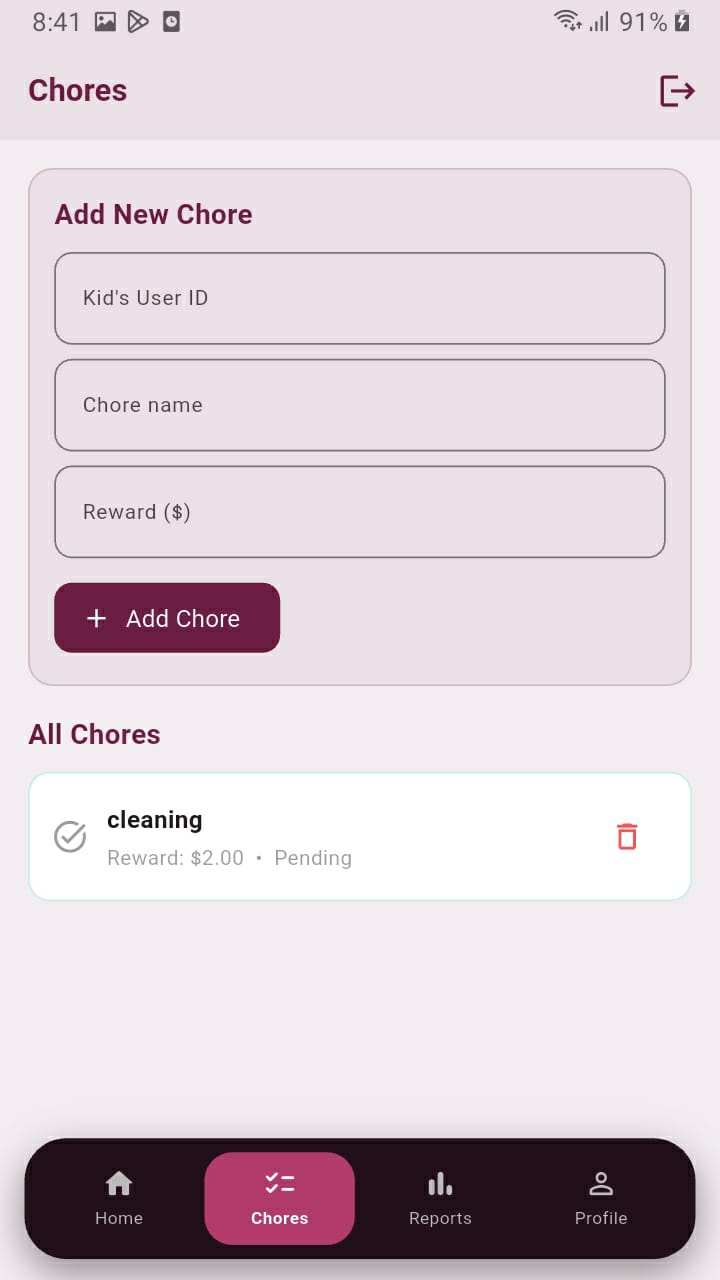
Parent's add chores for kid with payment option
-
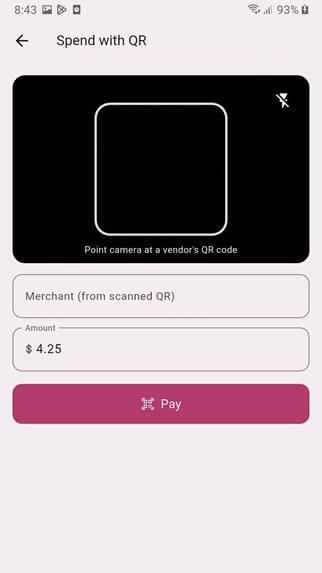
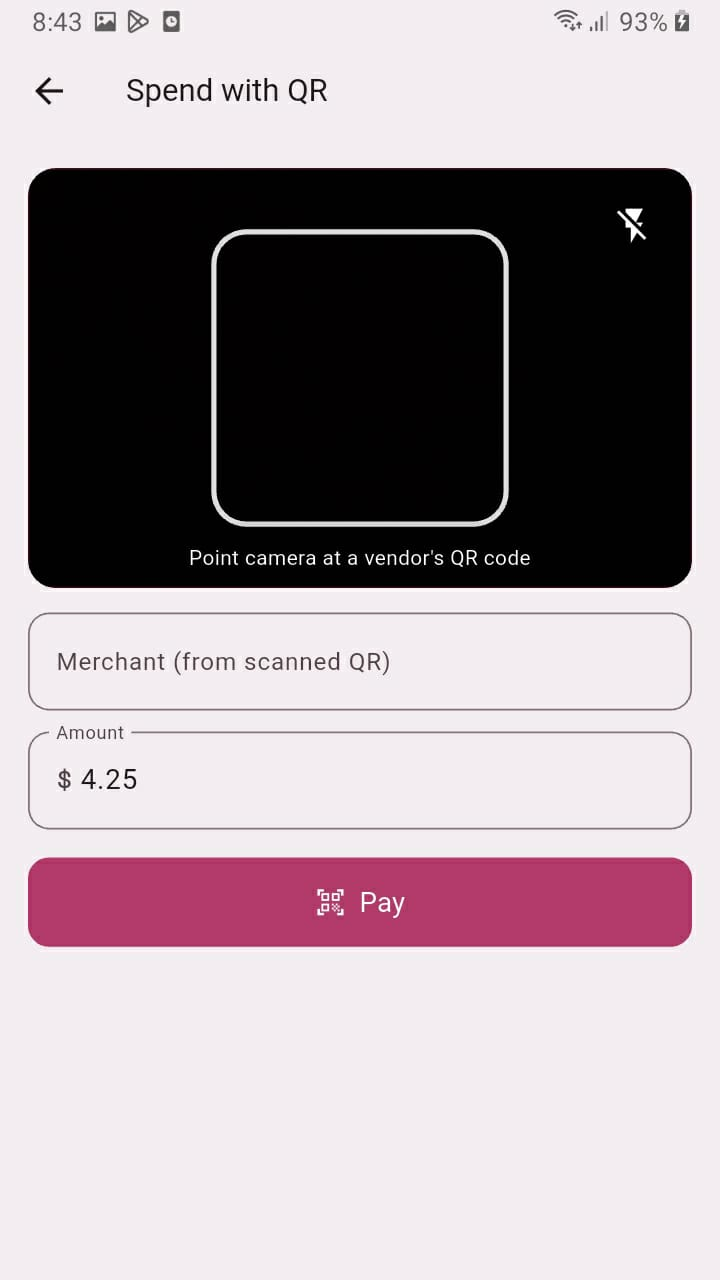
Scan with QR code in kid's portal (only registered qr codes)
-
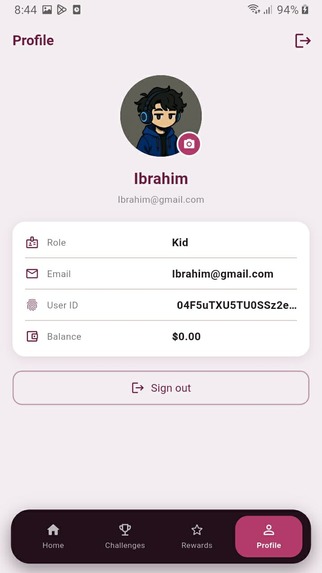
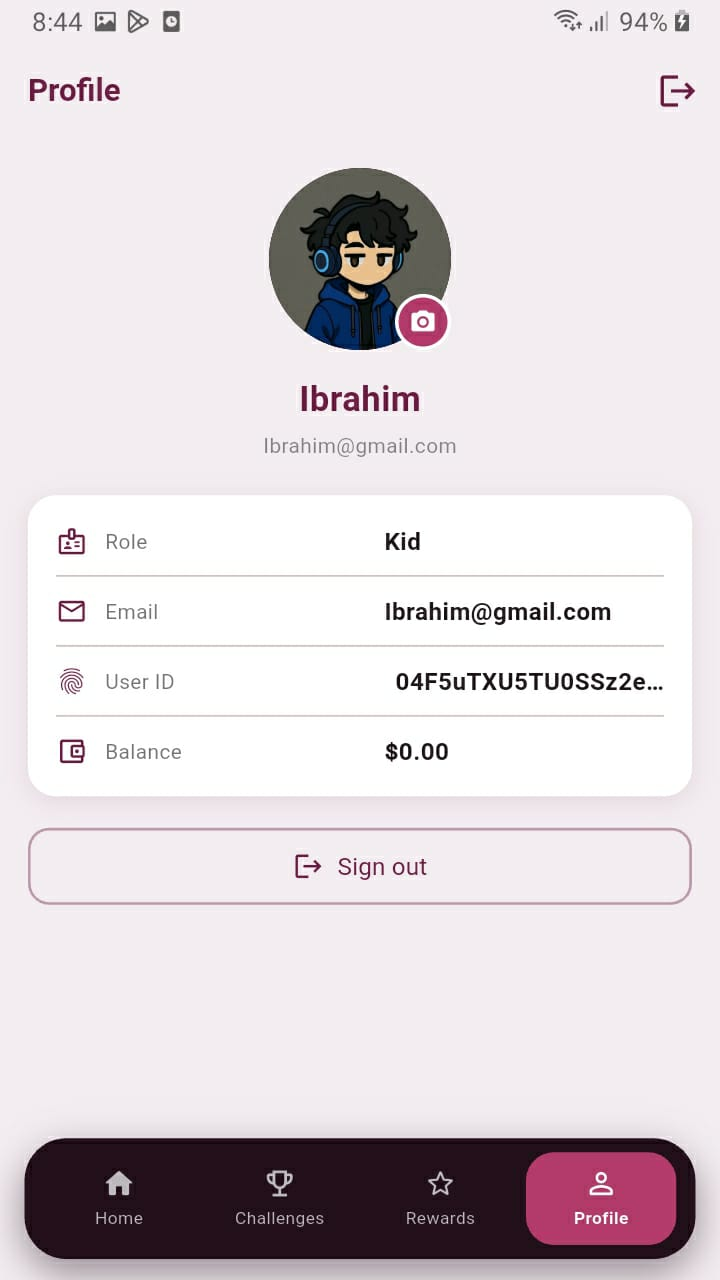
Change profile options for both portals
-

Scan this QR for confirmation of payment (registered)
-

Scan this QR for confirmation of payment (registered)
-

Scan this QR for confirmation of payment (registered)



Inspiration
Managing pocket money in most families is still done the old-fashioned way — cash handed over, mental notes, or a notebook that never gets updated. As students learning full-stack development, we wanted to solve a problem we could relate to personally: how do parents and kids keep track of allowances, spending, and savings goals in a way that's transparent for everyone? That question became the starting point for Pocket Money Pro — an app where parents and children each get their own account, and money management becomes a shared, visible process instead of a guessing game.
What it does
Pocket Money Pro is a full-stack pocket money management app built for families.
- Parent & Child Accounts — separate roles and views, so parents and kids see exactly what's relevant to them.
- Account Linking — a parent can link to one or more child accounts to manage their pocket money in one place.
- Allowance & Expense Tracking — every transaction (allowance added, money spent) is logged and synced in real time, so balances are always accurate across devices.
- Wishlist System — kids can add items they want to their wishlist, and parents can review and approve or decline requests based on the child's available balance.
- Secure Authentication — sign-up and sign-in are handled through Firebase Authentication.
How we built it
We split the project into two collaborating parts:
- Frontend: Built with Flutter (Dart), giving us a single codebase for Android and iOS, with real-time UI updates as data changes.
- Backend: Built with Node.js and Express, handling secure server-side operations — particularly Firebase Admin actions that shouldn't run directly from the client.
- Database & Auth: Firebase Firestore powers real-time data sync between parent and child accounts, while Firebase Authentication manages secure sign-up/sign-in for both roles.
The two of us divided the work by layer: one focused entirely on the Flutter frontend and app experience, while the other built out the Node.js/Express backend and Firebase integration. This let us work in parallel and merge our pieces once the API contracts were defined.
Challenges we ran into
- Keeping data in sync in real time between a parent's view and their child's view without conflicts or stale balances.
- Designing the wishlist approval flow so that a child's request is checked against their actual available balance before a parent can approve it.
- Coordinating frontend and backend work as two contributors working on different stacks (Flutter vs. Node.js/Express) and making sure our data models matched up cleanly.
- Securing Firebase credentials properly — making sure service account keys and environment variables never ended up committed to version control.
Accomplishments that we're proud of
- Successfully building a working full-stack app end-to-end: Flutter frontend, Node.js/Express backend, and Firebase for auth and real-time data.
- Getting parent-child account linking and real-time balance syncing working smoothly.
- Designing a wishlist approval flow that ties directly into real account balances rather than being a static list.
- Deploying the backend live on Railway with automatic redeploys on every push to
main.
What we learned
- How to structure a real-time, multi-role app (parent vs. child) using Firebase Firestore.
- Practical experience securing sensitive credentials (service account keys, environment variables) in a full-stack project.
- How to divide and coordinate work across a Flutter frontend and a Node.js/Express backend as a two-person team.
- Deployment workflows for Node.js backends using Railway, including managing environment variables and service account JSON in a hosted environment.
What's next for Pocket Money Pro
- Adding savings goals and progress tracking alongside the wishlist system.
- Push notifications for parents when a child submits a new wishlist request or spends money.
- Analytics/insights for parents on their child's spending habits over time.
- Polishing and publishing the app to the Play Store and App Store for broader use.

Log in or sign up for Devpost to join the conversation.