

Inspiration
The Atlassian Connect framework greatly simplifies and unifies developing add-ons for JIRA Cloud. Unfortunately, plugins for JIRA Server still requires a considerably large amount of inconsistent boilerplate source code on both front-end and back-end sides. This is currently an obstruction in maintaining equal supports for both JIRA Cloud add-ons and JIRA Server plugins, let alone delivering the same user experience on both JIRA environments. We believe that the problem can be solved elegantly if JIRA Server plugins can be generated automatically from their JIRA Cloud counterpart.
What it does
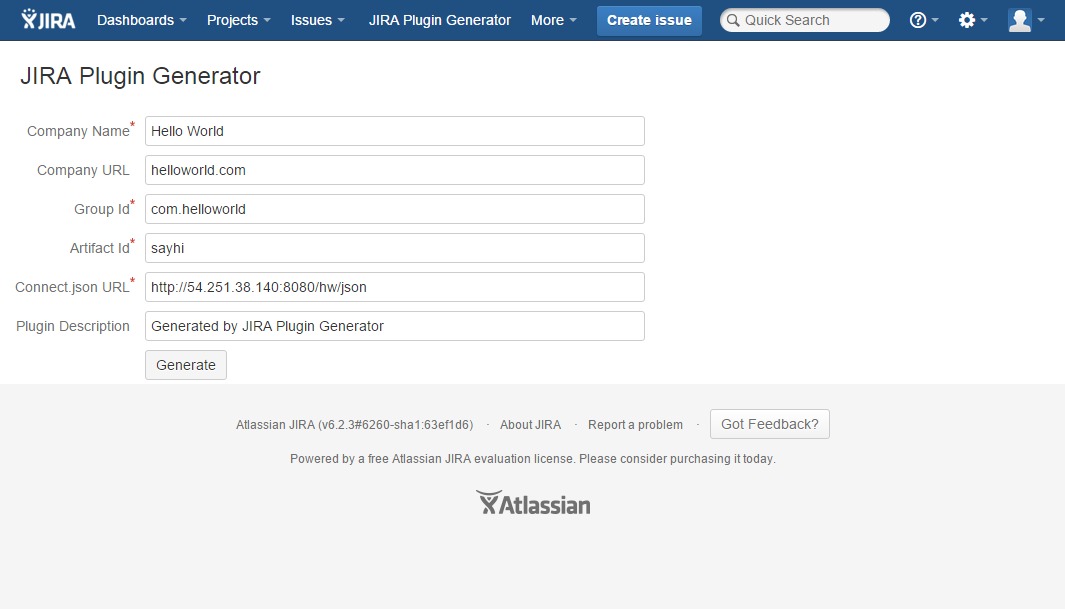
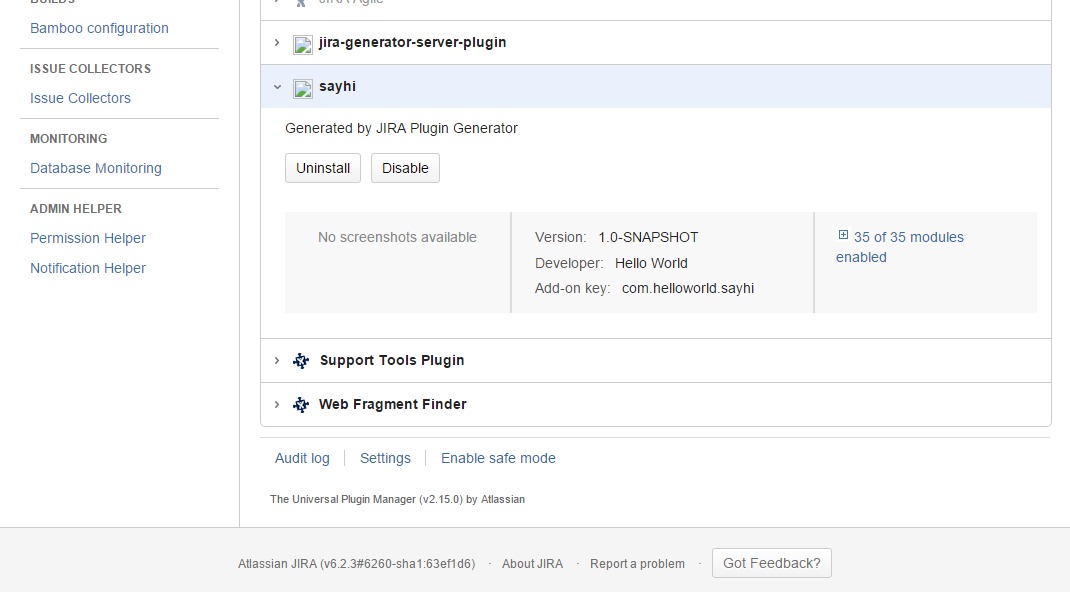
This plugin generates a JIRA Server plugin from a provided Atlassian Connect add-on's descriptor and other information including package name and artifact name. The newly generated plugin will communicate with the remote server just the same way as the Atlassian Connect add-on, and will provide the same JavaScript and REST API facilities in order to minimize the amount of adjustment on the remote server's source code.
How to use it
We knew about this hackathon three weeks ago, and did not make enough time to register our plugins to Atlassian Marketplace. We provide several alternative ways for you to try out this plugin:
JIRA Server plugin:
Or you can just go right here and generate your plugin:
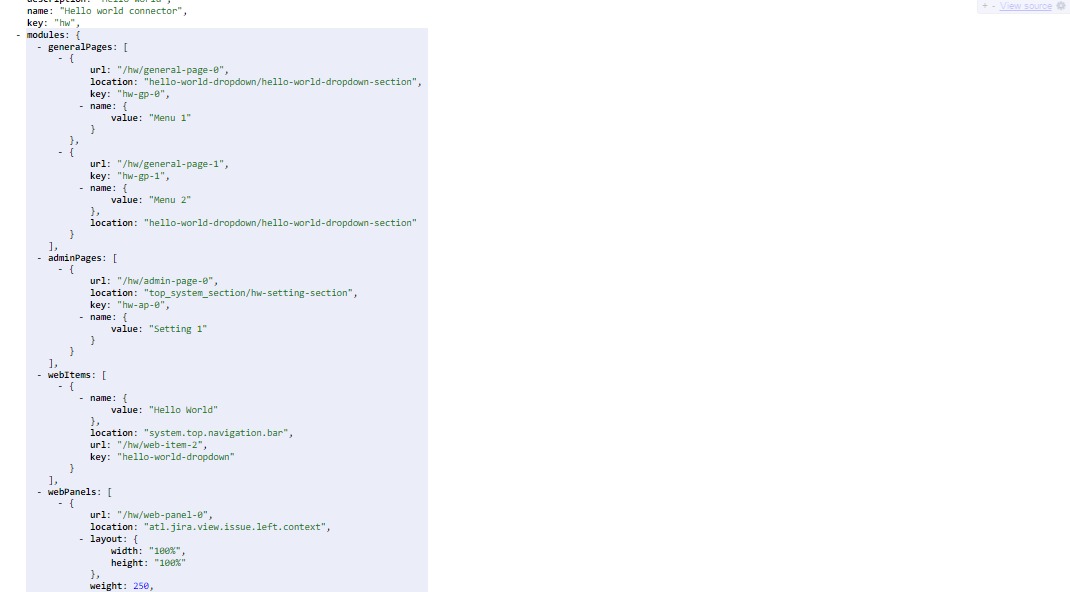
Sample Atlassian Connect add-on for you to try the generator:
Notice
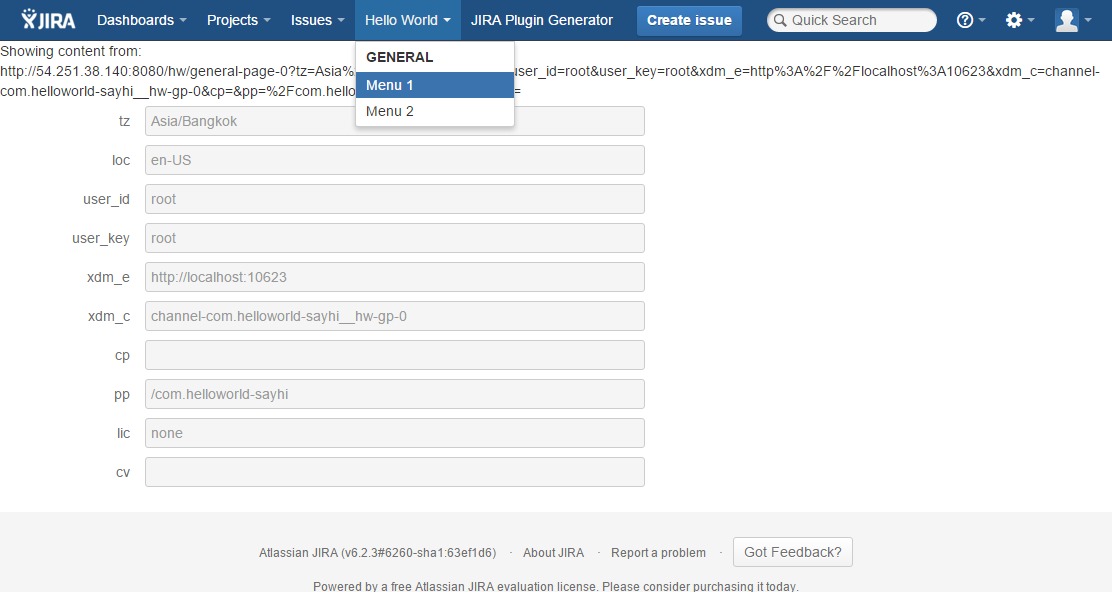
We include a request parameter pp (plugin path, that is <group_id>-<artifact_id>) in all callback URL. The base URL for all requests became xdm_e + cp + pp. Hence,
Atlassian Connect add-on REST's base URL
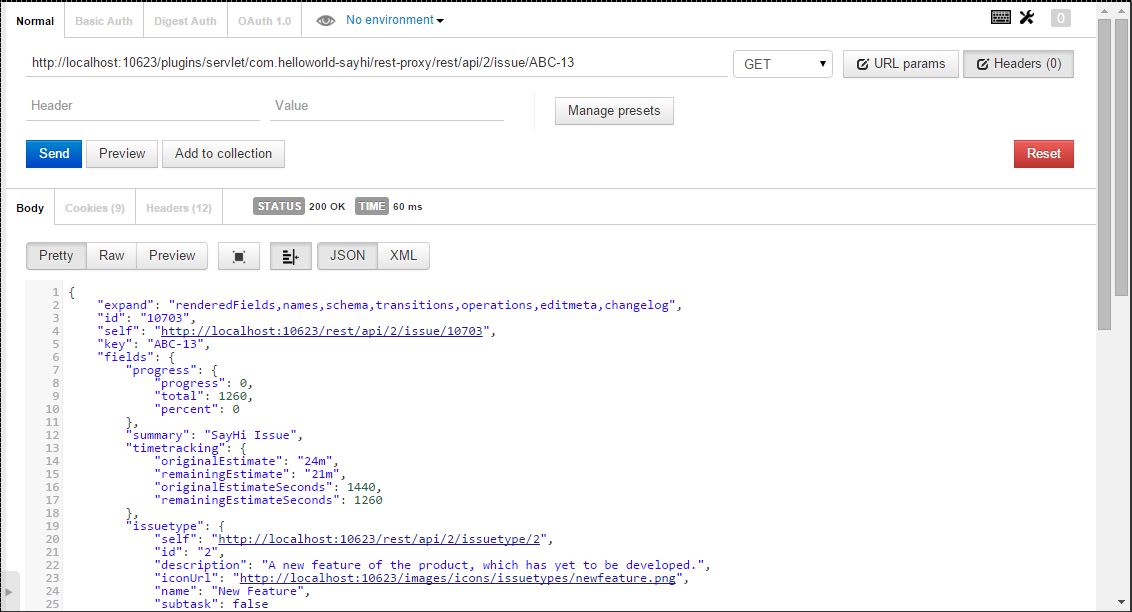
https://company.atlassian.net/rest/api/2/<resource>becomeshttps://company.com/plugins/servlet/plugin_path/rest-proxy/rest/api/2/<resource>.Atlassian Connect add-on JavaScript URL
https://company.atlassian.net/atlassian-connect/all.jsbecomeshttps://company.com/plugin_path/all.js.
Limitations
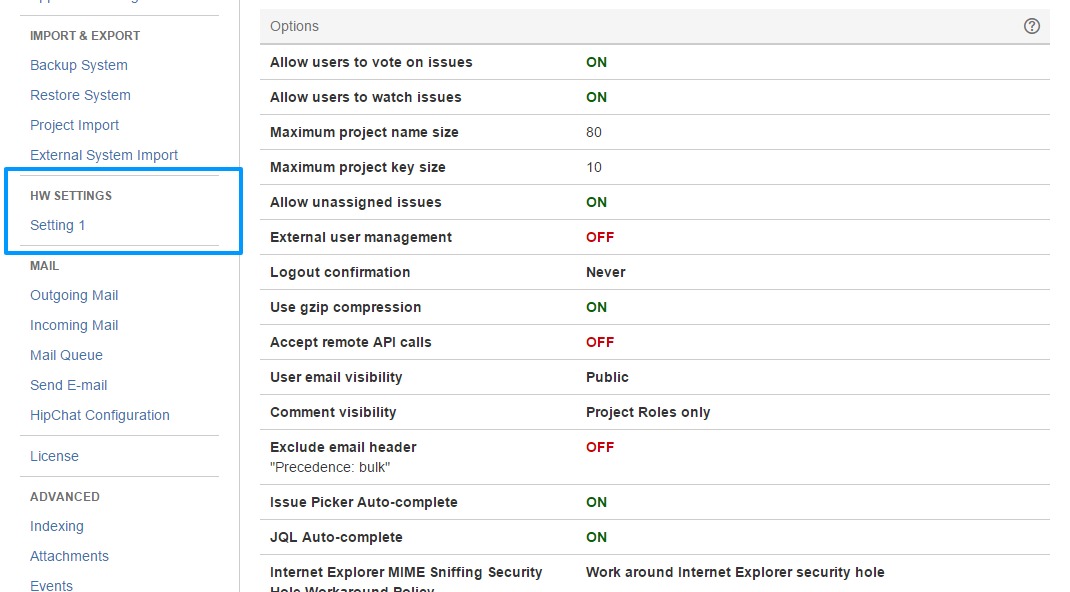
For web fragments, we only support Web Item, Web Panel, Web Section, Admin Page, and General Page. Context parameters are supported for Web Item. The JWT information is send to the remote server upon installation, but we haven't used it for REST API authentication.
How I built it
We follow the same approach as Atlassian Connect framework, that is, showing plugin's contents inside iframes. This project consists of two components - a plugin template, and a generator.
The generator simply inserts into the JIRA Server plugin's descriptor locations of web fragments declared in Atlassian Connect add-on descriptor. It also replace various placeholders with real information, like artifact ID and package name for Java source code.
For plugin template, the descriptor contains the declaration of all web fragments. When a web fragment being displayed, the renderers consult information provided in the Atlassian Connect add-on's descriptor to inject the corresponding iframe. We leverage Atlassian Connect's JavaScript to provide the same API for communication between the iframe and the host UI, so that developers do not have to update their client-side logic. The plugin template also provide a servlet that forward REST API calls to /rest/api/2 endpoint. This servlet act as a proxy that authenticates the requests using JWT token, and authenticate itself with Java using a JIRA administrator account.
Challenges I ran into
We had to study the underlying design of Atlassian Connect framework. We also have to master the JIRA Server plugin framework to provide as much as possible the facilities that Atlassian Connect provides for developers.
Accomplishments that I'm proud of
We are happy to see that the idea works. At our company, we had built two add-ons for JIRA Cloud, and will have to build more. This plugin generator will significantly reduce our efforts and seamlessly provide the same user experience for both JIRA environments.
What I learned
We learned a lot about Atlassian Connect framework and the JIRA Server plugin framework.
What's next for Plugin generator from Atlassian Connect to JIRA Server
We will continuously improve the plugin generator until it fully supports features provided by Atlassian Connect framework.
Built With
- atlassian-connect
- java
- javascript
- jira-plugin-sdk


Log in or sign up for Devpost to join the conversation.