-
-
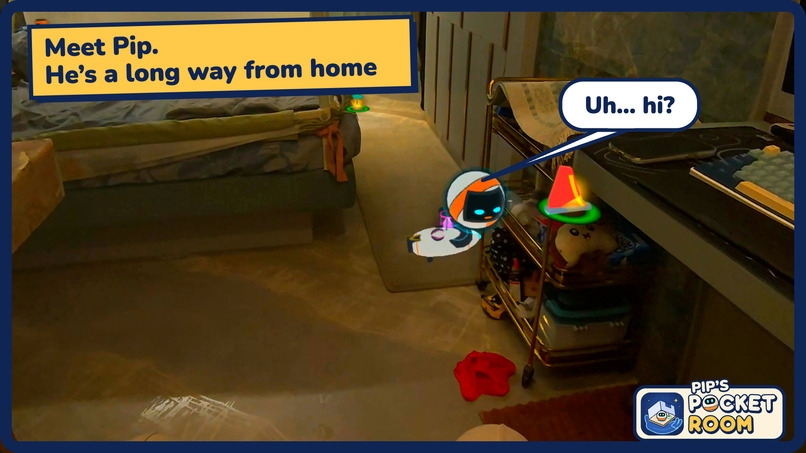
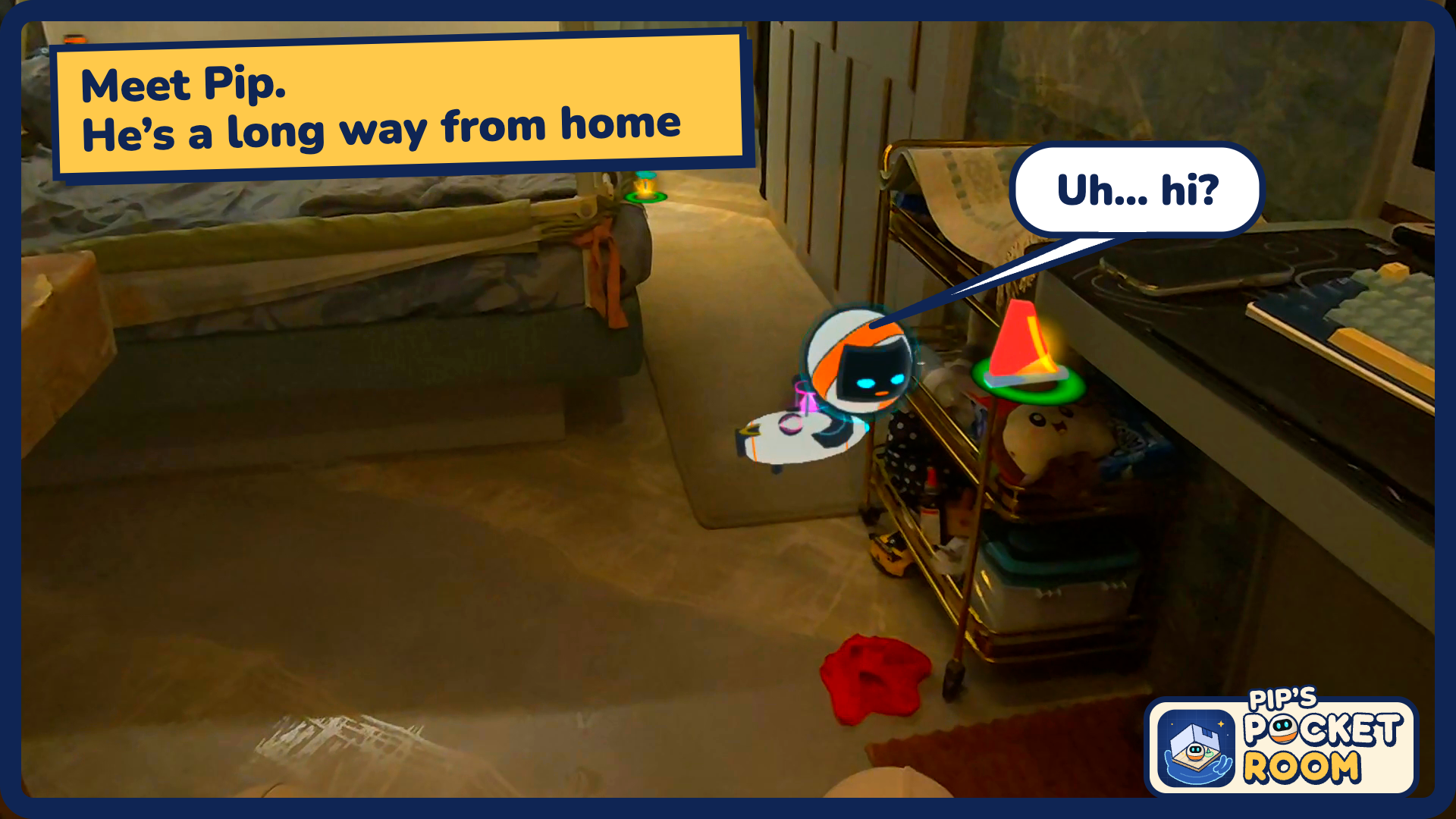
Meet Pip. He's a long way from home
-
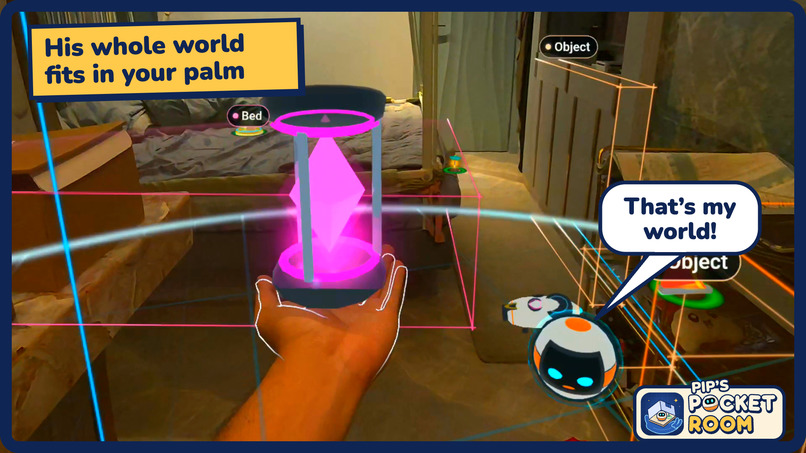
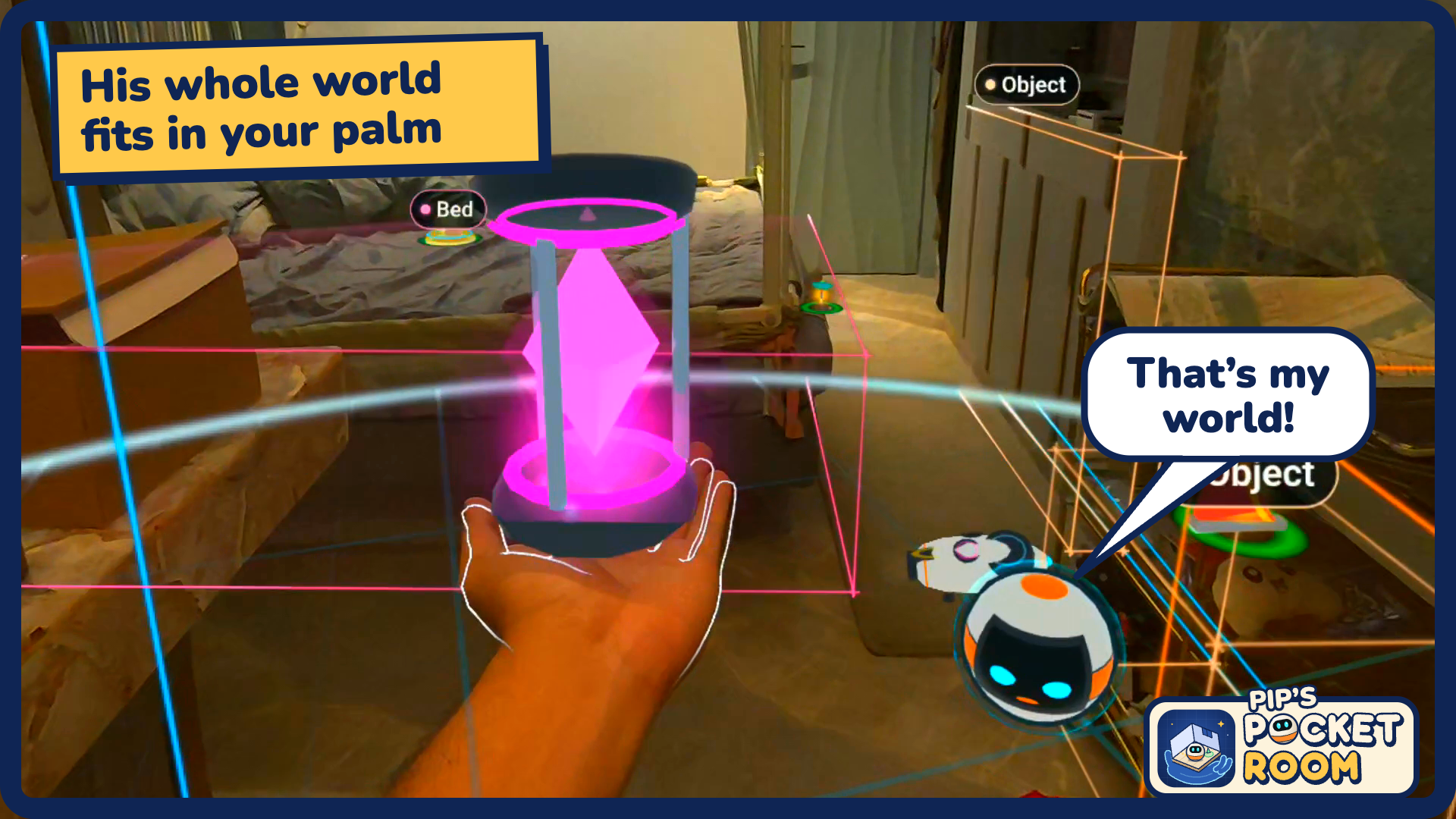
His whole world fits in your palm
-
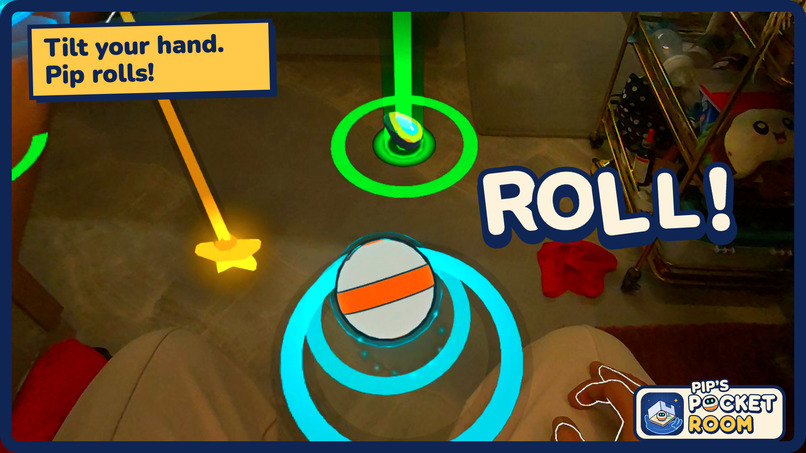
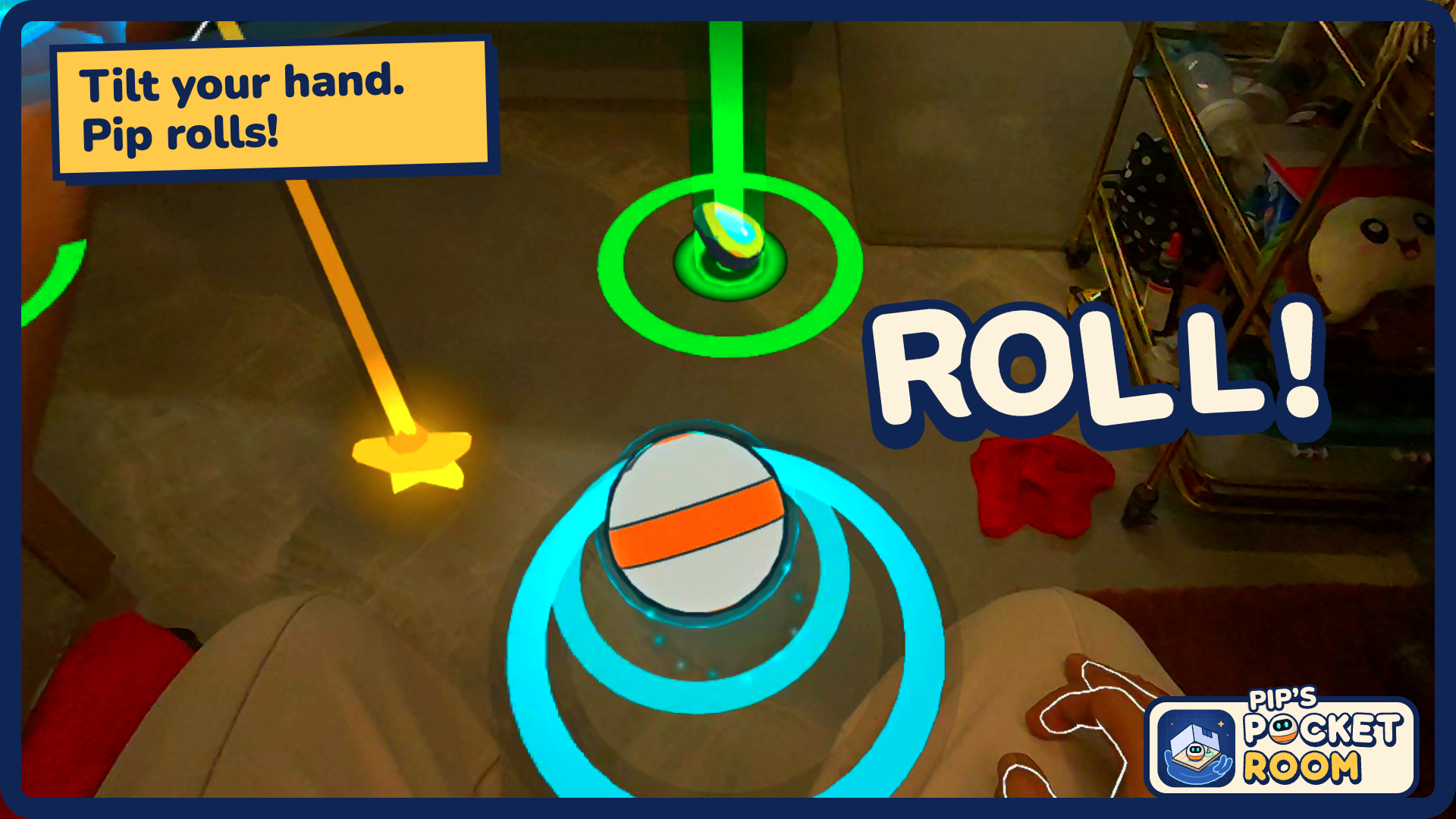
Tilt your hand. Pip rolls!
-
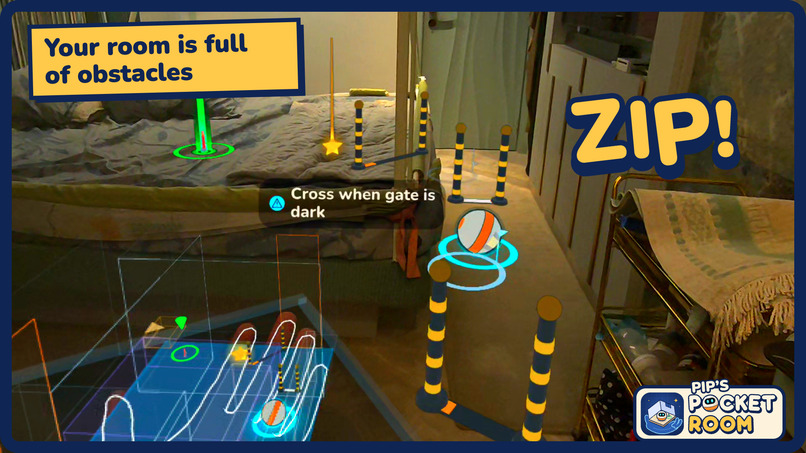
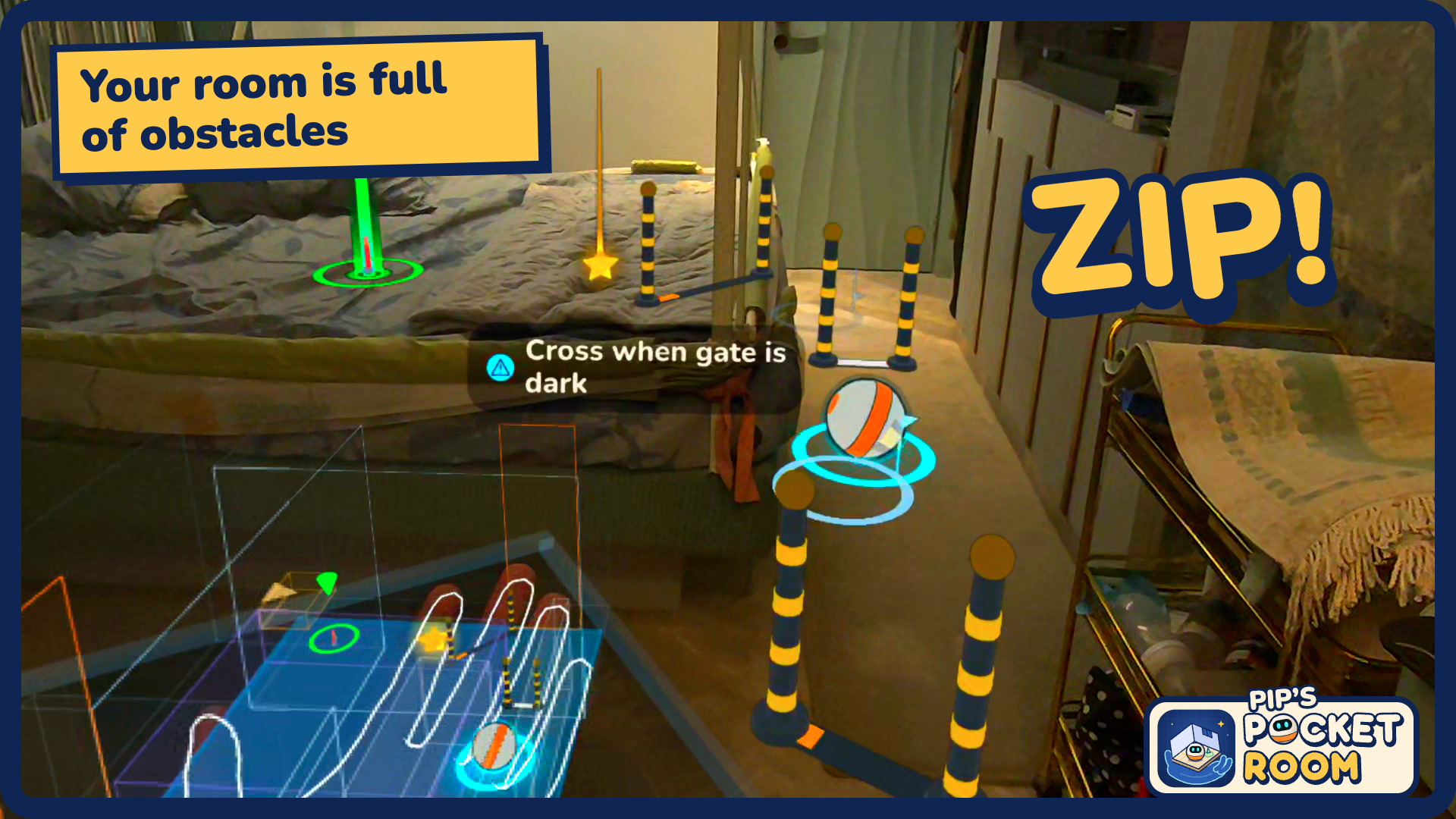
Your room is full of obstacles
-
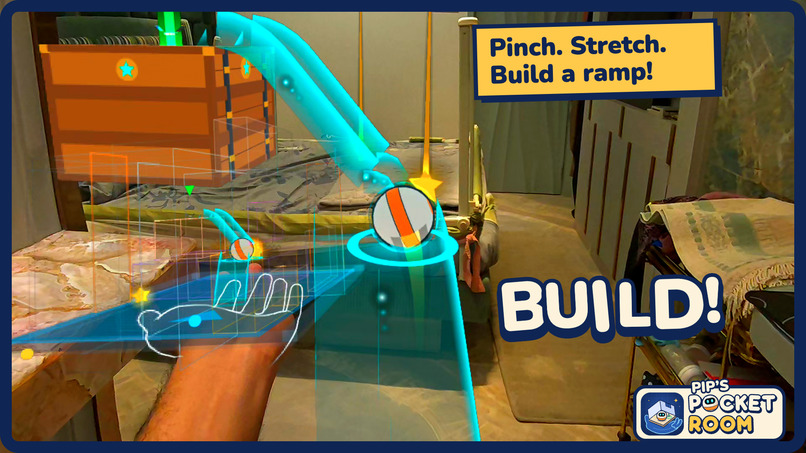
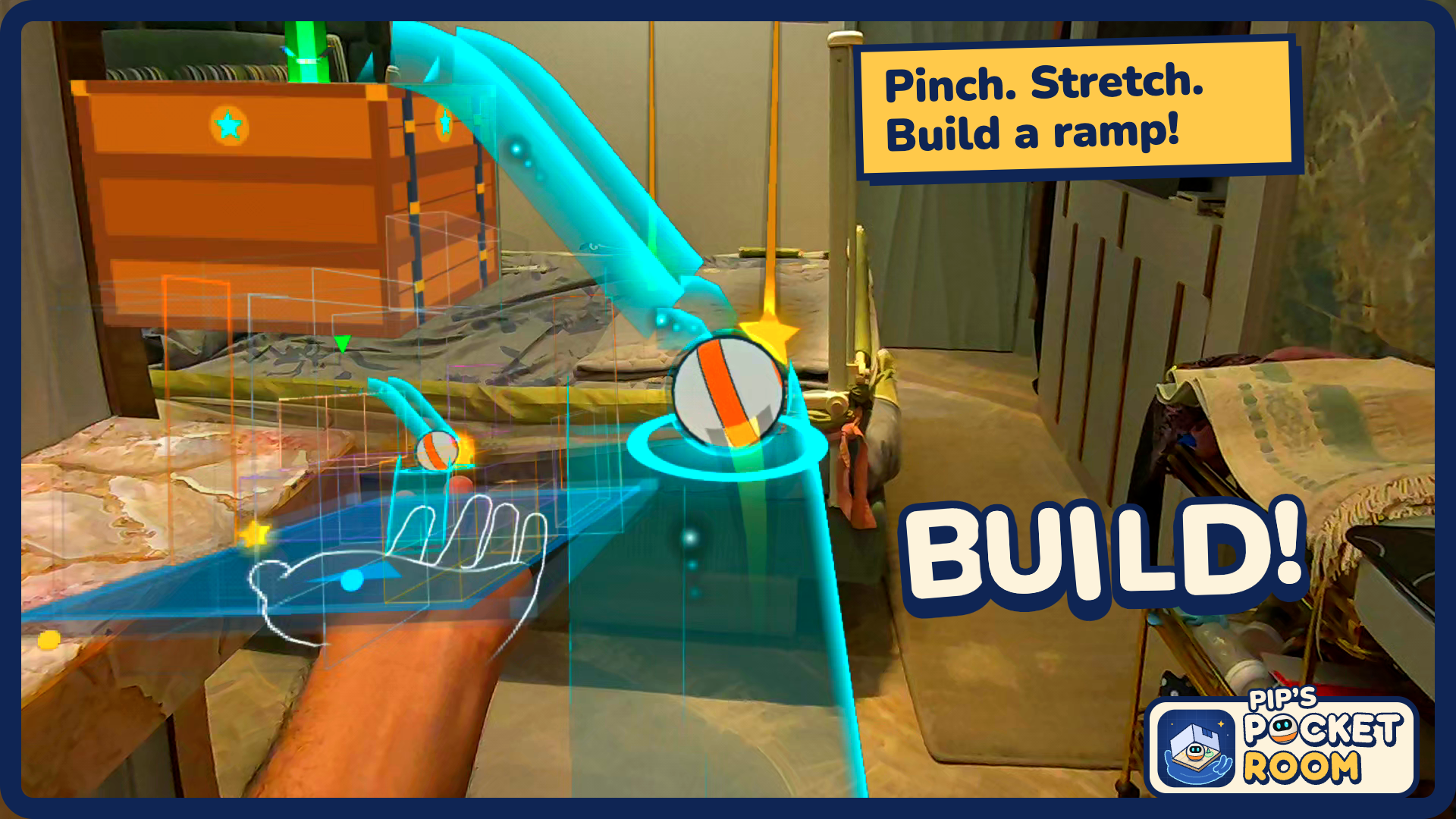
Pinch. Stretch. Build a ramp!
-
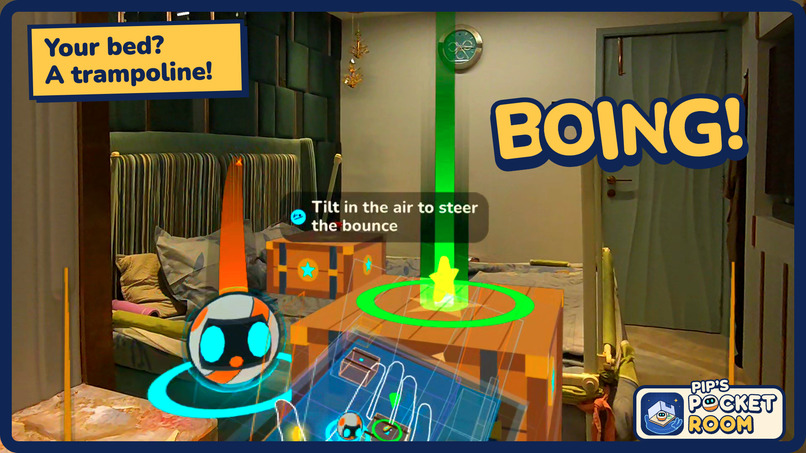
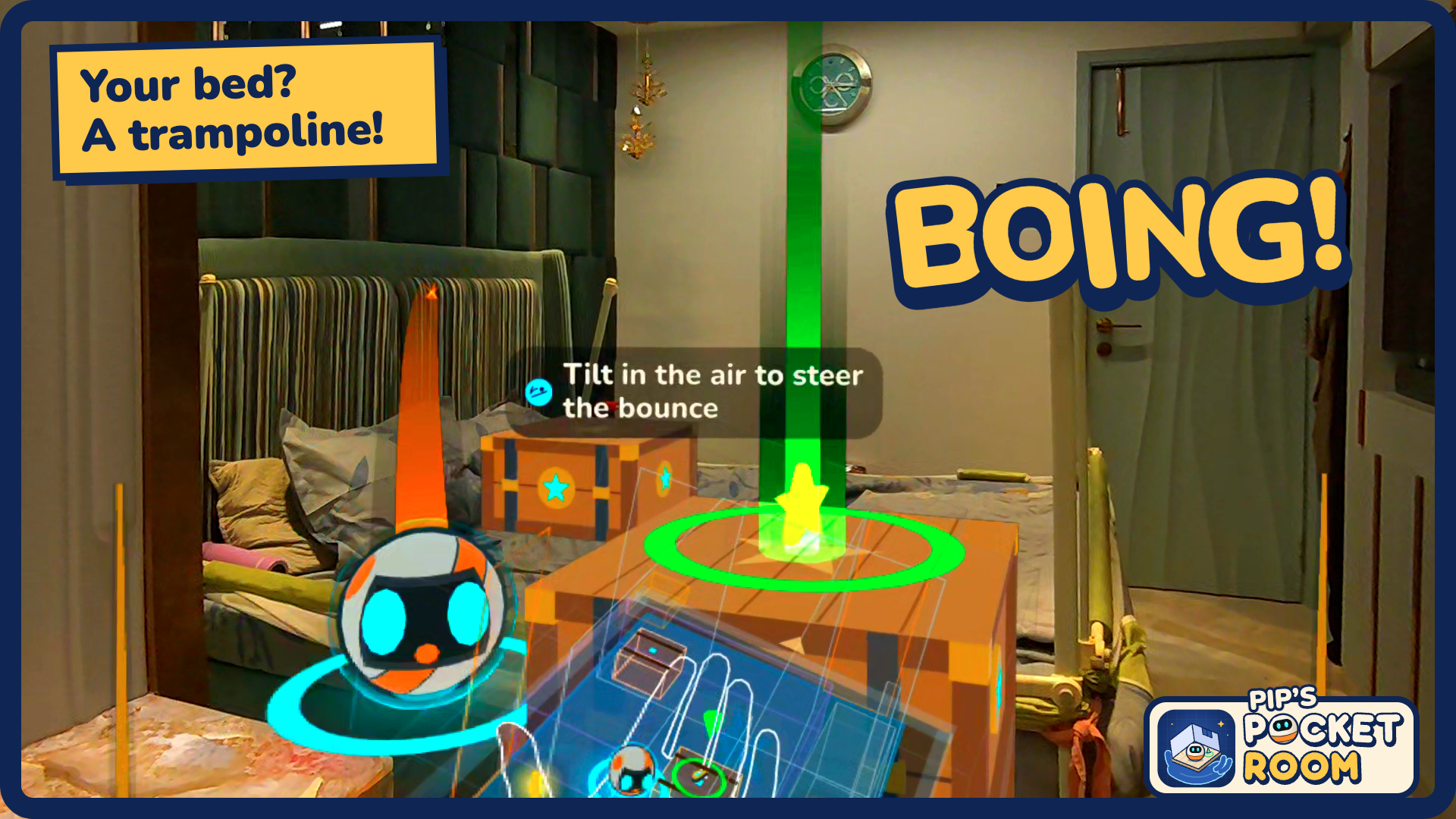
Your bed? A trampoline!
-
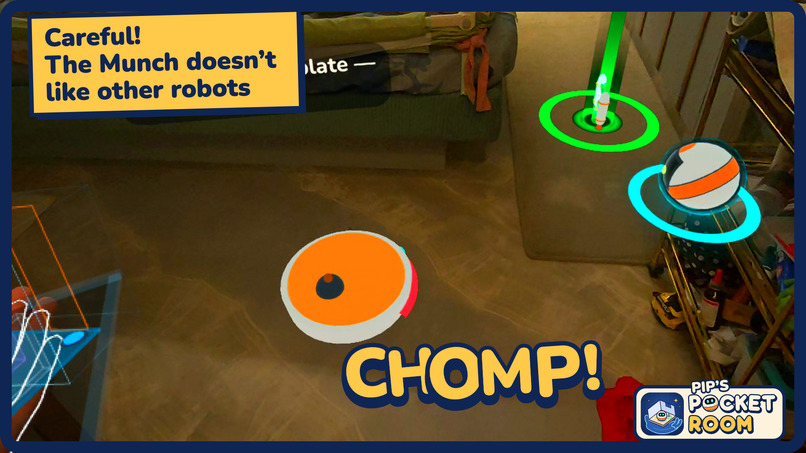
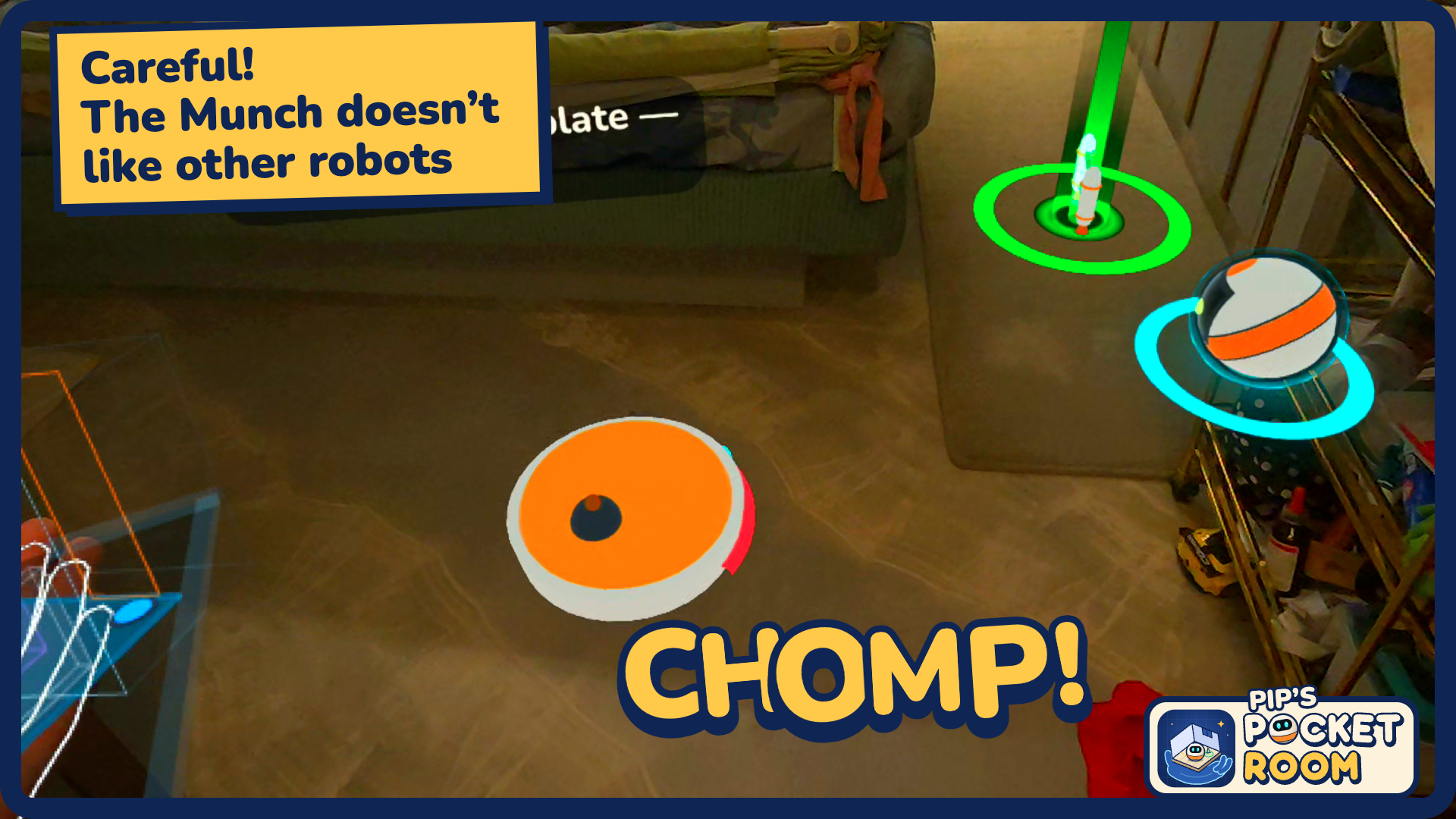
Careful! The Munch doesn't like other robots
-
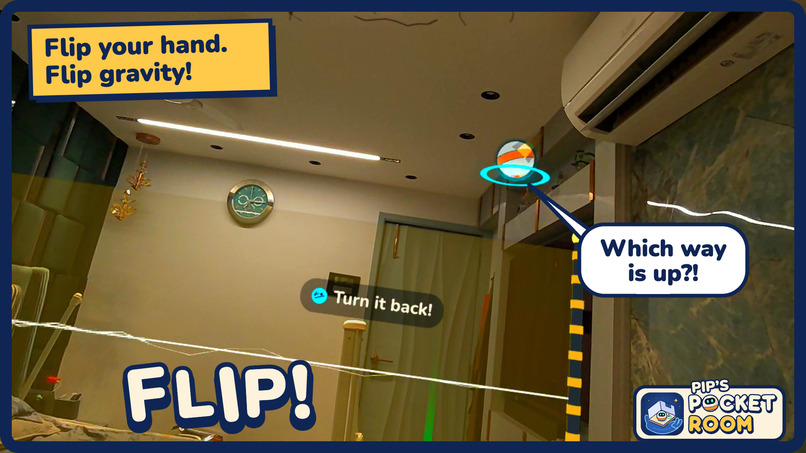
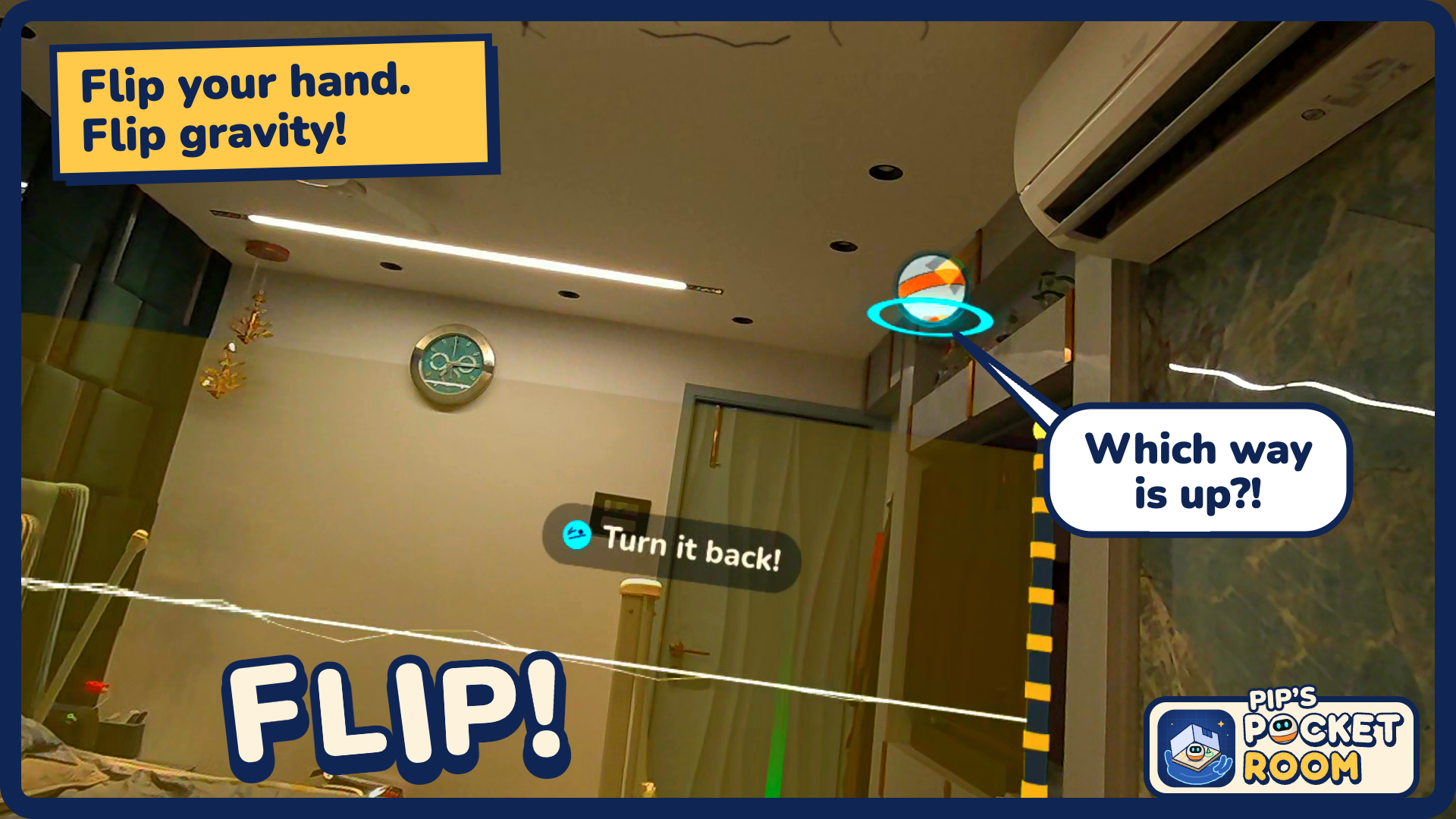
Flip your hand. Flip gravity!
-
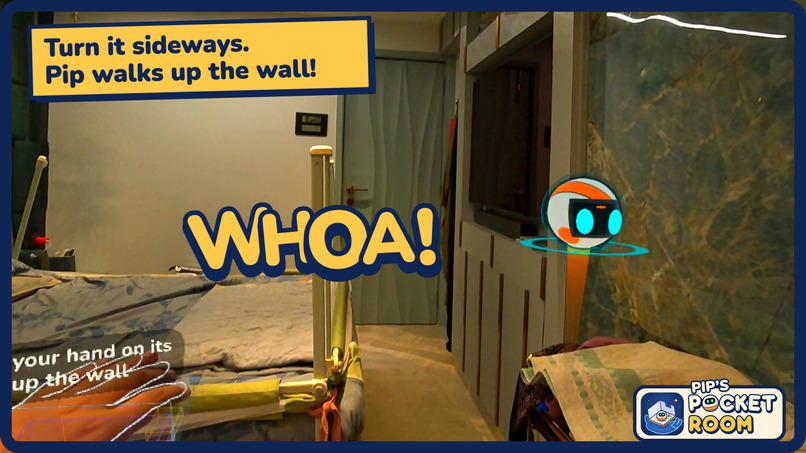
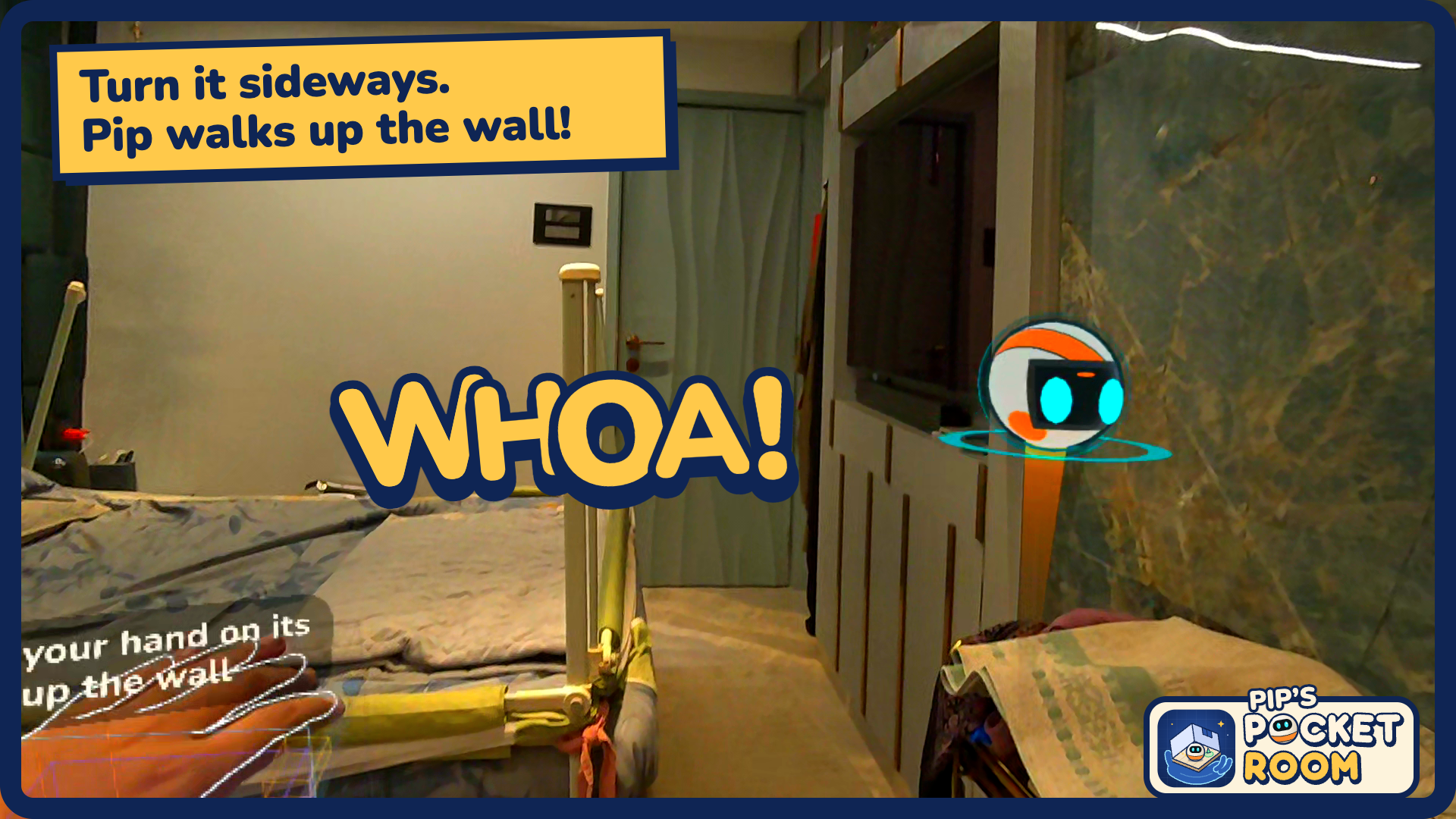
Turn it sideways. Pip walks up the wall!
-
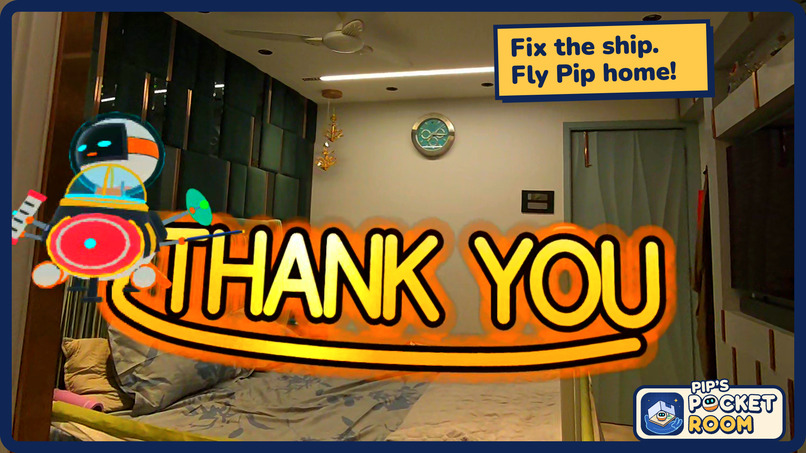
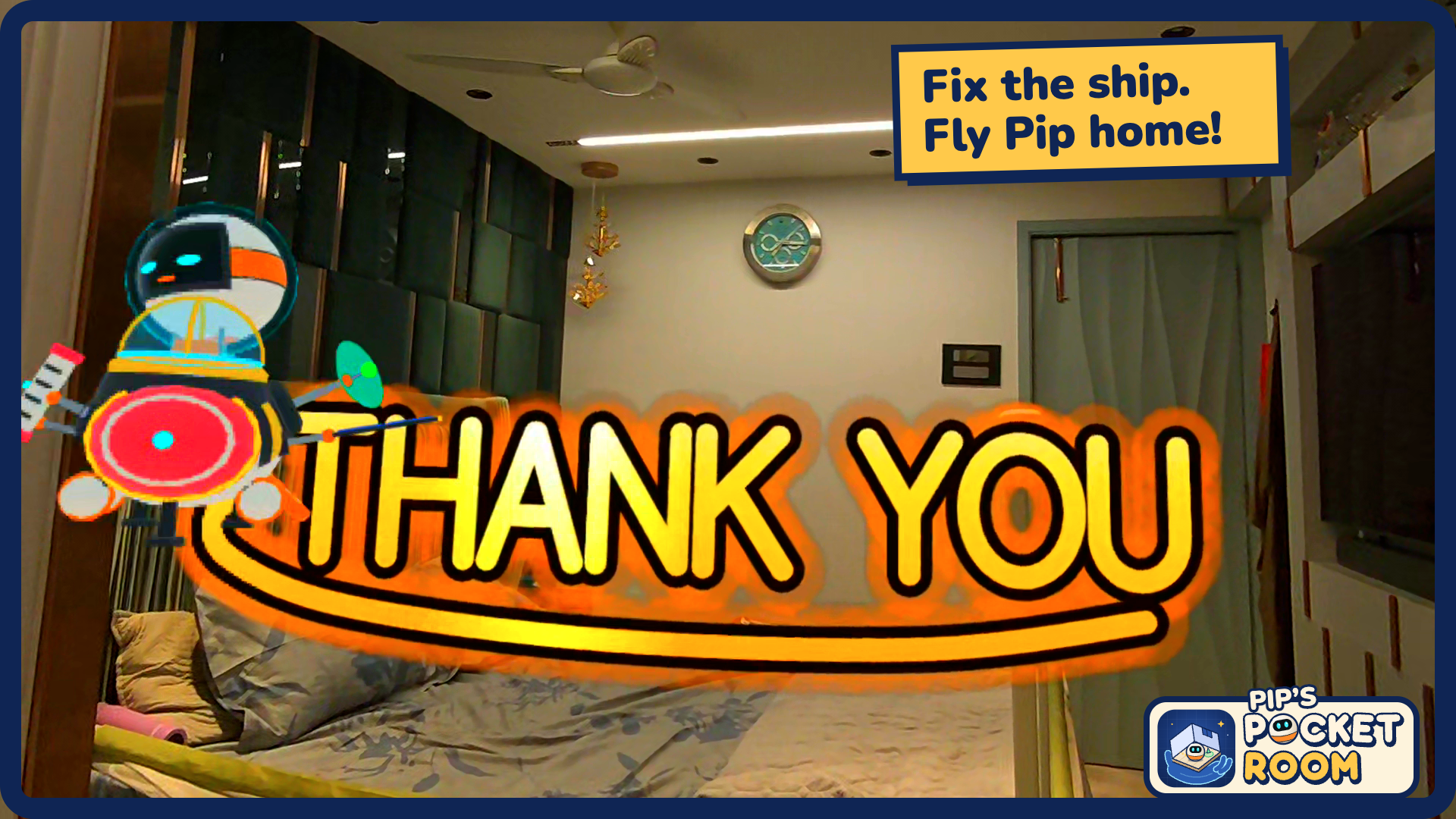
Fix the ship. Fly Pip home!
Inspiration
It started as a Rube Goldberg machine in your own room: your shelves, sofa and table as parts of a chain-reaction contraption. Then we asked: what if you could control **the room itself?
A tiny robot named Pip crash-lands through your ceiling and scatters his rocket across your room. His gravity gets tied to your hand, and your room appears as a miniature on your palm. Tilt it and Pip rolls. Flip it and he falls onto your ceiling.
What it does
- Scans your real room and puts a pocket-sized copy of it on your palm.
- Your hand is gravity. Tilt to roll, turn your hand over to use the ceiling, and turn it sideways to walk up walls.
- Pinch and stretch ramps onto your sofa, table and shelves.
- Collect 12 rocket pieces, rebuild the ship and send Pip home through the hole in your ceiling.
- Crackle gates, lava pits, spark fences and Munch, a vacuum-bot that chases Pip.
How we built it
We built it for Meta Quest 3 with Meta's Immersive Web SDK, so it runs straight in the browser. The headset's room scan tells us where your walls, floor and furniture are. A physics engine makes Pip roll, fall and bounce like a real ball.
Turning your hand into gravity. The miniature room sits on your palm, and whichever way your palm tilts, "down" tilts the same way for Pip. Hand tracking is never perfectly steady, so we tuned how it responds:
- A hand that's almost flat counts as flat, so Pip doesn't slowly drift away while you hold still.
- A small, comfortable wrist turn gives a strong tilt, so you never have to twist your arm.
- Gravity swings smoothly instead of jumping, so a tracking glitch can't fling Pip across the room.
Ramps you can build with a pinch. Pip can't climb, so you build ramps for him. Pinch anywhere on a surface, like the floor next to your sofa, and stretch toward where Pip needs to go. While you stretch, the game checks whether the ramp would work: not too steep, not through furniture, and landing somewhere safe. The ramp turns green when it fits and snaps into place when you let go.
Levels made from your room. We can't design levels by hand when every player's room is different. So each stage is a recipe, such as "put the goal on the highest furniture" or "put a hazard across the only path". When you play, the game:
- Maps where Pip can roll in your room.
- Finds a natural chokepoint that every route has to pass through, such as the gap between your sofa and the wall.
- Puts the hazard in that gap and adds small barriers so you can't roll around it.
- Checks the level can be beaten. If not, it tries another spot.
Testing with the emulator. Taking the headset on and off for every change is slow. IWSDK's emulator runs a pretend Quest inside a desktop browser, with simulated hands and head movement. We used it to:
- Play levels automatically: the computer tilts the simulated hand, stretches ramps and plays through each stage like a player would.
- Test in many rooms: we built test rooms (a living room, a bedroom split in two by a bed and a desk, a crooked room), and the game also saved the real room scans from our headset sessions. Every level was replayed in all of them.
- Catch unfair levels: it flagged levels where a hazard appeared too close to the player, Pip died while sitting still, or there was a sneaky way around a hazard.
We used the emulator to check that levels work, and the headset to check how they feel.
Challenges
- Pinching for real. Our first "tap to place" ramps ignored most real pinches because fingers drift. It took three designs to get to "pinch anywhere and stretch".
- Fitting any room. Testers said "I can just roll around the hazard." Sealing every path in rooms we'd never seen was the hardest puzzle.
What we learned
- Real fingers wobble, so hands-first design means forgiving input.
- Generated levels have to be checked automatically, in many rooms.
- Use the emulator to check that things work, and the headset to check how they feel.
What's next
The bonus stages already try out furniture as mechanics:
- Bouncy beds and couches. The game guesses which furniture is soft, and Pip bounces off it. We want whole levels of jumping from couch to bed to shelf.
- Sunbeams. Pip charges up in the light from your real window to open doors.
- Switch chains. Plates and doors already exist. Chaining them leads back to our original Rube Goldberg idea.
- Share your room so friends can play levels made from your living room.
Built With
- havok
- iwsd
- three.js
- typescript
- uikit


