Inspiration
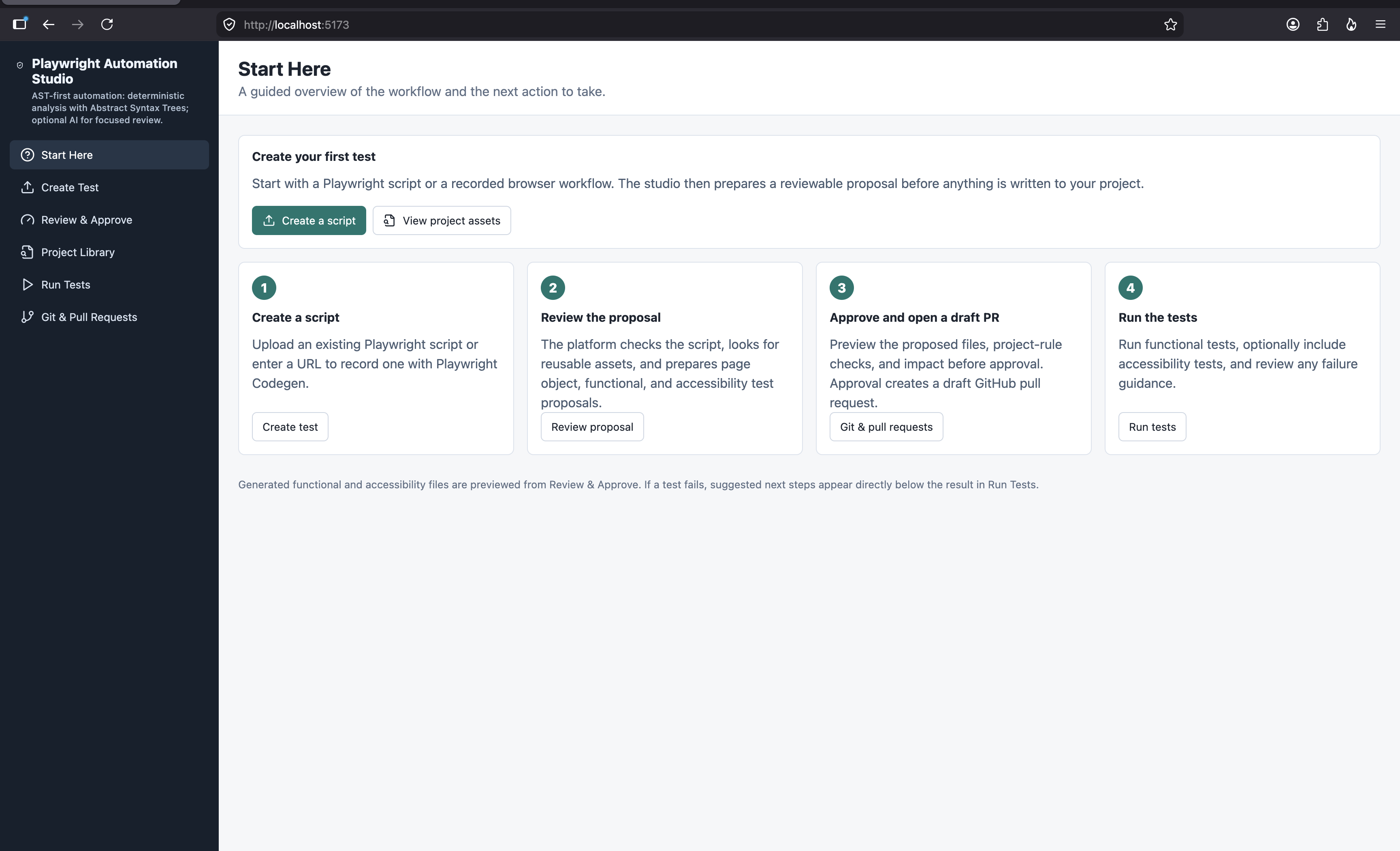
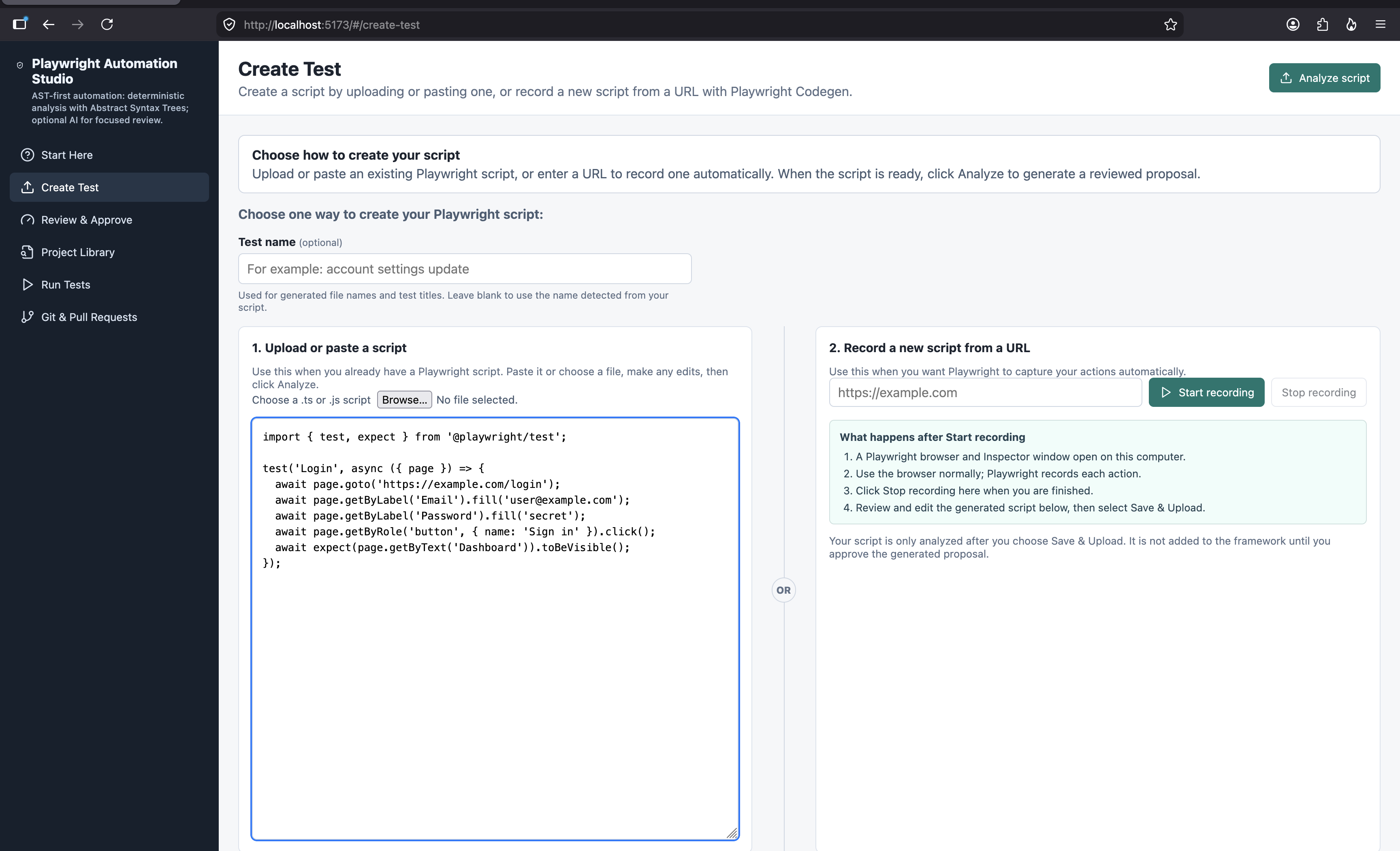
Playwright Codegen makes it easy to record browser actions, but the generated script is often only a starting point. Teams still need to turn it into maintainable page objects, reusable tests, accessibility checks, reviewed changes, and pull requests.
We built Playwright Automation Studio to make that transition clearer and safer.
What it does
Playwright Automation Studio converts an uploaded or locally recorded Playwright Codegen script into a reviewed automation proposal.
It extracts actions, locators, navigation, and assertions using Abstract Syntax Trees (ASTs). It then proposes page objects, functional tests, and accessibility tests; shows the exact generated files; checks project rules; identifies possible reuse; and lets users test the proposal before approving it.
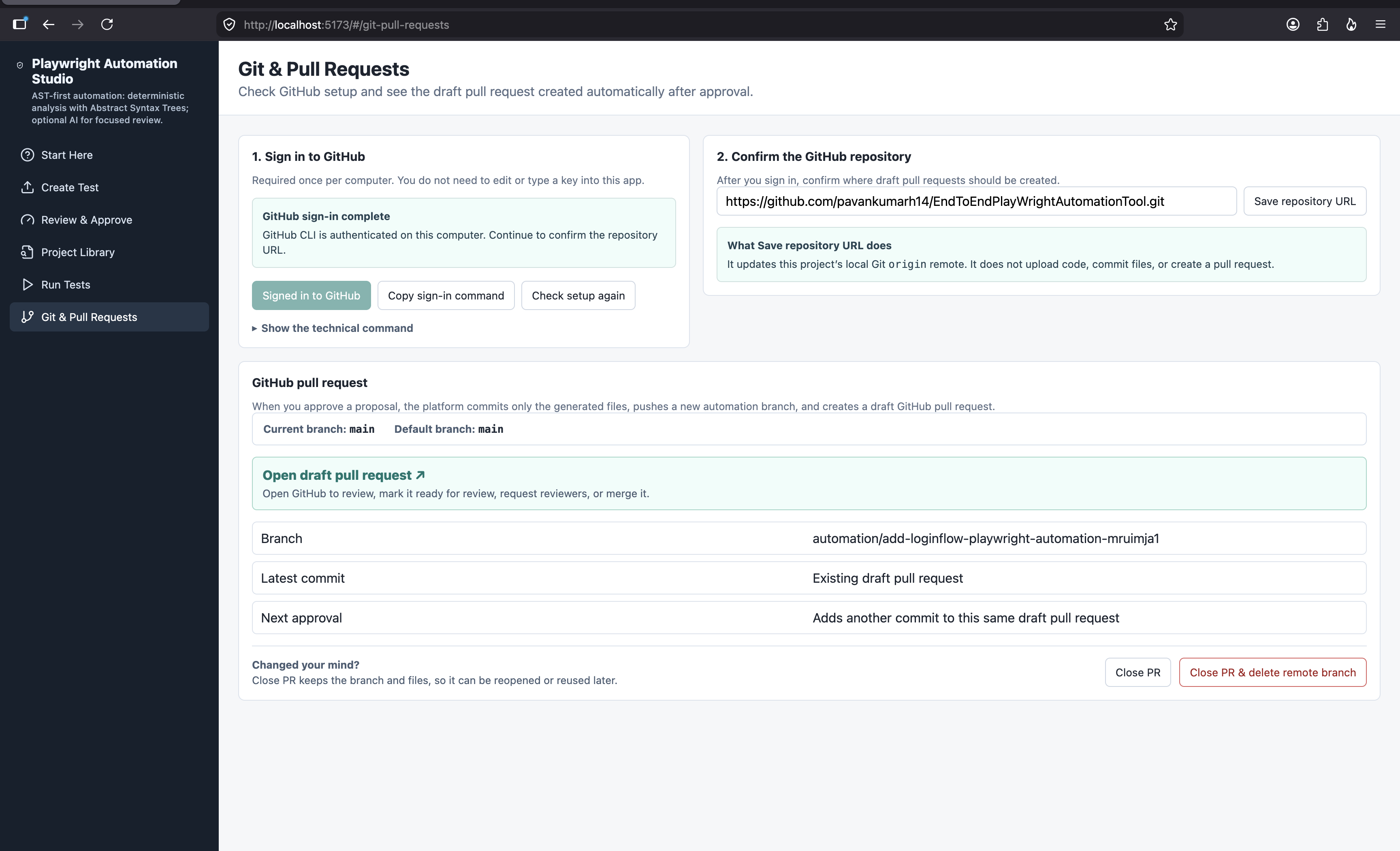
After approval, the platform can create or update a draft GitHub pull request containing only the approved automation files.
How we built it
The project is a TypeScript monorepo with:
- React and Vite for the browser interface
- Express for the API and orchestration layer
- Playwright for Codegen, functional testing, screenshots, videos, traces, and accessibility testing
- AST-based analysis for deterministic extraction and generation
- Optional Gemini or Ollama review for narrow semantic guidance
- GitHub CLI integration for draft pull-request workflows
- Docker and Render configuration for a single frontend-and-backend deployment
The design is AST-first: deterministic local analysis handles core decisions, while AI is optional and limited to focused review. Raw repository source is not sent to AI.
Challenges we ran into
The main challenge was keeping generated automation safe and understandable. A short Codegen script can contain credentials, brittle selectors, repeated actions, and workflow-specific logic.
We addressed this by separating business steps and verification steps into page objects, showing recorded steps before approval, applying governance checks, and allowing users to run the reviewed proposal temporarily before writing files.
We also designed graceful fallback behavior: if an AI provider is rate-limited or unavailable, local AST analysis and project rules still complete the review.
Accomplishments that we're proud of
- Turned raw Codegen scripts into page-object-based Playwright automation proposals
- Added a review workflow with confidence, governance, change scope, and impact information
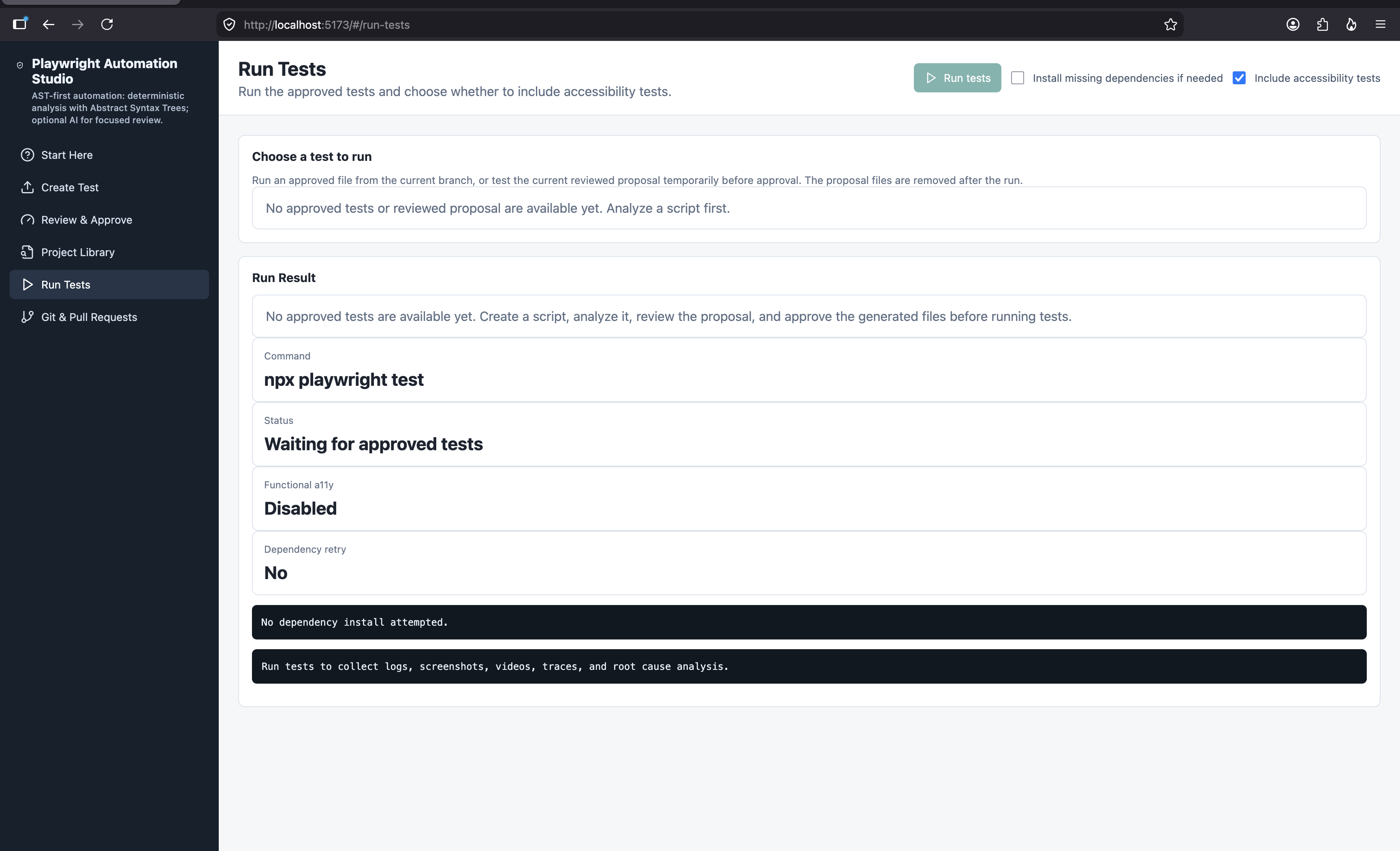
- Added pre-approval test execution without permanently writing generated files
- Displayed Playwright failure artifacts such as screenshots, videos, error context, and traces in the UI
- Supported batching multiple reviewed workflows into one draft pull request
- Kept AI optional rather than making automation depend on it
- Packaged the frontend and backend into one Docker/Render deployment
What we learned
We learned that AI is most useful when it supports a deterministic workflow instead of replacing it. AST analysis gives predictable extraction and traceability; AI can then provide additional context when available.
We also learned that a useful test-generation platform must make its decisions visible: users need to see the recorded steps, generated files, test scope, failure artifacts, and exactly what will change before they approve anything.
What's next for Playwright Automation Studio
Next, we want to improve reusable component detection across workflows, add richer impact analysis, support more AI providers, improve test-data handling, and provide stronger collaboration workflows for review teams.
Built With
- accessibility
- ast
- docker
- express.js
- gemini
- github-actions
- github-cli
- ollama
- playwright
- react
- render
- typescript
- vite


Log in or sign up for Devpost to join the conversation.