-
-
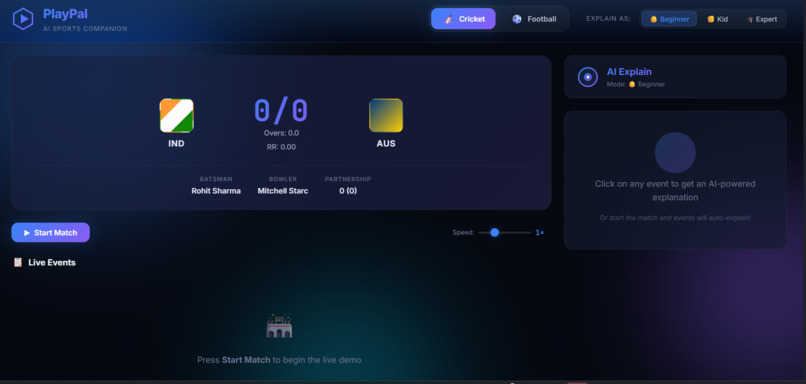
front page and ai of the simple understanding
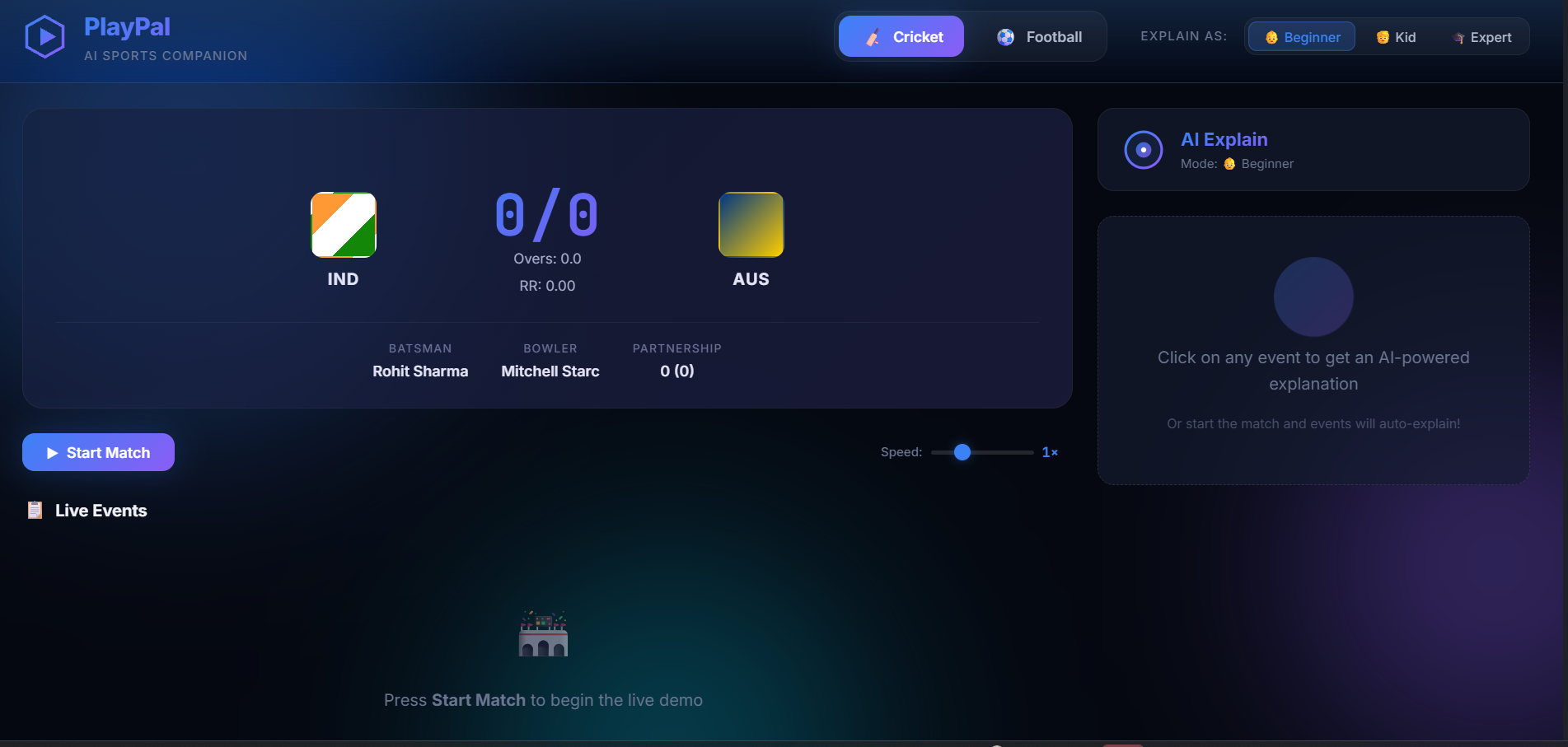
Inspiration Watching sports is one of the few things a whole family still does in the same room, but not everyone follows the game the same way. A parent may not understand why a wicket fell or what LBW means, a kid asks “why did they stop?” every two minutes, and the one person who does understand ends up playing commentator instead of watching.
Most second-screen apps are stat dashboards built for experts. We wanted something built for the person on the couch who is a little lost. What if the TV had a friendly co-commentator that could explain any play at your level, answer questions out loud, and turn game night into something the whole family plays together? Cricket, with rules that take years to absorb, is where this gap feels biggest.
What it does
PlayPal is an AI sports companion for Fire TV that makes live sports easier to understand and more fun to watch together.
Explain This: Explains the last play in plain language, with Beginner, Kid-friendly, and Expert modes.
Voice Q&A: Ask “why was that a foul?” or “what does LBW mean?” and get a spoken and on-screen answer based on the live match state. Auto Highlights: Generates a short recap of the five key moments, each with a timestamp. Smart Stats Cards: Focus on a player to see their stats with a one-line AI insight. Family Predictions: Everyone picks what happens next using the remote, and a leaderboard keeps score.
How we built it
App: React Native with TypeScript, designed for a 10-foot UI with full D-pad navigation and clear focus states, targeting Fire OS and Vega OS. AI: The Claude API powers explanations, answers, and highlights, called through a small Node.js proxy so no API key ships in the app. Match context is injected into every prompt so answers stay grounded. Voice: A VoiceService abstraction with a keyboard fallback, plus text-to-speech for spoken answers. Data: A SportsDataProvider interface with a scripted mock cricket and football feed that emits live events, so the demo is deterministic and a real sports API can be plugged in later. State: A typed central store, with unit tests for the prompt builder, event reducer, and mock provider.
Challenges we ran into
Designing for the remote: Every interaction had to work with a D-pad, with no touch or mouse, which meant building a reusable focus-management system. Short, grounded AI answers: Keeping responses to two or three sentences, accurate to the current match state, and age-appropriate in Kid mode took careful prompt design. Demo reliability: Live data and network access can fail, so we built demo mode with scripted and cached responses so the app never shows a blank screen. Platform differences: Fire OS and Vega OS differ, so we isolated platform-specific code behind small adapter modules.
Accomplishments that we're proud of\
A complete experience that works from the couch with only a remote and your voice. Three explanation levels that let a five-year-old and a lifelong fan watch the same match and both feel included. A family prediction game that turns passive viewing into a shared activity. A reliable, deterministic demo that runs even without internet. Clean architecture with typed state, tests, and swappable data and voice layers.
What we learned
Good AI on TV is less about long answers and more about the right two sentences, at the right moment, at the right level for the person asking. We also learned that designing for a 10-foot screen changes everything: bigger type, fewer choices, and focus states that are obvious from across the room.
What's next for Playpal AI
Live sports data from real APIs Real Alexa voice integration Personalized team and player preferences Multi-language commentary, starting with Hindi Support for more sports such as tennis, basketball, and kabaddi Group profiles so each family member gets their own explanation level and score
Built With
- android
- express.js
- fireos
- javascript
- jest
- react-native
- typescript
- vega-os

Log in or sign up for Devpost to join the conversation.