-
-
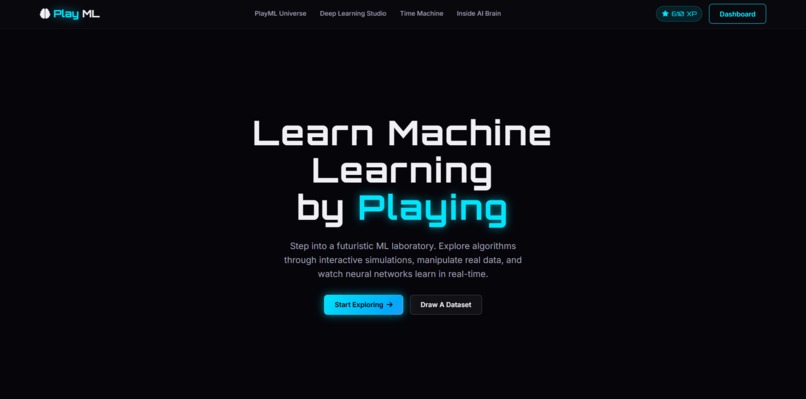
Welcome to PlayML—an interactive playground where Machine Learning becomes visual, intuitive, and hands-on.
-
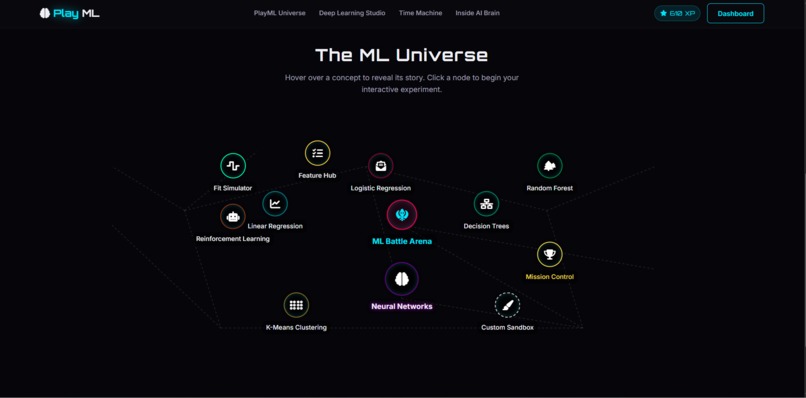
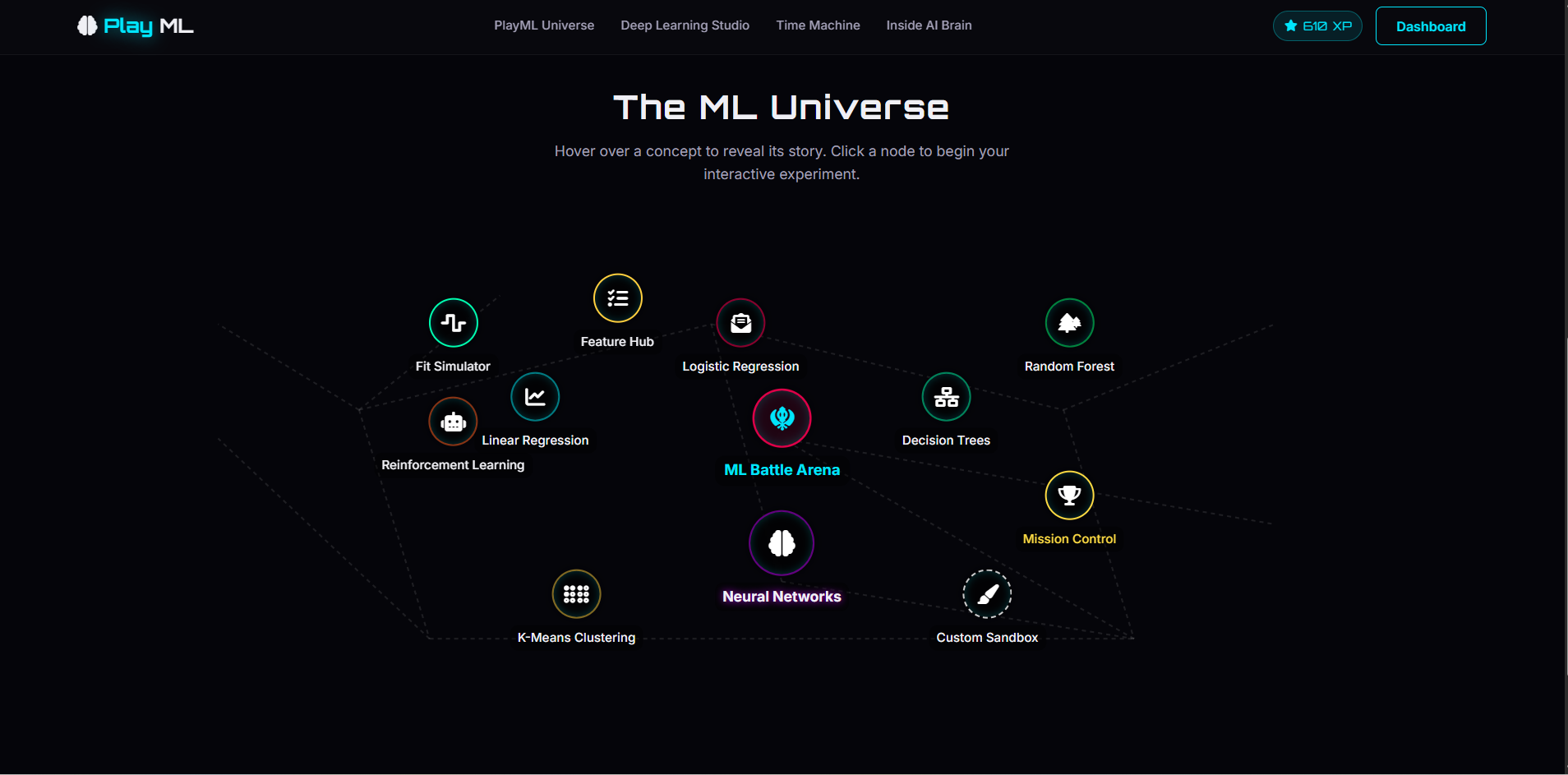
The ML Universe
-
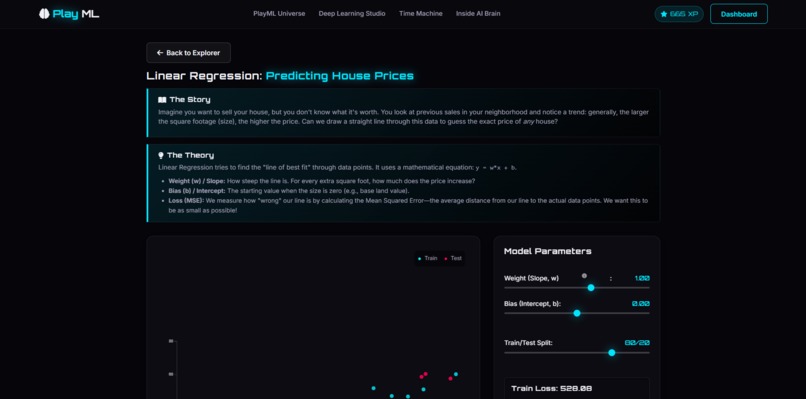
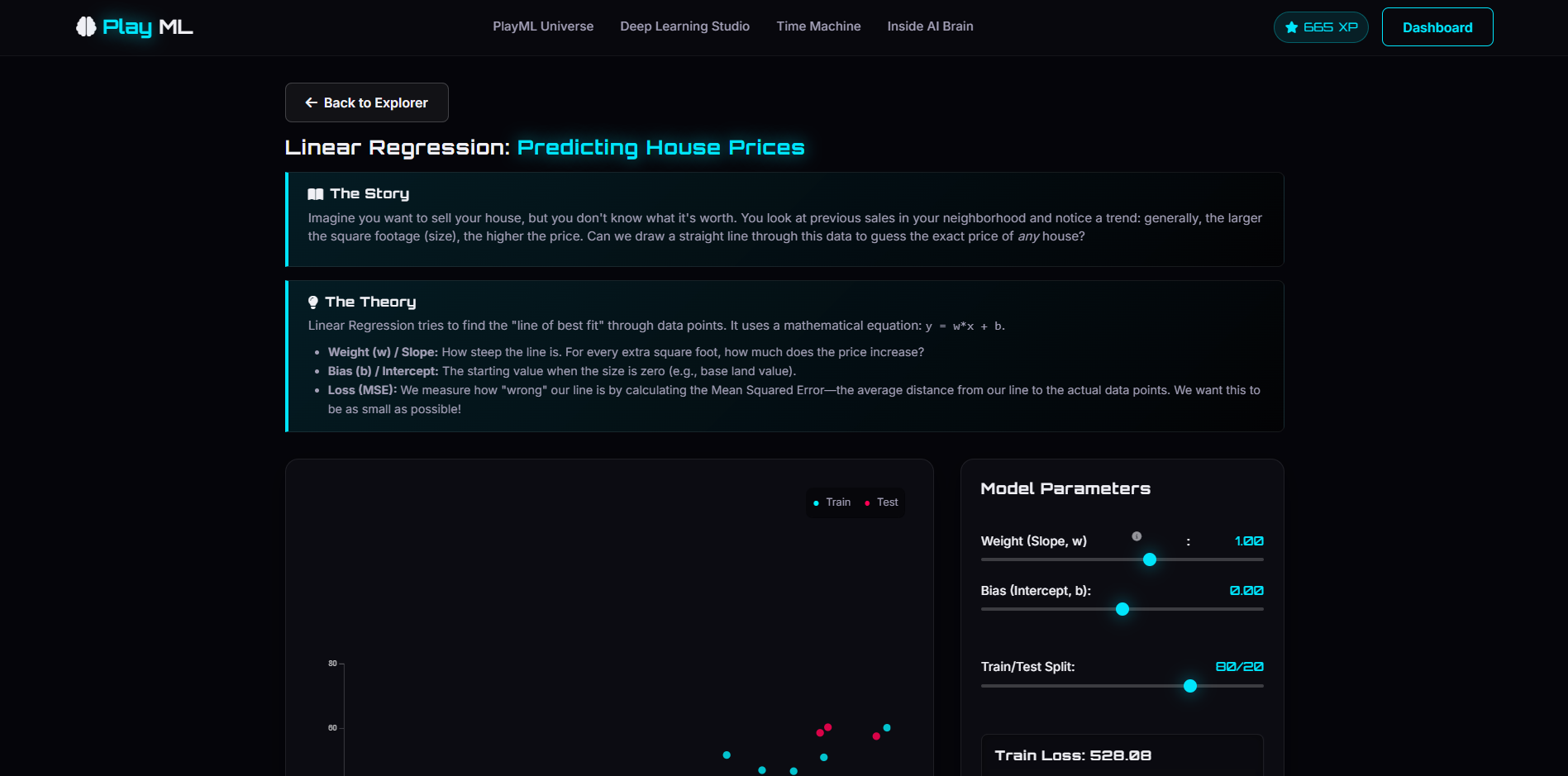
The story of Linear Regression
-
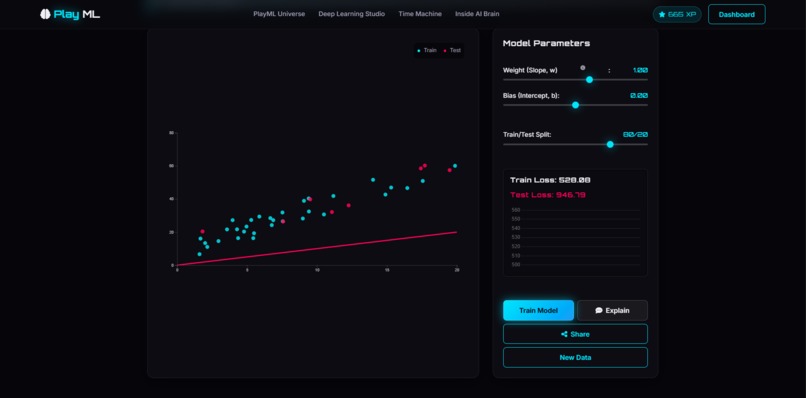
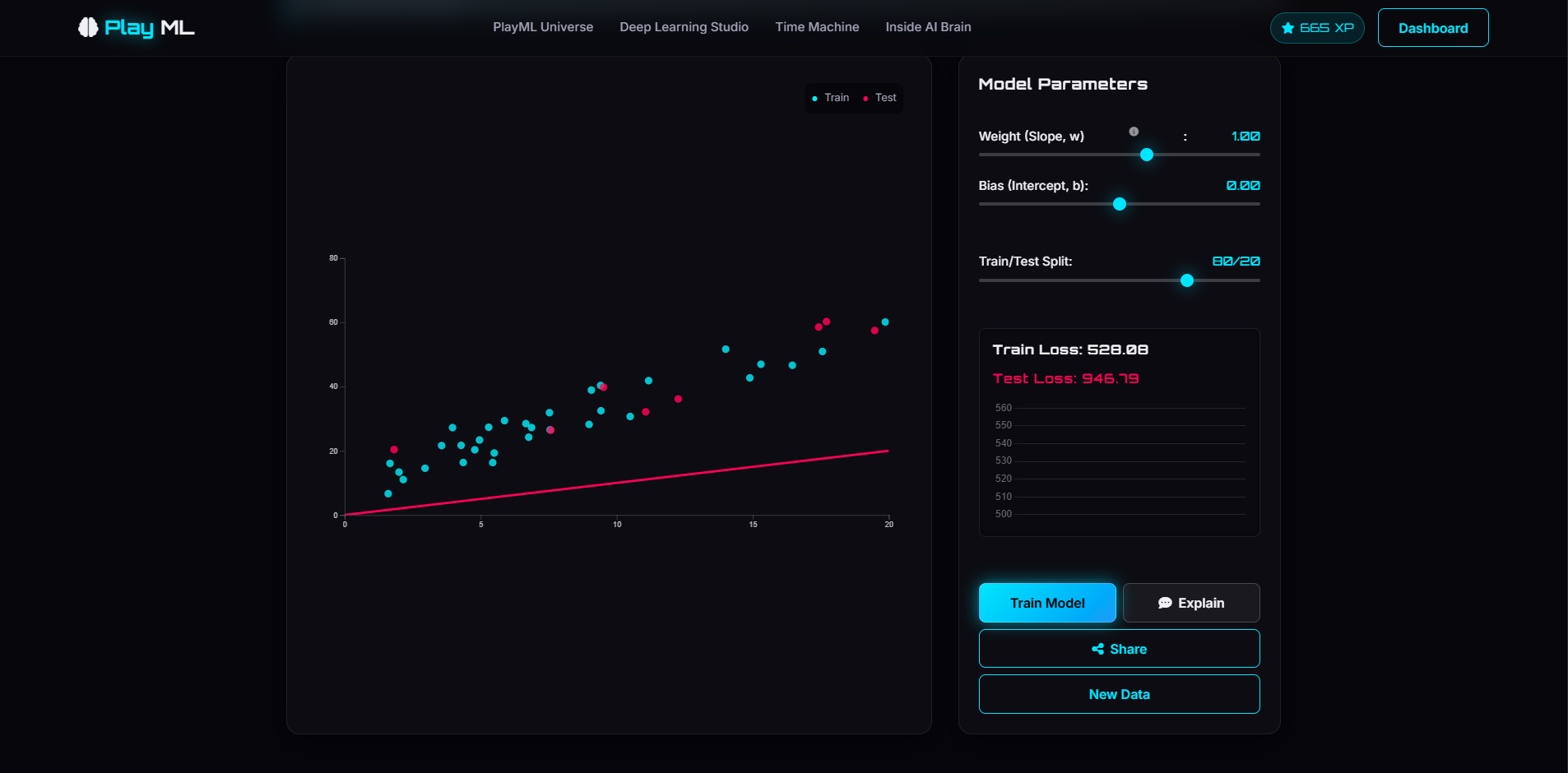
Play with Linear Regression
-
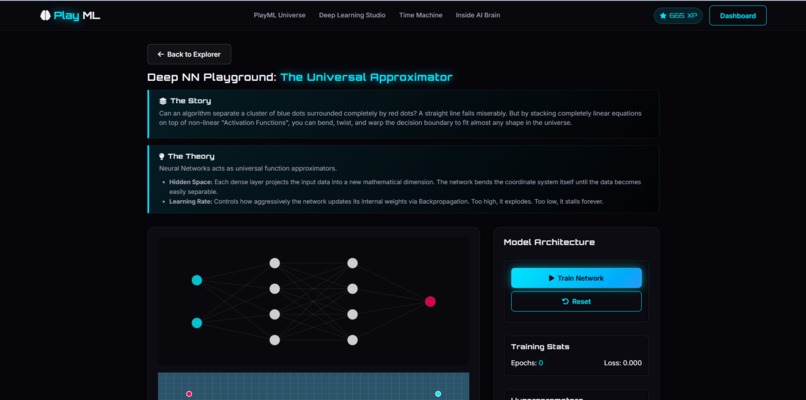
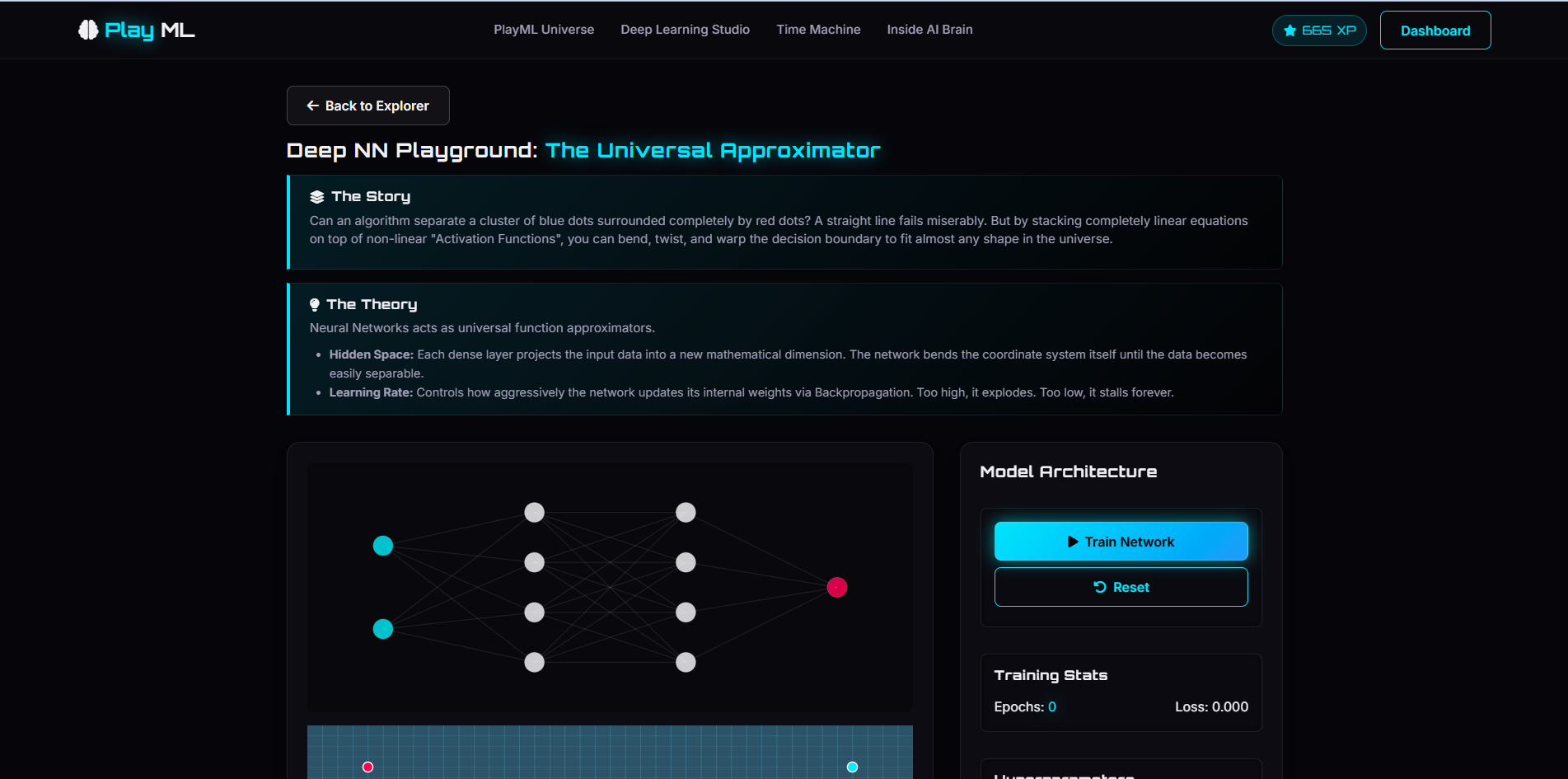
Deep learning Playground
-
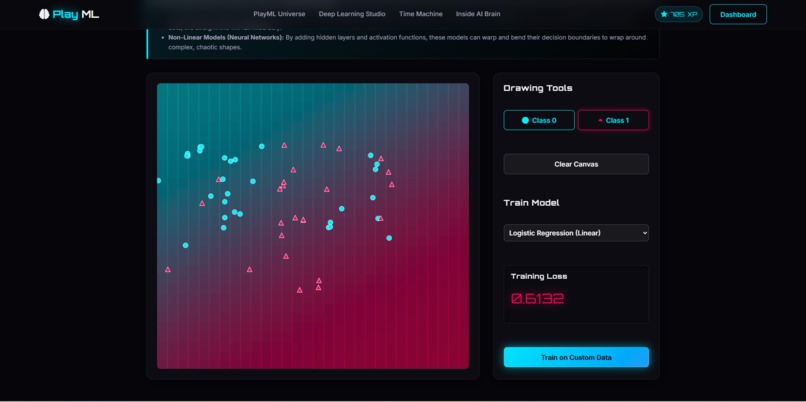
Draw your own dataset
-
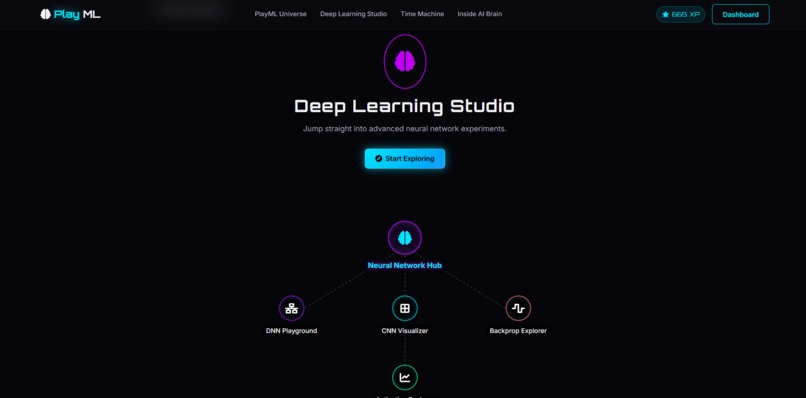
Deep Learning Studio
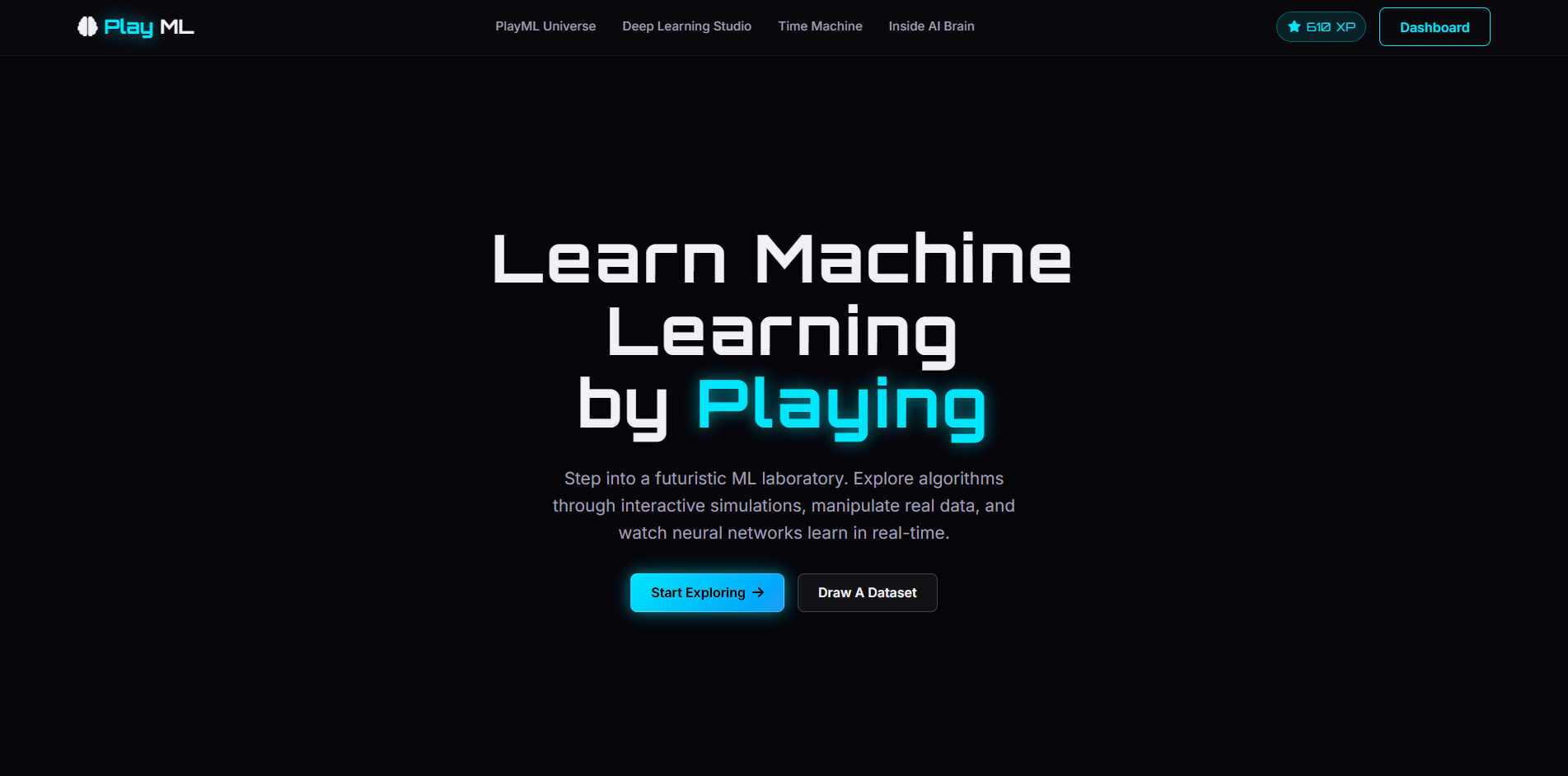
PlayML – Where Machine Learning Becomes a Playground
Inspiration
When I was in high school, I discovered a physics simulator that completely changed the way I learned. Instead of memorizing formulas, I could experiment, visualize concepts, and instantly understand how things worked. It was learning through exploration, and it made complex topics feel intuitive.
Years later, while studying Machine Learning, I noticed a similar gap. Most educational resources rely heavily on mathematics, theory, and static diagrams. While these explain the concepts, beginners often struggle to build an intuition for how algorithms actually learn and make decisions.
That inspired me to build PlayML—an interactive learning platform where users don't just read about Machine Learning; they experiment with it, visualize it, and build intuition through exploration. My goal is to make AI education more accessible, engaging, and approachable for everyone, regardless of their background.
What it does
PlayML is a browser-based interactive platform that transforms Machine Learning into a hands-on learning experience.
Users can:
- 📈 Explore Linear Regression and Logistic Regression
- 🌳 Learn Decision Trees and Random Forests
- 🎯 Experiment with K-Means Clustering
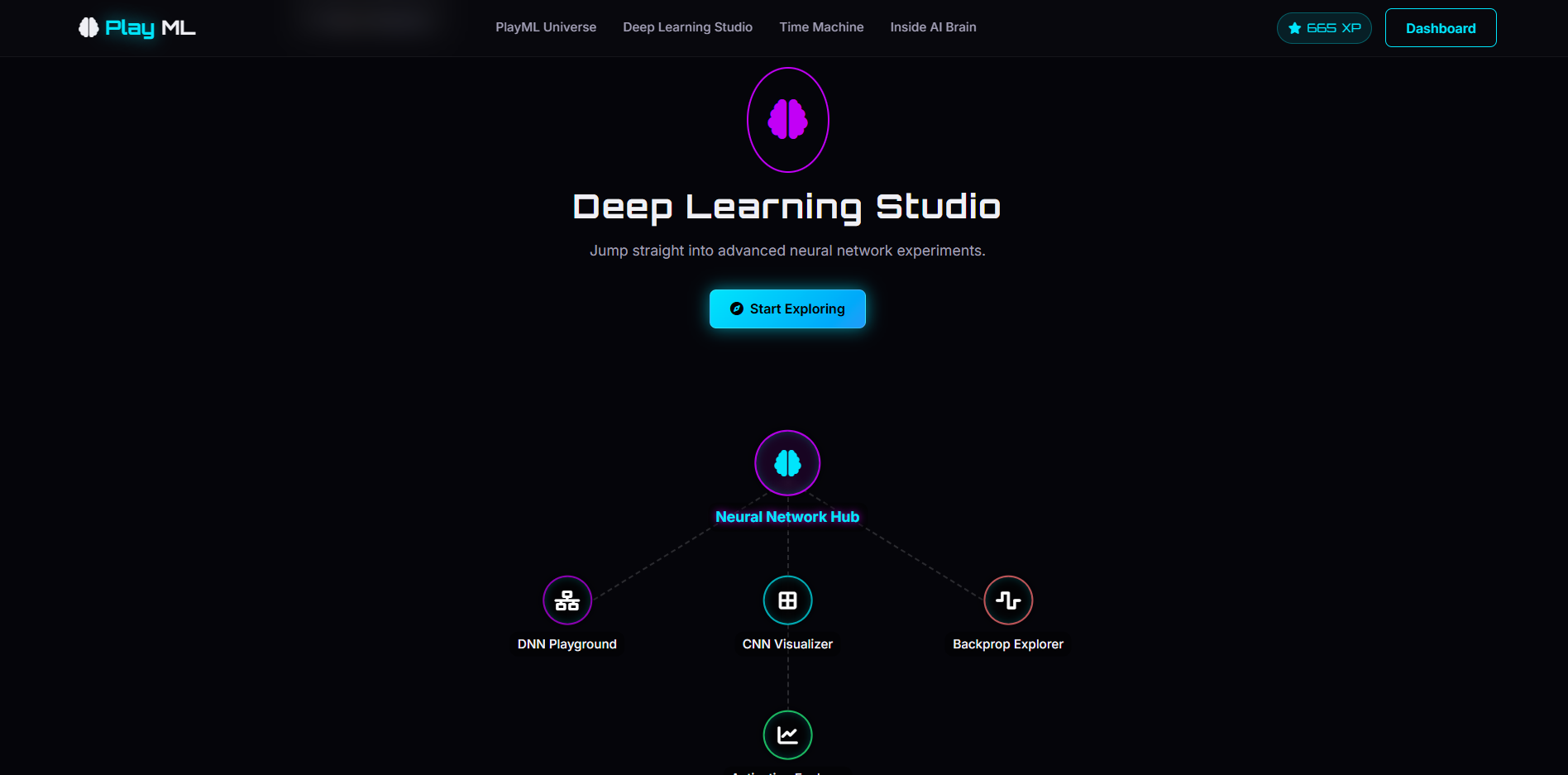
- 🧠 Visualize Neural Networks learning in real time
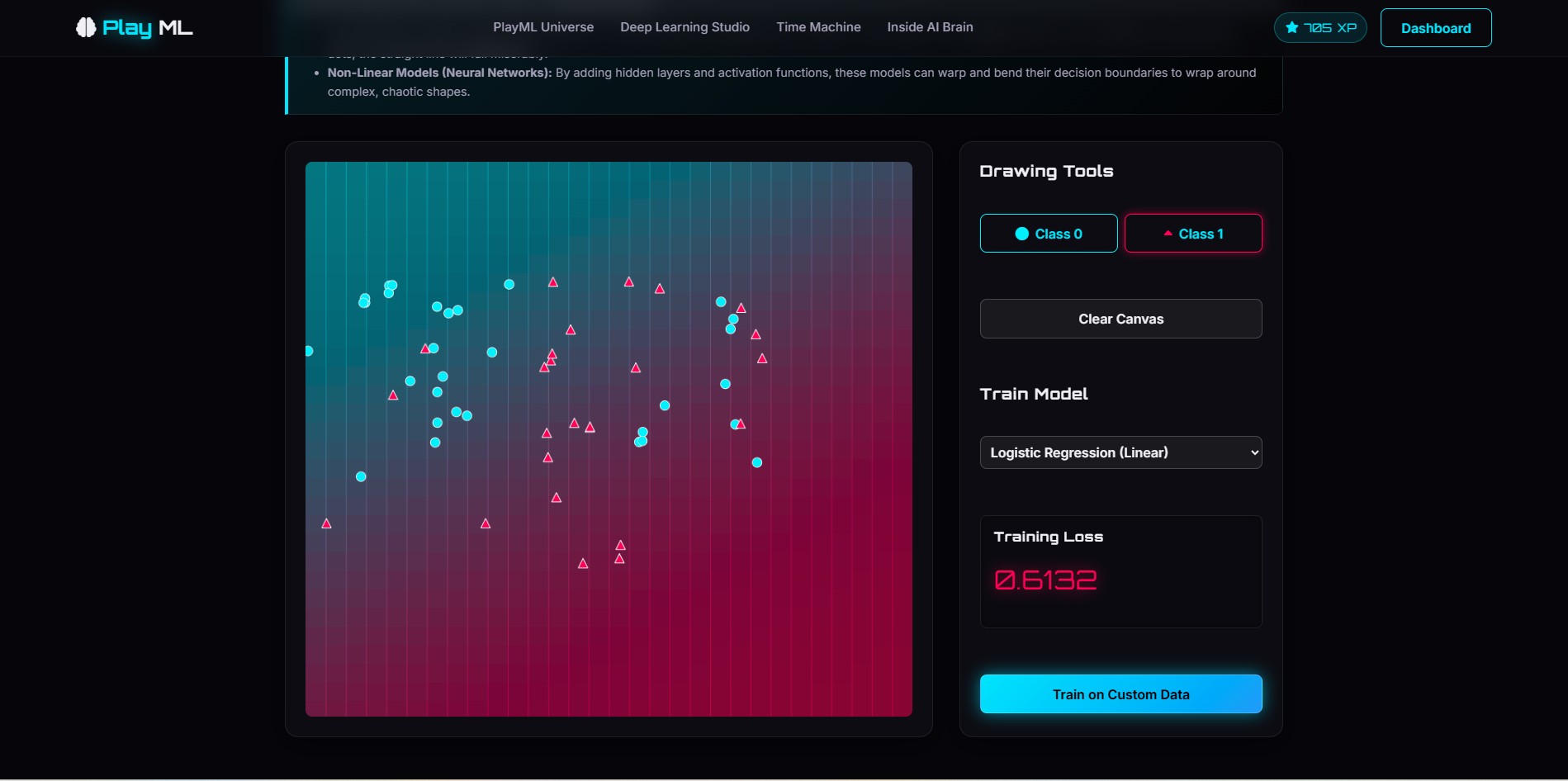
- 🎨 Draw their own datasets and test different models
- ⚔️ Compare algorithms side-by-side in the ML Battle Arena
- 🤖 Train an agent using Q-Learning in an interactive Reinforcement Learning maze
Every visualization updates in real time, allowing learners to immediately see how different parameters affect model behavior, decision boundaries, and training outcomes.
Instead of passively reading documentation or watching tutorials, users actively manipulate datasets, adjust hyperparameters, compare algorithms, and observe the results instantly. This interactive feedback helps learners develop a deeper conceptual understanding that is often difficult to achieve through traditional educational materials.
Everything runs entirely inside the browser—no installation, backend, GPU, or complex setup required—making PlayML accessible from virtually any modern device.
Who is it for?
PlayML is designed for students, educators, self-learners, and aspiring AI practitioners who want to understand Machine Learning through experimentation rather than memorization. By removing technical barriers and providing immediate visual feedback, the platform makes AI concepts more approachable and engaging for learners at every level.
How I built it
PlayML was designed as a lightweight, fully client-side web application to maximize accessibility and performance.
Tech Stack
- HTML5
- CSS3
- Vanilla JavaScript (ES6 Modules)
- TensorFlow.js
- D3.js
- Chart.js
- Canvas API
- GSAP
- Playwright for automated testing
TensorFlow.js powers the Machine Learning models directly inside the browser, while D3.js, Canvas API, and Chart.js create rich interactive visualizations that update in real time. GSAP enhances the learning experience with smooth animations, and Playwright is used to ensure application reliability through automated testing.
Because all computation happens client-side, users can experiment instantly without relying on cloud services or specialized hardware.
Challenges I ran into
One of the biggest challenges was simplifying complex Machine Learning concepts without sacrificing technical accuracy.
Other challenges included:
- Running Machine Learning models efficiently inside the browser
- Designing visualizations that accurately teach ML concepts while remaining intuitive for first-time learners
- Synchronizing real-time model training with interactive animations
- Building responsive simulations that remain smooth during computation
- Balancing educational simplicity with enough technical depth to remain valuable for more experienced learners
Finding the right balance between performance, usability, and educational effectiveness required continuous iteration, testing, and refinement.
What I learned
Building PlayML reinforced that effective AI education is not just about explaining algorithms—it's about allowing learners to experiment, make mistakes, ask "what if?" questions, and immediately observe the results.
Beyond strengthening my skills in JavaScript, TensorFlow.js, interactive visualization, and browser-based Machine Learning, I gained a deeper appreciation for how thoughtful user experience design can transform difficult technical concepts into intuitive learning experiences.
Most importantly, I learned that curiosity grows when learners are free to explore rather than simply consume information.
What's next for PlayML
This is just the beginning.
Future plans include:
- Expanding support for additional Machine Learning and Deep Learning algorithms
- Interactive visualizations for Transformers, Large Language Models, and Generative AI
- Guided learning paths with adaptive quizzes
- Classroom mode with instructor dashboards and lesson support
- Student progress tracking, achievements, and personalized recommendations
- Community-created experiments, datasets, and educational content
- Accessibility improvements and multilingual support
- A fully responsive mobile experience
My long-term vision is to make PlayML a comprehensive interactive platform where students, educators, researchers, and AI enthusiasts can build a deep intuition for Artificial Intelligence through exploration rather than memorization. I hope PlayML helps make AI education more accessible, engaging, and inspiring for learners around the world.

Log in or sign up for Devpost to join the conversation.