Web Application Submission
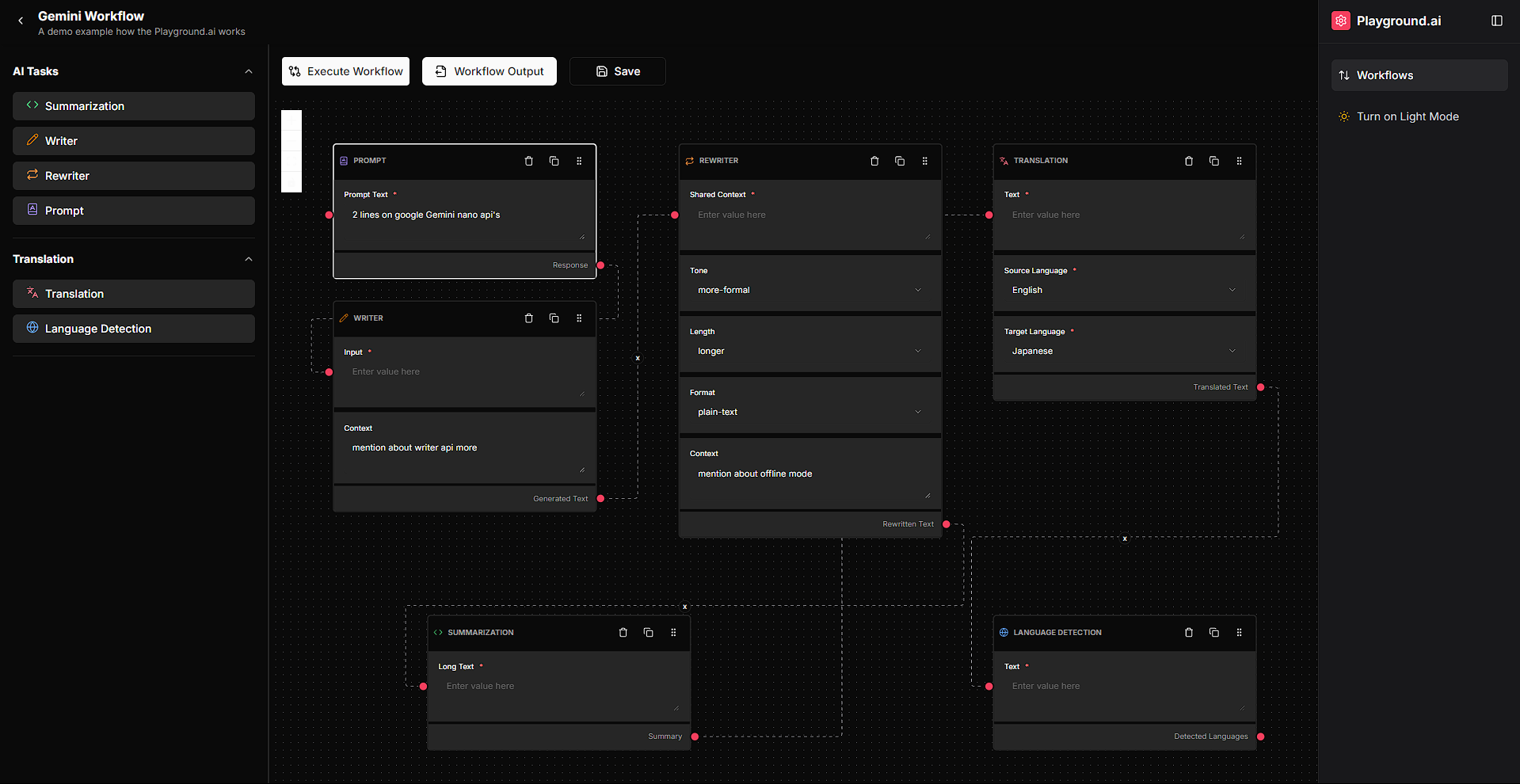
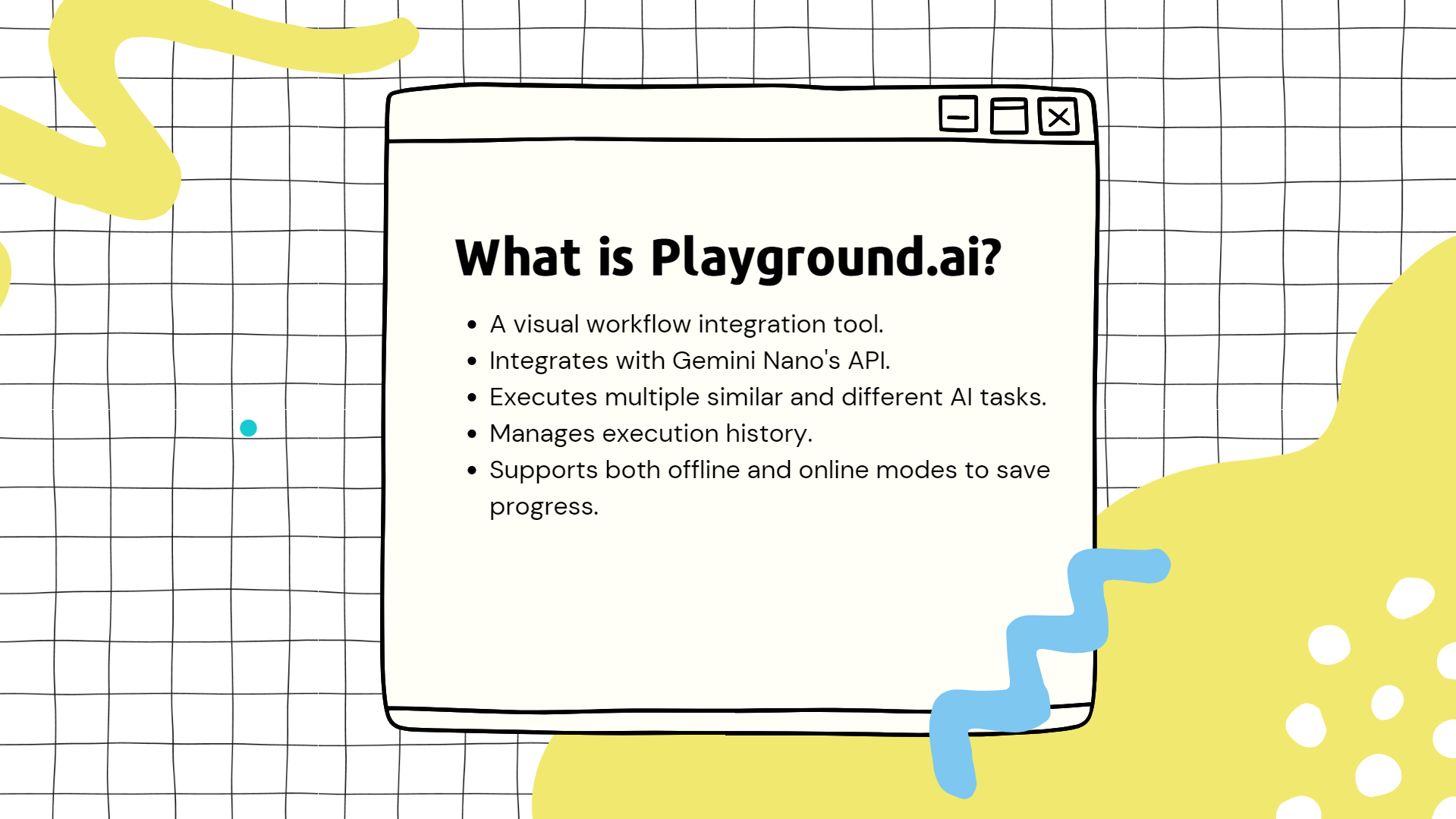
Playground AI is a visual workflow platform built to integrate Gemini Nano's API for executing multiple AI tasks, managing execution history, and enabling offline or online modes. It empowers users to create scalable AI agent workflows through a simple drag-and-drop interface.
This web app can currently work on the latest Chrome Dev and Chrome Canary builds. It makes use of on-device, in-browser AI (Gemini Nano). For ensuring all features work, follow these steps:
- go to chrome://flags/#optimization-guide-on-device-model and set it to "Enabled BypassPerfRequirement"
- go to chrome://flags/#text-safety-classifier and disable it.
- enable chrome://flags/#prompt-api-for-gemini-nano, chrome://flags/#summarization-api-for-gemini-nano, chrome://flags/#rewriter-api-for-gemini-nano, chrome://flags/#writer-api-for-gemini-nano, chrome://flags/#language-detection-api
- go to chrome://flags/#translation-api and set it to "Enabled without language pack limit"
- incase of prompt and summarizer api faliure -> paste these in console to force download
await ai.languageModel.create();
await ai.summarizer.create();
Prerequisites for running locally (create .env file and paste)
Supabase Configuration
NEXT_PUBLIC_SUPABASE_URL="<your-supabase-url>"
NEXT_PUBLIC_SUPABASE_ANON_KEY="<your-supabase-anon-key>"

Database Configuration
DATABASE_URL="postgresql://<username>:<password>@<host>:<port>/<database>?pgbouncer=true&connection_limit=1"
🌟 Inspiration
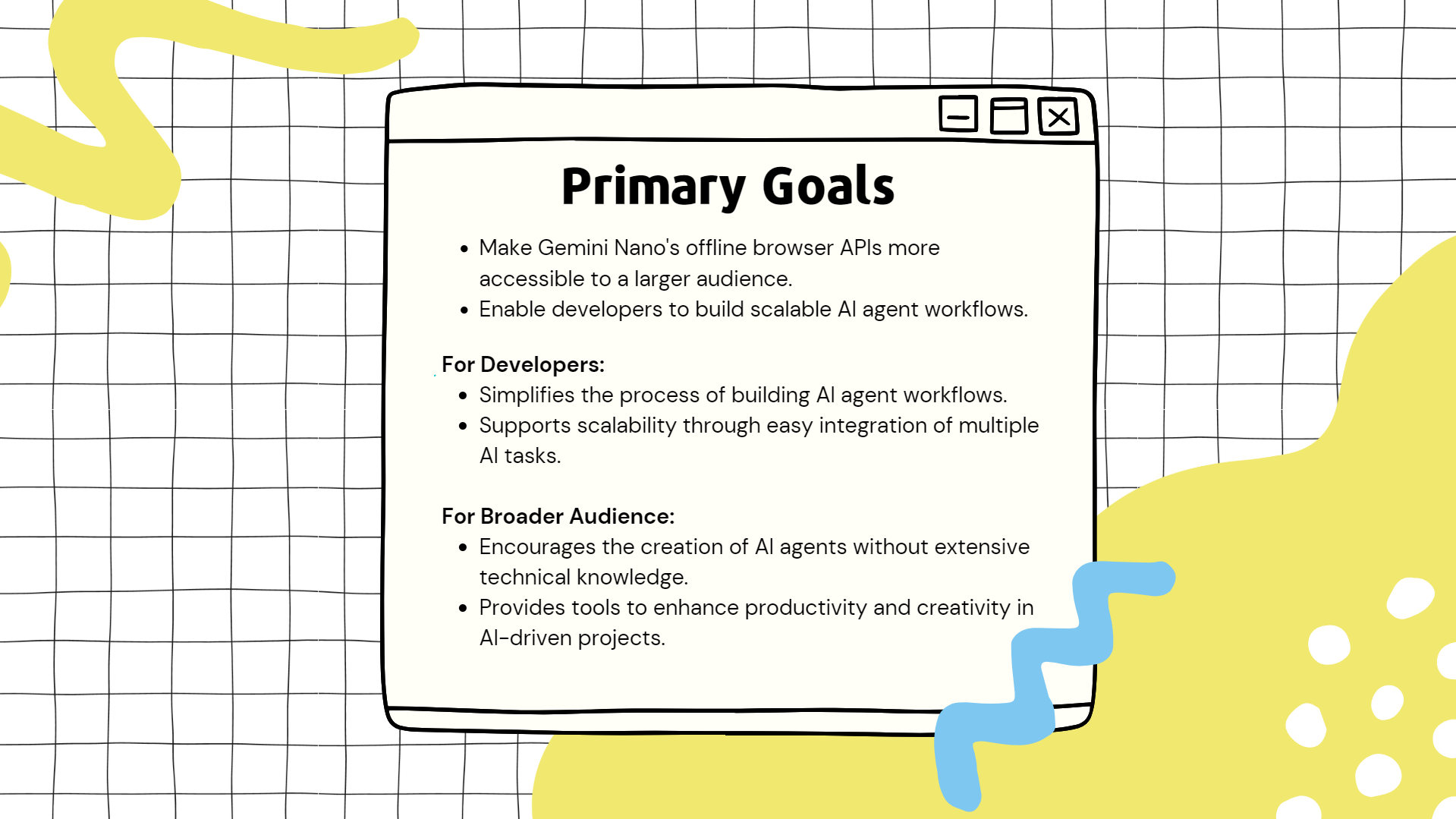
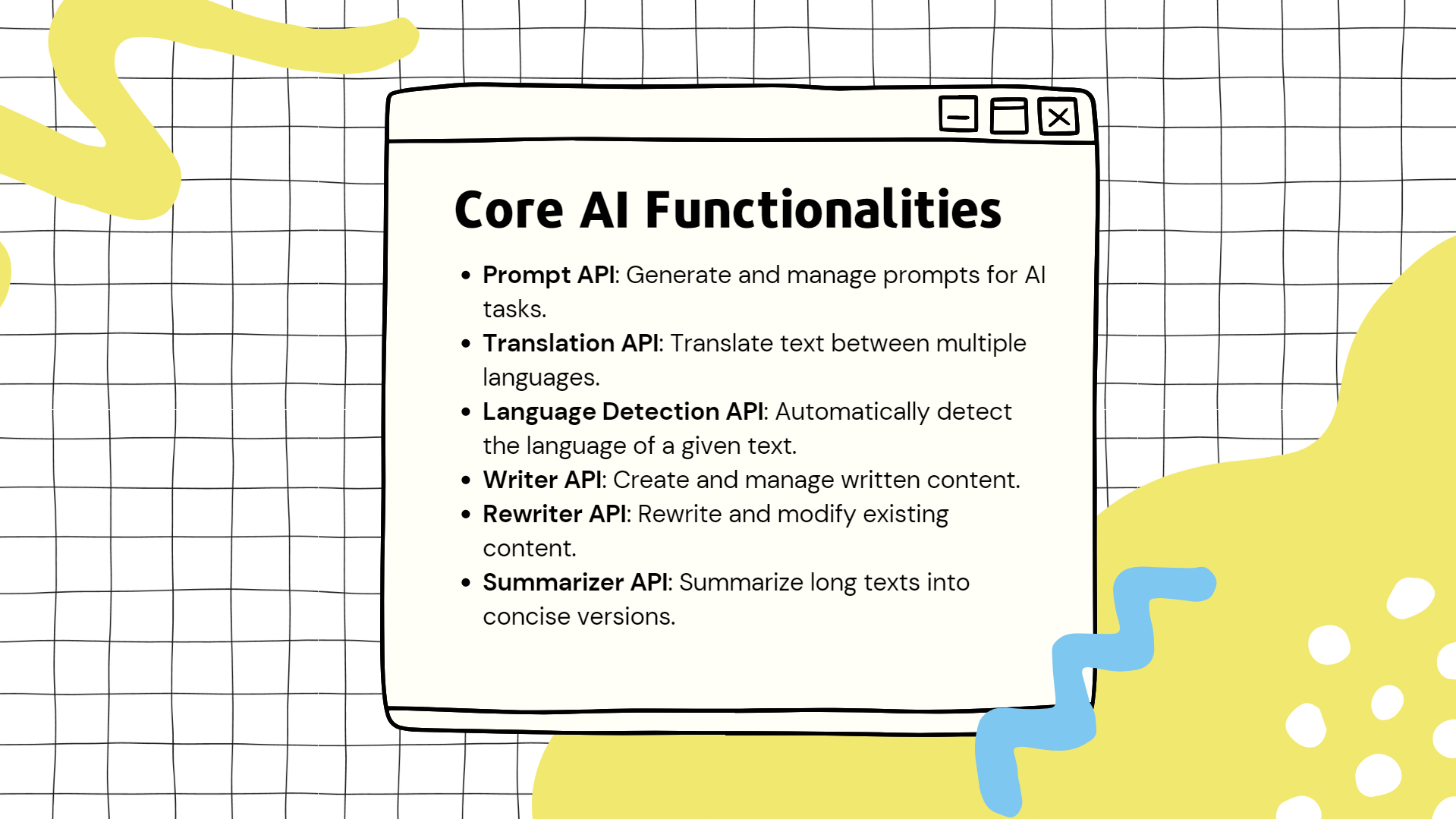
The goal of Playground AI is to make Gemini Nano's offline and browser API capabilities more accessible to a larger audience. The platform encourages developers and non-developers to build AI agent workflows by connecting tasks such as:
- Prompt generation
- Translation
- Language detection
- Writing
- Rewriting
- Summarization
🚀 What It Does
Playground AI allows users to:
- Create Workflows:
- Drag and drop tasks like summarization, translation, and language detection.
- Define data flow by connecting inputs and outputs.
- Execute Workflows:
- Run tasks sequentially, where the output of one task serves as input for the next.
- Save and Manage Workflows:
- Save workflows and execution history for future use.
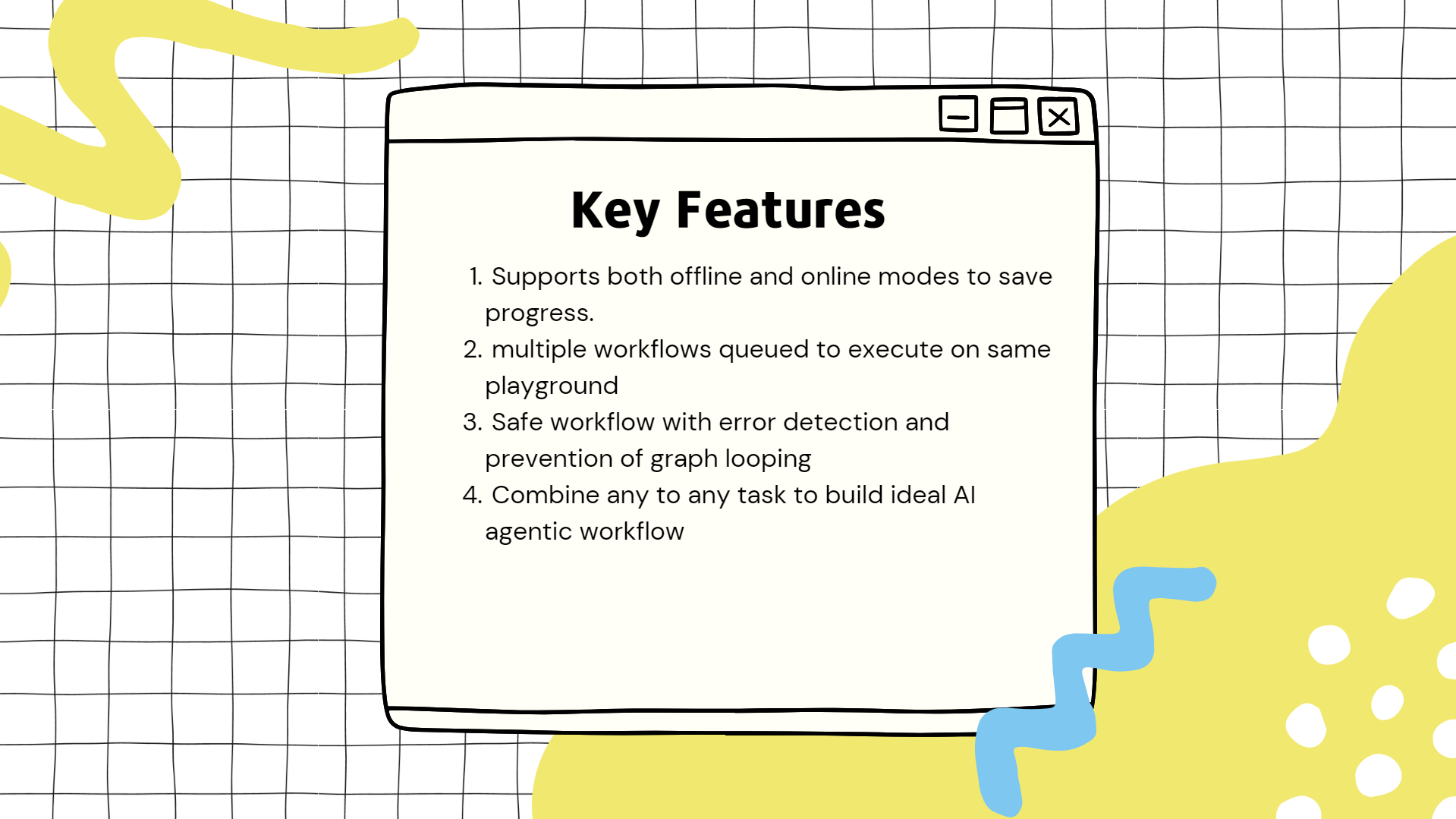
- Edit existing workflows and create multiple workflows on the same playground.
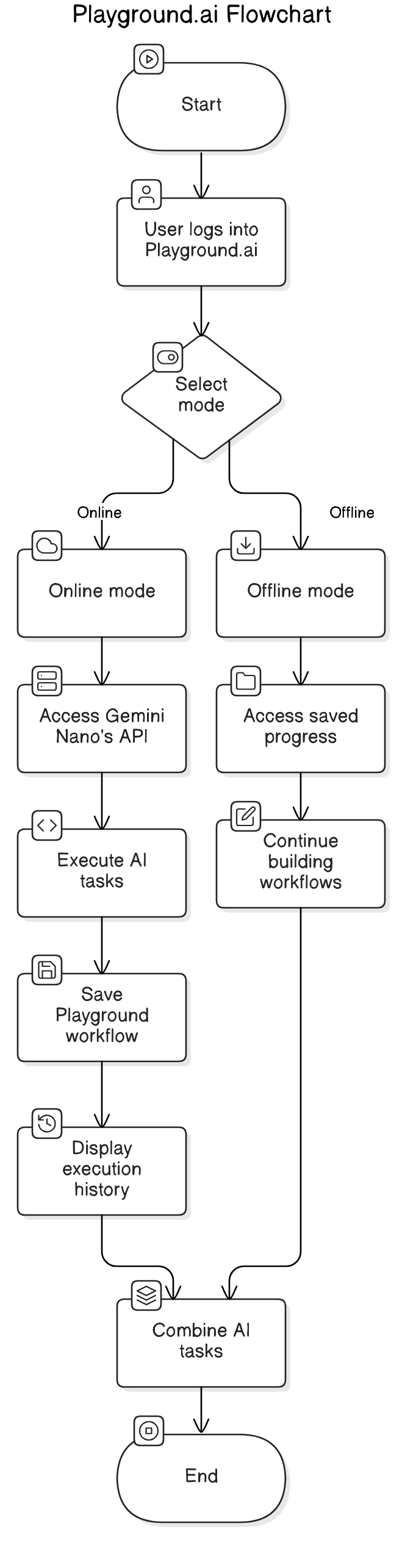
- Offline and Online Modes:
- Use offline mode for workflow creation without requiring internet connectivity.
- Log in with a Google account to save progress and workflows online.
- Handle Task Dependencies:
- Prevent invalid connections, such as many-to-many nodes or infinite loops.
- Visualize Workflow Execution:
- View detailed execution logs for each task via the console.
🤝 Walkthrough
- Login Options:
- Start by choosing offline mode or logging in with a Google account.
- Building a Smaller Workflow:
- Add a summarization task, then drag in a translation task and a language detection task.
- Connect their endpoints:
- Output from translation to language detection.
- Input: English
- Output: Japanese
- Add a prompt generation task to generate text for summarization.
- Executing Workflows:
- Enter a prompt, or let the system automatically connect inputs and outputs.
- Run the workflow to see the sequence of tasks executed in the console.
- Results include:
- Generated prompt
- Summarized content
- Translated text (e.g., in Japanese)
- Language detection output
- Advanced Features:
- Edit workflows and create complex connections.
- Add multiple workflows to the same playground.
- Save workflows and access past execution history.
🏆 Features
- Visual Workflow Editor:
- Drag-and-drop interface for building workflows.
- Intuitive connections between task inputs and outputs.
- Task Execution Engine:
- Handles sequential execution of tasks.
- Manages task dependencies to ensure valid data flow.
- Offline Mode:
- Full functionality without internet connectivity.
- Error Handling and Validation:
- Prevents infinite loops and invalid task connections.
- Execution History:
- Save and manage past workflow execution details.
- Multi-Workflow Support:
- Create and run multiple workflows simultaneously on the same playground.
🔑 Key Functionality
- Writing & Rewriting:
- Automatically create AI-driven content with shared context and tone, length, format manipulation.
- Prompt Generation:
- Automatically create AI-driven content.
- Summarization:
- Condense input text into concise summaries.
- Translation:
- Translate text from one language to another (e.g., English to Japanese).
- Language Detection:
- Detect the language of a given text input.
🛠️ How It Works
- Start with a Workflow:
- Add tasks (e.g., summarization, translation).
- Define the flow by connecting outputs to inputs.
- Execute Tasks:
- Input data manually or let the system use prior outputs.
- Run the workflow and monitor task execution in real time.
- Visual Feedback:
- Use the console to view execution logs for each task.
🛠️ Technical Details
Frontend
- React: For building a dynamic and responsive user interface.
- React Flow: For creating the visual workflow editor.
- TypeScript: For type-safe, maintainable code.
- Shadcn/UI: Consistent and reusable UI components.
- Sonner: Toast notifications for user feedback.
- Lucide Icons: Intuitive icons for improving usability.
Backend
- Node.js and Express: API server for workflow management.
- Prisma ORM: Database management with PostgreSQL.
- Supabase: Authentication and real-time database functionality.
- Gemini Nano APIs:
- Integrated for prompt generation, summarization, translation, and language detection.
🏆 Accomplishments
- Successfully integrated Gemini Nano APIs for multiple AI capabilities.
- Developed an intuitive drag-and-drop workflow editor.
- Implemented offline functionality for broader accessibility.
- Built robust error-handling mechanisms to ensure workflow integrity.
- Enabled seamless editing and saving of workflows.
📚 Lessons Learned
- API Integration: Combining multiple AI services within workflows.
- State Management: Handling complex state changes in a visual editor.
- Offline Functionality: Providing offline support without sacrificing usability.
- User Experience: The importance of intuitive UI/UX for user engagement.
Built With
- gemini-nano
- nextjs
- react-flow
- tailwindcss
- typescript


Log in or sign up for Devpost to join the conversation.