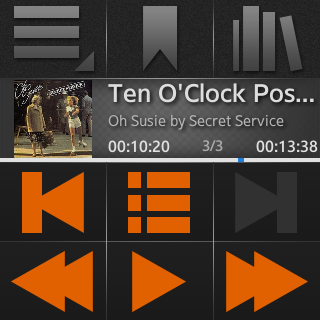
Overview Play aBook for Samsung Gear is an application especially designed to play AudioBooks. It also allows you to play any audio file. This app enables you to protect your eyes when reading books on the bus/train in poor light. After hours of working on computer or watching TV just relax, take it easy and just drift away listening to your favourite AudioBooks.
The Main features:
- the app will remember the exact point at which you finished listening when you hit the 'Pause' button, for each of up to a maximum 10 books loaded into library,
- bookmarks – up to 10 for each book in a library,
- go back and fast forward by 15 sec,
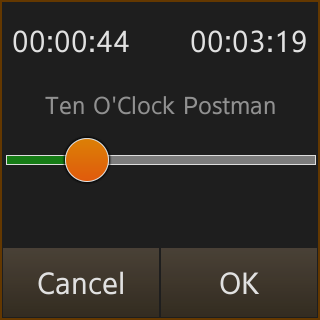
- scrub bar,
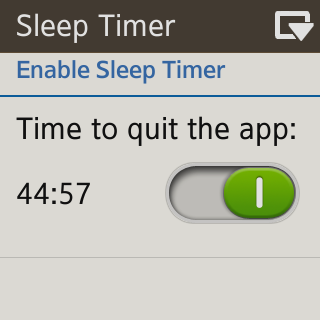
- sleep timer
How does it work? First, you should grant access to shared files and folders.
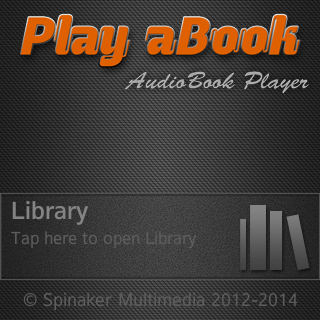
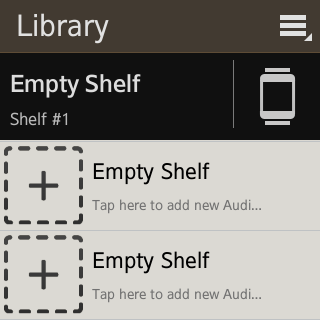
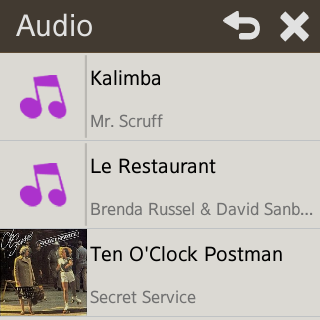
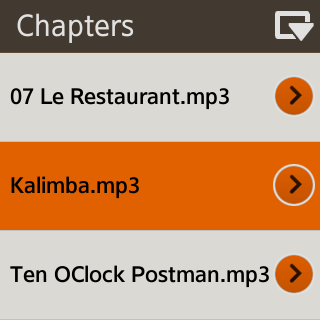
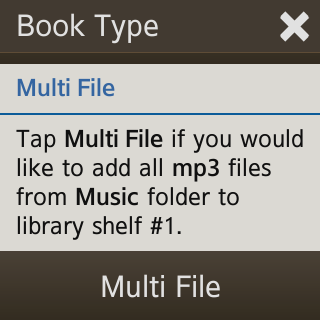
If application runs for the first time, just touch library button on launch screen. Otherwise you can touch play button to load recently listened audiobook to the player. In a library just touch 'Empty Shelf' to open dialog box. Dialog box will allow you to add new book/audio file to your library. You have to select from a choice of 'Single-File' or 'Multi-File' books.
What does it means? -When you select Single File the app will play only one, selected file. -If you choose Multi File app will play all mp3 or ogg or wav files from the choosen folder.
If you want to listen to your audiobook, just touch the orange arrow in library next to title of choosen book or touch book title/icon to open dialog box which allow you to load choosen book to player, remove it from the library.


Log in or sign up for Devpost to join the conversation.