-
-
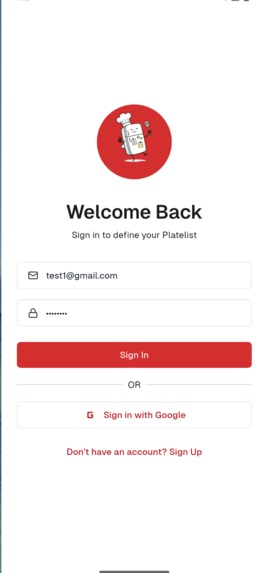
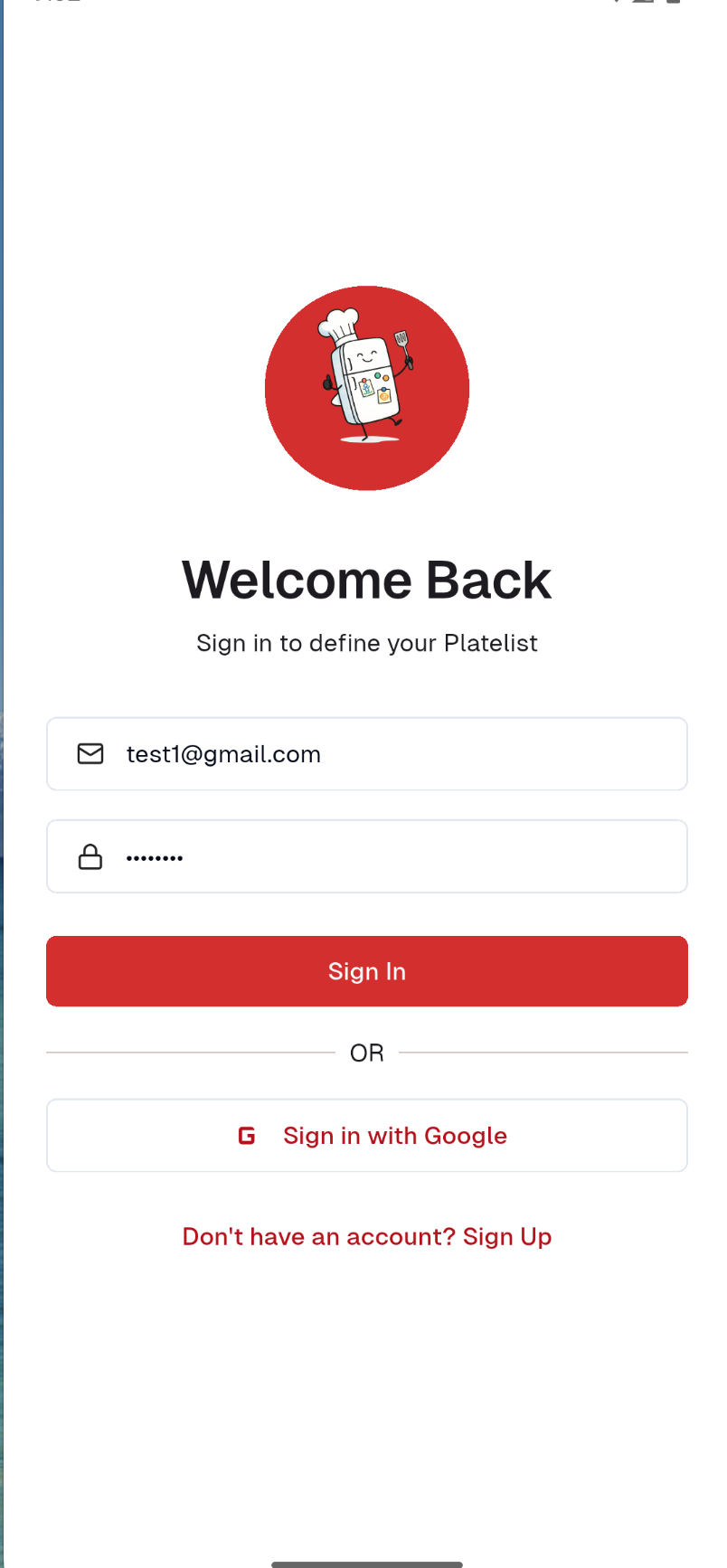
Login
-
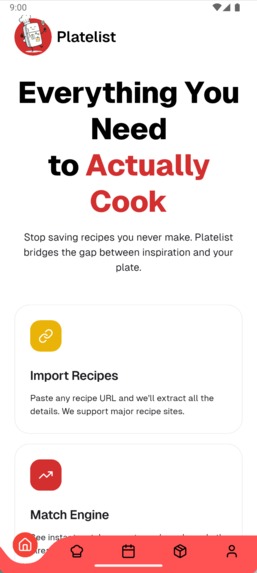
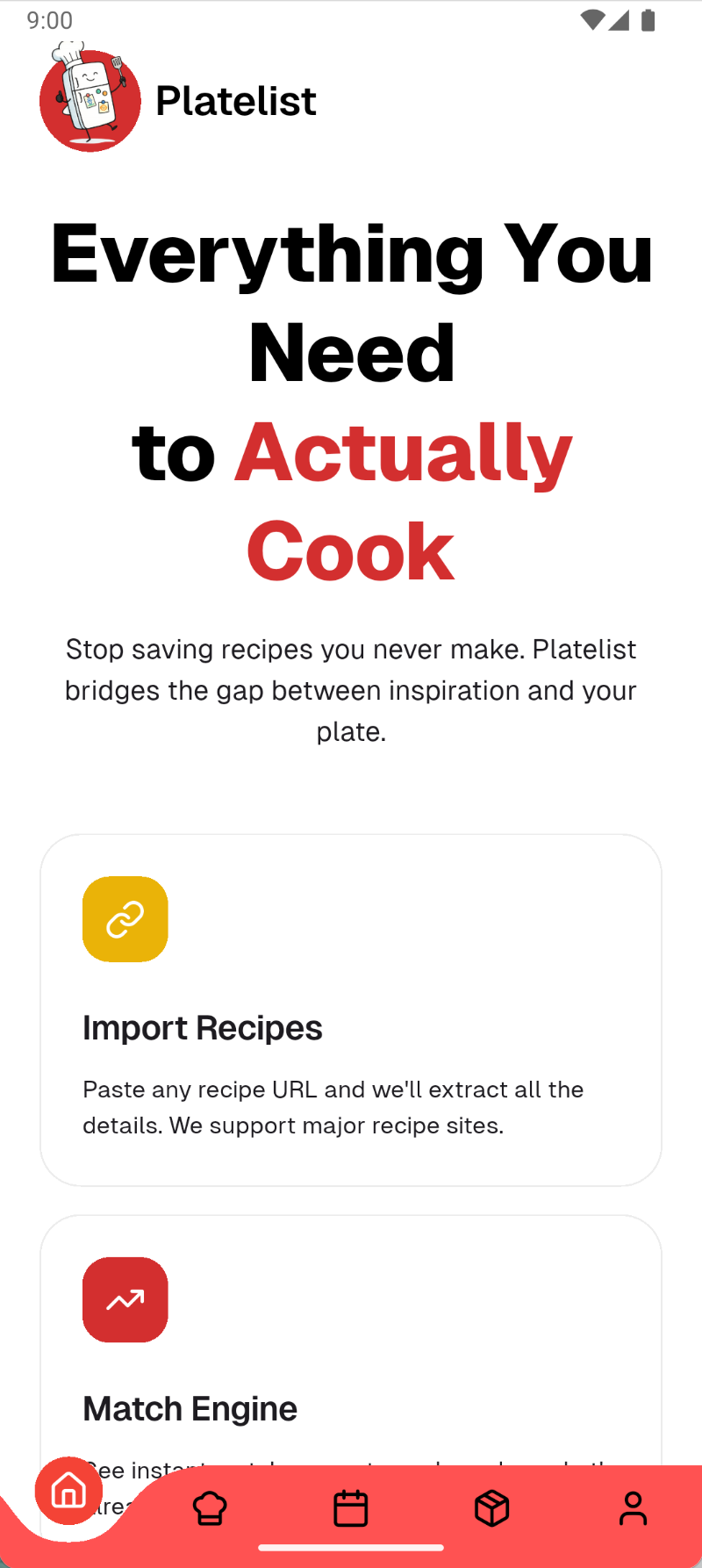
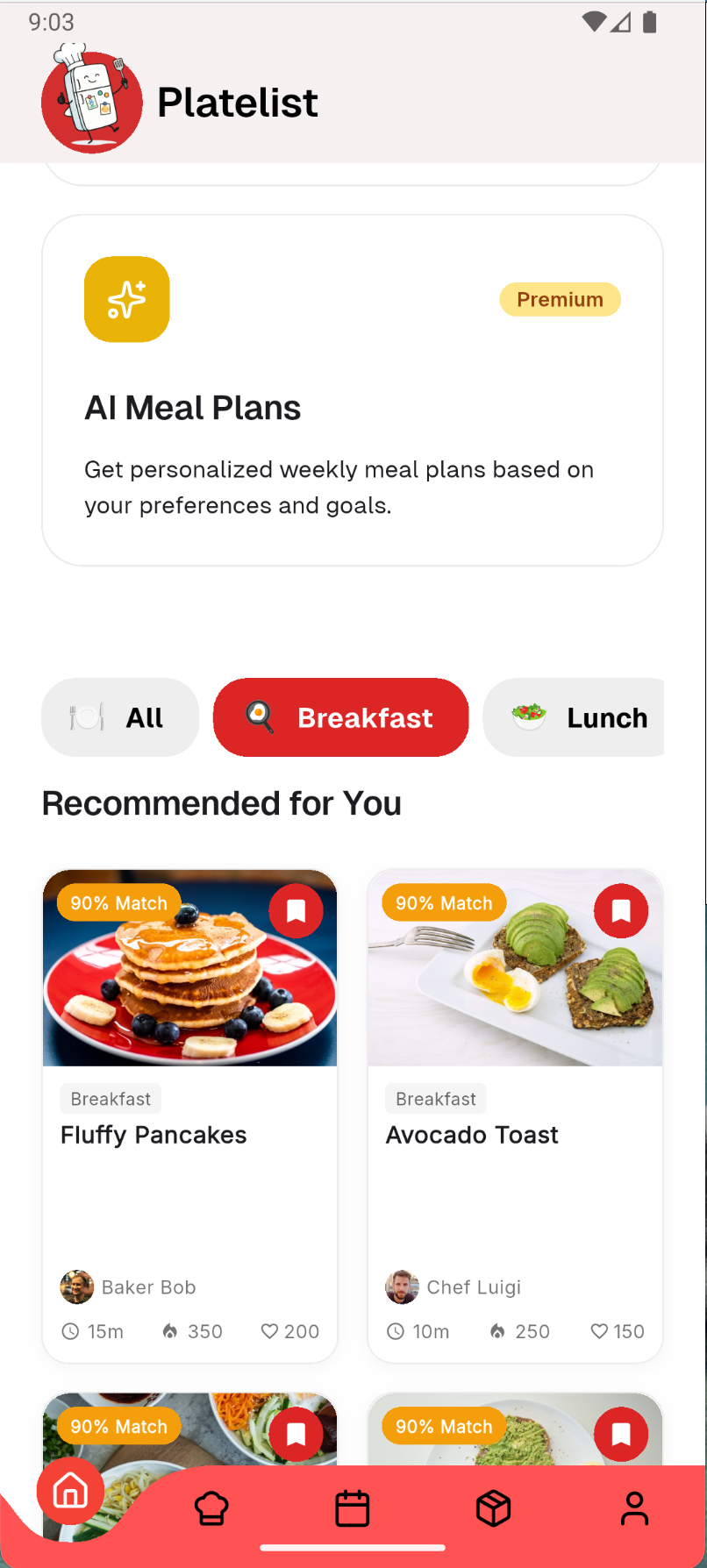
Dashboard
-
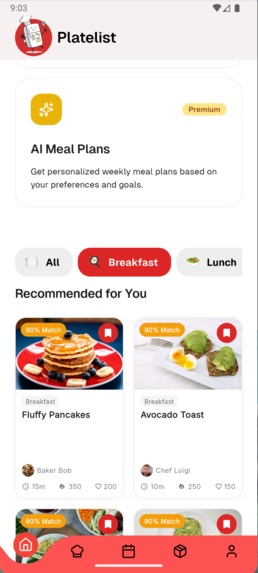
Recommended for you
-
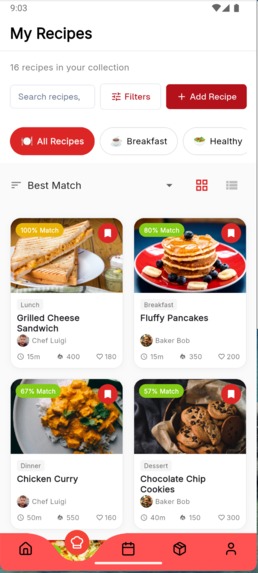
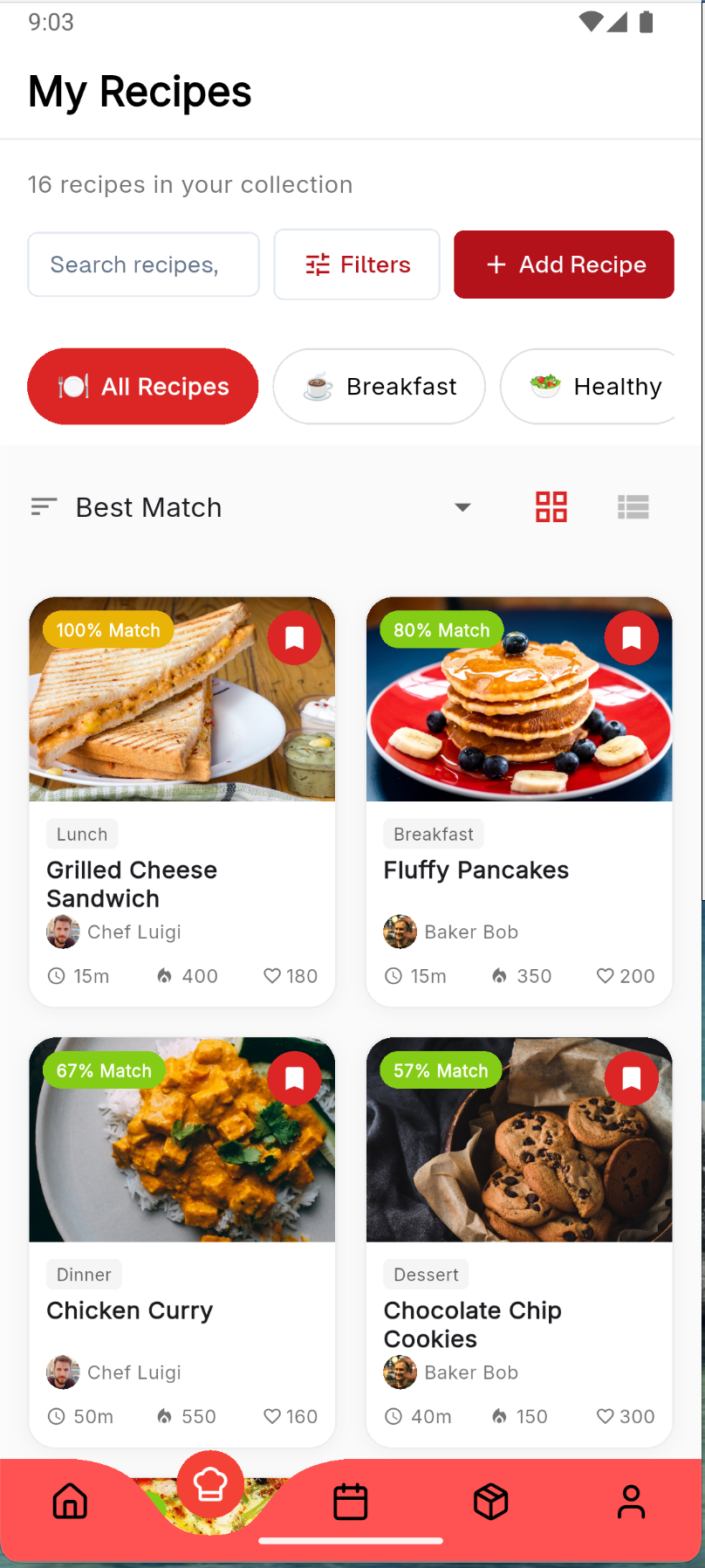
My Recipe Page
-
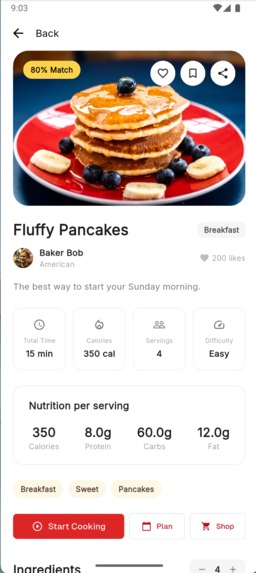
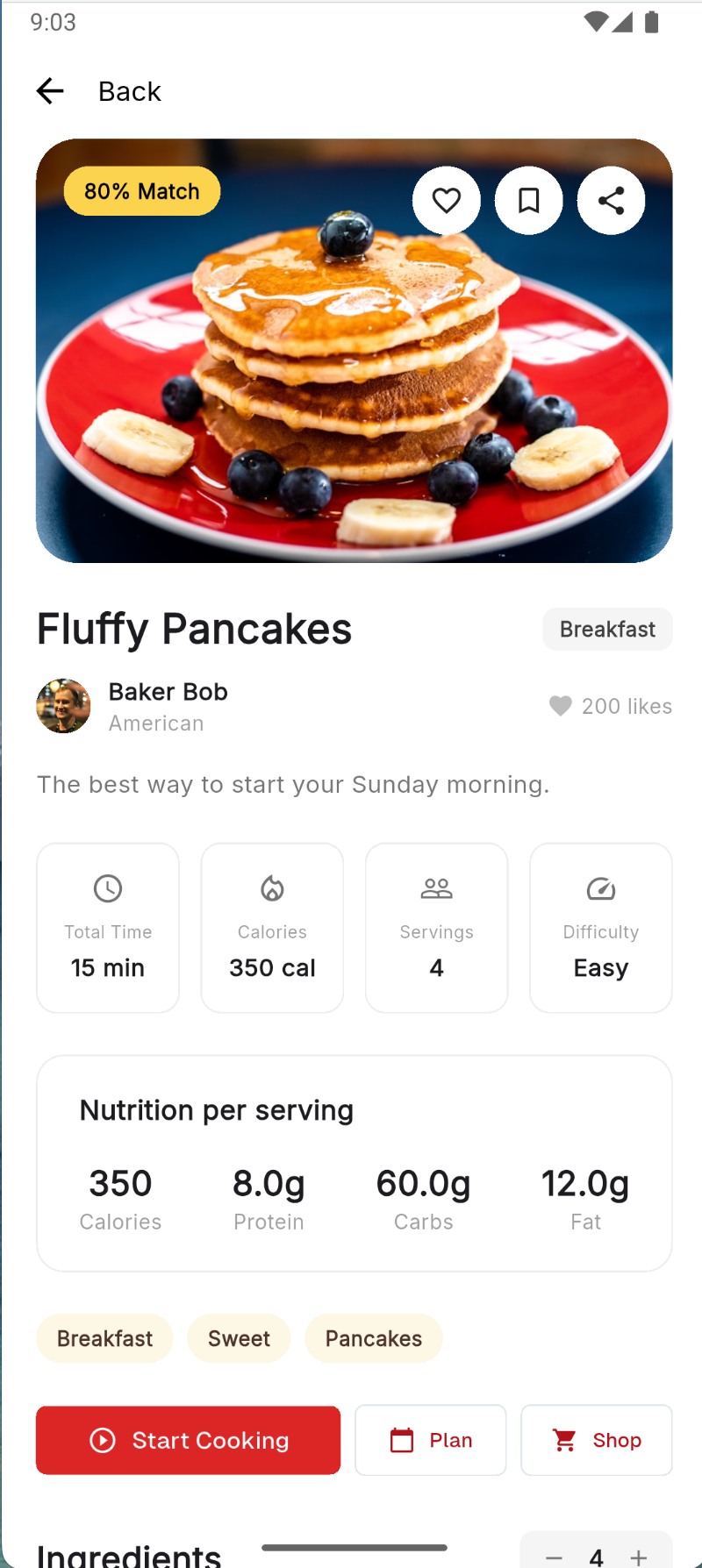
Recipe Details
-
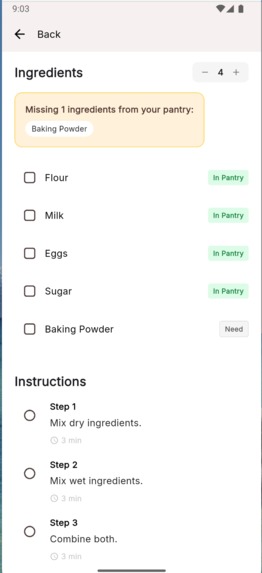
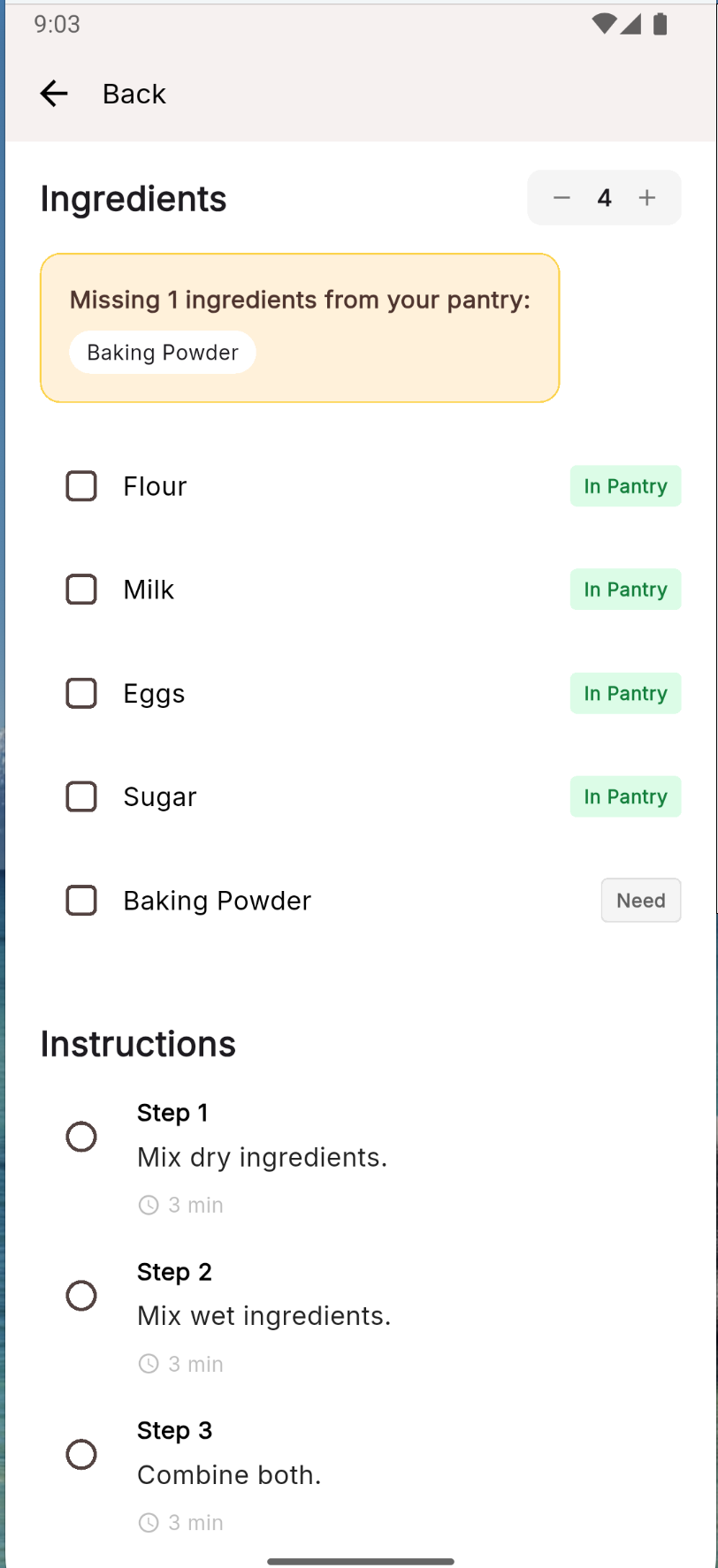
Recipe Details ingredients
-
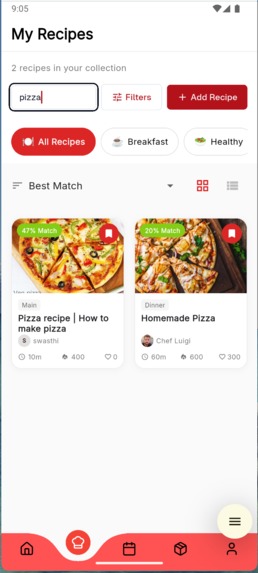
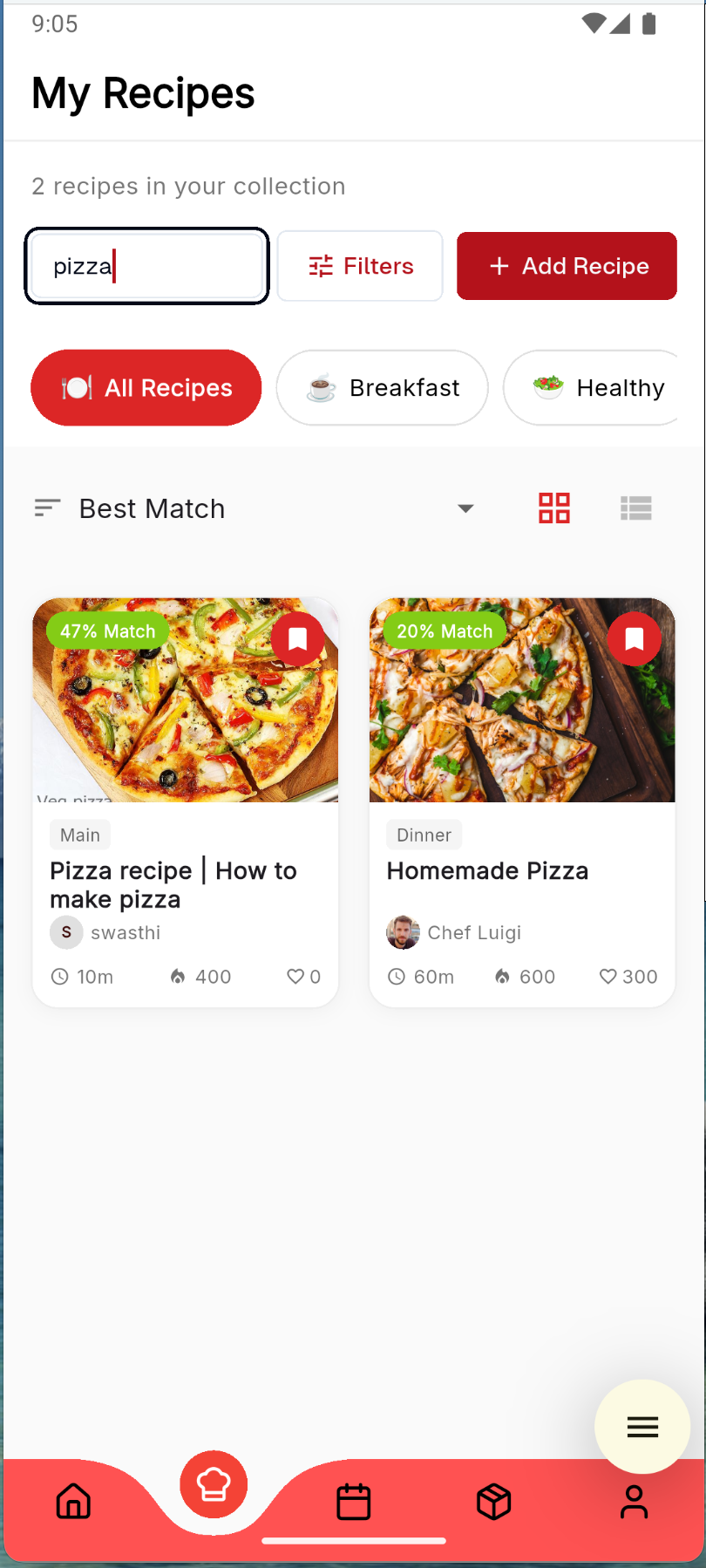
Search option in recipe (added recipe can be visible here)
-
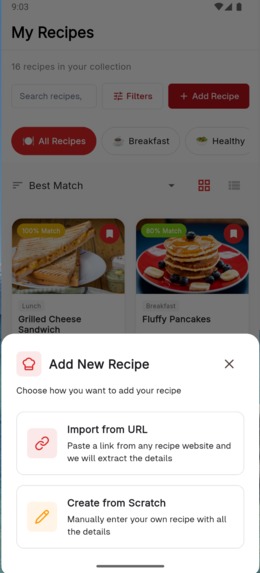
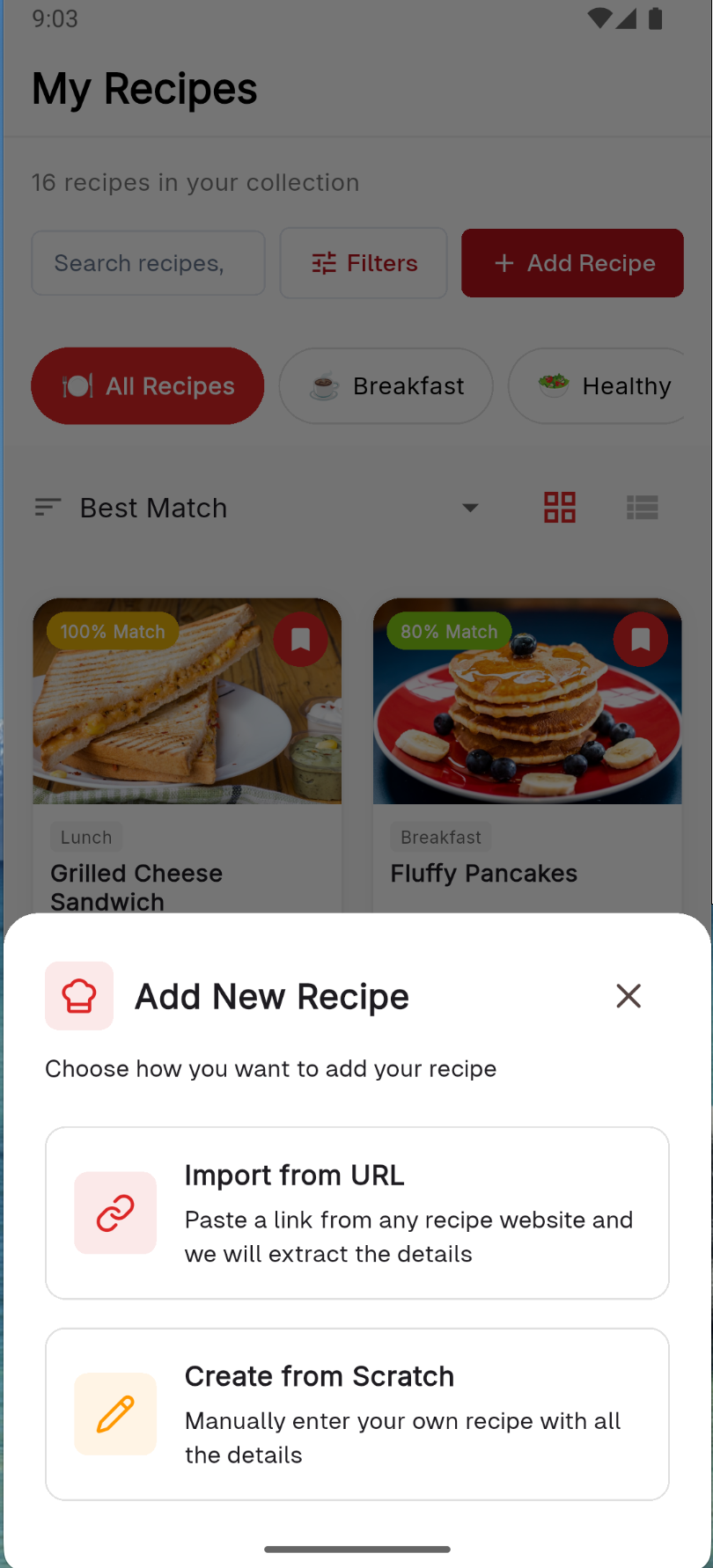
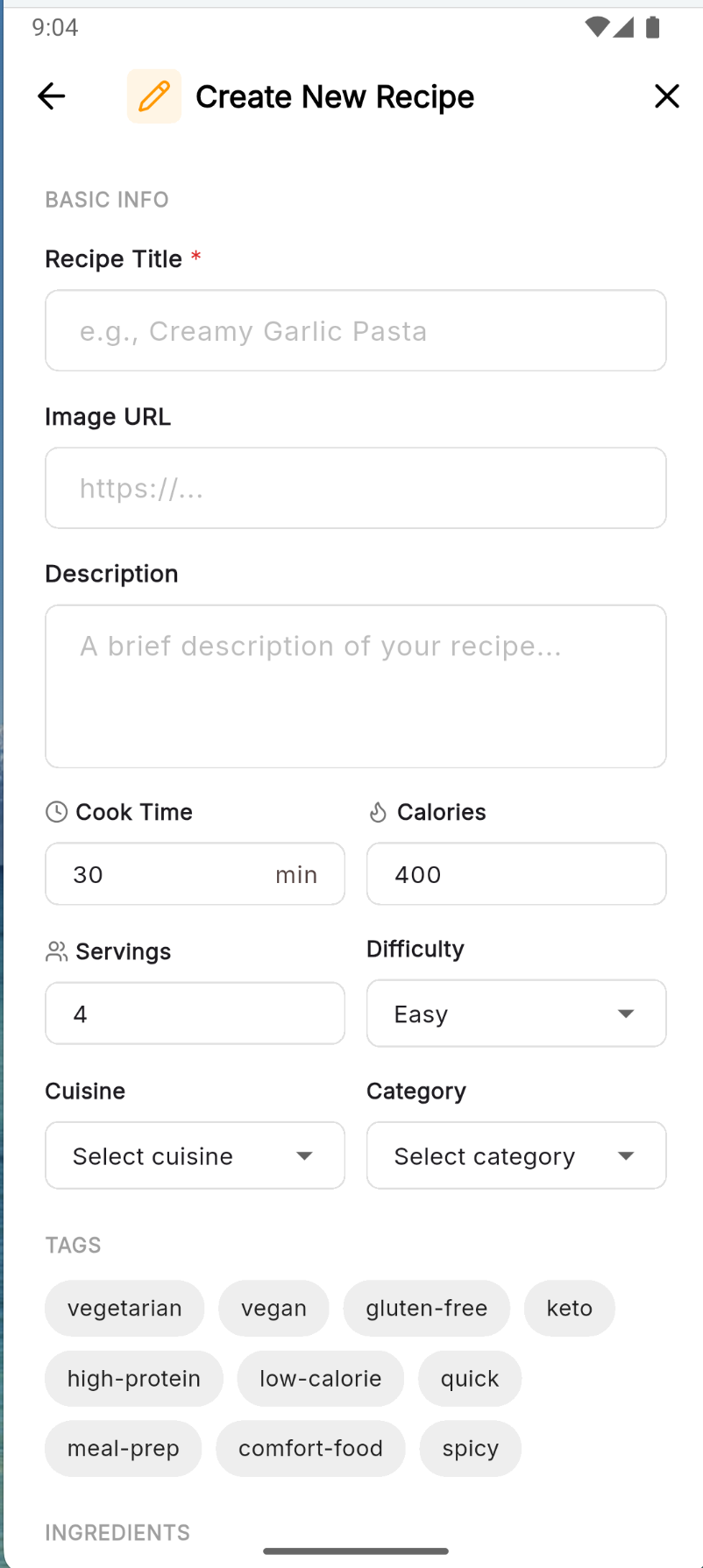
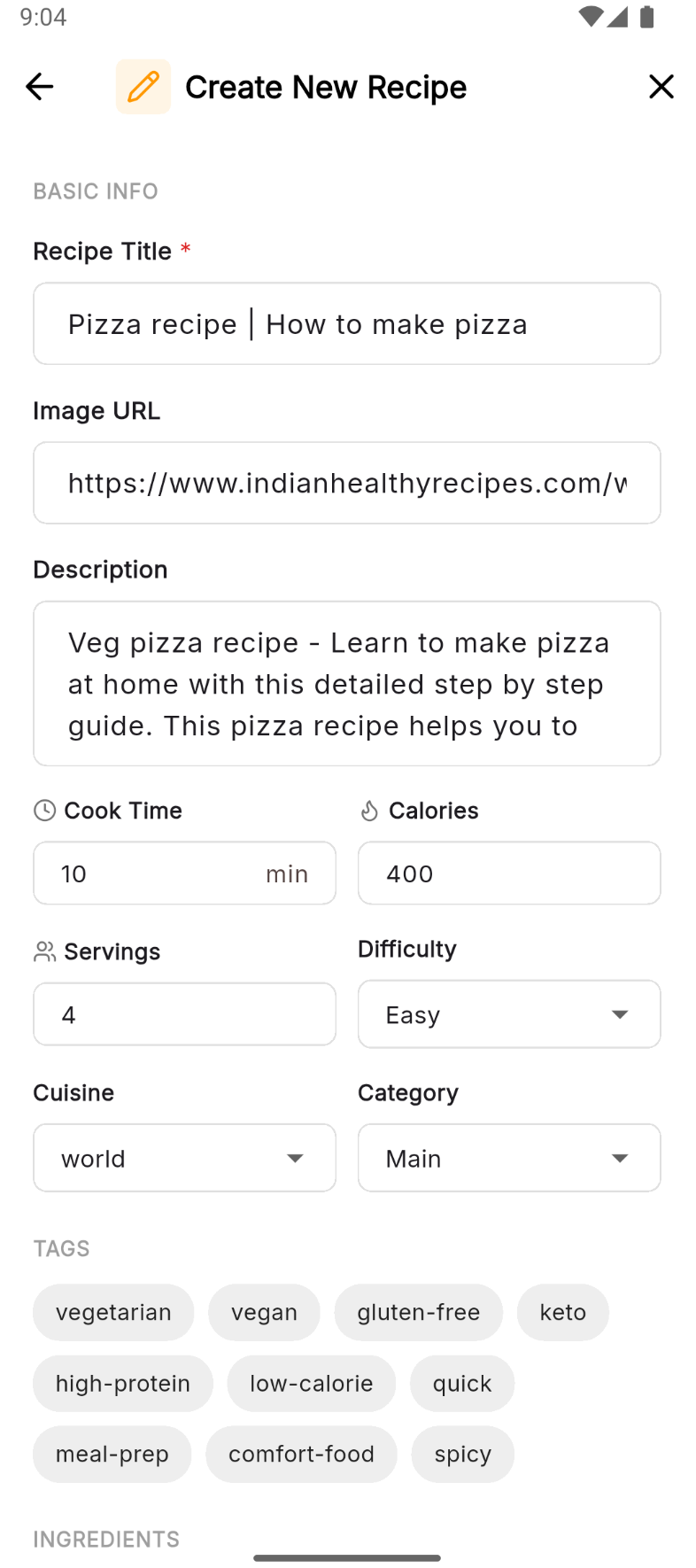
Add new recipe
-
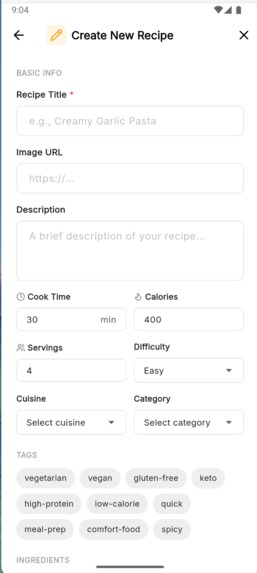
Via Create from scratch
-
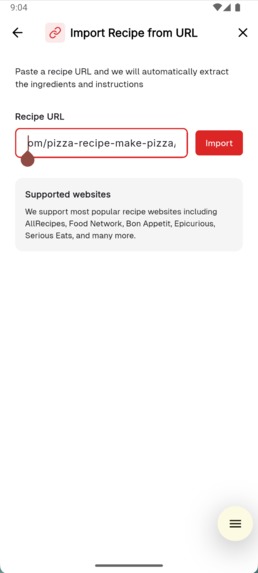
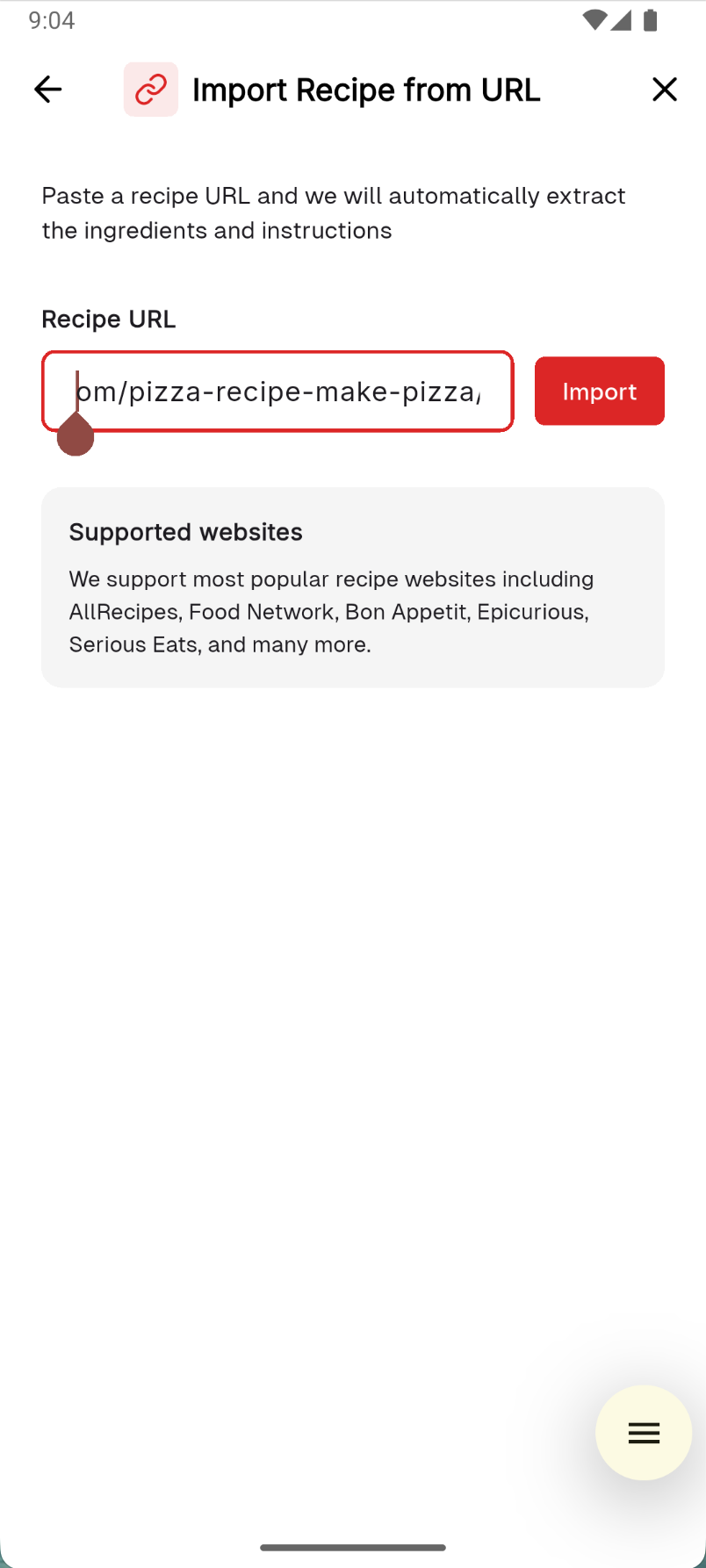
Import from URL
-
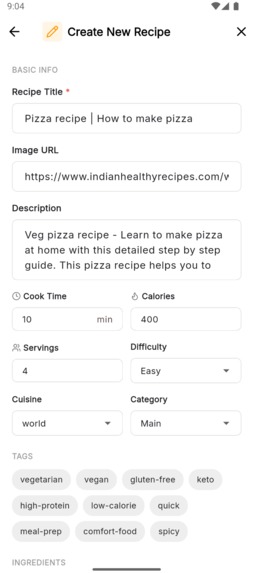
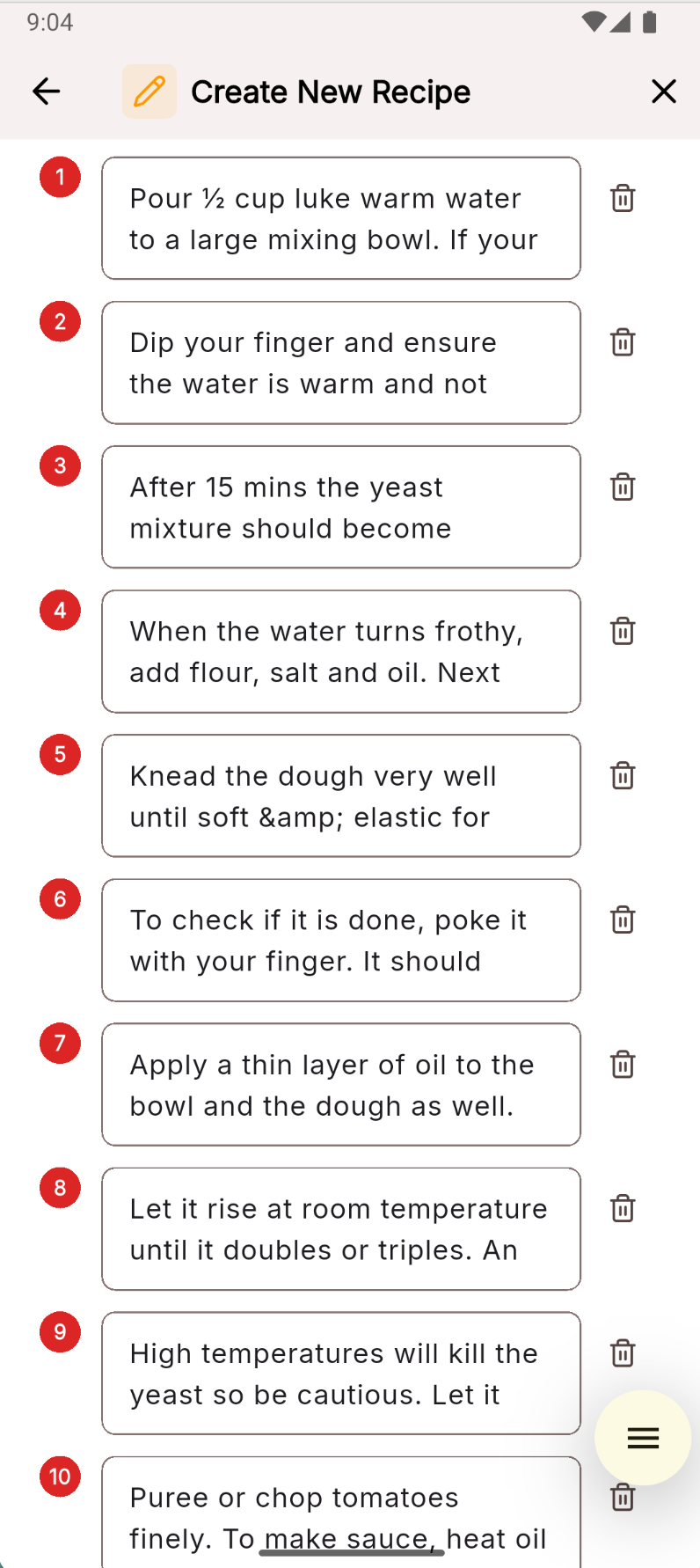
Imported Recipe
-
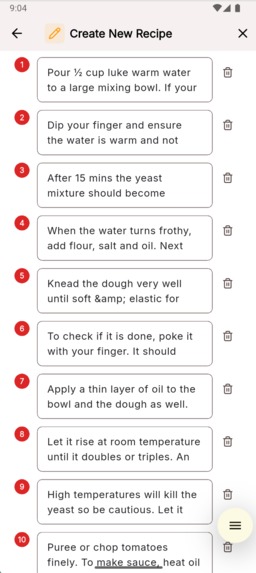
Imported Recipe Steps
-
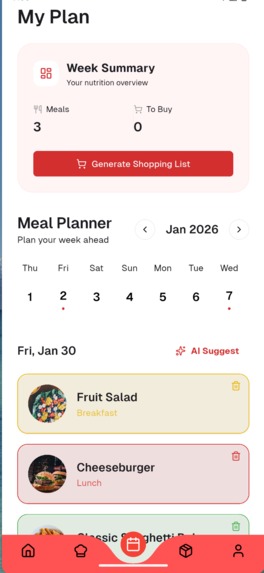
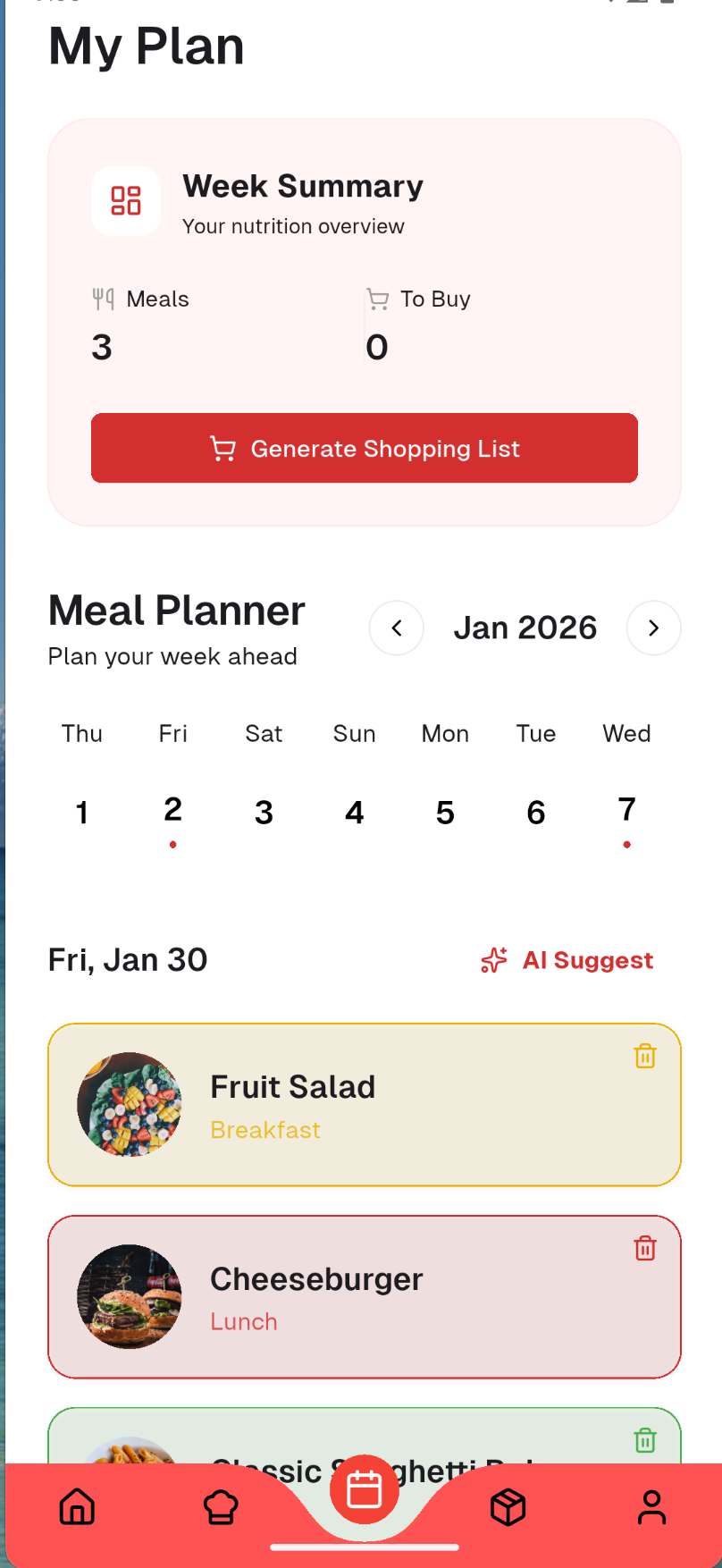
add meal planner for week
-
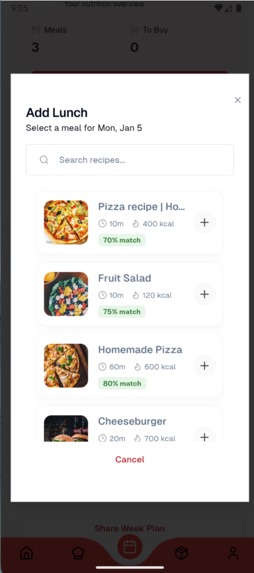
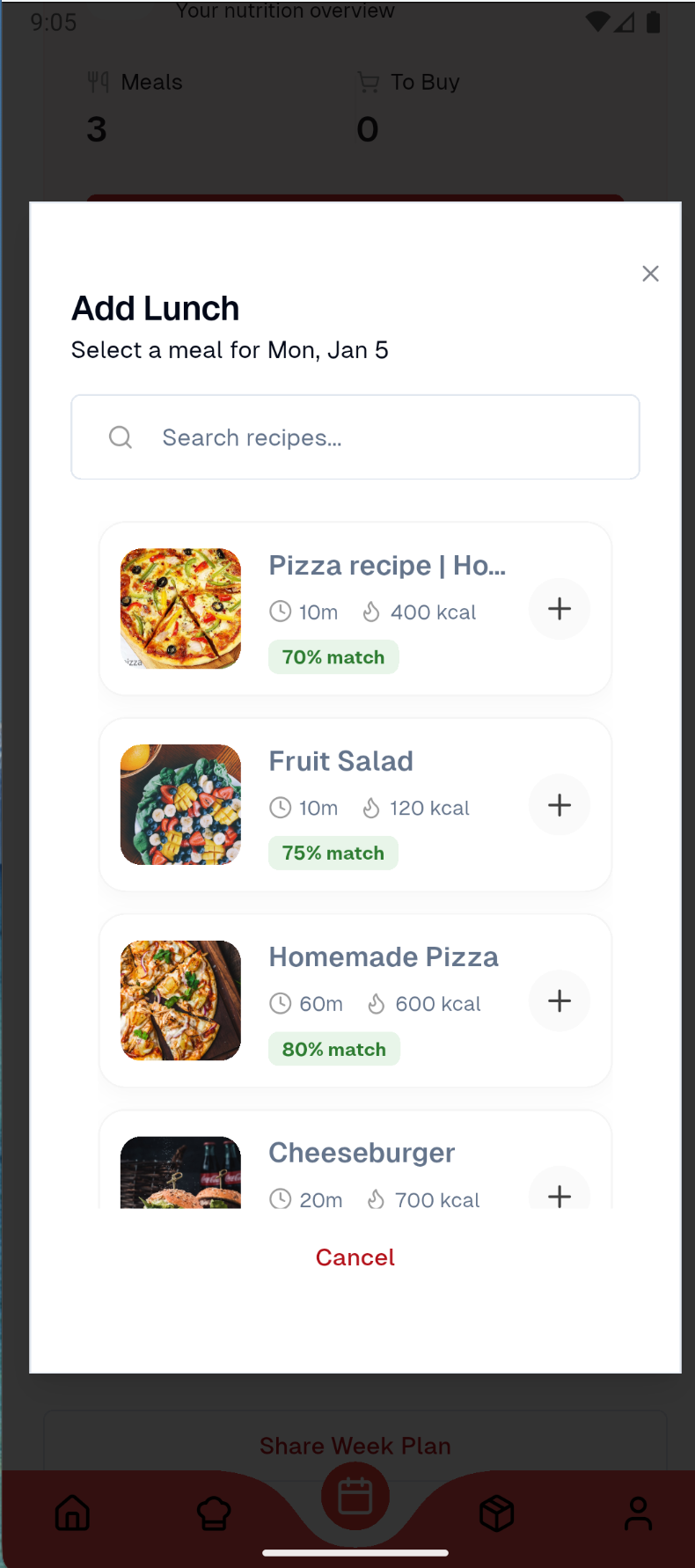
add recipe to cook for lunch
-
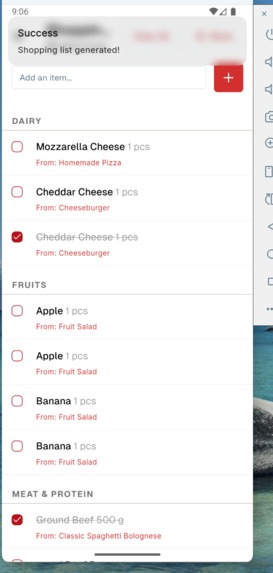
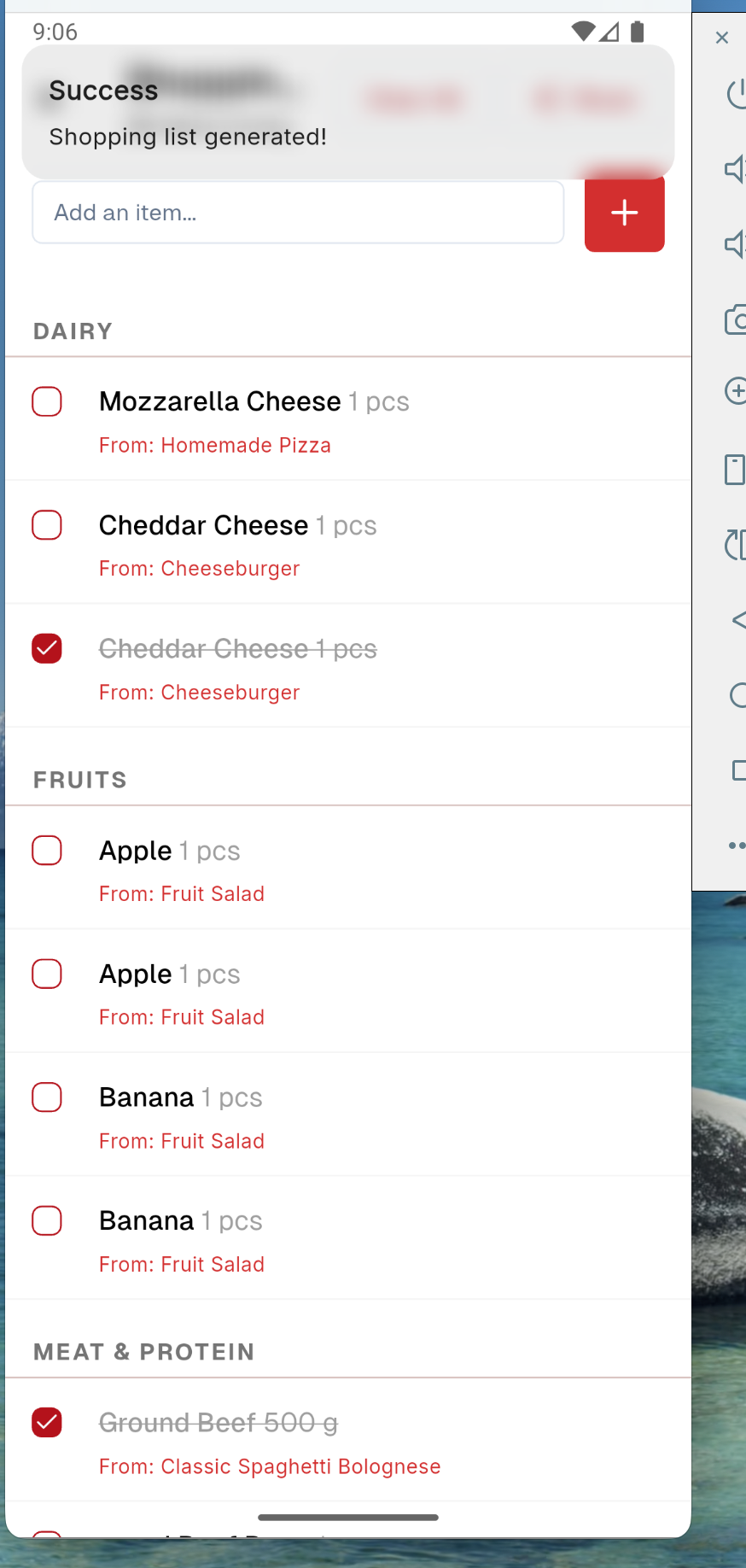
Generate Shopping list
-
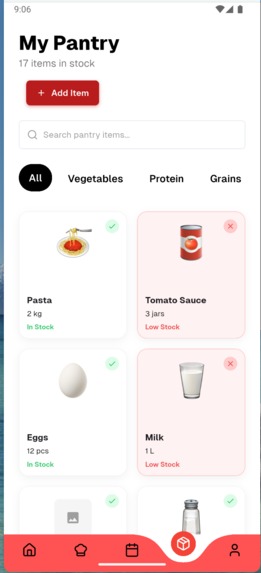
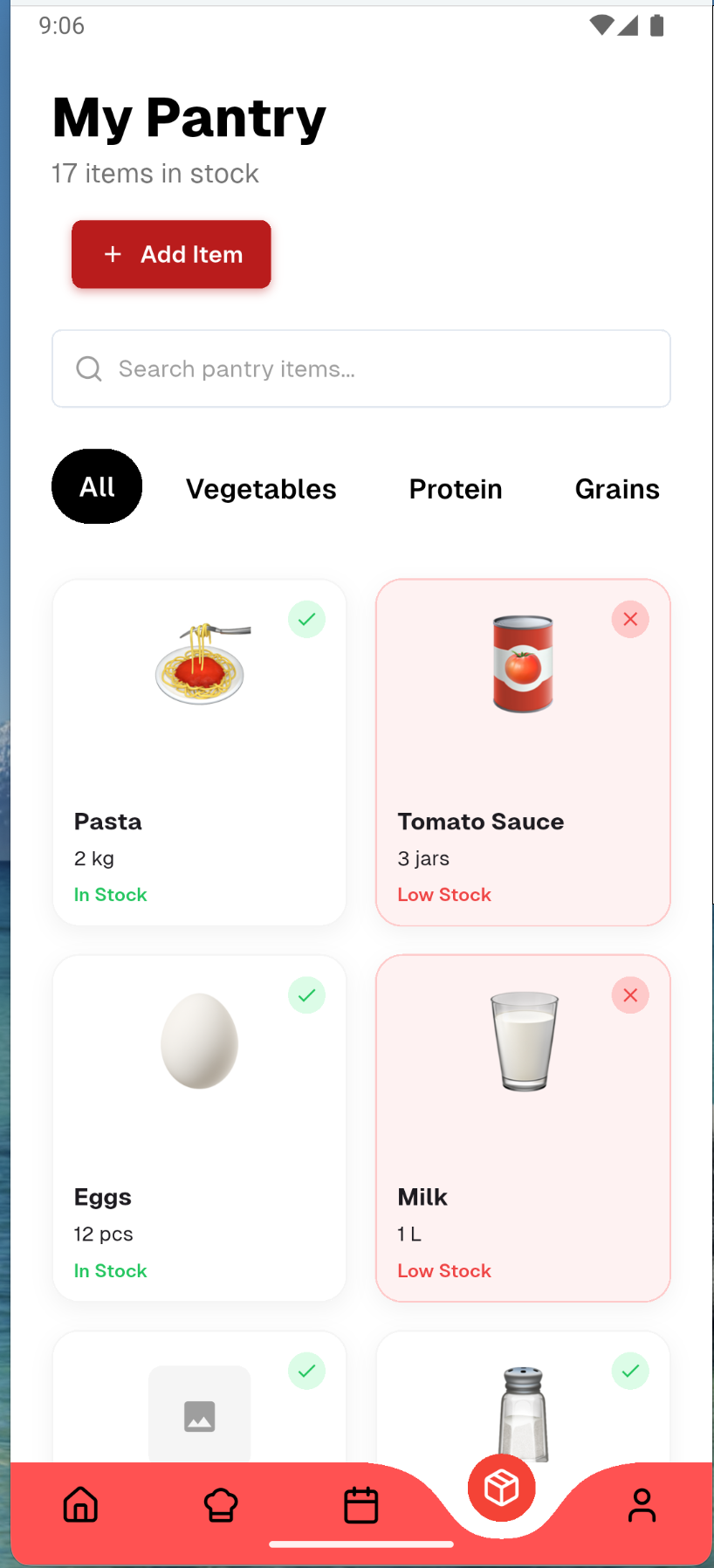
Pantry with add option
-
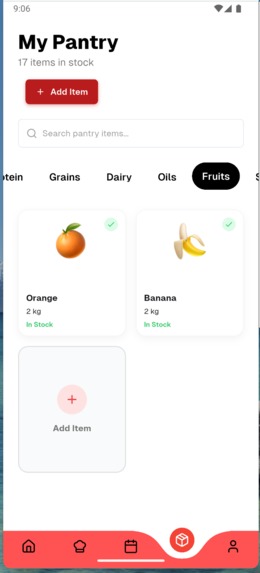
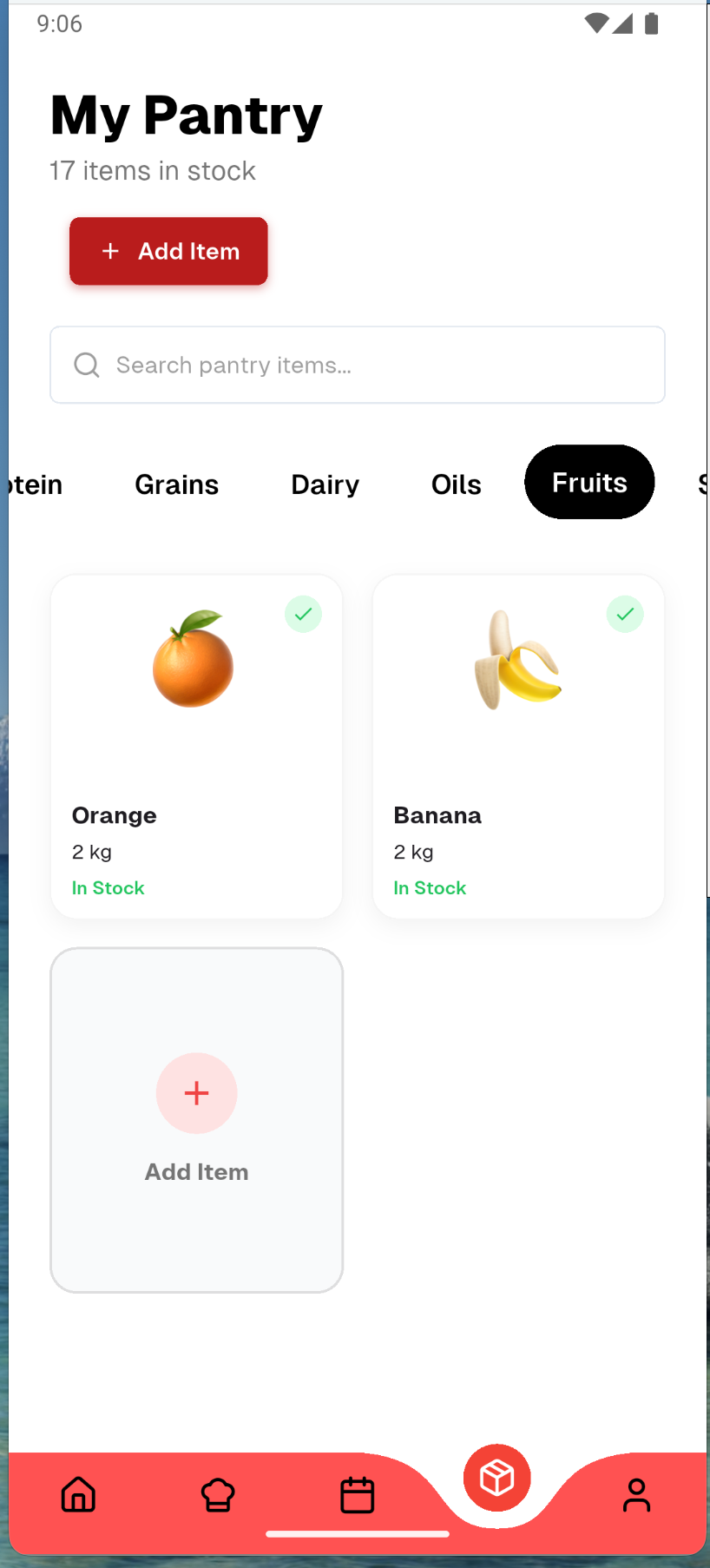
Filter button
-
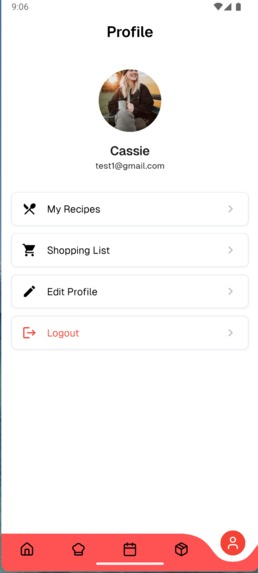
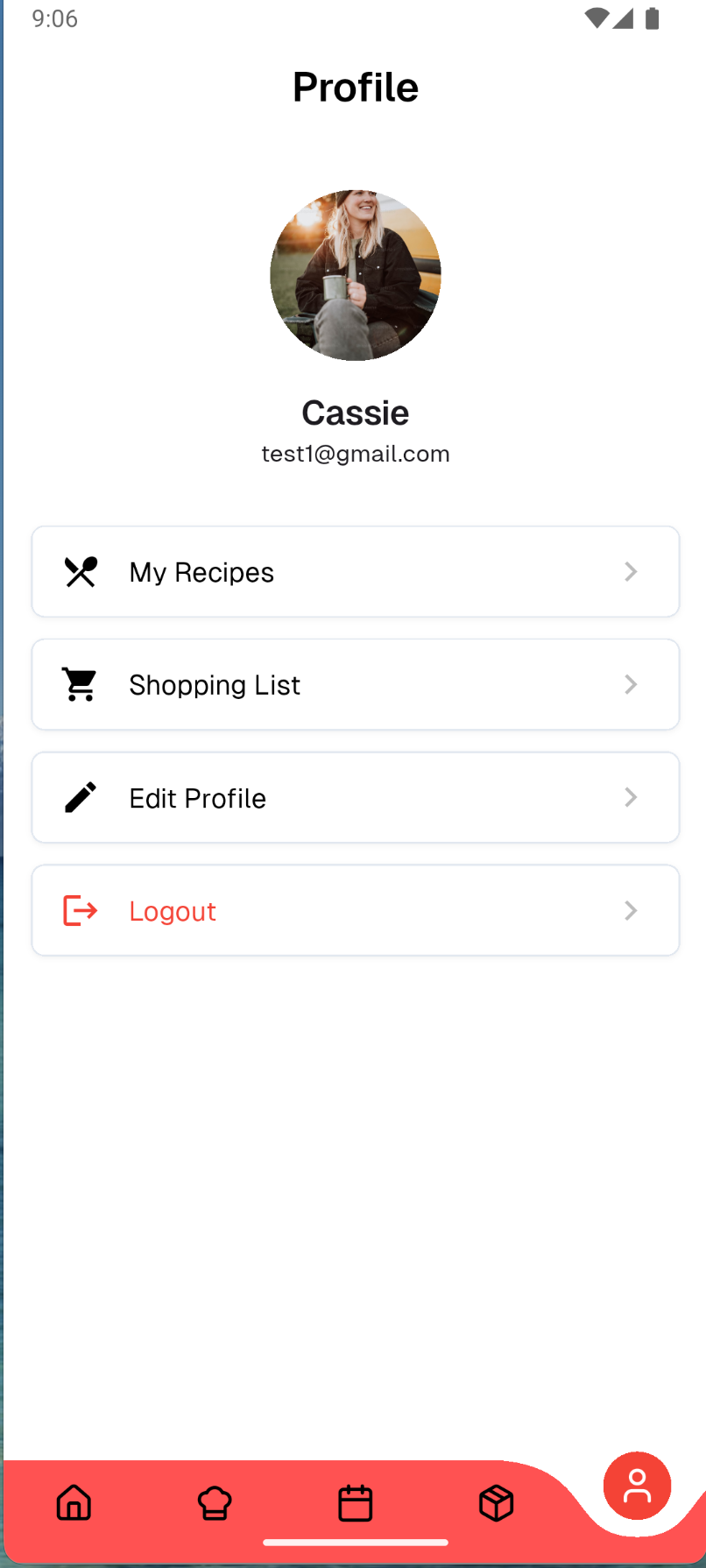
profile screen with logout and shopping button
Inspiration
Honestly? I was tired of scrolling through Instagram, saving recipes I thought looked amazing, and then never actually making them. My "Saved" folder had like 50+ recipes just sitting there. The problem wasn't that I didn't want to cook - it was that I had no idea what ingredients I already had at home, what I needed to buy, or which recipes I could actually make without a grocery run.
I thought, "What if there was an app that worked like Spotify, but for cooking?" You know how Spotify organizes your music into playlists? What if I could do that with recipes AND have it tell me what I can make with the stuff already in my pantry? That's how Platelist was born.
What it does
Platelist bridges the gap between saving recipes and actually cooking them. Here's the flow:
Pantry Management: You add what's in your fridge, cupboards, and pantry - pasta, eggs, milk, whatever you've got. You can track quantities, expiry dates, and even get low stock alerts.
Smart Recipe Matching: This is the magic part. The app calculates a match percentage for every recipe based on what's in your pantry. So you might see "Classic Spaghetti Bolognese - 85% match" which means you have most of the ingredients. It shows you exactly what you're missing - maybe just garlic and ground beef.
Platelists: Just like Spotify playlists, you can organize recipes into collections. I've got "Friday Date Night," "Meal Prep Sunday," "Quick Weeknight Dinners" - you get the idea. You can share these with friends too.
Shopping Lists: When you find a recipe you want to make but you're missing ingredients, one tap adds them to your shopping list. No more wandering around the grocery store trying to remember what you needed.
Recipe Discovery: Browse recipes by cuisine, cooking time, difficulty, or dietary preferences. Each recipe shows full nutritional info (calories, protein, carbs, fat) and step-by-step instructions.
Recipe Import from URLs: Paste any recipe URL and the app scrapes the ingredients, instructions, and images. Would make it easy to add recipes from your favorite food blogs.
Meal Planning Calendar: Plan your meals for the week, and the app auto-generates a consolidated shopping list for everything you need. Could even optimize based on ingredient overlap.
Recipe Creator Tools: Let users create and share their own recipes with the community. Could become a platform for home chefs.
How we built it
I went all-in on Dart for this project, which made development way smoother since I could use the same language for both frontend and backend.
Frontend: Built with Flutter using Riverpod for state management and GoRouter for navigation. I used shadcn_ui components to keep the design consistent and professional-looking. The UI has features like pantry management, recipe browsing, match percentage displays with visual indicators, and shopping list management.
Backend: Used Serverpod, which is this awesome Dart-based backend framework. It handles all the API endpoints, database operations, and business logic. The match algorithm runs on the server - it compares your pantry items against recipe ingredients using smart matching (so "cheddar cheese" in your pantry matches "cheese" in a recipe).
Database: PostgreSQL for storing everything - users, recipes, pantry items, platelists, shopping lists. I used Serverpod's ORM which auto-generates all the database models and queries from YAML files.
Infrastructure: Docker Compose for local development, Firebase for authentication (Google sign-in).
The Match Algorithm: This was fun to build. It takes your pantry items, normalizes the names (lowercase, trimmed), and checks if recipe ingredients contain any of your pantry items. Then it calculates a percentage: (matched ingredients / total ingredients) × 100. Simple but effective.
Challenges we ran into
Recipe Ingredient Matching: This was trickier than I thought. A recipe might say "2 cups shredded cheddar cheese" but your pantry just has "cheese." I had to implement fuzzy matching where the algorithm checks if the pantry item name is contained within the recipe ingredient. Still not perfect, but works pretty well.
Data Modeling: Getting the database schema right took a few iterations. Recipes have ingredients as both a structured list (for detailed matching) and a simple string list (for display). I also had to handle the many-to-many relationships between recipes and platelists, users and pantry items, etc.
State Management: Keeping the UI in sync when pantry items change was challenging. If you add an ingredient to your pantry, all the recipe match percentages need to update in real-time. Riverpod helped a lot here, but I had to be careful about when to invalidate and refresh data.
Firebase Auth Integration: Getting Firebase auth to work smoothly with Serverpod took some debugging. Had to make sure the Firebase UID was properly mapped to the user ID in the database.
Accomplishments that we're proud of
The Match Algorithm Actually Works: Seeing those match percentages update in real-time as you add pantry items is super satisfying. It's the core feature and it works really well.
Clean Architecture: The codebase is well-organized with clear separation between features (auth, pantry, recipes, platelists, shopping). Makes it easy to add new features without breaking existing stuff.
Full-Stack Dart: Using Dart for both frontend and backend was a great decision. Code sharing, type safety across the stack, and faster development since I didn't have to context-switch between languages.
Polished UI: The app actually looks good! Using shadcn_ui components gave it a professional, consistent feel. The recipe cards, match percentage indicators, and pantry management screens all feel cohesive.
It Solves a Real Problem: I'm actually using this app myself now. That's the best feeling - building something you'd genuinely use.
What we learned
Serverpod is Powerful: This framework is seriously underrated. The auto-generated code, built-in ORM, and type-safe API calls made backend development so much faster. The learning curve was worth it.
Flutter State Management: Got way better at Riverpod. Understanding when to use Providers vs StateNotifiers vs AsyncNotifiers, and how to properly handle loading/error states.
Database Design Matters: Spent time upfront designing the schema properly, and it paid off. Having clear relationships between entities made the backend logic much cleaner.
User Experience Details: Little things matter - like showing "You have this!" badges on ingredients you own, or displaying the exact missing ingredients for a recipe. These small touches make the app feel polished.
Docker for Development: Using Docker Compose made it super easy to spin up the database and backend. No more "works on my machine" issues.
What's next for Platelist
AI-Powered Pantry Scanning: Point your camera at your pantry shelf and the app detects what you have using computer vision. This would make onboarding way faster - instead of manually adding 50 items, just scan your shelves.
Social Features: Follow friends, see what they're cooking, share platelists publicly. Could build a whole community around recipe sharing.
Premium Features: AI scanning, unlimited platelists, meal planning, and advanced recommendations could be premium features. Would integrate RevenueCat for in-app purchases. Recipe Start Timer: User can follow exact time mention in the list.
The goal is to make cooking as frictionless as possible. From saved recipe to plated meal in the fewest steps possible.
Built With
- app
- application
- dart
- firebase
- flutter
- meal
- mobile
- postgresql
- servpod


Log in or sign up for Devpost to join the conversation.